Category: How-To
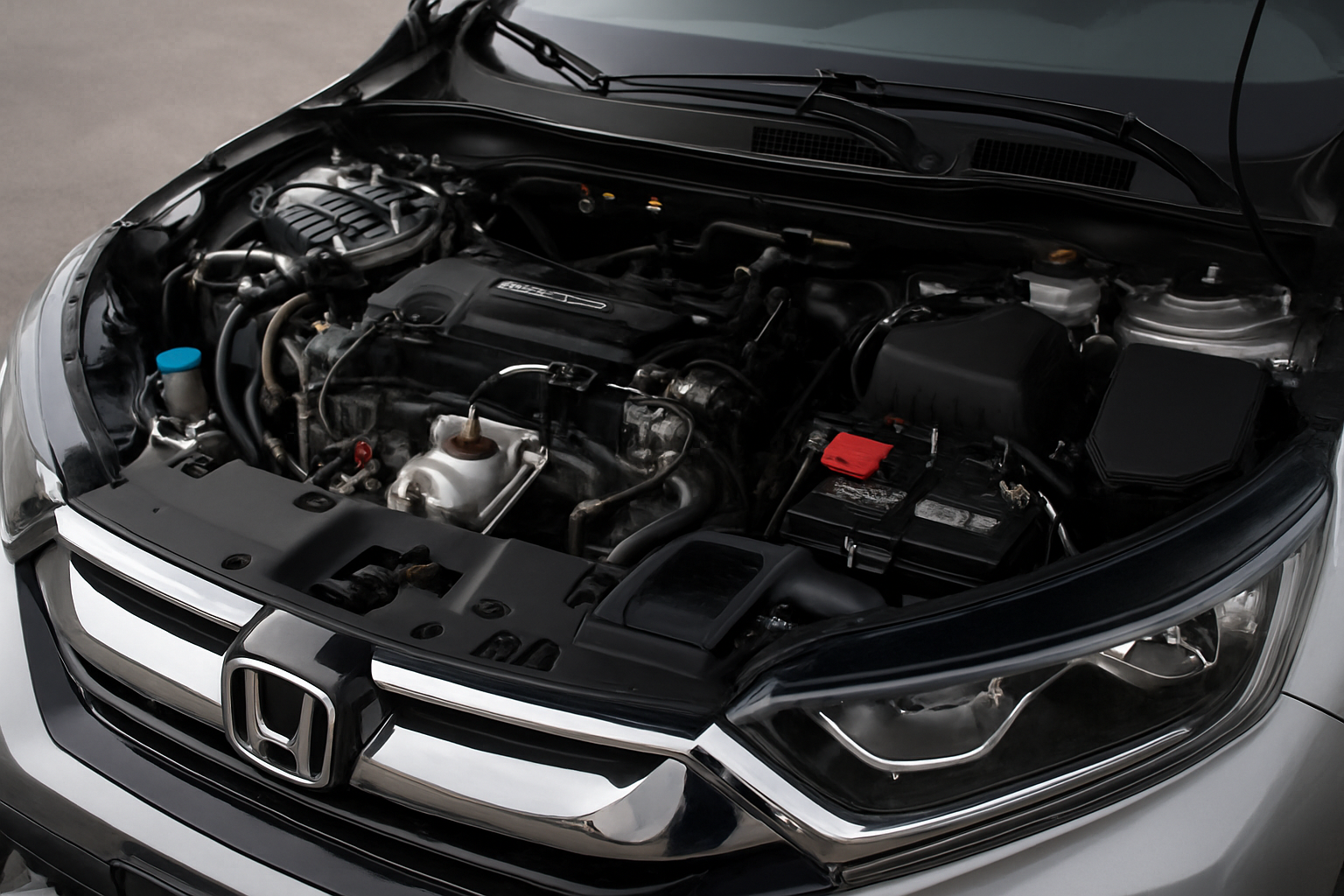
Honda 1.5L Turbo Engine Problems: Oil Dilution, Fuel Smell, and Fixes
The Honda 1.5L turbo engine has been a cornerstone of Honda’s lineup since 2016, powering popular models like the Civic, CR-V, and Accord. While this L15B7 engine delivers impressive fuel economy and performance, it’s developed a reputation for some concerning issues that every owner should understand. Understanding the L15B7 Engine and Its Issues Honda’s 1.5L… read more
Written by
How to Reset the Service Due Indicator on a Subaru Outback
Seeing that service due light flash on your Subaru Outback dashboard can be frustrating, especially when you just completed maintenance. This maintenance reminder system helps you stay on top of oil changes and routine service, but it won’t reset automatically after your visit to the mechanic. Understanding Your Outback’s Service Due System Subaru’s maintenance minder… read more
Written by

How to Reset the Oil Life Monitor on a Jeep Grand Cherokee
Maintaining your Jeep Grand Cherokee properly includes resetting the oil life monitor after each oil change to ensure accurate maintenance tracking. This simple procedure only takes a few minutes but varies depending on your model year and generation. Understanding Jeep Grand Cherokee Generations The Jeep Grand Cherokee has gone through several generations, each with different… read more
Written by

How to Reset the Maintenance Light on a Hyundai Tucson
Your Hyundai Tucson’s maintenance light just came on, and you need to reset it after completing your scheduled service. This warning light serves as a helpful reminder for oil changes and routine maintenance, but once you’ve taken care of the work, you’ll want to clear it from your dashboard. The reset process varies depending on… read more
Written by

How to Reset the Oil Change Required Message on a Ford F-150
When your Ford F-150’s “Oil Change Required” message pops up on your dashboard, you’ll want to reset it after completing your oil change. This maintenance reminder is controlled by Ford’s Intelligent Oil Life Monitor system, and the reset process varies depending on your truck’s model year and technology package. Understanding Ford’s Intelligent Oil Life Monitor… read more
Written by