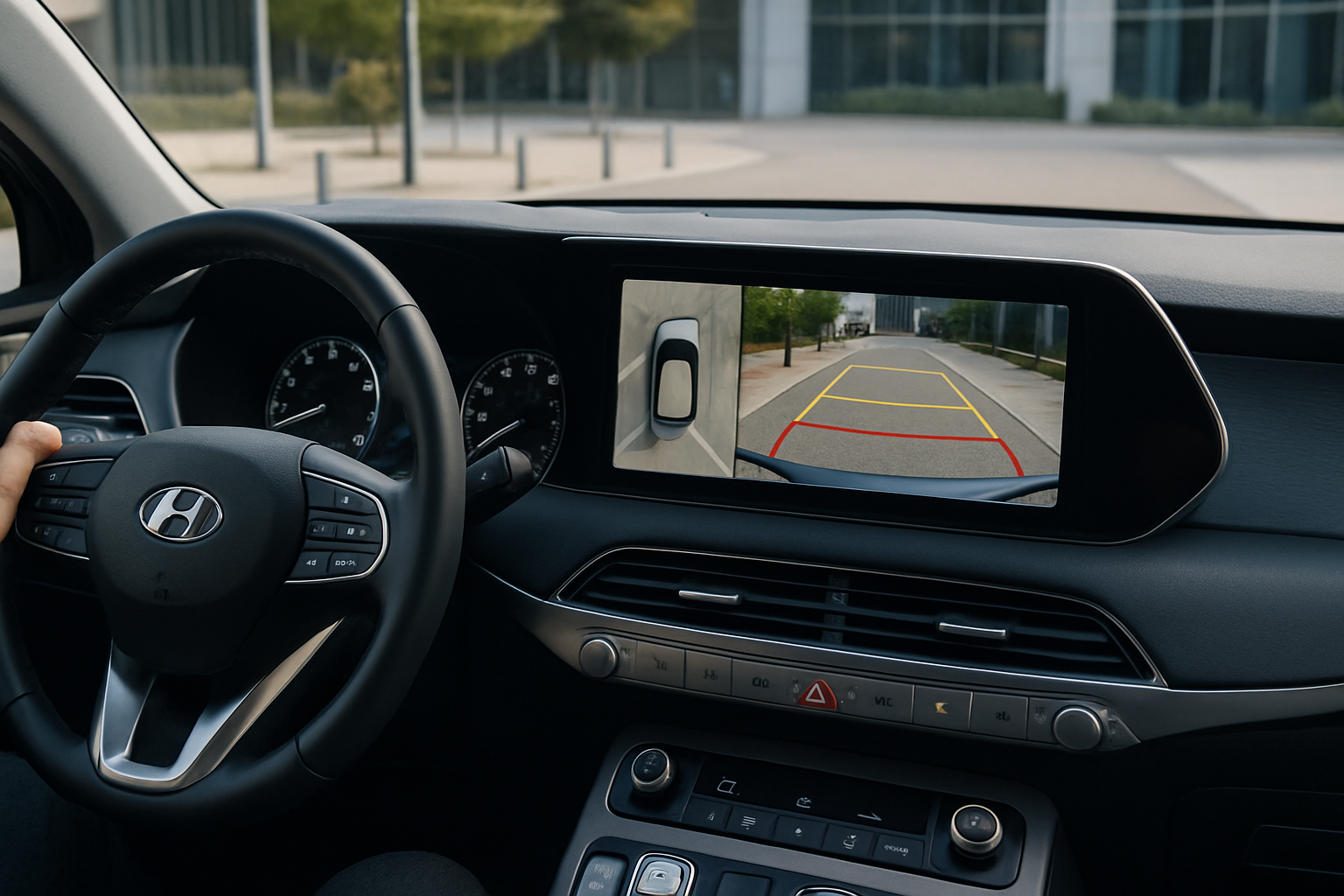
Category: How-To
How to Set Up the Digital Key on a Hyundai Tucson Using Your Phone
The Hyundai Tucson’s digital key feature transforms your smartphone into a sophisticated key fob, allowing you to unlock, start, and share access to your vehicle without traditional keys. This technology uses Near Field Communication (NFC) and Bluetooth connectivity through Hyundai’s Bluelink app to create a seamless ownership experience. Understanding Hyundai’s Digital Key Technology Hyundai’s digital… read more
Written by
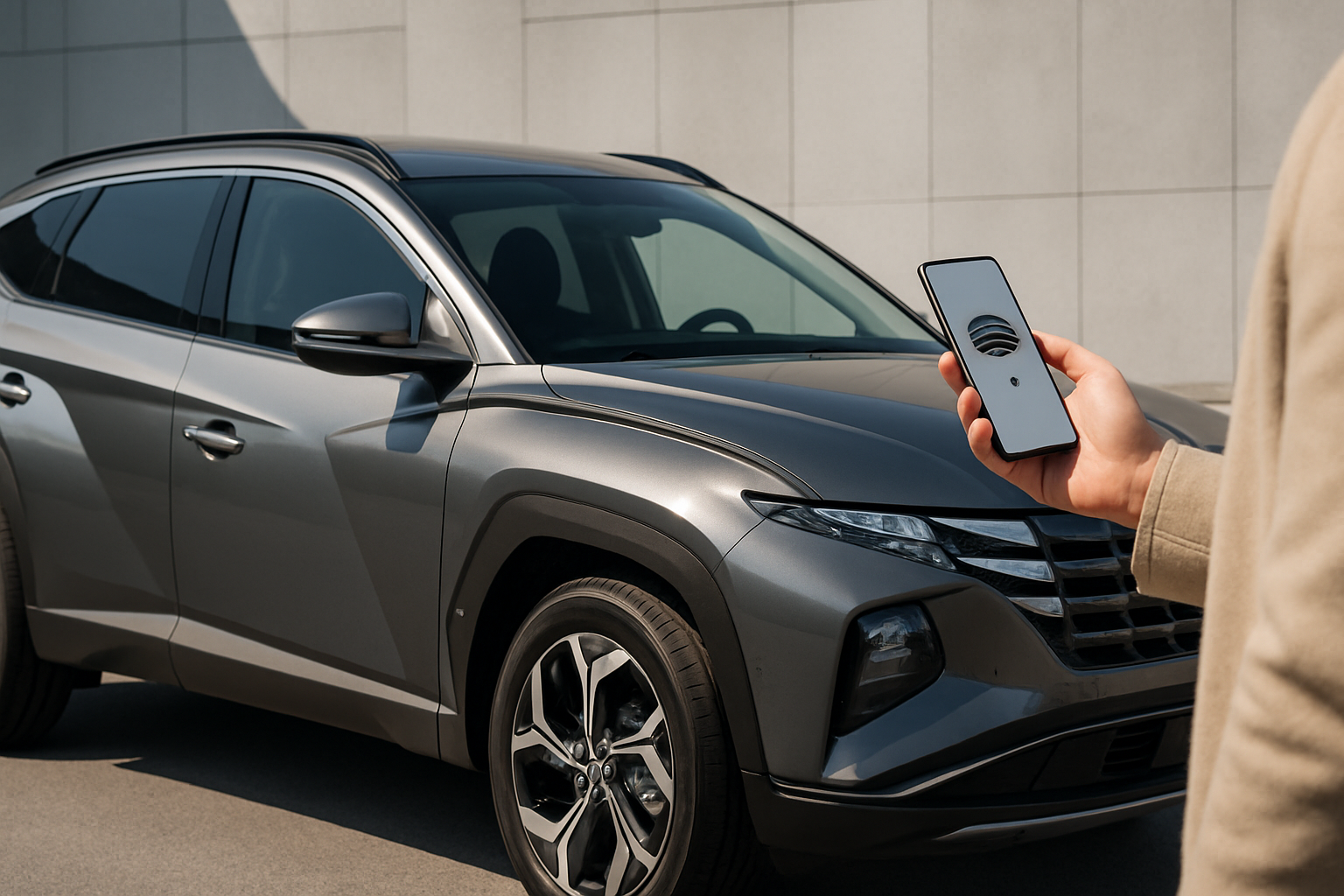
How to Use the Trailer Backup Assist on the Ford F-150
Backing up a trailer can turn even experienced drivers into nervous wrecks, especially when you’re trying to navigate tight spaces or crowded boat ramps. Ford’s Trailer Backup Assist technology takes the guesswork out of reversing with a trailer, letting you focus on speed and positioning rather than constantly correcting your steering. This system has been… read more
Written by
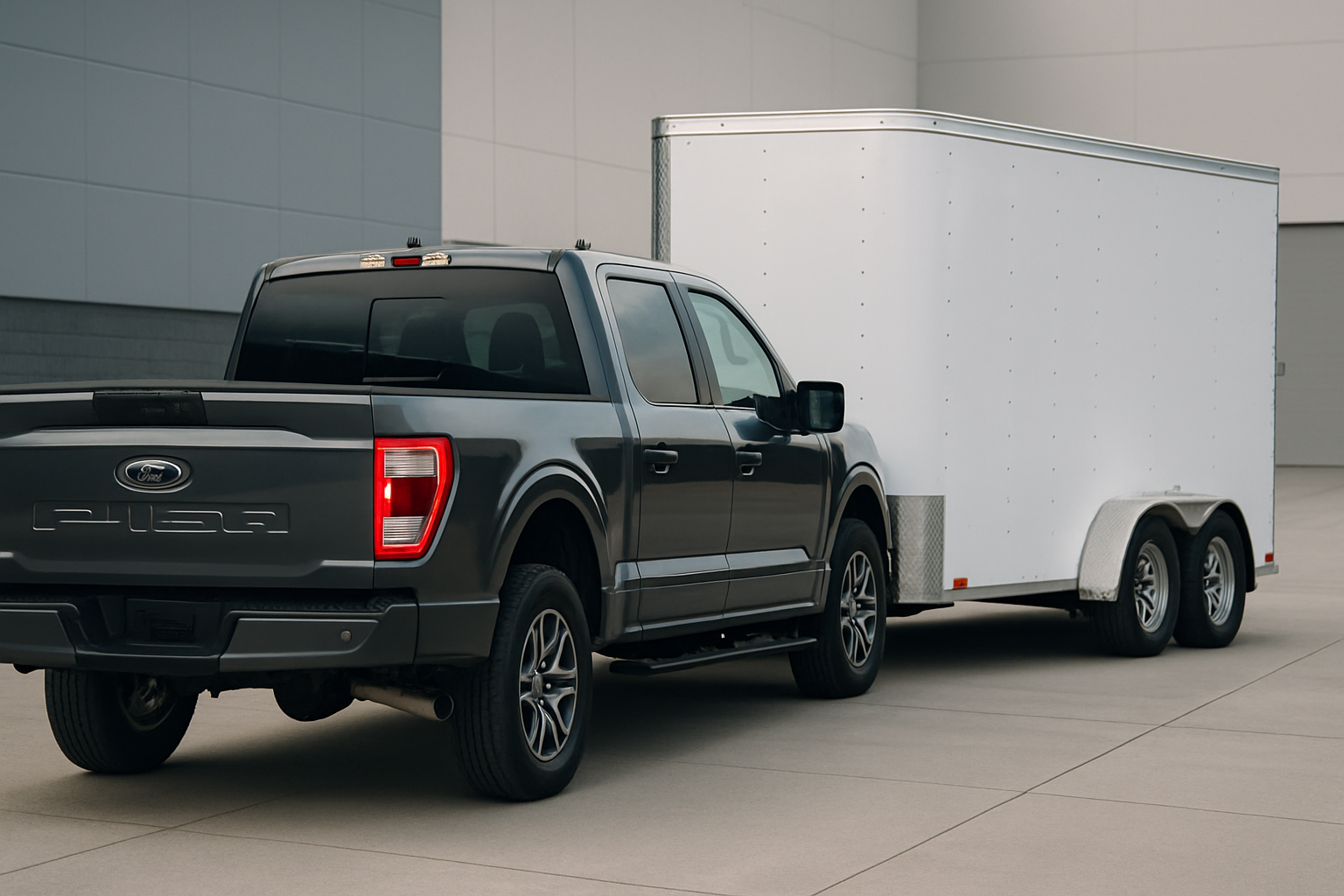
How to Use the Adaptive Cruise Control with Stop and Go on the Honda Accord
Honda’s Adaptive Cruise Control with Stop and Go transforms your daily commute into a more relaxed experience, especially when dealing with heavy traffic or long highway stretches. This system maintains your set speed while automatically adjusting to vehicles ahead, even bringing your Accord to a complete stop when necessary. Understanding how to properly use this… read more
Written by
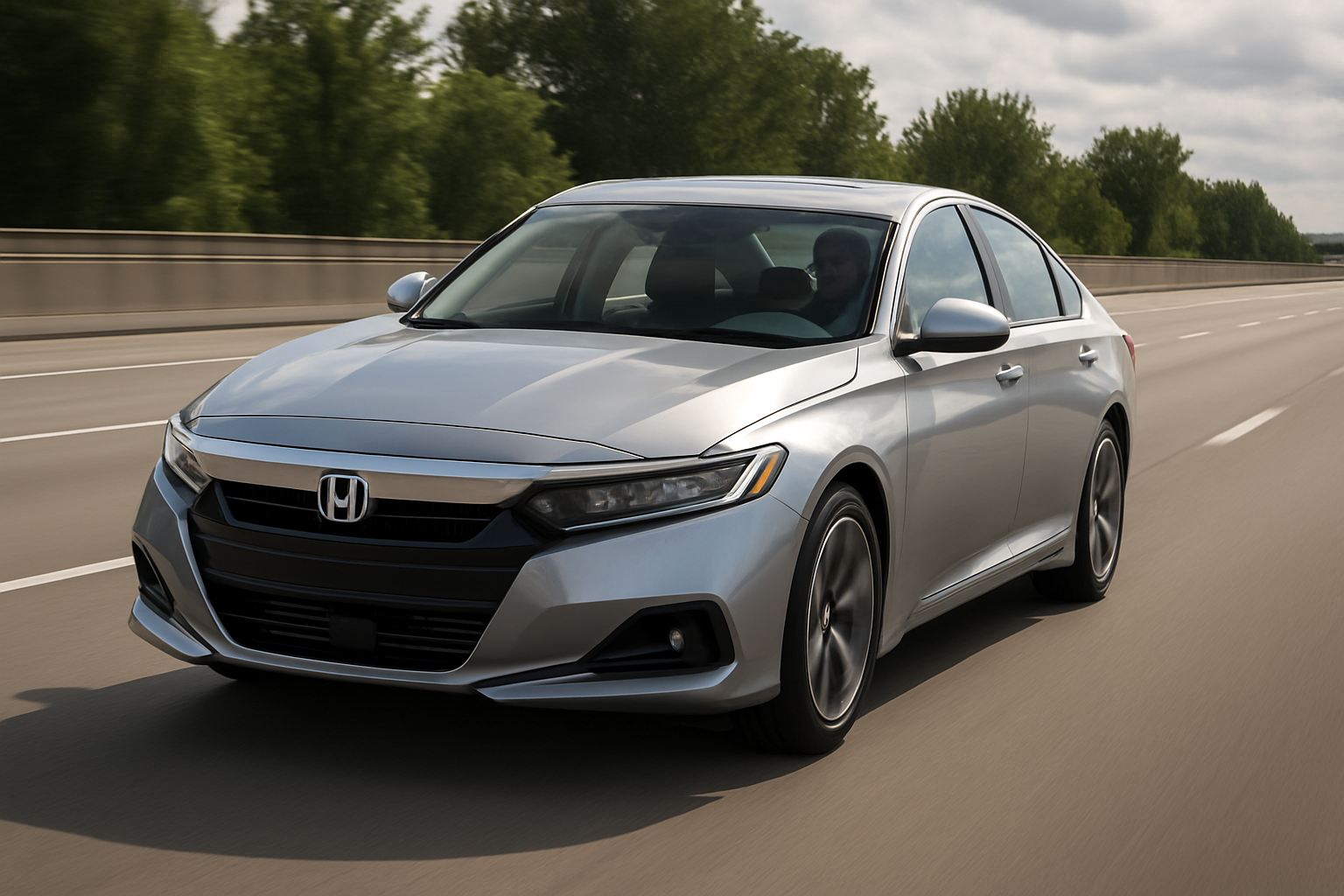
How to Use Jeep’s Selec-Terrain Traction Management System on the Grand Cherokee
The Jeep Grand Cherokee’s Selec-Terrain system gives you serious control over how your SUV handles different driving conditions. This advanced traction management technology automatically adjusts various vehicle systems to optimize performance whether you’re crawling over rocks, plowing through snow, or cruising down the highway. Understanding Selec-Terrain Traction Management Selec-Terrain works by coordinating multiple vehicle systems… read more
Written by
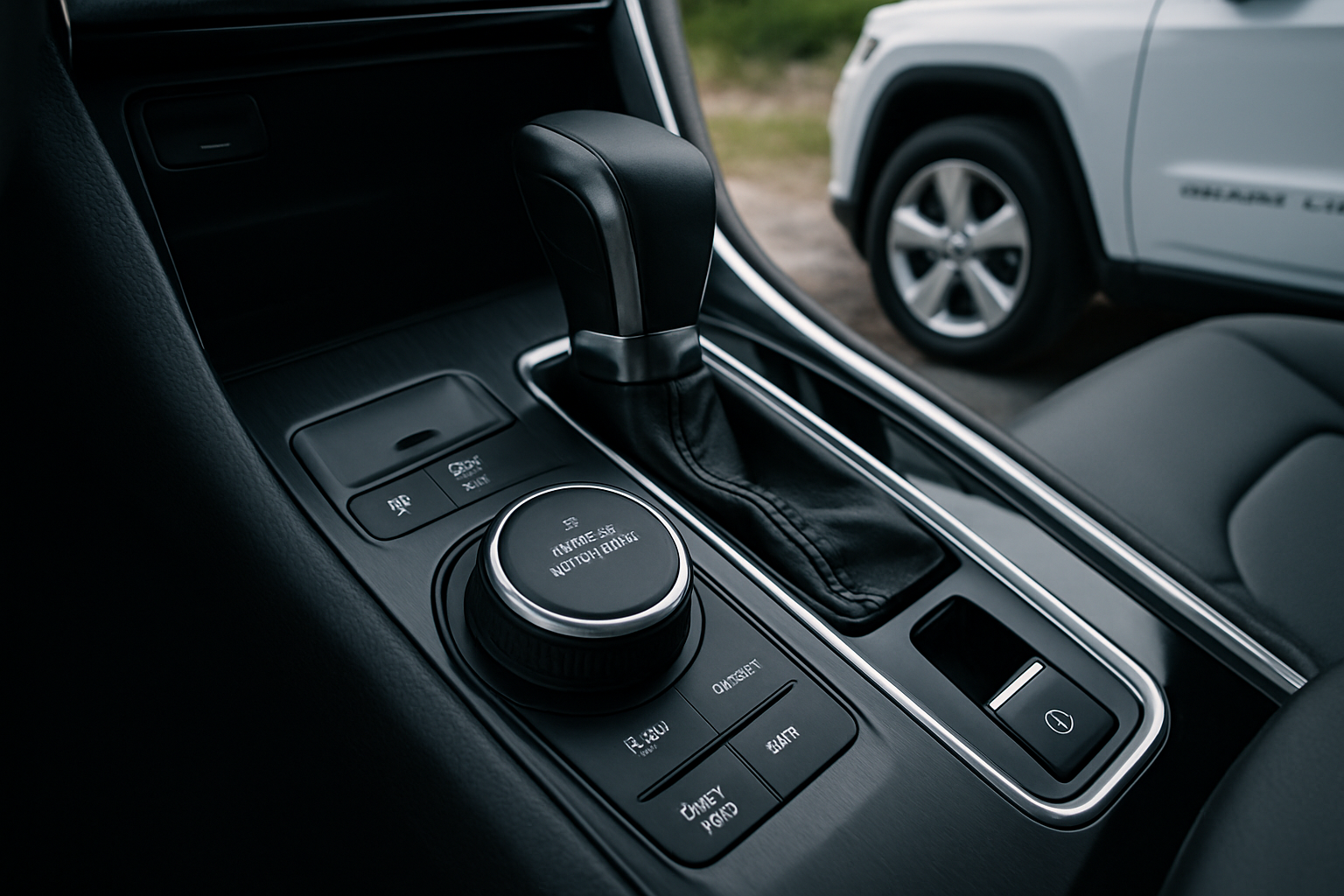
How to Use the Surround View Camera on the Hyundai Palisade
The Hyundai Palisade comes equipped with an advanced surround view camera system that gives you a complete 360-degree view around your vehicle. This technology makes parking, backing up, and navigating tight spaces significantly easier and safer. Whether you’re squeezing into a crowded parking lot or backing out of your driveway, the Palisade’s camera system provides… read more
Written by