Category: Guides
Ford Fusion: How to Open Trunk
The Ford Fusion model allows you to access the trunk space in various ways. This gives you an easy option to open your trunk inside and outside the car. In this article, we highlight these options with easy-to-follow steps to open your trunk. 2019 – 2020 Models Entry Code On your driver’s side door, locate the screen to enter your… read more
Written by

Ford Fusion: How to Connect a Phone
How do you connect your phone to your Ford Fusion? Different models of this car have slightly different methods of connecting a phone. Stick with us to know how you can connect your phone to each model of this car. 2017 – 2020 Models Open your phone’s Settings menu. Select Bluetooth, and turn it on. On the radio screen, click the phone… read more
Written by
Ford Freestyle: How to Release/Open Fuel Door
It’s simple to access the fuel tank of your Ford Freestyle and add gasoline. Just release the fuel door on the vehicle, but note that the mechanism may vary, depending on the Ford Freestyle generation. Here, we will demonstrate how to access the fuel door on both vehicle models. 2008 – 2009 Models Note: The fuel… read more
Written by
Ford Freestyle: How to Set Clock
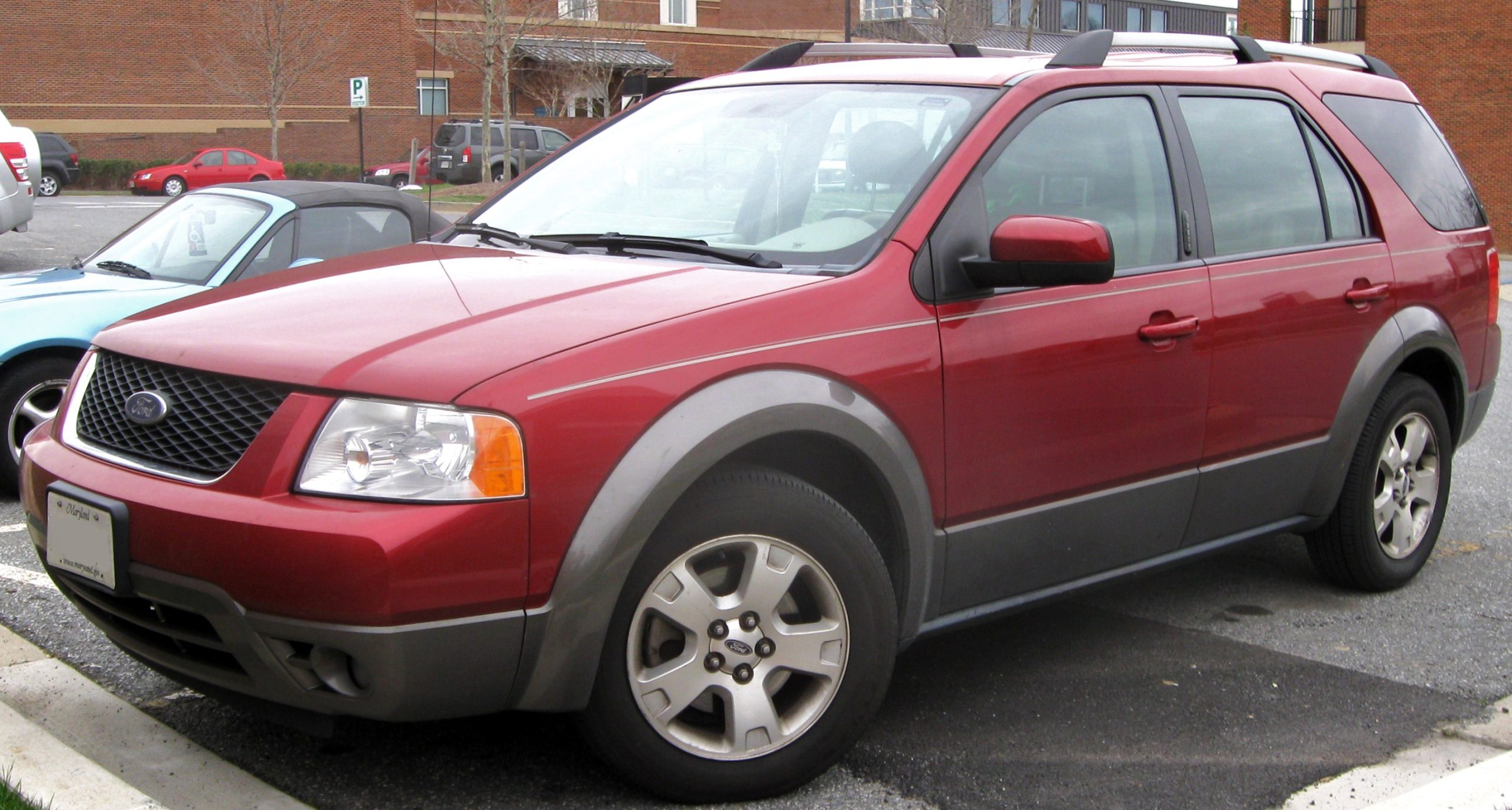
Ford produced its Freestyle utility vehicle from 2005 until 2009. The company made some revisions in 2007 and, from that year, marketed the model as the Ford Taurus X. These revisions didn’t alter how you set the clock. 2005 – 2009 Models Turn the ignition on without starting the engine. Push and hold the Menu button on your entertainment console until you see Select Hour.… read more
Written by
Ford Flex: How to Reset TPMS
The TPMS light on your Ford Flex’s dashboard appears when one of your tires is low on pressure or when you’ve rotated or changed your tires. To resolve the issue and eliminate the warning light, inflate your tire pressures to the recommended PSI on the Tire and Loading Information Label. The warning light should disappear… read more
Written by