Category: Guides
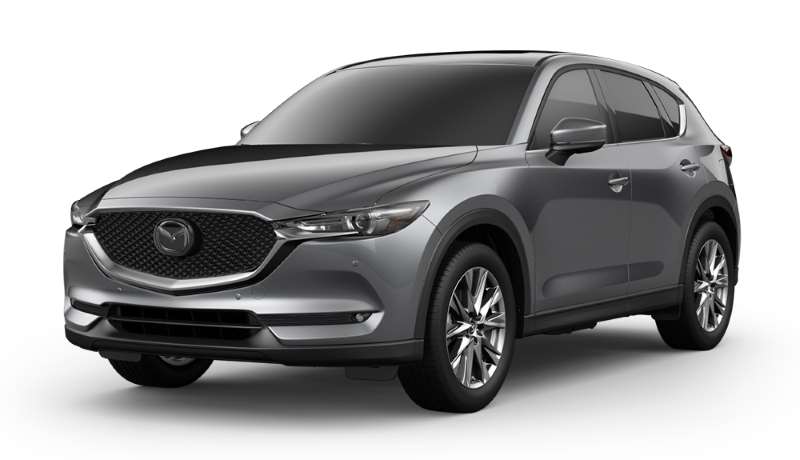
Mazda CX-5: How To Set Clock
Setting or resetting the clock on your Mazda CX-5 does not take much effort. Follow the steps below. 2018 – 2022 Models On your home screen, scroll down to Settings. Select it. Scroll down to System Settings. Select it. The first option is Clock. Select it. Five options will appear Manual Time Adjustment, GPS Time Synchronization, 24-hour Clock, Daylight Saving Time, and Time Zone.… read more
Written by
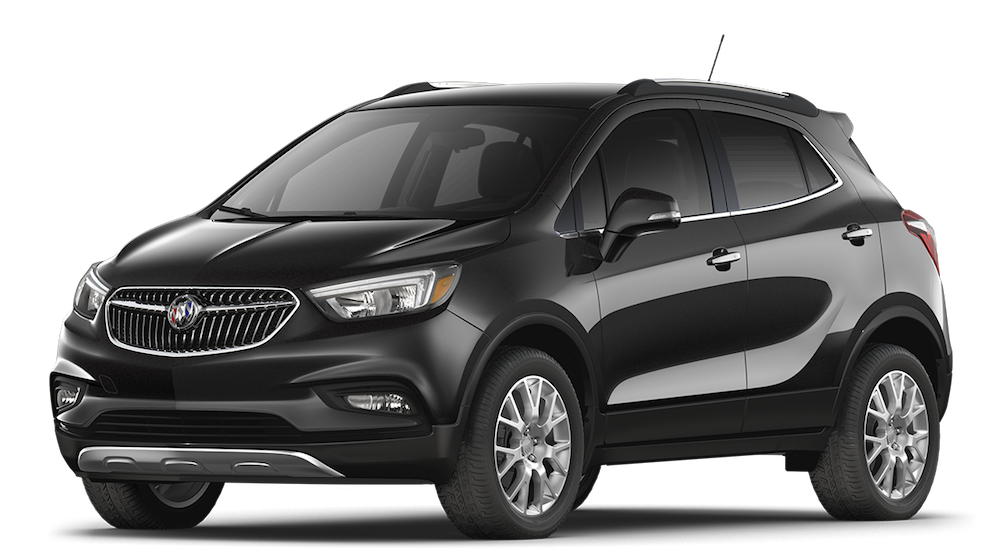
Buick Encore: Connect a Phone
You must install the Apple CarPlay or Android Auto app to connect your phone to the Buick Encore. Once you’ve installed the app, connect your phone through USB and follow the on-screen instructions. 2015 – 2022 Models There are a few methods to connect your phone with the Buick Encore: Switch between your phone and the… read more
Written by
Jeep Compass: Connect a Phone
Using hands-free features while driving is the law in many states. But trying to connect your phone is not always super easy. Follow along to learn how to connect your phone to your Jeep Compass. 2020 – 2022 Model Ensure your car is in Park with your car either On or Run. Navigate to your phone settings and turn on Bluetooth.… read more
Written by

Toyota Highlander: Reset TPMS
The tire pressure monitoring system in your Toyota highlander monitors the pressure of the tires through a small sensor. In case of low pressure in any four tires, the TPMS will notify the vehicle through the dash panel warning light. You’ve inflated your tire to the right pressure required, but your tire pressure monitoring system (TPMS)… read more
Written by

Audi Q3: Release/Open Fuel Door
Every vehicle owner needs to fill up their car with fuel. But before filling it up, you need to open the fuel door. 2014 – 2022 Models Make sure your car is turned off and in park. Exit the vehicle and walk to the side that has the fuel door. Press on the back side of the… read more
Written by