
Category: Guides
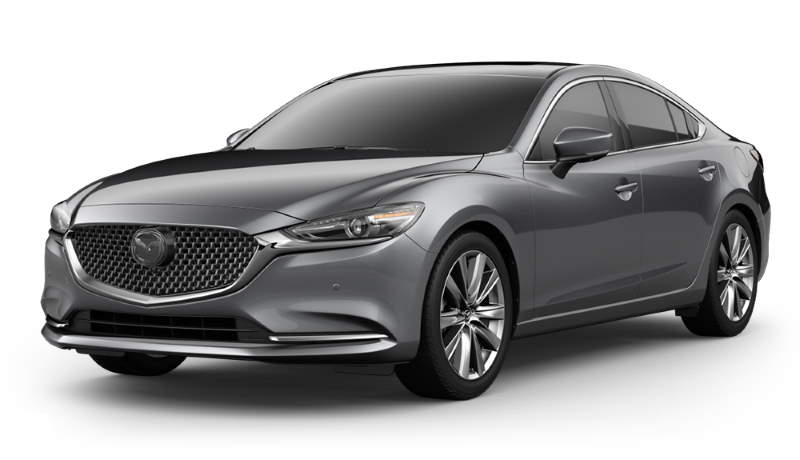
Mazda 6: Connect a Phone
Connecting your phone to your Mazda 6 will take little to no effort, and the rewards are great. You must pair the Bluetooth-equipped device with your car to use Bluetooth audio and be hands-free. After that, the system automatically picks the device each time you enter the car. Before getting started, ensure that your car… read more
Written by
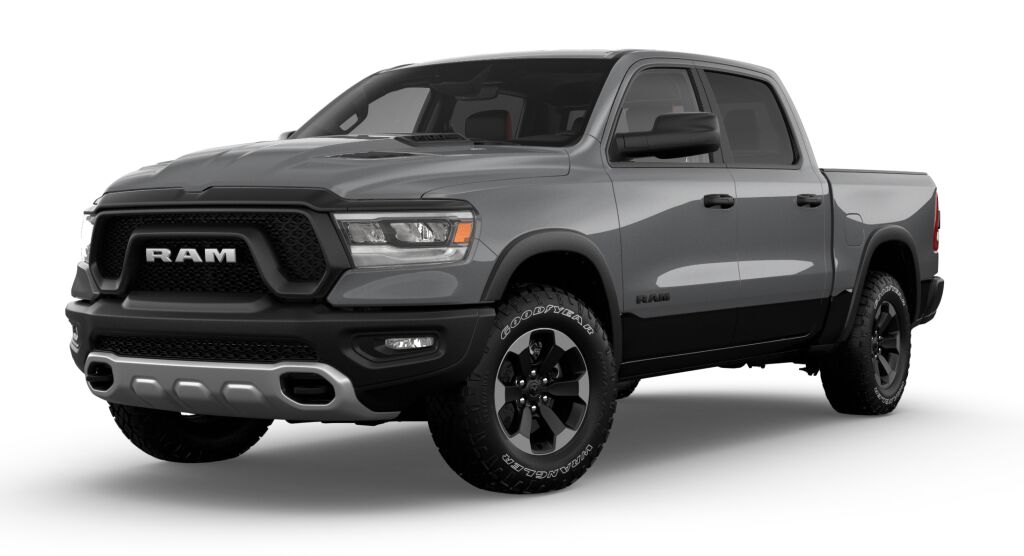
Ram Pickup: Connect a Phone
Linking a RAM Pickup with an iPhone or Android over Bluetooth isn’t as complicated as you may think. Linking your mobile device to your RAM Uconnect multimedia system enables you to make hands-free calls, stream music, navigate using voice commands, and much more. 2022 Model Park your car and turn your car to Run or On. Navigate… read more
Written by
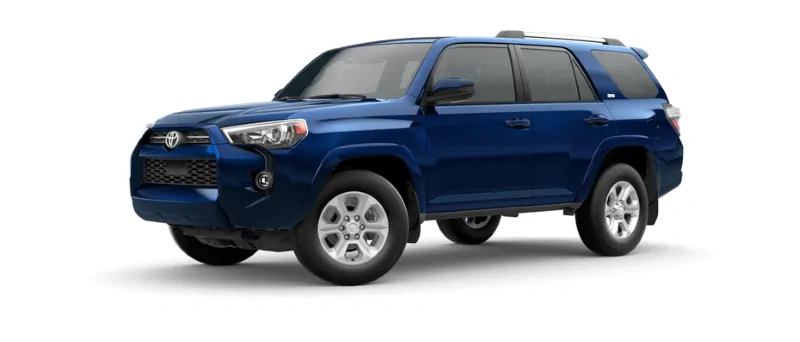
Toyota 4Runner: Connect a Phone
Since 2012, Toyota has added Bluetooth to its in-car features. This feature lets you make and receive hands-free calls using the car’s speakers. 2012 – 2022 On your phone, go to your PHONE SETTINGS. Select the BLUETOOTH menu. Turn your Bluetooth ON. Press HOME on the top left of your in-car radio. A popup will open on the left of your… read more
Written by
Hyundai Sonata: How to Open the Hood
It’s not uncommon to get confused about opening the hood of a car. If you’re struggling with opening the hood of a Hyundai Sonata, you’re not alone. This guide covers the basic steps to opening the hoods of different Hyundai Sonata models. 2011–2022 Models Follow the steps below: Locate the hood release lever on the driver’s foot… read more
Written by

Toyota 4Runner: How To Set Clock
Most recent models include clocks that are part of the multi-information display and can be changed using the in-car settings. However, some people continue to prefer physical buttons. Here is how to change the clock in any Toyota 4Runner model to help make your life easier. 2020 – 2022 Models To configure your clock in… read more
Written by