Category: Guides
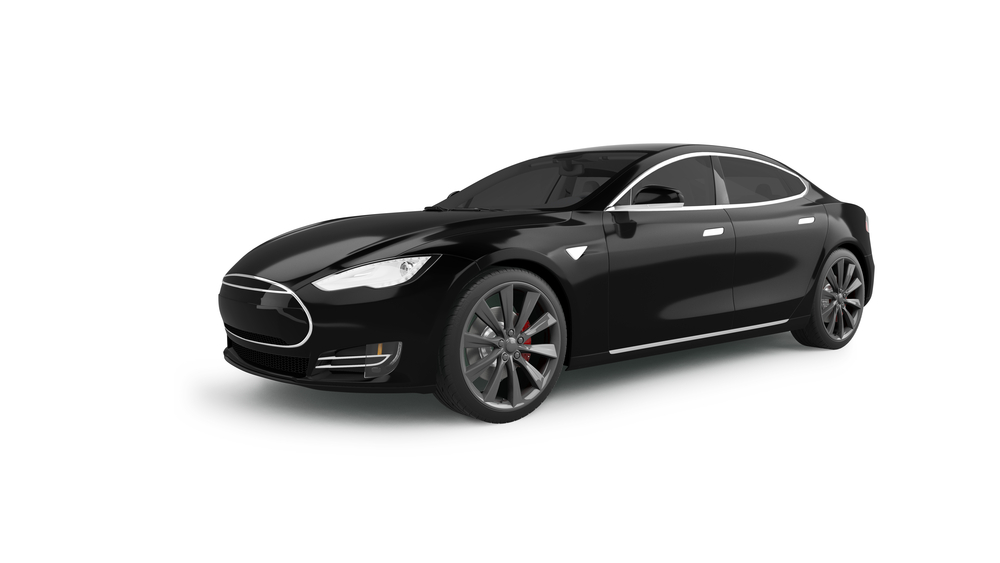
Tesla Model S: How To Set Clock
Here’s how to change the time in all of our current Tesla Model S to make your life a little easier. The multi-information displays on most models include clocks that you can adjust through in-car settings. Some people still use actual buttons, though. 2015 – 2022 Models Physical Buttons to Set the Clock The buttons… read more
Written by
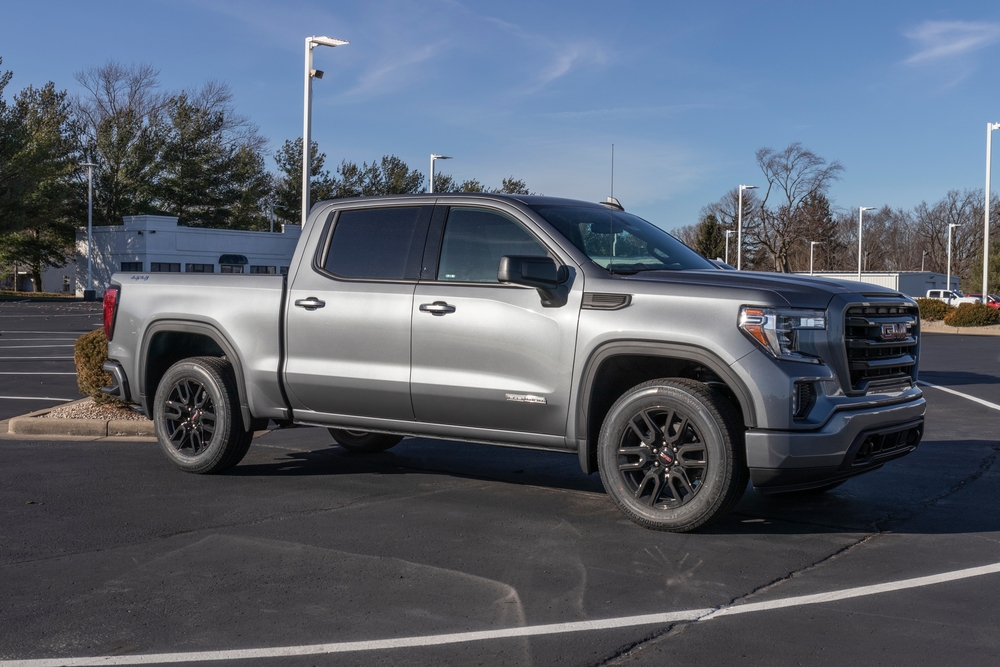
GMC Sierra: Connect a Phone
Connecting your phone to your GMC Sierra allows you to make calls hands-free, stream your music, and even follow directions. 2019 – 2022 Models (Bluetooth) Check if Bluetooth connectivity is active in your car. Enable your phone’s Bluetooth and make sure it is discoverable. Pair your phone through the infotainment system controls or by voice… read more
Written by
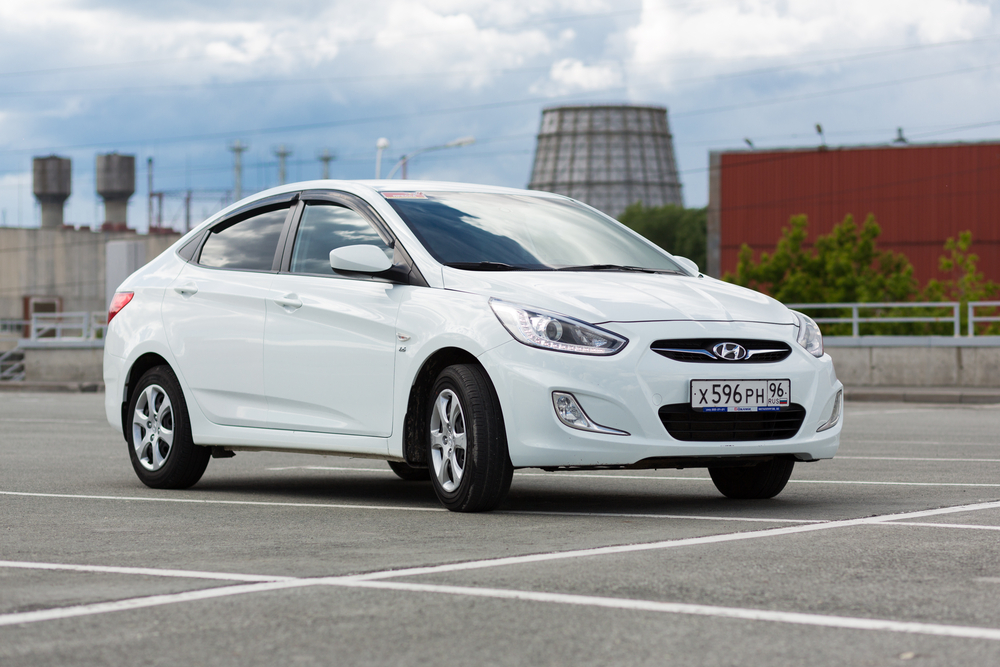
Hyundai Accent: Reset Stereo System
You experience a lot of excitement when driving your Hyundai Accent while enjoying music or a podcast. However, if your car’s stereo system is at fault, you may miss this opportunity. Nonetheless, you can avoid disappointment by resetting your stereo system. Depending on your car’s model, you can perform your rest function as follows: 2016 –… read more
Written by
GMC Sierra: Release/Open Fuel Door
If you’re not familiar with the car model, opening the fuel door can be tricky. We’ll walk you through the step-by-step process, so you’ll feel more confident when it’s time to fuel up. Here are details on how to open the fuel door on your GMC Sierra. 2007-2022 Models Walk to the side of the vehicle with… read more
Written by
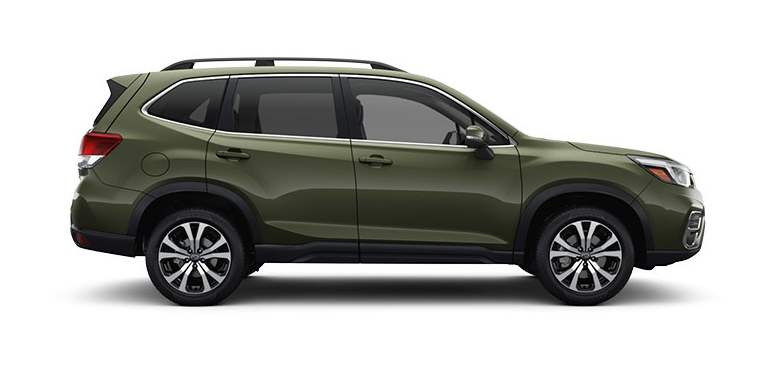
Subaru Forester: How To Open Trunk
Here’s how to open the trunk of your Subaru Forester. 1997 – 2022 Models Unlock your doors. Walk to the back of your car. Locate your trunk button above your license plate and underneath the Subaru symbol. Press the trunk button. Lift the trunk to open. read more
Written by