
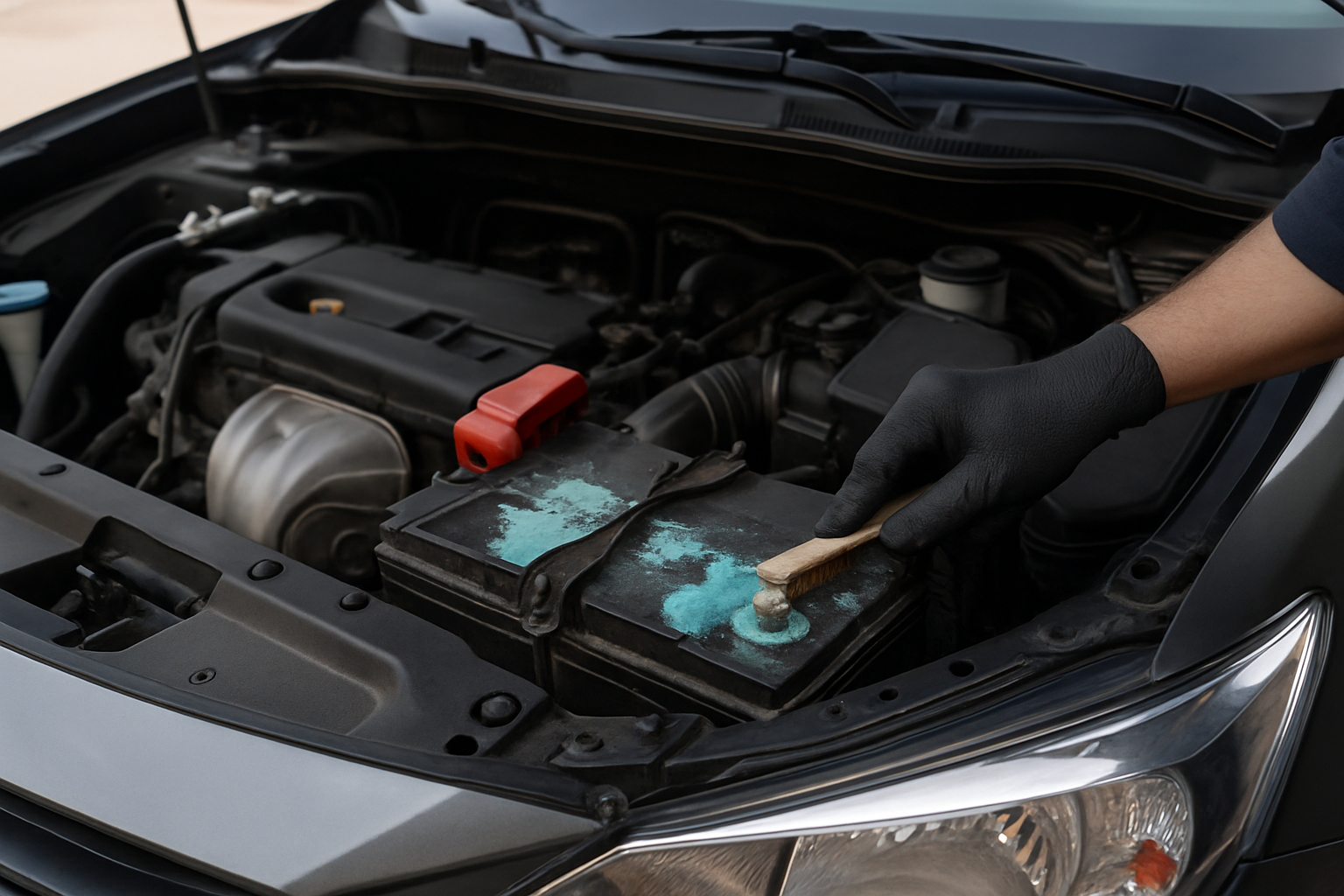
Battery terminal corrosion is one of those car problems that catches drivers off guard. You pop the hood for a routine check and discover crusty, white-green buildup around your battery posts, wondering how it got there and if your car is still safe to drive.
Understanding what causes this corrosion and knowing how to clean it properly can save you from unexpected breakdowns and extend your battery’s life. More importantly, different types of corrosion tell different stories about what’s happening under your hood.
What Battery Terminal Corrosion Actually Is
Battery terminal corrosion appears as a crusty, powdery substance around your battery posts and cable connections. The buildup typically shows up in white, blue, or green colors, though sometimes you’ll see a brownish tint mixed in.
This corrosion consists of various chemical compounds formed when battery acid vapor reacts with metal components and moisture in the air. The exact composition depends on your battery type and what’s causing the reaction, but it always interferes with electrical connections.
Most drivers notice corrosion during routine maintenance or when experiencing starting problems. The buildup acts like an insulator, preventing proper current flow between your battery and electrical system.
Primary Causes of Battery Terminal Corrosion
Hydrogen Gas Reactions
Your car battery naturally produces hydrogen gas during normal operation, especially during charging cycles. This colorless, odorless gas escapes through small vents in the battery case and reacts with moisture and oxygen in the surrounding air.
When hydrogen gas mixes with other elements around the battery terminals, it creates corrosive compounds. Even newer maintenance-free batteries release small amounts of gas, though much less than older flooded cell batteries.
Temperature changes accelerate this process. Hot weather increases gas production, while cold weather causes more condensation around terminals, creating ideal conditions for corrosion formation.
Battery Overcharging
Overcharging forces your battery to work harder than designed, generating excess heat and increased gas production. A faulty alternator, bad voltage regulator, or malfunctioning battery management system can cause overcharging conditions.
When overcharging occurs, the electrolyte inside your battery becomes more active, producing more hydrogen gas and sometimes causing electrolyte to bubble over. This excess activity accelerates corrosion formation around terminals.
You can identify overcharging by checking your battery voltage with a multimeter. A healthy 12-volt battery should read around 12.6 volts when the engine is off and 13.5-14.5 volts when running. Readings consistently above 14.5 volts indicate potential overcharging.
Leaking Battery Acid
Physical damage, manufacturing defects, or extreme age can cause battery cases to crack or seals to fail. When this happens, corrosive electrolyte leaks onto terminals and surrounding metal components.
Leaked battery acid is highly corrosive and creates rapid, severe corrosion around the leak point. Unlike gas-related corrosion that develops slowly, acid leaks cause immediate damage to terminals, cables, and nearby metal parts.
If you suspect a leak, look for wet spots around the battery base or strong acid odors when you open the hood. Leaking batteries require immediate replacement since they can damage other engine components.
What Corrosion Location Tells You
Corrosion on the Positive Terminal
When corrosion appears primarily on your positive terminal, it usually indicates overcharging conditions. The positive terminal experiences higher electrical activity, and overcharging amplifies this effect.
Positive terminal corrosion often appears more severe and builds up faster than negative terminal corrosion. The higher voltage and current flow at the positive post create more intense chemical reactions with escaping gases.
If you consistently see more buildup on the positive side, have your charging system tested. A failing voltage regulator or alternator problems could be forcing your battery to work beyond its design limits.
Corrosion on the Negative Terminal
Negative terminal corrosion typically results from normal battery operation and hydrogen gas reactions. Since the negative terminal handles return current flow, it experiences different chemical conditions than the positive post.
This type of corrosion usually develops more slowly and appears less severe than positive terminal buildup. Consistent negative terminal corrosion without positive terminal involvement suggests normal battery aging rather than charging system problems.
However, excessive negative terminal corrosion can indicate poor grounding connections or resistance in the negative cable path, forcing the terminal to work harder during electrical system operation.
How to Clean Corroded Battery Terminals
Safety Preparation
Battery terminal cleaning involves handling corrosive materials, so proper safety gear is essential. Wear safety glasses, rubber gloves, and old clothes that you don’t mind getting stained.
Work in a well-ventilated area and keep a water source nearby for emergency rinsing. Turn off your engine and remove the keys from the ignition before starting any work on the battery.
Take a photo of your battery connections before disconnecting anything. This reference helps ensure you reconnect cables to the correct terminals when you’re finished.
Step-by-Step Cleaning Process
Start by disconnecting the negative cable first, then the positive cable. This sequence prevents accidental shorts if your wrench touches metal while loosening connections. Use a wrench that fits snugly to avoid stripping the terminal nuts.
Create a cleaning solution using one tablespoon of baking soda mixed with one cup of water. Baking soda neutralizes acid and dissolves corrosion without damaging metal components. Stir the mixture until the baking soda completely dissolves.
Pour the baking soda solution slowly over corroded areas, allowing it to foam and bubble. The reaction between baking soda and acid corrosion creates this foaming action, which indicates the cleaning process is working.
Let the solution work for 5-10 minutes, then scrub terminals and cable connections with a wire brush. Use circular motions and moderate pressure to remove stubborn buildup without damaging the metal underneath.
Final Cleaning and Protection
Rinse all surfaces thoroughly with clean water to remove baking soda residue and loosened corrosion. Make sure no cleaning solution remains on battery terminals or surrounding components before proceeding.
Dry everything completely using clean rags or paper towels. Any remaining moisture can promote new corrosion formation, especially if mixed with cleaning solution residue.
Reconnect cables in reverse order, positive first, then negative. Tighten connections firmly but don’t overtighten, which can damage terminals or strip threads.
Apply terminal protector spray or petroleum jelly to clean terminals and cable connections. These protective coatings create barriers that slow future corrosion formation by blocking moisture and gas contact with metal surfaces.
Essential Tools and Products
Having the right tools makes battery terminal cleaning faster and more effective. A dedicated battery terminal cleaner brush and protector kit includes specialized brushes designed to fit around battery posts and inside cable terminals.
Wire brushes with stiff bristles work well for heavy corrosion, while softer brushes help with routine maintenance cleaning. Some kits include both post brushes for cleaning battery terminals and cable brushes for cleaning the inside of cable connections.
Terminal protector sprays provide longer-lasting protection than petroleum jelly and won’t attract dirt or debris. Quality protector products create invisible barriers that repel moisture while maintaining electrical conductivity.
Prevention Tips and Maintenance
Regular visual inspections help catch corrosion problems before they affect your car’s performance. Check battery terminals monthly, looking for early signs of buildup or discoloration around connections.
Keep battery terminals clean and dry by wiping them down during routine maintenance. A slightly damp cloth removes dust and moisture that contribute to corrosion formation.
Address charging system problems promptly since overcharging accelerates corrosion formation. Have your alternator and voltage regulator tested if you notice rapid corrosion buildup or other electrical system issues.
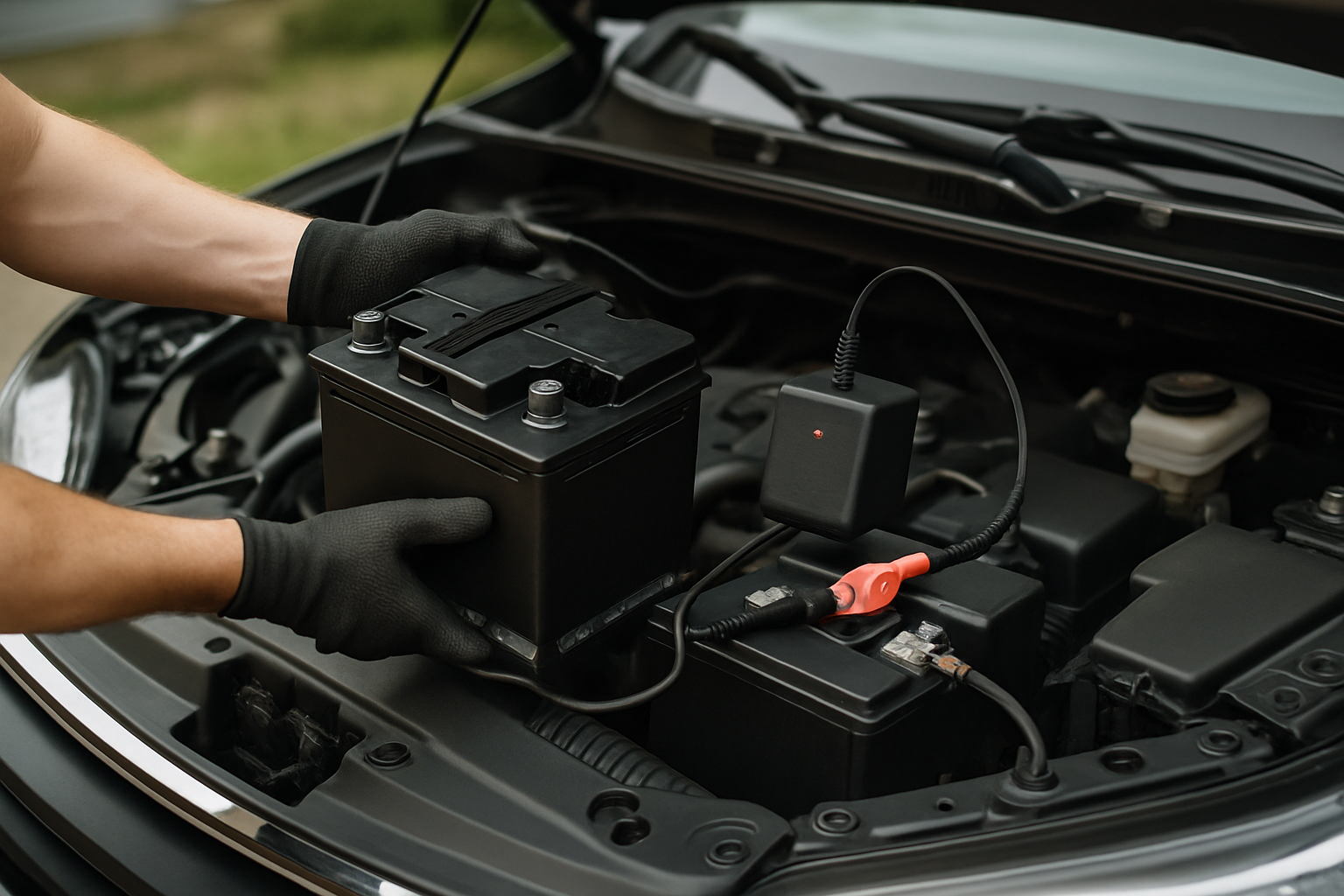
Replace aging batteries before they start leaking. Most car batteries last 3-5 years under normal conditions, but extreme weather or demanding electrical systems can shorten battery life.
When to Seek Professional Help
Severe corrosion that has eaten through cable connections or damaged battery terminals requires professional attention. Corroded cables can break during removal attempts, leaving you stranded.
If corrosion keeps returning quickly after cleaning, underlying problems need diagnosis. Persistent corrosion often indicates charging system malfunctions, battery defects, or installation problems that require professional troubleshooting.
Leaking batteries should be replaced immediately by a qualified technician. Battery acid can damage paint, metal components, and rubber parts throughout your engine bay if not contained properly.
Frequently Asked Questions
Can I drive with corroded battery terminals?
Light corrosion won’t immediately prevent driving, but it reduces electrical system efficiency and can cause starting problems. Heavy corrosion buildup can prevent your car from starting or cause intermittent electrical issues while driving. Clean corroded terminals as soon as possible to avoid being stranded.
How often should I clean my battery terminals?
Inspect battery terminals monthly and clean them every 3-6 months or whenever you notice buildup. Cars in hot climates or with older batteries may need more frequent cleaning. Regular maintenance prevents heavy corrosion that’s harder to remove.
Will corrosion damage my battery permanently?
Corrosion primarily affects terminals and cables rather than the battery itself. However, severe corrosion can damage battery posts or create poor connections that force the battery to work harder. Clean corrosion promptly to prevent terminal damage and extend battery life.
Is white powder on my battery dangerous?
Battery terminal corrosion is mildly corrosive and can irritate skin or eyes on contact. While not immediately dangerous, avoid touching it with bare hands and don’t inhale dust when cleaning. Use proper safety gear and work in ventilated areas when cleaning corroded terminals.


Leave a Reply