

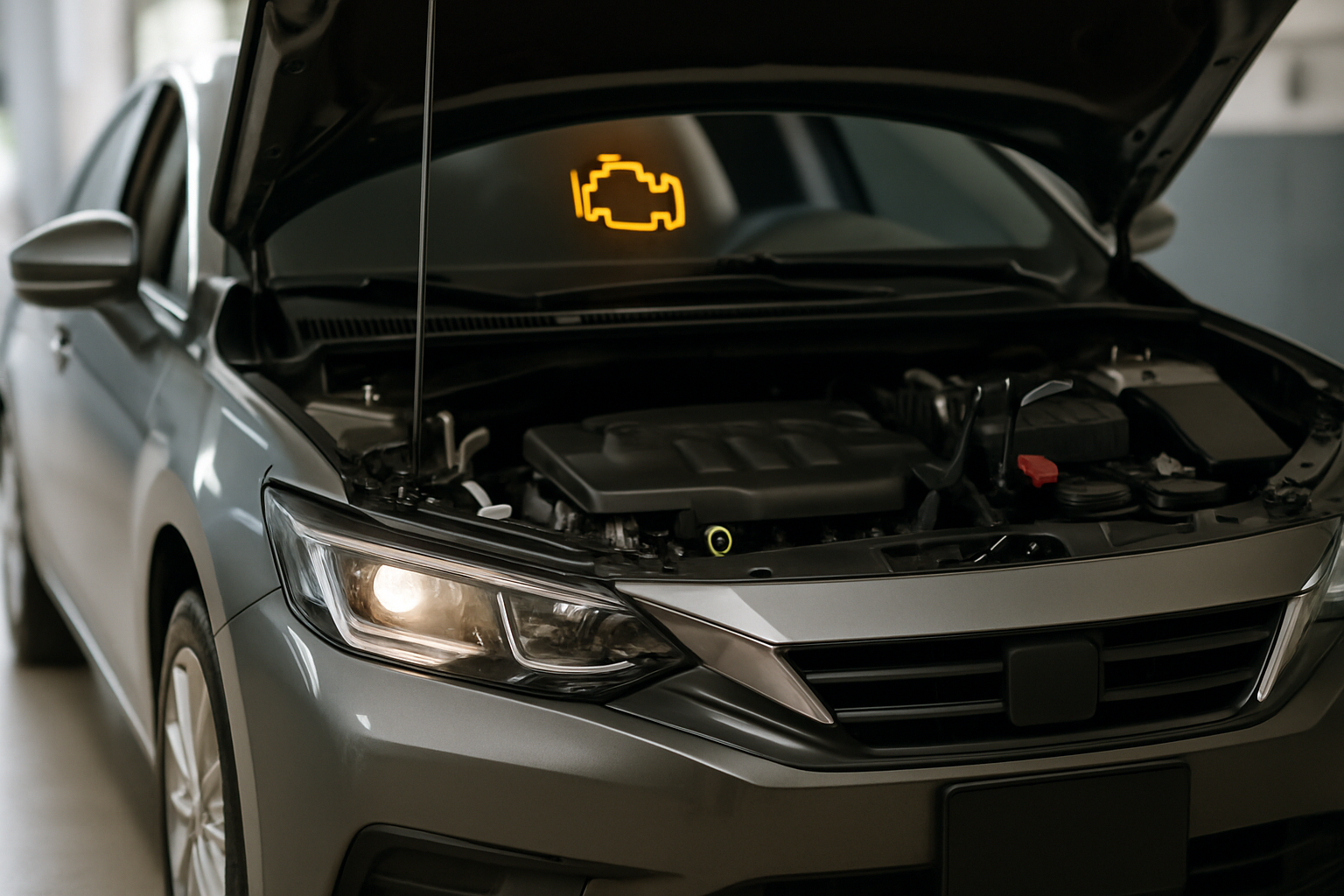
Your car’s check engine light just came on, and you’re dreading that trip to the mechanic. Before you hand over your hard-earned cash for a diagnostic fee that could run $100 or more, consider investing in an OBD2 scanner that can save you money and give you valuable insight into what’s actually wrong with your vehicle.
These portable diagnostic tools plug directly into your car’s OBD2 port and can read the same trouble codes that mechanics use to identify problems. The key is choosing the right scanner for your needs and budget.
Understanding OBD2 Scanner Capabilities
Not all OBD2 scanners are created equal. Some basic models only read and clear diagnostic trouble codes (DTCs), while advanced units can display live engine data, perform system tests, and even reprogram certain vehicle settings.
The main distinction you need to understand is between code readers and full diagnostic scanners. Code readers simply tell you what’s wrong by displaying stored fault codes. Full scanners show you real-time data from your engine’s sensors, letting you see exactly what’s happening while the car is running.
Live data capability becomes crucial when diagnosing intermittent problems or issues that don’t always trigger a fault code. You can monitor oxygen sensor readings, coolant temperature, fuel trim values, and dozens of other parameters to spot problems before they cause major damage.
BlueDriver: Professional Features in Consumer Package
BlueDriver stands out as one of the most comprehensive wireless OBD2 scanners available to DIY mechanics. This Bluetooth-enabled device connects to your smartphone and provides professional-level diagnostics through an intuitive app.
The BlueDriver app displays live data from all your vehicle’s sensors in easy-to-read graphs and gauges. You can record data sessions, create custom dashboards, and even perform bi-directional controls on supported vehicles. This means you can command certain components (like cooling fans or fuel injectors) to activate for testing purposes.
What sets BlueDriver apart is its extensive vehicle coverage and regular updates. The device works with virtually all 1996 and newer vehicles sold in North America, including many European and Asian imports. The company regularly releases software updates that add new features and vehicle compatibility.
BlueDriver also includes repair reports that provide detailed explanations of trouble codes, potential causes, and suggested fixes. These reports can save you significant research time and help you communicate more effectively with repair shops.
FIXD: Simplified Scanning for Average Drivers
FIXD takes a different approach by focusing on simplicity and user-friendly explanations rather than raw technical data. This wireless scanner connects to your phone via Bluetooth and translates complex diagnostic codes into plain English descriptions.
The FIXD app categorizes problems by severity using a simple color-coding system. Red indicates urgent issues that need immediate attention, yellow suggests problems you should address soon, and green means everything looks good. This makes it perfect for drivers who want to know what’s wrong without getting overwhelmed by technical details.
FIXD can read and clear basic trouble codes from your engine, transmission, ABS, and airbag systems. The app provides cost estimates for repairs and can help you determine whether a problem is something you can fix yourself or requires professional attention.
However, FIXD doesn’t offer the advanced live data monitoring that more technical users might want. You won’t see real-time sensor readings or be able to perform active system tests. This scanner works best for drivers who primarily want to understand check engine lights and basic system faults.
Innova Scanners: Traditional Handheld Reliability
Innova produces a wide range of handheld OBD2 scanners that don’t require smartphones or apps to function. These standalone devices feature built-in screens and button controls, making them ideal for use in situations where you might not want to drain your phone’s battery or deal with wireless connectivity issues.
The Innova 3160g represents their mid-range offering with live data streaming, graphing capabilities, and comprehensive code reading functions. This scanner can display real-time sensor data in both numeric and graphic formats, helping you spot trends and intermittent problems.
Innova scanners typically include built-in code libraries that explain what each fault code means and suggest possible causes. The devices can also perform various system readiness tests to verify that your vehicle will pass emissions inspections.
Higher-end Innova models like the 5610 add bi-directional controls, advanced graphing functions, and the ability to save and recall test data. These features make them suitable for more complex diagnostic work while maintaining the simplicity of standalone operation.
ELM327 Bluetooth Adapters: Budget-Friendly Basic Scanning
Generic ELM327 Bluetooth adapters represent the most affordable entry point into OBD2 scanning. These small dongles plug into your vehicle’s diagnostic port and communicate with third-party smartphone apps to read basic trouble codes and display some live data.
The main advantage of ELM327 adapters is their extremely low cost, often available for under $20. They work with popular free apps like Torque Pro, OBD Fusion, and dozens of others available for both Android and iOS devices.
However, cheap ELM327 clones often suffer from reliability and compatibility issues. Many use counterfeit or low-quality chips that can cause connection problems, slow data transmission, or incomplete vehicle coverage. Some may even damage your vehicle’s diagnostic circuits if poorly designed.
If you choose an ELM327 adapter, buy from reputable sellers and look for units that specifically mention using genuine ELM327 chips. Avoid the cheapest options from unknown manufacturers, as the small cost savings typically aren’t worth the potential problems.
Code Reading vs Live Data: Understanding the Difference
Basic code reading tells you that a problem occurred and triggered a fault code, but it doesn’t show you what’s happening right now. For example, a P0171 code indicates your engine is running lean, but it doesn’t tell you whether the problem is a vacuum leak, faulty oxygen sensor, or dirty mass airflow sensor.
Live data monitoring lets you see actual sensor readings in real-time, which can help pinpoint the root cause of problems. You can watch oxygen sensor voltages switch back and forth, monitor fuel trim corrections, and observe how different sensors respond to changing engine conditions.
This real-time information becomes particularly valuable when diagnosing intermittent problems that come and go. You can drive the vehicle while monitoring suspect sensors to catch issues that might not always trigger fault codes.
Advanced scanners can also graph multiple data streams simultaneously, making it easier to spot correlations between different sensors and identify patterns that point to specific problems.
Choosing the Right Scanner for Your Needs
Your choice of OBD2 scanner should depend on your technical comfort level, the types of problems you typically encounter, and how much diagnostic capability you actually need.
If you primarily want to understand check engine lights and get basic repair guidance, FIXD offers the most user-friendly experience with clear explanations and severity ratings. It’s perfect for drivers who don’t want to become amateur mechanics but do want to avoid unnecessary diagnostic fees.
For more technically inclined users who want professional-level capabilities, BlueDriver provides the best combination of features, vehicle coverage, and regular updates. Its live data streaming and bi-directional controls rival expensive professional scan tools.
Innova handheld scanners work well for users who prefer standalone devices that don’t depend on smartphones or wireless connections. They’re particularly useful for workshop environments where durability and independent operation matter more than smartphone integration.
Professional-Grade OBD2 Diagnostic Tools
When you need comprehensive diagnostic capabilities without breaking the bank, investing in a quality OBD2 scanner car diagnostic tool can provide professional-level insights into your vehicle’s health. These advanced scanners offer the live data monitoring and system testing capabilities that separate basic code readers from true diagnostic instruments.
Professional-grade scanners can access multiple vehicle systems beyond just the engine, including transmission, ABS, airbag, and climate control modules. This comprehensive coverage helps identify problems that basic scanners might miss and provides a complete picture of your vehicle’s condition.
Installation and Setup Process
Setting up most OBD2 scanners takes just a few minutes. Locate your vehicle’s OBD2 port, which is typically found under the dashboard on the driver’s side, within reach of the driver’s seat. The port is usually mounted near the steering column or center console area.
For wireless scanners like BlueDriver or FIXD, plug the adapter into the OBD2 port and download the corresponding smartphone app. Follow the pairing instructions to establish a Bluetooth connection between your phone and the scanner.
Handheld scanners like Innova models simply plug directly into the OBD2 port and power on automatically when connected. Most include menu-driven interfaces that guide you through basic operations like reading codes or viewing live data.
Before scanning, make sure your vehicle’s ignition is turned to the “on” position without starting the engine. This provides power to the diagnostic system while keeping the engine stationary for initial code reading.
What to Expect from Your First Scan
Your first diagnostic scan might reveal stored trouble codes even if no warning lights are currently illuminated. Many vehicles store “pending” or “history” codes that haven’t yet triggered the check engine light but indicate developing problems.
Don’t panic if you find multiple codes during your first scan. Some codes are related to each other, where one failing component can trigger several different fault codes. A good scanner will help you prioritize which codes indicate primary problems versus secondary effects.
Take time to research any codes you find before rushing to replace parts. Many fault codes can have multiple possible causes, and replacing parts without proper diagnosis often leads to unnecessary expenses and unresolved problems.
When to DIY vs Professional Diagnosis
OBD2 scanners excel at identifying straightforward problems like failed oxygen sensors, loose gas caps, or basic engine misfires. These issues typically have clear fault codes and well-documented repair procedures that DIY mechanics can handle.
However, complex intermittent problems, multiple system failures, or issues requiring specialized tools still benefit from professional diagnosis. Your OBD2 scanner can provide valuable information to share with your mechanic, potentially reducing diagnostic time and costs.
Use your scanner to gather information before visiting a repair shop. Having specific fault codes and symptoms documented helps ensure you receive accurate estimates and prevents unnecessary diagnostic charges for problems you’ve already identified.
Frequently Asked Questions
Will using an OBD2 scanner void my vehicle’s warranty?
Simply reading diagnostic codes with an OBD2 scanner won’t void your warranty. These tools access the same diagnostic information that dealership technicians use. However, clearing codes or making modifications through advanced scanner functions could potentially impact warranty coverage if they mask problems or alter vehicle operation.
Can OBD2 scanners diagnose all car problems?
OBD2 scanners can only diagnose problems that trigger fault codes or affect monitored systems. Mechanical issues like worn brake pads, tire problems, or suspension noise typically won’t show up in diagnostic scans. These tools work best for engine, transmission, emissions, and electronic system problems.
Do I need different scanners for different car brands?
All vehicles sold in the United States since 1996 use standardized OBD2 protocols, so any quality scanner should work with any car, truck, or SUV. However, some manufacturers use proprietary codes or advanced functions that require brand-specific scanners for complete access to all systems and features.
How often should I scan my vehicle for problems?
Monthly scans can help catch developing problems before they cause major damage or leave you stranded. Many modern scanners offer monitoring features that can alert you to new fault codes or changes in vehicle performance, making it easy to stay on top of potential issues.
Leave a Reply