

A dash cam is the best insurance policy you can buy for your car, and it costs a fraction of a single monthly premium. Whether you’re commuting daily, driving a new car for the first time, or just want evidence in case something happens on the road, today’s dash cams deliver sharp video, reliable recording, and features that were premium-only just a few years ago.
Picking the right one comes down to what you need: just a front camera for basic coverage, a front-and-rear setup for full protection, or a premium model with parking mode and cloud features.
What to Look For in a Dash Cam

Video Quality
1080p at 30 frames per second is the minimum worth buying. At this resolution, you can read license plates and see traffic signals clearly. 1440p (2K) and 4K cameras capture finer details at greater distances, which helps when identifying vehicles several car lengths ahead.
Don’t just look at resolution, though. A wide dynamic range (WDR) or HDR feature matters more for real-world use. It balances bright sunlight and dark shadows in the same frame, so you can still see details when driving into a sunset or through a tunnel.
Night Vision
Many accidents happen at night or in low-light conditions. Cameras with larger image sensors (like Sony STARVIS) pull in more light and produce cleaner nighttime footage. Check sample night videos before you buy, since specs alone don’t tell the full story.
Parking Mode
Parking mode activates the camera when it detects an impact or motion while your car is parked. It’s invaluable for catching hit-and-runs in parking lots. This feature typically requires either a hardwire kit connected to your car’s fuse box or an external battery pack.
Best Dash Cams by Category
Best Budget Option
For drivers who want reliable front recording without spending much, a basic 1080p dash cam covers the essentials. Look for models with loop recording, a G-sensor that locks footage during sudden impacts, and a suction or adhesive mount. You’ll sacrifice parking mode and app connectivity, but the core recording quality is solid.

Budget 1080p Dash Cam
Perfect for basic front-facing recording with essential features like loop recording and G-sensor protection
Best Front and Rear Setup
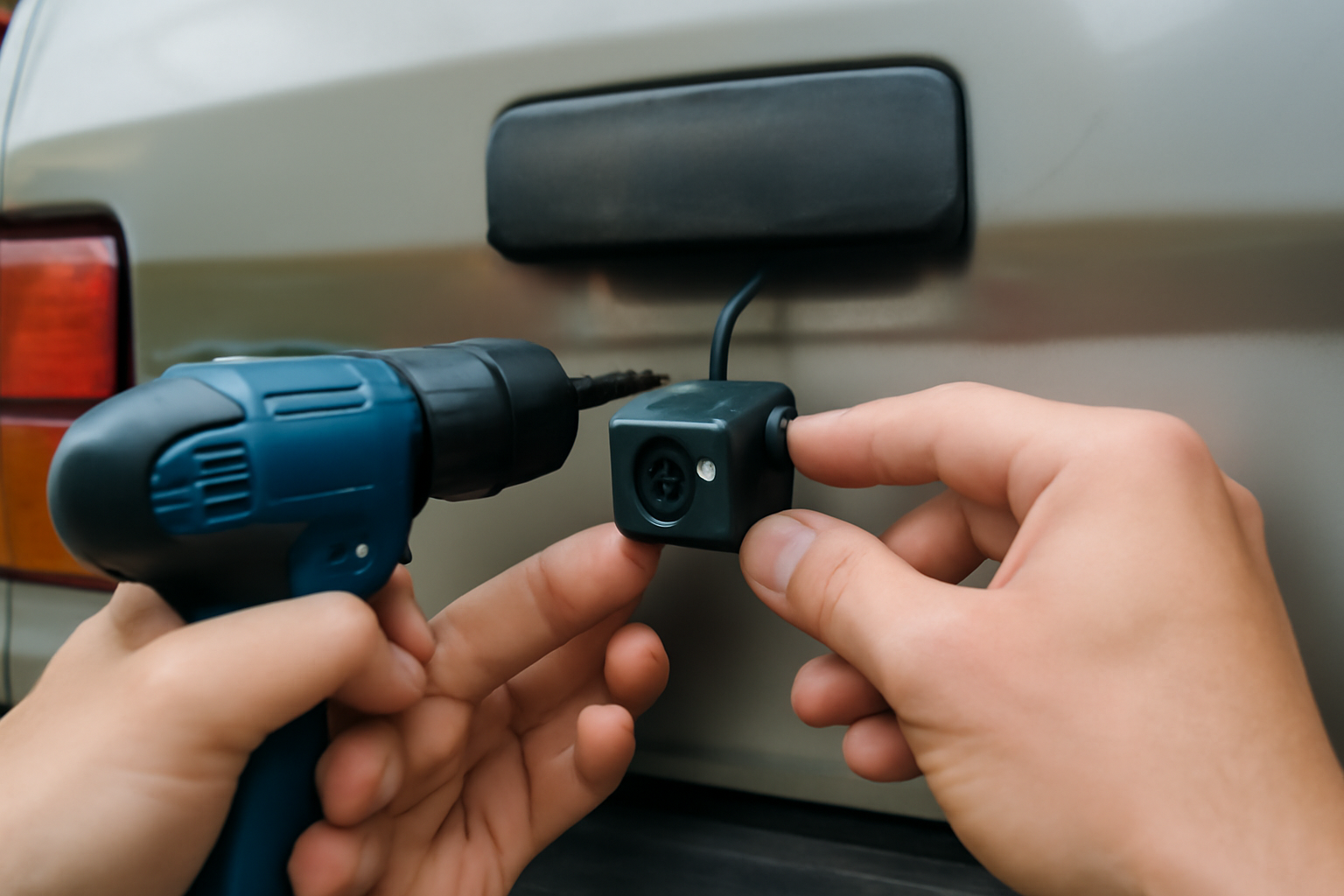
Rear-end collisions account for roughly a third of all crashes. A front-and-rear dash cam captures both directions simultaneously, giving you complete coverage. The rear camera typically connects to the front unit via a cable routed along the headliner, and both feeds sync to a single memory card.
This setup is especially valuable for rideshare drivers and anyone who drives in busy urban areas where you’re more likely to be rear-ended. Families with larger vehicles also benefit from rear coverage in parking lots.
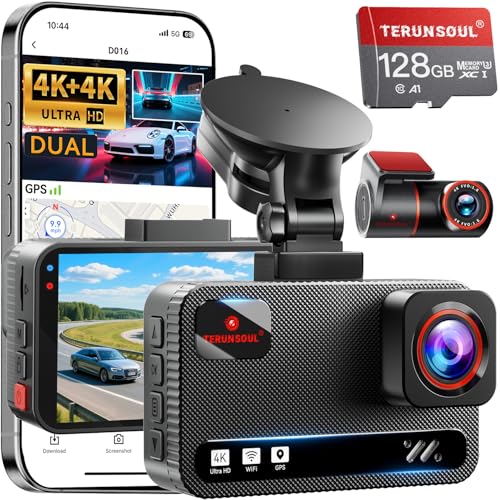
Front and Rear Dash Cam System
Complete coverage for front and rear recording, synced to a single memory card with dual camera feeds
Best Premium Option
Premium dash cams add 4K resolution, built-in GPS (which logs your speed and location), Wi-Fi or cloud connectivity for remote viewing, and always-on parking mode. Some models also include driver assistance alerts like lane departure and forward collision warnings.
The GPS feature is particularly useful in insurance disputes since it timestamps your exact speed and location at the moment of an incident. This can prove you weren’t speeding or ran a red light, which might even help with insurance premium disputes.
Premium 4K Dash Cam with GPS
Top-tier video quality with GPS tracking, parking mode, and cloud connectivity for complete protection
Installation Tips
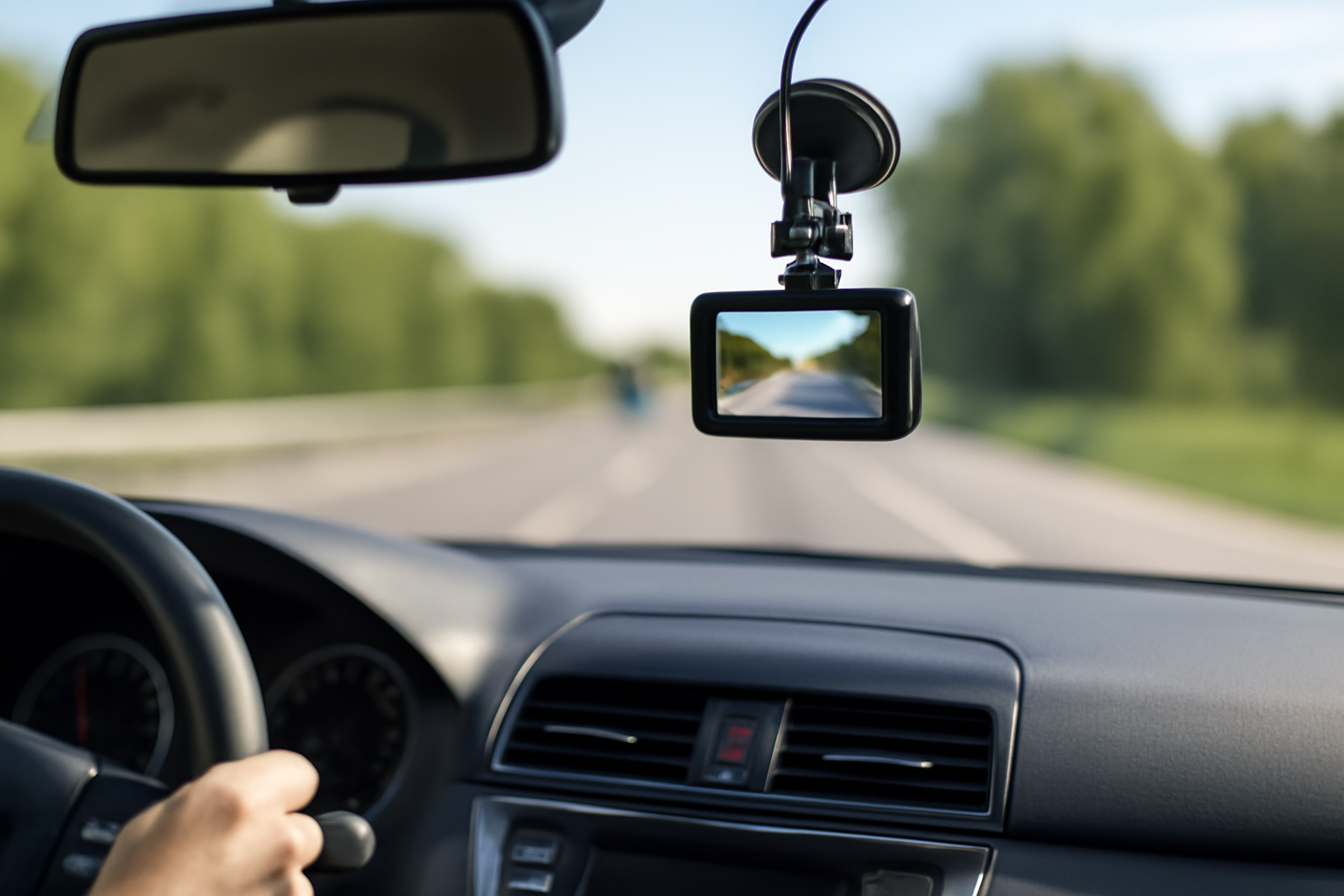
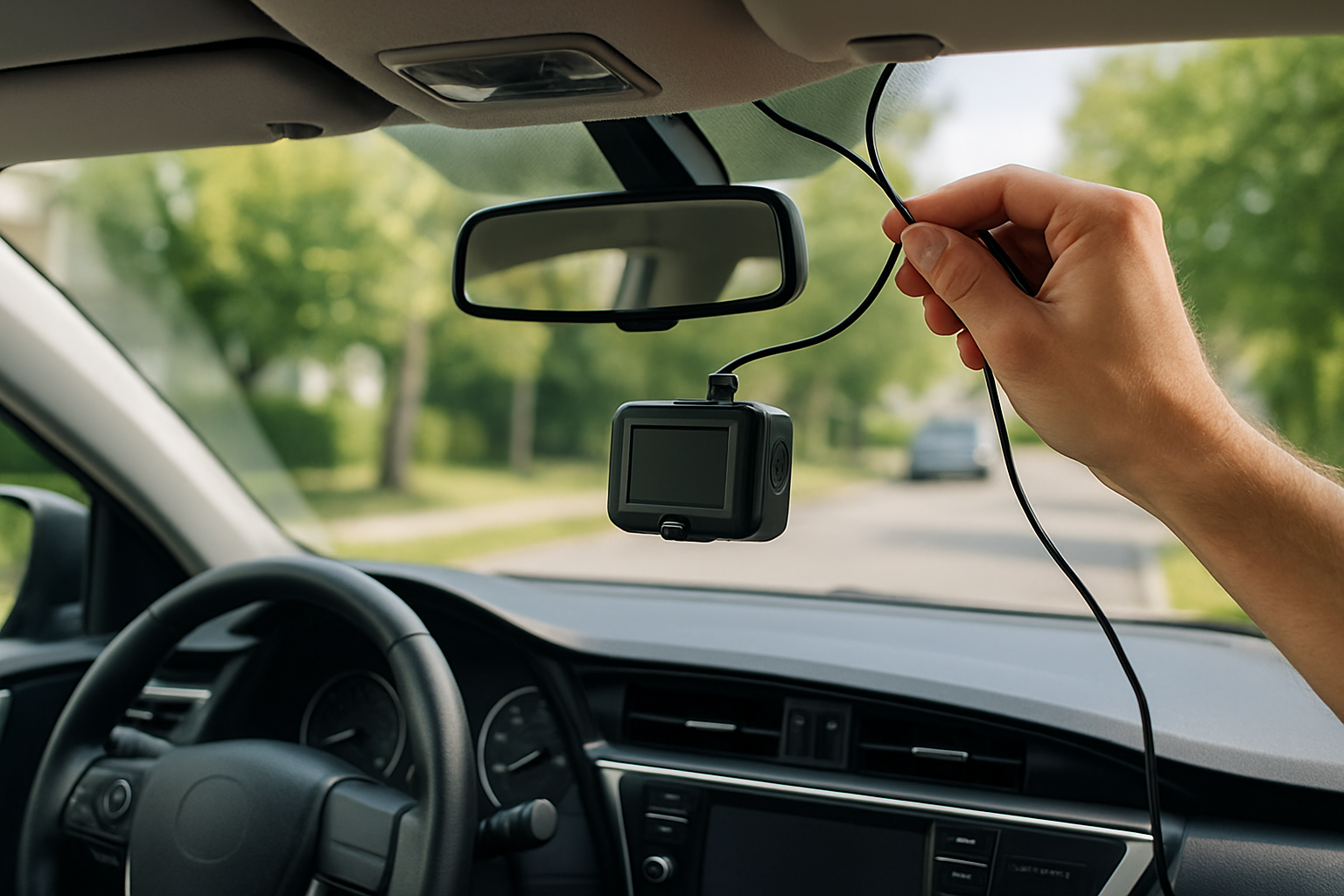
Mount the camera behind your rearview mirror for the least obstructed view. Use the adhesive mount if your car’s windshield has a steep angle, since suction cups tend to fall off over time in hot weather. Route the power cable along the headliner and down the A-pillar to keep it hidden.
A hardwire kit connects the camera directly to your fuse box for a cleaner installation and enables parking mode without draining your car battery. Most kits include a voltage cutoff to protect the battery.
Memory Card Matters
Use a high-endurance microSD card rated for continuous recording. Standard cards wear out quickly in dash cams because of the constant write cycles. A 128GB high-endurance card holds roughly 12-20 hours of 1080p footage before the loop recording overwrites old files.
Frequently Asked Questions
Are dash cams legal everywhere?
Dash cams are legal in all 50 US states for personal use. Some states have restrictions on windshield-mounted devices, which may require a dashboard mount instead. Recording audio inside the car may require consent from passengers in certain states.
Do I need a dash cam if I have a new car with safety features?
Yes. Advanced driver assistance systems help prevent accidents, but they don’t provide video evidence when an accident does happen. A dash cam complements those safety features by documenting everything on the road. Even if you’re driving a reliable used car, video evidence protects you from false claims.
How do I share dash cam footage with insurance?
Most cameras save footage to a microSD card. Remove the card, plug it into your computer, and copy the relevant file. Cameras with Wi-Fi let you download clips directly to your phone. Send the file to your insurance adjuster via email or their claims app.
Can parking mode drain my car battery?
Parking mode uses minimal power, but extended use can drain your battery over several days. A hardwire kit with voltage cutoff prevents battery drain by shutting off the camera when your battery reaches a preset voltage level. This protects your car from being unable to start.
Leave a Reply