
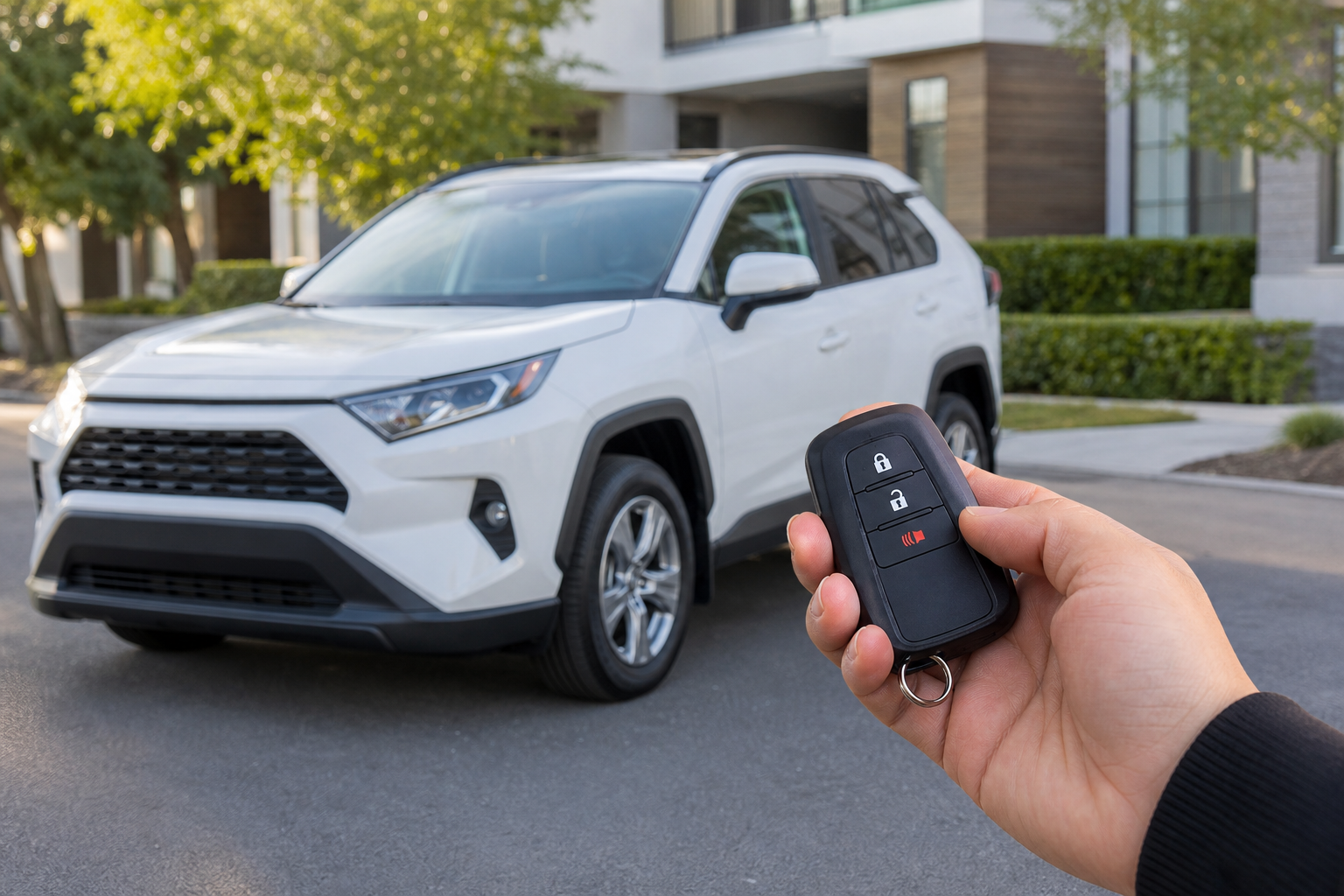
If you’ve ever unlocked your Toyota RAV4 in a quiet parking garage or a sleeping neighborhood at 11pm and had that chirp echo off every wall around you, you already know why this is one of the most common questions RAV4 owners ask. That little beep is convenient during the day and mildly embarrassing at night, and plenty of drivers want to know if they can turn it down, change it, or kill it completely without breaking anything else on the car.
The answer depends heavily on your RAV4’s model year, trim level, and infotainment system. Some RAV4 owners can fix this in under a minute from the touchscreen. Others need a trip to the dealer or a professional scan tool. Below, we’ll walk through what actually causes the sound, how to adjust it if your RAV4 supports owner-level control, and what to do if it doesn’t.
What the Lock and Unlock Beep Actually Is
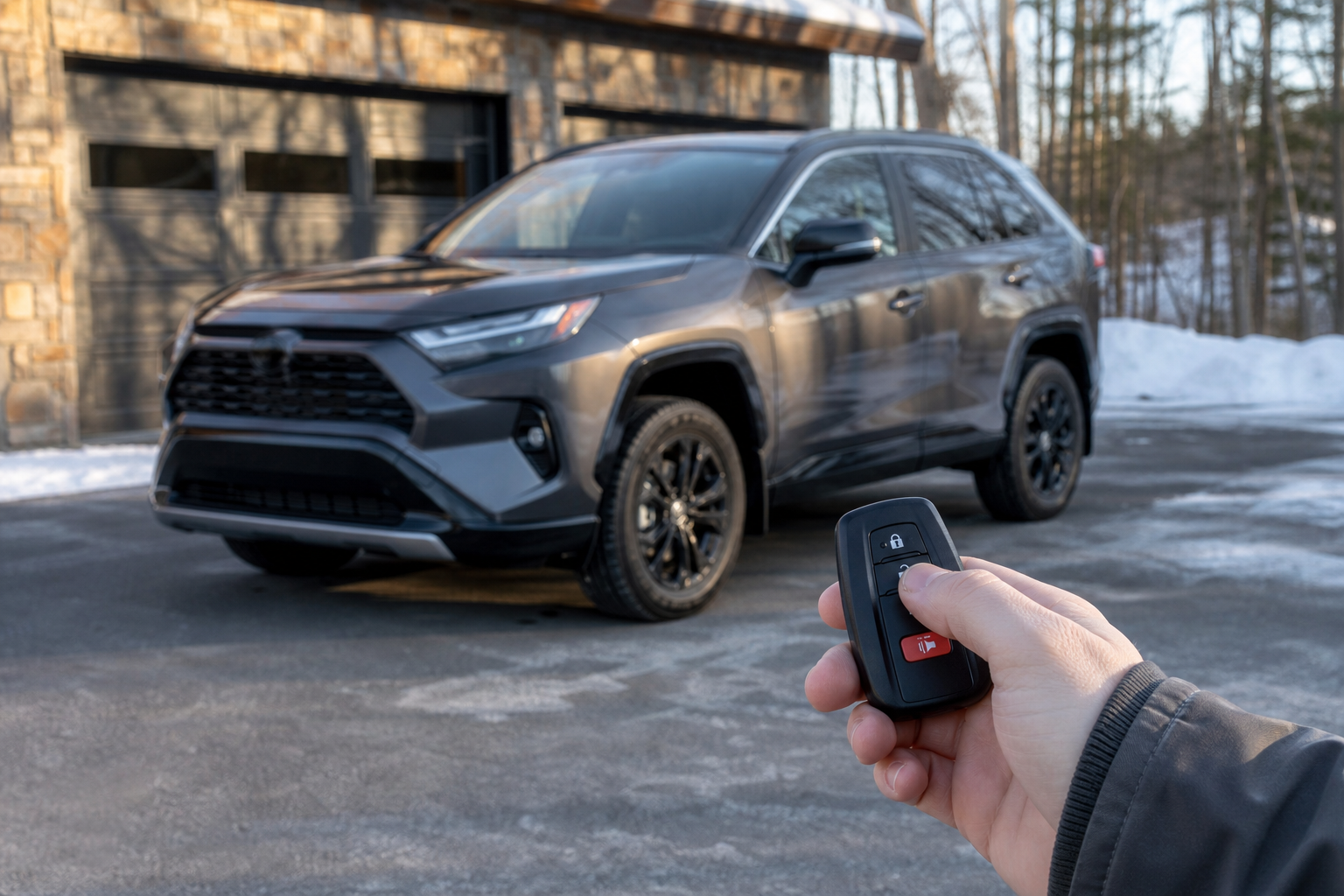
Toyota calls this the “answer back” function. It’s a small confirmation sound (and sometimes a light flash) that fires when you lock or unlock the RAV4 using the key fob or the door handle sensor if your RAV4 has smart key entry.
On most RAV4 model years, locking the doors produces one short horn chirp, and unlocking produces two chirps. That’s Toyota’s default factory pattern across a lot of their lineup, not something unique to the RAV4. The sound comes from the vehicle’s horn, not a separate speaker, which is why it can be surprisingly loud.
It’s worth separating this from a few other sounds owners sometimes lump together:
- The door ajar chime that plays if you open the door with the ignition off
- The seatbelt reminder chime
- The alarm system’s arm/disarm indicator, on trims equipped with an anti-theft alarm
These are handled by separate systems in the RAV4’s body control module, so adjusting the lock/unlock beep generally won’t touch these other alerts. That’s an important distinction if your real complaint is about the seatbelt chime or a door warning tone rather than the lock confirmation itself.
Owner-Accessible Settings on Newer RAV4 Models
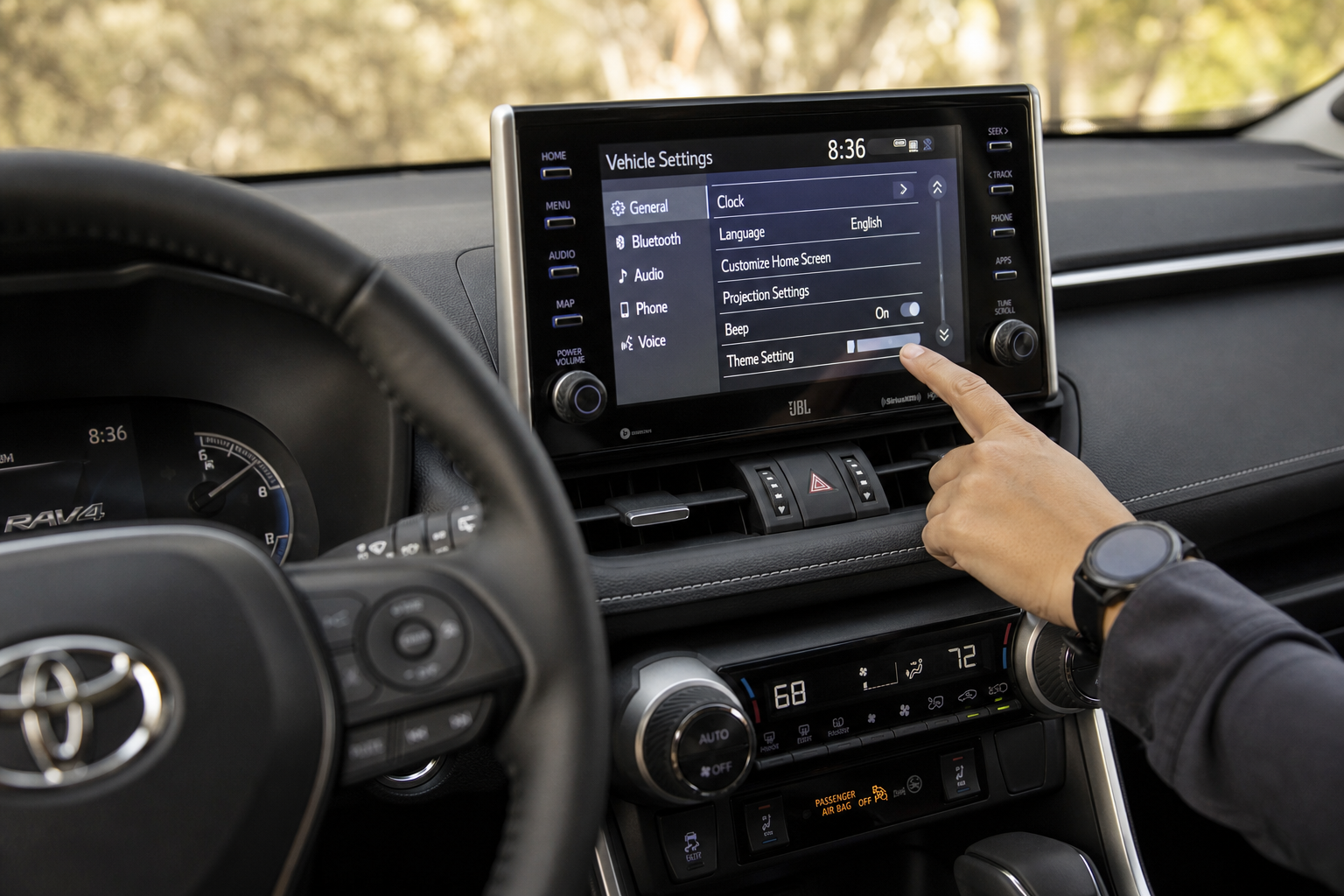
If you own a 2019 or newer RAV4 (the XA50 generation), there’s a decent chance you can adjust the lock beep yourself through the touchscreen, without any dealer visit.
Here’s the general path, though exact wording can shift slightly by software version:
- Press the Home or Apps button on the touchscreen
- Tap Settings, then Vehicle
- Look for a section labeled Door and Key or Lock/Unlock
- Find the option for Answer Back Sound, Lock Beep, or similar wording
- Toggle it off, or in some trims, choose between horn chirp, light flash only, or both
Some RAV4 trims with the Toyota Audio Multimedia system (introduced on later XA50 and continuing into the 2025+ XA60 RAV4) offer more granular control, letting you separate the lock confirmation from the unlock confirmation instead of toggling both at once. Others only give you a single on/off switch that governs both.
Because Toyota has changed infotainment software multiple times within the same generation, the exact menu label on your RAV4 might read slightly differently than what’s listed here. If you don’t see it under Vehicle settings, check under Sound settings as well, since Toyota has moved this option between menus more than once.
What Changing This Setting Does and Doesn’t Affect
When your RAV4 does offer this menu option, turning off the answer back beep only affects the horn chirp tied to locking and unlocking. It won’t change the volume or behavior of navigation prompts, turn signal clicks, or safety chimes like lane departure or forward collision alerts. Those are controlled through entirely separate settings, similar to how other automakers separate their comfort features from safety-critical sounds, as we’ve covered in our guide to turning off lane assist on the Ford Explorer.
Older RAV4 Models and the Key Fob Method
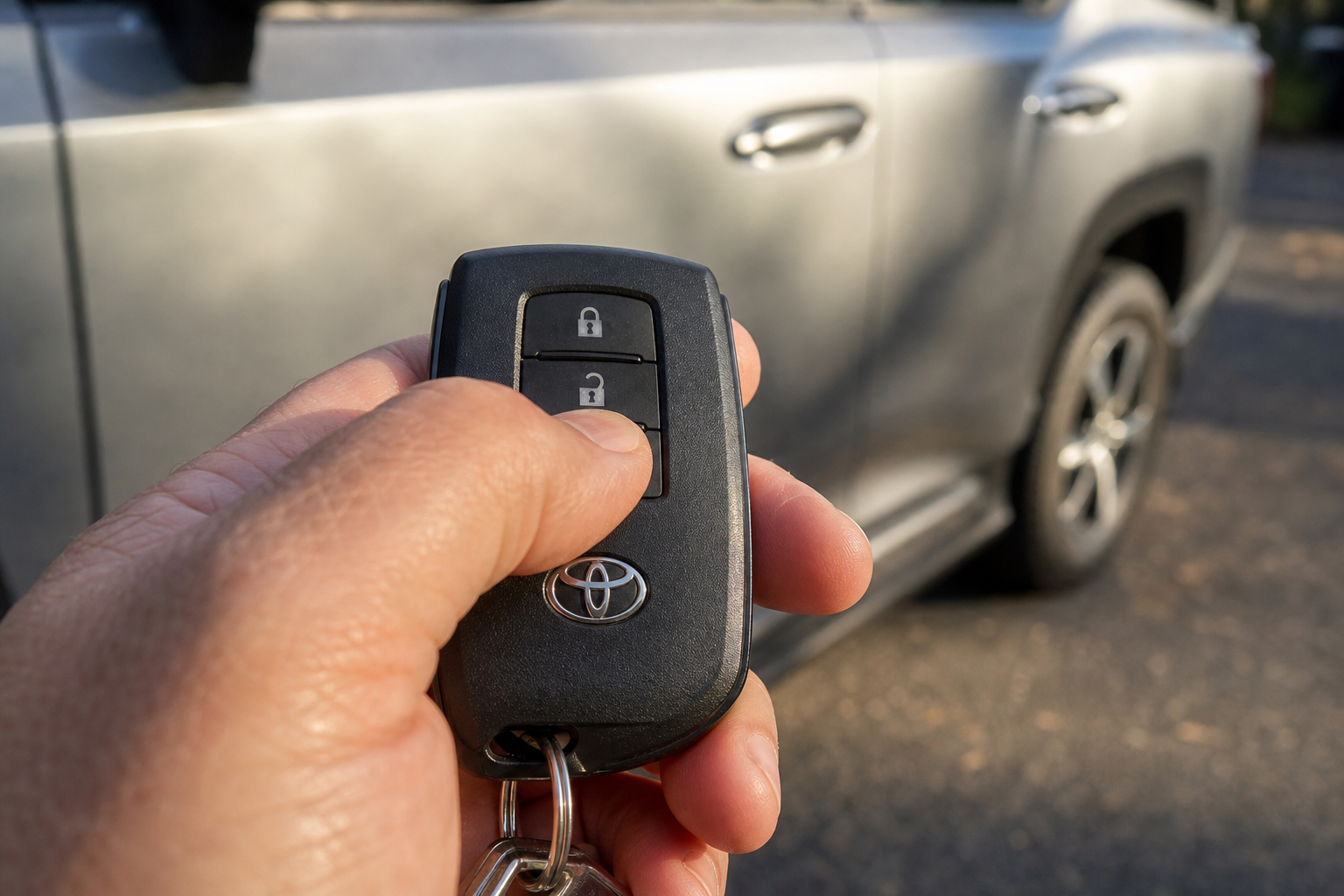
If you’re driving a 2013-2018 RAV4 (XA40 generation), you likely won’t find a touchscreen option for this at all. Entune systems from that era were far more limited when it came to vehicle customization.
Some owners have had success using a fob button sequence to toggle the horn chirp, similar to procedures Toyota has used on other models for decades. The general idea:
- Sit in the driver’s seat with the doors closed
- Press and hold the lock button on the fob for several seconds
- While still holding lock, press the unlock button a set number of times
- Release and test by locking the doors again
The problem is that this sequence isn’t officially documented by Toyota for every RAV4 trim, and it doesn’t work consistently across all XA40 vehicles. Some owners report it works exactly as described, others report no change at all, and some report it toggles the answer back light flash rather than the sound. Because it’s not a confirmed factory procedure for this generation, treat it as a “try it and see” option rather than a guaranteed fix.
When You Actually Need Dealer Programming
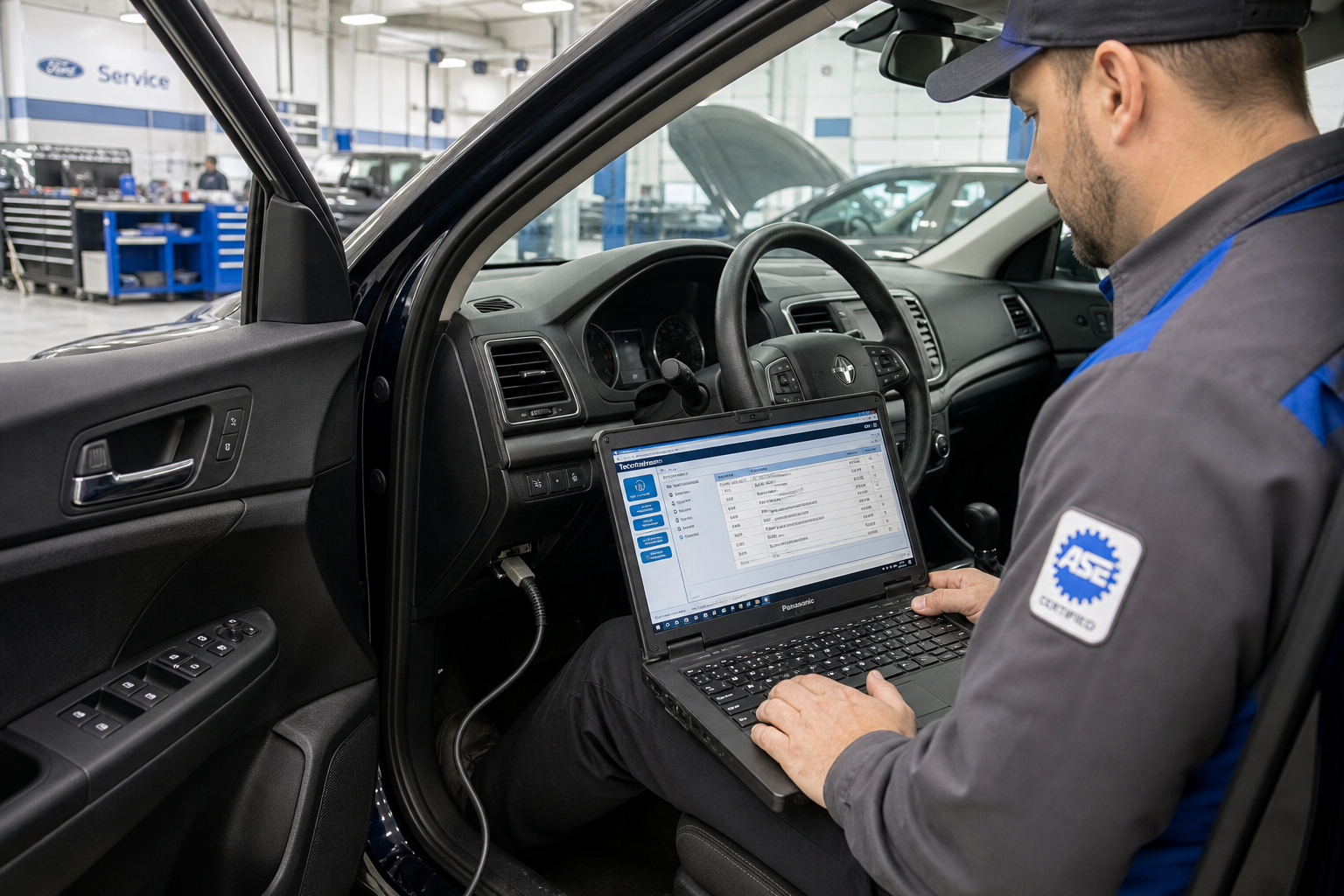
On plenty of RAV4 trims, especially base models and certain years without the higher-end multimedia system, there’s simply no owner-facing menu for this. In those cases, the only supported way to change the lock beep behavior is through Toyota’s Techstream diagnostic software, which dealerships and some independent Toyota specialists use.
Techstream can access customization parameters in the body control module that aren’t exposed anywhere in the cabin. A technician can toggle the horn chirp on lock, on unlock, or both, typically in a few minutes once the car is connected.
This is different from generic aftermarket OBD2 coding tools you might see marketed online for “unlocking hidden features.” We’re not going to recommend those here. Toyota’s body control module isn’t as open to third-party coding as some other brands, and using unsupported tools to force changes can trigger fault codes, mess with other convenience features, or in worst cases cause issues with the alarm system. If your RAV4 doesn’t have the setting in its menu, the safe route is asking your dealer’s service department whether they can adjust it during a routine visit, or calling ahead to ask if it’s something they can do while you wait.
Does This Affect the RAV4 Hybrid or Prime Differently?
The RAV4 Hybrid and RAV4 Prime use the same door lock and body control hardware as the gas-only RAV4 in their respective generations, so the answer back beep behaves the same way. If you’re driving a Hybrid trim and exploring other software-based features unique to that powertrain, it’s worth checking out our breakdown of how to use the predictive efficient drive feature on Toyota hybrid models, since that’s another setting that often confuses new owners the first time they see it pop up on the dash.
Comparing This to Other Brands
Toyota isn’t alone in defaulting to an audible lock confirmation. Honda does something similar with its proximity-based locking system, and owners there have their own workarounds, which we cover in our guide to the walk-away auto lock feature on Honda vehicles. The general trend across manufacturers has been to slowly move more of these convenience toggles into the touchscreen instead of requiring a dealer visit, and Toyota’s later RAV4 software reflects that shift more than the earlier XA40 generation does.
A Quick Note on Battery Drain Concerns
Some owners assume a chirping fob or frequent lock/unlock cycles might be draining their battery faster than normal. In reality, the answer back chirp itself draws almost nothing from the 12V battery. If you’re noticing actual battery drain overnight, it’s much more likely tied to something else entirely, like a door not latching fully or an aftermarket accessory pulling power while parked. Our guide on a car battery dying overnight when the alternator is good walks through how to track down that kind of drain properly.
FAQ
Does turning off the lock beep also disable the alarm system?
No. The answer back chirp and the anti-theft alarm are handled by different parts of the body control module. Turning off the lock confirmation sound doesn’t disarm your alarm or reduce its effectiveness if someone tries to break in.
Can I turn off just the unlock beep but keep the lock beep?
On some newer RAV4 trims with the updated Toyota Audio Multimedia system, yes, you can control lock and unlock sounds separately. On older systems or base trims, it’s usually a single toggle that affects both at once.
Why does my RAV4 flash its lights instead of beeping when I lock it?
Some RAV4 configurations let you choose between a horn chirp, a light flash, both, or neither as the answer back confirmation. If yours is only flashing, check the settings menu (on equipped models) to see if the sound option was switched off previously, either by you, a previous owner, or the dealer during delivery prep.
Will an OBD2 scanner I buy online let me change this setting myself?
Generic consumer OBD2 tools typically can’t access Toyota’s proprietary customization parameters the way Techstream can. Using unsupported tools to attempt this kind of coding risks throwing fault codes or affecting other systems, so it’s best left to a dealer or a shop with proper Toyota diagnostic equipment if your RAV4 doesn’t offer the setting in its own menu.


Leave a Reply