
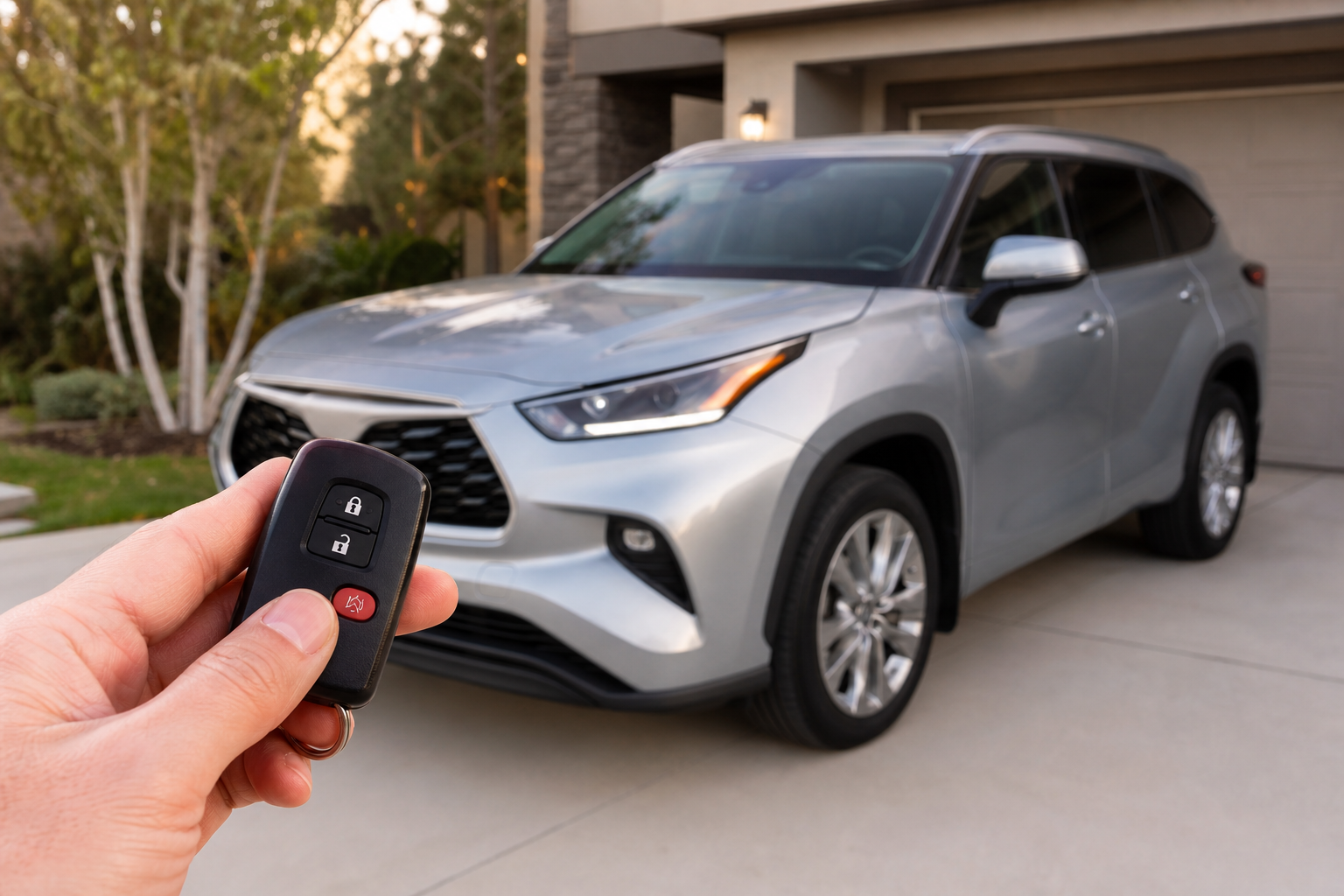
You press the lock button on your key fob in a quiet parking garage at 6 a.m., and the Highlander answers with a chirp loud enough to wake the whole neighborhood. It’s a small thing, but it’s also one of the most common complaints Highlander owners bring up in forums and dealer service bays. The horn honk that confirms locking and unlocking is intentional, and in most model years you actually have some control over it.
This article walks through what causes the beep, which settings menus let you change it, and where the line sits between something you can adjust yourself and something that needs a dealer’s scan tool.
What Triggers the Lock and Unlock Beep
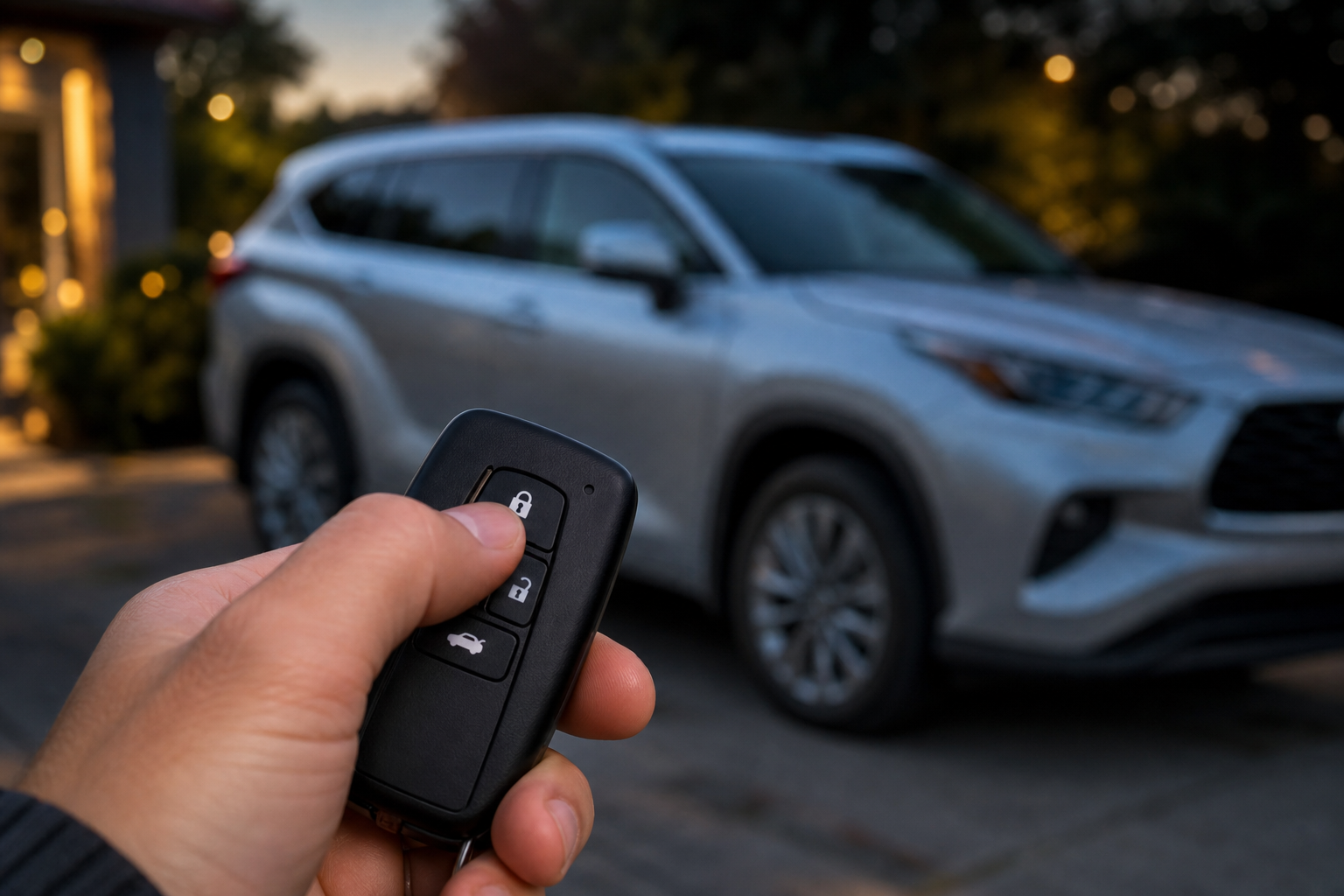
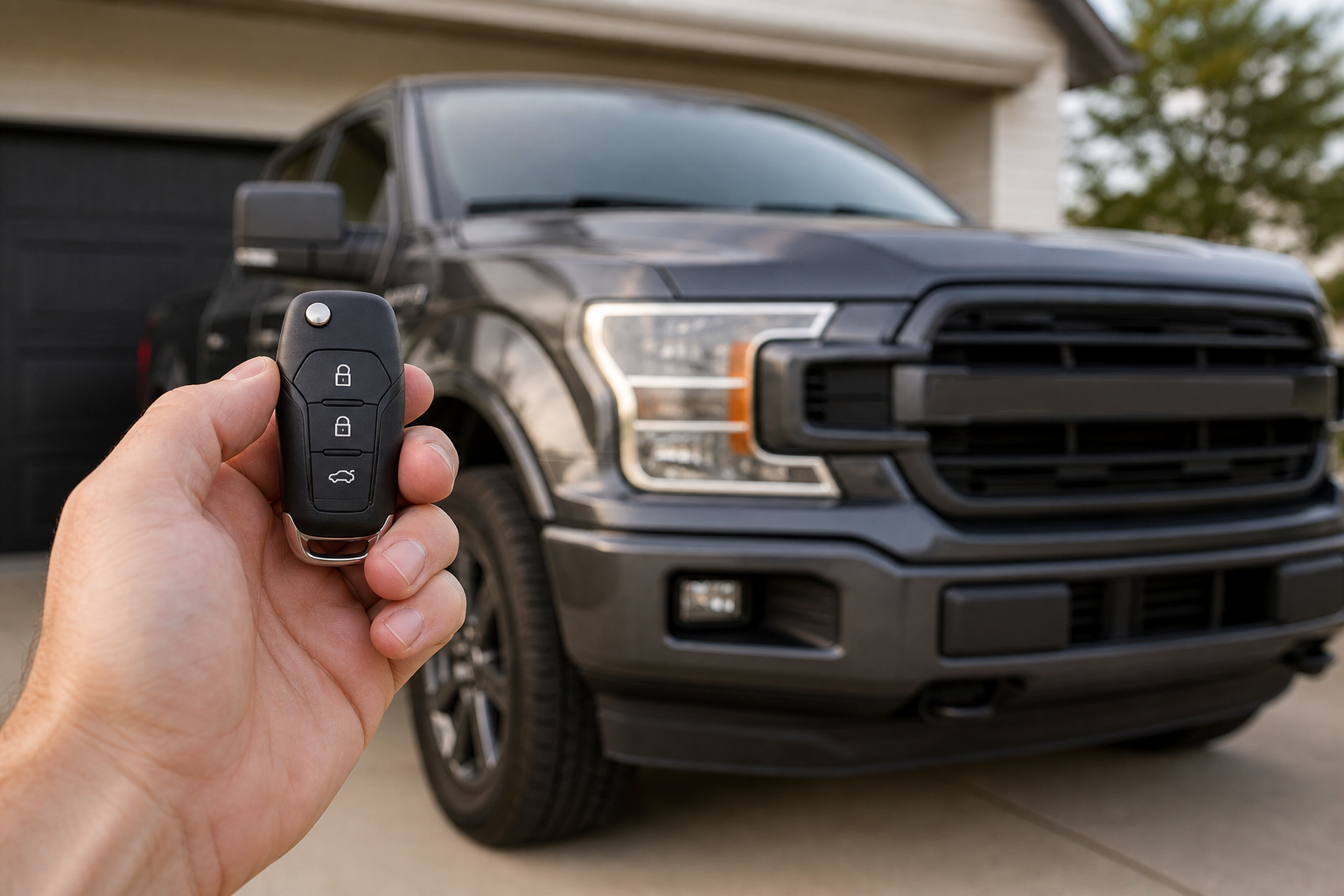
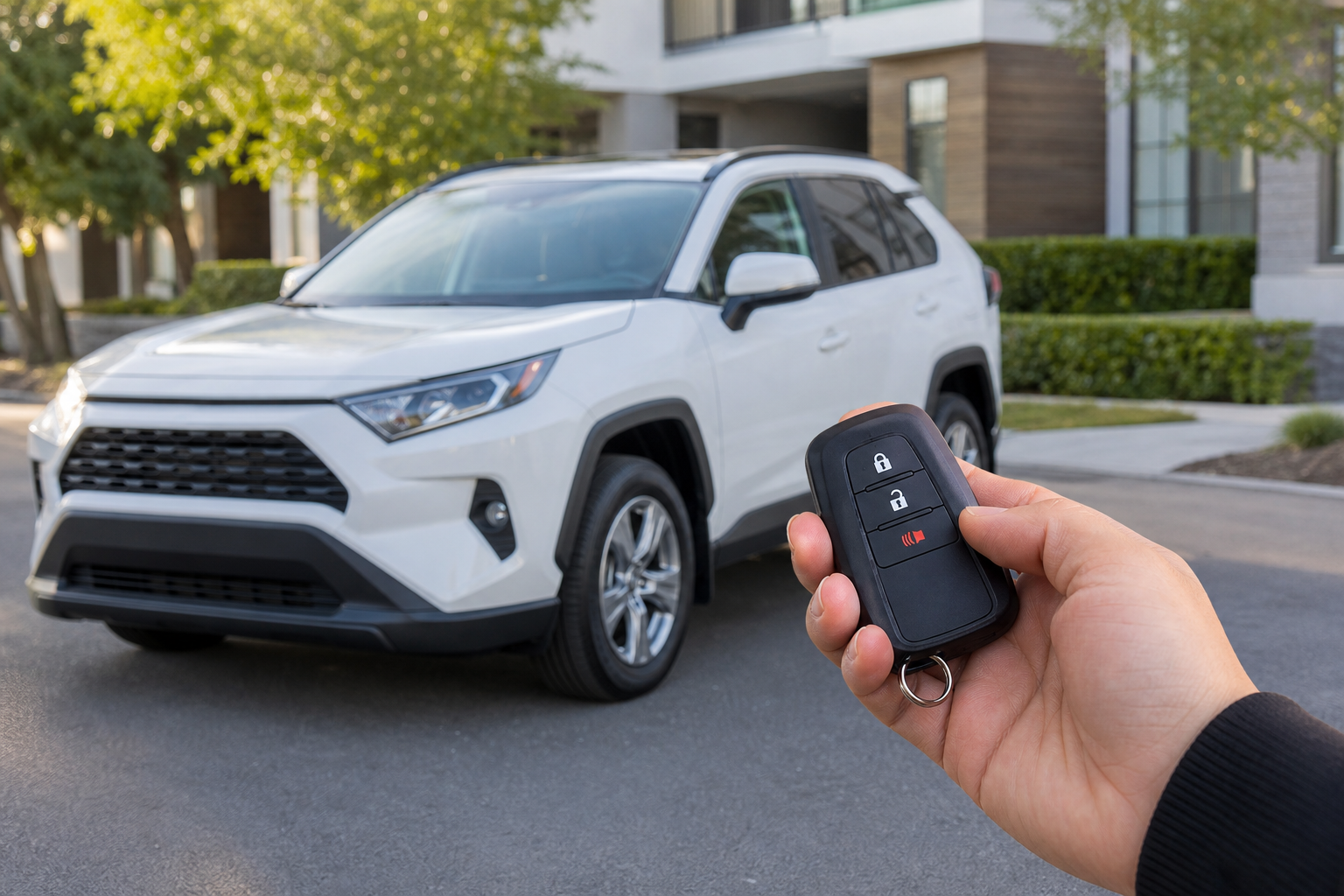
The sound you’re hearing when you press the fob button isn’t a dedicated beeper. On most Highlander model years it’s the actual horn, given a short single pulse for unlock and two quick pulses for lock. Toyota calls this the “answer back” feature, and it’s designed to confirm that the doors actually locked or unlocked, especially useful in a crowded parking lot when you’re not looking directly at the vehicle.
It’s tied to the remote keyless entry system, so it fires whether you use the fob buttons, the door handle sensor with the key in your pocket, or the Toyota app if your Highlander has Remote Connect. The headlights also flash along with the sound as a second visual confirmation, and that part typically can’t be separated from the audio confirmation on older systems.
Where to Find the Setting (2020 and Newer Highlanders)
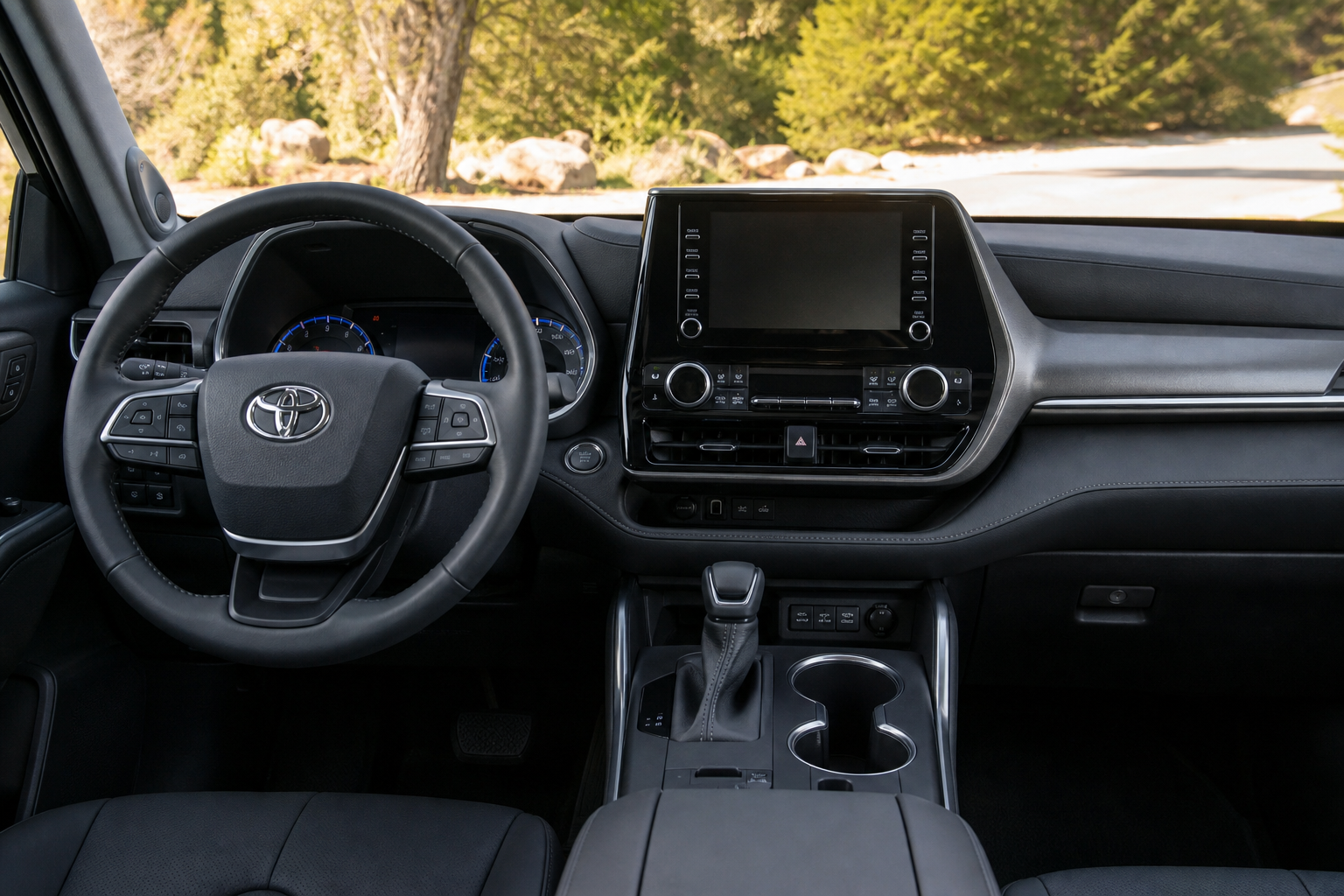
Starting with the 2020 redesign, Toyota built a menu option into the multimedia system that lets you turn the answer back honk on or off without touching the horn wiring or visiting a dealer. Here’s how to get to it:
- Press the “Menu” or “Settings” button on the touchscreen (a gear icon on most versions).
- Scroll to “Vehicle Settings” or “Vehicle Customization,” depending on your infotainment software version.
- Look for “Door Lock/Unlock” or “Entry/Exit.”
- Find the option labeled “Answer Back” or “Horn Answer Back” and toggle it off.
Some trims separate the setting so you can turn off the horn chirp but keep the headlight flash active, which is a nice middle ground if you still want a visual confirmation without the noise. Menu wording has shifted slightly between the 2020, 2022, and 2024 refreshes, so if you don’t see “Answer Back” right away, check under “Buzzer/Beep Settings” instead. The factory default on nearly every trim is honk enabled, so if the setting exists on your model year, you’re the one who has to go turn it off.
Older Highlanders (2019 and Earlier)
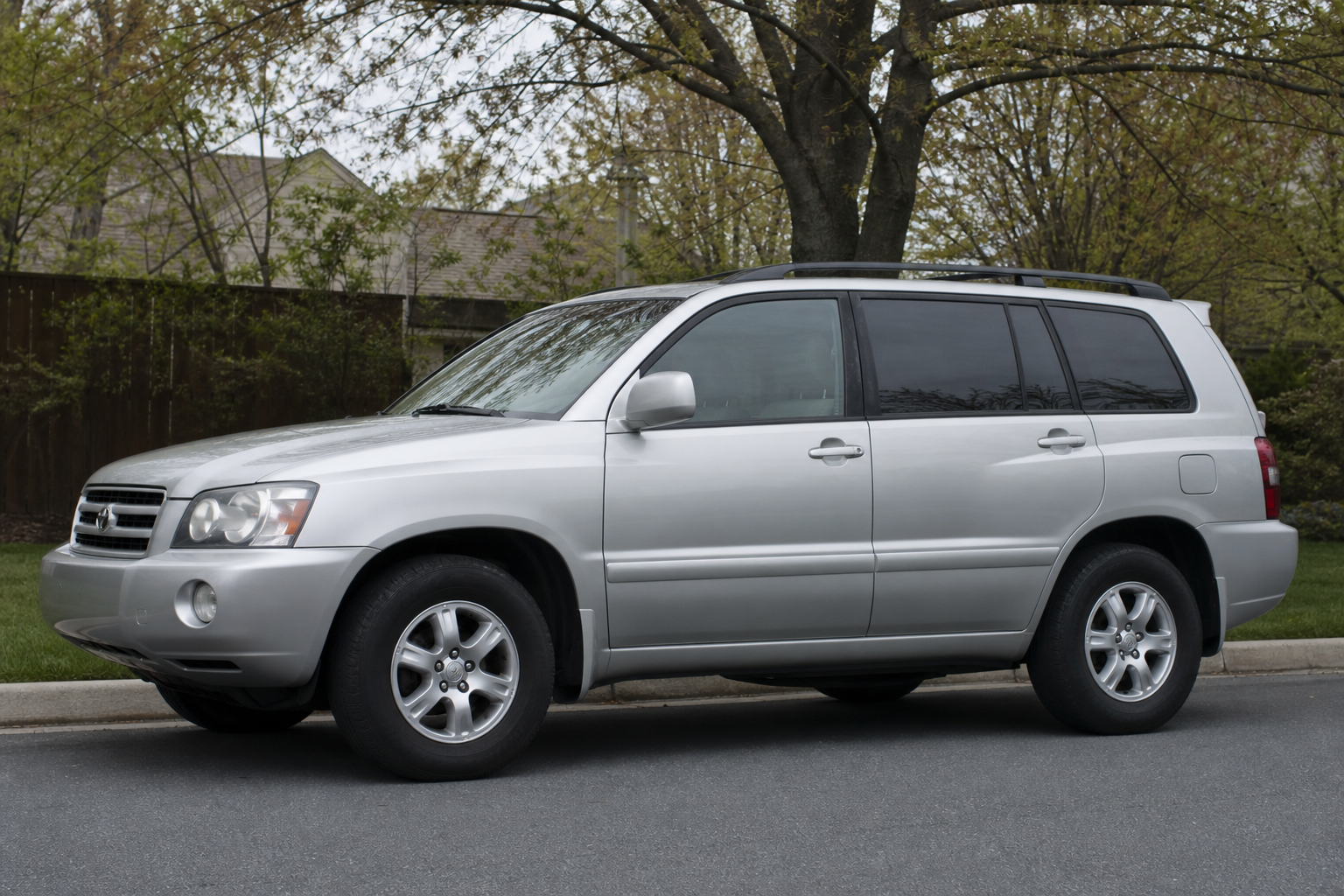
If you’re driving a third-generation Highlander (2014 to 2019) or anything older, you likely won’t find a touchscreen toggle for this at all. These model years typically don’t have a dedicated infotainment menu for answer back settings, and the behavior is controlled by the body control module instead.
On these Highlanders, adjusting or disabling the horn chirp usually requires reprogramming through a Toyota Techstream scan tool, which is what dealers and independent shops with the right diagnostic equipment use. Some owners have had luck asking a dealer service department to make this change during a routine visit, since it’s a quick reprogramming task rather than a repair. Others use aftermarket OBD-II programming tools designed for Toyota vehicles, but results vary by exact trim and production date, and there’s always some risk of unintended side effects when you’re using third-party coding on a manufacturer’s electrical system.
We’d recommend sticking with dealer programming or a reputable independent Toyota specialist rather than trying unofficial coding hacks you find in a random forum thread. It’s not worth risking your alarm system or door lock module functionality to save a chirp.
Does Turning It Off Affect Other Sounds?
This is the part owners get wrong most often. Turning off the answer back honk on Highlanders with the touchscreen toggle only affects the lock and unlock confirmation. It does not touch:
- Seatbelt reminder chimes
- Door ajar warnings
- Backup or parking sonar alerts
- Turn signal clicks
- Pre-Collision System or lane departure alerts
Those all live in separate settings groups tied to safety systems, and Toyota generally doesn’t let you disable safety-related alerts through the infotainment menu, for good reason. If your real complaint is more about the volume of chimes overall rather than just the lock sound, you’re dealing with a different system entirely and a different fix.
One thing to know if you also drive a Toyota Camry or another Toyota product: the remote connect app has its own separate honk setting for remote lock and unlock actions performed through your phone, and that toggle lives inside the app itself rather than the vehicle’s touchscreen. So even after you silence the fob honk in the car, using the app to lock your doors remotely might still trigger a chirp unless you also adjust that setting on your phone.
A Quick Comparison to Other Toyota Behaviors
If you’ve spent any time with a Toyota Camry, Corolla, or Tundra, you’ve probably noticed similar horn honk behavior on lock and unlock, since Toyota tends to standardize these systems across its lineup. The menu names and exact toggle locations shift slightly by model and year, which is why it pays to check your specific owner’s manual before assuming a setting works exactly the way a forum post describes for a different vehicle. If you’re chasing down other Toyota-specific quirks, our guide on using Predictive Efficient Drive on Toyota hybrid models covers another feature that behaves a bit differently depending on trim and model year.
It’s also worth pointing out that not every owner wants this silenced entirely. In apartment complexes or shared driveways, that honk is genuinely useful for confirming your car is locked from across a parking lot. If you’re on the fence, try disabling just the headlight flash first, or use the setting that keeps flash but drops sound, before turning off both confirmations completely.
Frequently Asked Questions
Does the Toyota Highlander have a way to silence just the unlock chirp but keep the lock chirp active?
No. On the model years that offer the touchscreen toggle, it’s an all-or-nothing setting for the honk itself. You can separately control whether the headlights flash, but the audio confirmation applies to both locking and unlocking together, not one or the other.
Will disabling the answer back honk affect my Highlander’s alarm system?
No, they’re separate systems. The answer back honk is a confirmation feature tied to the keyless entry system, while the alarm system responds to actual break-in attempts or unauthorized entry. Turning off the confirmation chirp has no effect on how the alarm responds if someone tries to force a door or window.
Can a dealer turn off the horn honk on an older Highlander for free?
It depends on the dealer and whether they classify it as a courtesy adjustment or a billable service. Since it typically requires connecting a Techstream scan tool and takes only a few minutes, many dealers will do it at no charge if you’re already there for an oil change or other service, but don’t assume it’s guaranteed. Calling ahead and asking the service advisor directly saves you a wasted trip.

Leave a Reply