

Your Hyundai Tucson’s maintenance light just came on, and you need to reset it after completing your scheduled service. This warning light serves as a helpful reminder for oil changes and routine maintenance, but once you’ve taken care of the work, you’ll want to clear it from your dashboard.
The reset process varies depending on your Tucson’s model year and features, but don’t worry. Most owners can handle this simple procedure in just a few minutes using either the infotainment system or steering wheel controls.
Understanding Your Tucson’s Maintenance Light System
Hyundai’s maintenance reminder system tracks your driving habits, mileage, and time since the last reset to estimate when your vehicle needs service. The system doesn’t actually monitor oil quality or other fluid conditions. Instead, it uses algorithms based on typical driving patterns to suggest service intervals.
When the maintenance light appears, it typically shows messages like “SERVICE IN” followed by a mileage countdown, or “SERVICE REQUIRED” when immediate attention is needed. You might also see specific indicators for oil changes, tire rotations, or other scheduled maintenance items.
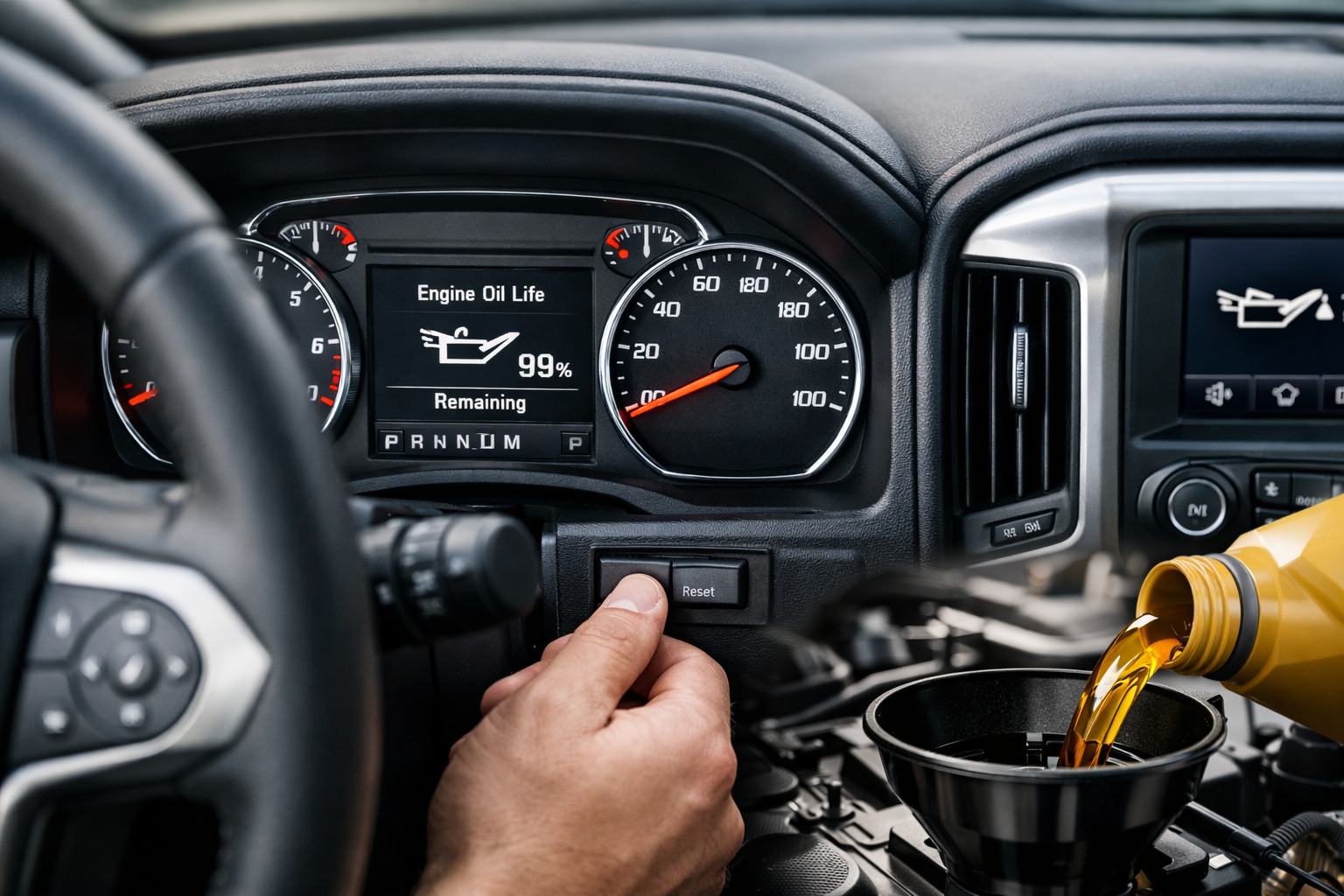
After completing the required maintenance, you’ll need to manually reset the system. The light won’t disappear on its own, even if you’ve changed the oil or performed other services.
Method 1: Infotainment System Reset (2016-2023 Models)
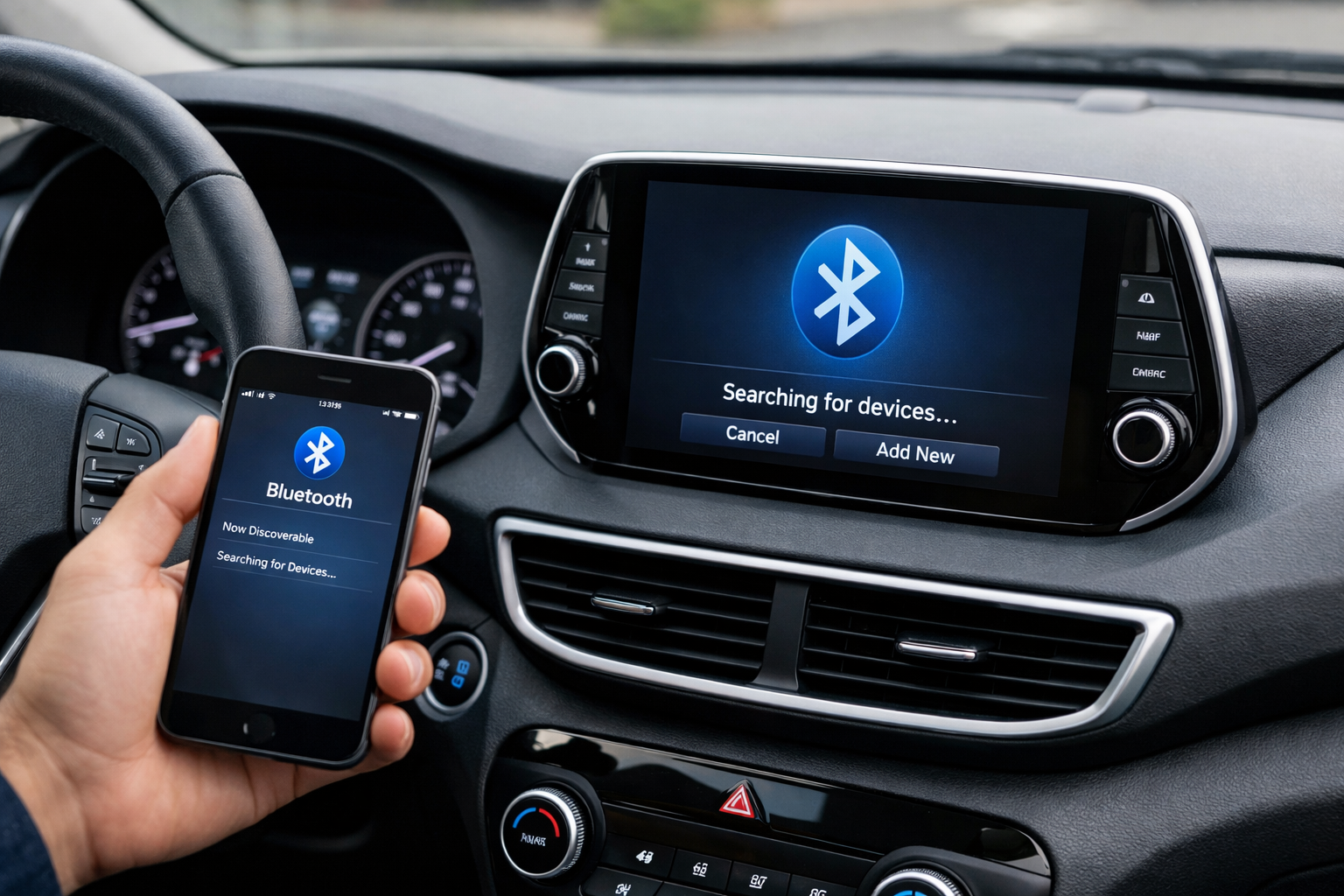
Most newer Tucson models allow you to reset the maintenance light through the touchscreen infotainment system. This method works on vehicles equipped with Hyundai’s 7-inch or 8-inch display systems.
Start by turning on your vehicle or switching to the “ON” position without starting the engine. Access the main menu on your touchscreen and look for “Settings” or a gear icon, usually located along the bottom or side of the screen.
Navigate to “Vehicle Settings” or “Vehicle” within the settings menu. You’ll find several options related to your Tucson’s various systems and features.
Look for “Service Interval” or “Maintenance” in the vehicle settings menu. Some model years may show this option as “Service Reset” or “Scheduled Maintenance.” Select this option to access the maintenance reset functions.
Choose the specific maintenance item you want to reset. Options typically include “Engine Oil,” “Oil Filter,” “Cabin Air Filter,” “Tire Rotation,” and others. Select the appropriate service you’ve just completed.
Confirm the reset by selecting “Yes” or “Reset” when prompted. The system will reset the maintenance interval for that specific item and return you to the previous menu.
Method 2: Steering Wheel Button Method (2010-2023 Models)
Older Tucson models and some newer variants without advanced infotainment systems use the steering wheel controls for maintenance light resets. This method also works as a backup for newer models if the touchscreen method isn’t available.
Turn your ignition to the “ON” position without starting the engine. Make sure all warning lights illuminate on your dashboard initially.
Locate the “OK” or “SET” button on your steering wheel. On most Tucson models, you’ll find this button on the right side of the steering wheel, either as part of the cruise control cluster or as a separate button near the audio controls.
Press and hold the “OK” or “SET” button for approximately 10-15 seconds. Keep holding until you see the maintenance light begin to flash or change on your dashboard display.
Watch your instrument cluster for confirmation. The maintenance message should disappear, and you might see “RESET” or “OK” displayed briefly to confirm the successful reset.
Alternative Method for First-Generation Tucson (2005-2009)
Older Tucson models use a different reset procedure since they lack the advanced digital displays found in newer vehicles. These models typically show maintenance reminders through simpler warning lights or basic display messages.
Turn your key to the “ON” position and wait for all dashboard lights to illuminate and settle. Press your odometer reset button (usually a small button or stem near the speedometer) and hold it down.
While holding the odometer button, turn your ignition key to the “OFF” position, then back to “ON.” Continue holding the button throughout this process.
Keep holding the odometer reset button until the maintenance light turns off or until you see the odometer display flash. This typically takes 10-20 seconds of continuous holding.
Troubleshooting Common Reset Issues
If the maintenance light doesn’t reset using these methods, you might be dealing with a few common issues. Double-check that you’re following the exact sequence for your model year, as timing and button combinations can be specific.
Some Tucson models require the engine to be completely cold before attempting a reset. If you’ve just driven the vehicle, wait 10-15 minutes before trying the reset procedure.
Battery voltage can affect the reset process. If your battery is weak or you’ve recently disconnected it, the reset procedure might not work properly. Ensure your battery has sufficient charge and all electrical systems are functioning normally.
Certain maintenance lights won’t reset if the system detects that insufficient time or mileage has passed since the last reset. This prevents accidental resets when maintenance hasn’t actually been performed.
When to Reset Your Maintenance Light
Only reset your maintenance light after you’ve actually completed the required service. The system exists to help you maintain your vehicle properly, and premature resets can lead to missed maintenance intervals.
If you perform your own oil changes and maintenance, reset the light immediately after completing the work while the procedure is fresh in your mind. Keep records of what maintenance you’ve performed and when you reset each indicator.
For professional service, most reputable shops will reset your maintenance lights as part of their service. However, it doesn’t hurt to check before leaving to ensure they’ve taken care of this step.
Model Year Specific Differences
The 2022-2023 Tucson features Hyundai’s latest infotainment system with a more intuitive menu structure. The maintenance reset options are typically found under “Vehicle Settings” with clear icons and descriptions.
2019-2021 models use a slightly different menu layout, but the basic process remains similar. You might find maintenance settings under “User Settings” rather than “Vehicle Settings.”
The 2016-2018 Tucson models often require using both the infotainment system and steering wheel buttons together for certain resets. Check your owner’s manual for the specific procedure if the standard methods don’t work.
Maintaining Your Reset Schedule
Keep a simple log of your maintenance resets, either in your phone or a small notebook in your glove compartment. Record the date, mileage, and which maintenance items you reset.
Consider setting phone reminders for your actual maintenance intervals, independent of your vehicle’s system. This provides a backup in case you accidentally reset something or if the system malfunctions.
Some Tucson owners find it helpful to reset multiple maintenance items at once if they’re performing comprehensive service. This keeps all your reminders aligned and simplifies future maintenance scheduling.
Professional Service Considerations
When taking your Tucson to a service center, specifically ask them to reset the appropriate maintenance lights. While most experienced technicians do this automatically, it’s worth mentioning to ensure nothing gets overlooked.
Independent mechanics might not be as familiar with Hyundai’s specific reset procedures compared to dealership technicians. You can share the information from this guide with them if needed.
Some quick-lube shops focus primarily on the oil change itself and may forget about the maintenance light reset. Check your dashboard before leaving their facility to ensure the light has been properly cleared.
FAQ
How often should I expect to reset the maintenance light?
Typical intervals range from 6,000 to 10,000 miles for oil change reminders, depending on your driving conditions and oil type. Other maintenance items like cabin air filters or tire rotations have their own specific intervals, usually ranging from 12,000 to 30,000 miles.
Will resetting the maintenance light affect my warranty?
Resetting the light itself won’t void your warranty, but skipping actual maintenance certainly can. Only reset the indicators after completing the required service work. Keep receipts and records of all maintenance performed.
What if I can’t find the maintenance reset option in my infotainment system?
Menu layouts vary between model years and trim levels. Try looking under “Settings,” “Vehicle,” “User Settings,” or similar menu options. If you still can’t locate it, consult your owner’s manual or try the steering wheel button method instead.
Can I reset individual maintenance items separately?
Yes, most Tucson models allow you to reset specific maintenance items independently. This feature lets you reset just the oil change reminder without affecting other maintenance intervals like tire rotations or air filter replacements.
This article contains affiliate links. If you purchase through these links, we may earn a small commission at no extra cost to you.

Leave a Reply