

Keeping track of your Honda CR-V’s oil life is essential for proper maintenance, but that persistent wrench light can be confusing once you’ve completed an oil change. The process for resetting the oil life light varies depending on your CR-V’s model year, and knowing the exact steps can save you a trip to the dealership.
Understanding Honda’s Maintenance Minder System
Honda’s Maintenance Minder system tracks your driving conditions and calculates when maintenance is due based on engine operating conditions, not just mileage. This intelligent system monitors factors like engine temperature, RPM, vehicle speed, and time to determine the optimal service intervals.
The system displays oil life as a percentage, starting at 100% after a reset and counting down to 0%. When it reaches 15%, you’ll see a wrench icon appear on your dashboard. This wrench light indicates it’s time for scheduled maintenance, not necessarily an immediate problem.
After completing your oil change, you must manually reset the system to restore the 100% oil life reading. Different CR-V generations use different reset procedures, so identifying your model year is crucial.
What That Wrench Icon Really Means
Many CR-V owners panic when they see the wrench symbol, but it’s simply Honda’s way of reminding you about routine maintenance. The wrench icon appears alongside the oil life percentage and maintenance codes like A1, B2, or other combinations.
These codes tell you exactly what service is needed. “A” indicates oil and filter change, while “B” means oil change plus additional inspections. The numbers represent specific services like tire rotation (1), air filter replacement (2), or transmission fluid change (3).
2012-2016 Honda CR-V Oil Light Reset
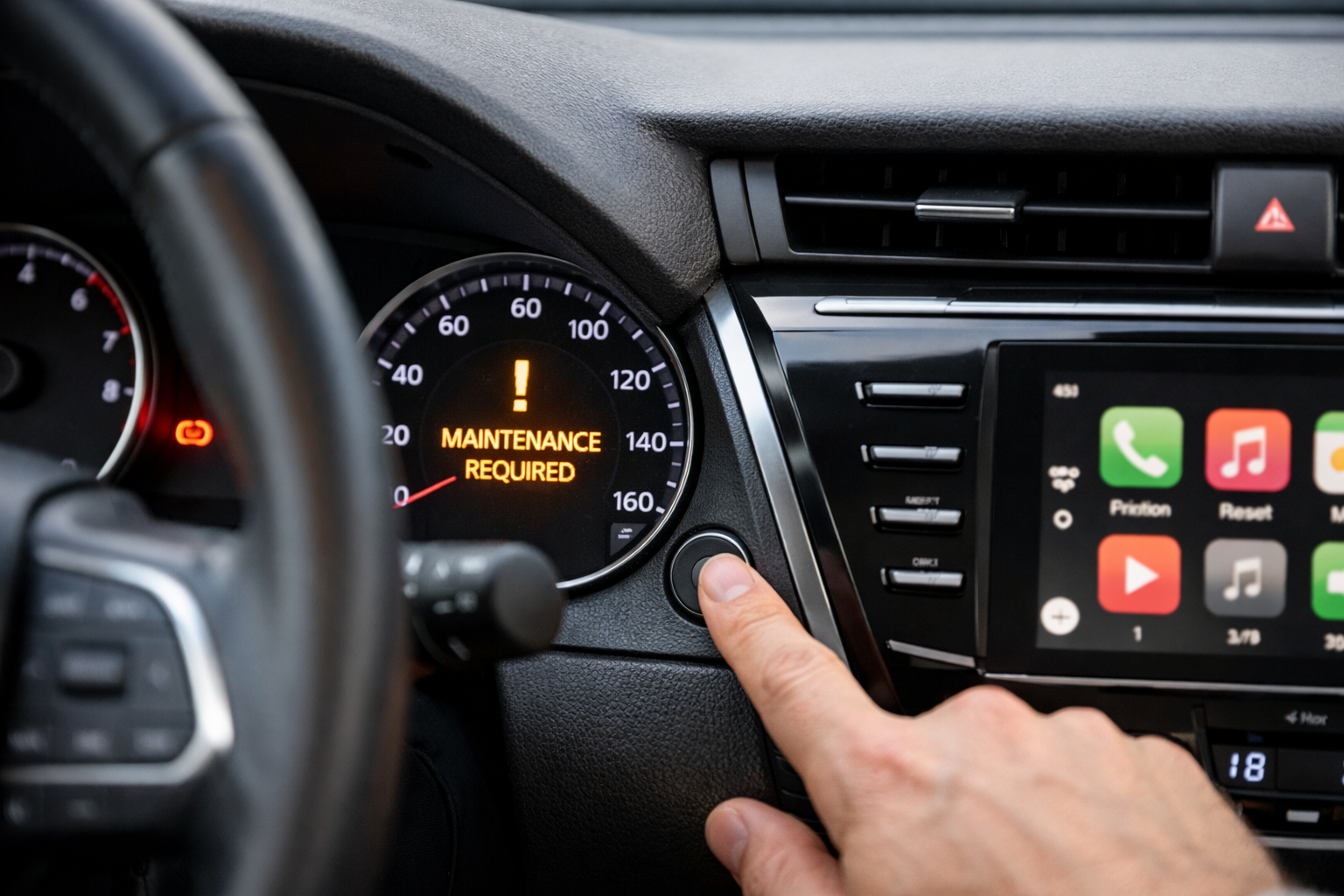
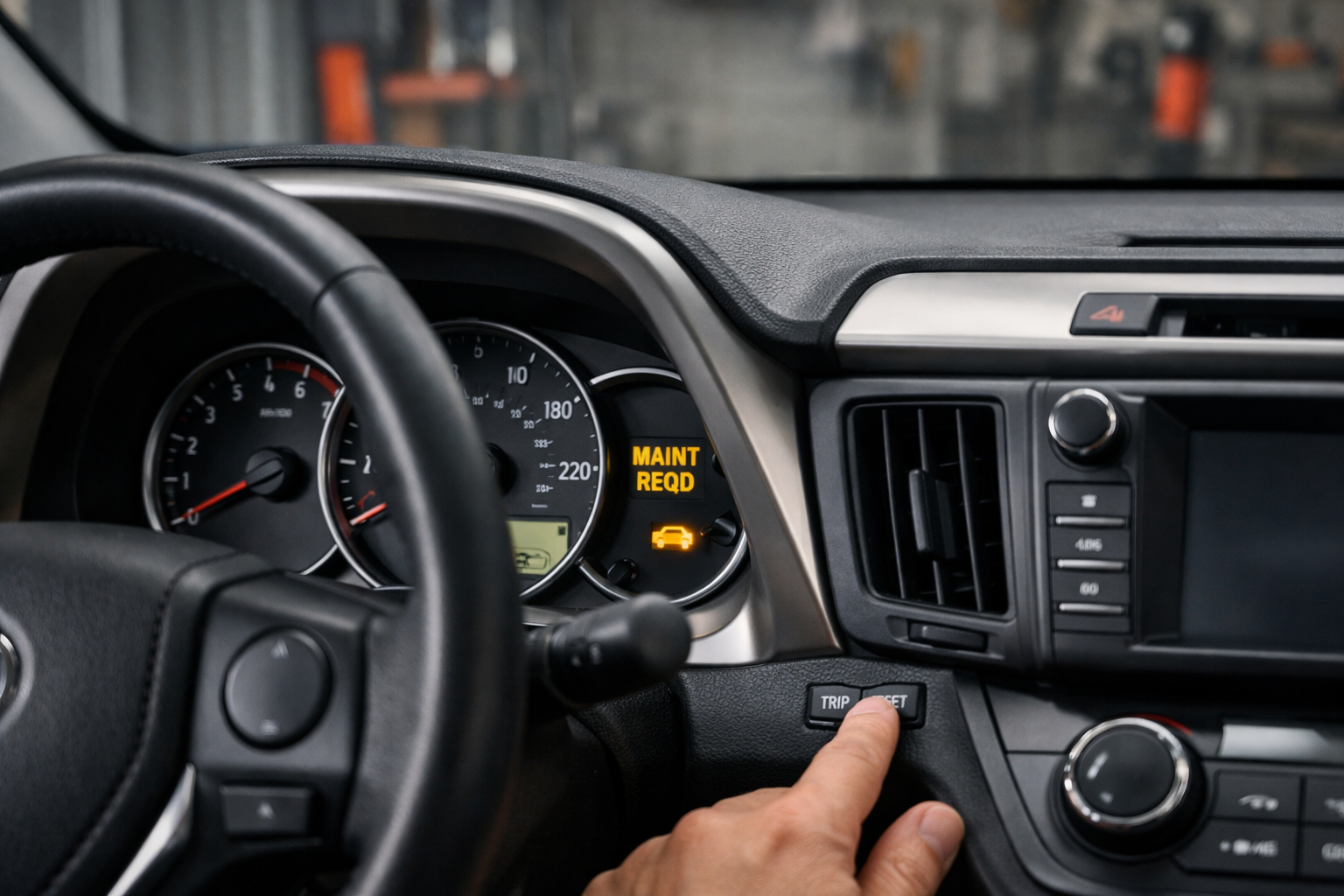
The fourth-generation CR-V uses a straightforward button sequence for oil life reset. You’ll need to locate the select/reset button on your dashboard, typically positioned on the instrument cluster.
First, turn the ignition to the “ON” position without starting the engine. Press and hold the select/reset button until the oil life display appears on your dashboard. Continue holding the button for approximately 10 seconds until the oil life begins flashing.
Release the button, then press and hold it again until the oil life resets to 100%. The wrench icon should disappear, and your maintenance reminder will be cleared. Turn off the ignition and restart your CR-V to confirm the reset worked properly.
Alternative Method for 2012-2016 Models
Some 2012-2016 CR-V models respond better to a slightly different sequence. Turn the ignition on and press the select/reset button repeatedly until “Oil Life” appears on the display. Hold the button down for about 10 seconds until the percentage starts blinking.
Press and hold the button again until you see “100%” displayed. This confirms your oil life monitor has been successfully reset.
2017-2022 Honda CR-V Oil Light Reset
The fifth-generation CR-V introduced an updated infotainment system that changed the reset procedure. These models typically feature a 7-inch touchscreen display and revised dashboard controls.
Start by turning your ignition to the “ON” position without starting the engine. Look for the “Home” button on your dashboard or steering wheel controls. Press the Home button, then navigate to “Settings” on your touchscreen.
Select “Vehicle Settings” from the menu, then choose “Maintenance Info.” You’ll see the current oil life percentage displayed. Select “Reset” and confirm your choice when prompted. The system will reset to 100% oil life and clear the wrench indicator.
For models without the touchscreen interface, use the select/reset button method similar to the 2012-2016 procedure. The exact button location may vary slightly, but the sequence remains consistent.
Steering Wheel Controls Method
Many 2017-2022 CR-V models allow oil life reset through steering wheel controls. Press the “Info” button on your steering wheel until the oil life display appears. Use the up/down arrows to highlight the oil life, then press and hold the “Reset” button until the display shows 100%.
2023-2025 Honda CR-V Oil Light Reset
The latest CR-V generation features Honda’s newest infotainment system with improved graphics and functionality. The reset process primarily uses the touchscreen interface, making it more intuitive than previous generations.
Turn the ignition to “ON” and access your home screen. Tap “Settings” on the touchscreen display, then select “Vehicle.” Scroll down to find “Maintenance Info” or “Oil Life Reset” in the menu options.
The system will display your current oil life percentage along with any active maintenance codes. Tap “Reset” and confirm your selection. The oil life will immediately return to 100%, and all maintenance reminders will be cleared.
Newer models may also support voice commands for this function. Try saying “Reset oil life” after pressing the voice command button, though this feature isn’t available on all trim levels.
Troubleshooting Common Reset Issues
Sometimes the oil life reset doesn’t work on the first attempt. If you’re still seeing the wrench icon or low oil life percentage, try the procedure again, making sure to hold buttons for the full duration specified.
Ensure your ignition is in the correct position throughout the process. The engine should be off, but the electrical system needs to be active. If your CR-V has a push-button start, press the button twice without your foot on the brake pedal.
Battery voltage can affect the reset procedure. If your battery is weak, the system might not respond properly to the reset commands. Consider checking your battery condition if you’re experiencing persistent issues.
When Professional Help is Needed
Occasionally, the Maintenance Minder system requires diagnostic tools to reset properly. This typically happens when the system detects other maintenance items that haven’t been addressed or if there’s a communication error with the engine control module.
Honda dealerships and qualified service centers have access to Honda Diagnostic System (HDS) tools that can force a system reset. These professional-grade scanners can also verify that all maintenance requirements have been properly cleared.
If you’re consistently unable to reset the oil life after multiple attempts, there may be an underlying issue with your instrument cluster or vehicle’s computer system that requires professional diagnosis.
Maintaining Accurate Service Records
Resetting your oil life monitor is only part of proper maintenance tracking. Keep detailed records of your actual service dates, mileage, and the type of oil used. This information proves valuable for warranty claims and helps maintain your vehicle’s resale value.
Take photos of your reset oil life display along with your odometer reading. Store these images with your maintenance receipts to create a comprehensive service history.
Consider using Honda’s HondaLink app or similar maintenance tracking applications to log your service intervals digitally. These tools can send reminders and help you stay on top of scheduled maintenance.
Understanding Oil Life vs. Actual Oil Condition
The Maintenance Minder system is remarkably accurate, but it can’t account for extreme conditions like severe dusty environments, frequent short trips, or stop-and-go city driving. These conditions may require more frequent oil changes than the system suggests.
Check your oil level and condition regularly, regardless of what the oil life monitor displays. Dark, thick, or contaminated oil should be changed immediately, even if the system shows higher percentages remaining.
Remember that the oil life monitor tracks oil degradation, not oil level. You still need to check and maintain proper oil levels between changes to protect your engine.
Frequently Asked Questions
Can I reset the oil life without changing the oil?
Technically yes, but this defeats the purpose of the maintenance reminder system. Resetting the oil life without actually changing the oil will give you false information about your vehicle’s maintenance needs and could lead to engine damage from running old oil too long.
What happens if I don’t reset the oil life after service?
Your CR-V will continue displaying the low oil life percentage and maintenance reminders. The wrench icon will remain illuminated, and you’ll keep getting notifications about overdue maintenance. The vehicle will run normally, but you won’t have accurate information about when your next service is actually due.
Why does my oil life reset to 100% but other maintenance codes remain?
Honda’s Maintenance Minder tracks multiple service intervals independently. Oil life resets separately from other maintenance items like air filters, cabin filters, or tire rotations. You may need to address these additional services and reset them individually, or they’ll clear automatically when their specific service intervals are reached.
Does resetting the oil life affect my vehicle’s warranty?
Properly resetting the oil life monitor after legitimate maintenance won’t affect your warranty. However, consistently resetting the system without performing actual maintenance could void warranty coverage if it leads to engine problems. Honda may check service records and oil condition if making warranty claims related to engine issues.
This article contains affiliate links. If you purchase through these links, we may earn a small commission at no extra cost to you.

Leave a Reply