
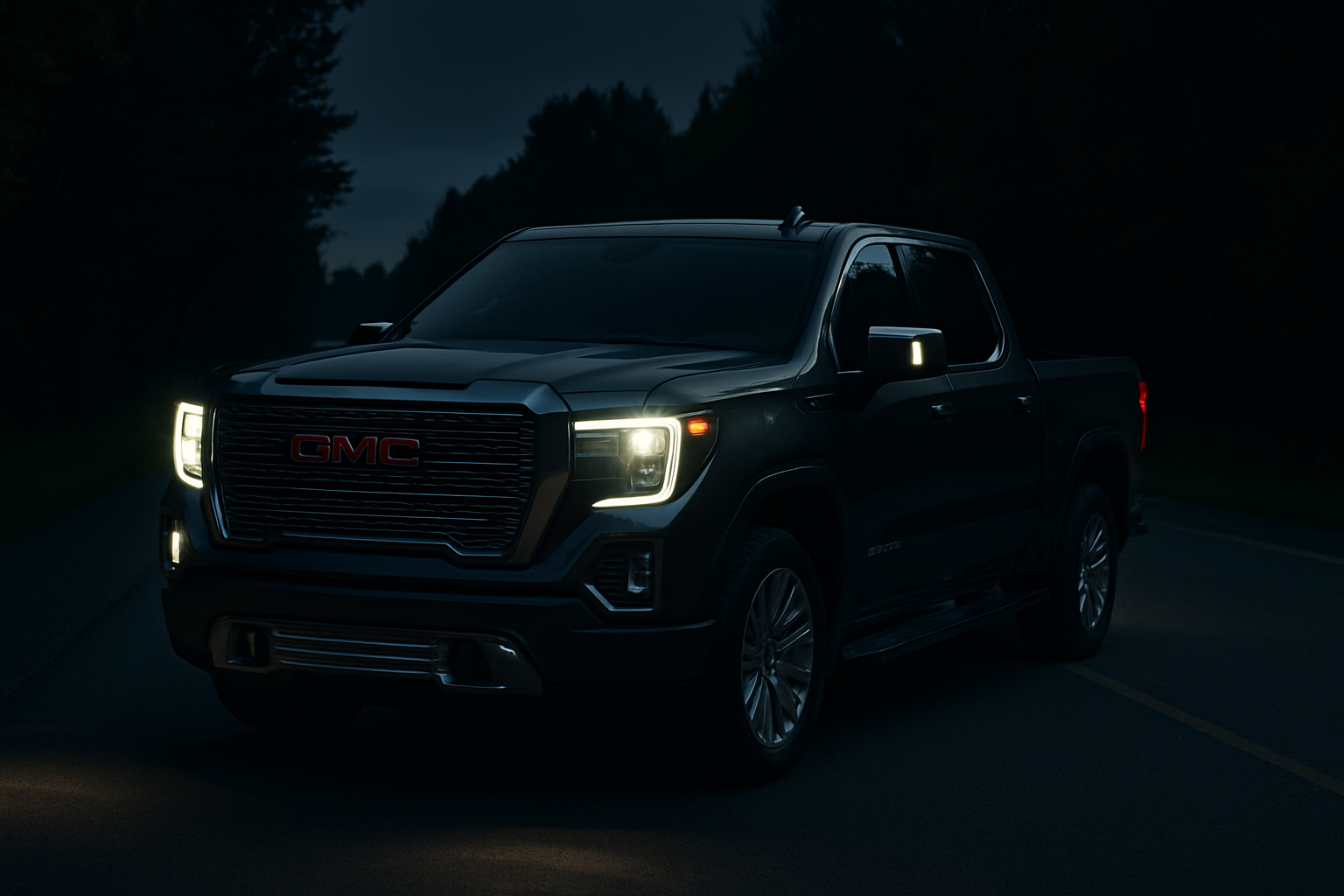
Driving at night can be challenging, especially on dark rural roads or in areas with wildlife. The GMC Sierra Denali’s available night vision system uses advanced infrared technology to help you see what your headlights might miss.
This thermal imaging system displays heat signatures from people, animals, and vehicles on your dashboard screen, giving you extra awareness when visibility is limited. Learning how to use it properly can make your nighttime driving safer and more confident.
What is Night Vision and How Does It Work
The GMC Sierra Denali’s night vision system uses an infrared camera mounted behind the front grille to detect heat signatures up to 500 feet ahead of your vehicle. Unlike your regular headlights that rely on reflected light, this system “sees” the heat radiating from objects, people, and animals.
The infrared camera captures thermal images and displays them as a black and white image in your instrument cluster. Warmer objects like people, animals, and running vehicles appear as bright white or yellow shapes against the cooler background.
This technology works similarly to military and law enforcement thermal imaging, but it’s specifically calibrated for automotive use. The system processes images in real-time and can detect pedestrians wearing dark clothing or animals that would be nearly invisible to your headlights.
Which Sierra Denali Models Have Night Vision
Night vision became available on the GMC Sierra Denali starting with the 2014 model year as part of the Enhanced Driver Alert Package. It continued through 2018 on the GMT900 platform Sierra Denali models.
When GMC redesigned the Sierra for 2019, they initially dropped the night vision option but brought it back as part of advanced safety packages on higher trim levels. Not every Sierra Denali comes with night vision standard, so you’ll need to check your specific vehicle’s equipment list.
You can verify if your Sierra has night vision by looking for the “Night Vision” button on your center console or by checking your owner’s manual. The infrared camera housing will be visible behind the front grille as a small rectangular lens.
Activating Your Night Vision System
To turn on night vision, press the dedicated “Night Vision” button located on your center console near the other driving mode controls. The button features a small camera icon and will illuminate when the system is active.
The system only operates when your headlights are on and you’re driving below 35 mph. This speed limitation exists because night vision is most useful for detecting pedestrians and animals in suburban areas, parking lots, and slow-speed driving situations.
Once activated, the thermal image appears in your instrument cluster display, typically in the area where trip computer information normally shows. You can adjust the brightness and contrast of the display using your steering wheel controls or infotainment system settings.
Understanding the Display
The night vision display shows a rectangular thermal image with a range indicator at the bottom. Warm objects appear bright white or yellow, while cooler surfaces like pavement, buildings, and vegetation show up as darker gray areas.
People and animals typically appear as bright white silhouettes that stand out clearly from the background. The system highlights detected pedestrians and large animals with colored boxes or arrows to draw your attention to potential hazards.
The display includes distance markers to help you judge how far detected objects are from your vehicle. These markers appear as horizontal lines across the image, similar to a heads-up display overlay.
Pedestrian and Animal Detection Alerts
Your Sierra Denali’s night vision system includes intelligent detection algorithms that can distinguish between people, animals, and inanimate objects. When the system identifies a pedestrian or large animal in your path, it highlights them with a colored box or outline.
The system provides both visual and audible alerts when it detects potential hazards. A chime will sound, and the highlighted object will flash or change color to grab your attention immediately.
Detection works best on objects that are upright and moving. A person walking along the roadside will trigger an alert, while someone lying down or sitting may not be detected as reliably.
When Night Vision Helps Most
Night vision provides the greatest benefit in specific driving situations where your regular headlights have limitations. Understanding these scenarios helps you know when to activate the system for maximum safety advantage.
Rural roads with no street lighting represent the ideal use case for night vision. Your headlights might only illuminate 200-300 feet ahead, but the infrared system can detect heat signatures up to 500 feet away, giving you extra reaction time.
Residential areas with sidewalks and crosswalks benefit from night vision because pedestrians often wear dark clothing that doesn’t reflect headlight beams well. The system can spot someone in a dark hoodie who would otherwise blend into shadows.
Weather Conditions
Light fog and mist actually improve night vision performance because thermal signatures become more pronounced in slightly humid air. However, heavy fog, rain, or snow can reduce the system’s effectiveness by blocking the infrared camera’s view.
Cold weather enhances the contrast between warm objects and cool backgrounds, making people and animals stand out more clearly. Summer heat can reduce contrast because pavement and other surfaces retain more heat.
The system works year-round, but you’ll notice better detection performance during cooler months when there’s a greater temperature difference between living beings and their surroundings.
System Limitations and Range
While night vision technology is impressive, understanding its limitations helps you use it appropriately without developing false confidence. The system supplements your normal vision but doesn’t replace careful driving practices.
The 500-foot maximum range applies only under ideal conditions. In practice, reliable detection typically occurs within 300-400 feet, depending on weather, temperature differences, and object size.
Small animals like cats or rabbits may not generate enough heat signature to trigger consistent detection. The system works best on larger animals like deer, dogs, and livestock that produce more substantial thermal signatures.
Speed Limitations
The 35 mph speed restriction exists because night vision requires processing time to analyze thermal images and alert you to hazards. At highway speeds, you’d pass detected objects before having time to react appropriately.
This speed limitation makes night vision most useful for city driving, neighborhood streets, and rural roads where you’re already driving slower due to conditions or speed limits.
The system automatically deactivates above 35 mph and reactivates when you slow down. You don’t need to manually restart it each time.
Maintaining Your Night Vision System
The infrared camera lens requires regular cleaning to maintain optimal performance. Road salt, mud, and debris can accumulate on the lens housing behind your grille, reducing image quality.
Clean the camera lens with a soft cloth and mild soap solution during regular vehicle washing. Avoid using harsh chemicals or abrasive materials that could damage the infrared sensor coating.
Winter driving requires extra attention to camera maintenance. Ice and snow buildup can completely block the camera’s view, and road salt is particularly corrosive to electronic components.
Calibration and Service
Your night vision system doesn’t require regular calibration under normal circumstances. However, front-end collision damage or grille replacement may require professional recalibration to ensure accurate detection and ranging.
If you notice reduced image quality, inconsistent detection, or error messages related to night vision, have the system inspected by a qualified GMC technician. Software updates occasionally improve detection algorithms and system performance.
The infrared camera and processing components are sealed units that don’t require routine maintenance beyond keeping the lens clean.
Tips for Effective Use
Adjust your display brightness based on ambient conditions. In very dark rural areas, a dimmer display reduces glare and eye strain. In areas with some street lighting, you might need a brighter display for clear visibility.
Don’t stare at the night vision display continuously. Use it as a scanning tool to check for hazards, then return your attention to the road ahead. The system works best when integrated with normal defensive driving techniques.
Practice using night vision in familiar areas first. Understanding how different objects appear on the thermal display helps you interpret images more quickly in unfamiliar situations.
Frequently Asked Questions
Can I use night vision with my high beam headlights?
Yes, night vision works with both low and high beam headlights. High beams don’t interfere with the infrared camera since it operates in a different light spectrum than visible light.
Does night vision work during daytime?
The system only activates when your headlights are on, which typically means nighttime or low-light conditions. Even if activated during daytime, thermal contrast is usually too low to provide useful images.
Will aftermarket grille modifications affect night vision?
Any modification that blocks or relocates the infrared camera will impact system performance. Custom grilles must maintain a clear opening for the camera lens and avoid metal mesh that could interfere with infrared transmission.
How much does night vision system repair cost?
Infrared camera replacement typically costs $800-1,200 including parts and labor. Display issues related to the instrument cluster can range from $300-800 depending on the specific component failure.
This article contains affiliate links. If you purchase through these links, we may earn a small commission at no extra cost to you.
Leave a Reply