
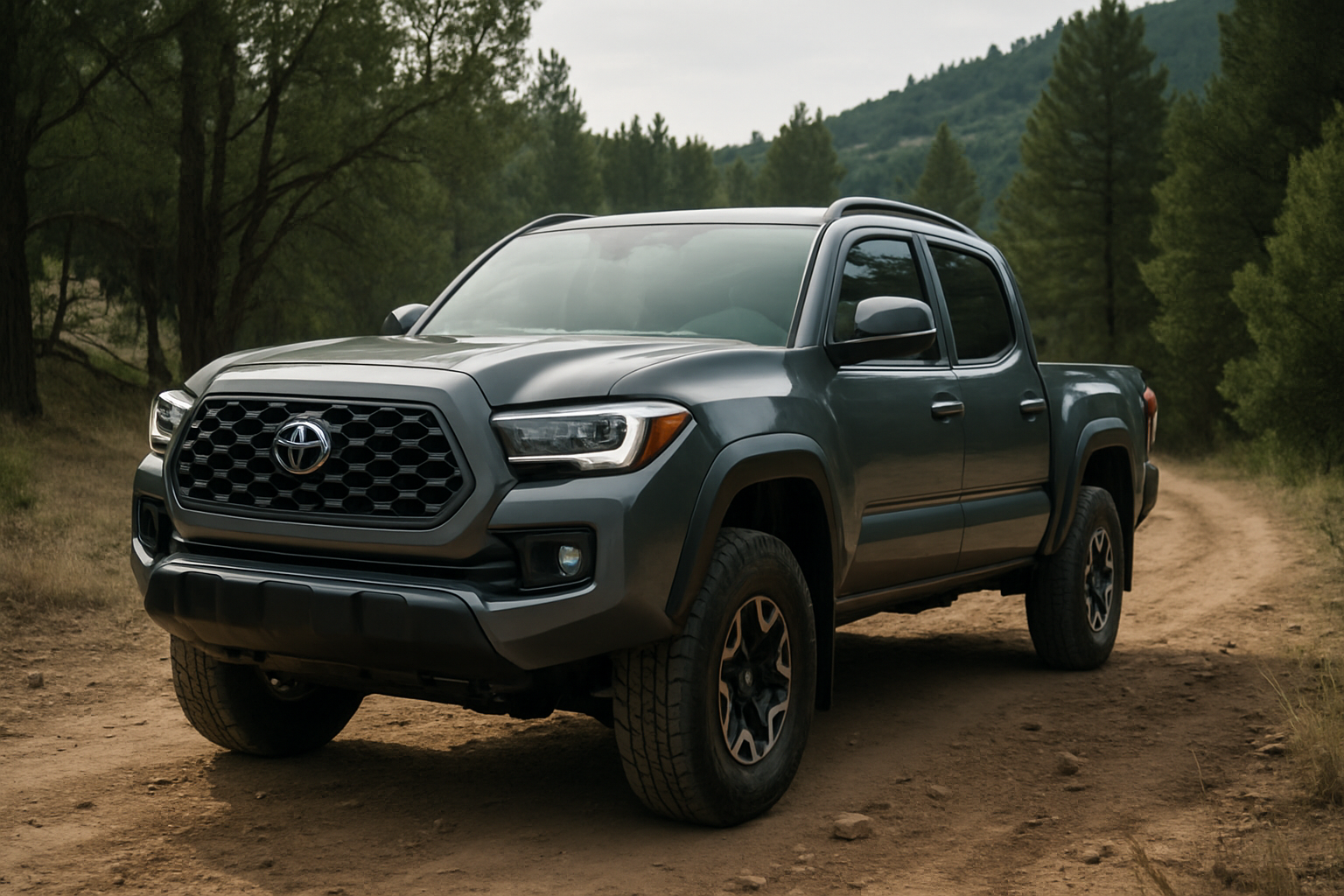
The Toyota Tacoma’s Multi-Terrain Select (MTS) system takes the guesswork out of conquering challenging terrain. This advanced traction management system automatically adjusts your truck’s throttle response, transmission shift points, and traction control settings based on the specific conditions you’re facing.
Available on select Tacoma models from 2016 onward, MTS transforms your truck into a more capable off-road machine with just the push of a button. Understanding how to use each mode properly can mean the difference between powering through obstacles and getting stuck in the middle of nowhere.
Understanding the Multi-Terrain Select System
The Multi-Terrain Select system works by modifying several key vehicle systems simultaneously. When you select a specific terrain mode, the system adjusts your Tacoma’s traction control sensitivity, throttle mapping, transmission behavior, and brake application patterns.
Unlike basic traction control that simply cuts power when wheels slip, MTS takes a more nuanced approach. It allows controlled wheel slip in some situations while preventing excessive spinning in others. The system also coordinates with your truck’s A-TRAC (Active Traction Control) and VSC (Vehicle Stability Control) systems to provide maximum traction.
You’ll find the MTS controls on your center console, typically located near the 4WD selector switch. The system features a rotary dial with different terrain icons, making it easy to identify which mode you’re selecting even when wearing gloves or in low-light conditions.
Locating and Operating the MTS Controls
The Multi-Terrain Select dial sits prominently on your Tacoma’s center console, usually positioned between the seats near the 4WD transfer case controls. The dial features clear pictographic symbols for each terrain type, eliminating confusion when you’re focused on the trail ahead.
To activate a terrain mode, simply turn the dial to your desired setting while the vehicle is stopped or moving slowly. The selected mode will display on your instrument cluster, and you’ll typically hear a brief chime confirming the selection. Some modes require specific 4WD settings to function properly, which we’ll cover in detail below.
The system remembers your last selection when you restart the truck, so you won’t need to reconfigure it every time you hit the trails. However, certain safety systems may override your selection in extreme situations to prevent vehicle damage.
Mud and Sand Mode
Mud and Sand mode optimizes your Tacoma for loose, low-traction surfaces where maintaining momentum is crucial. This mode allows more wheel slip than normal driving conditions, helping you power through soft terrain without the traction control system cutting power too aggressively.
In this mode, the system raises the threshold for traction control intervention and modifies shift points to keep the engine in its power band. The throttle response becomes more linear and predictable, making it easier to modulate power delivery when navigating through deep mud or loose sand.
You can use Mud and Sand mode in both 2WD and 4WD High, making it versatile for different situations. Beach driving, muddy trails, and snow-covered roads all benefit from this mode’s characteristics. The key is maintaining steady throttle input rather than aggressive acceleration, which can cause the wheels to dig in deeper.
When using this mode, keep your momentum up but avoid sudden throttle inputs. If you feel the truck starting to bog down, maintain steady pressure on the accelerator rather than lifting off completely, which can cause you to lose the momentum needed to clear the obstacle.
Loose Rock Mode
Loose Rock mode addresses the unique challenges of driving over unstable surfaces like gravel roads, loose shale, or rocky trails where the surface material can shift under your tires. This mode provides more aggressive traction control intervention compared to Mud and Sand mode.
The system monitors wheel speed differences more closely and applies brake-based traction control more quickly to prevent wheels from spinning freely on loose material. This helps maintain forward progress while preventing the truck from sliding sideways on sloped terrain covered with loose rocks.
Transmission shift points are adjusted to provide better engine braking on descents, and the throttle mapping becomes more conservative to prevent sudden power delivery that could cause loss of traction. The system also works closely with your truck’s hill descent control when that feature is activated.
This mode works best in 4WD High, though it can function in 2WD for less demanding conditions. Use smooth, deliberate inputs and let the system do its work rather than fighting it with aggressive throttle or steering corrections.
Mogul Mode
Mogul mode is designed for undulating terrain with repeated hills, dips, and obstacles that require precise traction management. The name comes from ski moguls, and the mode addresses similar challenges where you need controlled traction over constantly changing surface angles.
This mode provides the most sophisticated traction control programming, constantly adjusting brake-based traction control as individual wheels lift off the ground or encounter varying levels of grip. The system responds quickly to changing conditions while maintaining smooth power delivery.
Mogul mode requires 4WD Low range to function properly, as the lower gearing provides better control over wheel speed and torque delivery. The combination of low-range gearing and active traction management gives you maximum control when crawling over technical terrain.
The transmission will hold gears longer in this mode, and throttle response becomes very linear to help you maintain precise control. This makes it ideal for rock crawling, steep climbs with loose surfaces, or any situation where you need maximum traction and control at low speeds.
Rock and Dirt Mode
Rock and Dirt mode strikes a balance between traction and momentum for mixed terrain conditions. This mode works well on hard-packed dirt trails with occasional rocky sections, providing reliable traction without being overly aggressive with power cuts.
The traction control system in this mode allows moderate wheel slip to help clear small obstacles while preventing excessive spinning that could damage tires or dig ruts. Shift points are optimized for steady progress rather than maximum power delivery.
Like Mogul mode, Rock and Dirt mode requires 4WD Low range for full functionality. The lower gearing combined with the mode’s traction management characteristics provides excellent control for technical sections while maintaining the ability to build momentum when needed.
This mode excels on rocky trails where you encounter a mix of solid surfaces and loose material. The system adapts quickly to changing conditions, providing consistent performance whether you’re climbing over solid rock ledges or powering through sections of loose dirt and gravel.
4WD Requirements and Limitations
While some MTS modes work in 2WD or 4WD High, others require 4WD Low range for proper operation. Mogul and Rock/Dirt modes need the lower gear ratios that 4WD Low provides to deliver their full benefits.
The system will alert you through the instrument cluster if you’ve selected a mode that requires a specific 4WD setting. You’ll typically see a message indicating the recommended 4WD range, and some modes may not fully activate until you engage the proper drivetrain setting.
Remember that engaging 4WD Low requires you to be stopped or moving very slowly, typically under 2-3 mph. Plan your terrain mode selection accordingly, choosing your settings before you encounter challenging terrain rather than trying to switch modes mid-obstacle.
The MTS system also integrates with your Tacoma’s Crawl Control system when equipped. However, you cannot use Multi-Terrain Select simultaneously with Crawl Control, as both systems manage traction control functions that would conflict with each other.
Real-World Application Tips
Start with the most appropriate mode for your primary terrain type, but don’t hesitate to switch modes as conditions change. The system is designed for on-the-fly adjustments, and experienced off-roaders often change modes multiple times during a single trail.
Pay attention to your tire pressure when using MTS modes. Lower air pressure can improve traction in sand and mud, while higher pressure may be better for rocky terrain to prevent sidewall damage. The MTS system works with whatever tire pressure you’re running, but proper pressure optimization enhances its effectiveness.
Don’t rely solely on the MTS system to get you through difficult terrain. Proper line choice, momentum management, and understanding your truck’s capabilities remain crucial. The system enhances your control but doesn’t replace good driving technique.
Practice using different modes in safe conditions before tackling challenging trails. Understanding how each mode affects your truck’s behavior will help you make better decisions when the terrain gets difficult and you need to focus on navigation rather than learning new controls.
Maintenance and System Care
The Multi-Terrain Select system relies on your truck’s ABS wheel speed sensors, brake system, and various electronic modules to function properly. Regular maintenance of these components ensures reliable MTS operation when you need it most.
Keep your wheel speed sensors clean, especially after muddy or dusty adventures. Contaminated sensors can cause erratic traction control behavior or trigger warning lights that disable the MTS system. A simple rinse with clean water after off-road trips helps maintain sensor accuracy.
Check your brake fluid regularly, as the MTS system uses brake-based traction control extensively. Contaminated or low brake fluid can affect system performance and potentially cause complete system shutdown as a safety precaution.
If you notice MTS warning lights or unusual behavior, have the system diagnosed promptly. Many MTS issues stem from simple problems like dirty sensors or low brake fluid, but ignoring warning signs can lead to more expensive repairs or complete system failure when you need it most.
Common Mistakes to Avoid
Don’t fight the system when it’s working to help you. If you feel the MTS system pulsing the brakes or modulating power, maintain steady throttle input and let it do its job. Aggressive throttle inputs can overwhelm the system and reduce its effectiveness.
Avoid using inappropriate modes for conditions. Using Mud and Sand mode on solid rock can allow too much wheel slip and damage tires, while using Rock mode in deep sand may cause the system to cut power too aggressively and kill your momentum.
Remember that MTS doesn’t eliminate the laws of physics. The system can help you maintain traction and control, but it cannot overcome fundamental limitations like ground clearance, approach angles, or tire grip. Know your truck’s physical limitations and respect them.
Don’t forget to switch back to normal driving mode when returning to pavement. While MTS modes won’t damage your truck on regular roads, they can affect fuel economy, tire wear, and driving comfort. The system is designed for off-road use and performs best in those conditions.
Frequently Asked Questions
Can I use Multi-Terrain Select on regular roads?
While you can technically use MTS modes on pavement, they’re designed for off-road conditions and may cause unusual driving characteristics on regular roads. Mud and Sand mode might allow more wheel slip than desired in normal driving, while other modes could make the truck feel sluggish or cause premature brake wear due to increased traction control intervention.
Why won’t my Multi-Terrain Select system activate?
The most common reasons include selecting a mode that requires 4WD Low while in 2WD or 4WD High, low brake fluid, dirty wheel speed sensors, or active warning lights in related systems. Check your 4WD setting first, then examine the instrument cluster for any warning indicators that might disable the system.
Does using Multi-Terrain Select affect fuel economy?
MTS modes can reduce fuel economy compared to normal driving, especially modes that require 4WD Low range. The system’s active management of traction control, modified shift points, and altered throttle mapping all contribute to increased fuel consumption. However, the impact varies depending on the mode used and driving conditions.
Can I modify my truck and still use Multi-Terrain Select?
Most common modifications like lift kits, larger tires, and aftermarket bumpers don’t affect MTS functionality. However, changes to wheel and tire sizes can affect the system’s calibration, and modifications to the brake system or suspension components might impact performance. Consult with experienced off-road shops familiar with your specific modifications for the best advice.
This article contains affiliate links. If you purchase through these links, we may earn a small commission at no extra cost to you.

Leave a Reply