
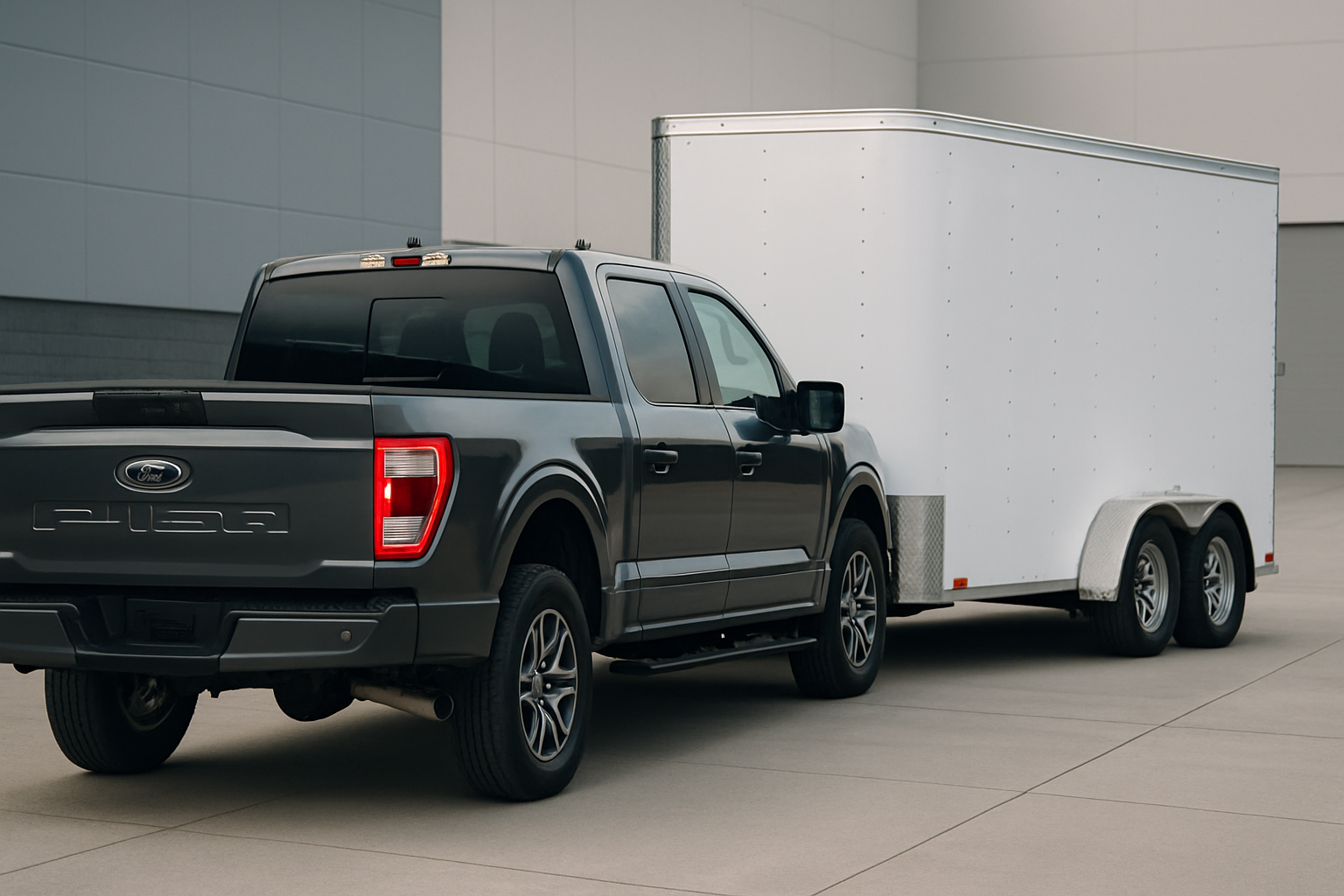
Backing up a trailer can turn even experienced drivers into nervous wrecks, especially when you’re trying to navigate tight spaces or crowded boat ramps. Ford’s Trailer Backup Assist technology takes the guesswork out of reversing with a trailer, letting you focus on speed and positioning rather than constantly correcting your steering.
This system has been available on F-150 trucks since the 2016 model year and continues to be one of the most helpful features for anyone who regularly tows. Once you understand how it works and practice the basics, you’ll wonder how you ever managed without it.
What is Ford’s Trailer Backup Assist System
Trailer Backup Assist uses your truck’s cameras and sensors to automatically steer while you back up with a trailer attached. You control the direction using a knob on your dashboard, and the truck handles all the steering inputs needed to make the trailer go where you want it.
The system works by detecting a target sticker placed on your trailer and using the truck’s rear camera to track the trailer’s position. When you turn the control knob left, the trailer moves left. Turn it right, and the trailer goes right. The truck’s steering wheel moves on its own, which feels strange at first but becomes natural with practice.
Ford designed this system to work at low speeds only, typically under 5 mph. You still control the throttle and brake, while the truck manages the complex steering calculations needed to make your trailer follow the path you select.
Setting Up the Target Sticker System
Before using Trailer Backup Assist, you need to place the circular target sticker on your trailer. Ford provides these stickers with the system, and proper placement is critical for accurate operation.
Mount the sticker on the back of your trailer, centered horizontally and as low as possible while still being visible to the truck’s camera. The sticker should be positioned between 10 inches and 10 feet from the truck’s rear bumper when the trailer is attached.
Clean the surface thoroughly before applying the sticker. Any dirt or residue will prevent proper adhesion, and you don’t want the sticker falling off during use. The reflective material needs to remain flat and visible for the camera system to track it effectively.
If you tow multiple trailers, you’ll need a target sticker on each one. Keep spare stickers in your truck since they can get damaged or lost over time. Ford dealers can provide replacement stickers if needed.
Understanding the Control Knob and Interface
The Trailer Backup Assist control knob is located on the dashboard to the left of the steering wheel on most F-150 models. This rotary knob has a center button for activation and clear left/right directional markings.
To activate the system, put your truck in reverse, then press the center of the control knob. You’ll see the rear camera view appear on your infotainment screen with overlay graphics showing the trailer’s projected path.
The knob operation is intuitive once you get used to it. Turning the knob clockwise makes the trailer move right, while counterclockwise rotation moves the trailer left. Small adjustments work better than large movements, especially when you’re learning the system.
The dashboard will display a message confirming the system is active, and you’ll notice the steering wheel begins moving on its own as the truck takes control of steering inputs.
Camera Views and Visual Feedback
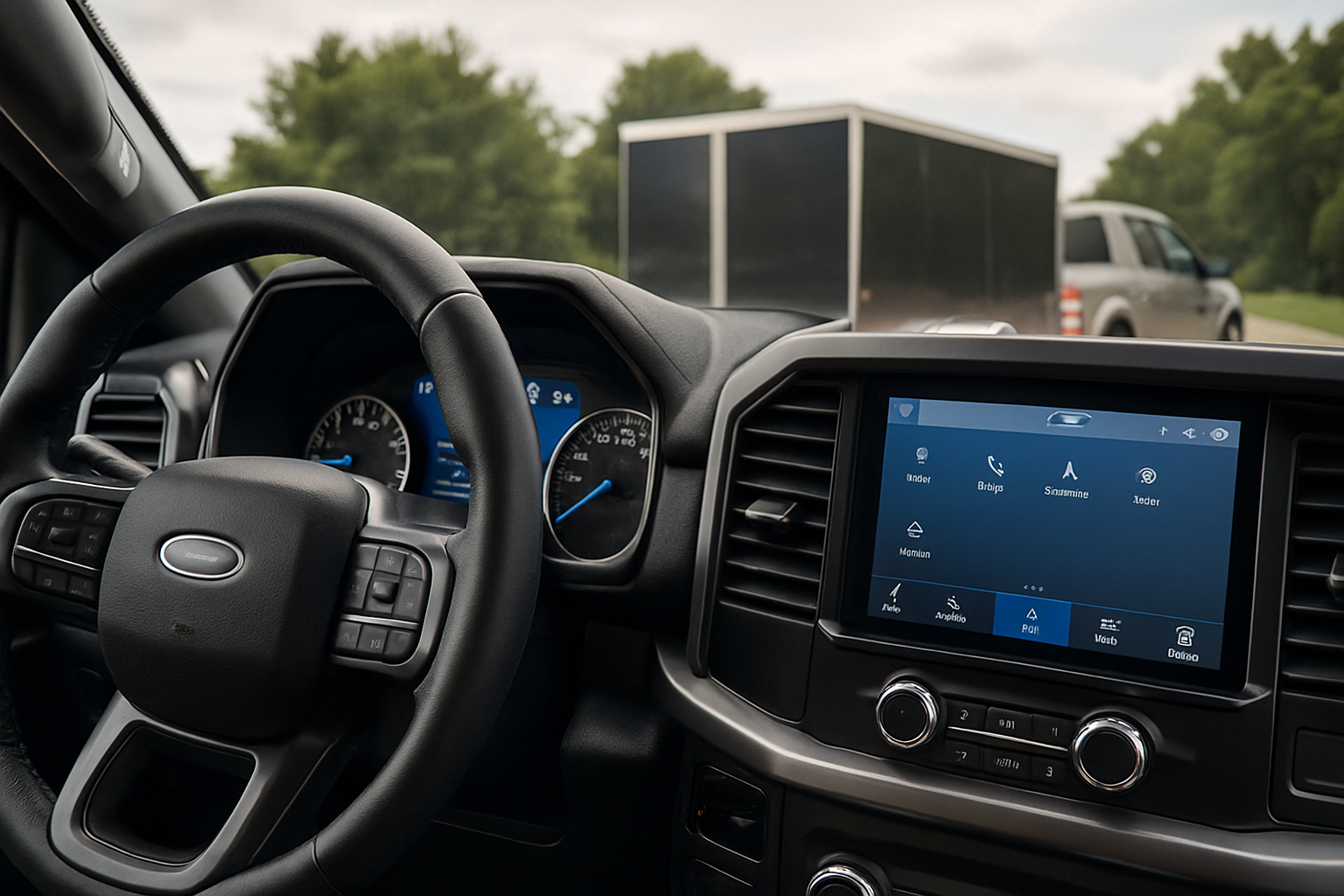
When Trailer Backup Assist is active, your infotainment screen shows the rear camera view with several helpful overlay elements. You’ll see the target sticker highlighted with a colored outline, projected path lines showing where the trailer will go, and guidance markers.
The system displays different colored lines to indicate the trailer’s projected path based on your current knob position. These lines help you visualize exactly where the trailer will end up before you start moving.
Keep an eye on the target sticker outline on your screen. If the system loses sight of the sticker due to poor lighting, angles, or obstructions, you’ll get a warning message and need to take manual control of steering.
Your truck’s side mirrors and any additional cameras still work normally while the system is active. Don’t rely solely on the rear camera view. Check all your mirrors and look around frequently to maintain full situational awareness.
Speed Limits and Operating Parameters
Trailer Backup Assist only functions within specific speed ranges for safety reasons. The system typically works when backing up at speeds under 5 mph, though the exact threshold may vary slightly between model years.
If you exceed the speed limit, the system will disengage automatically and return steering control to you. You’ll get both visual and audible warnings when this happens, so you can smoothly take over manual steering.
The system also has limits on how sharp the steering angles can be. If you try to make too aggressive a turn with the control knob, the system will limit the steering input to prevent jackknifing or unstable trailer movement.
Weather conditions can affect the system’s operation. Heavy rain, snow, or bright sunlight may interfere with the camera’s ability to see the target sticker clearly. Always be prepared to switch to manual control if conditions aren’t ideal.
What the System Can and Can’t Do
Trailer Backup Assist excels at helping you back into parking spaces, position your boat trailer at a ramp, or navigate through campgrounds. It handles the complex steering calculations that make trailer backing so challenging for most drivers.
The system works with most conventional trailers, including boat trailers, travel trailers, utility trailers, and horse trailers. It can handle single-axle and tandem-axle trailers within Ford’s specified weight and length ranges.
However, the system has limitations you need to understand. It won’t work with gooseneck trailers, fifth-wheel trailers, or trailers with extremely long tongues. The target sticker must remain visible to the rear camera throughout the backing process.
Trailer Backup Assist doesn’t replace your need to watch for obstacles, other vehicles, or pedestrians. You’re still responsible for controlling speed and braking, and you must remain alert to everything happening around your truck and trailer.
Practice Tips for New Users
Start practicing in a large, empty parking lot with plenty of room for mistakes. Set up some cones or markers to create a mock parking space, but don’t worry about precision on your first attempts. Focus on getting comfortable with how the knob controls trailer movement.
Begin with very small knob adjustments. New users often turn the knob too far, causing the trailer to overshoot the intended path. Gentle inputs work much better than aggressive movements.
Practice the hand-off between the system and manual control. There will be times when you need to switch back to regular steering, and you want this transition to feel natural rather than jarring.
Spend time just watching how the trailer responds to different knob positions without worrying about reaching a specific target. Understanding the trailer’s movement patterns will make you much more effective when you need to use the system in real situations.
Common Troubleshooting Issues
If the system can’t detect your target sticker, check that it’s clean, properly positioned, and not damaged. Dirt, scratches, or peeling edges can prevent the camera from recognizing the sticker reliably.
Lighting conditions significantly affect the system’s performance. Very bright sunlight, deep shadows, or nighttime conditions may make it difficult for the camera to track the target sticker consistently.
Make sure your rear camera lens is clean. Mud, salt, or water spots on the camera will degrade the system’s ability to see the target sticker and may cause erratic operation or complete failure.
If the system keeps disengaging unexpectedly, you might be exceeding the speed threshold or making steering inputs that override the automatic control. Check your speed and avoid touching the steering wheel while the system is active.
Maximizing System Performance
Keep your target sticker in good condition by checking it regularly for damage or wear. Replace stickers that are faded, scratched, or starting to peel at the edges.
Clean your truck’s rear camera frequently, especially during winter months when road salt and grime can quickly coat the lens. A clean camera provides better sticker detection and clearer images on your screen.
Learn to anticipate when the system might struggle, such as in very bright or dark conditions, and be ready to switch to manual control smoothly. Experienced users develop a feel for when the system is working optimally versus when it’s struggling.
Consider keeping spare target stickers in your truck, especially if you frequently switch between different trailers or tow in harsh conditions where stickers might get damaged.
Real-World Application Scenarios
Boat ramps represent one of the most valuable applications for Trailer Backup Assist. The combination of slopes, limited space, and waiting crowds makes this an ideal scenario for the system’s precision and consistency.
Campground sites often require precise positioning to align with hookups and avoid obstacles. The system’s ability to make small, accurate adjustments shines in these situations where you might otherwise need several attempts to get positioned correctly.
Loading docks and tight driveways become much more manageable with the system active. You can focus on watching for obstacles while the truck handles the steering complexity of getting the trailer exactly where it needs to go.
Storage facilities often have narrow spaces between trailers or buildings. Trailer Backup Assist can help you navigate these tight spaces more confidently and with less risk of contact damage.
Frequently Asked Questions
Does Trailer Backup Assist work with any trailer?
The system works with most conventional trailers including boats, travel trailers, and utility trailers. It won’t work with fifth-wheel or gooseneck trailers, and your trailer must be within Ford’s specified size and weight ranges for your specific F-150 model year.
What happens if the target sticker falls off?
Without the target sticker, Trailer Backup Assist can’t function. The system needs the sticker to track your trailer’s position and calculate steering inputs. Keep spare stickers available and replace damaged ones promptly to maintain system functionality.
Can I use the system in the dark?
The system can work in low light conditions, but performance may be reduced. Your truck’s backup lights help illuminate the target sticker, but very dark conditions or bright ambient lighting can interfere with the camera’s ability to track the sticker reliably.
Why does the steering wheel move on its own?
This is normal operation. When Trailer Backup Assist is active, the truck’s steering system makes all the necessary adjustments to direct your trailer along the path you select with the control knob. Don’t fight the steering wheel movement or try to override it with manual inputs.
This article contains affiliate links. If you purchase through these links, we may earn a small commission at no extra cost to you.

Leave a Reply