
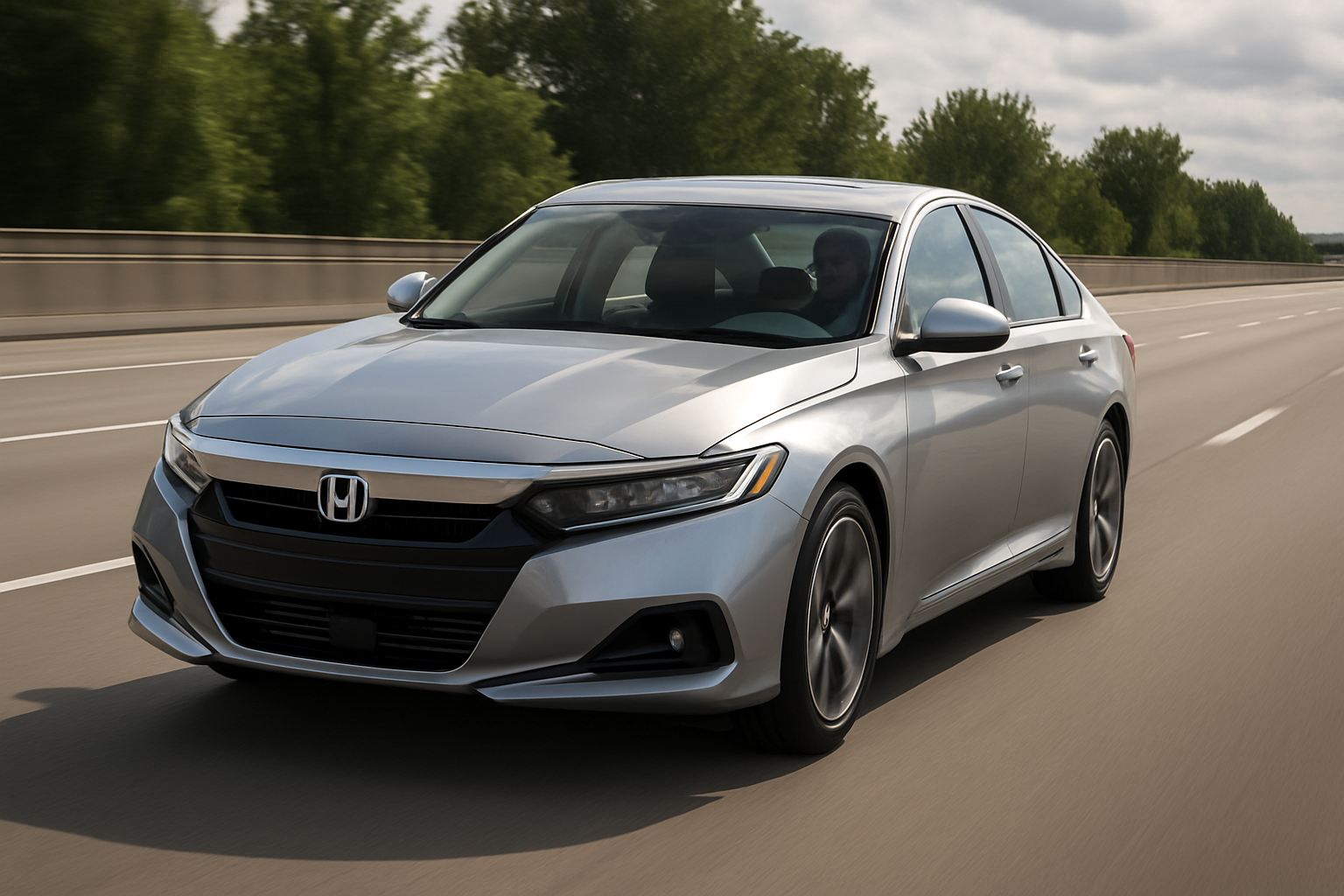
Honda’s Adaptive Cruise Control with Stop and Go transforms your daily commute into a more relaxed experience, especially when dealing with heavy traffic or long highway stretches. This system maintains your set speed while automatically adjusting to vehicles ahead, even bringing your Accord to a complete stop when necessary.
Understanding how to properly use this technology will help you get the most out of your Honda Accord’s safety features while maintaining full control of your vehicle in various driving conditions.
What is Adaptive Cruise Control with Stop and Go
Honda’s Adaptive Cruise Control with Stop and Go builds on traditional cruise control by adding radar sensors that monitor traffic ahead. The system can detect vehicles up to 400 feet away and automatically adjusts your speed to maintain a safe following distance.
When traffic slows down or stops completely, your Accord will brake automatically and come to a full stop if needed. Once traffic begins moving again, the system resumes following at your preset speed and distance. This feature works as part of Honda Sensing, which comes standard on most modern Accord models.
The Stop and Go functionality specifically handles low-speed traffic situations where you might find yourself in bumper-to-bumper conditions. Your Accord can handle these scenarios without requiring constant input from you as the driver.
Locating the Controls on Your Honda Accord
You’ll find the adaptive cruise control buttons on the right side of your steering wheel. The main controls include the CRUISE button to activate the system, SET/- button to set your desired speed, RES/+ button to resume or increase speed, and the CANCEL button to deactivate cruise control.
The distance adjustment button sits separately and displays four different following distance options on your dashboard. Each press of this button cycles through the available distances, from closest to furthest following intervals.
Your instrument cluster will show visual indicators when the system is active, including your set speed, current following distance setting, and whether the system has detected a vehicle ahead.
Setting Your Speed and Follow Distance
Start by pressing the CRUISE button on your steering wheel to activate the system. You’ll see the cruise control indicator light up in your instrument cluster, but the system won’t engage until you set a speed.
Accelerate to your desired cruising speed, then press the SET/- button. Your Accord will maintain this speed until it detects slower traffic ahead. The system works effectively between 25 mph and your vehicle’s maximum speed capability.
Adjust your following distance by pressing the distance button located near the cruise control cluster. You have four distance settings to choose from, with the closest setting maintaining approximately 1.4 seconds of following time and the furthest providing about 2.9 seconds. Most drivers find the second or third setting provides a good balance between traffic flow and safety.
The selected distance appears on your dashboard display as bars, with more bars indicating a greater following distance. You can change this setting at any time while the system is active.
How Stop and Go Functions in Traffic
When your Accord detects slower traffic ahead, it will automatically reduce speed by decreasing throttle input and applying the brakes as needed. The system can bring your vehicle to a complete stop if the car ahead stops completely.
After coming to a stop, your Accord will automatically resume following if traffic begins moving again within three seconds. For stops longer than three seconds, you’ll need to press the RES/+ button or lightly tap the accelerator to reactivate the following function.
The brake lights activate automatically when the system applies braking force, alerting drivers behind you to the speed reduction. You’ll feel the brakes engage smoothly, though the system prioritizes safety over comfort during emergency braking situations.
Keep your hands on the steering wheel during stop-and-go operation. While the system handles speed control, you remain responsible for steering and maintaining your position within the lane.
Lane Keep Assist Integration
Your Honda Accord’s adaptive cruise control works seamlessly with Lane Keep Assist to provide a more comprehensive driving aid system. When both features are active, your vehicle can maintain proper lane position while managing speed and following distance.
Lane Keep Assist uses a camera mounted behind your rearview mirror to detect lane markings. When combined with adaptive cruise control, this creates a semi-automated driving experience that reduces fatigue during long trips or heavy traffic situations.
The system will provide steering assistance to help keep you centered in your lane, but you must keep your hands on the wheel. If the system detects that you’ve removed your hands for too long, it will provide visual and audible warnings before temporarily disabling the features.
You can activate Lane Keep Assist independently by pressing the LKAS button on your steering wheel. The system works best on highways with clearly marked lanes and speeds above 45 mph.
Navigating Curves and Turns
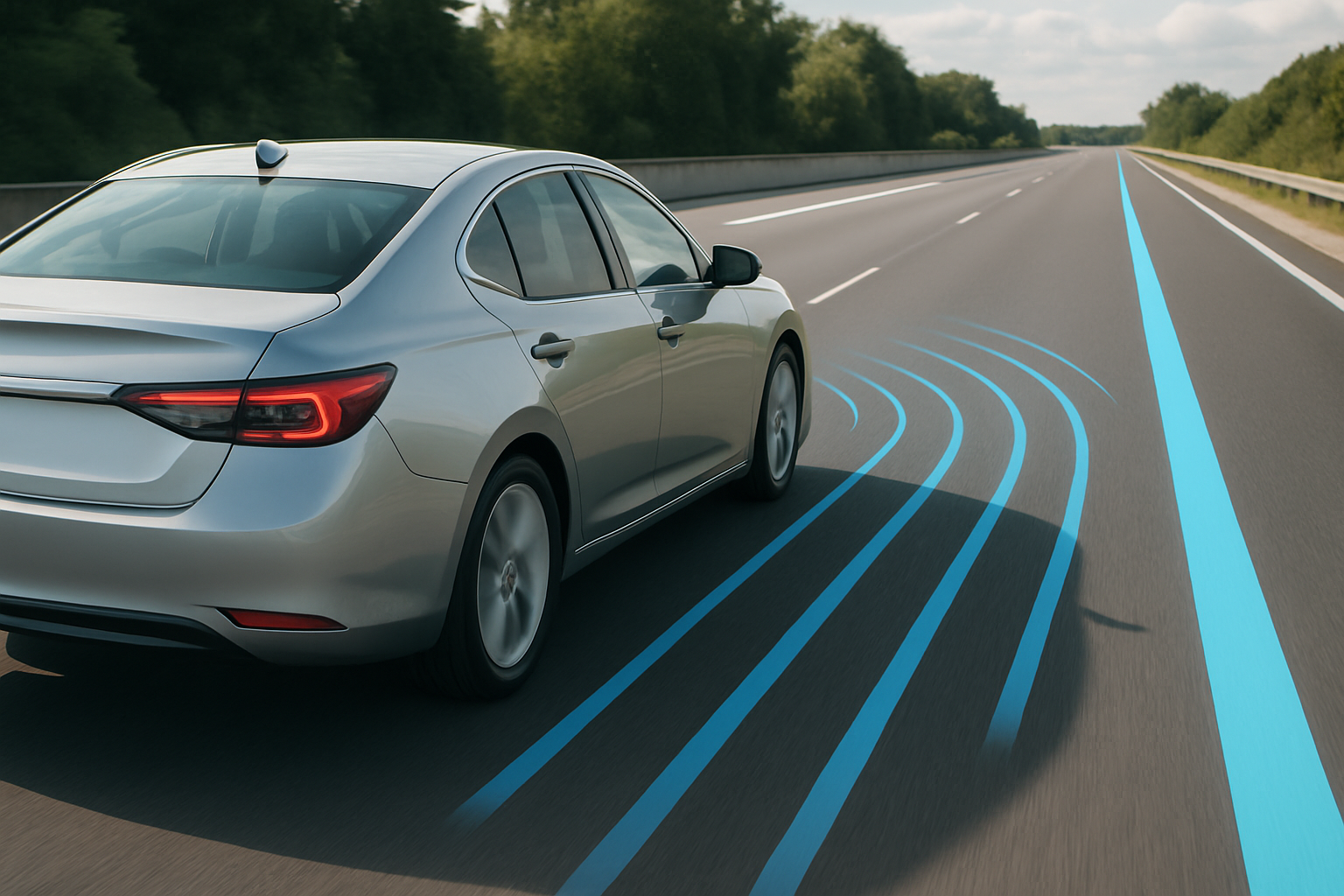
Honda’s adaptive cruise control handles gentle highway curves effectively, maintaining your set speed and following distance through gradual turns. The radar sensors can track vehicles ahead even when the road curves, though the system works best on curves with a radius larger than 500 feet.
On tighter curves, the system might temporarily lose track of the vehicle ahead, causing your Accord to accelerate back toward your set speed. Stay alert during curved sections and be ready to intervene if the system doesn’t respond appropriately to traffic conditions.
The system may also have difficulty distinguishing between vehicles in your lane versus adjacent lanes during curves. This can occasionally result in unnecessary braking when the radar detects a vehicle in a neighboring lane that appears to be in your path.
For very tight turns or winding roads, consider temporarily disabling the system and resuming once you return to straighter highway sections.
Handling Cut-ins and Lane Changes
When another vehicle cuts into your lane ahead, your Accord’s adaptive cruise control responds by automatically reducing speed to reestablish your selected following distance. The system typically detects cut-ins quickly and responds smoothly, though sudden lane changes by other drivers may trigger more aggressive braking.
The radar sensors monitor a detection zone extending outward from your vehicle’s centerline, allowing the system to track vehicles that are partially in your lane. This helps the system respond to gradual lane changes before they’re complete.
During heavy traffic with frequent lane changes, you might prefer using a closer following distance setting to prevent other drivers from continuously merging into the gap ahead of you. However, remember that closer settings provide less reaction time in emergency situations.
When you change lanes yourself, the system will automatically adjust to track the new vehicle ahead in your destination lane. The transition happens smoothly in most cases, though you should always check your mirrors and blind spots before making any lane change.
Optimal Driving Conditions
Adaptive cruise control with stop and go works most effectively on divided highways with clear lane markings and consistent traffic flow. The system excels during long highway drives and stop-and-go traffic situations where you’d otherwise be constantly adjusting your speed.
Clean, dry weather provides the best performance for both the radar sensors and camera systems. Heavy rain, snow, or fog can interfere with sensor operation and may cause the system to temporarily disable itself for safety reasons.
Avoid using the system in construction zones, areas with temporary lane markings, or roads with frequent exits and merging traffic. These conditions can confuse the sensors and lead to unexpected system behavior.
The system also works well during night driving on familiar routes, though you should remain extra vigilant since the camera-based Lane Keep Assist may have reduced effectiveness in low-light conditions.
When Not to Use Adaptive Cruise Control
Disable the system when driving in heavy rain, snow, or icy conditions where maximum control and quick reactions are essential. The system’s braking and acceleration inputs might not match your driving style for slippery conditions.
City driving with frequent stops, traffic lights, and pedestrian activity requires your full attention and quick decision-making that automated systems can’t provide. Save adaptive cruise control for highway and freeway driving situations.
Construction zones with narrow lanes, shifted traffic patterns, or workers present call for manual driving. The sensor systems may have difficulty interpreting temporary traffic control devices or unusual road configurations.
Mountain driving with steep grades can challenge the system’s ability to maintain consistent speeds and appropriate following distances. Manual control gives you better options for engine braking and managing your vehicle’s momentum on hills.
Troubleshooting Common Issues
If your adaptive cruise control isn’t engaging, check that you’re traveling at least 25 mph and that there are no warning lights active on your dashboard. The system won’t activate if it detects any issues with related safety systems.
Sensor blockage from dirt, snow, or ice can prevent proper operation. The radar sensor is located behind the Honda emblem on your front grille. Keep this area clean and free from obstructions for optimal performance.
Sudden system deactivation often occurs due to aggressive driving inputs, such as hard braking or rapid acceleration. The system prioritizes your direct inputs over automated functions, so deliberate actions will temporarily override the cruise control.
If the system frequently loses track of vehicles ahead, have your dealer check the sensor alignment. Minor front-end damage or improper installation after service work can affect radar positioning and performance.
Maintenance and Care
Keep the front grille area clean to ensure proper radar sensor function. Regular car washing typically provides adequate cleaning, but pay special attention to removing insects, road debris, or salt buildup that might accumulate on the sensor area.
The camera behind your rearview mirror also requires attention. Keep your windshield clean, especially the area directly in front of the camera housing. Replace worn windshield wipers that might leave streaks in the camera’s field of view.
Schedule regular maintenance according to Honda’s recommended service intervals. Technicians can verify proper sensor operation and update system software during routine service appointments.
After any front-end collision or service work involving the bumper or grille area, have your dealer recalibrate the radar sensors to ensure continued accuracy and performance.
Frequently Asked Questions
Can I adjust how aggressively the system brakes?
The Honda Accord’s adaptive cruise control doesn’t offer adjustable braking aggressiveness settings. The system is programmed to provide smooth, gradual braking under normal conditions and more aggressive stopping when necessary for safety. You can influence the overall behavior by selecting different following distance settings, with closer distances requiring more frequent and potentially firmer braking interventions.
Will the system work in all weather conditions?
Adaptive cruise control functions best in clear weather conditions. Heavy rain, snow, fog, or ice can interfere with the radar and camera sensors, causing the system to disable temporarily. You’ll see a warning message on your dashboard when weather conditions prevent safe operation. The system will automatically reactivate once conditions improve and sensors can function properly.
How do I know if the system is detecting the vehicle ahead?
Your instrument cluster displays a vehicle icon when the adaptive cruise control detects a car ahead. This icon appears on the same display that shows your set speed and following distance. When no vehicle is detected, you’ll only see your set cruise speed. The system also adjusts the color and appearance of these indicators to show when it’s actively controlling your speed versus maintaining your set cruising speed.
Can other drivers’ actions disable my cruise control?
While other drivers can’t directly disable your system, their actions might cause temporary deactivation. Sudden cut-ins requiring hard braking, or situations where the system can’t maintain a safe following distance, may cause the adaptive cruise control to disengage. You’ll hear an audible alert and see dashboard warnings when this happens. Simply press the RES/+ button or tap the accelerator to reactivate the system once conditions allow safe operation.
This article contains affiliate links. If you purchase through these links, we may earn a small commission at no extra cost to you.


Leave a Reply