
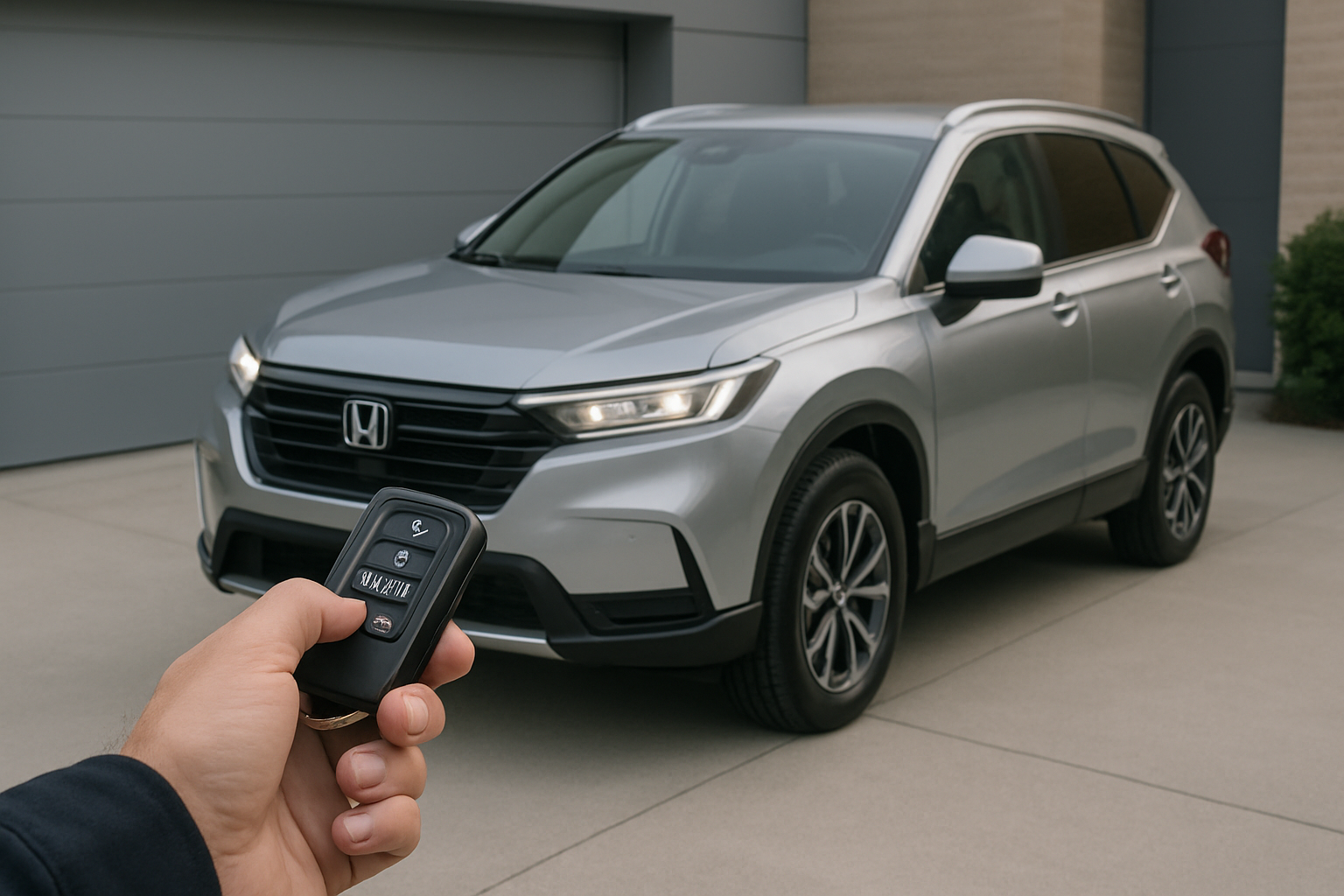
Starting your Honda CR-V remotely before you get in means stepping into a perfectly climate-controlled cabin, whether you’re dealing with freezing winter mornings or sweltering summer heat. Your CR-V’s remote start feature works in two different ways, and once you understand both methods, you’ll wonder how you ever lived without this convenience.
This feature isn’t just about comfort. Remote start also helps your engine warm up properly in cold weather, reducing wear and tear on internal components during those first few critical minutes of operation.
Understanding Your CR-V’s Remote Start System
Honda equipped most CR-V models from 2017 onwards with remote start capability, though the exact features vary by trim level and model year. The system works through two primary methods: your key fob and the HondaLink smartphone app.
Both methods accomplish the same basic function but offer different levels of convenience and range. The key fob method works from approximately 100-300 feet away, depending on obstacles and interference. The HondaLink app works from virtually anywhere you have a cellular connection.
Your CR-V’s remote start system includes built-in safety features that prevent operation if the hood is open, the parking brake isn’t set, or if the vehicle is in gear. The engine will automatically shut off if someone tries to shift out of park without the key present.
Using the Key Fob Remote Start Method
The key fob remote start sequence on your CR-V requires a specific three-step process. You’ll need to press the lock button, then press lock again, and finally press and hold the remote start button.
Start by pressing the lock button on your key fob once. You should hear the doors lock and see the hazard lights flash once. Within five seconds, press the lock button a second time. The hazard lights will flash again.
Immediately after the second lock press, press and hold the remote start button. This button typically looks like a curved arrow and is located on the bottom of most Honda key fobs. Hold this button for about three seconds until you see the hazard lights flash and hear the engine start.
The entire sequence needs to happen within about 10 seconds, or you’ll need to start over. If you wait too long between button presses, the system resets and won’t recognize the remote start command.
Troubleshooting Key Fob Remote Start
If your key fob remote start isn’t working, check that your CR-V is parked properly with the parking brake engaged. The transmission must be in park, all doors and windows need to be closed, and the hood must be completely shut.
Battery life in your key fob affects remote start range significantly. If you notice the range decreasing or the system becoming less responsive, replace the key fob battery with a fresh CR2032.
Cold weather can also impact key fob performance. Keep your key fob close to your body to maintain battery temperature, and you may need to get closer to your vehicle than usual for the signal to reach.
Setting Up and Using HondaLink App Remote Start
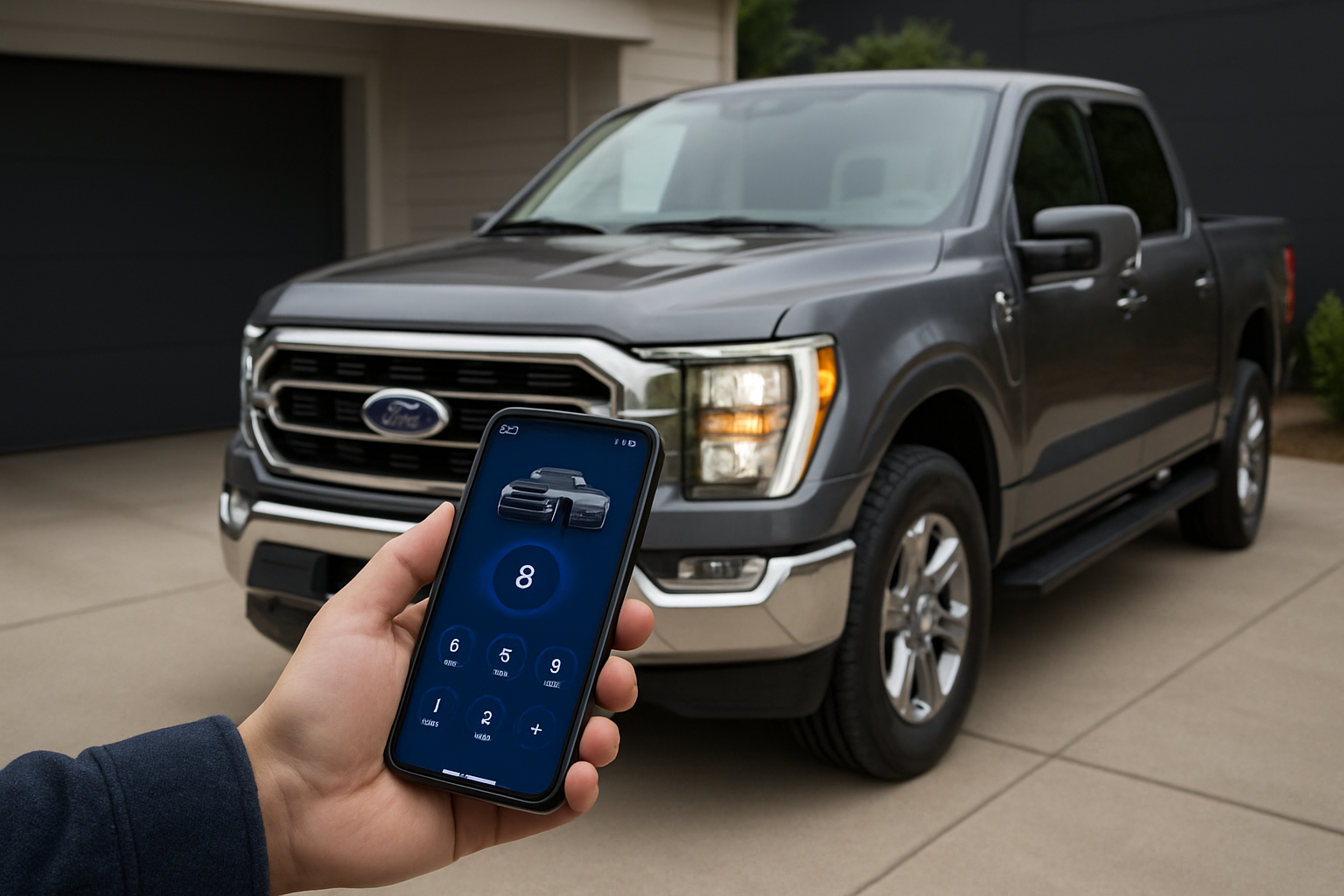
The HondaLink app provides remote start capability from anywhere with cellular coverage, plus additional features like climate preconditioning and scheduling. You’ll need to download the app and complete the initial setup process before using remote start.
Download the HondaLink app from your phone’s app store and create an account using your email address. You’ll need your CR-V’s VIN number, which you can find on the driver’s side dashboard or in your registration documents.
During setup, the app will guide you through connecting to your vehicle’s built-in cellular modem. This process usually takes 5-10 minutes and requires you to be sitting in your CR-V with the engine running.
Once connected, you can start your CR-V remotely by opening the app, selecting remote start, and confirming the command. The app will show you the status of your remote start session, including how much time remains.
HondaLink App Climate Preconditioning
Climate preconditioning represents one of the biggest advantages of using the HondaLink app over the key fob method. You can set specific temperature preferences and schedule remote starts in advance.
Access the climate settings within the HondaLink app to set your preferred cabin temperature. The system will automatically adjust the heating or air conditioning to reach your target temperature by the time you get to your vehicle.
The scheduling feature lets you set up automatic remote starts for regular routines, like warming up your CR-V every weekday morning at 7 AM. You can create multiple schedules and enable or disable them as needed.
Remote Start Runtime and Extensions
Your CR-V’s remote start system runs for exactly 10 minutes before automatically shutting off. This applies to both key fob and HondaLink app activation methods.
You can extend the remote start session by repeating the activation process before the initial 10 minutes expires. With the key fob, perform the lock-lock-hold sequence again. Through the HondaLink app, simply select remote start again.
Each extension adds another 10 minutes, and you can extend the session up to three times total for a maximum of 30 minutes of remote start time. After three extensions, you’ll need to physically start the vehicle with the key or let the system shut off completely.
The 10-minute timer resets each time you successfully extend the session. If you extend with two minutes remaining, you’ll get a full 10 additional minutes, not just eight.
Remote Start Session Management
Keep track of your remote start timing, especially during extreme weather when you might want maximum preconditioning time. The HondaLink app displays a countdown timer showing exactly how much time remains in your current session.
If you arrive at your vehicle before the remote start session expires, you can take over by inserting your key and turning it to the on position, or pressing the engine start button if your CR-V has push-button start.
Remember that the engine will shut off immediately if you try to shift out of park or release the parking brake without the key present. Always have your key ready when transitioning from remote start to driving.
Maximizing Remote Start Effectiveness
Your CR-V’s climate control settings when you last drove will carry over to the remote start session. Set your temperature, fan speed, and vent direction preferences before shutting off the engine to optimize the next remote start.
During winter months, make sure your defroster settings are configured properly. The remote start system will activate the rear defroster automatically in cold conditions, but front windshield defrost requires manual setup.
For summer cooling, crack your windows slightly before using remote start to help hot air escape initially. Close them before you drive, but this technique helps the air conditioning work more efficiently during the preconditioning phase.
Park in shaded areas when possible during hot weather. Even the best remote start system struggles to cool down a cabin that’s been baking in direct sunlight for hours.
Common Remote Start Issues and Solutions
Remote start failure often stems from simple parking position problems. Your CR-V must be parked on level ground with the parking brake firmly engaged and the transmission in park.
Check that all doors, windows, and the hood are completely closed. Even a slightly ajar door will prevent the remote start system from activating as a safety precaution.
Low fuel levels can also disable remote start functionality. Honda typically requires at least a quarter tank of fuel before allowing remote start operation.
Key Fob Specific Problems
If your key fob remote start stops working suddenly, try standing closer to your vehicle and repeating the sequence. Interference from other electronics or physical obstacles can block the radio signal.
Replace your key fob battery annually, or whenever you notice decreased range or responsiveness. A weak battery might still lock and unlock doors but lack sufficient power for the remote start signal.
Some aftermarket accessories, particularly remote starters or security systems, can interfere with Honda’s factory remote start. If you’ve recently installed any electronic accessories, they might be causing conflicts.
HondaLink App Troubleshooting
App-based remote start problems often relate to cellular connectivity issues. Check that your phone has a strong cellular signal and that the HondaLink app has permission to use cellular data.
Force-close and restart the HondaLink app if remote start commands seem to hang or fail repeatedly. You can also try logging out and back into your account to refresh the connection.
Your CR-V’s built-in cellular modem needs occasional updates, which happen automatically when you drive. If you haven’t driven your vehicle for several days, take it for a short drive to allow system updates to download.
Frequently Asked Questions
Does remote start work if my CR-V has a manual transmission?
Honda doesn’t offer factory remote start on manual transmission CR-V models due to safety concerns. The system requires an automatic transmission to ensure the vehicle can’t accidentally start in gear.
Can I use remote start if my check engine light is on?
Remote start will not function when the check engine light is illuminated. The system disables itself whenever it detects engine management issues that could potentially cause problems during unattended operation.
Does remote start use more fuel than normal starting?
Remote start does use slightly more fuel because the engine runs for up to 30 minutes without driving. However, the fuel consumption is minimal, typically equivalent to driving about one mile.
Will remote start void my Honda warranty?
Factory remote start features won’t affect your warranty since they’re part of Honda’s original design. However, aftermarket remote start systems could potentially impact warranty coverage for related electrical components.
This article contains affiliate links. If you purchase through these links, we may earn a small commission at no extra cost to you.

Leave a Reply