
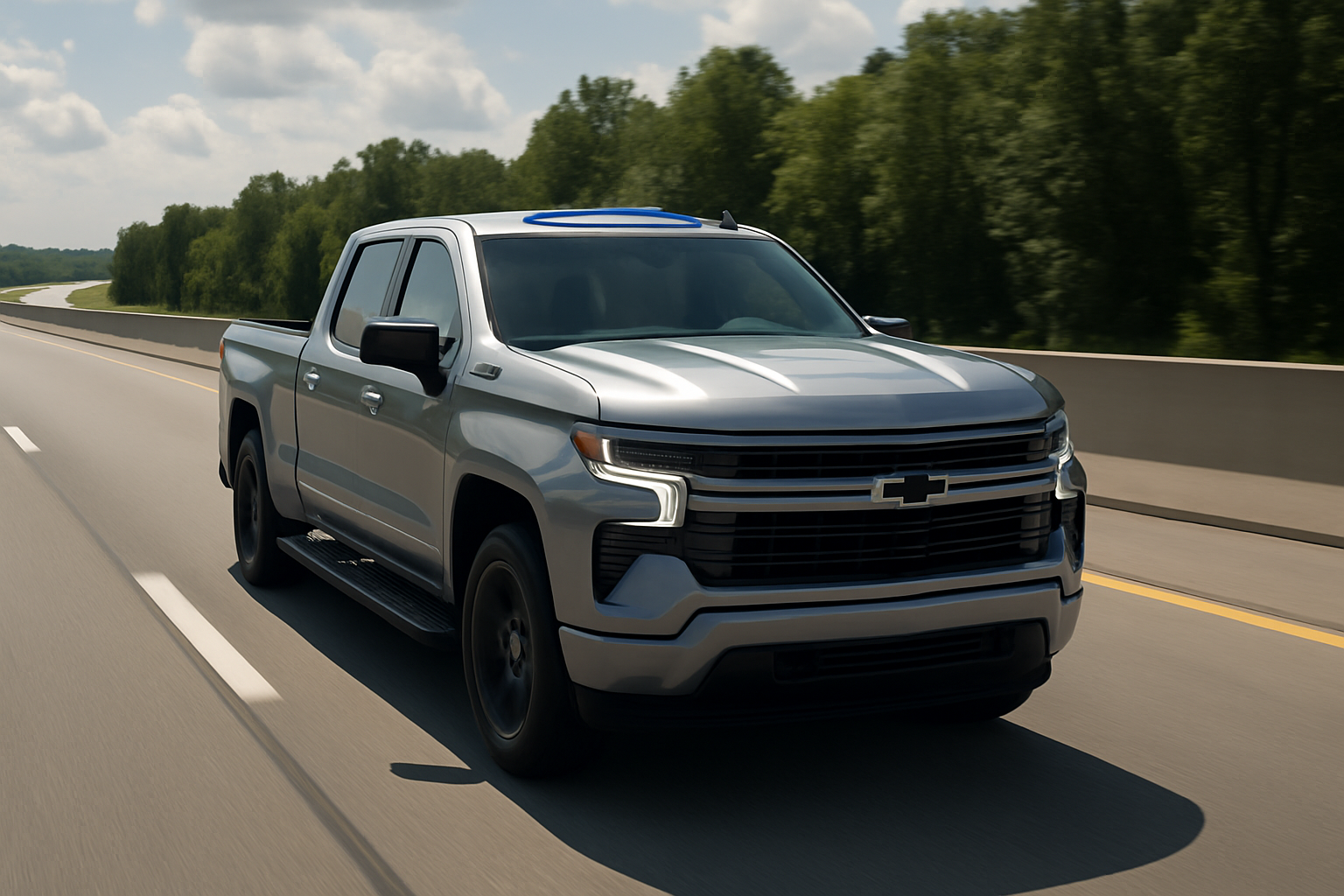
Super Cruise represents one of the most advanced driver assistance systems available in pickup trucks today. GM’s hands-free driving technology transforms long highway trips and makes towing heavy loads significantly less tiring.
What Makes Super Cruise Different from Other Driver Assistance Systems
Unlike standard adaptive cruise control systems, Super Cruise allows you to take your hands completely off the steering wheel on compatible highways. The system uses a combination of cameras, radar sensors, and GPS mapping to maintain your position in the lane while monitoring traffic ahead and behind.
The technology relies on LiDAR-mapped highways across North America. GM has precisely mapped over 400,000 miles of compatible roads, and they continue expanding this network regularly. These aren’t just interstates either. Many divided highways and major routes now support Super Cruise functionality.
Your Silverado or Sierra constantly monitors your attention through a small camera mounted on the steering column. This attention monitoring system ensures you’re watching the road even when your hands aren’t on the wheel.
Understanding the Light Bar System
The steering wheel’s light bar communicates Super Cruise status through different colors. Learning these signals helps you use the system safely and effectively.
Green Light Bar
A solid green light means Super Cruise is active and you can remove your hands from the steering wheel. You’ll see this color when the system has full control of steering, acceleration, and braking on a compatible road.
The green light confirms all sensors are working properly and the vehicle is centered in its lane. You still need to watch the road, but you can relax your grip on the steering wheel completely.
Blue Light Bar
Blue indicates Super Cruise is available but not currently active. You’ll see blue when driving on a mapped highway but haven’t engaged the system yet. Press the Super Cruise button on your steering wheel to activate it when you see blue.
Blue also appears when you’re transitioning between compatible and non-compatible road sections. The system prepares to hand control back to you in these situations.
Red Light Bar
Red means you need to take immediate action. The light bar flashes red when the attention monitoring system detects you’re not watching the road. You’ll also hear audio alerts prompting you to pay attention.
If you ignore red light warnings, Super Cruise will gradually slow the vehicle and eventually bring it to a complete stop with hazard lights activated. Always respond promptly to red light alerts.
Compatible Roads and Where You Can Use Super Cruise
Super Cruise only works on pre-mapped divided highways. You can’t use it on city streets, parking lots, or unmapped rural roads. The system knows exactly which roads support hands-free driving through its detailed mapping database.
Most interstate highways across the United States and Canada support Super Cruise. Many state highways and provincial routes also work, particularly those with divided lanes and limited access points.
The vehicle’s navigation system shows compatible roads in real-time. You’ll see Super Cruise availability indicated on the infotainment screen’s map display. Areas highlighted in blue support hands-free driving.
Construction zones, weather conditions, and temporary road changes can affect compatibility. The system errs on the side of caution and may disable itself in questionable conditions.
How to Activate Super Cruise
Activating Super Cruise requires a specific sequence. You can’t just press a button and expect it to work immediately.
First, ensure you’re driving on a compatible road. The steering wheel light bar should show blue, indicating Super Cruise availability. Your speed needs to be above 20 mph for initial activation.
Press the Super Cruise button located on the left side of your steering wheel. This button sits below the cruise control buttons and features the Super Cruise logo. The system will take a moment to engage.
Once active, the light bar turns green and you’ll hear a confirmation chime. You can now remove your hands from the steering wheel while keeping your eyes on the road.
Automatic Lane Changes and How They Work
Super Cruise can change lanes automatically when conditions are safe. This feature works differently than manual lane changes with the system active.
To request a lane change, activate your turn signal just like you normally would. The system will check for safe gaps in the target lane using radar and camera sensors.
When Super Cruise determines it’s safe to change lanes, it will execute the maneuver smoothly. The vehicle accelerates or decelerates as needed to match traffic flow in the new lane.
You can cancel a requested lane change by turning off the turn signal before the system begins moving. The vehicle will remain in its current lane and continue normal Super Cruise operation.
Automatic lane changes won’t work in all situations. Heavy traffic, construction zones, or poor weather conditions may prevent the system from changing lanes even when requested.
Driver Attention Monitoring System
The attention monitoring system represents a critical safety component of Super Cruise. A small camera positioned on the steering column tracks your head and eye movements continuously.
You need to look at the road ahead regularly for the system to remain active. Checking mirrors, adjusting radio settings, or brief conversations are fine, but prolonged distraction triggers warnings.
When the system detects inattention, you’ll see red lights on the steering wheel accompanied by audio alerts. These warnings escalate if you don’t respond appropriately.
Sunglasses can sometimes interfere with attention monitoring. Wraparound styles or very dark lenses may prevent the camera from tracking your eyes properly. Standard sunglasses typically work fine.
The system learns your typical driving patterns over time. This adaptive behavior helps reduce false alerts while maintaining safety standards.
Using Super Cruise While Trailering
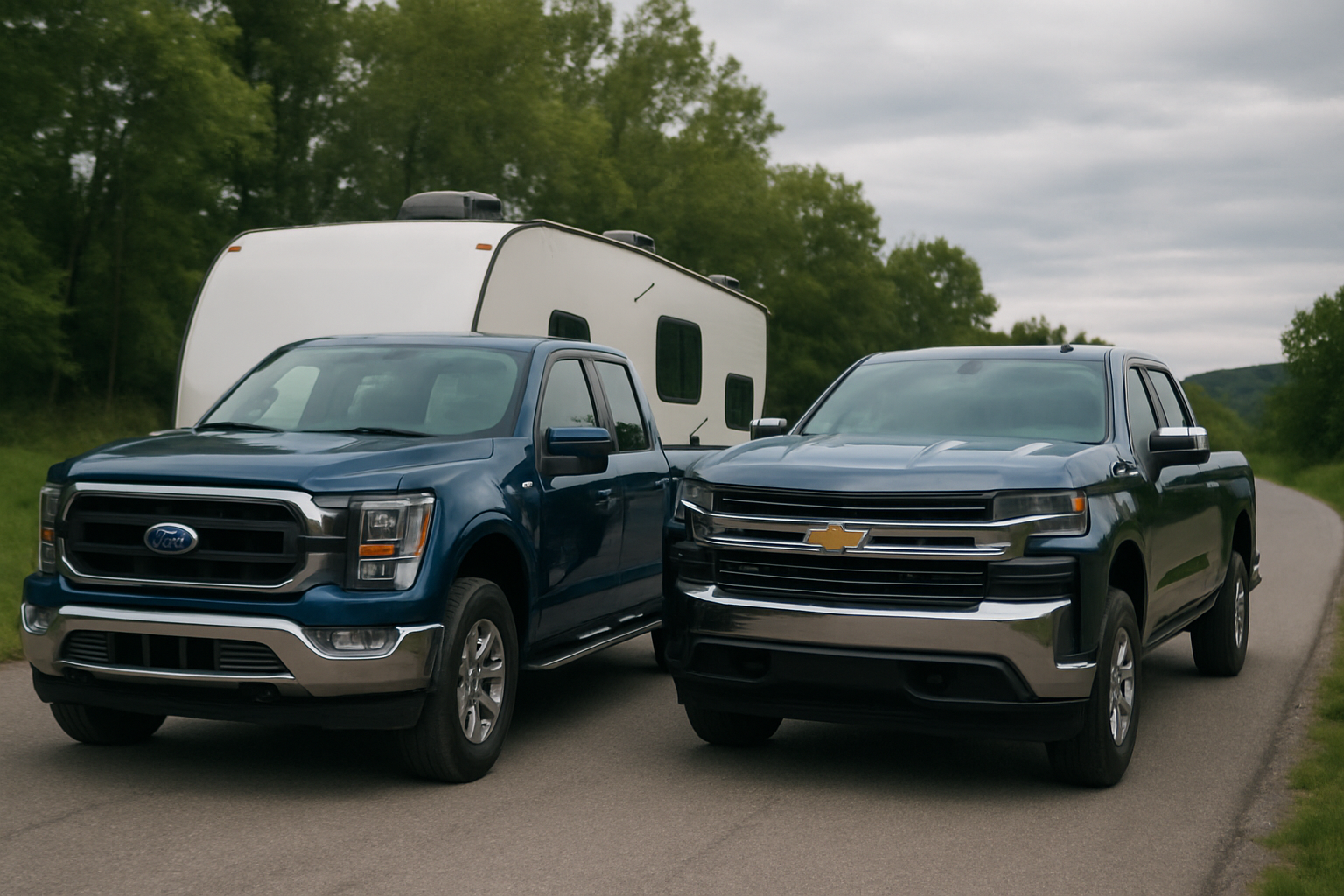
Super Cruise works while towing trailers, but with some important limitations and considerations. The system needs to account for the additional weight and length when making driving decisions.
You must configure your truck’s towing settings properly before using Super Cruise with a trailer. Access the vehicle settings through your infotainment screen and enable trailer mode. Input your trailer’s weight and dimensions accurately.
Lane changing behavior becomes more conservative when trailering. The system requires larger gaps in traffic and executes lane changes more gradually to account for trailer dynamics.
Super Cruise may disable itself in challenging towing situations. Steep grades, strong crosswinds, or trailer sway can cause the system to hand control back to you immediately.
Monitor your trailer through the mirrors more frequently than usual, even with Super Cruise active. The system doesn’t directly monitor trailer stability or positioning.
Common Super Cruise Limitations
Understanding when Super Cruise won’t work helps you prepare for transitions back to manual driving. Weather conditions significantly impact system performance.
Heavy rain, snow, or fog can disable Super Cruise even on compatible roads. The sensors need clear visibility to operate safely. You’ll receive advance warning when weather conditions threaten system availability.
Road construction and lane shifts often disable Super Cruise temporarily. The system’s mapping may not reflect recent changes to lane configurations or traffic patterns.
Very heavy traffic can limit Super Cruise functionality. Stop-and-go conditions below 20 mph require manual control in most situations.
Troubleshooting Common Issues
Sensor cleanliness affects Super Cruise performance significantly. Keep the front camera and radar sensors clean and free of ice, snow, or debris.
The front camera sits behind the rearview mirror on your windshield. Clean this area regularly and avoid placing items that might block the camera’s view.
Radar sensors are located in the front bumper. Road salt, mud, or ice can interfere with these sensors and disable Super Cruise functionality.
If Super Cruise seems unavailable on roads where it should work, try restarting the infotainment system. Hold the power button for several seconds until the screen goes black, then wait for it to reboot.
Tips for Getting the Most from Super Cruise
Plan your routes using roads with known Super Cruise compatibility when possible. Your truck’s navigation system can help identify the best highways for hands-free driving.
Keep your hands near the steering wheel even when Super Cruise is active. This positioning allows you to take control quickly if needed.
Use Super Cruise for its intended purpose on long highway drives. The system excels at reducing fatigue during extended trips but isn’t designed for short city commutes.
Update your vehicle’s software regularly to receive the latest Super Cruise improvements and expanded road coverage. GM releases updates that add new compatible highways and enhance system performance.
Frequently Asked Questions
Can I use Super Cruise in any weather conditions?
Super Cruise works in light rain and overcast conditions, but heavy precipitation, fog, or snow will disable the system. The sensors need clear visibility to operate safely. You’ll receive warnings when weather conditions affect system availability.
Does Super Cruise work on all highways?
Super Cruise only works on pre-mapped divided highways. While GM has mapped over 400,000 miles of roads, not every highway supports the system yet. Your truck’s display will show compatible roads in blue on the navigation map.
What happens if I fall asleep while using Super Cruise?
The attention monitoring system will detect if you’re not watching the road and issue escalating warnings. If you don’t respond, Super Cruise will gradually slow the vehicle and eventually bring it to a complete stop with hazard lights activated. Emergency services may be contacted automatically in some situations.
Can I add Super Cruise to my truck if it didn’t come with it?
Super Cruise requires specific hardware including cameras, radar sensors, and processing units that can’t be easily added aftermarket. The system must be factory-installed or dealer-installed on vehicles that were pre-wired for the technology.
Leave a Reply