
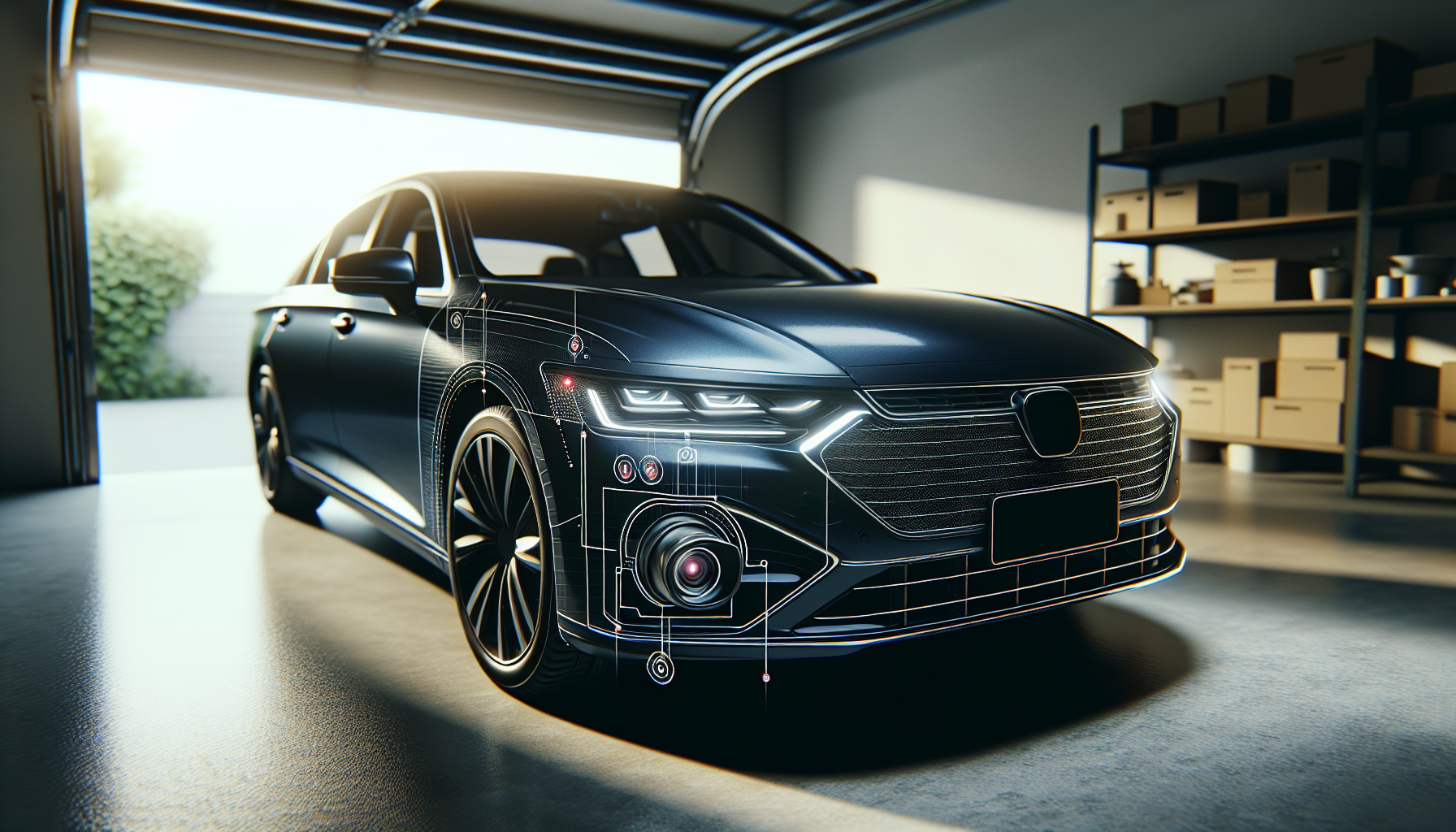
You’re cruising down the road when suddenly your Mazda 3 slams on the brakes for no apparent reason. There’s nothing in front of you, traffic is clear, but your Smart City Brake Support (SCBS) or Smart Brake Support (SBS) system just decided to intervene anyway. Your heart’s racing, the guy behind you nearly rear-ended you, and now you’re wondering if your car has lost its mind.
False activations of automatic emergency braking systems are one of the most frustrating issues Mazda 3 owners face, especially on 2014-2018 models. The system is designed to prevent collisions, but when it triggers inappropriately, it becomes a safety hazard itself. Most false activations happen because the forward-facing radar and camera get confused by environmental conditions, sensor obstructions, or calibration issues.
Common Causes
The automatic emergency braking system in your Mazda 3 relies on a combination of radar sensors and cameras mounted behind the windshield and in the front grille. When these components misinterpret what they’re seeing, you get phantom braking events.
Dirty or obstructed sensors are the number one culprit. The radar sensor sits behind the Mazda badge on the front grille, and the camera is positioned near the rearview mirror. Mud, snow, ice, or even heavy rain can block these sensors and cause the system to either overreact or misread objects. I’ve seen cases where a thin layer of road salt was enough to trigger false activations repeatedly.
Weather conditions play a huge role too. Bright sunlight hitting the camera at certain angles, reflections off wet pavement, or heavy snow can all confuse the system. Driving under certain types of overpasses or through tunnels where lighting changes dramatically will sometimes set it off.
Windshield replacement or repairs are another common trigger. If you’ve recently had your windshield replaced, the camera might not be properly calibrated. The aftermarket glass might also have slightly different optical properties than the OEM glass, which throws off the camera’s depth perception.
Software bugs in older models have been documented. Mazda issued several Technical Service Bulletins (TSBs) addressing false activation issues, particularly for 2014-2016 model years. If your vehicle hasn’t had these software updates applied, you’re more likely to experience problems.
Physical damage to the front bumper or grille area can misalign the radar sensor even if the damage looks minor. Even a small parking lot tap can shift things just enough to cause issues.
How to Diagnose the Problem
Start by checking the obvious stuff. Look at your front grille where the Mazda badge sits. The radar sensor is directly behind it. Any dirt, debris, or damage here needs to be addressed first. Clean the area thoroughly with a soft cloth and mild soap.
Check your windshield around the rearview mirror area. The camera housing should be visible as a small black box. Make sure there’s nothing on the windshield obstructing its view, including tinted strips that extend too far down, dash cam mounting brackets, or even excessive dirt on the inside of the glass.
Pay attention to when the false activations occur. Keep a mental note or write down the conditions: time of day, weather, type of road, what you were approaching. Pattern recognition helps. If it only happens in bright sunlight or always on a specific stretch of road, that tells you something about the trigger.
Check for warning lights or messages on your dash. Sometimes the system will display “Brake System Malfunction” or “SCBS/SBS Unavailable” before or after a false activation. These messages often indicate the system knows something is wrong.
This video shows what the brake system malfunction warning looks like and some troubleshooting steps:
Use an OBD-II scanner to check for stored diagnostic trouble codes (DTCs). Codes in the C1XXX range typically relate to the braking system and sensors. Even if no warning light is on, codes might be stored in memory.
Test drive the vehicle in a safe area where you can see if the system activates under specific conditions. An empty parking lot works well. Try driving toward objects at low speed to see if the system responds appropriately or overreacts.
How to Fix It
If sensor cleanliness is the issue, a thorough cleaning might solve everything. For the front radar sensor, remove any bug deflectors or aftermarket grille accessories that might interfere. Clean the Mazda badge and grille area. Some owners have had success removing the badge entirely to clean behind it, though this requires careful prying.
For the windshield camera, clean both sides of the glass in that area. Interior cleaning matters too since dust and film can accumulate on the inside. Use glass cleaner without ammonia, as ammonia can damage tinting or coatings.
If you’ve had recent windshield work done, the camera absolutely needs recalibration. This isn’t a DIY job for most people. You need specialized equipment and software to properly calibrate the SCBS/SBS camera. Some glass shops offer this service, but you might need to visit a Mazda dealer.
For software-related issues, check with your Mazda dealer about outstanding TSBs for your specific model year. The updates are usually free if your vehicle is covered. TSB 04-008/18 and 04-012/16 specifically address false SCBS activations on certain model years. The dealer can check if these apply to your VIN and whether they’ve been performed.
You can temporarily disable the system if false activations are creating dangerous situations. There’s usually a button on the dash labeled “SCBS OFF” or similar. Press and hold it for a few seconds. Keep in mind this defeats a safety feature, so it’s only a temporary measure while you arrange proper repairs.
This video explains how to reset collision warning systems, which can sometimes clear false activation issues:
Check the wiring harness connections to both the radar sensor and camera. Corrosion or loose connections can cause intermittent problems. The camera connector is accessible if you remove the plastic trim around the rearview mirror area. The radar sensor connector requires removing the front bumper cover, which is more involved.
If you’re getting persistent codes or warnings after cleaning and basic checks, the sensor itself might be failing. Radar sensors can degrade over time, especially if exposed to road salt and moisture. Camera modules can also fail, though it’s less common.
When to See a Mechanic
Camera calibration requires specialized equipment that costs thousands of dollars. Unless you’re running a shop, this isn’t something you can DIY properly. Any reputable shop with ADAS (Advanced Driver Assistance Systems) calibration equipment can handle this, though Mazda dealers will have the most experience with these specific systems.
If you’re getting consistent fault codes that don’t clear after cleaning and basic troubleshooting, professional diagnosis makes sense. The dealer scan tools provide much more detailed information than consumer-grade OBD-II scanners, including live data from the sensors.
Physical sensor replacement requires proper alignment and calibration afterward. While removing and installing the parts isn’t terribly complex, getting them aimed correctly requires that calibration equipment again.
Persistent issues after software updates and cleaning often point to hardware failure. Radar sensors run around $400-600 for the part alone, so you want to be sure before replacing them. A good diagnostic session can confirm whether the sensor is actually bad or if something else is going on.
Estimated Repair Costs
| Repair Type | Cost Range |
|---|---|
| Diagnostic scan at dealer | $100-150 |
| Software update/TSB application | $0-150 (often covered under warranty) |
| Camera recalibration | $150-300 |
| Radar sensor replacement | $600-900 (parts + labor + calibration) |
| Camera module replacement | $400-700 (parts + labor + calibration) |
| Windshield replacement with calibration | $400-800 (depending on insurance) |
These are ballpark figures and vary significantly by location and whether you use a dealer or independent shop. Independent shops with ADAS calibration equipment typically charge less than dealers for the same work, but not all independent shops have invested in this equipment yet.
Prevention Tips
Regular cleaning of the sensor areas should be part of your routine maintenance, especially if you drive in areas with harsh winters. Every time you wash the car, pay attention to the grille area and windshield where the sensors live.
When getting windshield work done, specifically ask whether they have ADAS calibration capability. Don’t assume they do. Many quick glass replacement services don’t have the equipment, which leaves you with an uncalibrated camera and potential problems.
Avoid aftermarket accessories that mount near or in front of the sensors. License plate frames, bug deflectors, and certain types of grille modifications can interfere with sensor operation. If you must use them, make sure they’re designed to work with forward collision systems.
Keep your vehicle’s software updated. When you take your Mazda in for routine service, ask if there are any outstanding recalls or TSBs. Not all TSBs generate customer notifications, so you need to ask specifically.
If you notice the system behaving oddly even once, don’t ignore it. Intermittent problems tend to get worse over time. Addressing them early often prevents more serious issues later.
During winter months, make checking the sensors part of your pre-drive routine. Snow and ice buildup happens fast, and you might not notice it’s blocking the sensors until you get a false activation or warning message.
Wrapping Up
False automatic emergency braking activations are unnerving and potentially dangerous. Most cases come down to dirty sensors, calibration issues after windshield replacement, or software that needs updating. The fixes range from simple cleaning you can do in five minutes to professional calibration that requires a shop visit.
Start with the easy stuff and work your way up. Clean the sensors thoroughly, check for obvious damage or obstructions, and see if your vehicle needs any software updates. If those steps don’t resolve it, you’re looking at professional diagnosis and potentially hardware replacement.
Don’t drive around with the system disabled permanently. These safety features exist for a reason, and when they work correctly, they can prevent real accidents. Get the problem fixed properly so the system can do its job without creating new hazards.
Leave a Reply