

If you own a Tesla Model S, you probably think of it as an electric car with a massive battery pack. And you’d be right. But here’s what catches a lot of Tesla owners off guard: your Model S also has a regular 12-volt battery, just like any gas-powered car. When this little battery starts failing, your futuristic electric sedan won’t open its doors, won’t wake up, and definitely won’t drive anywhere.
The 12V battery powers all the car’s accessory systems when the high-voltage battery isn’t active. Things like door locks, windows, the touchscreen, lights, and the computer that wakes everything up. Without it working properly, your Tesla becomes a very expensive paperweight in your driveway.
Common Causes
Tesla’s 12V battery fails for pretty much the same reasons any car battery does, but with some Tesla-specific twists.
Normal wear and age is the biggest culprit. These batteries typically last 3-5 years in a Model S. Tesla uses a standard lead-acid battery in earlier models and lithium-ion in newer ones, but both have finite lifespans. The constant charging and discharging cycles eventually degrade the cells.
Vampire drain is another issue. The Model S never really sleeps completely. It’s constantly monitoring systems, maintaining connectivity, and running background processes. If the car sits unused for weeks, the 12V battery can drain even though the main battery pack is full. I’ve seen Model S owners return from a two-week vacation to find their car completely dead.
DC-DC converter problems can kill the 12V battery prematurely. This converter steps down voltage from the high-voltage battery to charge the 12V system. When it starts failing, it might overcharge or undercharge the 12V battery, shortening its life dramatically.
Extreme temperatures don’t help either. If you park outside in Phoenix summers or Minnesota winters, your 12V battery takes a beating. Heat accelerates chemical degradation inside the battery. Cold weather reduces its capacity and makes it work harder to power everything.
Warning Signs
Tesla actually tries to warn you before the 12V battery dies completely, though the warnings aren’t always obvious.
The most direct warning is a notification on your touchscreen that says “12V Battery Needs Service” or something similar. Don’t ignore this. You might have a few days or a few weeks, but the battery will fail.
Watch for weird electrical glitches. The touchscreen might reboot randomly while driving. Windows could move sluggishly. Door handles might not present consistently when you approach the car. These can all point to 12V issues.
If your key card or phone key stops working reliably, that’s another red flag. The door locks and proximity sensors run on the 12V system. When the battery weakens, these features become flaky.
Failed charging sessions are worth noting too. Sometimes the car won’t start charging when plugged in, or it stops mid-charge for no apparent reason. A weak 12V battery can prevent the charging systems from initializing properly.
The car taking longer to “wake up” when you approach it suggests the 12V battery is struggling. You might need to wait 10-15 seconds instead of the usual instant response.
How to Diagnose the Problem
Diagnosing a failing 12V battery in a Model S is easier than in most cars because Tesla’s software does a lot of the work for you.
First, check your touchscreen for any notifications about the 12V battery. Go to Controls > Service on the main screen and look for any alerts. Tesla’s diagnostics are usually pretty accurate about this.
You can also access some diagnostic data through the service menu. On older Model S versions, you can get into a service mode that shows 12V battery voltage. A healthy battery should read around 12.6-12.8 volts when the car is asleep and 13.5-14.5 volts when systems are active. Below 12.4 volts at rest indicates a problem.
If you have a multimeter, you can measure the 12V battery directly. Pop the frunk (front trunk) and remove the plastic cover panel. The 12V battery sits right there in front of the main battery management system. Touch the multimeter leads to the terminals and check voltage with the car completely off. Give it 30 minutes of sitting first to get an accurate resting voltage.
Try this test: let the car sit overnight without charging. In the morning, see how quickly it responds when you approach with your phone key. If it takes more than a few seconds or doesn’t wake at all, your 12V battery is likely toast.
Tesla’s mobile app can also provide clues. If the app frequently shows “Vehicle Unavailable” when the car should be awake and connected, that points to 12V issues preventing proper communication.
How to Fix It
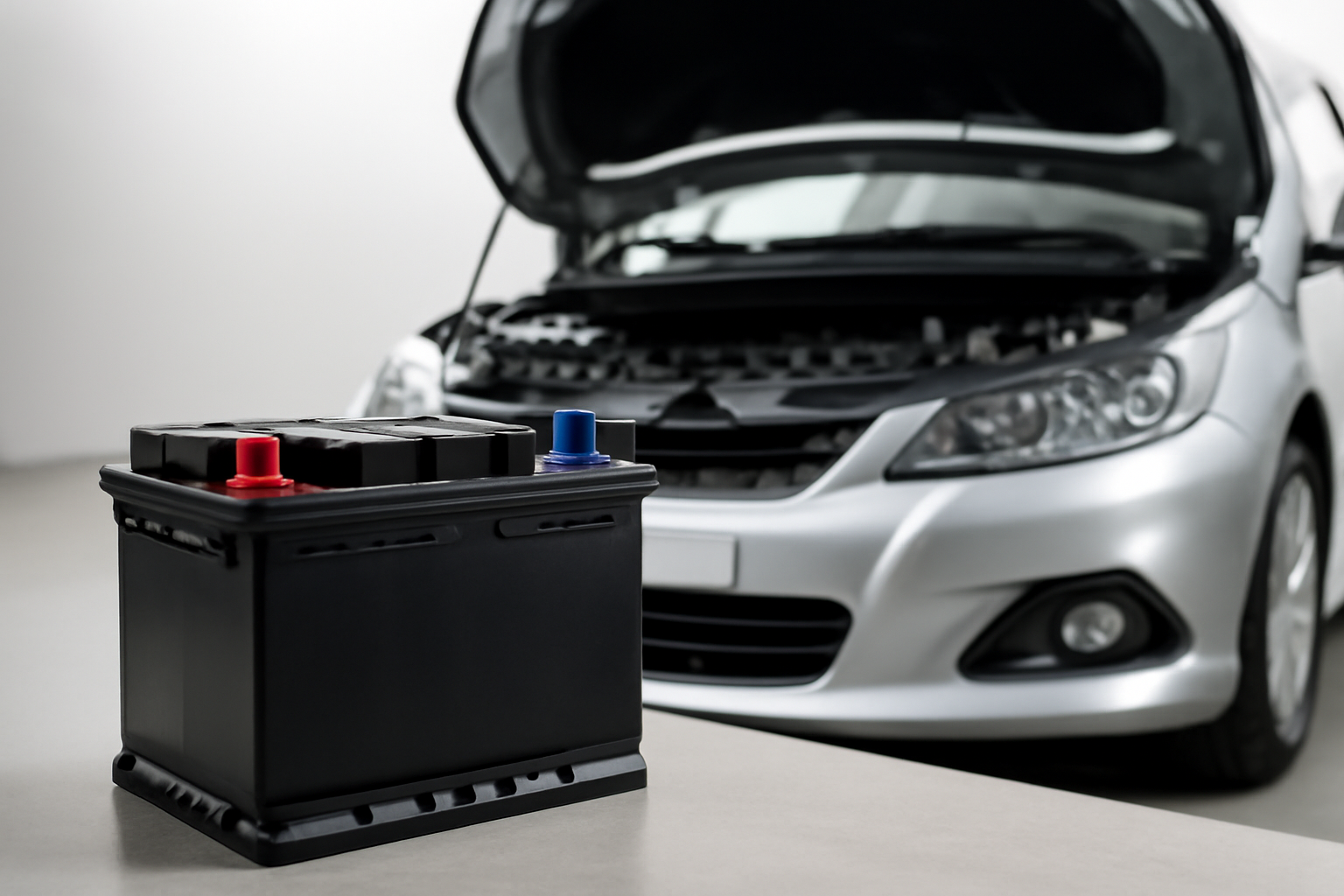
Replacing the 12V battery yourself is completely doable if you’re moderately handy. Tesla charges around $200-300 for this service, but the battery itself costs $50-150 depending on which type your Model S uses.
Here’s what you need: the correct replacement battery (critical to get the right one), a 10mm socket wrench, and maybe some gloves. Earlier Model S cars (2012-2016) use a specific Bosch S5 005 AGM battery. The 2016+ models switched to a different configuration. Check your owner’s manual or call Tesla parts to confirm which one you need.
This video shows the complete replacement process for 2015 and newer Model S:
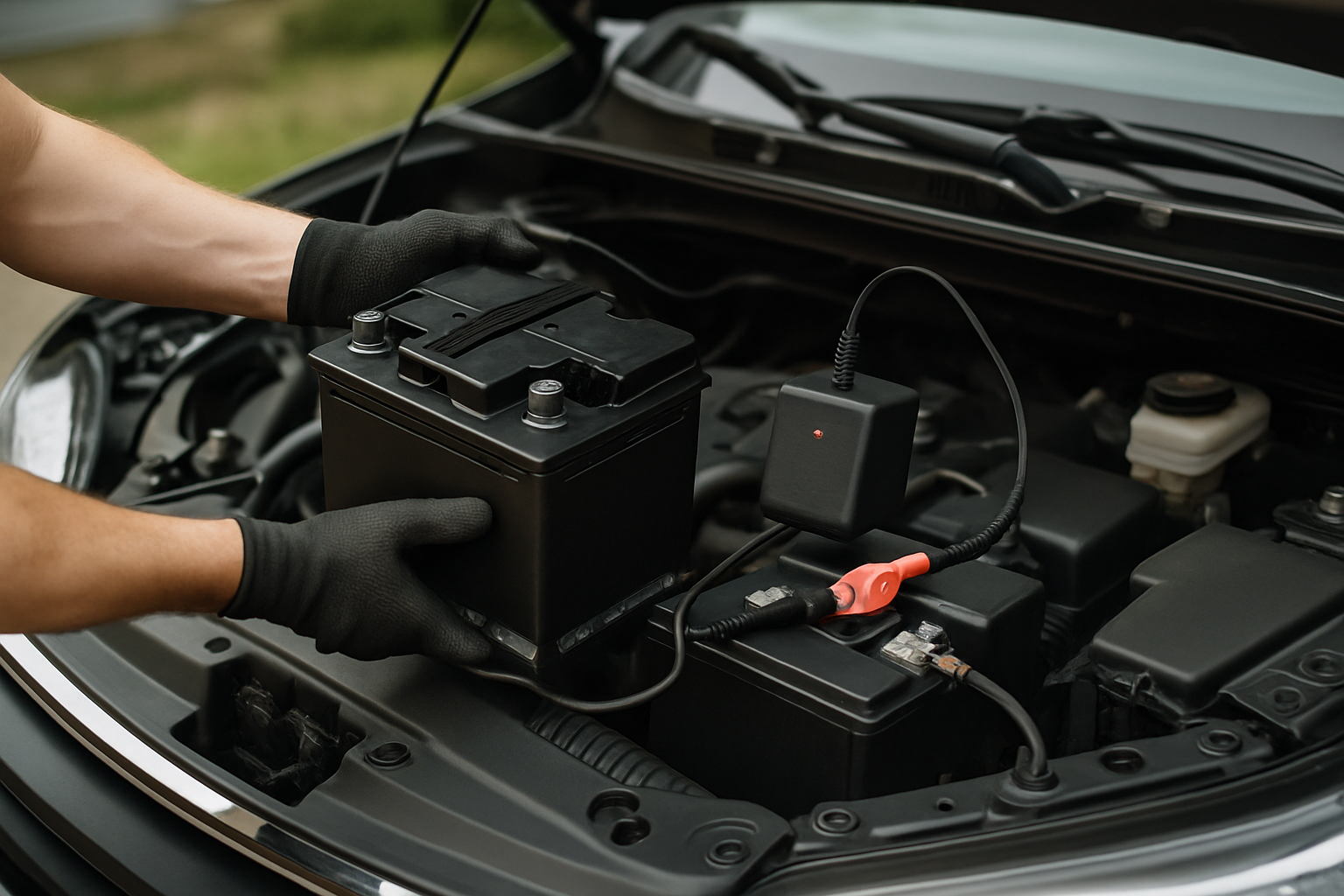
Open the frunk and remove the plastic panel covering the battery area. It just lifts out with some clips. You’ll see the 12V battery sitting in a tray.
Disconnect the negative terminal first (black cable), then the positive terminal (red cable). Use the 10mm socket to loosen the terminal bolts. Don’t let the wrench touch both terminals at once.
Remove the hold-down bracket securing the battery. There are usually one or two bolts holding it in place. Lift out the old battery. These don’t weigh much compared to a regular car battery.
Drop in the new battery, making sure it’s seated properly in the tray. Reattach the hold-down bracket. Connect the positive terminal first, then the negative terminal. Tighten everything snugly but don’t overtighten and strip the threads.
Replace the plastic cover panel and close the frunk. The car should wake up normally now. You might need to wait a minute for all systems to initialize.
One important note: some Model S owners report needing to reset the Battery Management System after replacement. If you get persistent error messages after installing the new battery, you might need Tesla service to clear the codes.
When to See a Mechanic
Most Tesla owners can handle the battery replacement themselves, but there are situations where you should get professional help.
If the new battery doesn’t fix the problem, you’ve got deeper issues. The DC-DC converter might be failing, or there could be a parasitic drain somewhere in the electrical system. Tesla service or a qualified independent Tesla shop needs to diagnose this with proper scan tools.
When the car is completely dead and won’t open, you’re in a tough spot. You can jump-start the 12V system using the external jump terminals hidden behind a panel in the front tow hook area, but if you’re not comfortable with that process, call Tesla roadside assistance. They’ll come out and either jump it or tow it in.
If you’re still under warranty, let Tesla handle it. The 12V battery has a limited warranty, and if it fails prematurely, Tesla should replace it for free. Don’t void your warranty by doing it yourself.
Some newer Model S vehicles have the 12V battery in a different location or use a lithium-ion 12V battery that requires programming after replacement. If you’re unsure about your specific model year, call Tesla service first.
Estimated Repair Costs
| Repair Option | Cost Range |
|---|---|
| DIY battery replacement (parts only) | $50-$150 |
| Tesla service center replacement | $200-$300 |
| Independent Tesla shop replacement | $150-$250 |
| Mobile service replacement | $250-$350 |
| DC-DC converter replacement (if needed) | $500-$1,200 |
The DIY route saves the most money, obviously. The battery itself is cheap. Tesla’s labor charges push the price up, but their mobile service is convenient if you can’t drive the car in.
Prevention Tips
You can extend your 12V battery life with some simple habits.
Keep the car plugged in when parked for extended periods. Even if the main battery is full, staying connected to shore power means the DC-DC converter can maintain the 12V system without draining the battery. Tesla recommends leaving the car plugged in if you’re not driving it for more than a few days.
Pay attention to those warning notifications. When Tesla tells you the 12V battery needs service, don’t put it off for months. Replace it within a week or two to avoid getting stranded.
Avoid extreme discharge cycles if possible. Minimize the number of times the car sits completely unplugged for weeks at a time. The 12V battery handles occasional deep discharge, but repeated deep cycles kill it faster.
Check the battery terminals annually for corrosion. A little white or green buildup on the terminals increases resistance and makes the battery work harder. Clean it off with a wire brush and some baking soda solution if needed.
Consider replacing the battery proactively around the 4-year mark if you live in a harsh climate. Spending $100-150 on your schedule beats getting stranded and paying for a tow plus emergency service.
The 12V battery isn’t glamorous, but it’s essential. Without it, your Tesla is just an expensive sculpture in your garage. The good news is that replacement is simple and cheap compared to most Tesla repairs. Stay ahead of it, watch for the warning signs, and you’ll never get caught off guard by a dead 12V battery.


Leave a Reply