
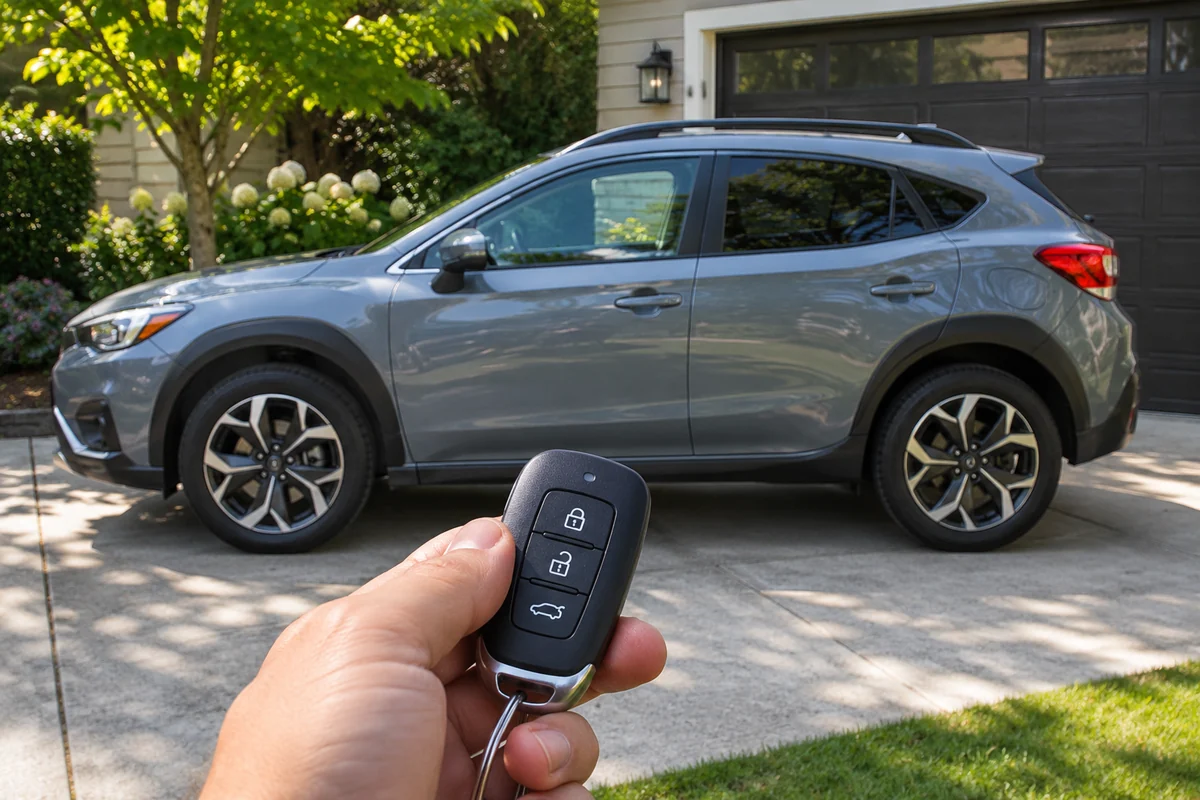
If grabbing the driver’s handle on your 2024 Honda CR-V unlocks only your door, change Door Unlock Mode from Driver Door Only to All Doors. Honda lists this preference under the keyless access settings on supported configurations. It controls what happens when you grab the handle with the keyless remote nearby. 2024 CR-V customized features
Find Door Unlock Mode in your vehicle’s settings
Park the CR-V before opening its settings. On configurations with the preference on the center display, look under the vehicle settings for Keyless Access Setup → Door Unlock Mode. If your model uses the driver information interface for customization, open its settings from the steering-wheel controls and look for Keyless access setup. Check the applicable owner’s manual if the two menus look different. Select All Doors and back out so the change saves. 2024 CR-V Hybrid driver information interface
With the vehicle off, lock the doors and keep the remote on you. Grab the driver’s handle once and check a rear door. Test the handle first so you can tell whether the setting did what you wanted.
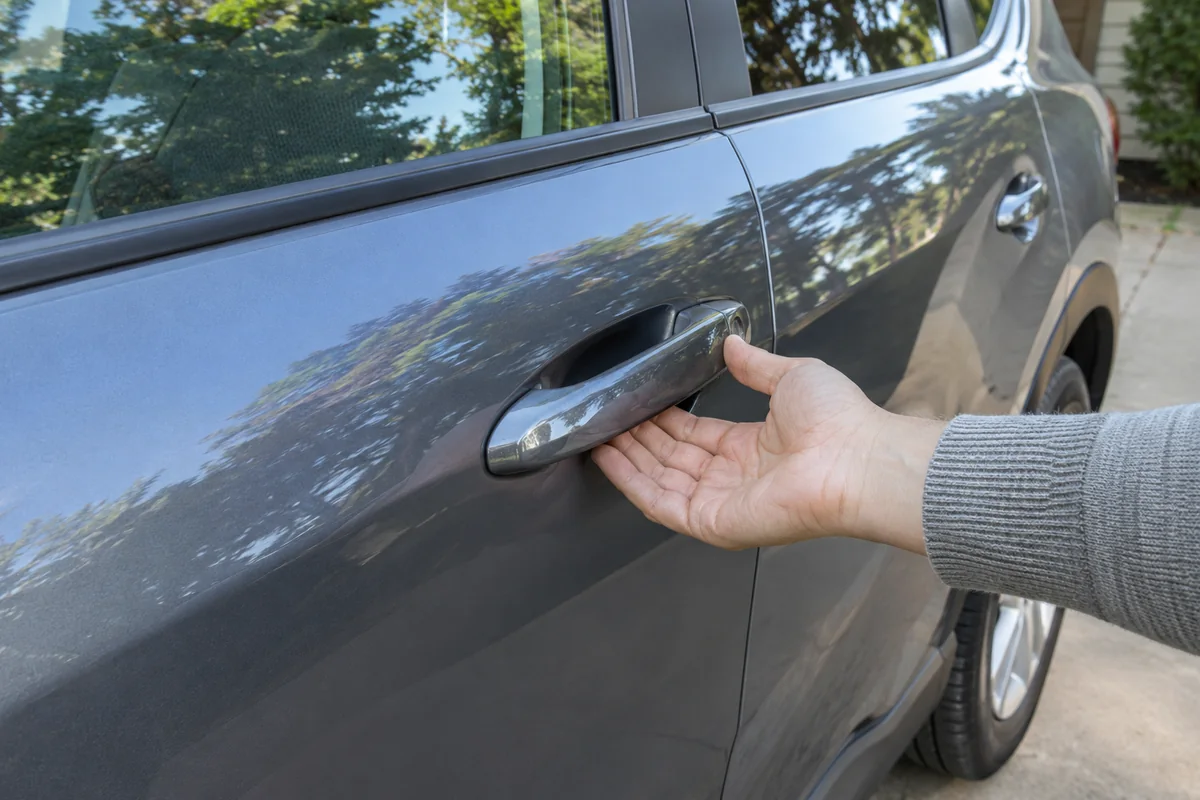
AI-generated editorial illustration.
Keep the handle and remote behaviors separate
If you prefer the driver-only setting but sometimes need to let everyone in, use the remote. Honda documents pressing Unlock once for the driver’s door and a second time for the other doors and tailgate. Unlocking at the passenger’s handle can also behave differently from the driver’s handle. If the driver’s handle power unlocks nothing, check the remote’s battery and the manual’s keyless access conditions. Honda exterior locking and unlocking
Leave a Reply