

The CX-90 doesn’t need a scanner or a special tool to clear its maintenance reminder. After the service is done, you reset the reminder yourself through the vehicle’s own menus. Mazda’s exact menu names and button layout can vary by model year and trim, so confirm them in the maintenance section of your owner’s manual.
The CX-90 is a newer model, so there’s no older generation to worry about. The bigger variable is the powertrain. The turbocharged inline-six and the plug-in hybrid are different setups, so check your manual for the oil specification, capacity, and service intervals for your exact version.
First, Identify Which Light You’re Seeing
Dashboard messages that look similar can mean very different things. Sort yours into one of these buckets before you touch anything:
- Maintenance or oil change reminder: a service-due message in the instrument cluster or on the center display. It’s a reminder, not a fault, and it’s the only one you clear with a reset.
- Red oil-pressure warning: a red oil-can symbol. This means a possible loss of oil pressure. Don’t treat it as a reminder, and don’t keep driving. Park safely, shut the engine off, and check your manual for next steps.
- Check-engine light: an amber engine symbol. This is a stored fault. Resetting a maintenance reminder won’t clear it or fix whatever caused it.
A reset doesn’t change the oil, replace a filter, or repair anything. It only clears the reminder, so reset only the items you actually completed. If you did an oil change but not a tire rotation, leave the rotation reminder alone.
How to Reset the Maintenance Reminder
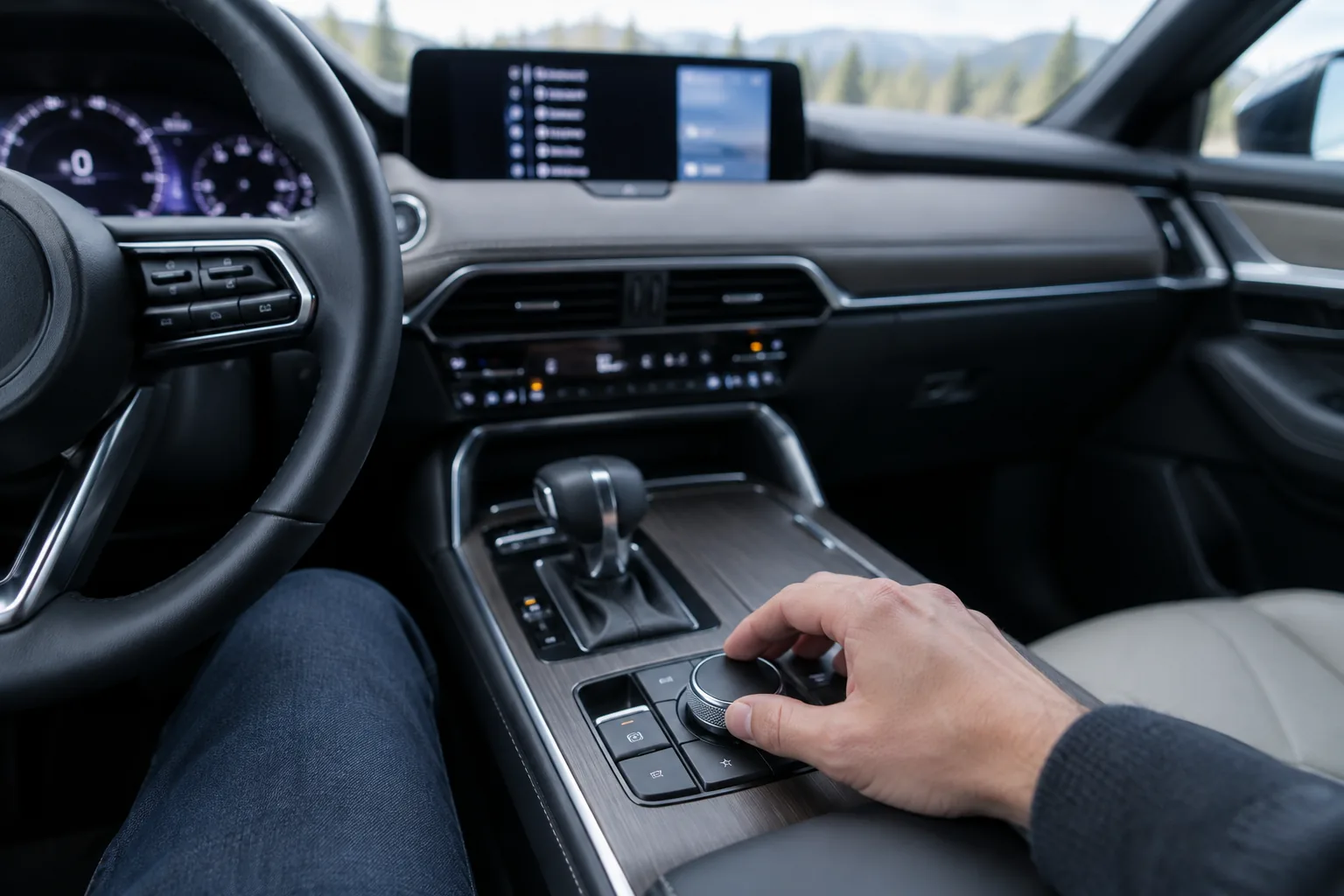
I’m not going to guess at exact menu labels, because they can differ by model year and software. The general method on a CX-90 looks like this, and your manual’s maintenance monitor section gives the exact names:
- Finish the service first, including the oil and filter change, and confirm the drain plug and filter are tight with no leaks.
- Park the vehicle on level ground with the parking brake set and the shifter in Park.
- Turn the vehicle on the way your manual specifies for using the settings menus. Some menus lock out while driving, so stay parked.
- Open the settings or vehicle menu on the center display, or use the instrument cluster controls, and look for the maintenance entry.
- Select the specific item you completed, such as the oil change, and choose the reset or clear option.
- Confirm the prompt if one appears. You should see a confirmation, or the reminder message should disappear and the countdown should restart.
If the reset doesn’t take, work through these checks:
- Make sure you selected the right maintenance item. Several reminders can be listed separately.
- Check that you’re parked and in the ignition state your manual describes, since some options are greyed out otherwise.
- Look for another due item that is keeping the message on screen.
- Reread the manual for any model-year differences in how the monitor works.
- If the option is missing or won’t save, a Mazda dealer can reset it and check for software updates.
Also keep in mind that this kind of reminder is generally interval-based. Treat it as a prompt to follow the service schedule in your manual, not as a measurement of how worn your oil is.
If You’re Changing the Oil Yourself
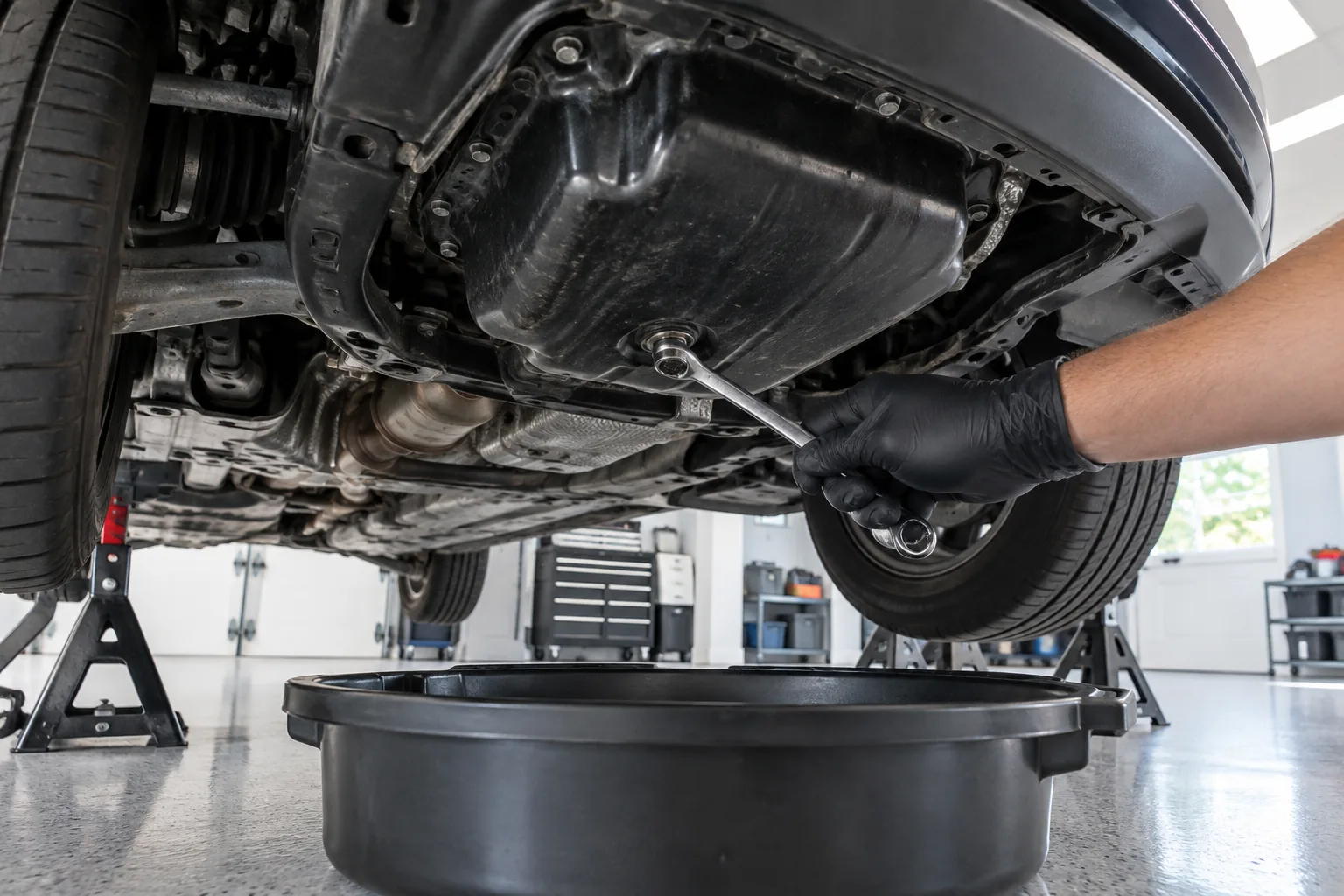
The reset is free, and so is knowing your specs. Before buying anything, get the correct oil grade, capacity, and filter for your engine from the owner’s manual. Don’t buy by vehicle name alone, since the inline-six and the plug-in hybrid can call for different parts.
A low-profile drain pan is the one supply that makes a real difference on a vehicle this size. Look for one that holds more than your oil capacity and slides under the car without lifting it too high. A basic option like the low profile oil drain pan is budget-friendly and does the job, but check current pricing and dimensions on Amazon.

Low Profile Oil Drain Pan
A wide, shallow pan fits under lower vehicles and catches splash when the oil first comes out.
For jack stands, a torque wrench, and the other basics, our list of must-have tools for every DIY car owner covers what’s worth owning. Whatever you buy, verify fitment for your engine before ordering oil, filters, or a drain plug gasket.
FAQ
Do I have to reset the reminder after an oil change?
You don’t have to for the vehicle to run, but you should. If you skip it, the reminder stays on and the interval tracking is off, which makes it harder to know when the next service is due. Reset it only after the work is actually finished.
Will resetting the reminder turn off my check-engine or oil-pressure light?
No. Those are separate warnings tied to faults, not service intervals. A red oil-pressure light calls for stopping the vehicle and checking it right away, and a check-engine light needs the underlying fault diagnosed. Your owner’s manual explains what each warning means for your CX-90.


Leave a Reply