
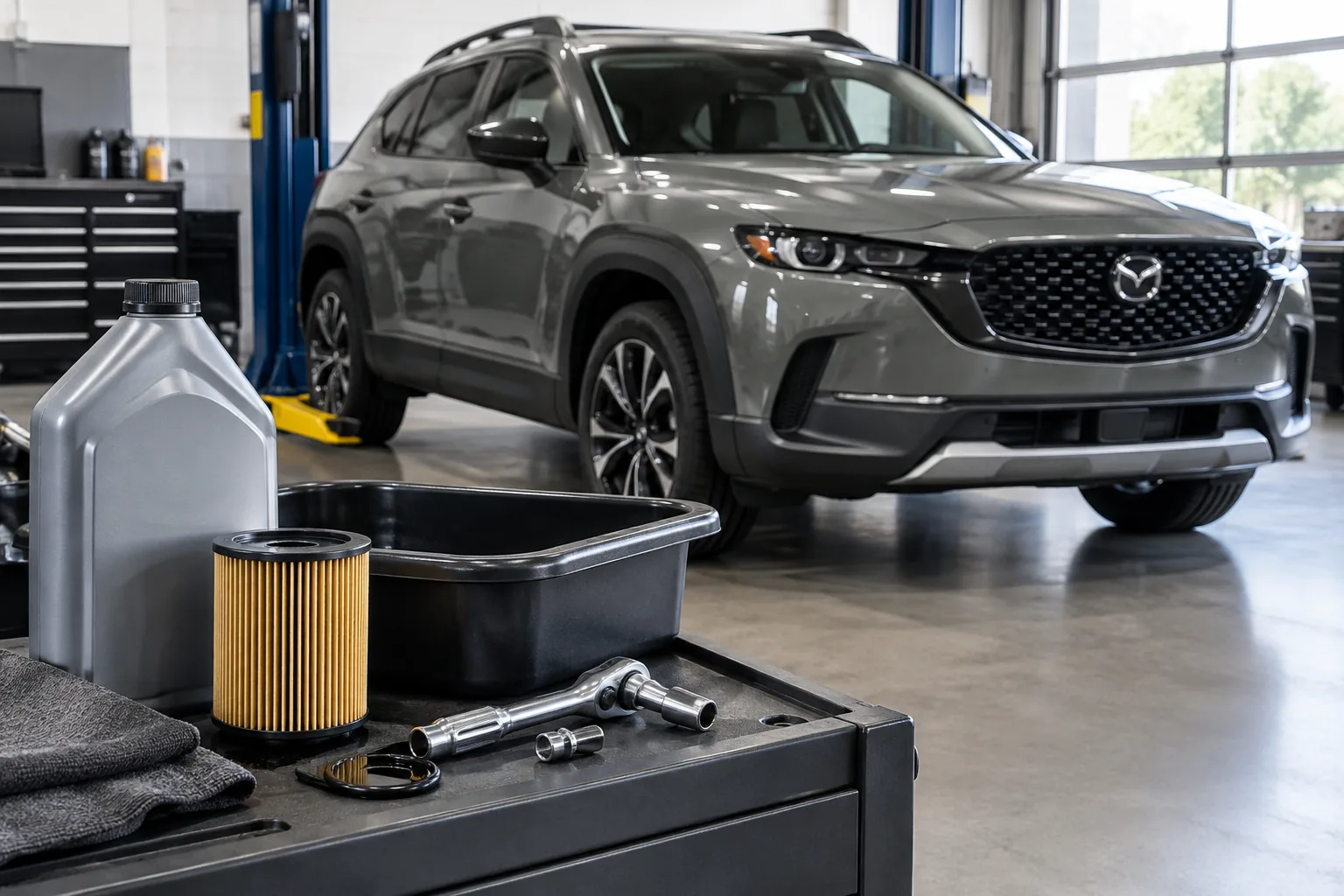
The short answer: on a Mazda CX-50, you reset the maintenance reminder from the settings menus on the center display after the service is done. The exact menu label and steps can vary by model year and software, so confirm them in your owner’s manual before you rely on any walkthrough, including this one.
The CX-50 only goes back to the 2023 model year in the US, so there’s no older generation to worry about. The 2025 hybrid may differ from the gas models in maintenance details, so check the manual for your exact vehicle.
First, Identify Which Light You’re Looking At
Not every dashboard symbol is a maintenance reminder. Sorting out which one you have matters, because one is a nudge and another is an emergency.
- Maintenance or oil-change reminder: A message or service indicator that appears when your scheduled interval comes due. This is just a reminder and doesn’t mean anything is wrong with the engine.
- Red oil-pressure warning: A red oil-can symbol. Pull over safely, shut the engine off, and check the oil level. Don’t keep driving on it, and don’t try to “reset” it. Get the car inspected.
- Check engine light: A separate amber engine-shaped symbol that signals a stored fault. A maintenance reset won’t touch it, and the cause needs to be diagnosed.
Resetting a reminder doesn’t change the oil, replace a filter, or fix a fault. It only clears the prompt. Reset only the items you actually completed, so the next reminder shows up when it should.
How to Reset the Maintenance Reminder
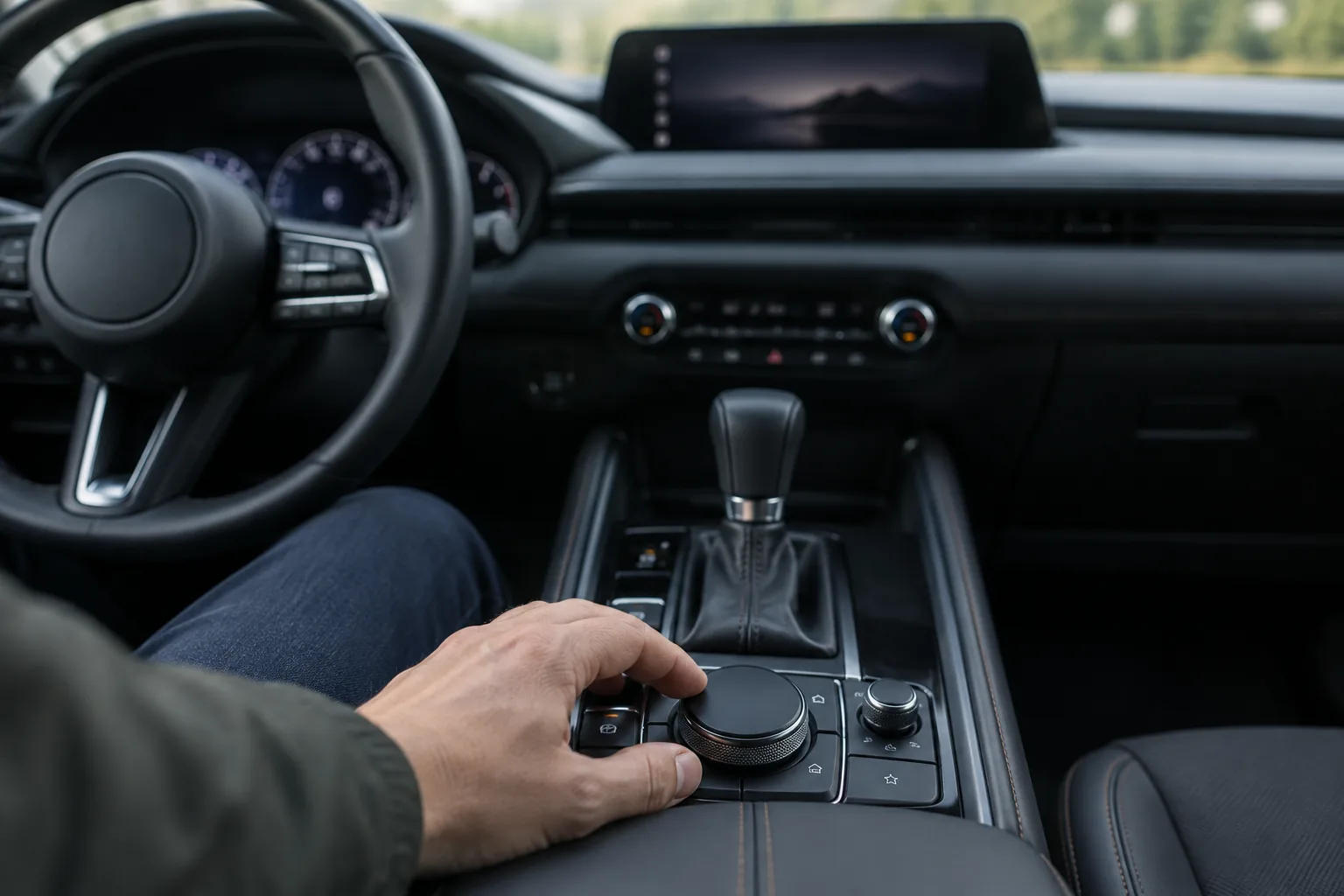
This is free and takes a couple of minutes, with no scanner or purchase needed. Mazda doesn’t want you guessing here, and neither should I, so treat the steps below as the general method and match the menu names to your manual (look in the maintenance section, or the section on the maintenance monitor).
- Finish the service first. Oil and filter changed, tires rotated, or whatever the reminder covers.
- Park on level ground with the vehicle powered on. Your manual will say whether the engine needs to be running or whether accessory mode is enough.
- Open the settings menu on the center display. The maintenance entry is typically in there, but the exact name depends on your model year and software.
- Select the item you completed, such as the oil change. If the list shows separate items, reset only those you did.
- Confirm the reset when prompted.
- Look for the reminder message to clear and the interval counter to restart. Cycle the ignition off and on once to see that it stays cleared.
If the reset fails: Check that you picked the right item, since some entries won’t reset until they’re due or flagged. Make sure the vehicle is in the ignition state your manual calls for and that it’s parked. If the menu doesn’t show a maintenance option at all, that’s a good reason to ask a Mazda dealer to reset it. Finally, if the reminder returns right away, confirm which item is actually triggering it before assuming a glitch.
Doing the Oil Change Yourself
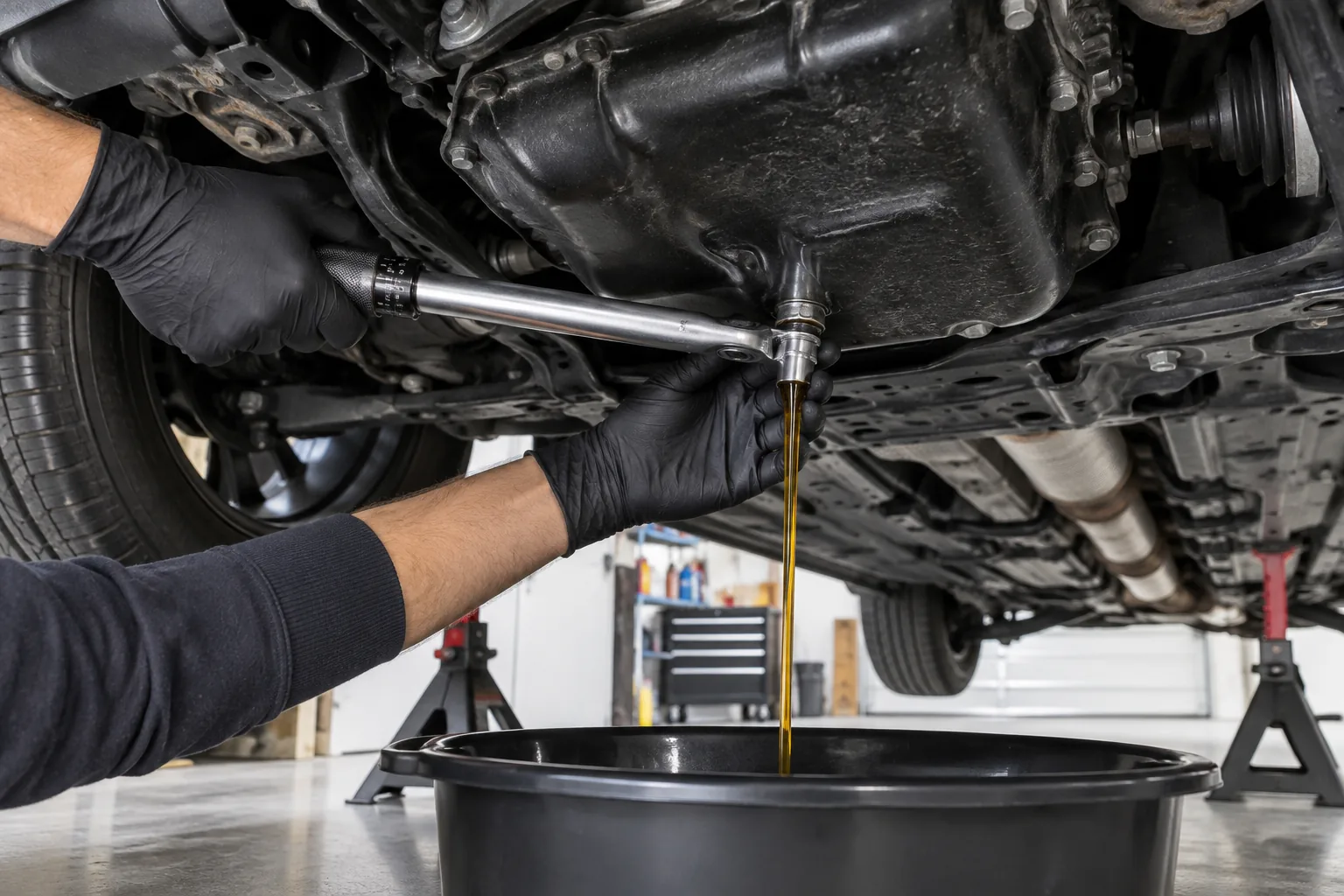
The reset is the easy part. Before you buy anything, confirm the oil grade, oil capacity, and filter for your exact engine (2.5 naturally aspirated, 2.5 turbo, or hybrid) in the owner’s manual. Mazda’s oil requirements are specific, so don’t assume one fits all trims.
Beyond oil and a filter, you’ll want a drain pan, a funnel, a torque wrench for the drain plug, and a fresh drain plug washer if your engine uses one. A good oil filter wrench set is worth having because filter sizes vary, and the wrong wrench makes a simple job miserable. Check that the wrench size matches the filter your CX-50 uses before you buy.

Oil Filter Wrench Set
Handy for DIY oil changes, but confirm the size fits your CX-50’s filter before ordering.
If you’re building out a garage kit, our list of must-have tools for every DIY car owner covers the basics that make jobs like this go faster. Always follow your manual’s maintenance schedule for intervals rather than a generic number.
FAQ
Do I need to reset the reminder if a shop changed my oil?
Often the shop handles it, but don’t assume. If the reminder is still showing after service, ask them whether they reset it, or do it yourself using the method in your owner’s manual.
Can I clear the maintenance reminder and skip the service?
You can, but you shouldn’t. The reminder only tracks the interval, so clearing it won’t protect the engine. Skipping oil changes risks wear and could cause problems with warranty claims, so do the service first and reset afterward.



Leave a Reply