

To reset the Acura MDX Maintenance Minder, turn the ignition on without starting the engine, open the maintenance or oil life screen from the instrument display or center screen, and reset only the items you actually had done. The exact menu path depends on your model year and the controls your MDX has, so confirm it in the maintenance section of your owner’s manual.
Resetting is just telling the car a service happened. It doesn’t change oil, rotate tires, or fix anything. This guide covers which message you’re looking at, how the reset works by generation, and what to try when it won’t take.
First, Identify the Reminder You Actually Have
Three different things can show up on an MDX dash, and only one of them is a reset situation.
- Maintenance Minder message: A “Maintenance Due Soon” or “Maintenance Due Now” style message, often with an oil life percentage and one or more item codes. This is the reminder you reset after service.
- Red oil pressure warning: A red oil can symbol means low oil pressure. Don’t treat it as a service reminder. Stop driving safely, shut the engine off, and check the oil level. If the light stays on, get the vehicle towed or inspected.
- Check engine light: An amber engine symbol is a fault, not a reminder. Resetting the Maintenance Minder won’t clear it or fix its cause.
If both a reminder and a warning light are showing, deal with the warning light first.
What the Maintenance Minder Codes Mean
The MDX uses the same style of system as other Honda and Acura vehicles. It calculates oil life from how the engine is used instead of counting miles alone, then displays a main code and sometimes sub-items.
- Code A: Replace the engine oil.
- Code B: Replace the engine oil and filter, plus a set of inspections. The full inspection list is in your manual.
- Sub-item 1: Tire rotation.
- Other sub-items (2, 3, 4 and up): These cover things like filters, transmission fluid, spark plugs, coolant, and other fluids. What each number covers changes by model year and drivetrain, so use the list in your manual’s Maintenance Minder section instead of guessing.
This is why resetting oil life is not the same as resetting everything. If you changed the oil but the car also flagged a transmission fluid or coolant item you didn’t do, clearing that item hides a reminder for work that’s still due. On screens that let you pick items, select only what was completed.
How to Reset It, Grouped by Generation

The MDX has been through several generations: first generation from 2001, second generation from 2007, third generation from 2014 through 2021, and a redesigned fourth generation starting with 2022. I can’t give you a button-by-button sequence for every year with confidence, so below is the general method for each control style. Your manual lists the exact menu names.
Early MDX (first generation)
The earliest MDX years may not have a Maintenance Minder at all. If the maintenance section of your manual doesn’t describe one, the steps below don’t apply, and you’d follow the mileage-based schedule in the manual and track it yourself.
Second generation (2007 to 2013) and cluster-button style systems
- Park the vehicle and set the parking brake.
- Turn the ignition to ON (position II) without starting the engine.
- Use the instrument cluster or steering wheel controls to bring up the oil life or maintenance screen. Check your manual for which control does this on your trim.
- Follow the reset or select prompt in the manual for your year, choosing only the completed items.
- Confirm the oil life reads 100 percent (after an oil change) and the maintenance message is gone.
Third generation (2014 to 2021) and fourth generation (2022 and newer)
These use push-button start and a driver information display, with the center screen involved on many trims. The Maintenance Minder lives in a menu, either in the driver display, the center screen’s vehicle or settings area, or both, depending on year and equipment.
- With the car stopped, press the start button without touching the brake pedal so the vehicle is in ON mode with the engine off.
- Find the maintenance information screen using the steering wheel controls or the center display. Look for a menu named something like Maintenance Info. Confirm the exact name in your manual.
- Select the reset option, then choose the items you completed. Oil only if you only did oil. Add tire rotation or others only if they were done.
- Confirm the prompt. The screen should show updated oil life and the due message should clear.
If the Reset Fails
- Check ignition state. Many menus won’t allow a reset with the engine running or the vehicle in accessory mode.
- Check that you’re in the right menu. Some years have a separate Maintenance Info area from general settings. Look at the table of contents in the owner’s manual.
- Confirm the vehicle is parked. Some menus lock out while moving.
- Look for a different reminder. If the message is a warning light and not a Maintenance Minder item, no reset will clear it.
- Retry slowly. Selection prompts can time out, so repeat the sequence without long pauses.
- See an Acura dealer or qualified shop. A reminder that returns right after a correct reset may point to a system or battery issue. You don’t need a scanner for a normal reset.
A weak battery can also cause odd dash behavior, so if several things are acting up, the guide on finding and fixing a parasitic battery drain is a useful side trip.
Doing the Oil Change Yourself
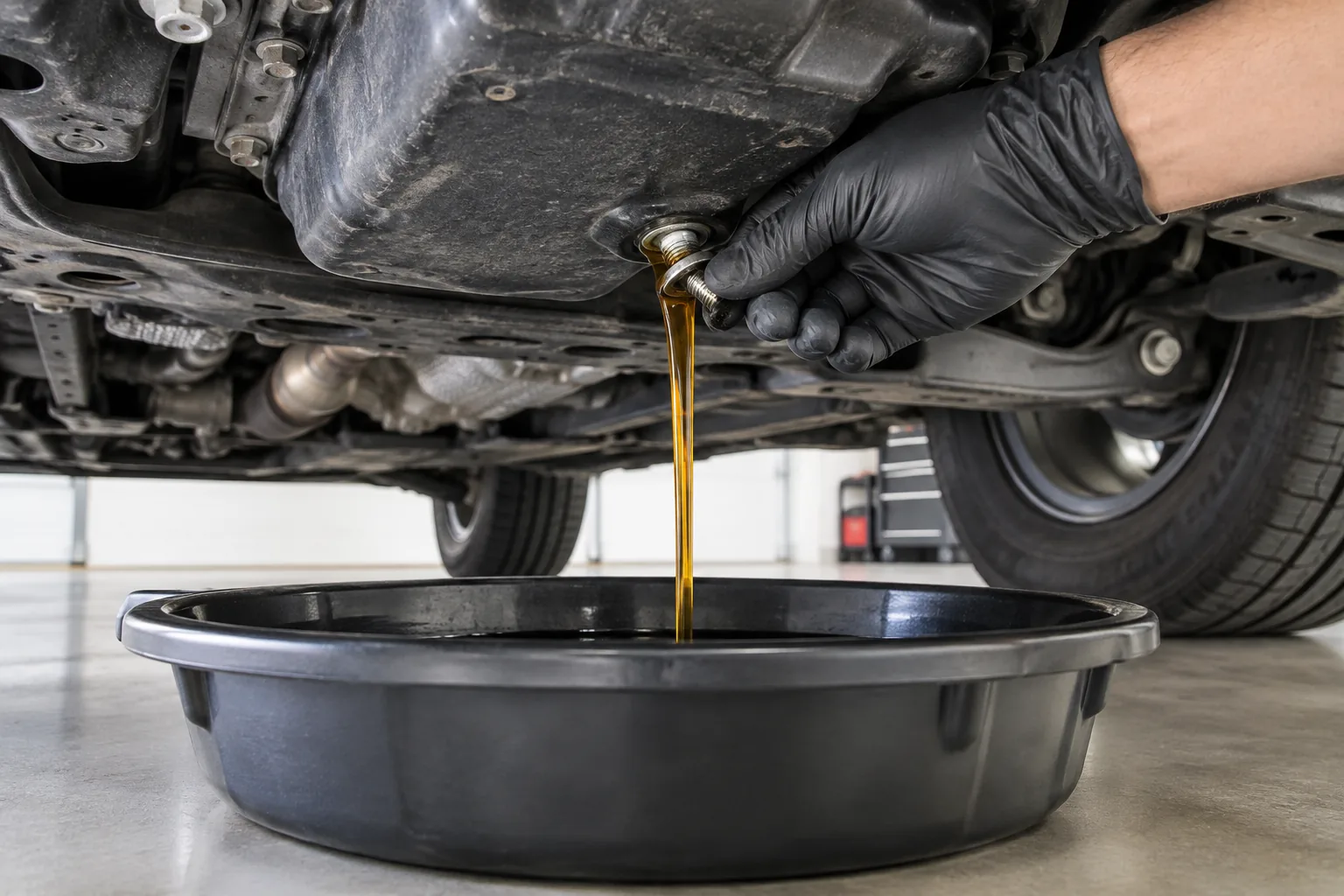
The reset is free and takes a couple of minutes. The only thing worth buying is supplies if you do your own oil changes. Before you buy anything, confirm the oil grade, oil capacity, and filter for your exact engine and model year in the manual, because MDX engines differ across generations.
A low-profile drain pan is the one item I’d get early. Wide, shallow pans make it easier to catch oil under an SUV without it sloshing over the edge.

Low Profile Oil Drain Pan
A wide, shallow pan helps catch oil cleanly and works for most DIY oil changes, but check capacity against your engine’s oil volume.
For the rest of your kit, our list of must-have tools for every DIY car owner covers the basics. If you also have a Jeep in the driveway, the process there is similar in spirit, as shown in how to reset the oil life monitor on a Jeep Grand Cherokee.
FAQ
Does resetting the Maintenance Minder change the oil or fix a problem?
No. It only resets the calculation and clears the message. The oil and filter still have to be changed, and any inspections or fluid services still have to be done. It also won’t clear a check engine light or an oil pressure warning.
Should I reset oil life or all items?
Reset only what was completed. After a plain oil change, that’s the oil item. If your shop also rotated the tires or replaced a filter or fluid, reset those items too. Your invoice and the code list in your manual tell you which ones apply.
Can I reset it before changing the oil?
You can, but you shouldn’t. Resetting early removes the reminder while the oil is still old, and the system will then track from a false starting point. Do the service first, then reset.




Leave a Reply