
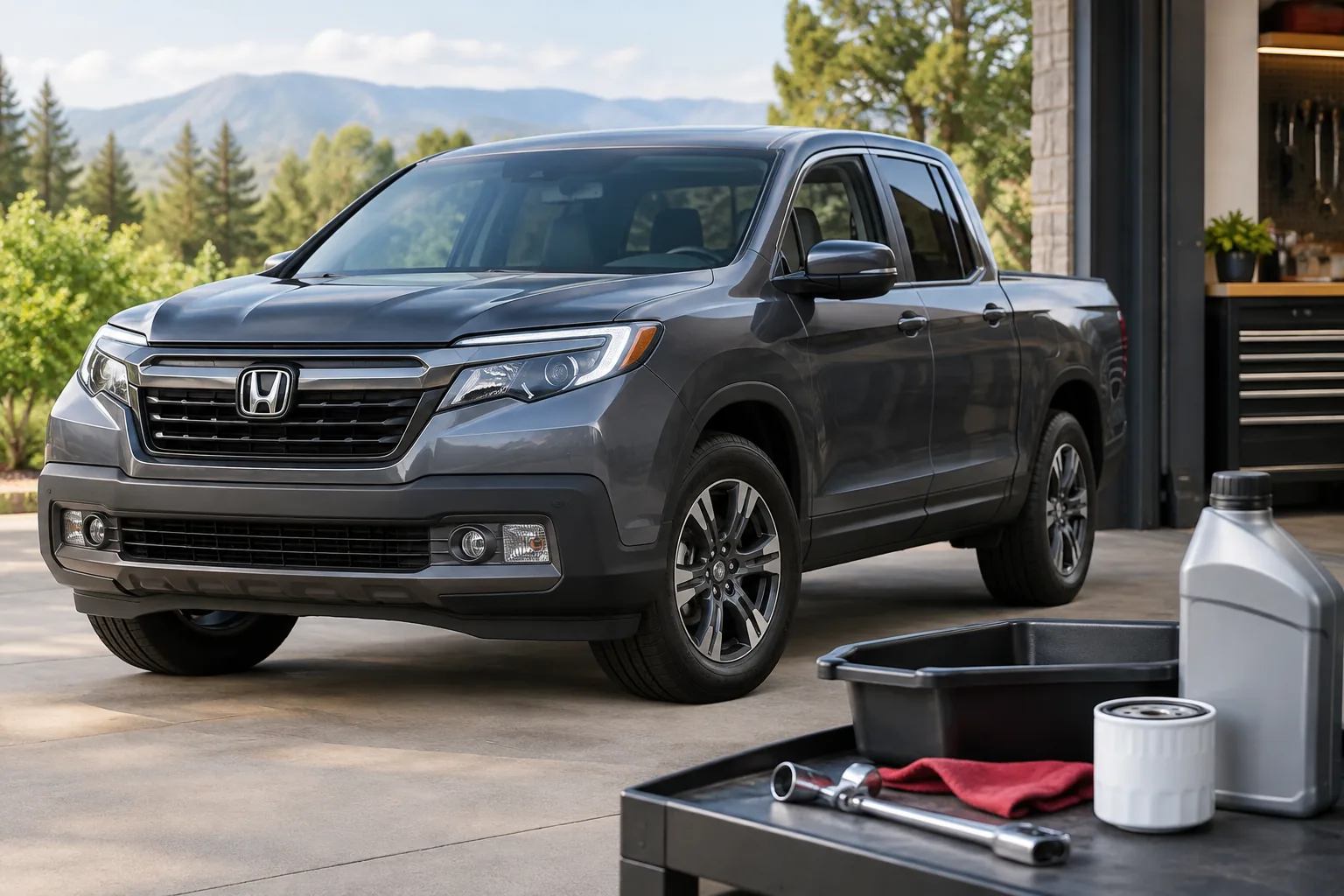
You reset the oil life on a Honda Ridgeline from the instrument cluster, with no scanner, app, or purchase needed. On 2017 and newer trucks you use the steering wheel buttons to reach the oil life or maintenance screen. On the older 2006 to 2014 trucks the control is typically a button or knob on the instrument panel. Do it only after the service has actually been done, because the reset just tells the computer to start counting again.
Below you’ll find how to tell a service reminder from a real warning, how the Maintenance Minder codes work, and the reset steps for each generation. You’ll also get a checklist for when the reset won’t take.
First, Identify What the Truck Is Actually Telling You
Three different things can show up on a Ridgeline dash, and only one of them is fixed by a reset.
- Oil life or Maintenance Minder reminder: a percentage, a wrench symbol, and/or a message that maintenance is due soon or due now. This is a scheduled-service reminder. It’s what this guide covers.
- Red oil-pressure warning: a red oil can symbol. This means the engine may not be getting adequate oil pressure. Don’t try to reset anything. Pull over safely, shut the engine off, check the oil level, and get the truck inspected before driving it further.
- Check engine light: an amber engine-shaped symbol. That’s a stored fault, not a service reminder. Resetting the Maintenance Minder will not clear it or fix whatever caused it.
If you see a red oil warning or a check engine light along with a service reminder, deal with the warning first. The reminder can wait.
What the Maintenance Minder Does (and Doesn’t Do)
Honda’s Maintenance Minder doesn’t count miles to a fixed interval. It estimates remaining oil life from how the engine has been operated, then adds other service items as they come due. Short trips, towing, heavy loads, and extreme temperatures can all bring a reminder sooner than you expect.
Resetting the display does not change your oil, replace a filter, rotate a tire, or repair anything. It only clears the reminder. If you reset it without doing the work, the truck will happily tell you everything is fine until the next calculated interval, and the oil will still be old.
Oil life versus the other items
On Hondas the reminder can show a main code, typically A or B, and sometimes one or more numbered sub-items. The main code relates to the oil service, and the numbered items cover things like tire rotation, filters, and fluids. The meaning of each number is set by the manual for your specific model and year, so check the Maintenance Minder section of your owner’s manual before assuming what code 2 or code 4 means on your truck.
The Ridgeline has some items that other Honda models don’t, such as service on an all-wheel-drive system, so don’t borrow a code list from a Civic or CR-V.
Here’s the rule I’d follow. Reset oil life after an oil and filter change. Clear a numbered sub-item only if you or a shop completed that exact service. If your screen lets you pick individual items, select only the ones you finished. If the system resets everything it displays at once, check the manual first and don’t clear items you haven’t done. If that’s the case, write down the outstanding codes so you don’t forget them.
Reset Procedure: 2017 and Newer Ridgeline

The Ridgeline was not sold in the US for the 2015 and 2016 model years. The second generation starts with 2017 and uses a driver information interface in the instrument cluster, controlled from the steering wheel. Menu names can vary by model year and trim, so treat the steps below as the general path and confirm the exact wording in your owner’s manual.
- Park the truck, set the parking brake, and turn the ignition to the ON position. Starting the engine isn’t needed for the reset on most Honda systems, but confirm your manual’s ignition requirement.
- Use the steering wheel buttons to move through the driver information interface to the oil life or maintenance information screen. Look for a Maintenance Minder, Maintenance Info, or Oil Life entry.
- Select the reset option for the service you completed. If a list of items appears, choose only the items that were actually done.
- Confirm when prompted. Check that the oil life display returns to 100% after an oil change, and that the maintenance message or wrench symbol has cleared.
- Turn the ignition off, then back on, and look at the screen again to make sure the reset stuck.
Some model years place the reset under a settings or vehicle-information area rather than the main maintenance screen. If you can’t find it, your manual’s Maintenance Minder section will give the exact menu path for your year.
Reset Procedure: 2006 to 2014 Ridgeline
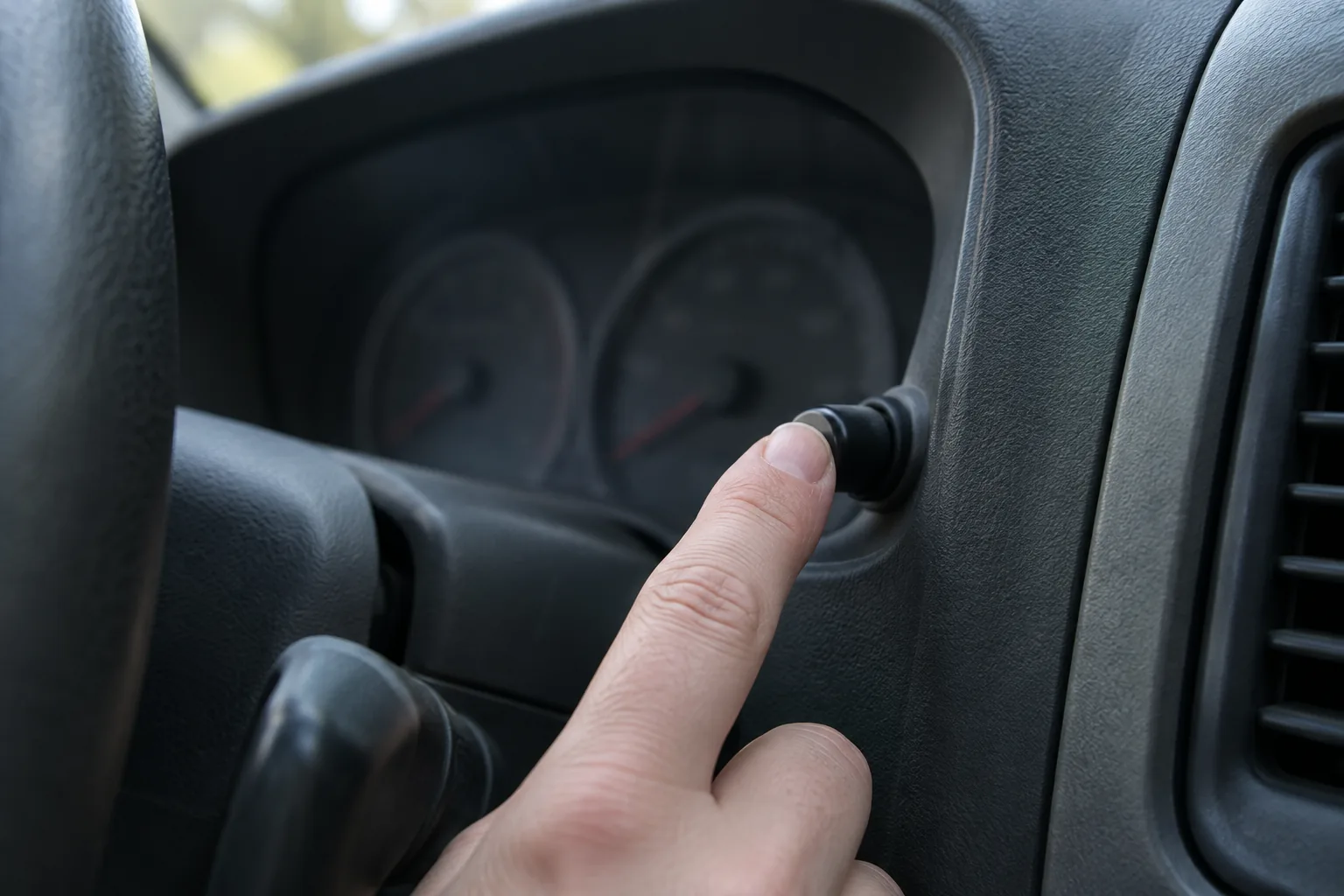
First-generation trucks use a simpler cluster and a physical control on the instrument panel instead of the steering wheel menus. If your truck doesn’t display an oil life percentage or maintenance codes at all, it may not have the monitor, and you’ll need to follow the time and mileage schedule in your owner’s manual. I’m not going to guess at which early trucks differ, so check yours.
On trucks that do show oil life, the long-standing Honda method looks like this. Confirm the hold times and display behavior against the Maintenance Minder section in your manual.
- Turn the ignition ON without starting the engine.
- Press the select/reset control on the instrument panel repeatedly until the oil life percentage appears.
- Press and hold the same control for several seconds, until the oil life display and any maintenance codes begin to blink.
- Release it, then press and hold it again until the display resets. The manual gives the exact hold time.
- Confirm that the display now reads 100% and the codes are gone. Cycle the ignition and check again.
If the display shows sub-item codes you haven’t addressed, check the manual’s guidance before clearing them. A reset that wipes out a code for a service you skipped just hides the reminder.
If the Reset Won’t Take
Most failures come down to a few things.
- Wrong ignition state: the truck needs to be in the mode your manual specifies. Try cycling the ignition and starting over.
- Hold time too short: on older trucks, letting go before the display blinks means nothing registers. Count the seconds.
- Wrong screen: on newer trucks, you may be in a trip or settings menu and not the maintenance screen. Back out to the top and navigate again.
- Selected the wrong item: if one code stays while others clear, you may have reset only part of the list. Return to the screen and see what remains.
- Moving vehicle: some menus lock out while you’re driving. Park and try again.
If the reminder still returns or the reset option is missing entirely, check the official Honda owner support page for your exact model year, or ask a dealer. A reminder that comes back right after a reset can also mean a system fault, and a dealer can check it.
Doing the Oil Change Yourself
Many owners reset the monitor right after a driveway oil change. Before you start, check the viscosity printed in your owner’s manual or on the oil filler cap, and confirm the correct filter for your engine and year. Don’t buy a filter or oil by Ridgeline name alone, since fitment varies by generation.
The supplies that make the job cleaner are a drain pan, a filter wrench, and a funnel that fits the filler neck without spilling. A basic oil change funnel set covers the funnel part, and a decent oil drain pan keeps the driveway clean.

Oil Change Funnel Set
A multi-size funnel set is an inexpensive way to avoid spills at the filler neck, just check that the spout fits your truck’s opening.
If you’re building a home toolkit, our list of must-have tools for every DIY car owner covers the basics. And since the Ridgeline is a truck that tends to keep its value, a stack of receipts showing on-time service helps at resale. Our piece on trucks that hold their value the best explains why.
FAQ
Can I reset the Ridgeline oil life without changing the oil?
You can, but you shouldn’t. The reset doesn’t affect the oil, it only restarts the calculation. Do it only after the oil and filter have actually been changed.
Does resetting the Maintenance Minder turn off the check engine light?
No. The check engine light is a stored fault and needs a diagnosis. The Maintenance Minder is a separate scheduled-service reminder. A red oil pressure warning is also separate and should be treated as urgent.
What do the codes A, B, and the numbers mean?
Honda uses A and B as main service codes tied to the oil service, with numbered items for other maintenance. The exact list differs by model and year, so use the Maintenance Minder section of your Ridgeline owner’s manual to decode them.
Will a different brand of oil change how the monitor works?
The monitor estimates life from how the engine is operated, not from the oil brand. Use the viscosity and specification listed in your owner’s manual. If you run the engine hard, towing or doing lots of short trips, expect the reminder to come sooner.
If you also own a small Honda turbo, such as a CR-V, our article on Honda 1.5L turbo oil dilution covers a different engine and a different set of concerns than the Ridgeline’s V6.

Leave a Reply