

The quick answer: on a Lexus RX, the “MAINT REQD” reminder is reset from the driver’s display, and no scanner or purchase is needed. The exact steps depend on your dash. Older clusters with a physical trip button typically use a hold-the-button-while-turning-the-ignition-on method, and newer ones use a menu on the multi-information display.
Because the RX has changed a lot across generations and between gas and hybrid versions, the maintenance section of your owner’s manual is the final word on your exact year.
Make Sure It’s the Right Light First

A maintenance reminder is not a warning. It’s a mileage or time-based prompt that says service is due. It’s usually an amber “MAINT REQD” message or similar wording, and it isn’t telling you anything is wrong.
These are different problems and a reset won’t touch them:
- Red oil pressure light (oil can symbol): Low oil pressure. Stop driving safely and check the oil level. Don’t reset anything.
- Check engine light: A stored fault code. It needs diagnosis, not a reminder reset.
Resetting the reminder doesn’t change the oil, rotate tires, or fix anything. Only reset it after the service has actually been done, and only for the items you completed. Some newer displays list oil and scheduled maintenance separately, so check whether yours has more than one entry.
How to Reset It by Dash Type
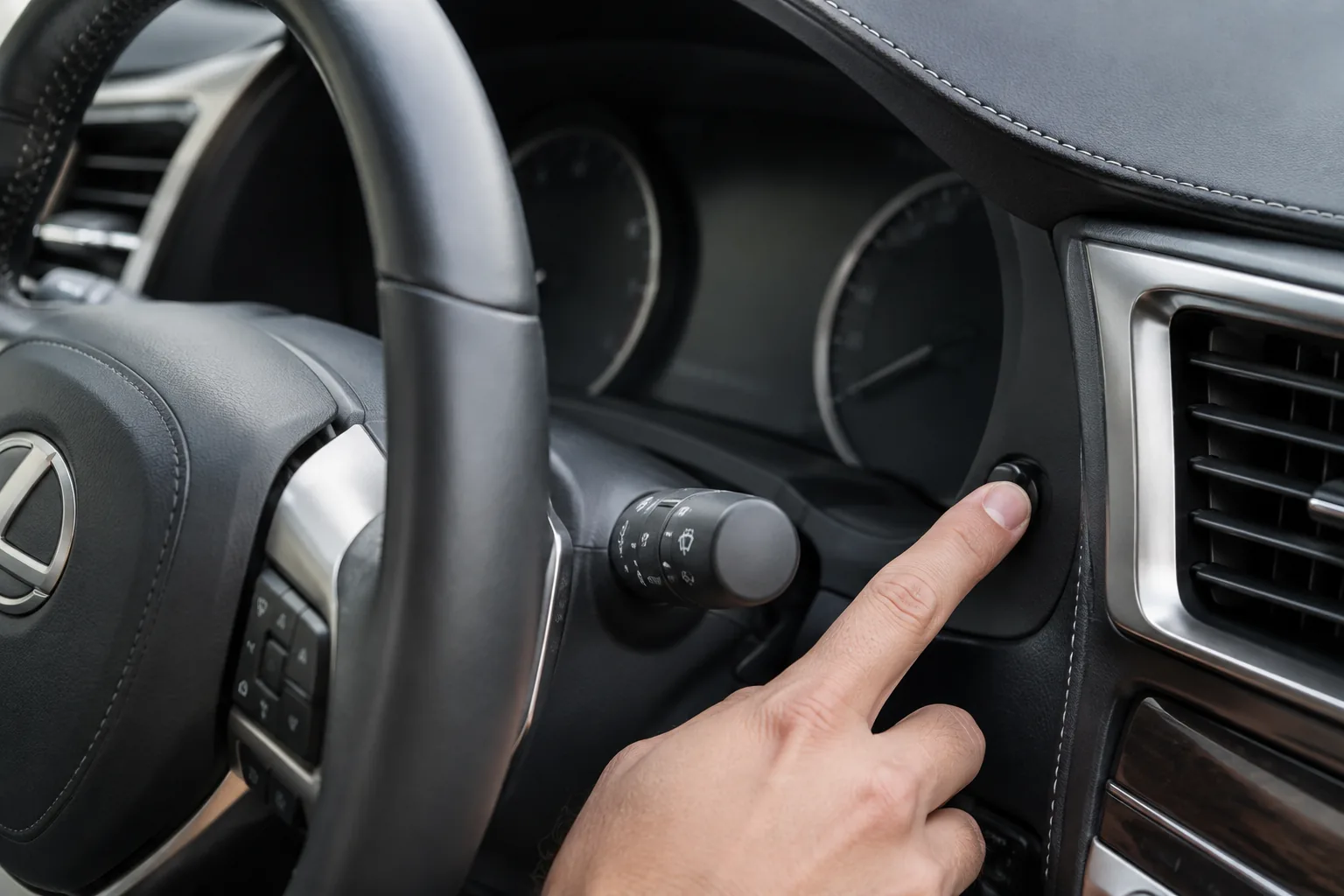
I’m not listing year ranges here, because the changeover points aren’t something to guess at. Look at your dash and match the controls instead. Your owner’s manual will confirm which applies.
Cluster With a Trip Reset Button
This is the common method on Toyota-family clusters that have a physical trip knob or button. Confirm it in your manual’s maintenance section before relying on it.
- Turn the vehicle off.
- Set the display to the odometer or a trip reading, as your manual describes.
- Press and hold the trip reset button.
- While holding it, turn the ignition to ON without starting the engine. On push-button start, don’t touch the brake pedal, or the engine will start.
- Keep holding until the reminder goes out or the display counts down to zeros.
- Release the button, then cycle the ignition off and on to check.
Expected confirmation: The “MAINT REQD” message is gone and the odometer or trip display returns to normal.
Multi-Information Display With Steering Wheel Controls
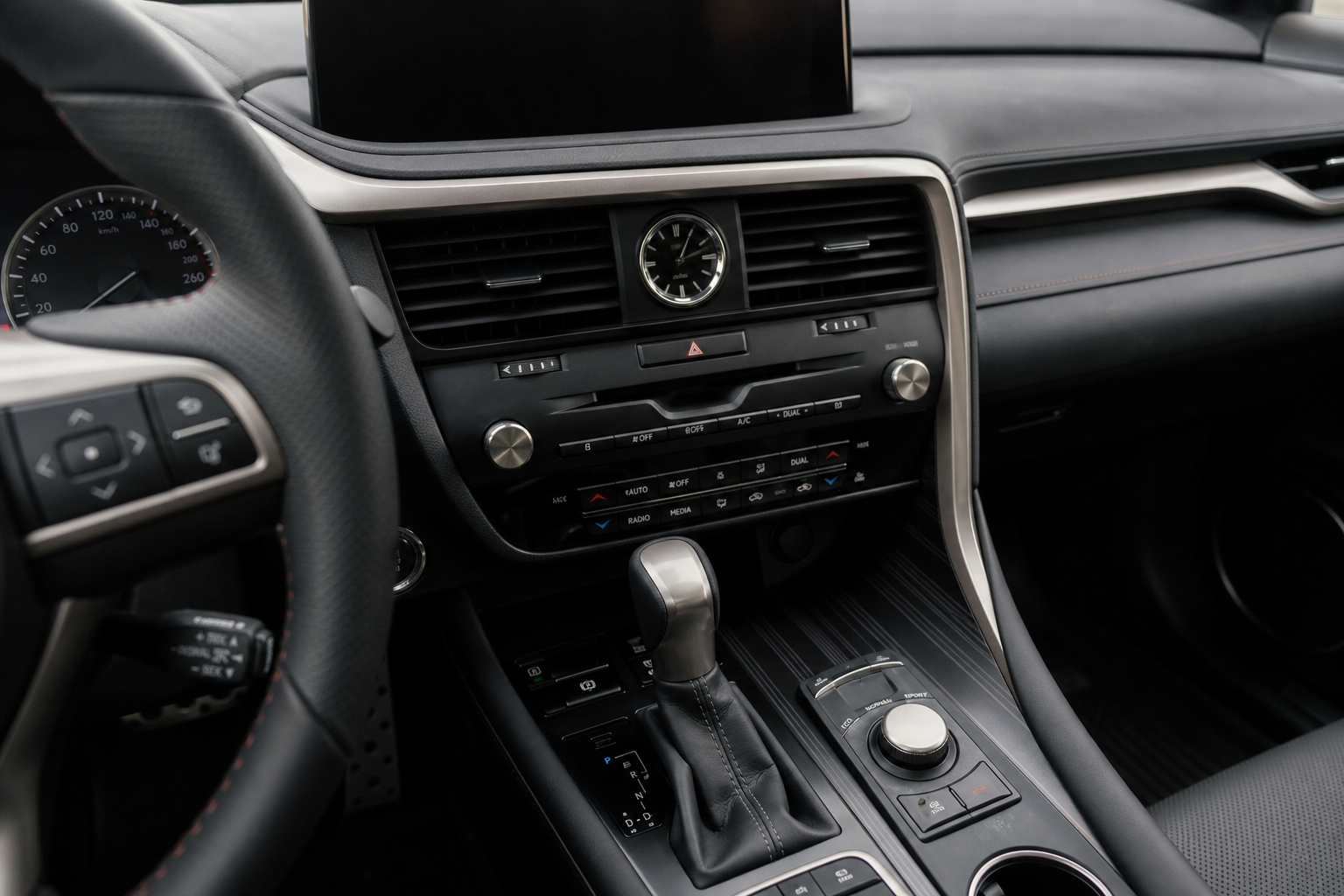
Many newer RX models use a screen in the cluster, controlled by the steering wheel switches. The reset is done through a menu, not a button hold.
- Park, then turn the ignition ON. The engine doesn’t need to run.
- Use the steering wheel switches to open the settings or vehicle menu on the display.
- Find the maintenance entry. Menu names vary by year and trim, so check your manual for the exact label.
- Select the item you actually serviced and choose the reset or confirm option.
Expected confirmation: The reminder clears and the interval restarts. Turn the ignition off and on again to be sure it stays off.
Touchscreen-Based and Hybrid Variants
On the latest RX generation, some maintenance functions may be handled through the center screen instead of the cluster. Hybrid models (RX 400h, 450h, 450h+) may also differ from gas versions in how the ignition and ready states work. I’d rather not guess at menu names here, so use the maintenance section of your manual for the exact path.
Older RX models: Some early RX years may not have this reminder at all, or may use a different system. If you can’t find a “MAINT REQD” light and your manual doesn’t describe a reset, your vehicle likely doesn’t have the monitor.
If the Reset Doesn’t Work
- Check the ignition state. Many failures come from the car being fully started or fully off. It usually needs to be in ON, with the engine not running.
- Hold the button longer. Release too early and it won’t register.
- Check the display mode. The trip button method may only work with the right reading showing.
- Confirm the light. If it’s a check engine or warning light, a reset won’t clear it.
- Try again after a fresh ignition cycle. If it still won’t clear, have a Lexus dealer or qualified shop look at it.
Optional DIY Supplies
You don’t need to buy anything to reset the light. If you’re doing your own oil change, though, an oil filter wrench set helps with a stubborn filter. Confirm the right oil grade, capacity, and filter for your exact engine in your manual before buying anything. The RX has used different engines across years, and the 3.5L V6 in some models is covered in our Toyota 2GR-FKS guide. For a basic kit, our list of must-have tools for DIY car owners is a good starting point.
FAQ
Can I just reset the light without changing the oil?
You can, but you shouldn’t. The reset only clears the reminder. It doesn’t confirm any work was done, and skipping service is how engines wear out early. Reset it after the service is finished.
Does the maintenance light mean something is broken?
No. It’s a scheduled reminder. A red oil pressure light or a check engine light is a different matter and needs attention right away.
Leave a Reply