
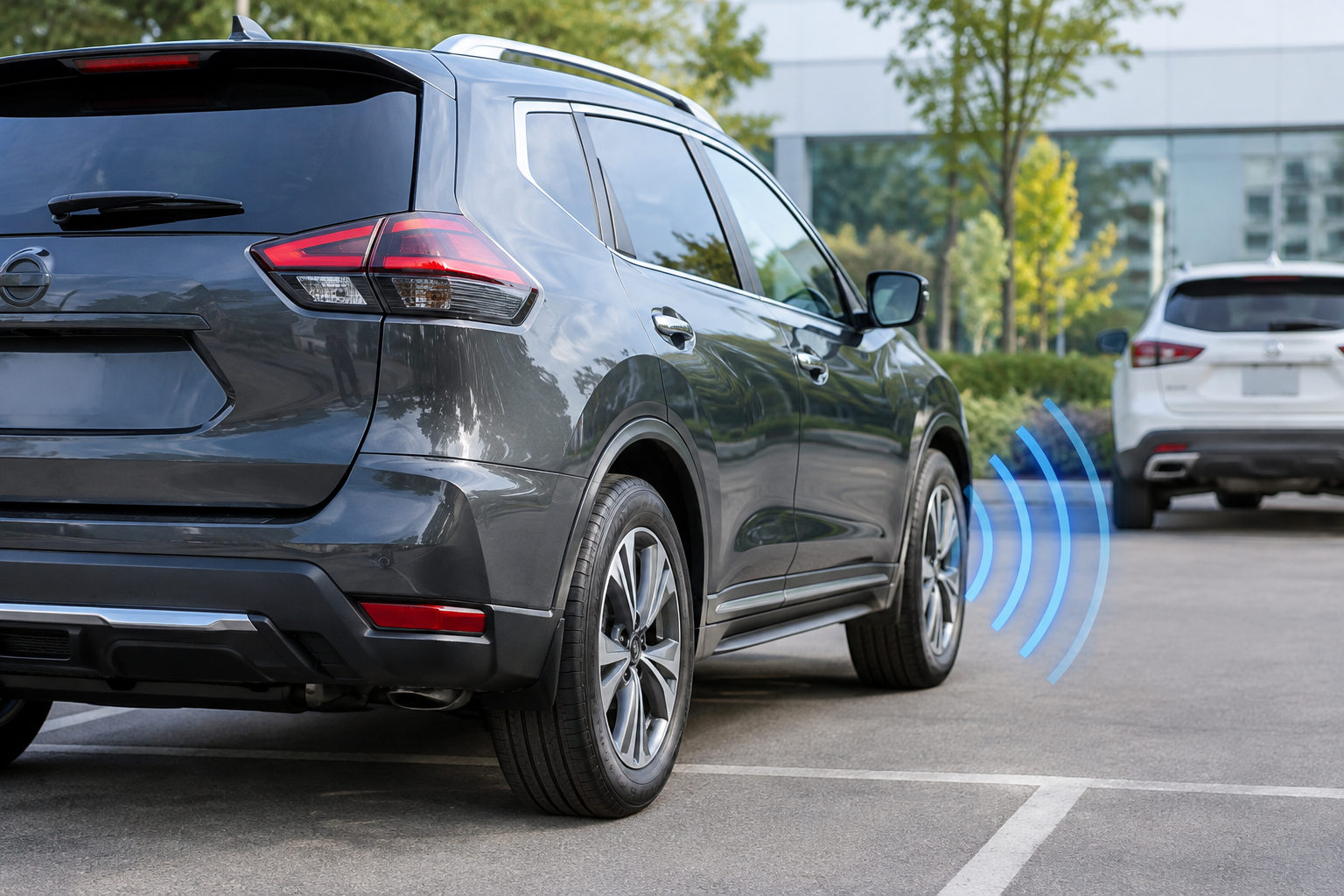
You’re backing out of a parking spot at the grocery store, glance at the dash expecting the usual cross-traffic warning chime, and nothing happens. Or worse, a message pops up saying the system is unavailable right when you need it most. Rear Cross Traffic Alert is one of those features you don’t think about until it quits on you, and on the Nissan Rogue there are a handful of specific reasons that tends to happen.
This guide walks through why Rear Cross Traffic Alert on your Rogue might stop warning you, go unavailable, or act inconsistently, and what you can actually do about it before booking a dealer appointment.
What Rear Cross Traffic Alert Actually Does on the Rogue
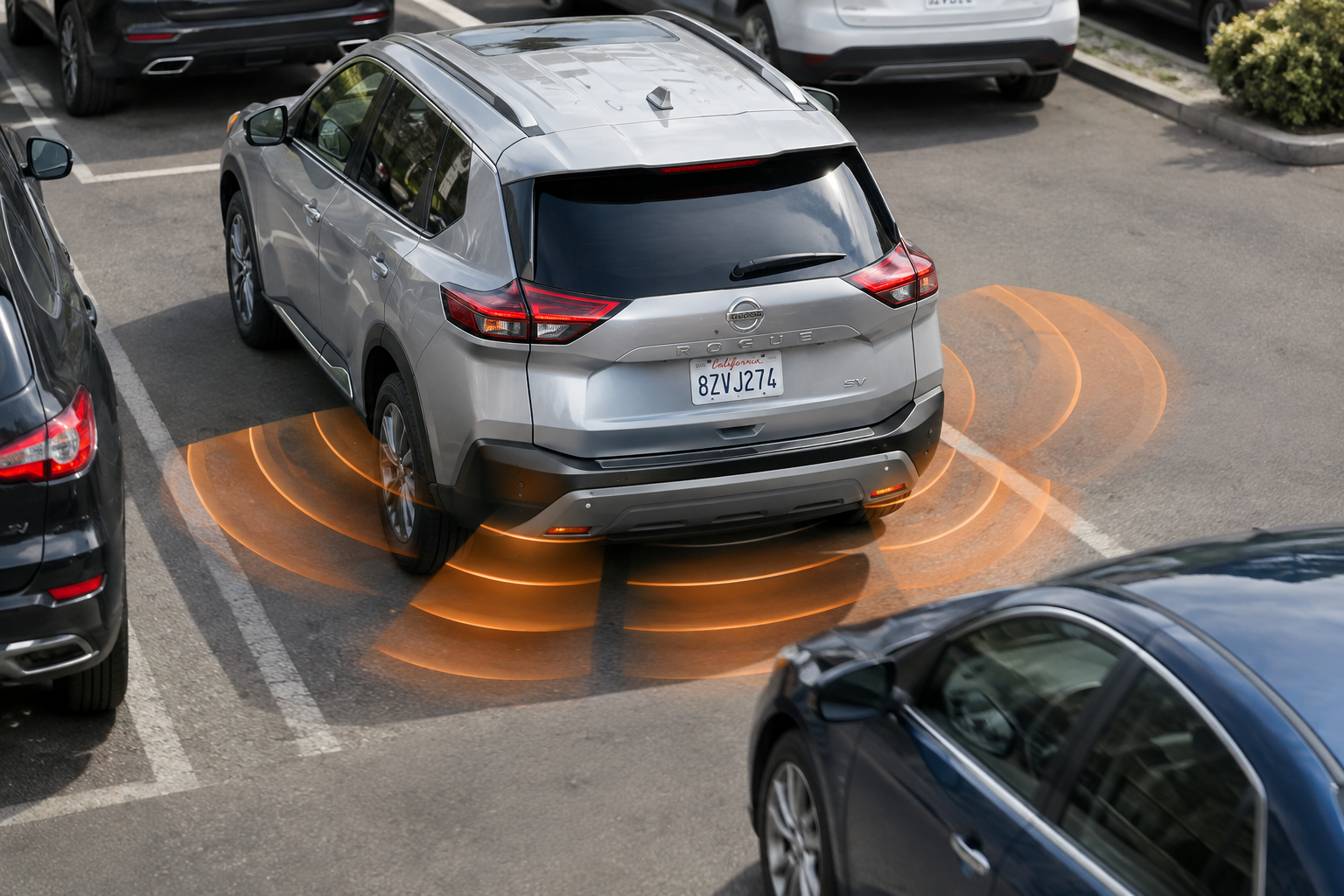
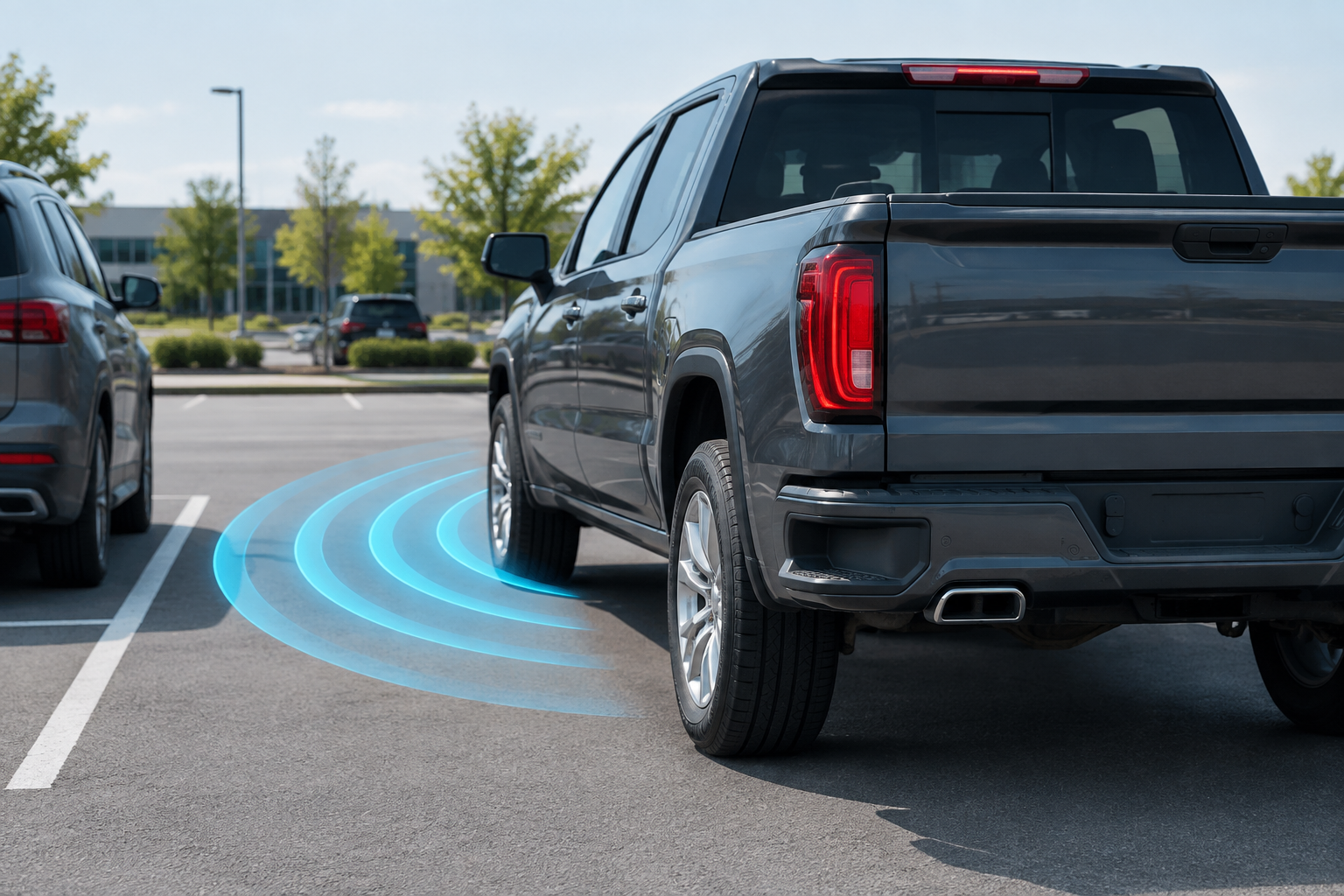
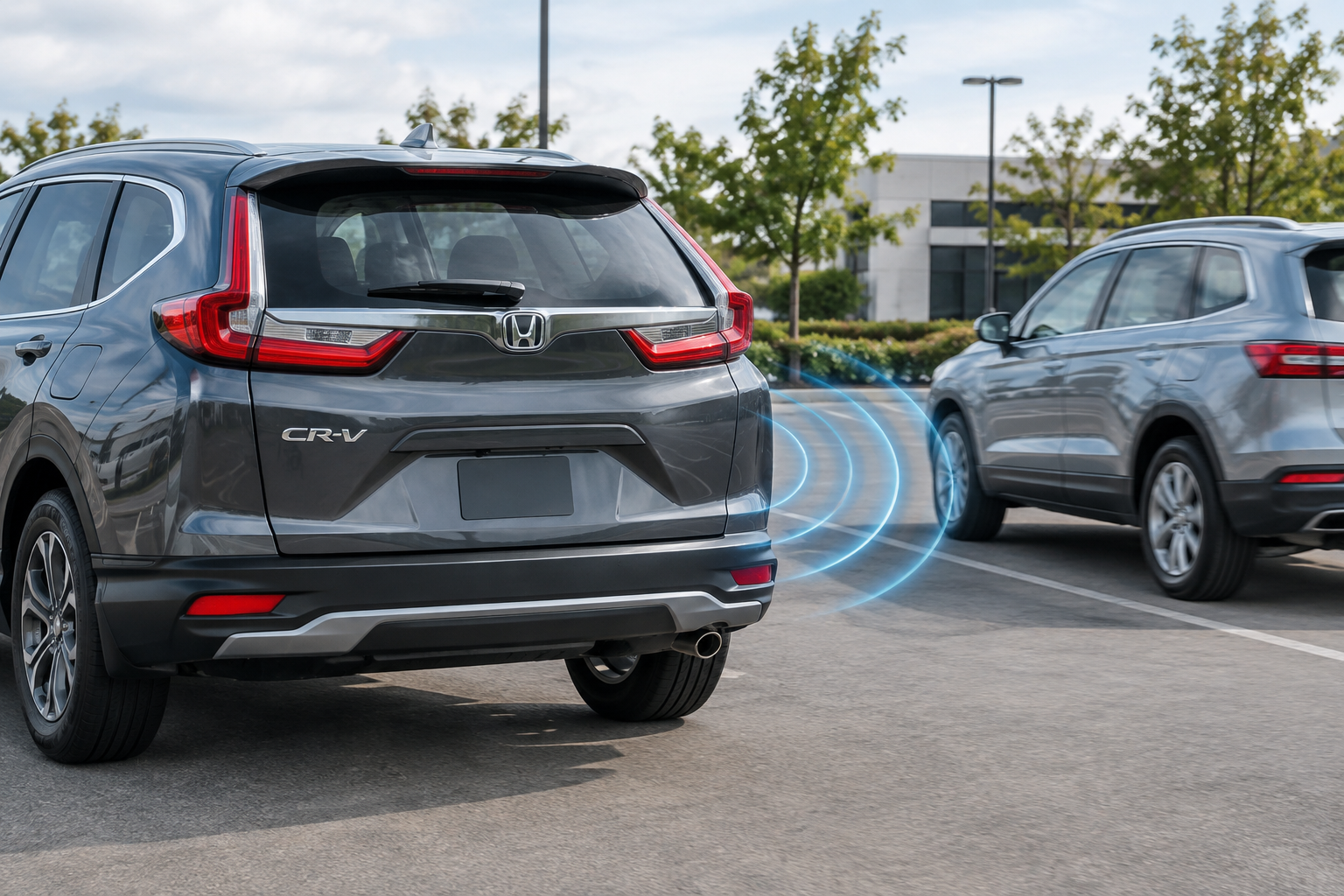
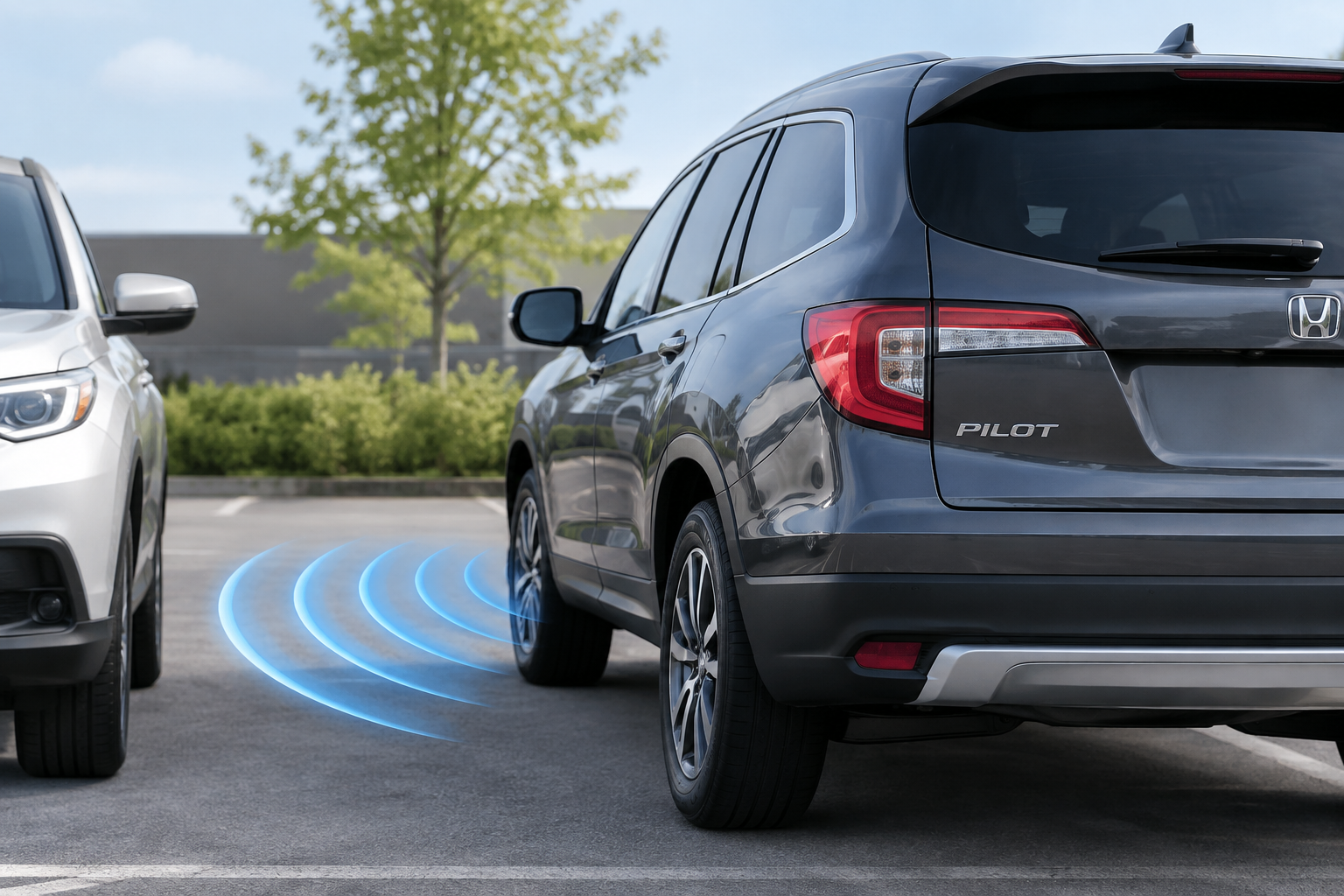
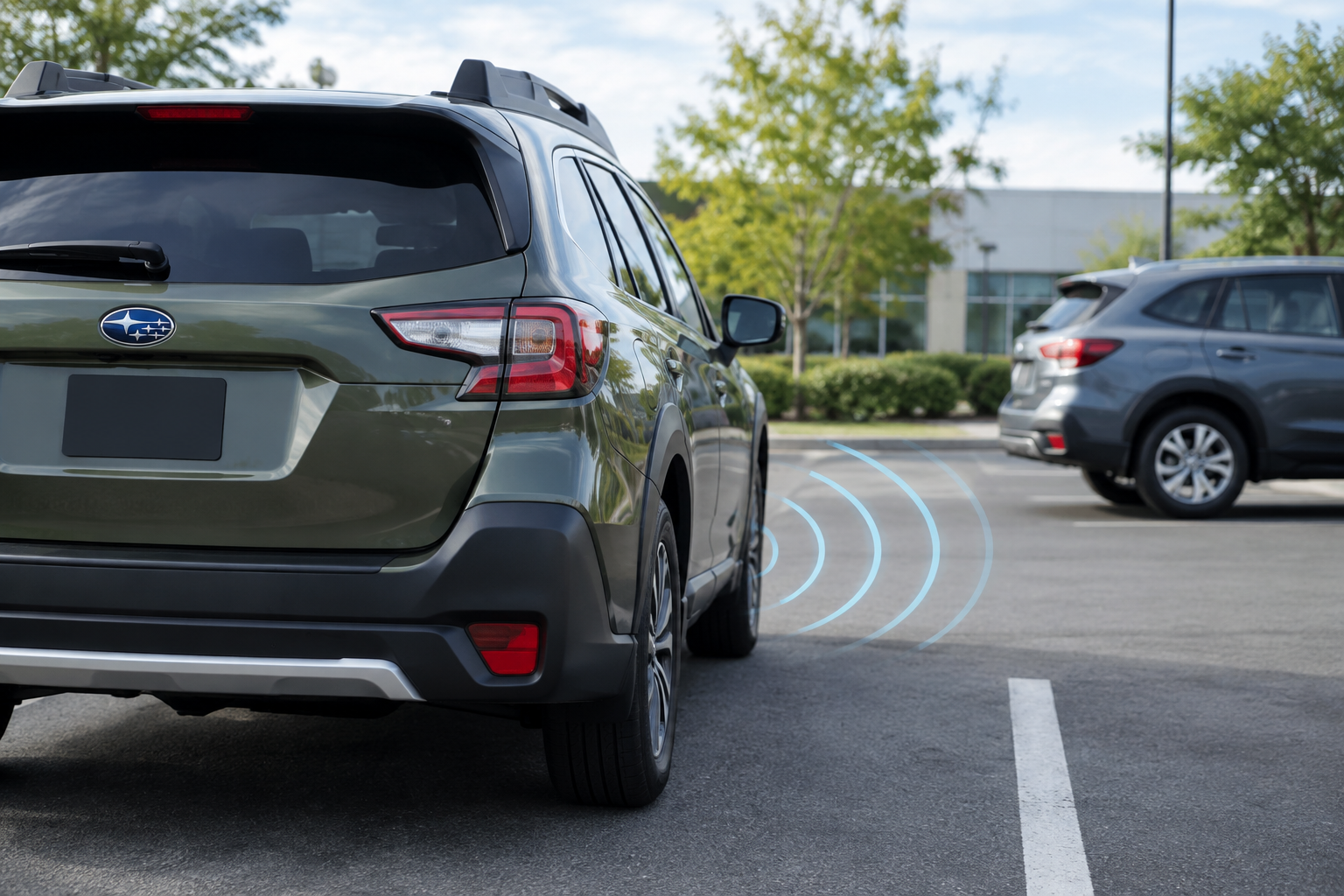
Nissan calls this feature Rear Cross Traffic Alert (RCTA), and it’s part of the broader Nissan Safety Shield 360 suite on most Rogue trims from the T32 generation (2017 to 2020) through the current T33 generation (2021 and newer). The system uses radar sensors mounted in the rear bumper corners, the same corners that house the Blind Spot Warning radar units, to detect vehicles approaching from the side while you’re backing out of a parking space or driveway.
RCTA only activates when the transmission is in Reverse and typically works at low speeds, since it’s designed for parking lots and driveways rather than highway driving. Trim availability has shifted over the years. On earlier Rogues, RCTA was often bundled into an SV Premium or SL package rather than standard equipment, while newer Rogue trims (SV and above) tend to include it as part of a broader driver-assist package. If you’re not sure whether your specific trim and model year has RCTA, check your owner’s manual glovebox card or the build sheet, since Nissan has moved features around between trims more than once during this vehicle’s run.
Common Reasons RCTA Stops Working or Goes Unavailable
Blocked or Dirty Rear Sensors
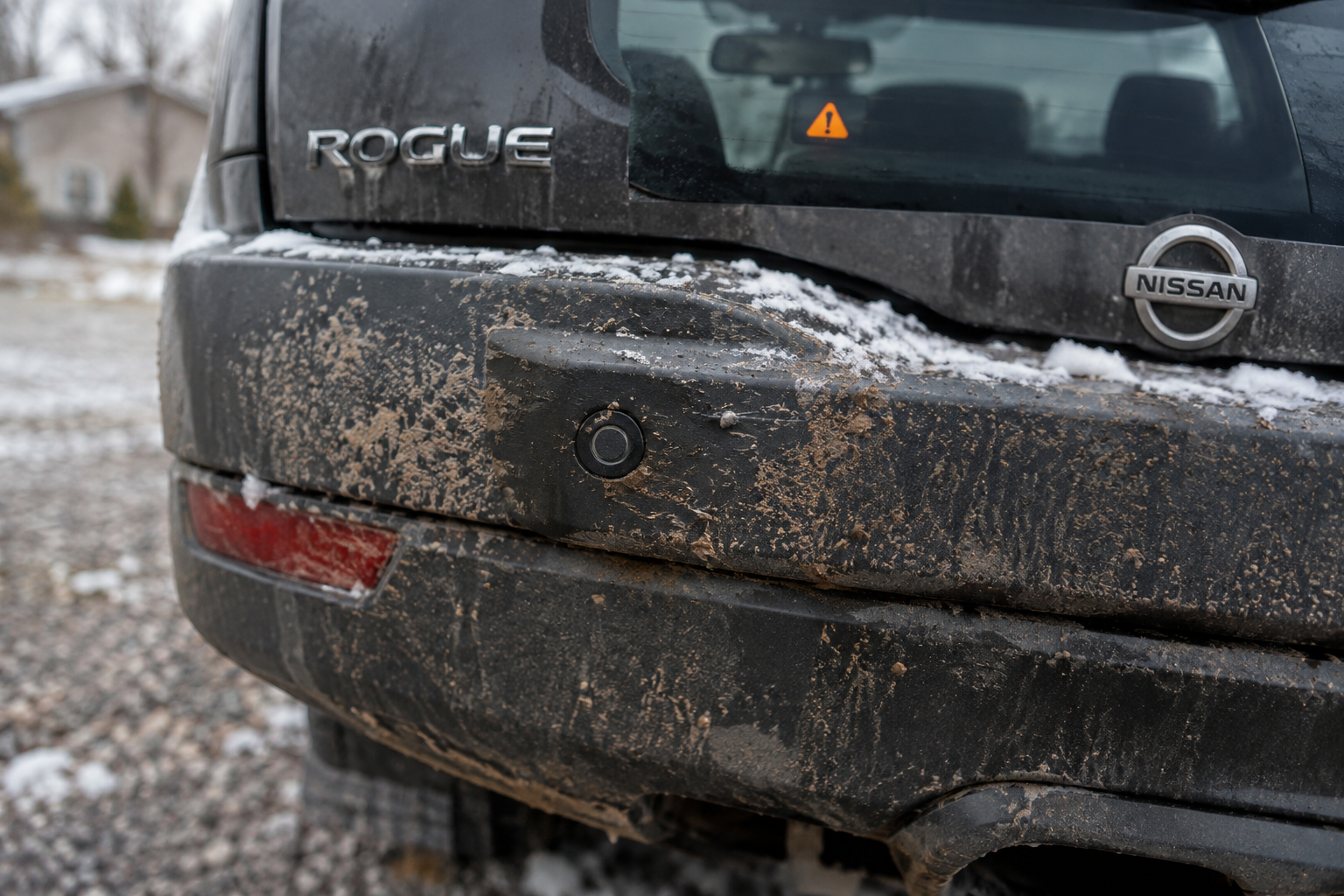
The radar units sit behind the rear bumper fascia, usually near the taillight corners. Mud, road salt, ice buildup, or even a thick layer of dust can interfere with the radar signal enough to trigger an “unavailable” message. This is by far the most common cause, especially in winter or after a long stretch of unpaved roads.
Trailer Hitches, Bike Racks, and Cargo Accessories
A hitch-mounted bike rack, cargo carrier, or even a trailer ball mount can sit directly in the radar’s field of view. Some Rogue owners report the system going unavailable the moment they install a rack, then working fine again the second they remove it. If you tow occasionally or haul bikes, expect RCTA to disable itself whenever that hardware is attached.
Bumper Damage or Misalignment
Even a minor parking lot bump can shift a radar sensor’s aim just enough to throw off detection. If your Rogue has had rear-end body work and RCTA hasn’t behaved the same since, the sensor likely needs to be reset or recalibrated by a body shop or dealer, not just re-plugged in.
Settings Turned Off Accidentally
It’s easy to bump a menu setting while adjusting other features. Check Settings, then Driver Assistance, then Rear Cross Traffic Alert on your Rogue’s touchscreen to confirm it’s actually toggled on. This happens more often than people expect, especially after a dealer service visit where technicians sometimes reset settings to default.
Low Battery Voltage
Radar-based safety systems are sensitive to voltage drops. A weak or aging 12-volt battery, corroded terminals, or a failing alternator can cause RCTA (and Blind Spot Warning) to intermittently disable themselves with a dash warning. If your Rogue is a few years old and you’re seeing sporadic system dropouts along with slow cranking or dimming interior lights, the battery is worth checking first.
A basic battery load tester can tell you in minutes whether your battery is holding a proper charge under load, which is a lot cheaper than guessing at sensor problems.
NOCO Battery Charger and Maintainer
Keeps your Rogue’s battery at full voltage between drives, which helps prevent voltage-related sensor dropouts.
Sensor or Calibration Faults
If none of the above applies, you could be looking at an actual radar module failure or a calibration fault stored in the vehicle’s computer. These typically trigger a dash warning light and store a diagnostic trouble code, which means a scan tool is the fastest way to confirm what’s actually wrong rather than replacing parts on a guess.
A bidirectional OBD2 scanner that can read manufacturer-specific codes will show you if the fault is coming from the radar module itself, a wiring issue, or a software calibration problem.
How RCTA Relates to Blind Spot Warning on the Rogue
Rear Cross Traffic Alert and Blind Spot Warning share the same rear radar sensors on the Rogue, which is why owners often notice both systems acting up at the same time. A dirty sensor or a failing radar module can knock out both features simultaneously, and a dealer diagnosis for one often turns up the root cause for the other.
That doesn’t mean the two systems always fail together, though. Blind Spot Warning monitors a wider zone while you’re driving forward, while RCTA is only active in reverse and looks specifically for crossing traffic. It’s entirely possible for RCTA to go unavailable due to a bike rack blocking its rear-facing angle while Blind Spot Warning keeps working fine, since the two features process the same radar data differently depending on vehicle speed and gear. Don’t assume that if one feature is working, the other must be too, especially across different Rogue model years where Nissan has tweaked how these systems are wired together.
If you’ve already had issues with other driver-assist features on your Rogue, it’s worth reading through how to turn off Lane Assist on the Nissan Rogue, since Nissan’s ADAS suite tends to share settings menus and sometimes similar sensor complaints.
Step-by-Step Troubleshooting
- Confirm RCTA is enabled in the Driver Assistance settings menu.
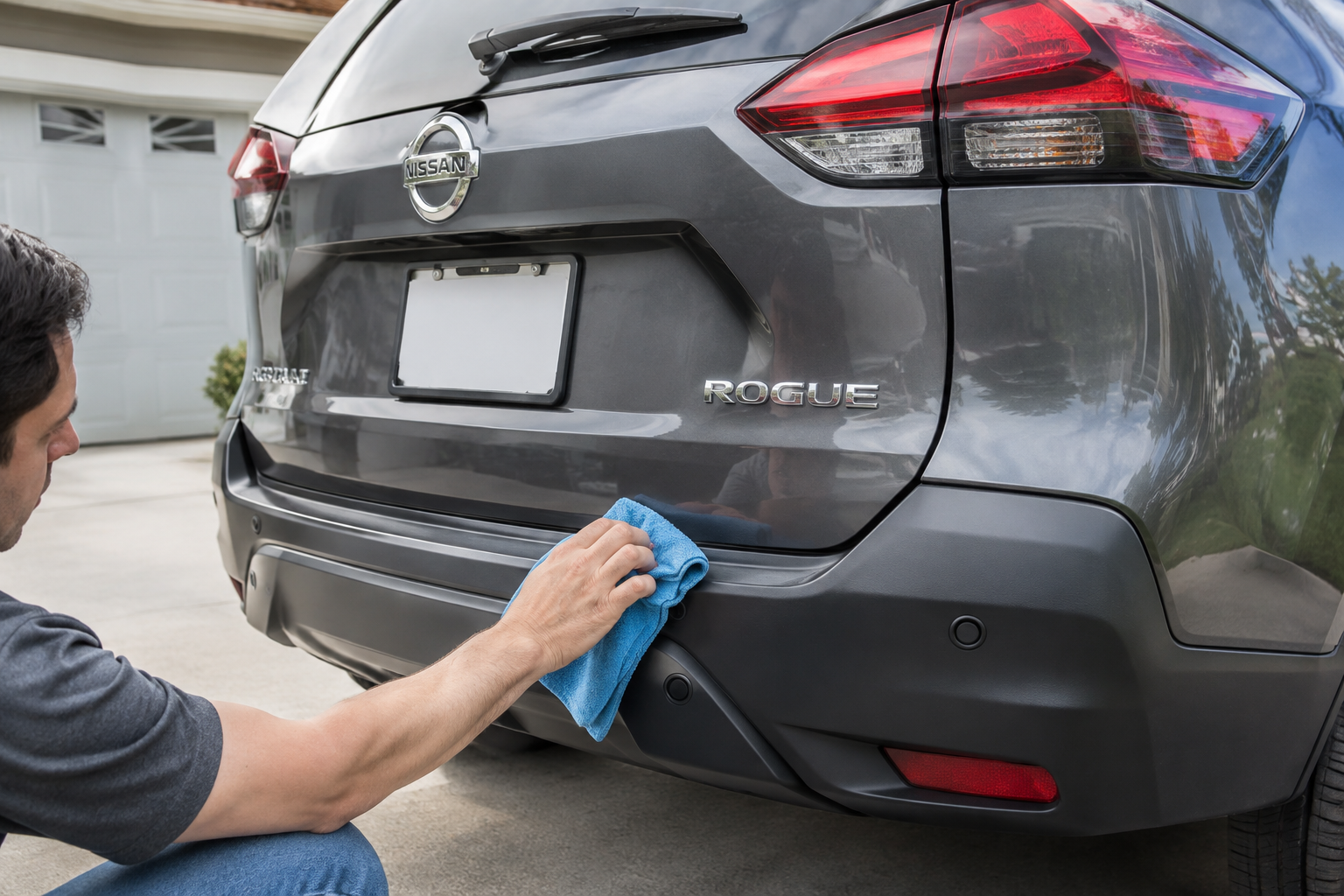
- Wash the rear bumper thoroughly, paying close attention to the corners near the taillights where the sensors sit.
- Remove any hitch-mounted racks, trailer balls, or aftermarket bumper guards and test again.
- Inspect the rear bumper for cracks, dents, or signs of prior collision repair.
- Check your battery’s voltage and terminal condition, especially if the vehicle is more than four years old.
- Scan for stored diagnostic codes if the warning light persists after the steps above.
For general cleaning, a good microfiber cleaning cloth and plastic-safe cleaner is really all you need to keep the sensor housings clear. Avoid pressure washers pointed directly at the bumper corners, since high-pressure water can work its way behind the fascia and cause its own issues.
Nissan Rear Bumper Radar Sensor
If your dealer confirms a failed radar unit, this is the part you’ll want to search for pricing and availability.
When to See a Dealer
If the warning light stays on after cleaning, removing accessories, and checking the battery, it’s time for a proper diagnostic scan. Nissan’s radar sensors sometimes need factory calibration after any bumper work, even a simple repaint, and that calibration typically requires dealer-level equipment. Don’t ignore a persistent RCTA fault light just because the feature feels optional. It often points to a wiring or module issue that can eventually affect Blind Spot Warning too.
Frequently Asked Questions
Why does my Rogue say Rear Cross Traffic Alert is unavailable only sometimes?
Intermittent unavailability is usually tied to temporary sensor blockage from dirt, snow, or an attached bike rack, or to a marginal battery voltage issue that only shows up under certain conditions like cold starts. If it happens consistently regardless of weather or accessories, it points toward a sensor or wiring fault that needs a scan tool to confirm.
Does Rear Cross Traffic Alert work with a trailer attached?
Generally no, or not reliably. A trailer or hitch-mounted rack sitting in the radar’s detection zone will often cause the system to disable itself automatically, and this is expected behavior rather than a malfunction. Check your owner’s manual for your specific model year, since Nissan notes this limitation directly in the RCTA section.
Is Rear Cross Traffic Alert the same as Blind Spot Warning on the Rogue?
No, they’re separate features that share the same rear radar sensors. Blind Spot Warning monitors while driving forward, while RCTA only activates in reverse to catch crossing traffic. A sensor problem can affect both, but one system failing doesn’t automatically mean the other has failed too.
Leave a Reply