
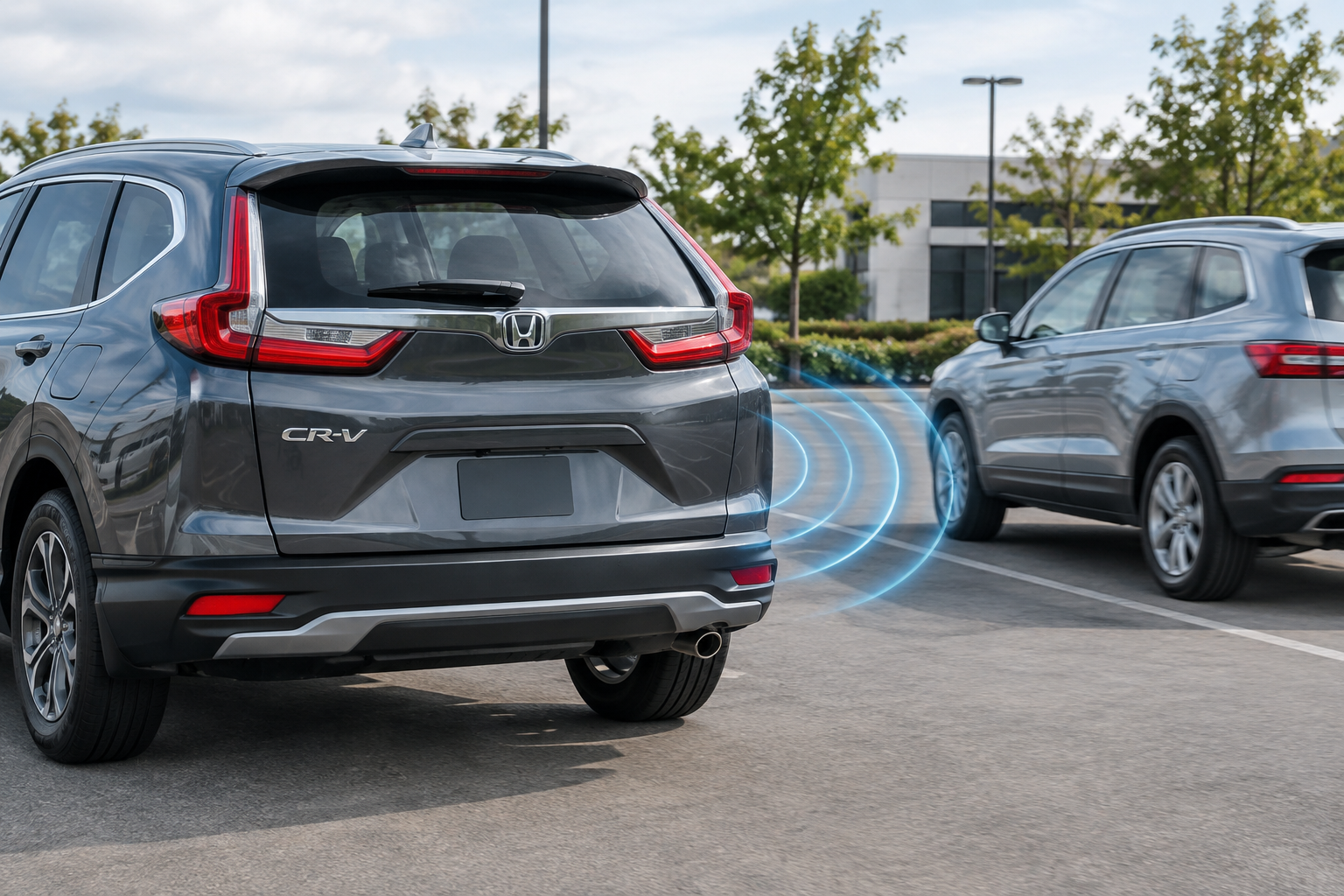
You’re backing out of a parking spot at the grocery store, glancing at the CR-V’s infotainment screen for that little yellow triangle to flash and alert you to cross traffic, and nothing happens. Or worse, it worked fine yesterday and today the system just displays “unavailable” with no explanation. If your Honda CR-V’s rear cross traffic alert has gone quiet or started acting inconsistently, you’re dealing with one of a handful of common causes, and most of them are fixable without a trip to the dealer.
What Honda Calls This System (and Where the Sensors Actually Live)
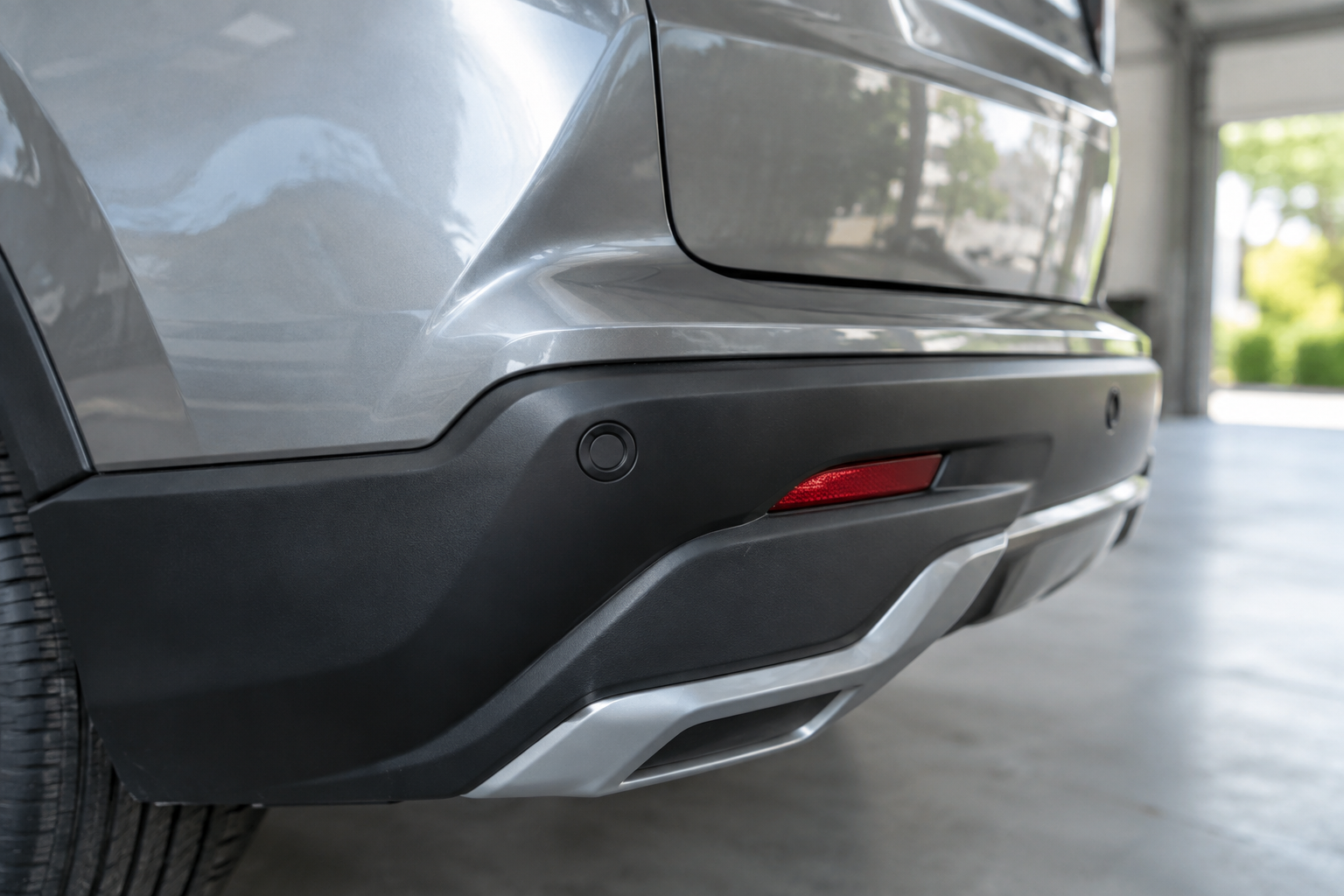
Honda’s official name for this feature is Cross Traffic Monitor, and it’s part of the broader Honda Sensing suite. It’s a separate function from the forward-facing camera systems that handle lane keeping and adaptive cruise, which is why turning off lane assist on your CR-V won’t touch this system at all.
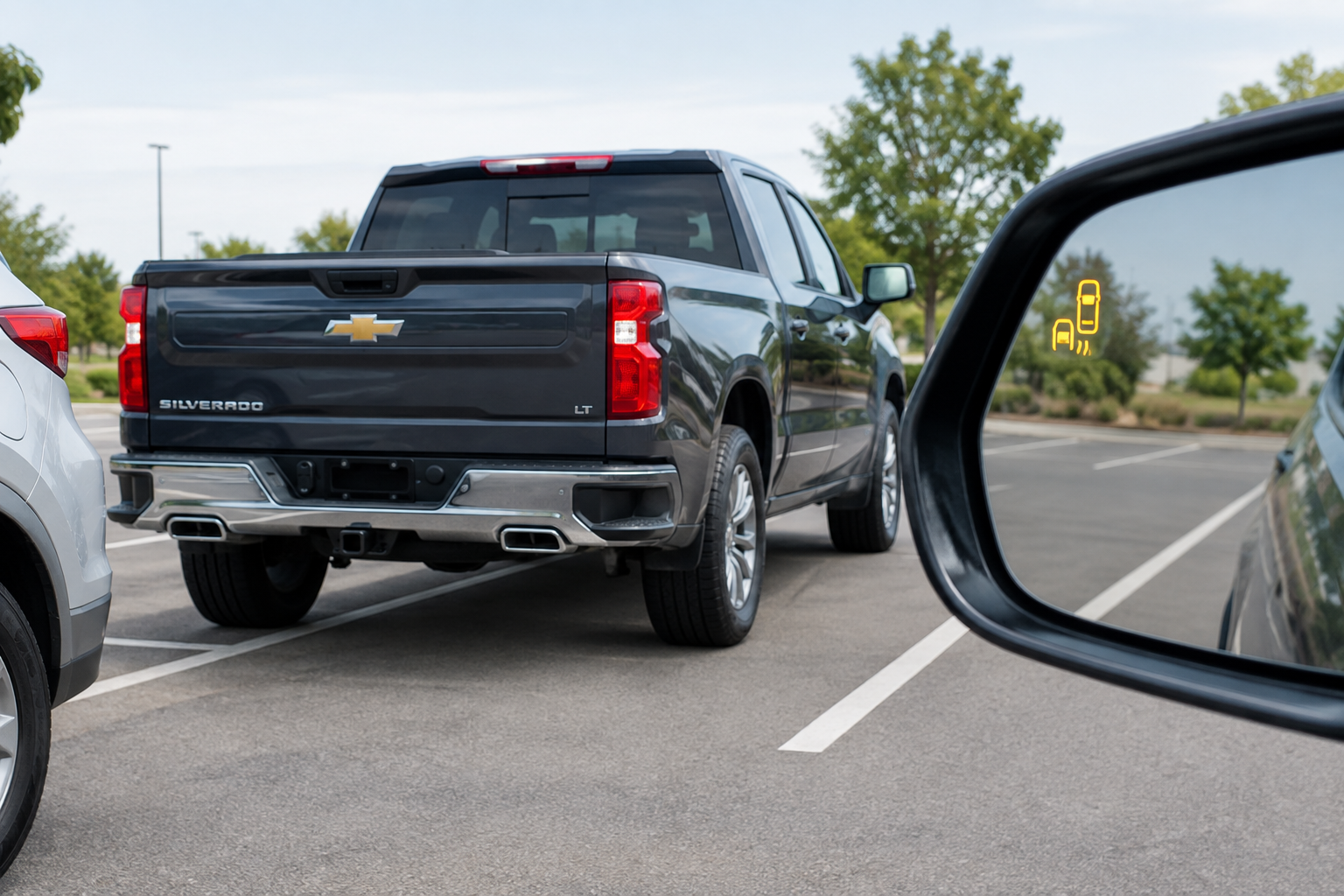
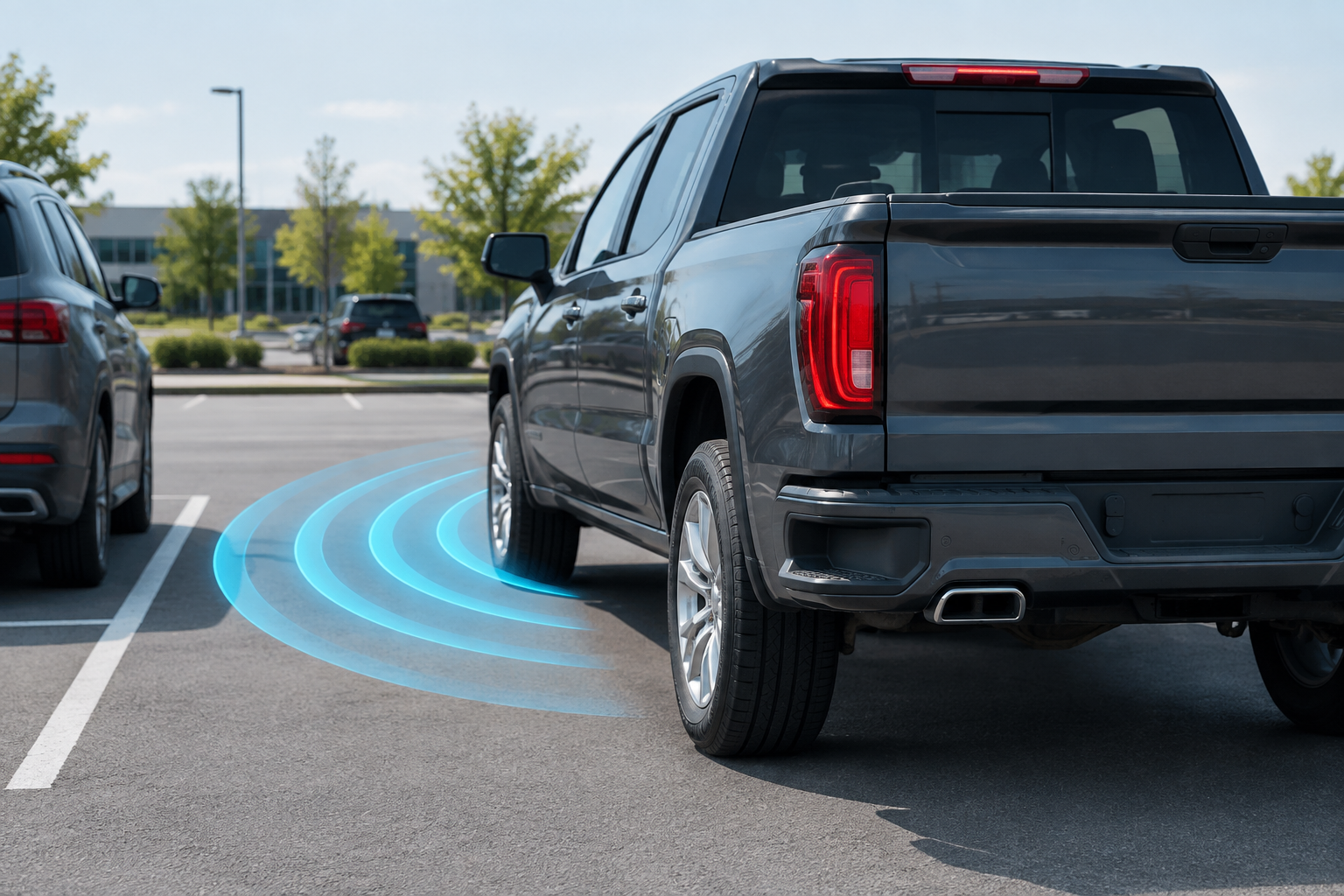
Cross Traffic Monitor relies on two small radar sensors mounted behind the rear bumper, one in each corner. These are the exact same sensors that power the Blind Spot Information (BSI) System, so when one stops working, the other often acts up too. That’s a useful diagnostic clue: if both your blind spot warning and cross traffic alert vanish at the same time, the problem is almost certainly with a rear radar sensor, not a software setting.
Trim availability has shifted across generations. On the fifth-generation CR-V (2017 to 2022), Cross Traffic Monitor and BSI typically arrived starting on the EX trim and above, with lower trims like the LX not getting it at all. On the current sixth-generation CR-V (2023 and newer), Honda has pushed this equipment down to more trims as standard. Always check your specific model year and trim in the owner’s manual, since Honda has changed this lineup more than once and assuming your friend’s CR-V has the same setup as yours can lead you down the wrong troubleshooting path.
Common Reasons the Alert Stops Working or Goes Unavailable
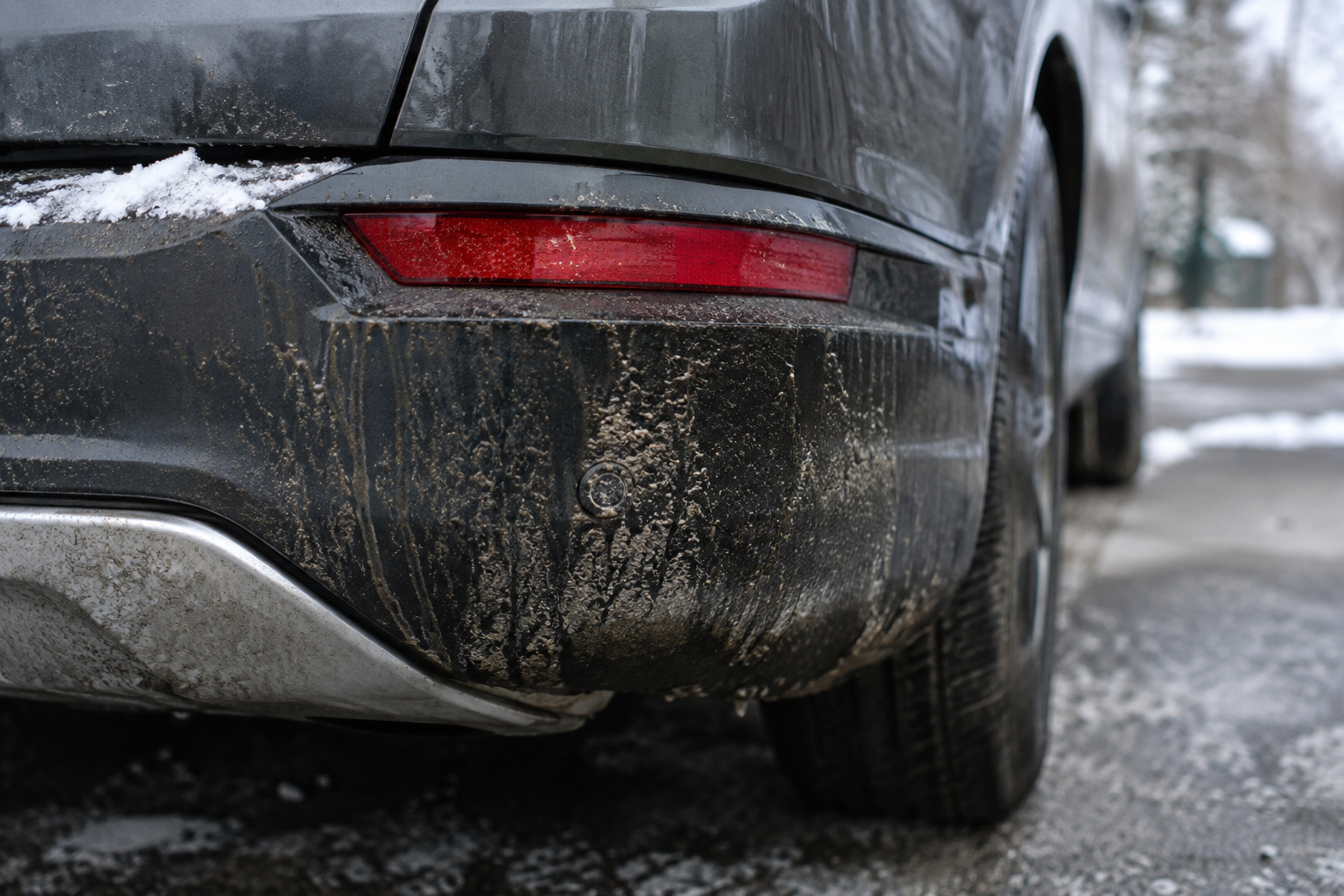
Most cross traffic monitor failures come down to something physically blocking or damaging the rear radar sensors, rather than a deeper electronic fault. Here’s what to check first:
- Blocked or dirty sensor covers. Mud, road salt, thick ice, or even a heavy coat of snow over the rear bumper corners can knock the radar offline entirely.
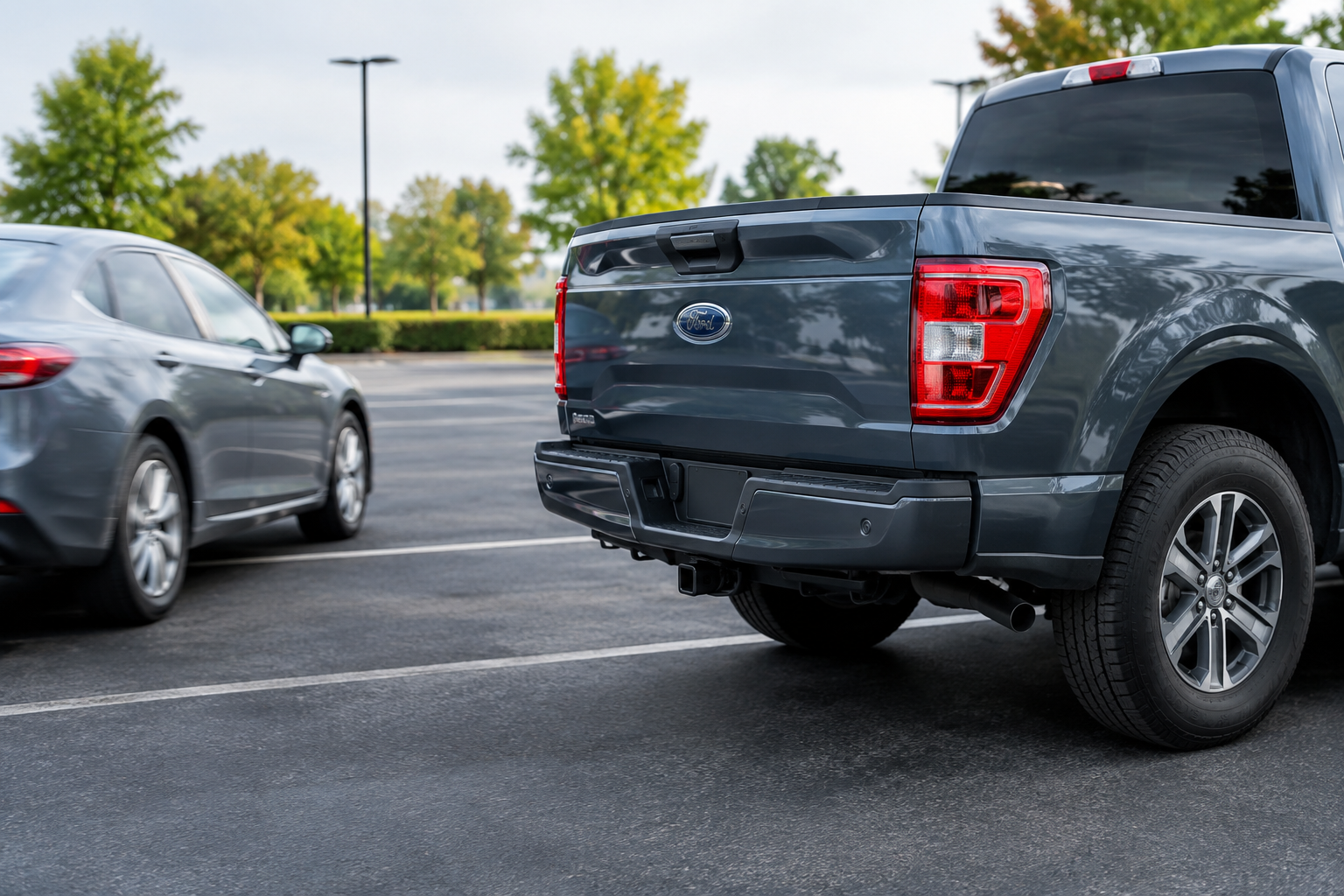
- Trailer hitches and bike racks. A hitch-mounted bike rack, cargo carrier, or even a trailer ball sitting in the wrong position can sit directly in the radar’s field of view and trigger an “unavailable” message.
- Bumper damage. A parking lot fender-bender that dents or cracks the rear bumper cover, even minor damage, can misalign the sensor housing enough to disable the feature.
- Aftermarket bumper accessories. Non-Honda parking sensors, trailer wiring kits, or step bumpers installed too close to the radar corners can interfere with the signal.
- Low 12V battery voltage. Honda Sensing features are sensitive to voltage drops. A weak or aging 12V battery can cause the radar module to reset or drop out, especially in cold weather.
- Settings accidentally disabled. It’s rare, but the feature can be toggled off in the infotainment settings menu, particularly after a software update or a battery disconnect.
- Sensor misalignment after collision repair. If the rear bumper was ever removed and reinstalled, even for something unrelated like a taillight repair, the radar may need to be recalibrated by a shop with the right diagnostic tools.
How to Fix It
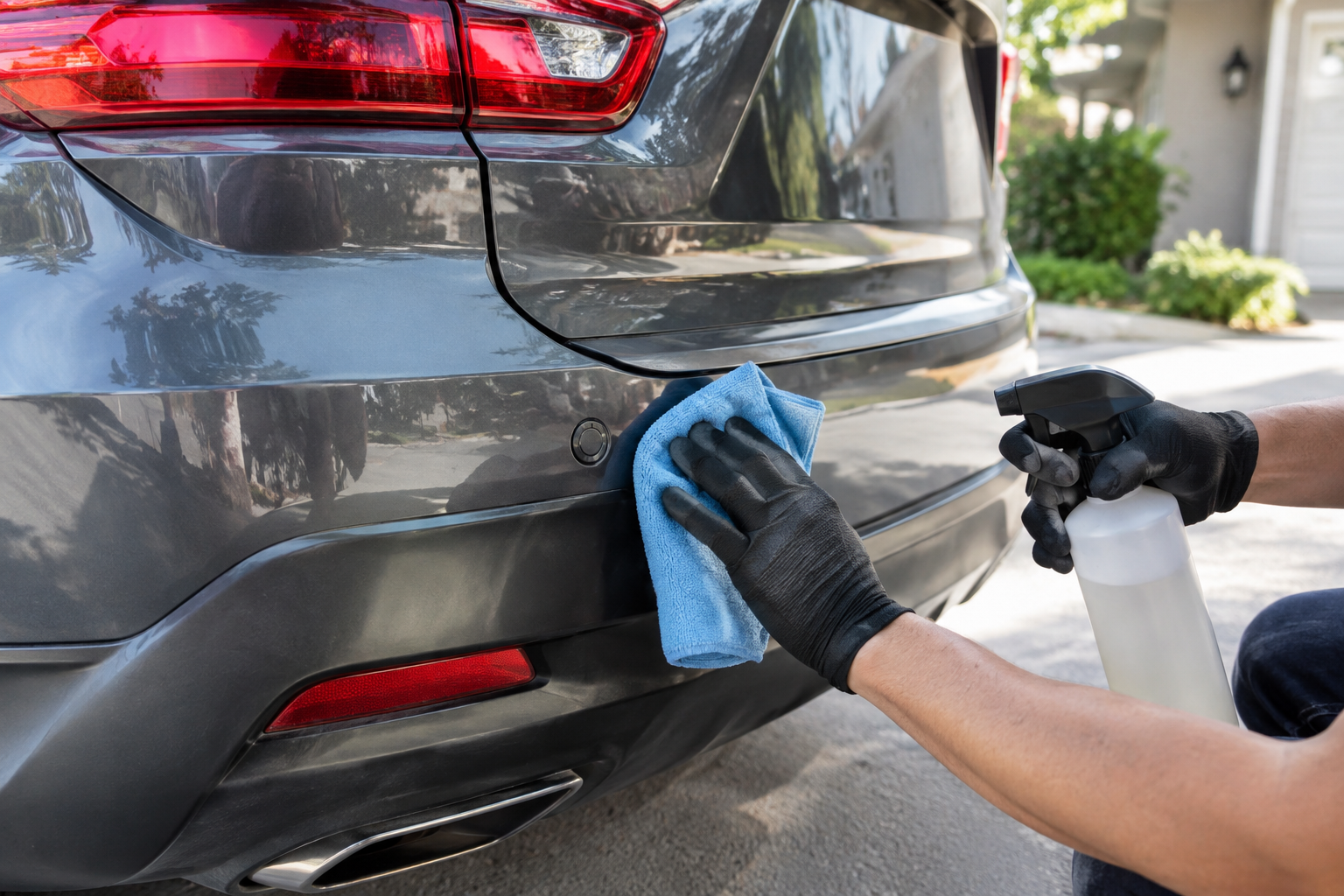
Start with the simplest fix: pull over somewhere safe and physically inspect both rear bumper corners for dirt, ice, or road grime. Wipe them clean with a soft cloth and see if the warning clears after your next drive cycle.
If you’re running a hitch-mounted rack or cargo box, try removing it temporarily to see if the system comes back. Some racks sit low enough to avoid interference, but others sit right in the radar’s cone and will disable Cross Traffic Monitor every time they’re installed, regardless of speed or weather.
Next, check your 12V battery. If it’s more than three or four years old, have it load tested at an auto parts store or check it yourself with a simple voltage tester. A battery that’s sagging under load is a common, overlooked cause of Honda Sensing dropouts, and it’s an easy fix compared to a radar module replacement.
NOCO Boost Plus Jump Starter and Battery Tester
A compact tool for checking battery health at home before it starts causing sensor glitches.
If cleaning and battery checks don’t resolve it, pull codes with an OBD2 scanner that reads manufacturer-specific Honda codes, not just generic engine codes. A radar sensor fault will usually throw a specific code pointing to the left or right rear corner, which saves you a diagnostic fee at the dealer.
FIXD OBD2 Bluetooth Scanner
Reads manufacturer-specific codes so you can pinpoint which sensor is throwing the fault before paying for a diagnostic visit.
If your CR-V has ever been in a rear-end collision, even a minor one, and the bumper cover was removed, that’s the most likely explanation for a persistent fault. The radar sensors need to be aimed and calibrated with proper equipment after any bumper work, and skipping that step is one of the most common reasons these systems never fully recover. Shopping for a replacement sensor is also an option if a scan confirms a failed unit; browsing a Honda CR-V blind spot radar sensor listing will give you an idea of what’s compatible before you commit to a dealer part.
Since BSI and Cross Traffic Monitor share hardware, it’s worth reading up on how the blind spot side of things is supposed to behave too. If you’re also troubleshooting lane-keeping quirks on a Honda product, the writeup on disabling lane assist on the Honda Pilot covers a similar Honda Sensing architecture and is a useful reference point.
Frequently Asked Questions
Does Cross Traffic Monitor work at higher speeds, or only while backing up slowly?
Cross Traffic Monitor is designed to work specifically while you’re in reverse, typically most useful at low parking-lot speeds where you’re backing out of a spot with limited visibility. It is not meant to function while driving forward. That’s a different job handled by the Blind Spot Information System, which watches your flanks while you’re moving at normal road speeds.
If my blind spot warning still works, does that mean the cross traffic sensor is fine too?
Not necessarily. Both systems use the same rear radar sensors, but they process that data differently, and a partial fault can affect one function before the other. If BSI is still working normally but Cross Traffic Monitor isn’t, it’s worth checking for anything blocking the sensor’s downward or wide-angle field of view specifically, since a hitch accessory or bumper crack might interfere with one function’s detection zone without fully blinding the other.
Leave a Reply