
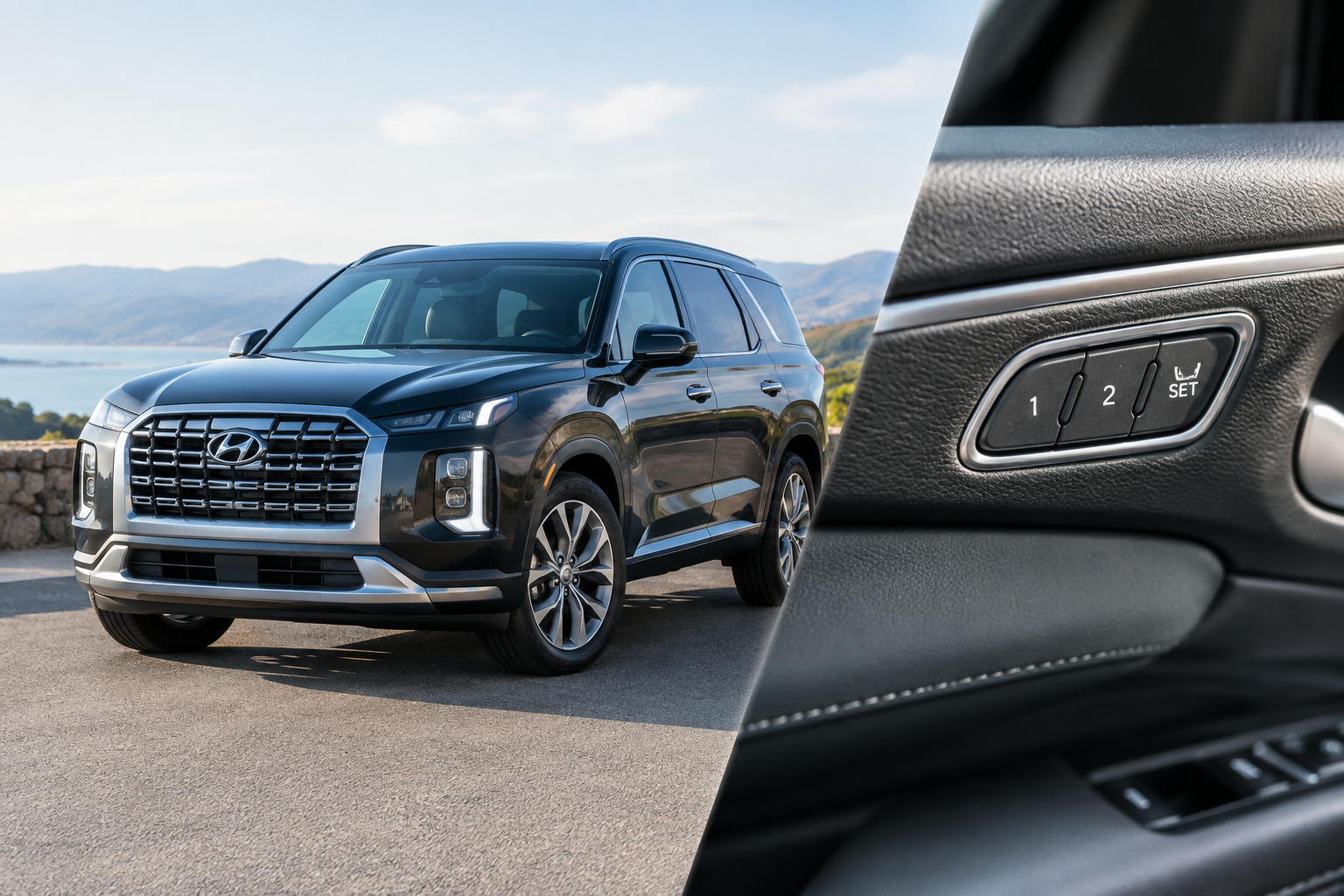
You climb into your Palisade, the seat slides to your saved position like it should, and then one day it just doesn’t. Maybe it stops a few inches short. Maybe it jumps to your spouse’s setting even though you’re using your own key. Maybe it doesn’t move at all until you nudge the switch yourself. This is one of the more annoying quirks Palisade owners run into, and most of the time it’s not actually a broken seat.
Before you assume you need a new motor or module, it helps to understand how the memory system actually decides where to put the seat. Most of the time the fix is a setup issue, not a hardware failure.
How Memory Seat Actually Works on the Palisade
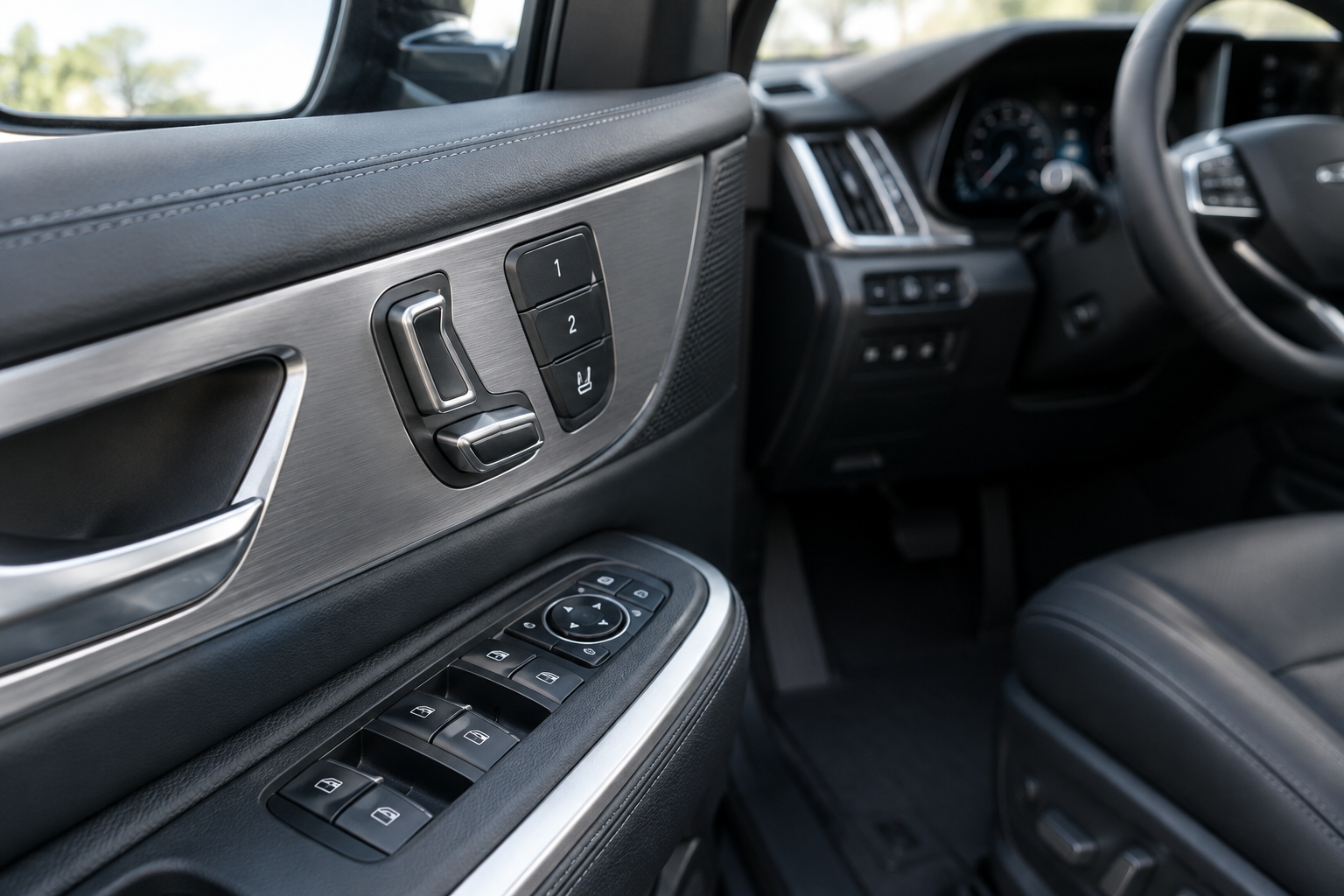
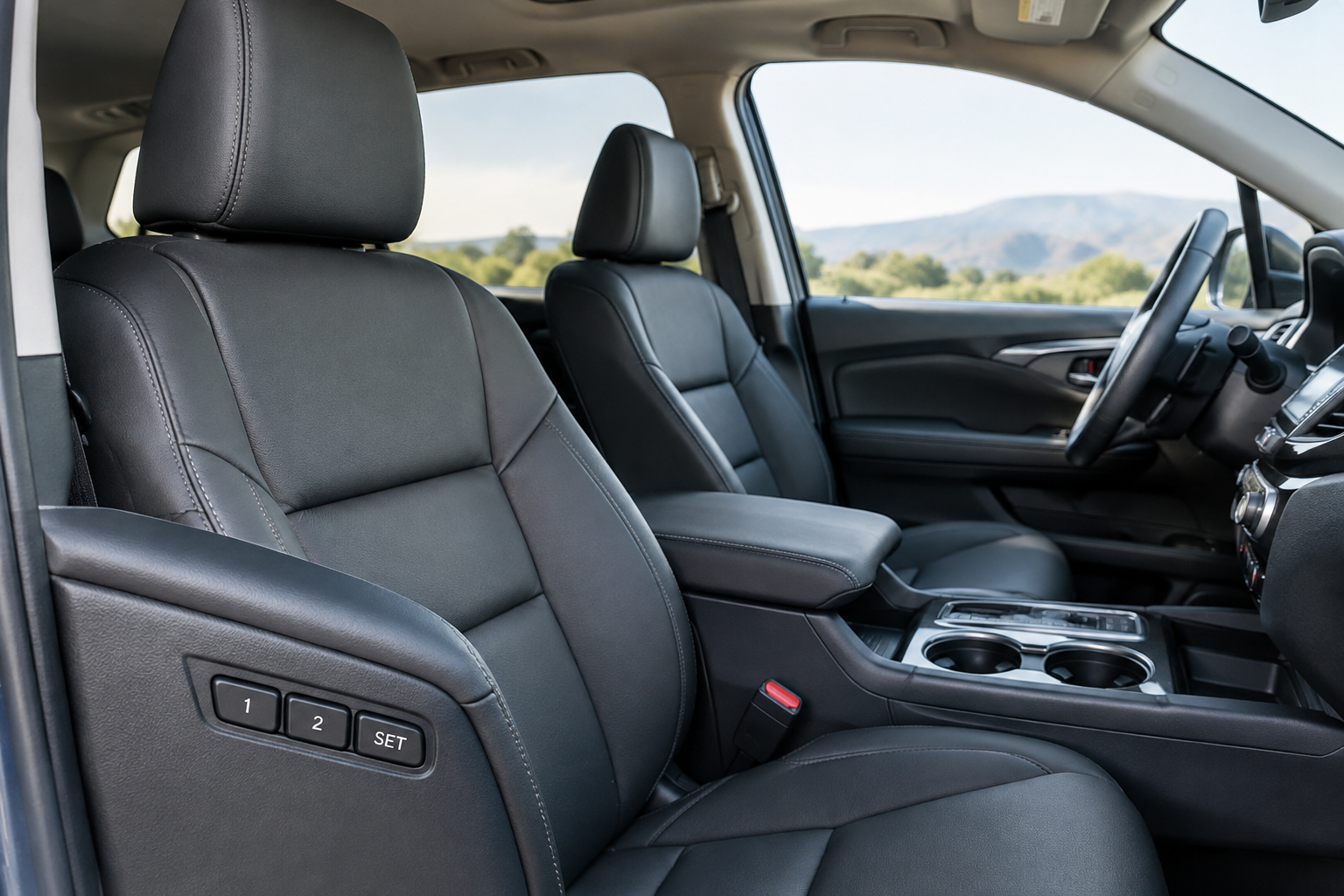
On trims equipped with it (typically Limited and Calligraphy, with SEL Premium getting it on some model years), the driver’s seat memory system ties a saved position to either a smart key or a driver profile number, usually labeled “1” and “2” on the door panel switch. The seat, mirrors, and sometimes the steering wheel position are all stored together as one profile.
When you insert or approach with a paired key, or select a profile from the infotainment screen on newer model years, the module reads that identifier and moves the seat to whatever position was last saved under it. If the system can’t confirm which key or profile is active, it defaults to whatever position the seat is already in, which is often mistaken for a “failure to save.”
The Correct Save Sequence (Most Failures Start Here)
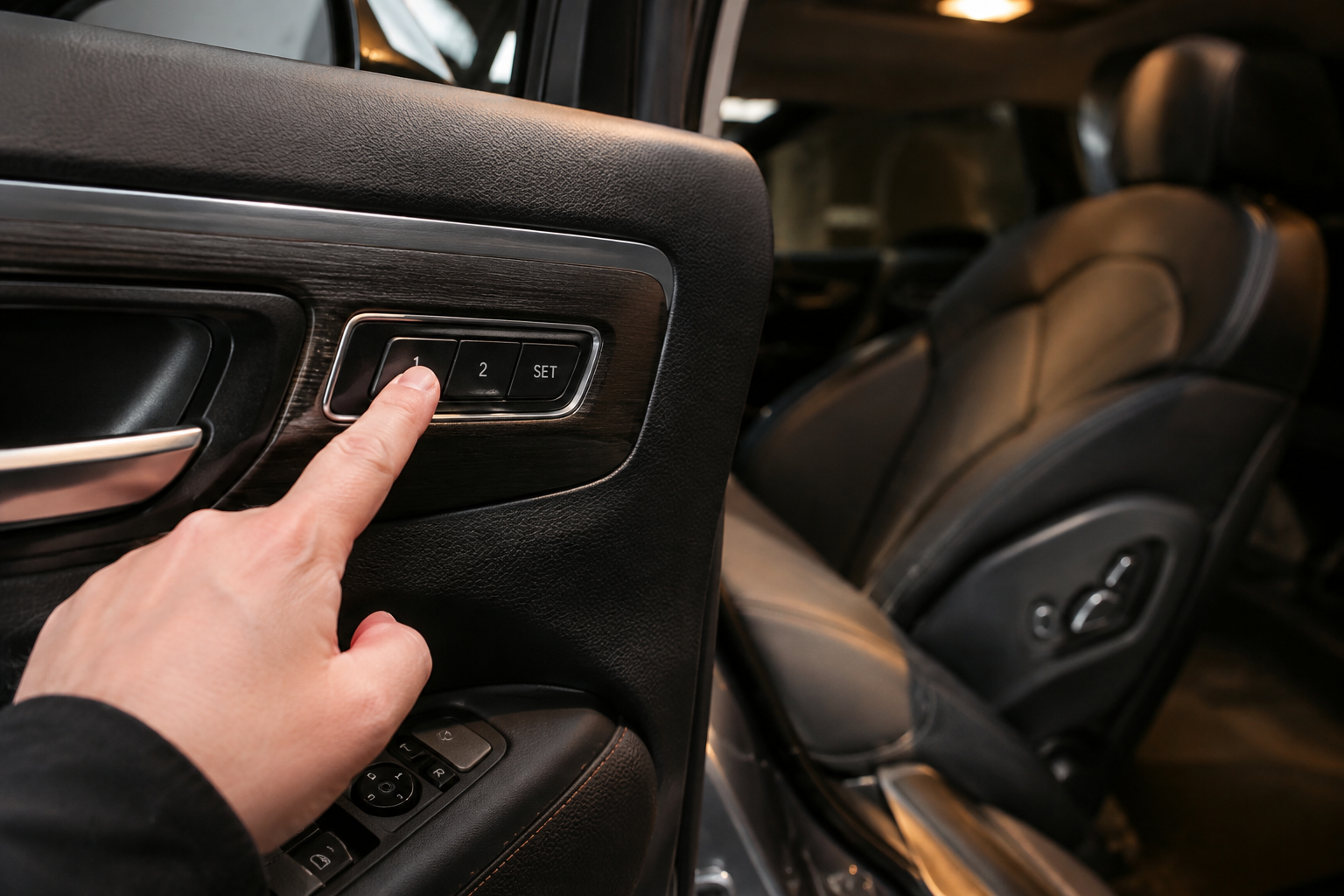
This is the number one reason memory seats seem to stop working. The save sequence on Hyundai’s system is easy to get wrong because it requires holding the button, not just tapping it.
- Turn the ignition on (or have the vehicle in an accessory/on state).
- Adjust the seat, mirrors, and steering wheel (if equipped) to your preferred position.
- Press and hold the “SET” button on the door-mounted memory switch until you hear a single chime or see a confirmation light.
- While still holding SET, press button “1” or “2” within a few seconds.
- Release both buttons once you get a second confirmation chime.
If you let go of SET too early, or press the number button before the chime, the position never actually saves. It might feel like it saved because the seat doesn’t move, but that’s only because you didn’t change position significantly enough to notice the difference between “current” and “old saved” spot.
Trim and Model Year Differences
Button labeling has changed across Palisade generations. Early first-gen models (2020-2022) use physical numbered buttons on the door switch. Later refreshed models (2023+) may route profile selection through the touchscreen under Settings > Seat > Memory, especially on Calligraphy trims with the larger center display. If your button layout doesn’t match what an owner’s manual PDF from a different year shows, check your specific model year’s manual rather than assuming the process is identical.
Key and Profile Association Problems
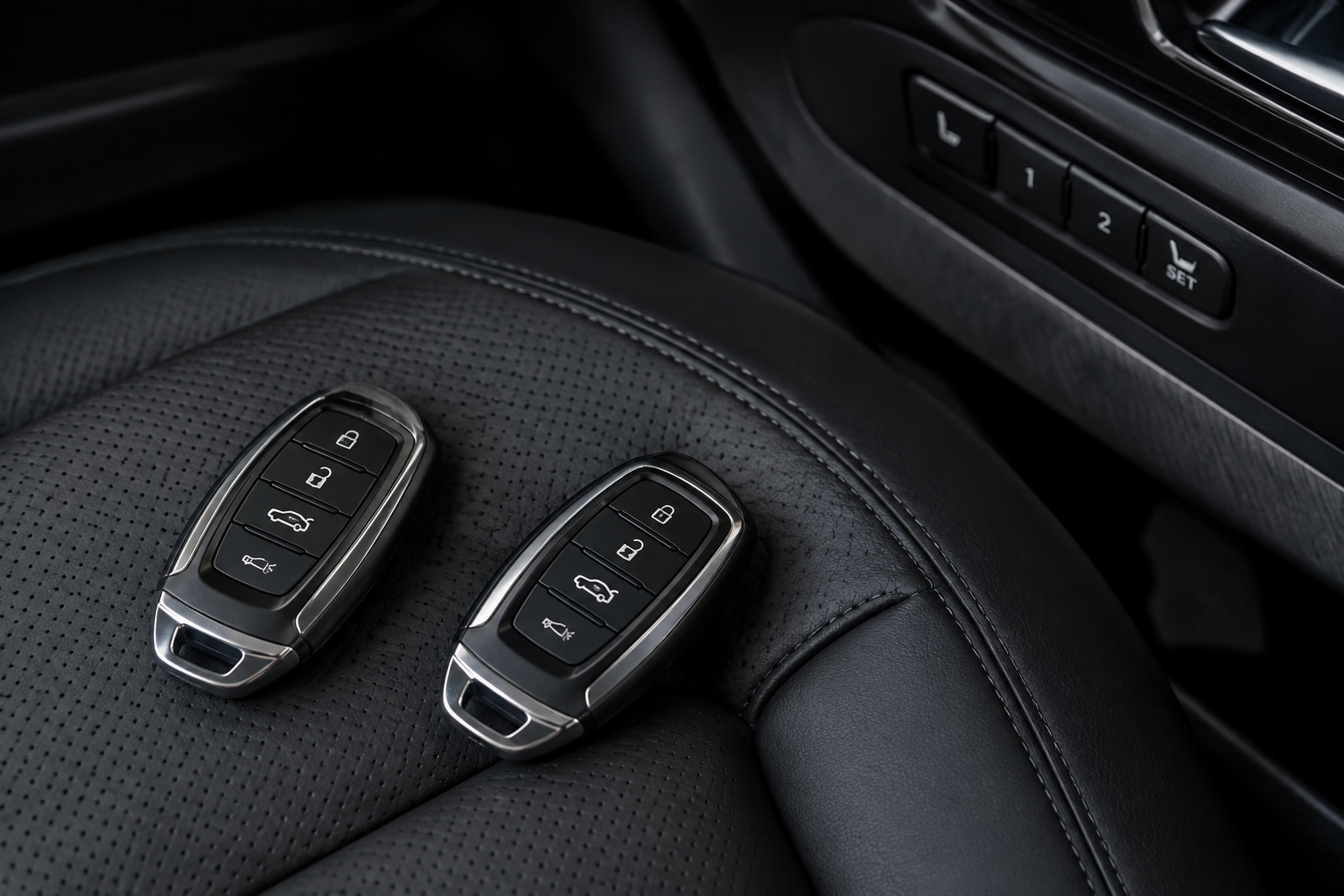
If two people share the vehicle with two separate smart keys, each key should be linked to its own memory profile. When this link breaks or was never set up correctly, the seat will recall the wrong position no matter who’s holding which key.
This usually happens after:
- A new or replacement key fob is programmed without re-linking it to a profile
- Someone saves a new position using the wrong profile number by mistake
- The vehicle was serviced and the dealer used a shop key, which can temporarily override profile detection
The fix is simple but often overlooked: manually reassign each key to its intended profile number using the save sequence above, then test by locking the car, walking away, and approaching with each key separately to confirm the correct seat position loads.
Easy Entry/Exit Settings Interfering with Memory
Palisade’s easy entry/exit feature automatically slides the seat back and lowers it slightly when you shift into Park and open the door, then returns it to the saved position when you start the car again. This is a common source of confusion because people assume the “return” position is wrong when actually it’s the easy entry function that’s misbehaving.
If the seat moves back correctly on exit but doesn’t return to the same spot on your next drive, check whether the easy entry/exit toggle is enabled in the vehicle settings menu. On some model years, disabling and re-enabling this feature resets its internal reference point and fixes a seat that returns short of where it should.
Seat Position Limits and Software Glitches
Every memory seat has physical travel limits built into the module’s programming, both for the track (forward/back) and height. If you save a position that’s very close to the maximum travel in any direction, the seat can sometimes stop short of that saved spot due to normal mechanical tolerance or a minor calibration drift over time.
This is different from a sensor failure. A drift of half an inch that’s consistent every time is usually just accumulated mechanical slack. A seat that stops in a random, different spot each time, or jerks and stalls mid-travel, points toward a failing position sensor or a worn seat track motor.
When a Battery Disconnect Causes Memory Loss
Disconnecting the 12V battery, whether for service work, a jump start gone wrong, or a dead battery replacement, can wipe stored memory positions on some Palisade model years. If your seat memory worked fine before a battery job and now recalls nothing or defaults to a strange position, this is almost certainly the cause.
The fix is to simply reprogram both memory profiles using the save sequence again. There’s no special reset procedure needed in most cases, since the module treats blank memory the same as a first-time setup.
If your battery is getting old and you’re doing this more than once, it might be worth keeping a portable jump starter in the car so a dead battery doesn’t force an unplanned disconnect and reset of your seat, radio, and clock settings all at once.
NOCO Boost Plus Jump Starter
A compact jump starter that can save you from an unplanned battery disconnect and the memory reset that comes with it.
Setup Issue vs. Faulty Switch, Sensor, or Module
It’s worth separating a configuration problem from an actual hardware fault before you spend money on a repair.
Signs pointing to a setup or profile issue:
- The seat moves fine manually with the switch, just not to the saved spot
- Different keys pull up different (but consistent) wrong positions
- Problem started right after a battery disconnect or key reprogramming
- Easy entry/exit is enabled and the seat returns short every time
Signs pointing to an actual hardware fault:
- The seat doesn’t move at all, even manually, when you press adjustment buttons
- You hear grinding, clicking, or the motor runs but the seat doesn’t move
- Position is inconsistent even on manual adjustment, not just memory recall
- A dash warning light related to the seat module appears
If you’re dealing with an actual worn switch or intermittent connection at the door panel, a replacement memory seat switch is a relatively affordable fix compared to diagnosing a full module. You can browse Hyundai Palisade memory seat switches to compare OEM-style replacement options before booking a dealer appointment for a problem that might just be a worn switch.
Hyundai OEM Memory Seat Switch
A direct-fit replacement worth checking if your switch feels loose, sticky, or unresponsive rather than a profile or programming issue.
Genuine position sensor or seat track motor failures are less common but do happen, especially on higher-mileage Palisades. If manual adjustment itself is jerky or inconsistent, that’s a job for a dealer or an independent shop with access to Hyundai’s diagnostic scan tool, since the seat control module can log fault codes that point directly to the failed component.
FAQ
Why does my Palisade seat move to the wrong position when I unlock the door?
This usually means your key fob is linked to the wrong memory profile, or someone saved a new position under the wrong number button. Re-run the save sequence with your specific key in hand and confirm it’s tied to the profile you actually use.
Does the Palisade memory seat work with all trims?
No. Memory seat function is generally limited to Limited and Calligraphy trims, with some SEL Premium packages including it depending on model year. Check your specific trim’s feature list in the owner’s manual if you’re not sure your Palisade has it at all.
Will disconnecting my battery erase my memory seat settings?
Yes, on most Palisade model years a 12V battery disconnect clears stored memory positions. You’ll need to reprogram both driver profiles afterward using the hold-SET-then-press-number sequence described above.
Memory seat quirks are annoying but rarely expensive to fix once you know where to look. Run through the save sequence carefully, confirm your keys are linked to the right profiles, and check whether easy entry/exit is interfering before you assume anything electrical has failed. If you’re chasing down other driver assistance quirks on your Palisade, our guide on turning off the Driver Attention Warning covers another common source of confusion for new owners.
Leave a Reply