
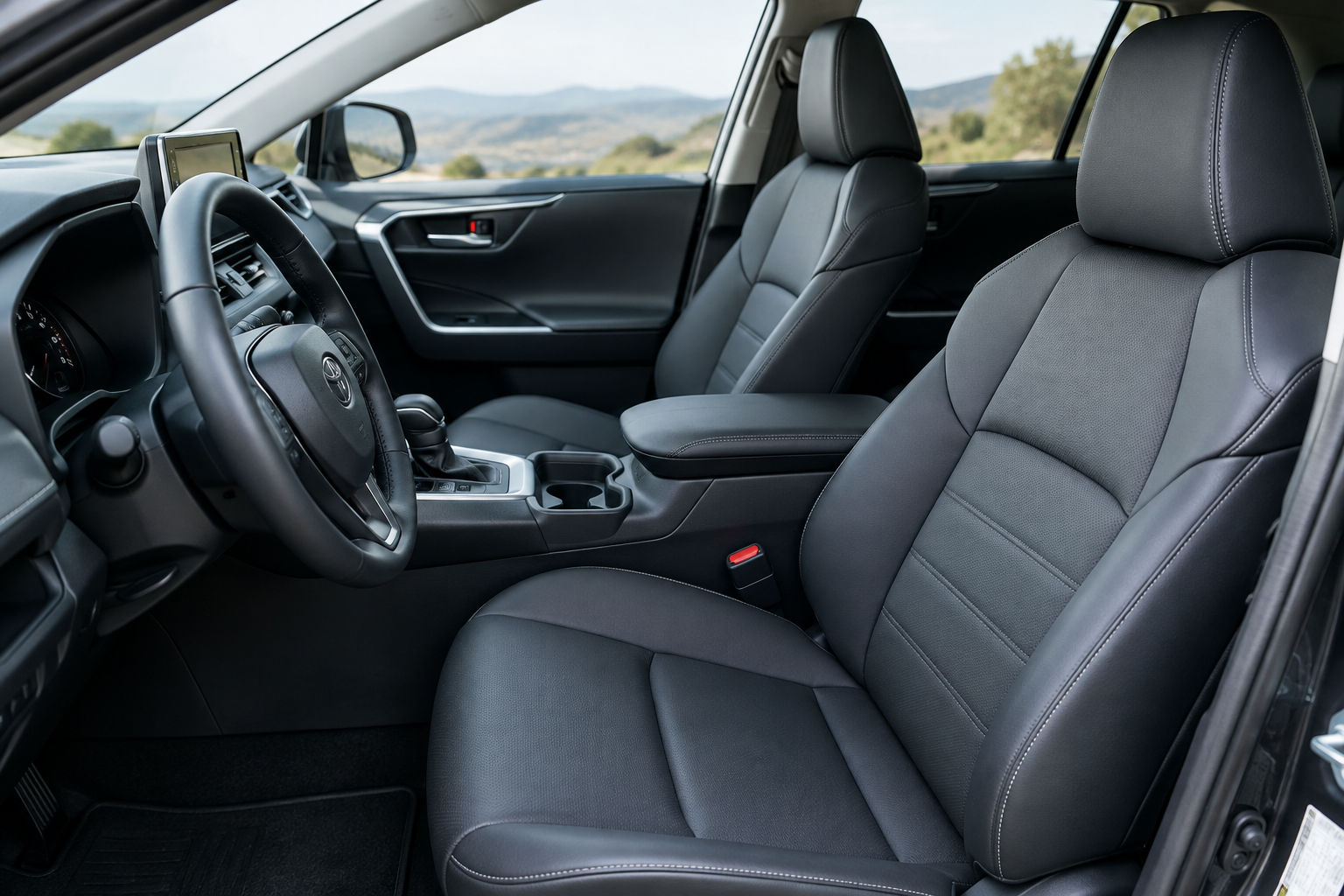
You climb into your RAV4, hit the memory seat button, and instead of sliding into your perfect driving position, the seat either doesn’t move at all or stops somewhere that feels completely wrong. Maybe it worked fine last week. Maybe it’s never worked right since the day you bought the car. Either way, it’s annoying enough to make you want to just leave the seat wherever it lands and adjust it manually every time.
The good news is that most memory seat complaints on the RAV4 come down to a handful of predictable causes, and most of them don’t require a trip to the dealer. Before you assume something’s broken, it’s worth walking through how the system is supposed to work and where it commonly gets tripped up.
Which RAV4 Trims Actually Have Memory Seats
Memory seats aren’t standard across the RAV4 lineup, so the first thing to confirm is that your trim actually supports the feature. On most model years, driver’s memory seats are limited to the Limited trim, and in some years the XSE Hybrid also gets it as part of a higher package. Base LE, XLE, and even some SE trims often have power seats without any memory function at all, which means there’s simply no module to save a position in the first place.
This matters because a lot of “my memory seat stopped working” complaints turn out to be “my seat never had memory to begin with,” especially with used RAV4s where the buyer wasn’t sure exactly which options came on the car. Check your owner’s manual or look for the memory buttons (usually labeled 1 and 2) on the side of the driver’s seat cushion or on the door panel. If those buttons aren’t there, the system isn’t installed, and no amount of troubleshooting will make it appear.
How the Save Sequence Actually Works
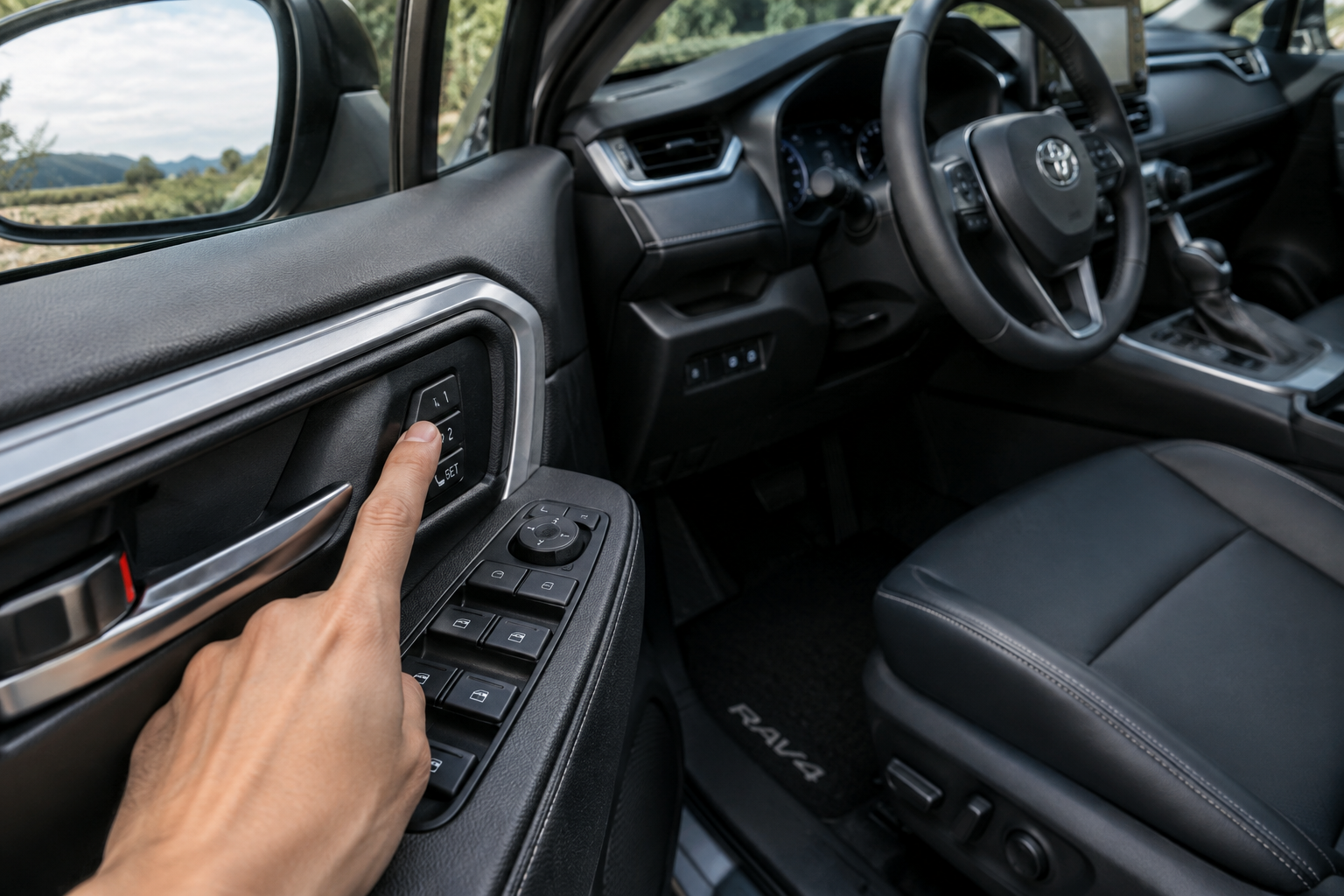
The most common reason a memory seat “won’t save” is that the driver skipped a step or rushed the sequence. Toyota’s system requires you to set the seat, mirrors, and in some trims the steering column exactly where you want them, then hold the memory button (1 or 2) until you hear a chime or see a confirmation light, not just tap it.
Here’s the general sequence that applies to most RAV4 Limited model years:
- Turn the ignition on (or have the vehicle in accessory/ready mode).
- Adjust the seat, mirrors, and steering wheel/column to your preferred position.
- Press and hold the “SET” or “S” button on the seat memory switch.
- While still holding SET, press memory button 1 or 2 within a few seconds.
- Release both buttons once you hear the confirmation chime.
If you let go of the SET button too early, or you press the memory button before SET registers, the system won’t store anything. It’s a timing issue more often than a mechanical one. Try the sequence two or three times slowly before you assume there’s a fault.
Key and Driver Profile Association
RAV4 memory seats are tied to the key fob you’re using, not to a generic “driver 1 / driver 2” toggle like some other Toyota models. If your household has two key fobs, each one can store its own seat, mirror, and steering position. This is convenient until someone grabs the wrong key and wonders why the seat suddenly moved on its own.
If you and another driver share fobs interchangeably, or if a valet, dealer loaner key, or spare fob got used recently, that could explain why the seat is recalling a position you didn’t set. The fix here isn’t a repair, it’s just reprogramming each fob’s position correctly using the save sequence above while that specific key is the one in use.
Some owners find it easier to keep a dedicated key per driver and label them, which avoids this mix-up entirely. If your fob’s rubber buttons or battery are getting flaky and you’re due for a replacement anyway, a Toyota RAV4 key fob replacement is a cheap way to keep each driver’s memory settings clean and separate.
Easy Entry/Exit Settings Interfering with Memory
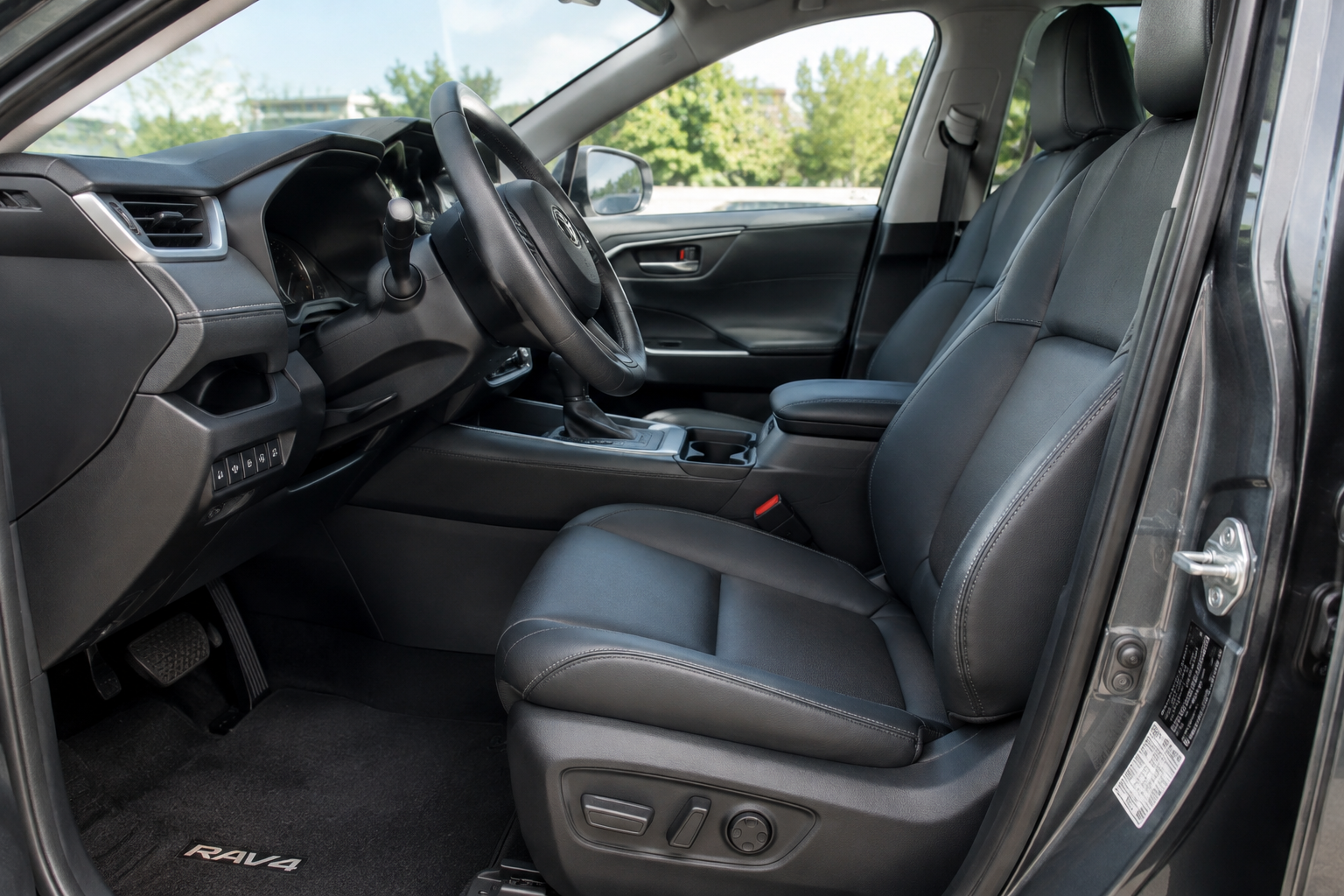
The RAV4’s easy entry/exit feature automatically slides the seat back and lowers it slightly when you shift into Park and open the door, then returns it to your saved position when you start the car and buckle in (or press the memory button, depending on year). If this feature is fighting with your memory setting, it can look like the seat “isn’t returning” correctly, when really it’s just paused in the entry/exit position waiting for the right trigger, like the seatbelt being fastened or the vehicle shifting into gear.
If your seat seems to hesitate, jump, or stop partway on startup, check whether easy entry/exit is enabled in the settings menu on the multi-information display. Disabling it temporarily is a good way to isolate whether the seat itself is working fine and the confusion is just about when it moves, not whether it remembers the position at all.
Seat Position Limits and Physical Obstructions
Memory seats have travel limits built into the track and recliner motors, and if you try to save a position at the extreme end of the rail (all the way back, all the way down, fully reclined) the system may not store it accurately or may round to the nearest safe stop. This isn’t a defect, it’s the seat protecting its own mechanical limits.
Physical obstructions cause similar symptoms. Floor mats bunched up under the track, debris wedged in the rail, or even a phone that slid under the seat can block the motor from reaching the stored position, which the module may interpret as an error and simply stop moving. Pull the floor mats back and visually check the tracks front to back if the seat seems to strain or stall partway through a memory recall.
Battery Disconnects and Reinitialization
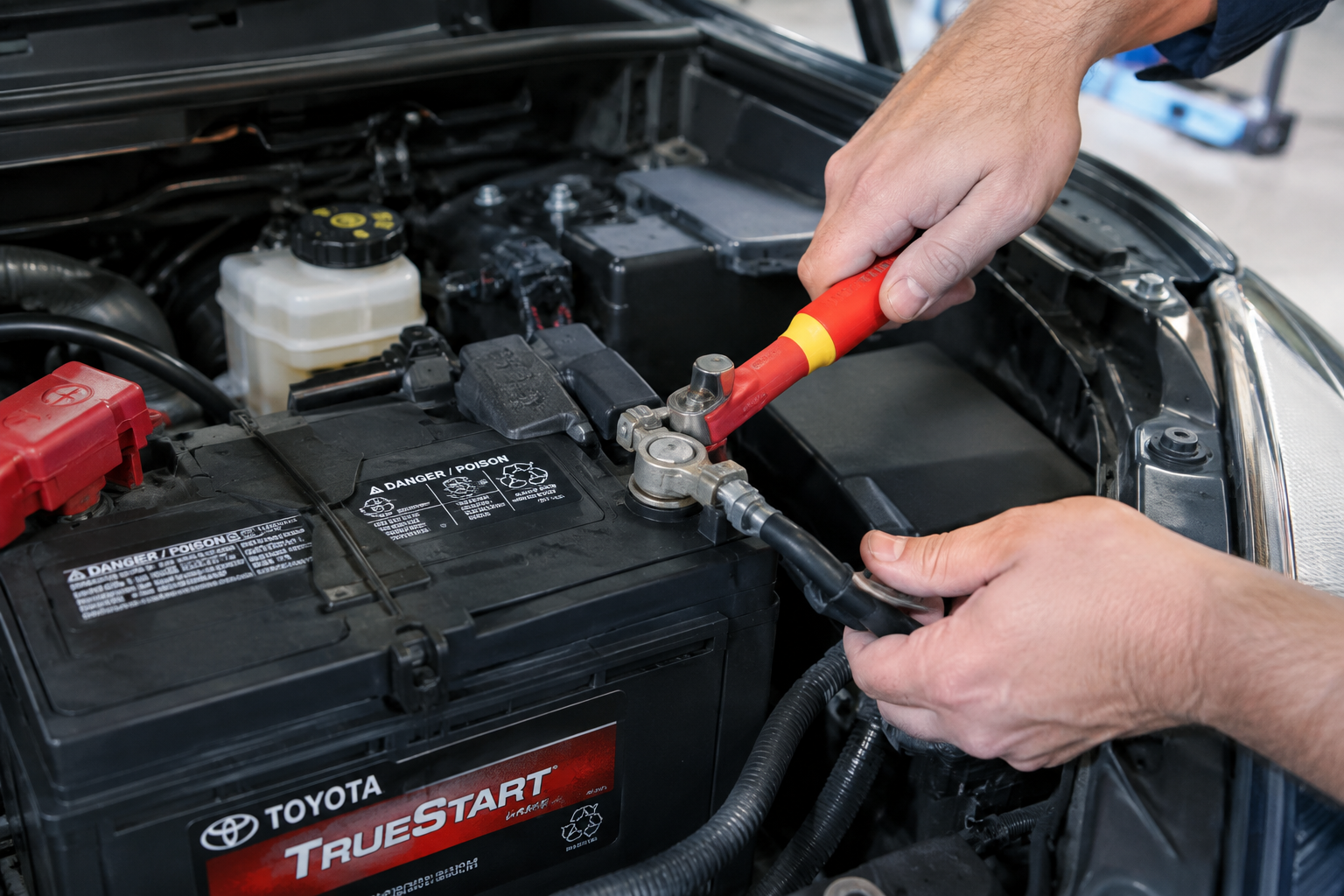
Any time the 12V battery is disconnected, drained, or replaced, there’s a real chance the RAV4’s seat memory module loses its stored positions or needs to relearn its range of motion. This is common after battery replacements, jump starts that go wrong, or extended storage where the battery dies completely.
In most cases, you’ll need to redo the save sequence from scratch for each key fob after a battery event. On some model years, the seat track itself needs to “relearn” its full range by running the seat all the way forward and all the way back once, which the module uses to recalibrate its position sensors. If your memory buttons seem to do nothing at all right after a battery job, this recalibration is usually the missing step, not a broken switch.
If you’ve recently had battery work done and the memory seat suddenly stopped responding to any button, run through a full save sequence before assuming the module failed. Reinitialization solves this more often than people expect.
When It’s a Real Hardware Problem
Once you’ve ruled out the save sequence, key association, easy entry/exit settings, and battery reinitialization, it’s fair to start looking at the actual hardware. A few signs point to a genuine fault rather than a setup issue:
- The seat moves under manual power switch control but never responds to memory buttons at all, even after multiple save attempts.
- You hear grinding, clicking, or a motor straining sound during memory recall that doesn’t happen with manual adjustment.
- The seat consistently stops short of or overshoots the saved position by several inches, every single time, regardless of which key is used.
- Memory settings won’t hold even seconds after a successful save chime.
These symptoms usually point to a failing position sensor on the seat track, a worn seat memory switch assembly, or occasionally the seat control module itself. A faulty switch is the cheapest and most common failure point, and replacing it is a reasonable DIY job if you’re comfortable pulling a door panel or seat trim.
Toyota RAV4 Memory Seat Switch
A direct OEM-style replacement switch is often all it takes to fix a seat that won’t save or recall positions correctly.
If you’ve swapped the switch and the problem persists, the next suspect is the position sensor built into the seat track motor assembly. These sensors feed real-time position data to the module, and when they drift or fail, the module simply can’t verify where the seat actually is, so it either refuses to move or stops in the wrong spot. A seat position sensor replacement is more involved than a switch swap, and it’s the point where most owners hand things off to a shop with access to Toyota’s diagnostic software to confirm the fault before ordering parts.
Frequently Asked Questions
Why does my RAV4 memory seat move to a different position depending on who’s driving?
This is expected behavior if two key fobs have different saved positions. The RAV4 ties memory settings to the specific key in use, so if a second driver or spare fob was used recently, the seat is simply recalling that fob’s stored setting, not malfunctioning.
Do I need to reset the seat after disconnecting the battery?
In most cases, yes. A 12V battery disconnect can wipe stored memory positions and reset the seat’s calibration, so you’ll likely need to run the full seat, mirror, and column position through the save sequence again for each fob you use.
Can a bad memory seat switch be replaced without going to the dealer?
Yes, the memory switch assembly is a bolt-in part on most RAV4 trims and is a reasonable DIY repair if you’re comfortable removing seat trim panels. If replacing the switch doesn’t fix the issue, the problem is likely deeper in the position sensor or seat control module, which usually needs shop diagnostics.
Memory seat glitches are frustrating mostly because the fix often feels too simple to be true. Before you spend money on parts, run through the save sequence slowly, confirm which key you’re using, check for easy entry/exit interference, and rule out anything physically blocking the track. If none of that resolves it, you’ve got a legitimate hardware issue and at least you’ll know exactly which part to replace instead of guessing.
Leave a Reply