
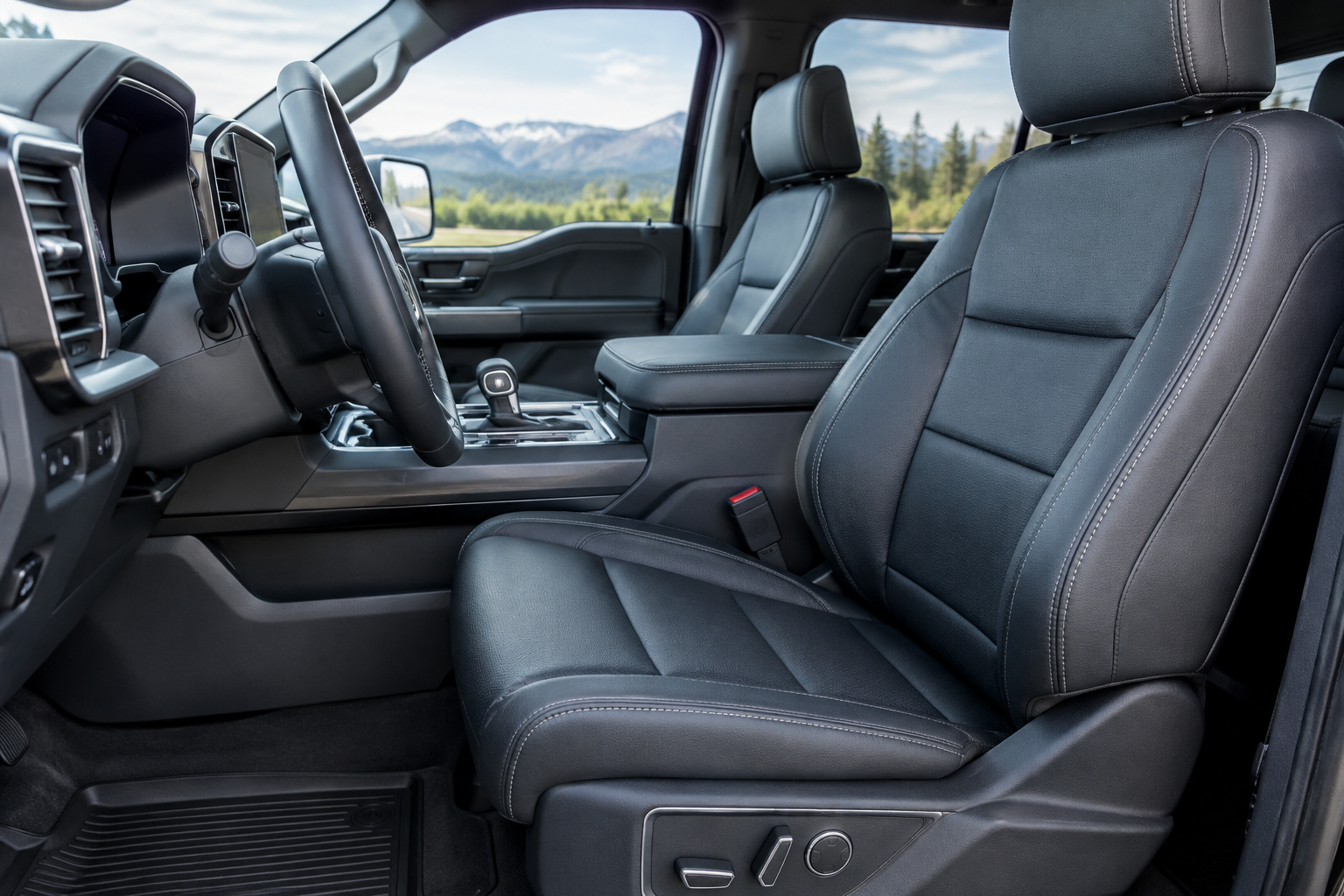
You climb into your F-150, hit the memory seat button, and instead of sliding into your usual spot, the seat stops somewhere in between or doesn’t move at all. Maybe it worked fine last week and now it’s recalling a position that isn’t even close to yours. Before you assume the seat motor is dying, there’s a good chance this is a settings or profile issue you can sort out in a few minutes.
Why the Memory Seat Stops Saving or Recalls the Wrong Spot
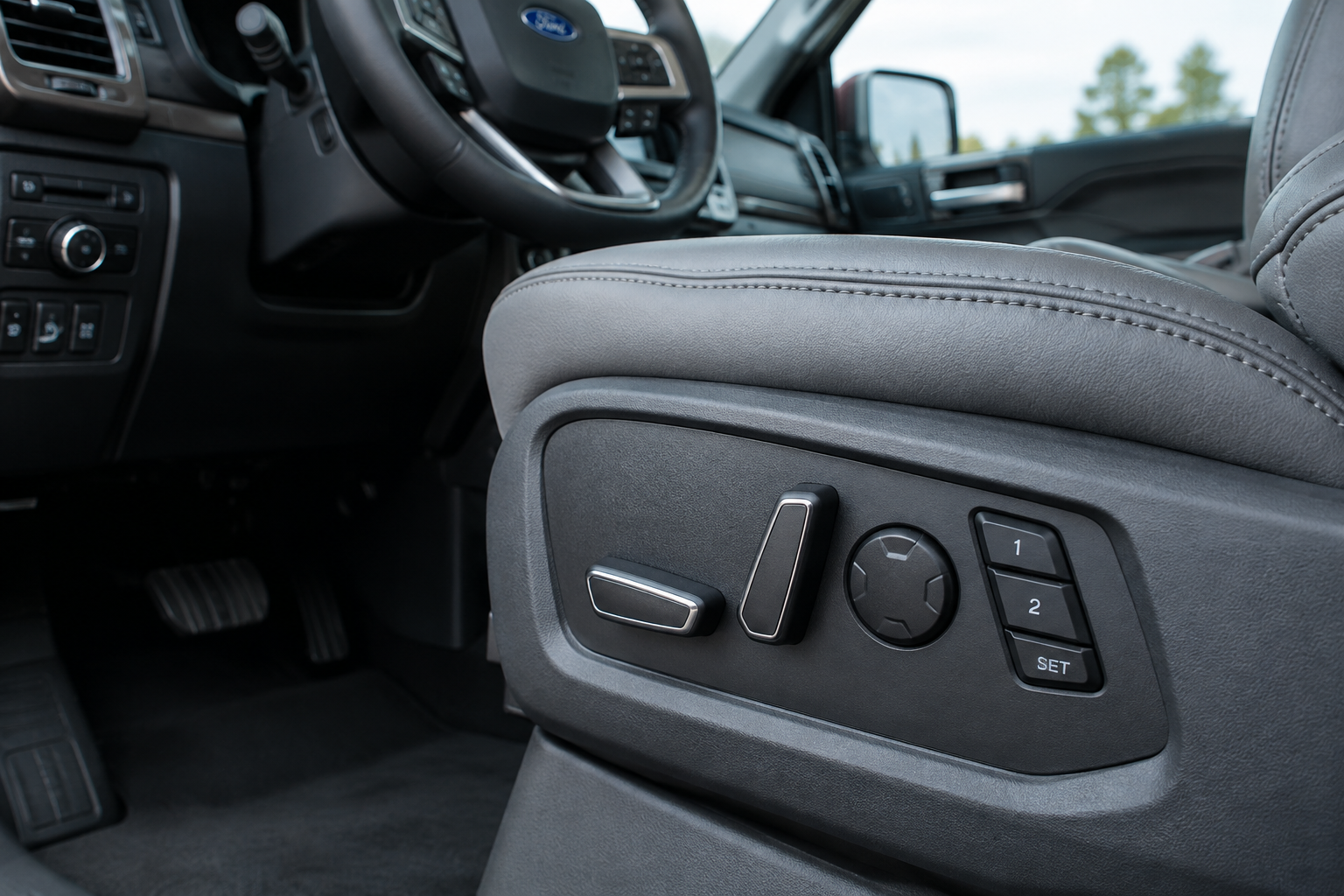
Ford’s memory seat system ties your seat, mirror, and sometimes pedal positions to a specific key fob or driver profile, depending on your trim and model year. If that link gets broken, or if you saved the position incorrectly in the first place, the seat will do things you didn’t ask it to do.
The Save Sequence Matters More Than People Think
On most F-150s with memory seats, you can’t just move the seat and walk away. You need to turn the key to the on position (or have the vehicle in accessory mode), adjust the seat, mirrors, and pedals to where you want them, then press and hold the “Set” button along with the memory button (1 or 2) at the same time until you hear a chime. Let go too early and nothing saves.
A lot of owners think they’ve saved a new position, but they released the buttons before the chime confirmed it. If your seat keeps snapping back to an old position, redo the save sequence slowly and wait for that audible confirmation.
Key Fob and Driver Profile Association
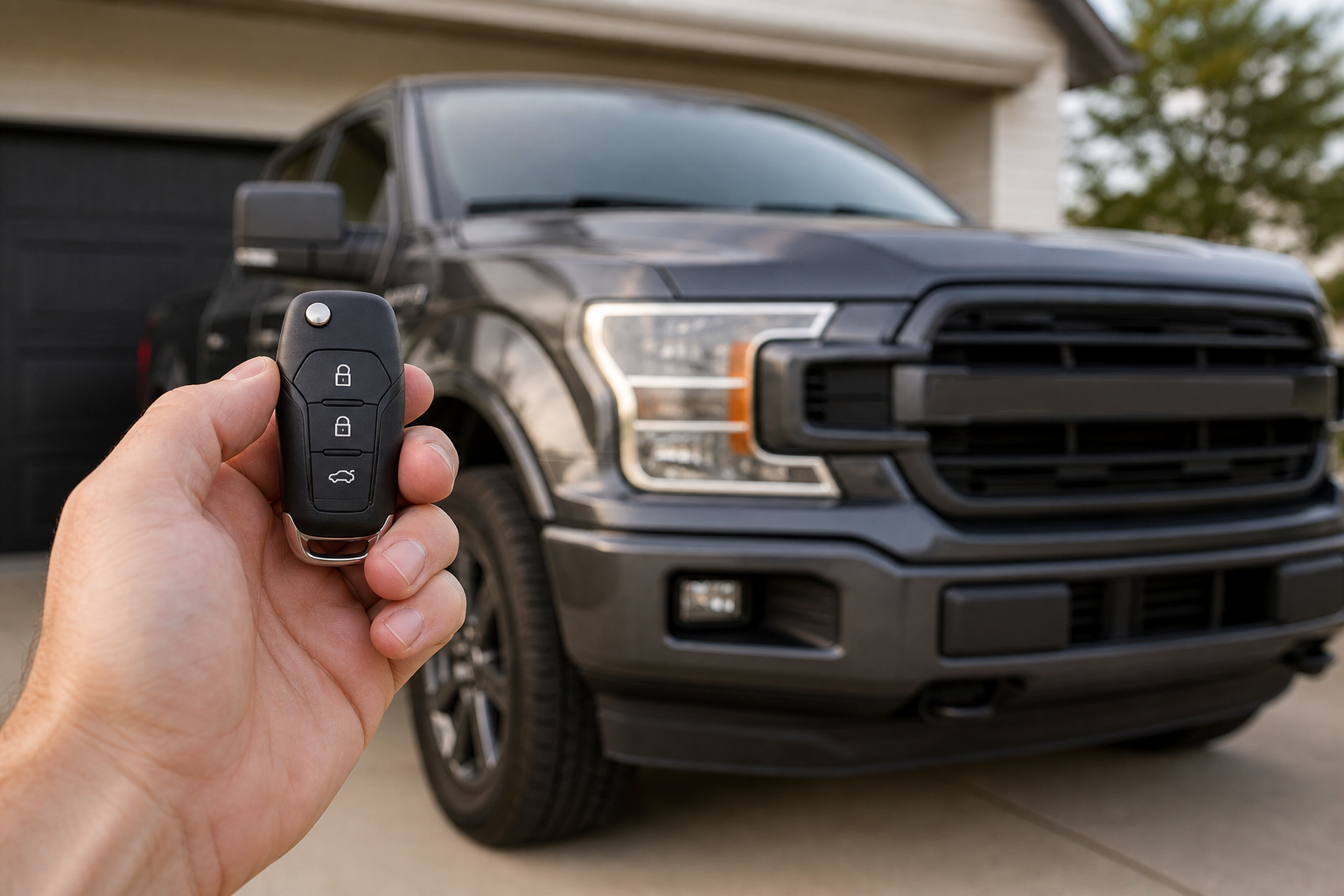
Depending on the model year, the F-150 either ties memory settings to the specific key fob you’re using or to a driver profile you select through the touchscreen (on trucks equipped with Ford’s newer sync system). If two people share one key, the truck has no way to know which person is driving, so it defaults to whatever was saved last.
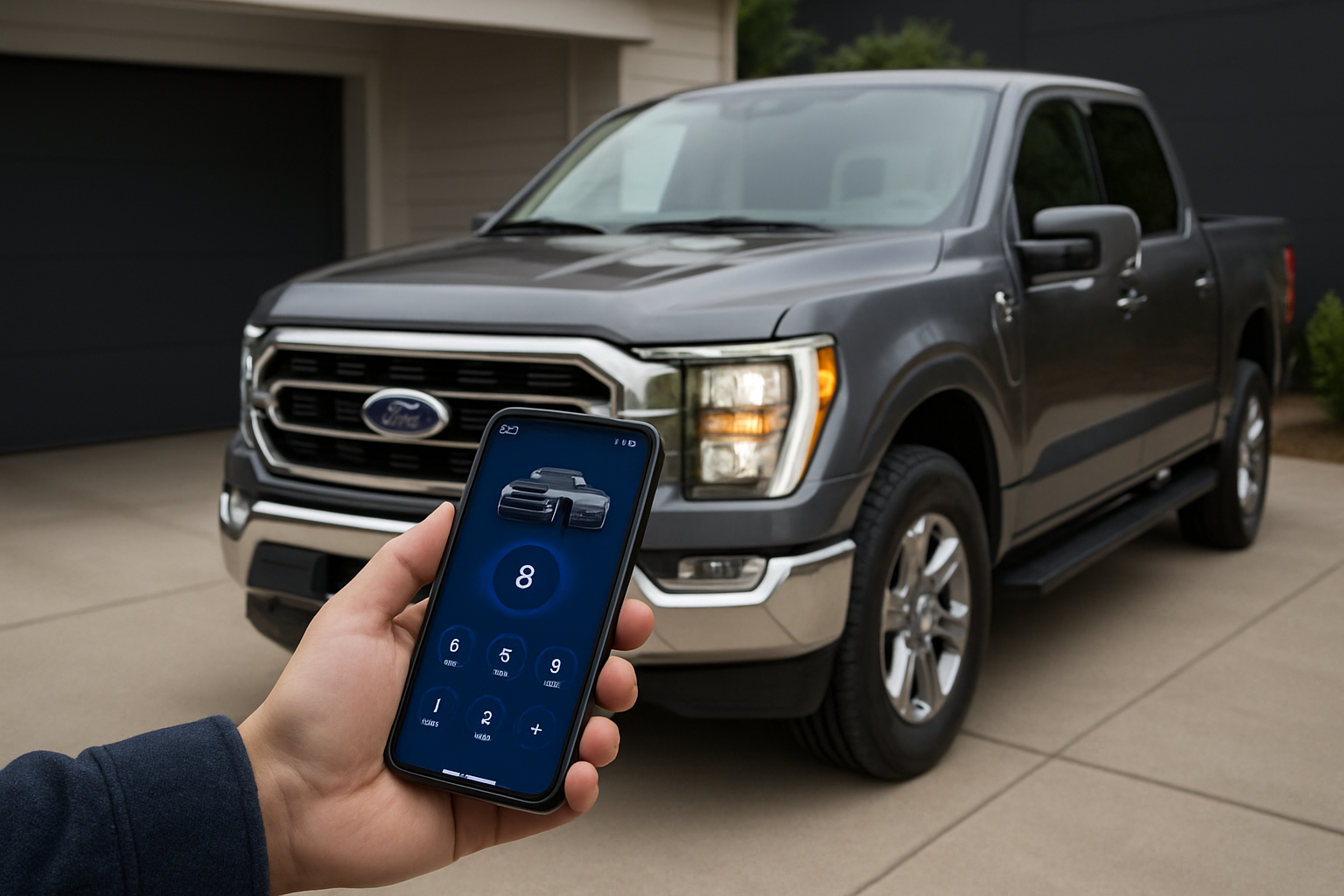
If your F-150 uses profile-based memory through the infotainment screen, check that you’re actually selecting your profile before you start driving. It’s easy to assume the truck remembers you automatically when it’s actually waiting for you to tap your name or icon on the screen.
Easy Entry/Exit and Position Limits Can Confuse the System
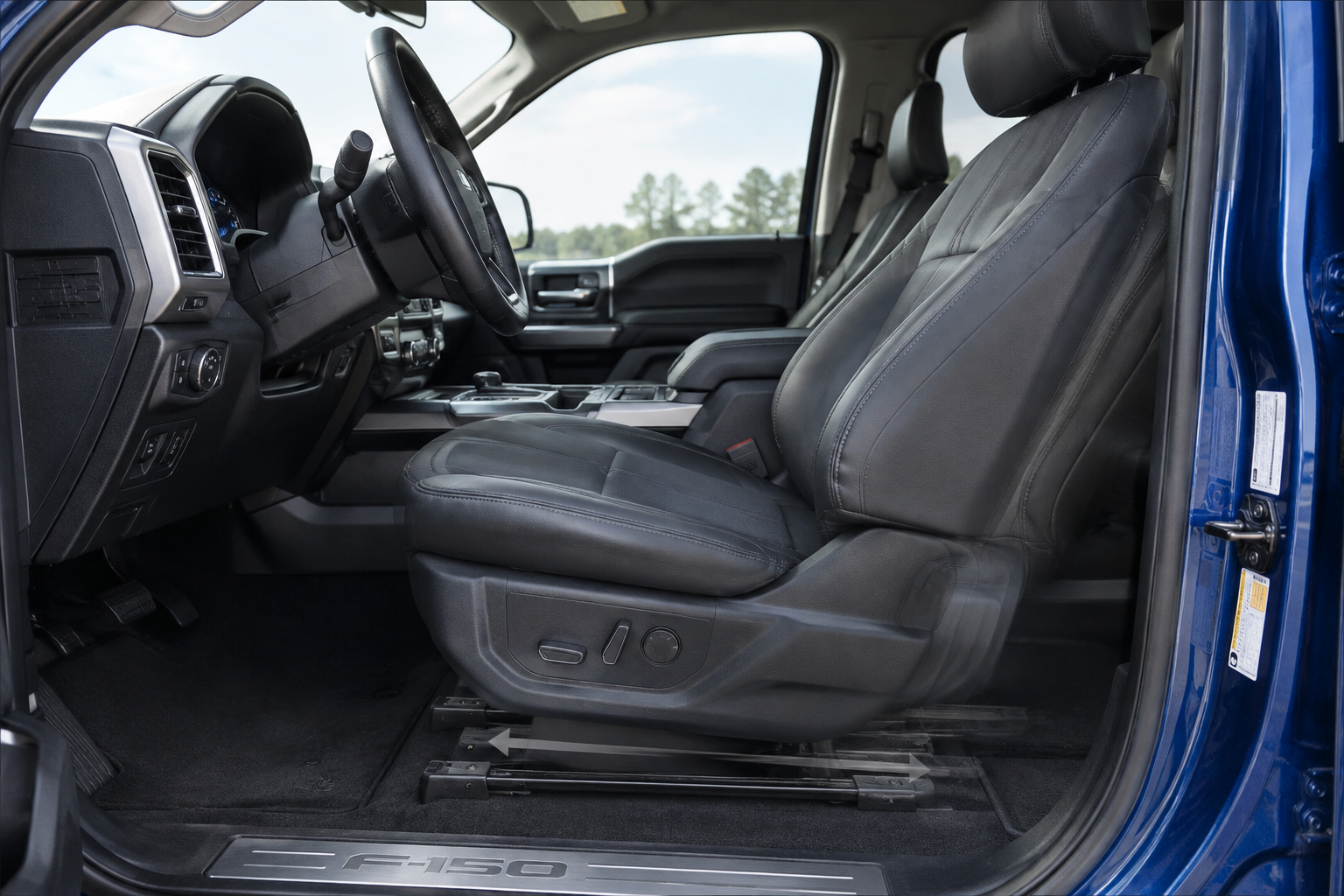
Many F-150 trims include an easy entry/exit feature that automatically slides the seat back and lowers it when you shift into park and open the door, then returns it to your memory position when you start the truck and buckle in. If this feature is malfunctioning or disabled incorrectly, it can look like a memory failure when it’s actually a separate setting fighting with your saved position.
You can usually toggle easy entry/exit on or off through the touchscreen settings menu under seat preferences. If your seat moves after you park but never comes back when you restart the truck, check this setting before assuming the memory function itself is broken.
Seat position limits are another overlooked cause. If you’re a taller or shorter driver near the extreme end of the seat’s travel range, the truck may refuse to recall an exact saved position because it conflicts with a safety limit tied to the steering column or airbag sensor. In these cases the seat will move close to your setting but stop short, which feels like a glitch but is actually the system protecting itself.
Battery Disconnects and Module Reinitialization
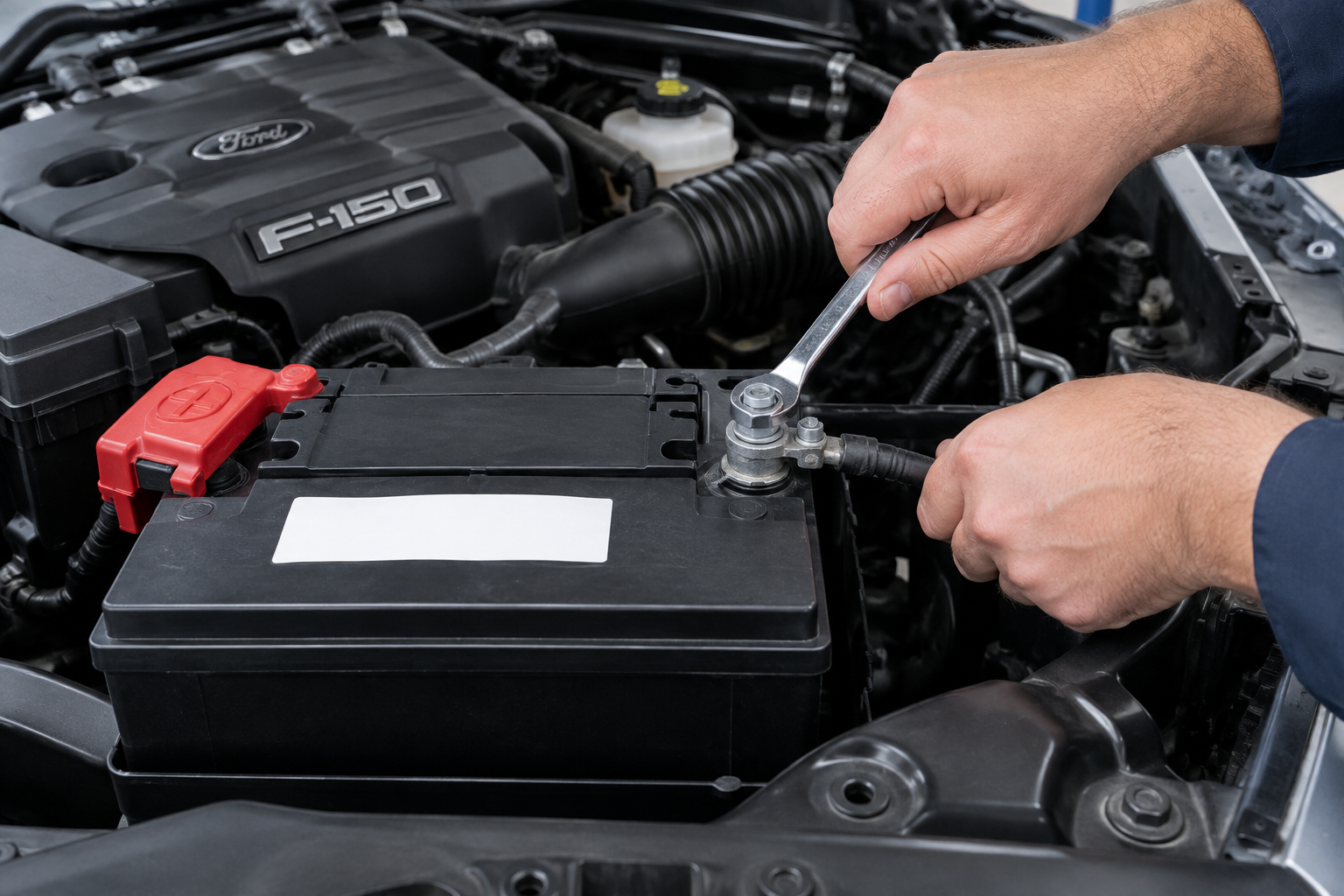
If you’ve recently had the battery disconnected, whether for service work or because it went dead, your memory seat settings may have been wiped or the module may need to relearn its position limits. This is a common and often misunderstood cause of “phantom” memory issues.
After a battery disconnect, the seat module sometimes loses track of where “full back” and “full forward” actually are. You may need to manually cycle the seat to its extreme positions in both directions to let the module relearn its range before memory settings will work correctly again. Check your owner’s manual for the exact relearn procedure since it varies slightly by model year.
If you’ve also noticed unrelated warnings like a phantom rear occupant alert after a battery reset, it’s worth reading how to turn off the rear occupant alert on the Ford F-150, since these modules can act up together after a power interruption.
When It’s Actually a Hardware Problem
If you’ve gone through the save sequence correctly, confirmed your profile or key association, checked easy entry/exit, and tried a battery reset, and the seat still won’t hold a position, you’re likely looking at a failing component rather than a settings issue.
- A worn seat track position sensor can send inconsistent signals, causing the seat to overshoot or undershoot its memory spot.
- A failing memory seat switch (the button pad on the door panel) may not register presses consistently, so “save” commands don’t stick.
- A faulty seat control module can lose stored memory positions entirely, even after a proper save.
You’ll usually notice a pattern with hardware failures: the seat behaves erratically regardless of which key or profile is active, motor noise sounds different than usual, or the seat moves in jerky steps instead of smoothly. If that’s what you’re seeing, a replacement Ford F-150 memory seat switch is a relatively affordable fix compared to diagnosing the whole module.
Ford F-150 Memory Seat Switch
A direct-fit replacement switch is often the quickest way to rule out (or fix) a bad memory seat button pad.
Before you spend money on parts, it’s smart to double check that the issue isn’t just a driver’s assist feature getting mixed up with seat behavior. If you’re also dealing with unrelated alerts or driver monitoring quirks on your truck, our guide on how to turn off Driver Alert on the Ford F-150 covers a similar troubleshooting approach for settings that seem to misbehave after updates or battery work.
Frequently Asked Questions
Why does my F-150’s seat move to the wrong position when my spouse drives it?
This almost always comes down to key or profile association. If you’re sharing one fob, the truck has no way to distinguish drivers and will use whatever position was saved last. Setting up a second key fob with its own memory slot, or creating separate driver profiles if your truck supports them, solves this permanently.
Do I need a dealer to fix a memory seat problem, or can I do it myself?
Most memory seat issues are settings problems you can fix yourself with the correct save sequence, a profile check, or a battery-related relearn procedure. A dealer visit is really only necessary if you’ve ruled out settings issues and suspect a failed switch, sensor, or seat control module, since those usually require diagnostic scanning to confirm.

Leave a Reply