
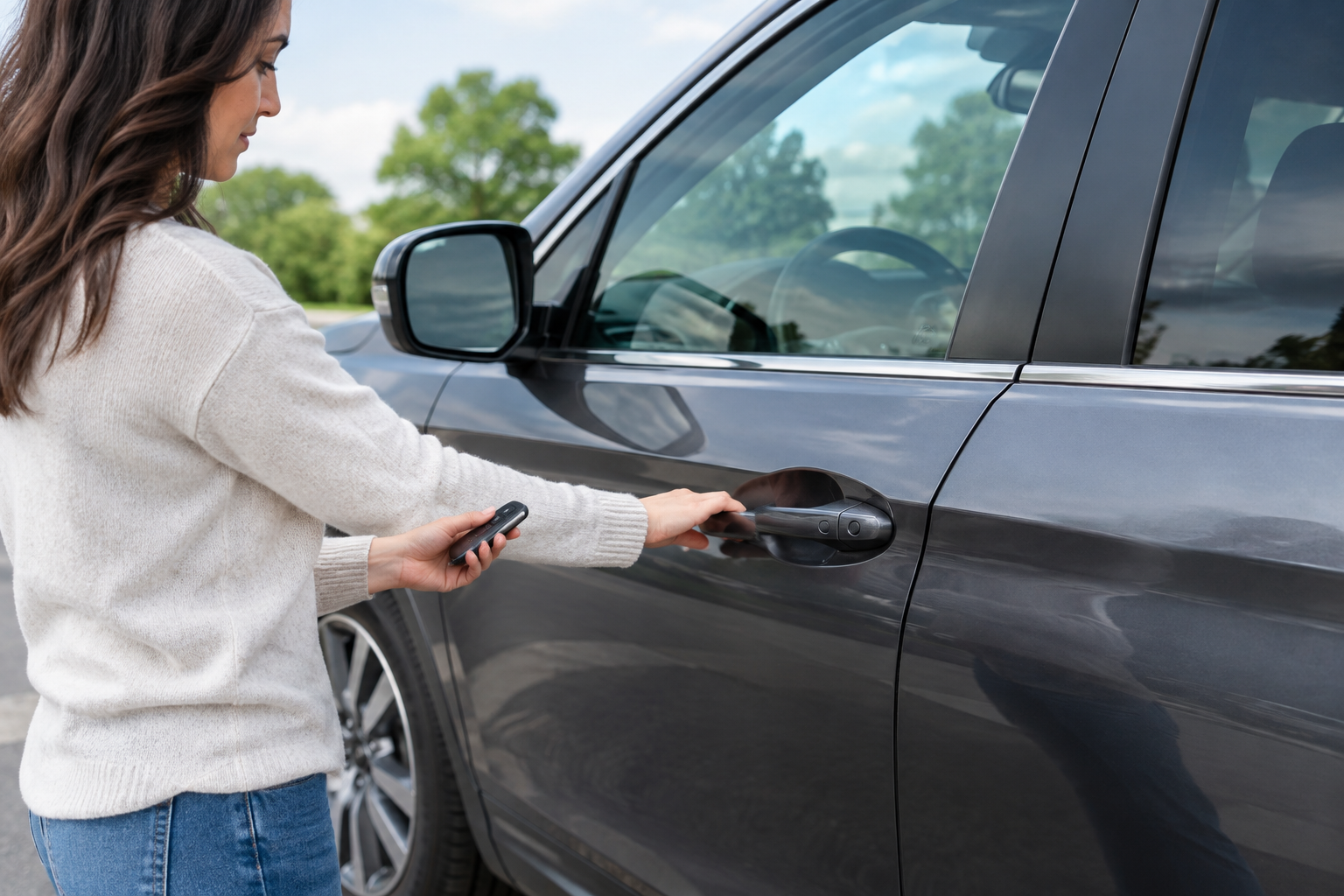
You walk up to your Honda Pilot with your hands full, reach for the door handle, and nothing happens. No click, no unlock chirp, no interior lights. You try again, maybe pressing the little button on the handle this time, and still nothing. It’s confusing because the fob is right there in your pocket or bag, and you know the vehicle has this feature for a reason.
The good part is that this is one of the more diagnosable problems on a modern Honda. Passive entry failures almost always trace back to one of a handful of causes, and most of them don’t require a trip to the dealership. This guide walks through exactly how the Pilot’s system is supposed to work, then breaks down each likely culprit so you can figure out whether it’s your fob, your battery, or a specific door handle causing the trouble.
What Honda Calls This Feature (and How It’s Supposed to Work)
Honda markets this system as “Smart Entry” (sometimes labeled “Walk Away Auto Lock” for the companion feature that locks the doors after you leave). It’s a passive entry system, meaning you don’t need to press anything on the fob itself. As long as the fob is within range, typically within a few feet of the vehicle, touching the door handle sensor pad or pulling the handle should unlock that door.
On most Pilot trims from the third generation (2016 to 2022) and the redesigned model from 2023 onward, Smart Entry is standard on EX-L trims and above, while base LX and some Sport trims rely on traditional fob button presses only. If your Pilot never had this feature to begin with, the handle simply won’t respond to touch, and that’s normal, not a malfunction.
The exact operation also varies slightly by year. Some Pilots require you to touch a small black sensor pad built into the back of the handle. Others unlock as soon as you grip the handle itself, since the sensor is integrated into the handle body. Knowing which type your Pilot uses matters because touching the wrong spot can make a perfectly functional system seem broken.
Start With the Fob: Batteries and Sleep Modes
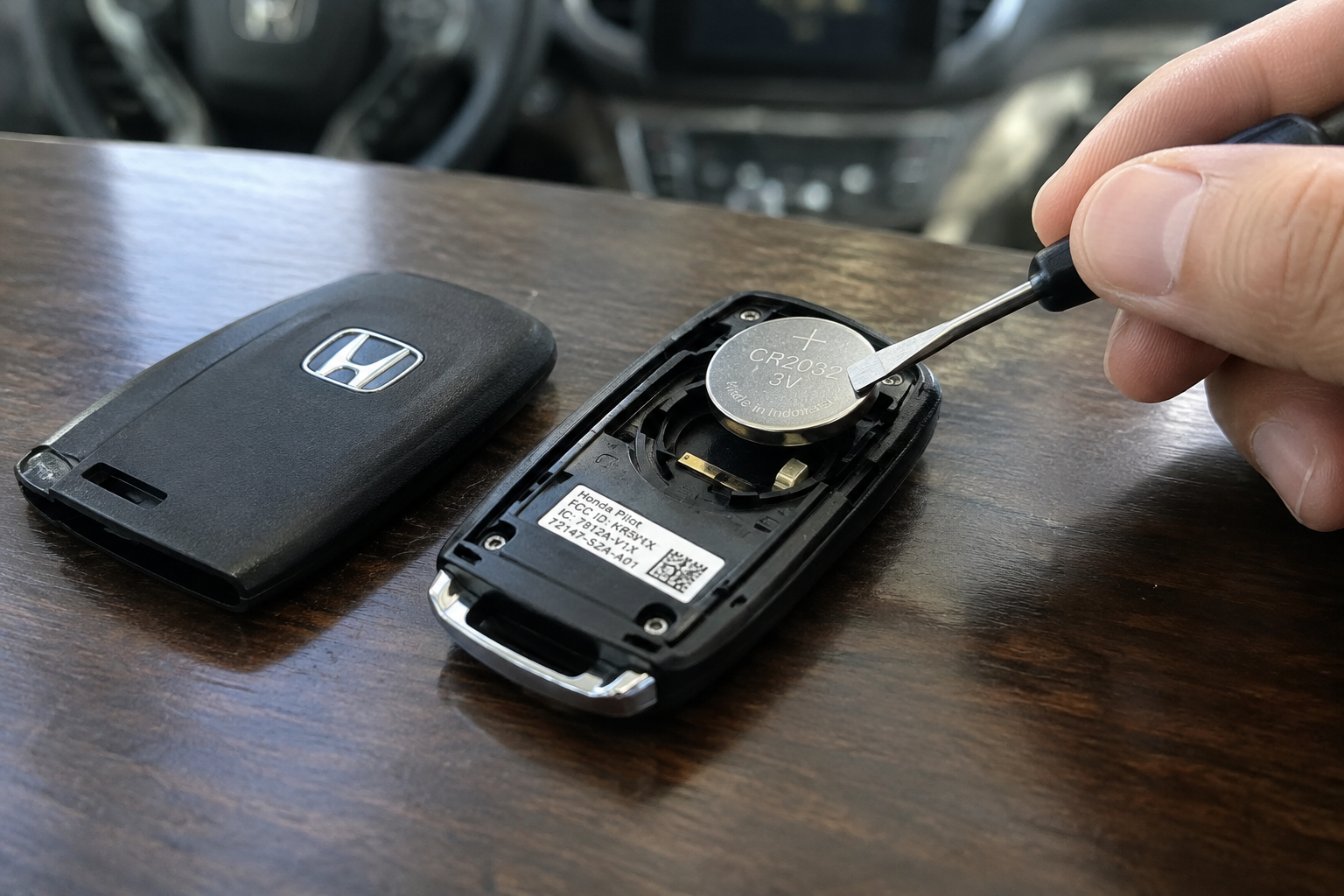
Before you assume something’s wrong with the car, rule out the fob. A weak coin cell battery is by far the most common reason Smart Entry stops responding, even when the fob still unlocks the doors from a few feet away using the buttons.
That’s an important distinction. Passive entry requires a stronger, more consistent signal than a manual button press does. A fob battery can have just enough juice left to trigger a button-press unlock but not enough to power the constant low-level radio handshake that Smart Entry relies on. If your remote buttons work fine but touch-unlock doesn’t, a dying battery is the prime suspect.
Most Honda Pilot fobs use a CR2032 coin cell battery. Swapping it takes less than five minutes: pop the mechanical key blade release, separate the fob halves with a small flathead screwdriver, and slide the old battery out.
Honda Pilot Key Fob Battery CR2032
A fresh, name-brand CR2032 fixes the vast majority of passive entry complaints and costs almost nothing to try first.
Keep in mind that fobs also enter a power-saving “sleep mode” if they’ve been sitting still for an extended period, such as on a shelf during a long trip or in a bag in another room. Pressing any button on the fob or getting back within close range of the vehicle usually wakes it up. If your Pilot has been parked for days and the handle suddenly won’t respond, try pressing the lock button once from a few feet away before assuming there’s a hardware fault.
Is It One Door or the Whole Vehicle?
This is the fastest way to narrow down the problem. Walk around the Pilot and test the touch sensor on every door, including the liftgate if it has one. If only one handle fails to unlock while the others work fine, the issue is almost certainly localized to that door, not the fob or the car’s main system.
A single non-responsive handle usually points to one of these:
- A cracked or water-damaged sensor pad inside the handle, common on the driver’s door from years of hand contact and weather exposure
- A corroded or loose wiring connector where the door harness meets the body, often from repeated door opening and closing over years
- Physical debris, ice, or a car wash wax buildup coating the sensor and blocking capacitive touch detection
If every door fails at once, the problem points elsewhere: the fob itself, the vehicle’s Smart Entry control unit, an antenna issue, or the 12V battery. That distinction alone saves you from replacing parts that were never broken in the first place.
Handle Sensor Failures
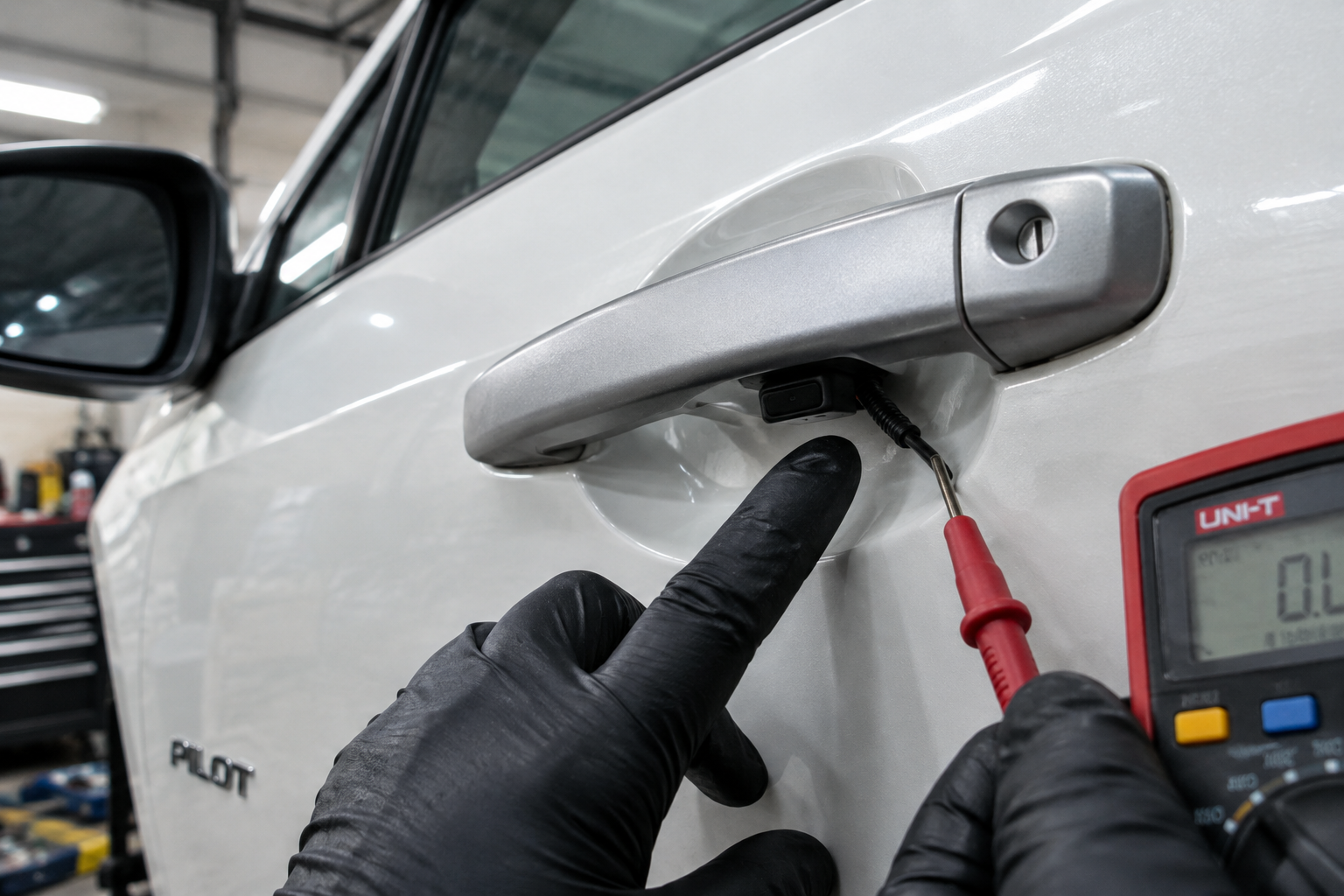
Honda’s touch sensors work on capacitive sensing, similar to a smartphone screen. They detect the electrical property of your skin making contact with the pad. Grime, road salt, or a film of car wax can interfere with that detection even when the electronics underneath are perfectly healthy.
Try cleaning the handle and sensor area with a mild automotive cleaner and a microfiber cloth, then dry it completely before testing again. If that doesn’t help, inspect the handle for hairline cracks, especially if the Pilot has been through a harsh winter with ice buildup on the door.
A failed sensor pad is a real part-level repair on Hondas, and it’s a known wear item on higher-mileage third-generation Pilots. If you’re comfortable with basic trim removal, replacement sensor units and full handle assemblies are widely available, but for anyone not confident pulling door panels, this is a job worth having a shop handle in under an hour.
Check Whether Smart Entry Got Disabled
It’s easy to overlook, but Honda gives you a way to toggle Smart Entry auto-unlock behavior through the settings menu on the driver information display or infotainment screen, depending on your model year. If someone in your household bumped a setting, or a software update reset preferences, the feature can appear “broken” when it’s actually just switched off.
On most 2019 and newer Pilots, you’ll find this under Settings > Vehicle > Door/Locks (wording varies slightly by trim and screen type). Look for options labeled “Walk Away Lock,” “Auto Door Lock,” or “Smart Entry Unlock,” and confirm they’re set to on rather than off.
This is also a good moment to double check you’re not confusing Smart Entry with remote start settings, since the two live in similar menus and get mixed up often. If you’re troubleshooting other driver-assist features on the Pilot around the same time, our guide on how lane assist settings behave and reset on the Honda Pilot covers a similar pattern of settings quietly reverting after software updates or battery disconnects.
Low 12V Battery Voltage
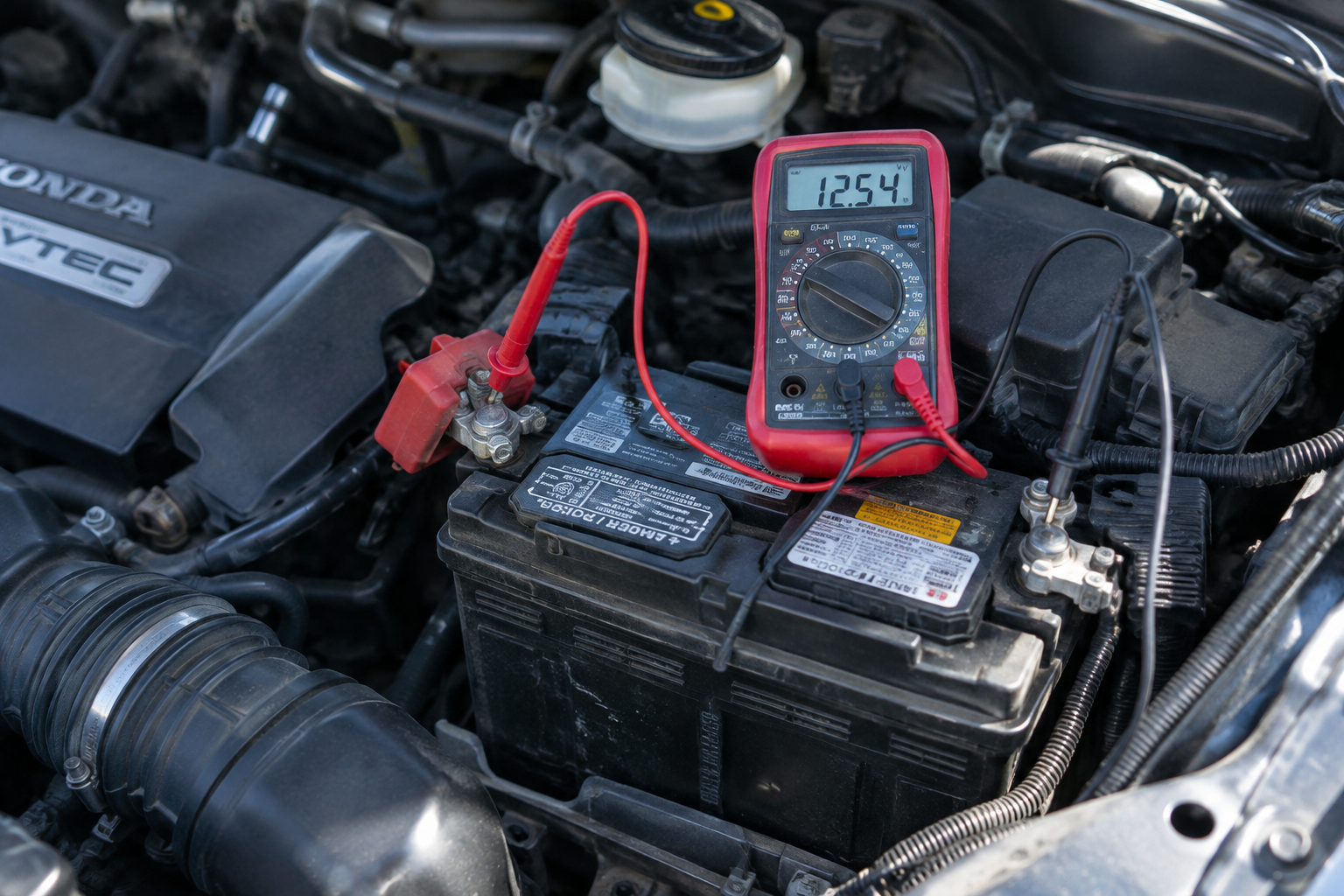
The Smart Entry system depends on a consistent power supply from the vehicle’s 12V battery to run its antennas and control module. As that battery ages or its voltage drops from a parasitic drain, cold weather, or simple age, passive systems are often the first thing to act up, well before you notice slow cranking or dash warning lights.
A quick way to check this yourself is with a basic multimeter or a plug-in OBD2 voltage monitor. A healthy resting voltage should read around 12.4 to 12.6 volts with the engine off. Anything consistently below 12.2 volts is worth having tested at a parts store or shop, since Smart Entry glitches are a fairly common early warning sign of a battery on its way out.
NOCO Genius Battery Charger and Maintainer
Keeping the 12V battery properly charged prevents the voltage dips that quietly disable passive entry and other convenience electronics.
If your Pilot sits for long stretches, such as a second vehicle or one used for occasional trips, a maintainer connected during downtime keeps voltage steady and can prevent this exact issue from creeping in. This is the same root cause behind a range of other odd electrical symptoms, similar to what we covered in our piece on a brake pedal losing firmness after a vehicle sits overnight, where a weak battery or vacuum system quietly causes symptoms that look unrelated at first glance.
Antenna and Interference Issues
Every door handle on a Smart Entry equipped Pilot has its own small antenna built into the door module, and the vehicle also has receiver antennas mounted elsewhere in the body. These work together to detect fob range and location. Aftermarket accessories, especially remote starters, dash cams with hardwired kits, or phone mounts with wireless chargers, can introduce electrical noise that interferes with these signals.
Strong sources of radio interference nearby, like cell towers, other keyless vehicles parked close together, or even certain LED lighting, can occasionally cause a temporary miss. If the problem is intermittent and inconsistent rather than a hard failure, try testing in a different parking spot before assuming a component is actually broken.
If you recently had a remote start system, aftermarket alarm, or infotainment upgrade installed, that’s worth mentioning to whoever did the installation, since a poorly grounded accessory is a realistic explanation for a suddenly flaky Smart Entry system.
Model-Specific Lockout Behavior
Some Pilot model years have quirks worth knowing about. On certain 2016 to 2018 models, Honda issued service updates addressing Smart Entry responsiveness related to control module software, meaning a dealership reflash resolved handle unlock complaints that owners initially blamed on the fob or handle hardware.
On the redesigned 2023 and later Pilot, the Smart Entry system was updated with revised antenna placement and a different capacitive sensor design in the handles. Owners of these newer models reporting handle problems are more often dealing with a genuine hardware fault than a settings issue, simply because the software side has matured.
If you own a TrailSport trim, note that the more rugged door seals and slightly different handle trim pieces used on that variant have been linked to a small number of owner reports involving moisture intrusion around the sensor, something worth flagging specifically if you off-road or wash the vehicle with a pressure washer aimed near the door seams.
Distinguishing a Fob Problem From a Vehicle-Side Fault
Here’s a simple sequence to work through that separates fob issues from door or vehicle problems in under ten minutes:
- Test the manual buttons on the fob from a few feet away. If those don’t work either, the fob battery or fob itself is the likely cause.
- Swap in a spare fob if you have one. If the spare works and the original doesn’t, the fob is confirmed as the problem.
- Test every door handle with a known-good fob nearby. A single failing door points to a handle or wiring fault; all doors failing points to the vehicle’s receiver, antenna, or 12V system.
- Try the mechanical key blade to manually unlock the driver’s door as a backup while you troubleshoot, since every Honda fob has one hidden inside it.
If you’ve worked through all of this and you’re still stuck, a spare or replacement fob is inexpensive insurance and rules out the most common cause outright.
Honda Pilot Replacement Key Fob
A backup fob lets you confirm or eliminate the fob as the cause in minutes, and it’s handy to have as a spare regardless.
Frequently Asked Questions
Why does my Honda Pilot fob work for the buttons but not for touch unlock?
This almost always points to a weak fob battery. Button presses need less power than the continuous signal required for passive Smart Entry detection, so a battery can fail one function before the other.
Can a low 12V battery really affect the door handles?
Yes. The Smart Entry control module and door antennas need stable voltage to operate correctly, and a weakening battery is one of the first things to cause intermittent passive entry failures, often before other symptoms show up.
Does every Honda Pilot trim have touch-sensor door handles?
No. Smart Entry is typically standard on EX-L trims and above, while base LX trims and some Sport models only support traditional button-press unlocking from the fob, not handle-touch unlocking.
Is it normal for only one door handle to stop working while the others are fine?
Yes, and it’s actually a useful clue. A single door failing usually means a localized sensor, wiring, or handle hardware issue rather than a problem with the fob or the vehicle’s central Smart Entry system.
Related posts:
 Chevy Silverado 1500 Keyless Entry Not Working: Why the Door Handle Won’t Unlock
  Chevy Tahoe Keyless Entry Not Working: Why the Door Handle Won’t Unlock
  Toyota RAV4 Keyless Entry Not Working: Why the Door Handle Won’t Unlock
  Toyota Highlander Keyless Entry Not Working: Why the Door Handle Won’t Unlock
Leave a Reply