
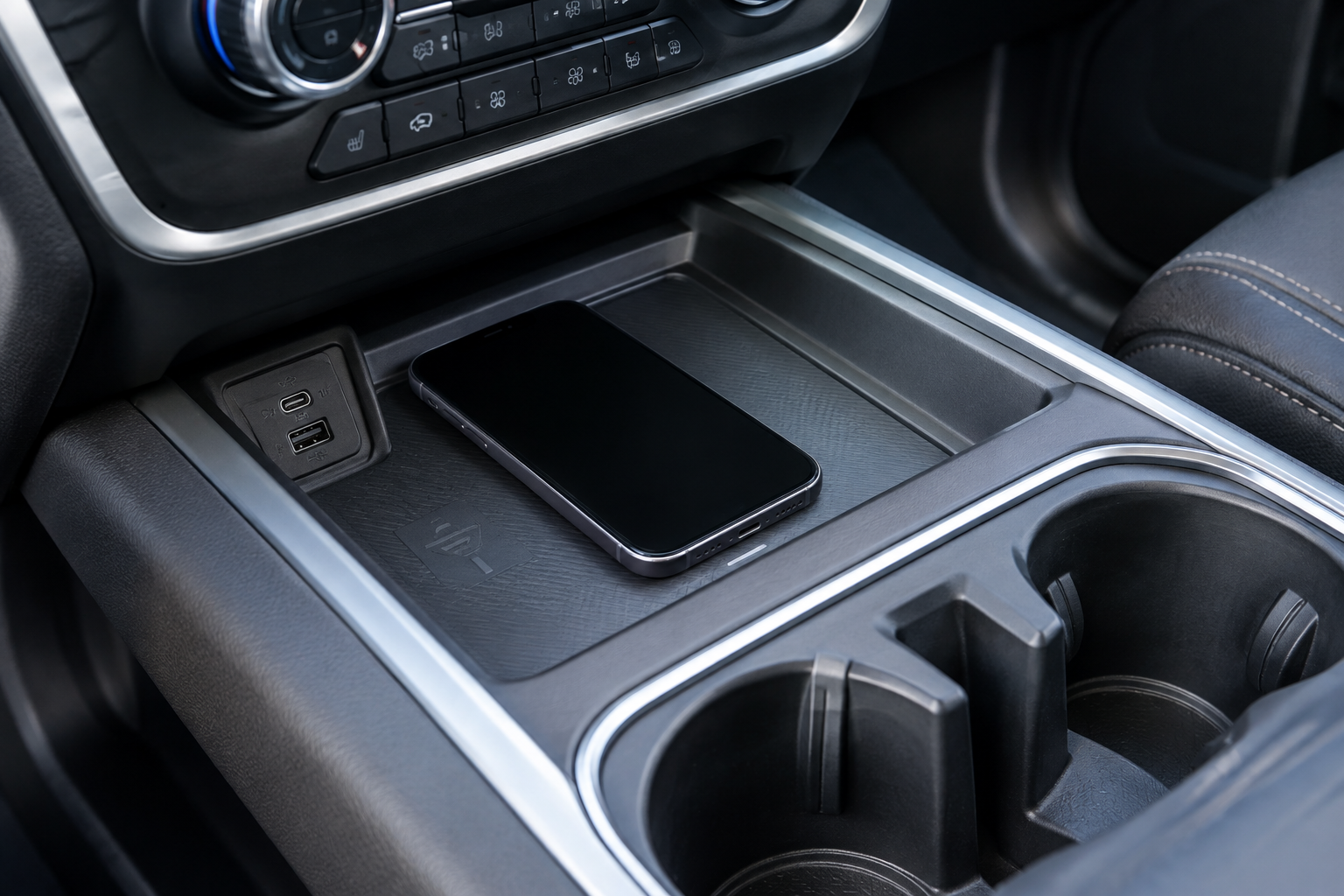
You toss your phone on the charging pad in your Silverado, pull out of the driveway, and twenty minutes later your battery is at the same percentage it started at. Or worse, your phone keeps buzzing with connect and disconnect chimes the whole drive. The factory wireless charger in the Silverado 1500 is a nice feature when it works, but it’s also one of the pickier accessories in the truck when something’s slightly off.
Before you assume the hardware is broken, there are several simple things worth ruling out first. Most complaints about slow charging, dropped connections, or a pad that won’t charge at all come down to fixable habits rather than a failed component.
Confirm the Basics: Compatibility, Location, and Indicator Light
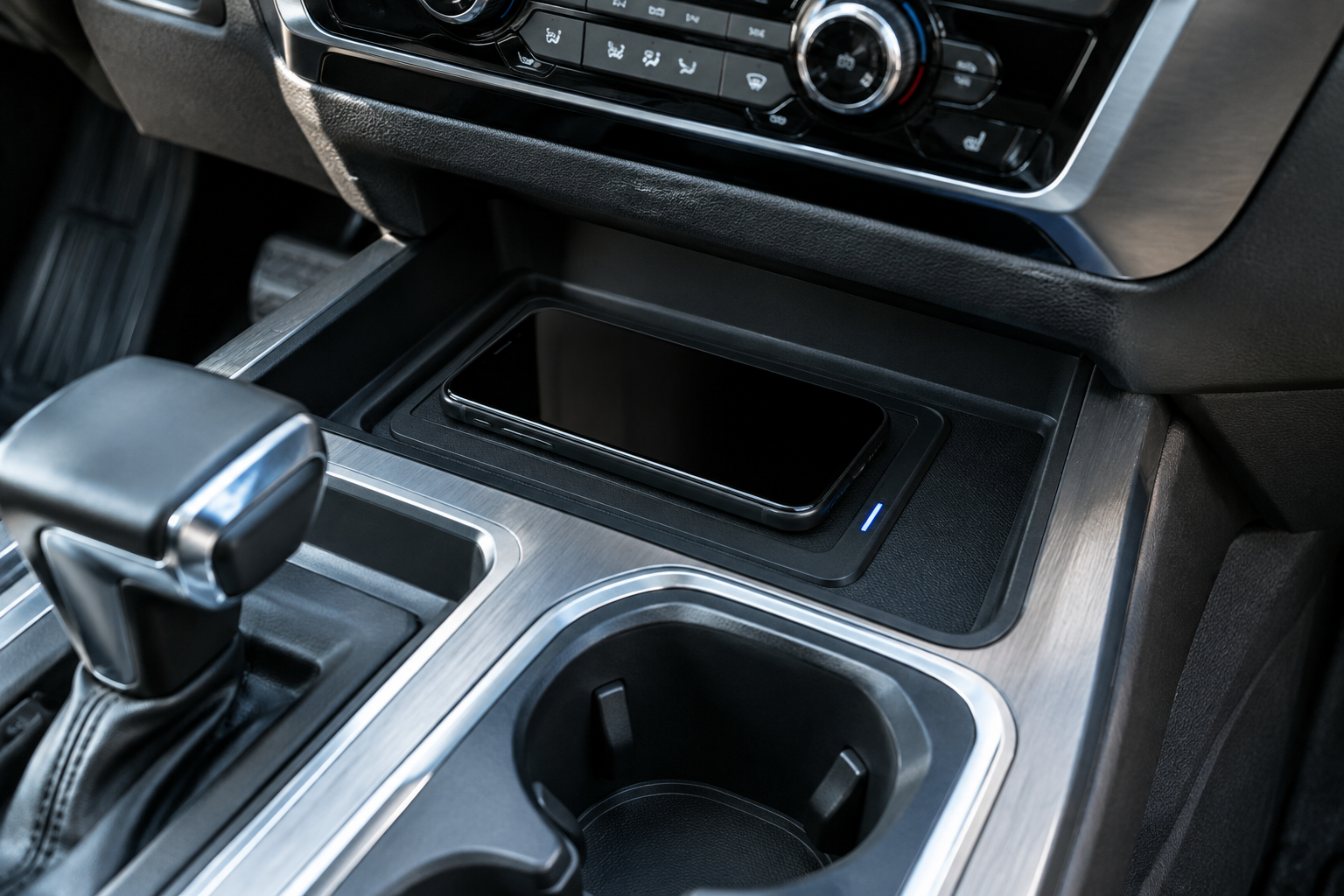
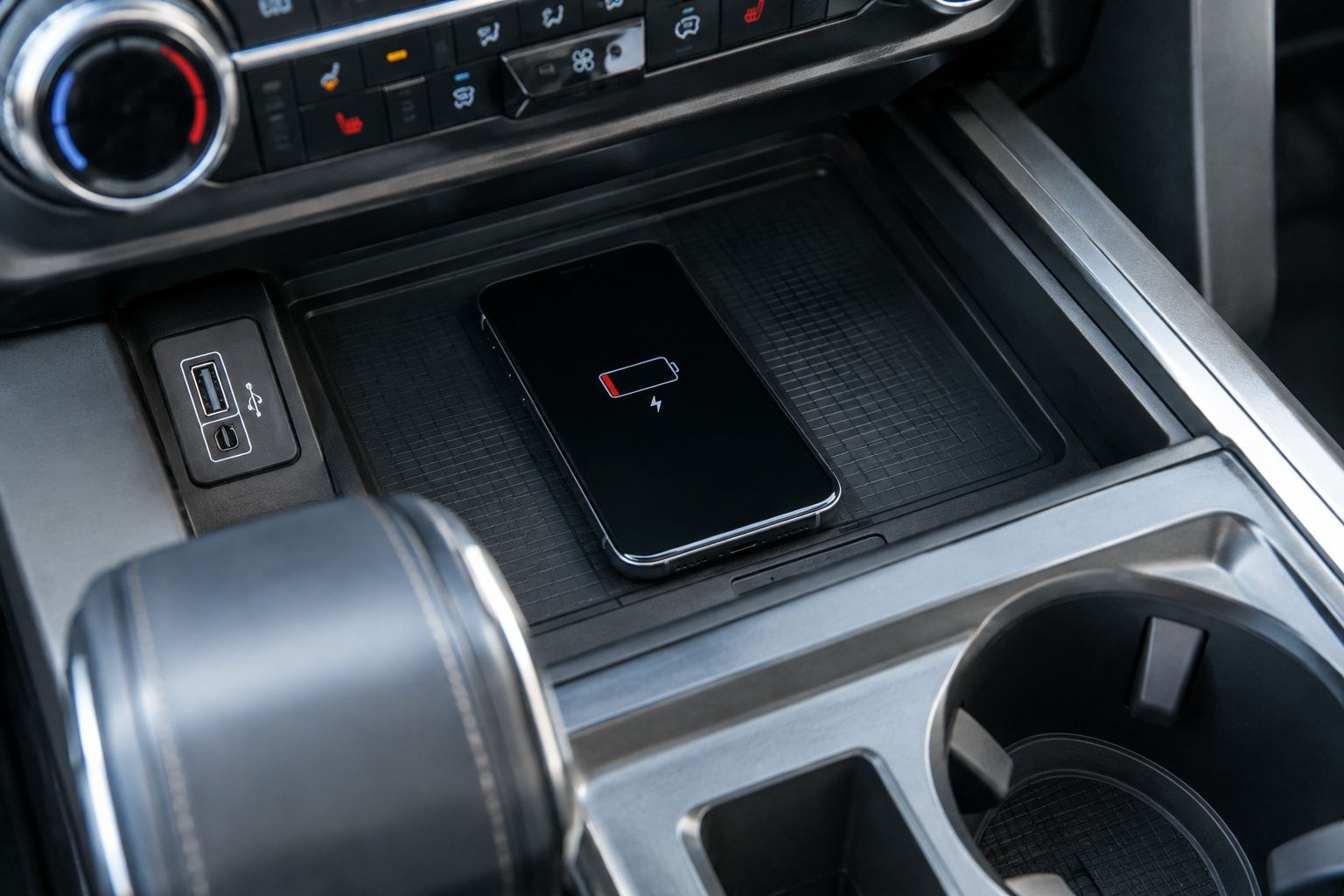
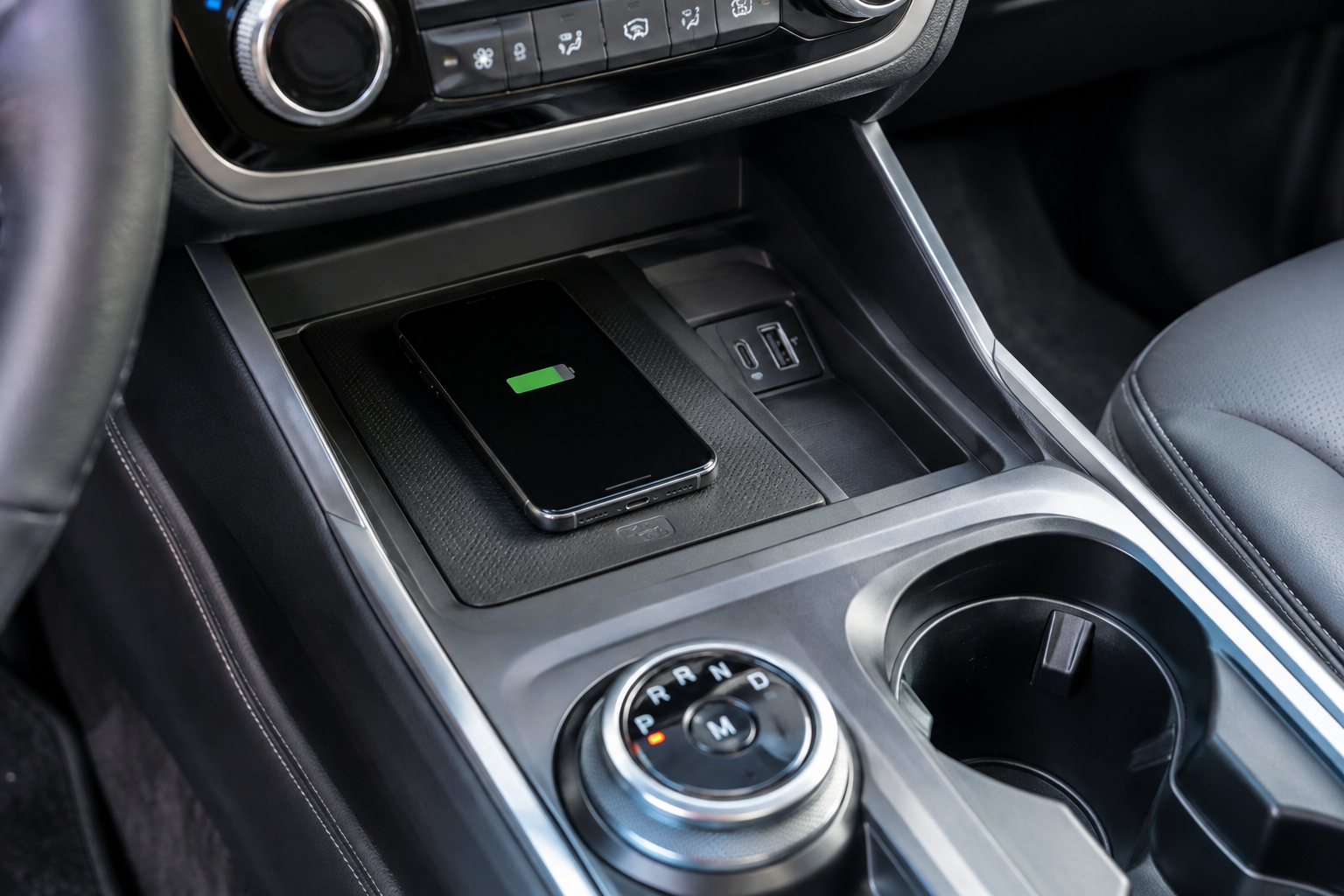
Not every Silverado 1500 trim gets a wireless charging pad, and it wasn’t standard equipment across the lineup when the feature launched. Check your center console or the area just below the climate controls for a small rubberized tray, usually marked with a phone icon. If you don’t see one, your truck simply wasn’t equipped with it, and no amount of troubleshooting will change that.
The pad uses the Qi wireless charging standard, so your phone needs to support Qi charging natively or through a compatible case. Most iPhones since the iPhone 8 and most Android flagships from the last several years support Qi, but budget phones sometimes don’t. Check your phone’s specs page if you’re not sure.
Pay attention to the indicator light near the pad or on the console. A solid or pulsing light usually means it’s charging normally, while a flashing or amber light often signals a connection problem, foreign object, or overheating condition. GM’s own manual language varies slightly by model year, so check your owner’s manual for the exact light behavior on your specific truck.
Why Your Phone Isn’t Charging or Keeps Disconnecting
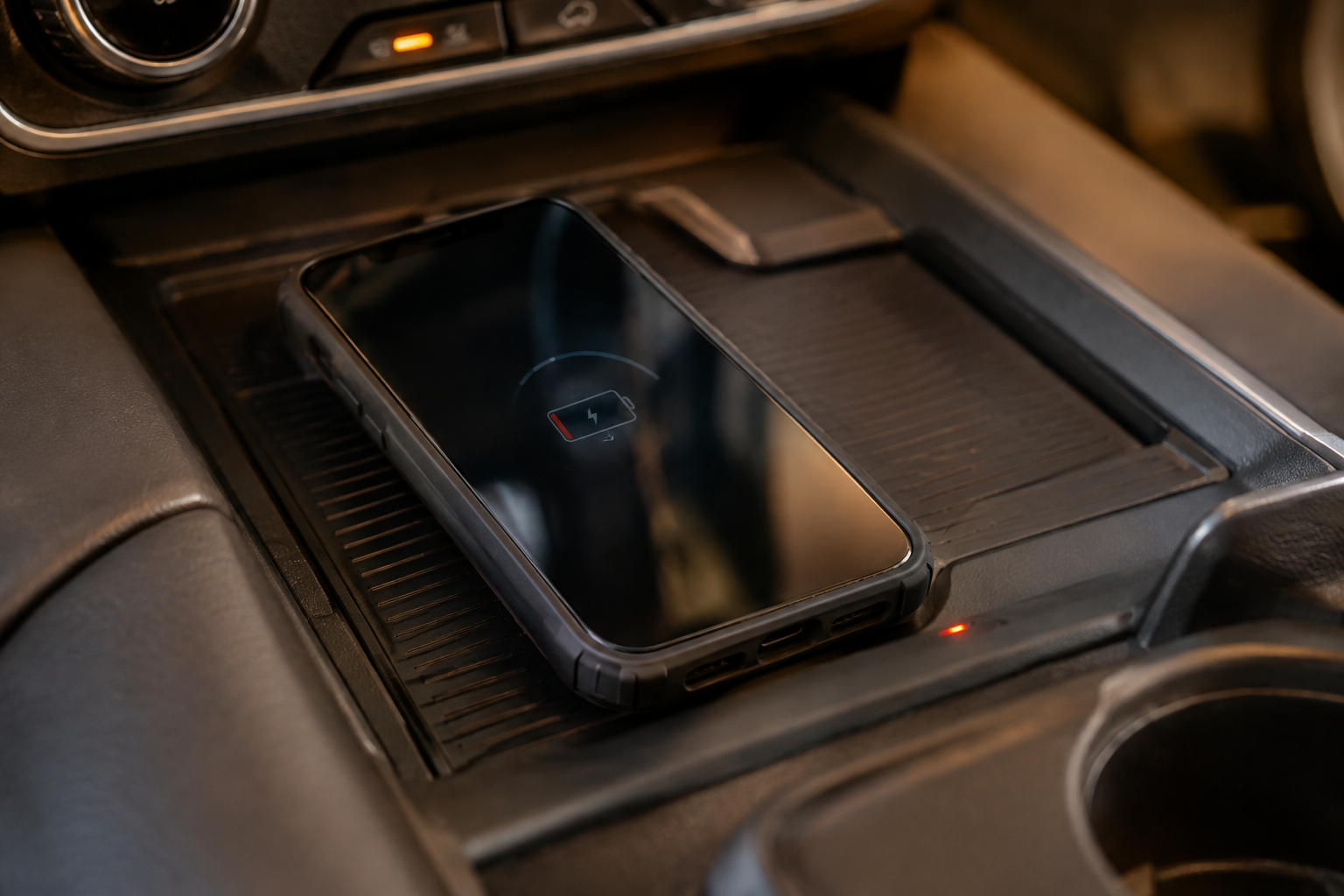
The single biggest culprit is phone case thickness. Wireless charging pads have a limited range for magnetic induction, and anything past roughly 3mm of material between the coil and your phone’s battery can weaken or completely block the connection. Thick rugged cases, wallet cases, and battery cases are common offenders. Try charging with the case off before doing anything else.
Metal and magnets are the next biggest problem. Metal rings, kickstands, credit cards with magnetic strips, and MagSafe-style metal charging rings can all interfere with the coil or generate heat that trips the pad’s safety shutoff. If you use a magnetic mount elsewhere in your daily routine, remove any attached metal plates before setting the phone on the factory pad.
Placement matters more than people expect. The coil inside the pad is centered but small, so a phone sitting slightly off to one side, propped at an angle, or resting on top of loose change or a card can charge slowly or not at all. Set the phone flat, centered, and screen up, and clear out any coins, keys, or debris sitting in the tray first.
Heat is the enemy of fast charging in any Qi system. If your Silverado has been sitting in direct sun, both the phone and the pad can already be warm before you even start driving, and the truck’s charging system will intentionally throttle or pause to protect the battery. Letting the cabin cool with the AC running for a minute before placing your phone down can make a noticeable difference in charge speed.
Vehicle Power State and Software Quirks
Some Silverado owners notice the pad only works with the ignition on or in Accessory mode, and it powers down completely when the truck is off, which is normal behavior designed to prevent parasitic battery drain. If your truck also has a firmware update available for the infotainment system, that update can sometimes address inconsistent charging behavior, so check for outstanding updates through the vehicle settings menu or with your dealer.
If you’re already digging through truck settings and menus, it’s worth getting familiar with other features that live in the same touchscreen ecosystem, like how to turn off the rear seat reminder on your Silverado 1500 or how to properly use tow/haul mode when you’re towing.
When to Consider an Aftermarket Charger
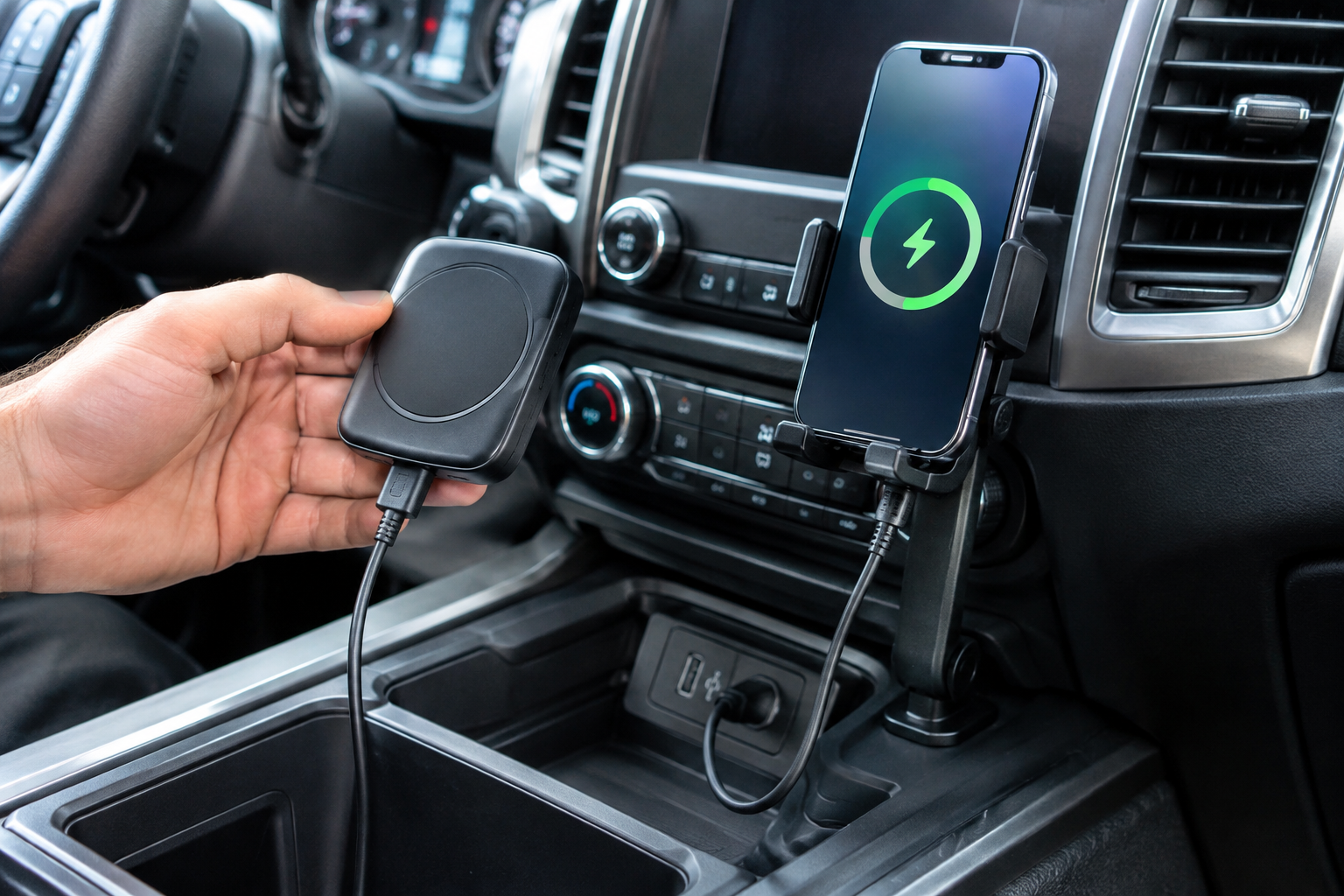
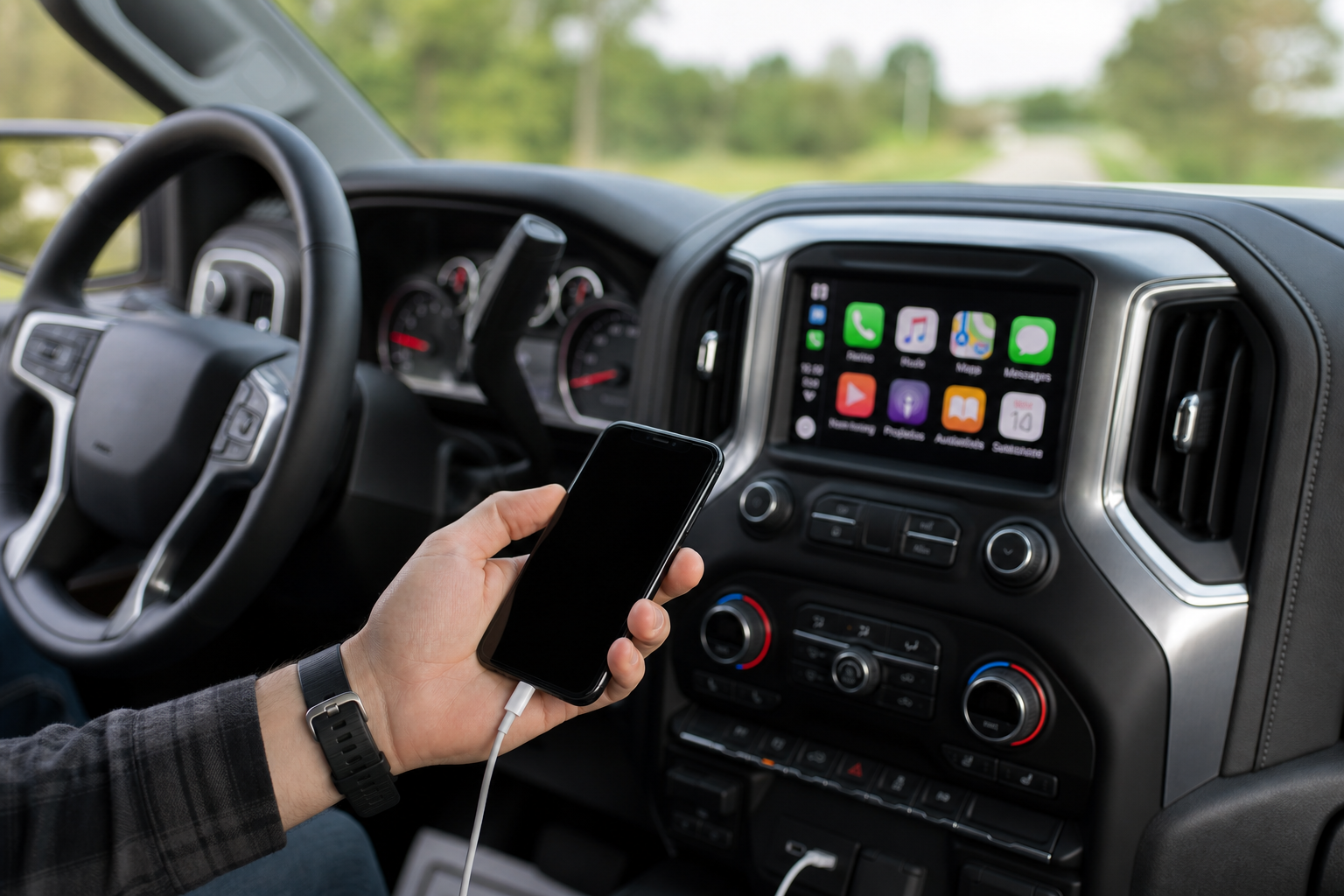
If you’ve confirmed your phone is Qi-compatible, removed the case, cleared the pad, and you’re still getting inconsistent charging, the pad itself may have a hardware fault worth having a dealer inspect. In the meantime, a wired USB-C charger or an aftermarket magnetic mount can keep your phone topped off reliably while you sort out the factory system.
MagSafe Car Charger
A solid backup option that skips the finicky coil alignment issues of tray-style wireless pads.
A vent-mounted or CD-slot magnetic charger also solves the placement problem entirely, since your phone stays locked in position instead of sliding around on a flat tray during turns and braking. It’s a reasonable stopgap while you wait on a dealer visit, or a permanent solution if you’d rather not deal with the factory pad’s quirks at all.
FAQ
Does the Silverado’s wireless charger work with a phone case on?
Usually yes, but only with thin cases. Anything with a built-in battery, wallet slots, or a rugged rubber shell is likely too thick for reliable charging. If your phone isn’t charging with the case on, that’s the first thing to remove before troubleshooting further.
Why does my phone charge fine at home but not in my Silverado?
Home chargers often use a stronger, dedicated power source and better coil alignment since you’re placing the phone down deliberately each time. In the truck, road vibration, cabin heat, and slight misalignment on the pad all combine to reduce charging efficiency compared to a stationary charger at home.
Leave a Reply