
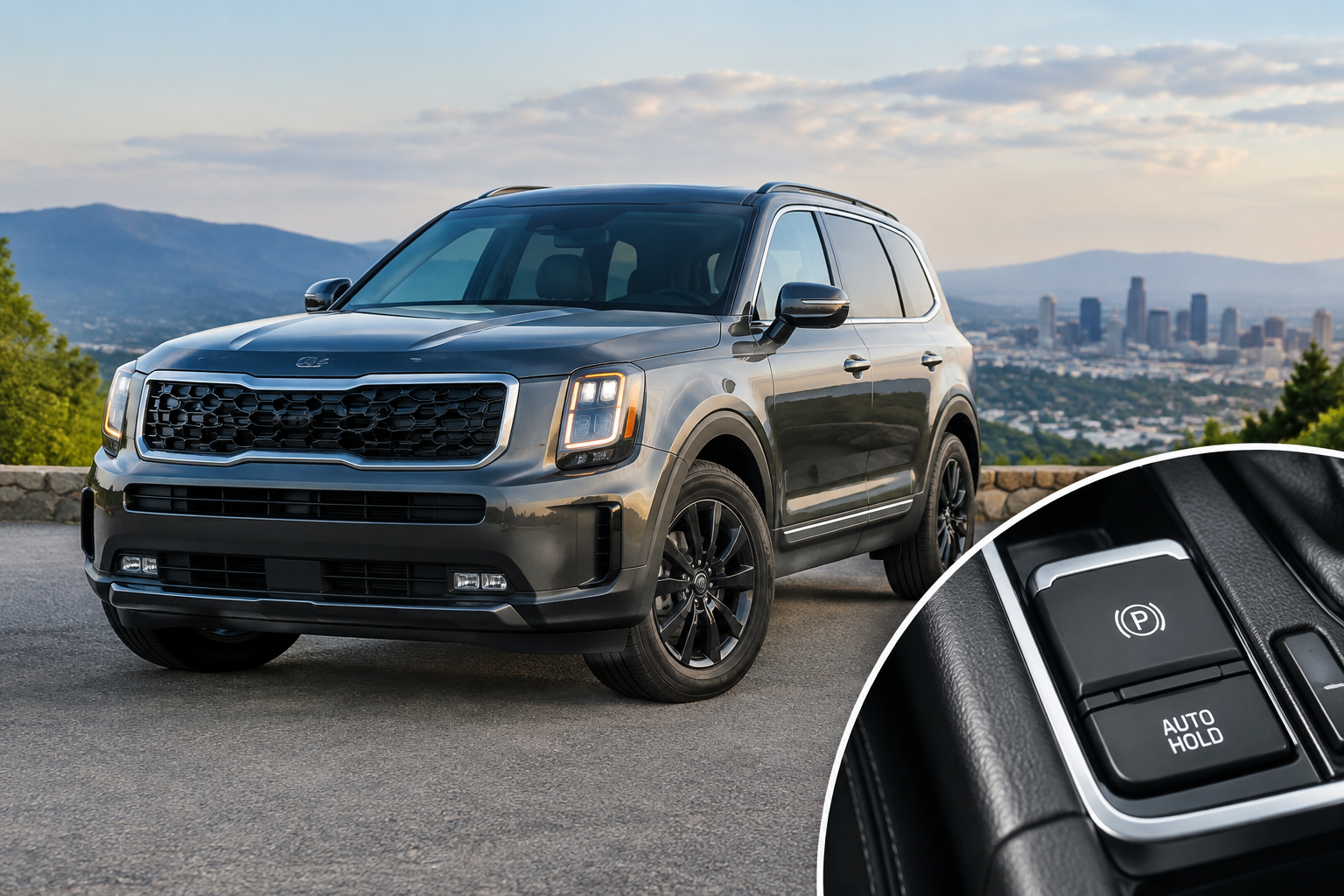
You put your foot on the brake at a red light, expect the Telluride to hold itself in place, and nothing happens. Or worse, it worked yesterday and today the Auto Hold button is just sitting there dark, refusing to light up no matter how many times you tap it. This is one of the more common annoyances Telluride owners bring up, and most of the time it’s not actually a malfunction at all.
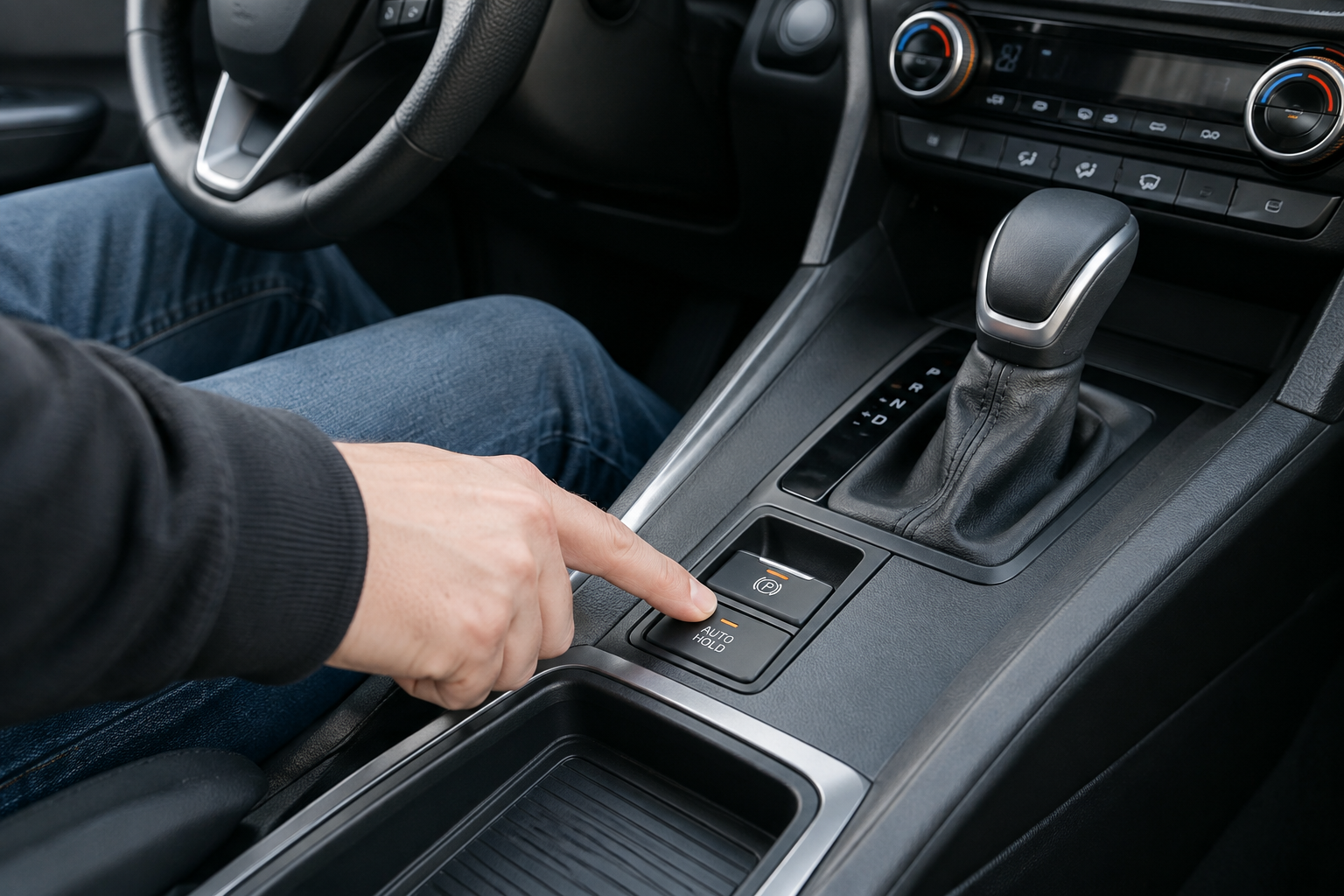
Kia calls this feature Auto Hold on the Telluride, not “Brake Hold” like some other brands label it. It’s designed to keep the vehicle stationary after you’ve come to a complete stop, without you needing to keep pressure on the brake pedal. But it only works under a specific set of conditions, and Kia intentionally built it to reset every time you shut the vehicle off.
Why Auto Hold Won’t Turn On (And Why It Resets Every Drive)
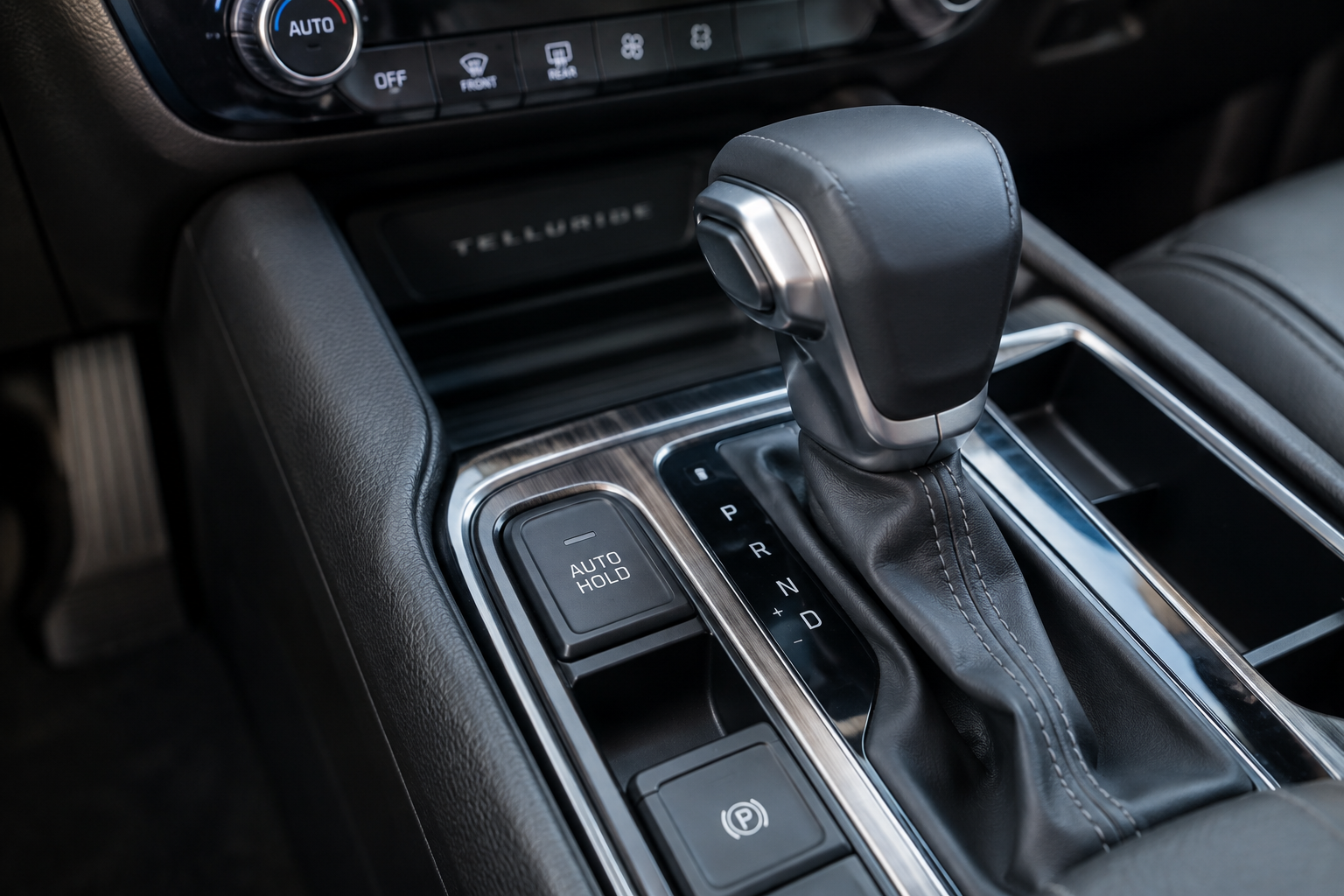
Before you assume something’s broken, check the basics. Auto Hold on the Telluride requires all of these conditions to be met at the same time:
- Your seat belt is buckled
- The driver’s door (and usually all doors) is fully closed
- The engine is running, not just in accessory mode
- The transmission is in Drive, not Park or Neutral
- You’ve pressed the brake pedal firmly enough to bring the vehicle to a complete stop
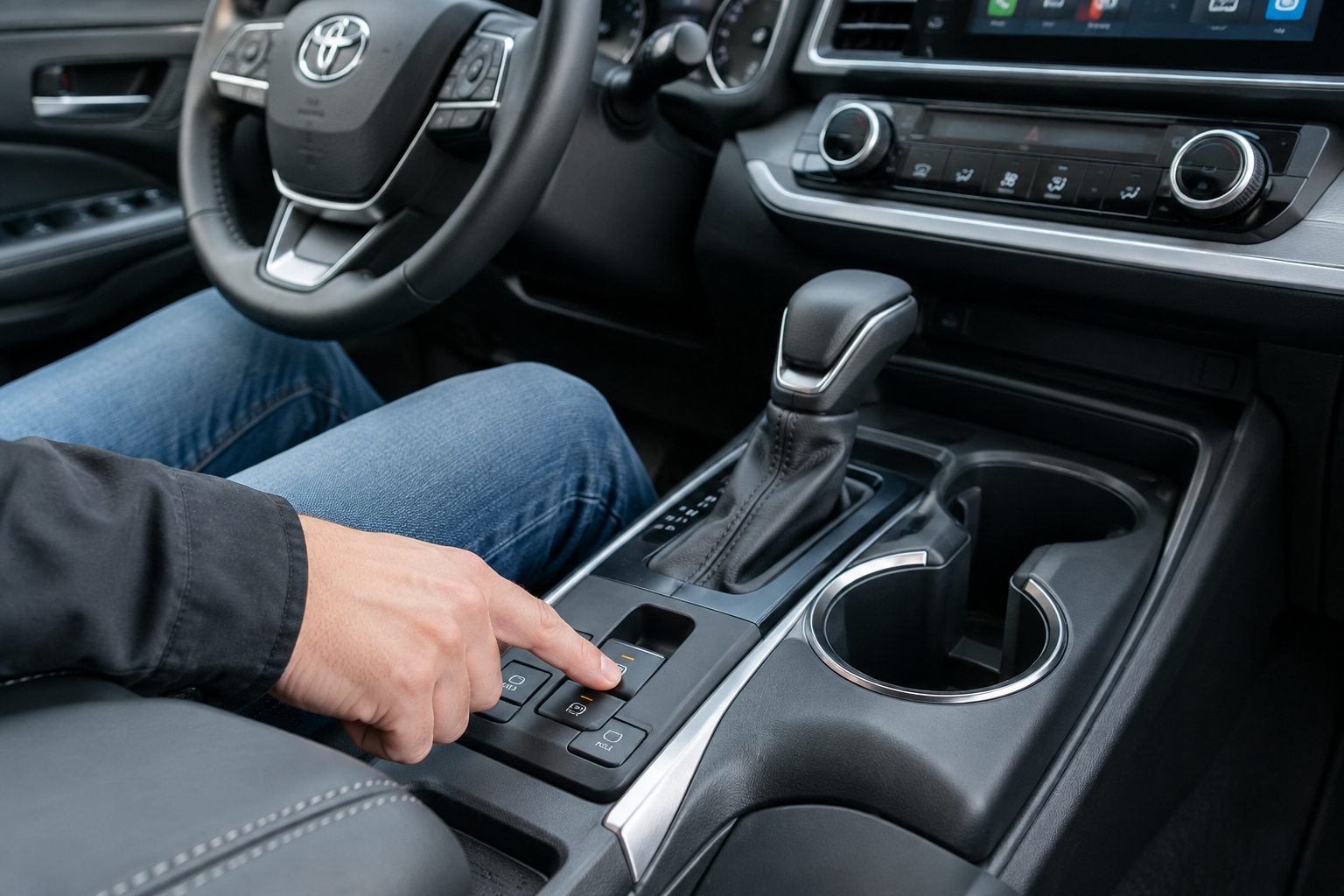
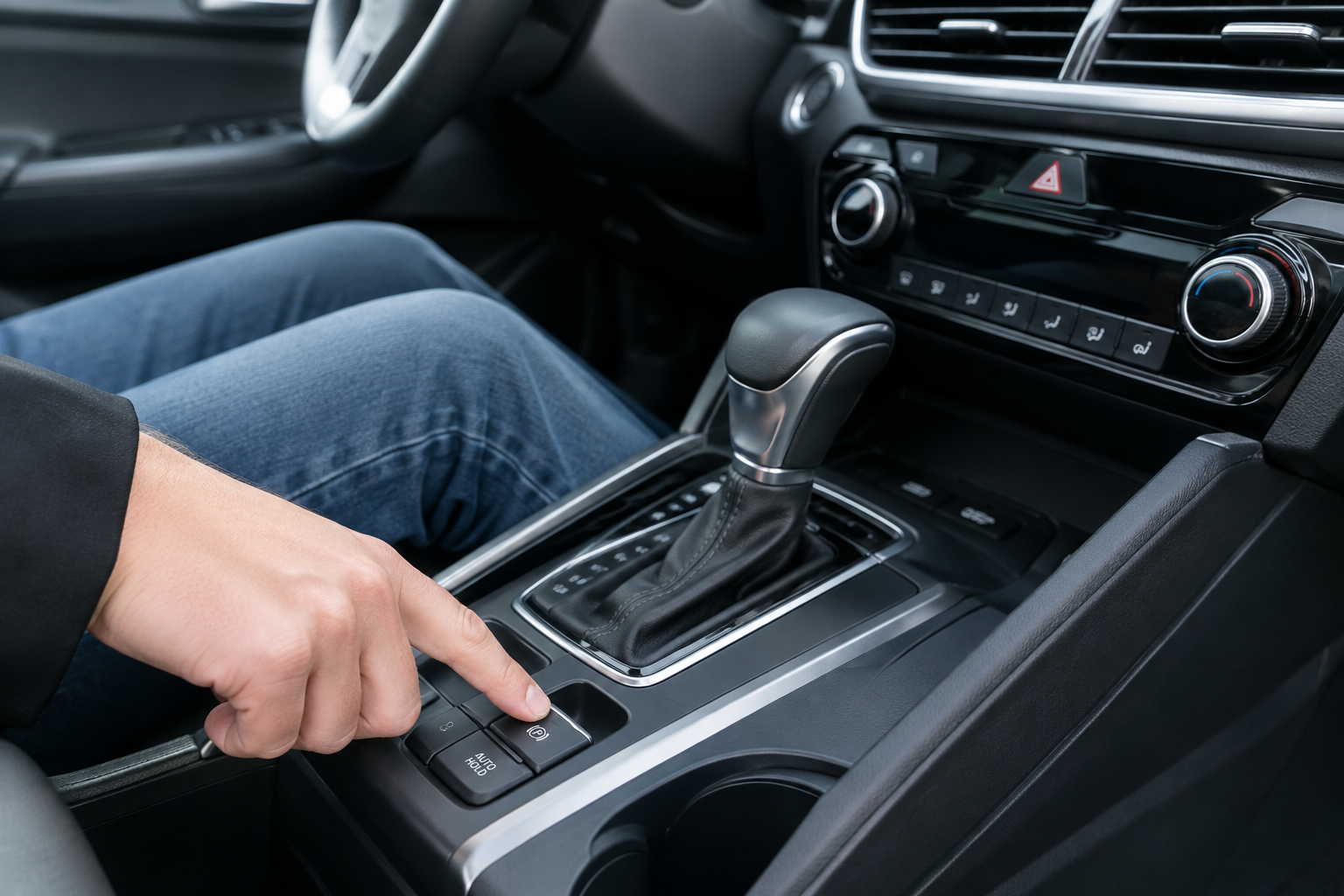
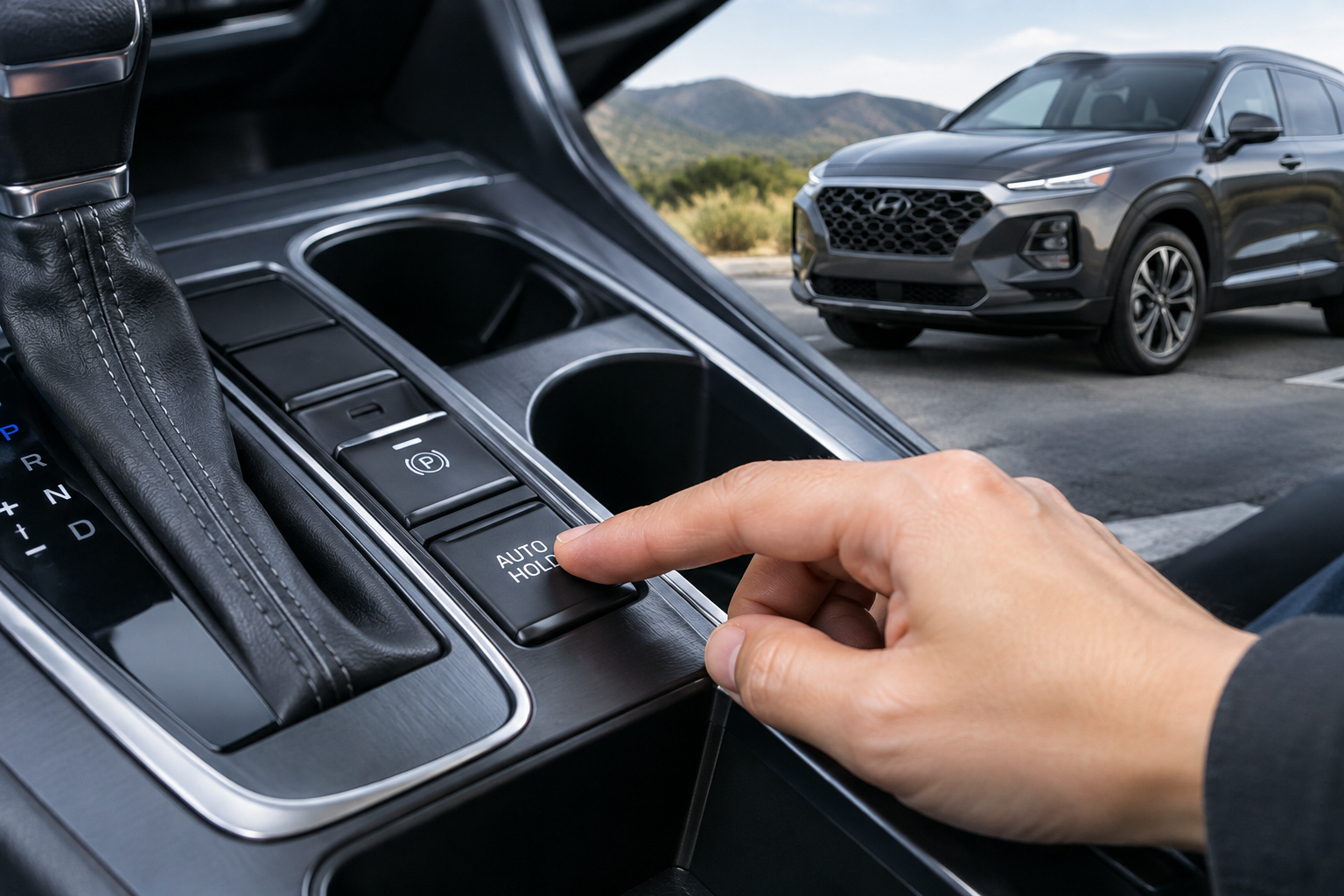
- The Auto Hold button on the center console has been pressed to activate the system
Miss any one of these and the system simply won’t engage, and there’s no fault code involved. This is normal behavior, not a defect.
Here’s the part that trips up most owners: Auto Hold does not stay on after you turn the vehicle off. Kia designed it this way on purpose across every Telluride model year, from the 2020 launch through the current generation. Every time you restart the engine, the system defaults back to off, and you have to press the Auto Hold button again if you want it active for that drive. This isn’t a glitch or a setting that got changed by accident. It’s simply how Kia engineered the feature, likely as a safety measure so the vehicle never unexpectedly holds itself without the driver actively choosing that mode.
If you’re used to a competitor’s system that remembers your last setting, this can feel like it’s “not working” when really it’s just resetting on schedule the way Kia intended.
When It’s a Real Problem: Warning Lights and the Parking Brake
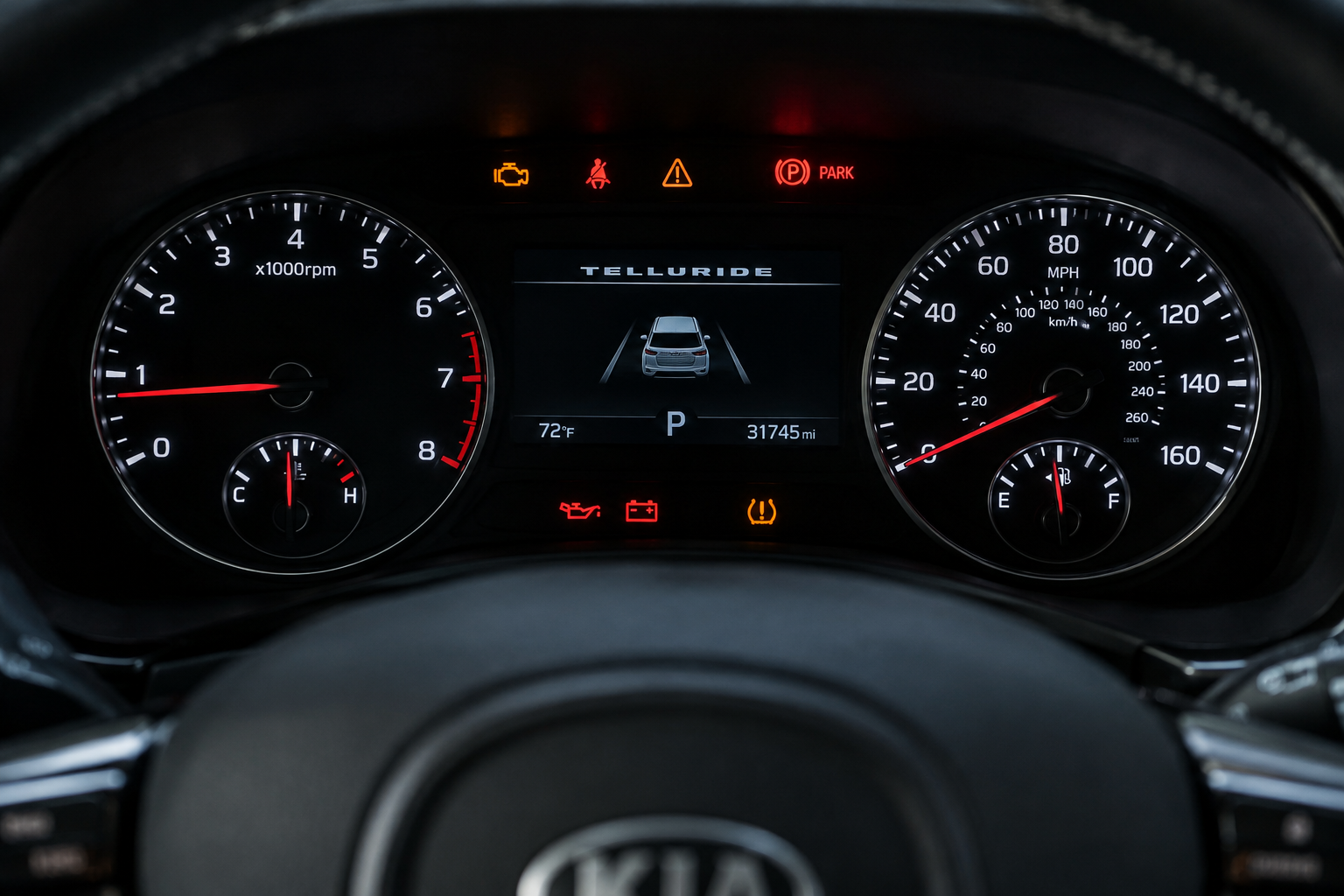
Auto Hold shares hardware with the Electronic Parking Brake, and problems with one often show up as problems with the other. If you see an amber or red parking brake warning light on the dash, or a message about the EPB or brake system, that’s your signal this has moved past normal quirks into an actual malfunction.
A few things worth checking when Auto Hold refuses to engage even with every condition met:
- Low brake fluid, which can trip both the ABS and Auto Hold systems simultaneously
- A worn or sticking EPB actuator motor on the rear calipers, common as the Telluride ages past the 60,000 to 80,000 mile mark
- A weak or failing brake pedal position sensor, which prevents the system from recognizing that you’ve stopped
- Corroded connectors near the parking brake switch, especially in areas with road salt exposure
If your brake pedal has felt unusually soft or has needed pumping, it’s worth reading through this guide on a brake pedal going to the floor after sitting overnight, since a spongy pedal and a non-functional Auto Hold can share the same root cause in the hydraulic system.
When a dash light is involved, a basic code reader won’t give you enough detail. You’ll want something that can pull ABS and EPB-specific codes, not just generic engine codes.
Kia Telluride OBD2 Scanner ABS EPB
Reads manufacturer-specific ABS and EPB codes that basic scanners miss, which is essential for diagnosing an Auto Hold fault instead of guessing.
A scanner like this will tell you whether the fault is coming from a sensor, the actuator motor itself, or a wiring issue, which saves you from paying a shop just to diagnose the problem before they even start the repair.
Settings That Can Quietly Disable Auto Hold
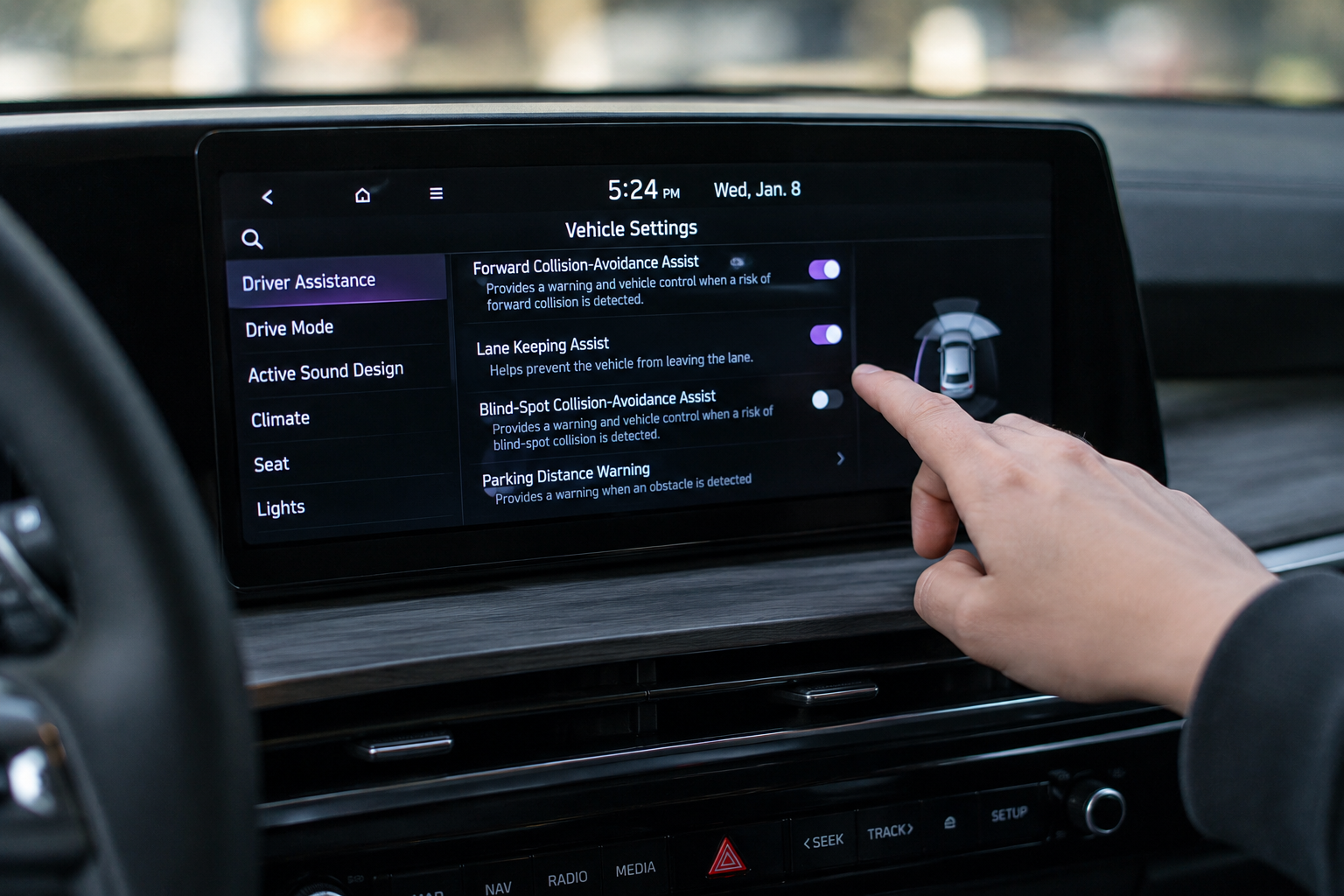
On some Telluride trims, Auto Hold behavior can be affected by drive mode selection. Switching into certain terrain or drive modes has been reported to temporarily gray out the Auto Hold button, since the system prioritizes different braking behavior in those modes. If the button looks disabled rather than just off, check what drive mode you’re in before assuming there’s a hardware fault.
It’s also worth confirming the parking brake itself is fully released. If the electronic parking brake hasn’t disengaged completely, either from a low battery voltage moment or a communication hiccup on startup, Auto Hold can refuse to arm until you cycle the parking brake switch manually.
If you’re also dealing with dashboard alerts unrelated to braking, like driver attention warnings popping up more than you’d like, our guide on turning off the Driver Attention Warning on the Kia Telluride covers a similarly named but separate system that owners often confuse with brake-related alerts.
FAQ
Is it normal for Auto Hold to turn off every time I start the Telluride?
Yes. Kia designed Auto Hold to default to off on every ignition cycle across all Telluride model years. You have to press the button each time you want it active. This isn’t a bug or a setting you can permanently save through the infotainment system.
Why does my Auto Hold button look grayed out instead of just unlit?
A grayed-out button usually means one of the required conditions isn’t met, most commonly an unbuckled seat belt, an open door, or the transmission not being in Drive. It can also happen in certain terrain or drive modes. If it stays grayed out with everything checked and a warning light is present, that points to an actual EPB or brake system fault rather than a normal condition issue.
Leave a Reply