
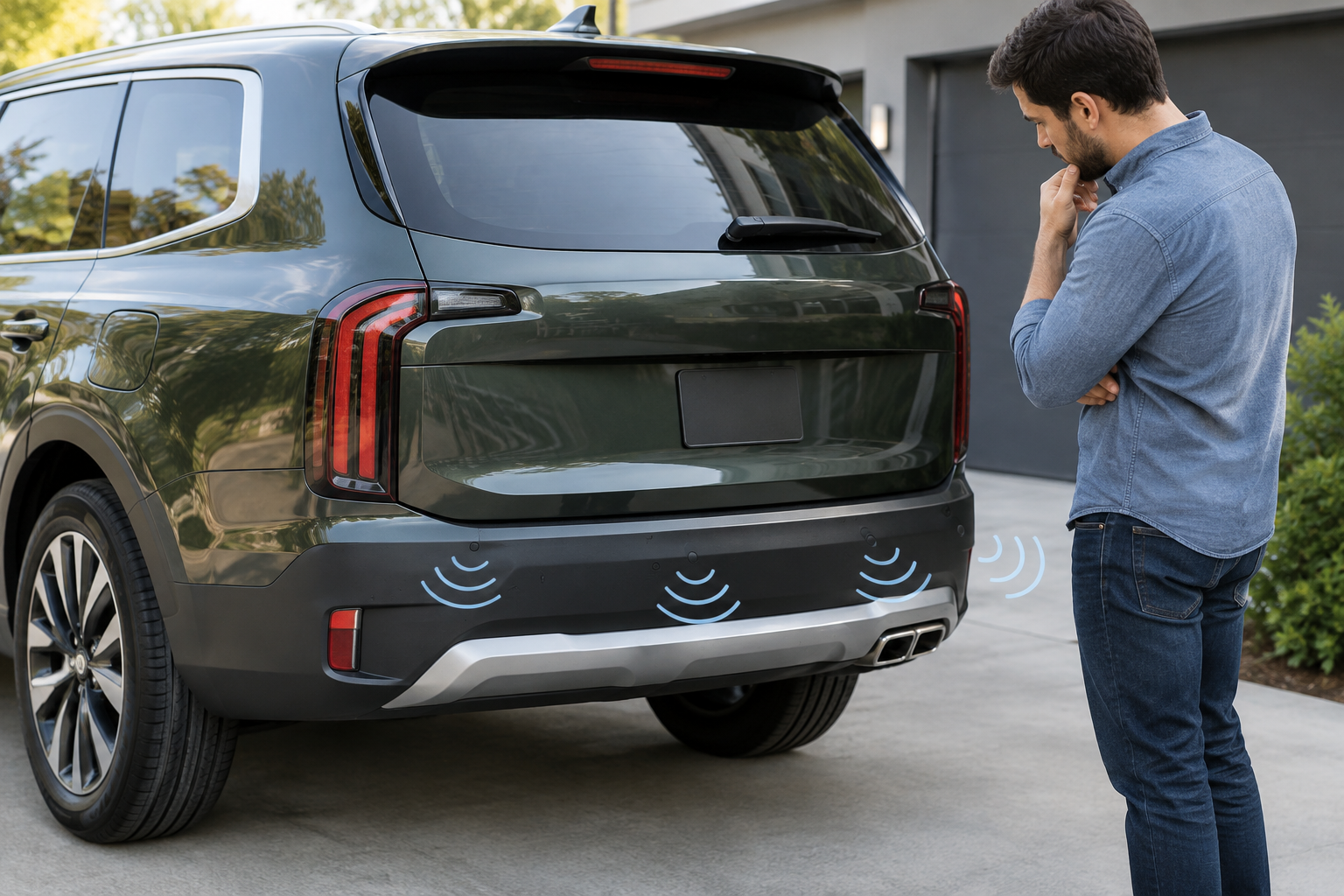
If your Telluride has started chirping at nothing, going silent when you actually need it, or throwing a “Parking Distance Warning Malfunction” message on the cluster, you’re dealing with one of a handful of usual suspects. The system is sensitive by design, which is great for catching a curb you didn’t see, but it also means dirt, ice, a hitch, or even the wrong bumper cover can throw it off. Before you assume you need a new sensor, it helps to know exactly which system you have and what actually triggers these faults.
Know What Kia Actually Calls This Feature (and Which Sensors You Have)
Kia’s marketing name for this system is Parking Distance Warning (PDW), split into Reverse Parking Distance Warning and Forward Parking Distance Warning. This matters because not every Telluride trim gets both ends covered.
- LX and S trims: Reverse PDW only, in most model years. No front sensors.
- EX and above: Reverse and Forward PDW, giving you sensors on both bumpers.
- SX and SX Prestige: Full PDW front and rear, plus Surround View Monitor (SVM), which uses cameras rather than sensors for the bird’s-eye view but works alongside PDW for audible warnings.
- X-Pro and X-Line (introduced with the 2023 refresh): Carry the same PDW setup as their equivalent trim level, though the X-Pro’s off-road-oriented bumper and skid plate can occasionally affect sensor angle if it’s been swapped or damaged.
If you’re only getting beeps in reverse and never up front, that’s not necessarily a fault. It may simply mean your Telluride never came with front sensors. Check your window sticker or the options list under your VIN before troubleshooting a “missing” feature that was never installed.
The Most Common Reasons Sensors Beep Nonstop or Stop Working
Dirt, Road Grime, and Ice
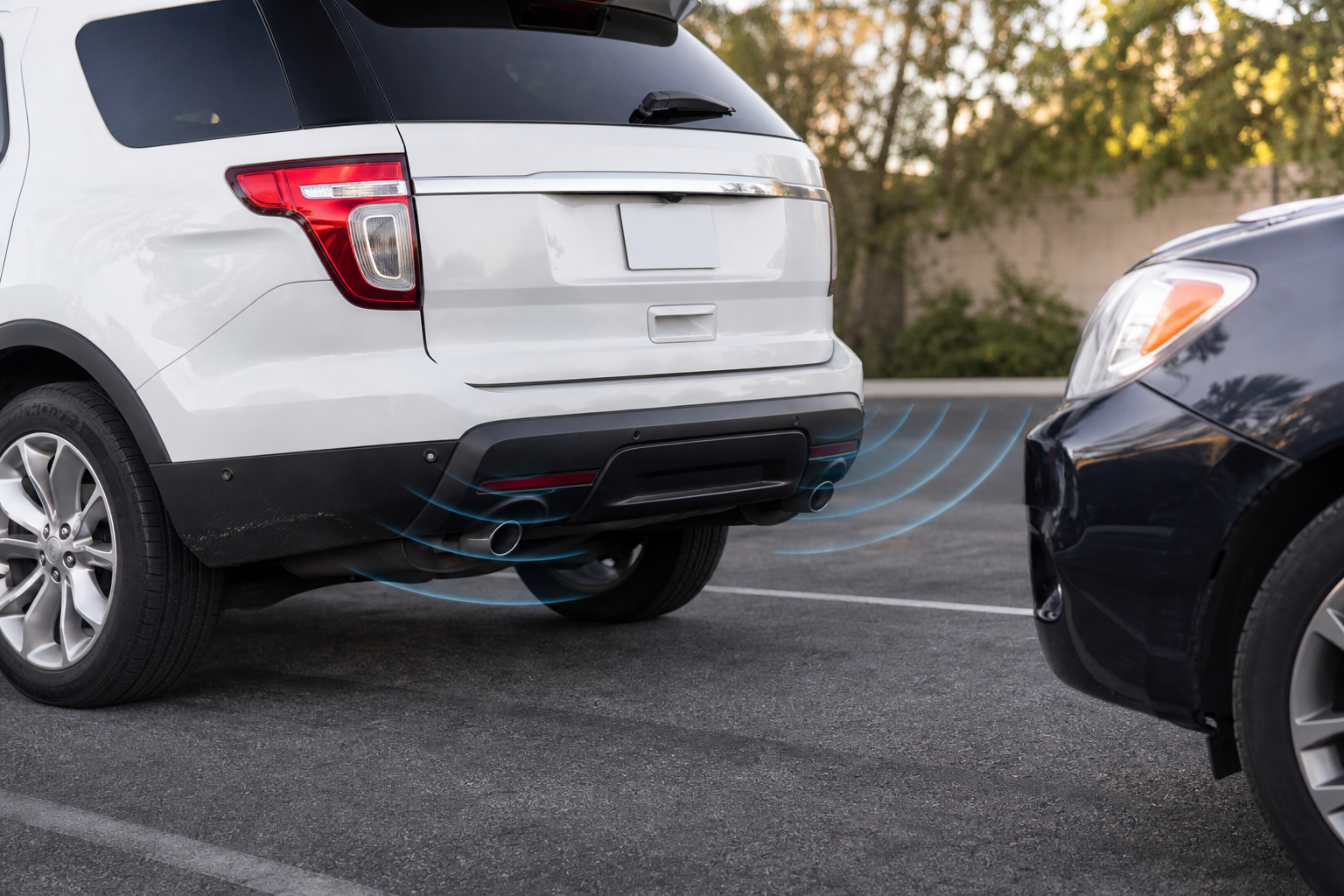
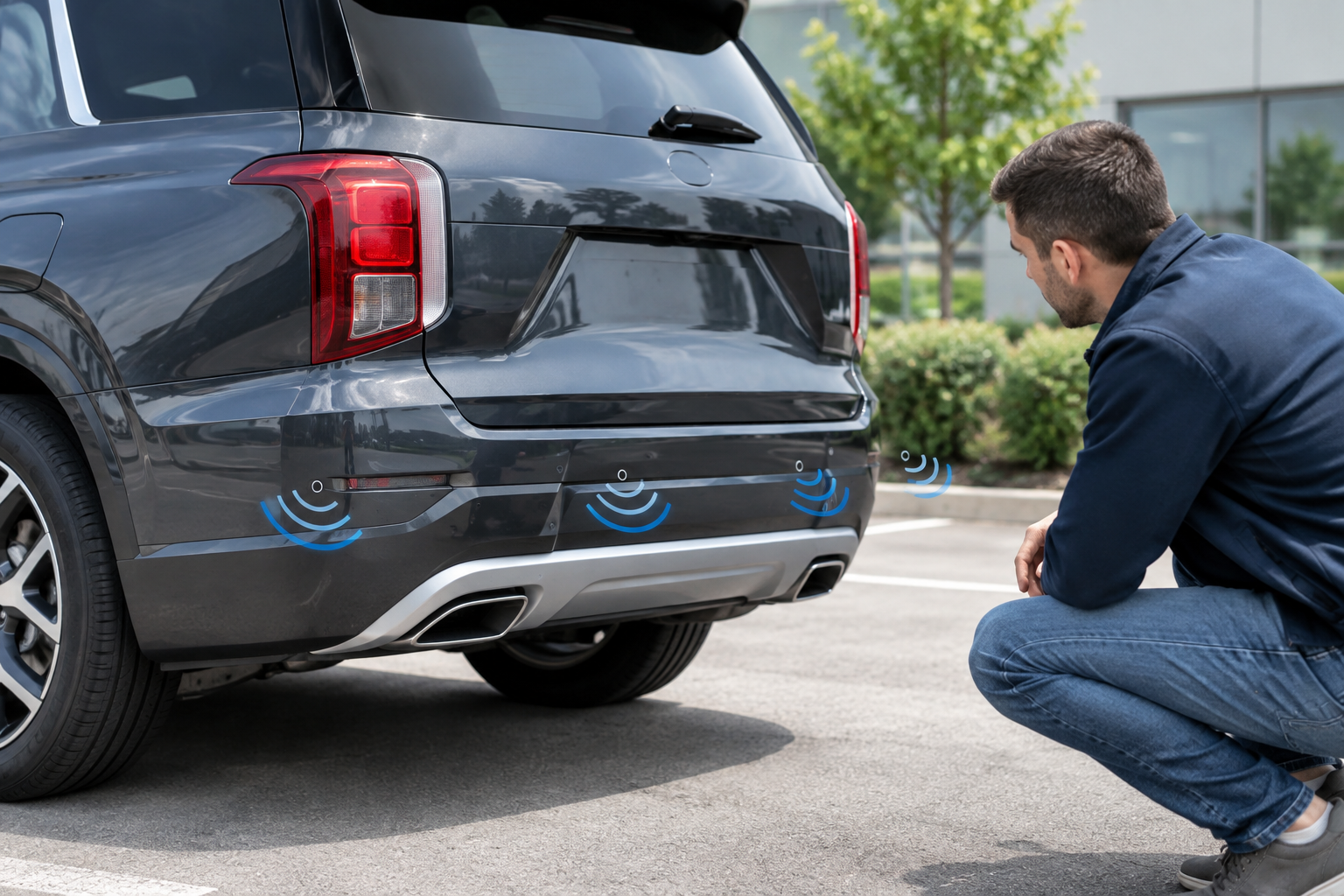
This is the number one cause, by far. The sensors are small round discs embedded in the bumper, and a layer of road salt, mud, or a thin sheet of ice changes how the ultrasonic signal bounces back. That can cause phantom beeping, a weaker detection range, or a total dropout in cold weather. Wipe the bumper down with a soft cloth and mild soap, and dry it completely before judging whether the problem is still there.
Tow Hitches and Aftermarket Accessories
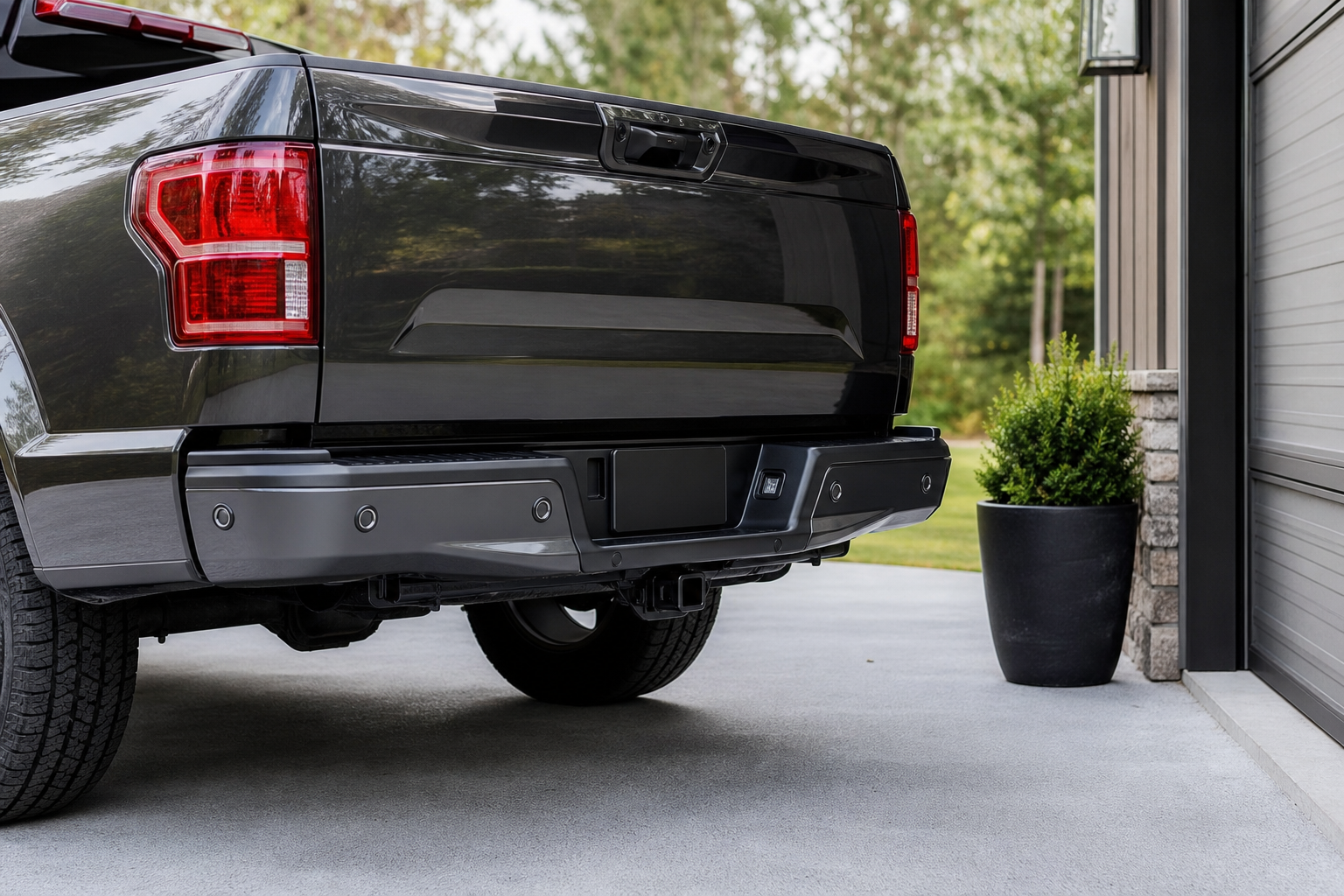
A tow hitch receiver, especially one mounted low and centered on the rear bumper, sits directly in the sensor’s field of view. Even a hitch-mounted bike rack, cargo box, or trailer ball can trigger constant rear beeping because the system reads it as an obstacle that never moves. If the beeping started right after installing a hitch or accessory, that’s almost certainly your answer. Some owners solve this by disabling rear PDW only while towing, through the settings menu covered below.
Bumper Damage or Non-OEM Bumpers
A cracked bumper cover, a repaint after a fender bender, or an aftermarket bumper that wasn’t drilled to factory spec can all throw sensors out of alignment or damage the wiring behind them. Even a bumper that looks fine can have a sensor pushed slightly inward or outward from a low-speed impact, which changes its detection angle enough to cause false readings.
Sensor Alignment and Failed Units
Each sensor sits in a specific angle set at the factory. If one gets bumped loose in its housing, it can either point at the ground and generate constant close-range warnings, or point too high and miss objects that are actually there. A genuinely failed sensor usually shows up as one specific zone on the dash display never lighting up, or a Park Assist system message rather than random beeping.
Settings, Wiring, and When You Actually Need a Scan Tool
Before assuming hardware failure, check the settings menu on the center screen under Vehicle or Driver Assistance. PDW sensitivity and volume can be adjusted, and some owners accidentally lower the volume to near-silent or toggle forward/rear warnings off entirely while exploring menus. It’s a quick check that costs nothing.
If the system throws a “Parking Distance Warning Malfunction” message on the instrument cluster rather than just misbehaving, that’s a sign of an actual fault code stored in the module, not just a settings or dirt issue. A basic OBD2 scanner that reads body control module codes can tell you which specific sensor circuit is flagged, which saves a lot of guesswork before you take it to a shop.
BlueDriver Bluetooth Pro OBDII Scan Tool
Reads manufacturer-specific codes beyond generic engine codes, which helps pinpoint which PDW sensor circuit is faulted.
Wiring issues are less common but do happen, usually from a bumper cover being removed and reinstalled during body work, or from a rodent chewing a harness near the bumper beam. If cleaning the sensors, checking for hitch interference, and confirming your settings don’t resolve it, and a scan tool shows a specific circuit code, that points to a wiring or connector problem that needs a technician with access to Kia’s wiring diagrams. Any time the system requires a new sensor or bumper work, it also typically needs calibration with a factory or factory-level scan tool afterward, since the sensors are matched to specific positions in the body control module.
How to Narrow Down a Suspect Sensor Yourself
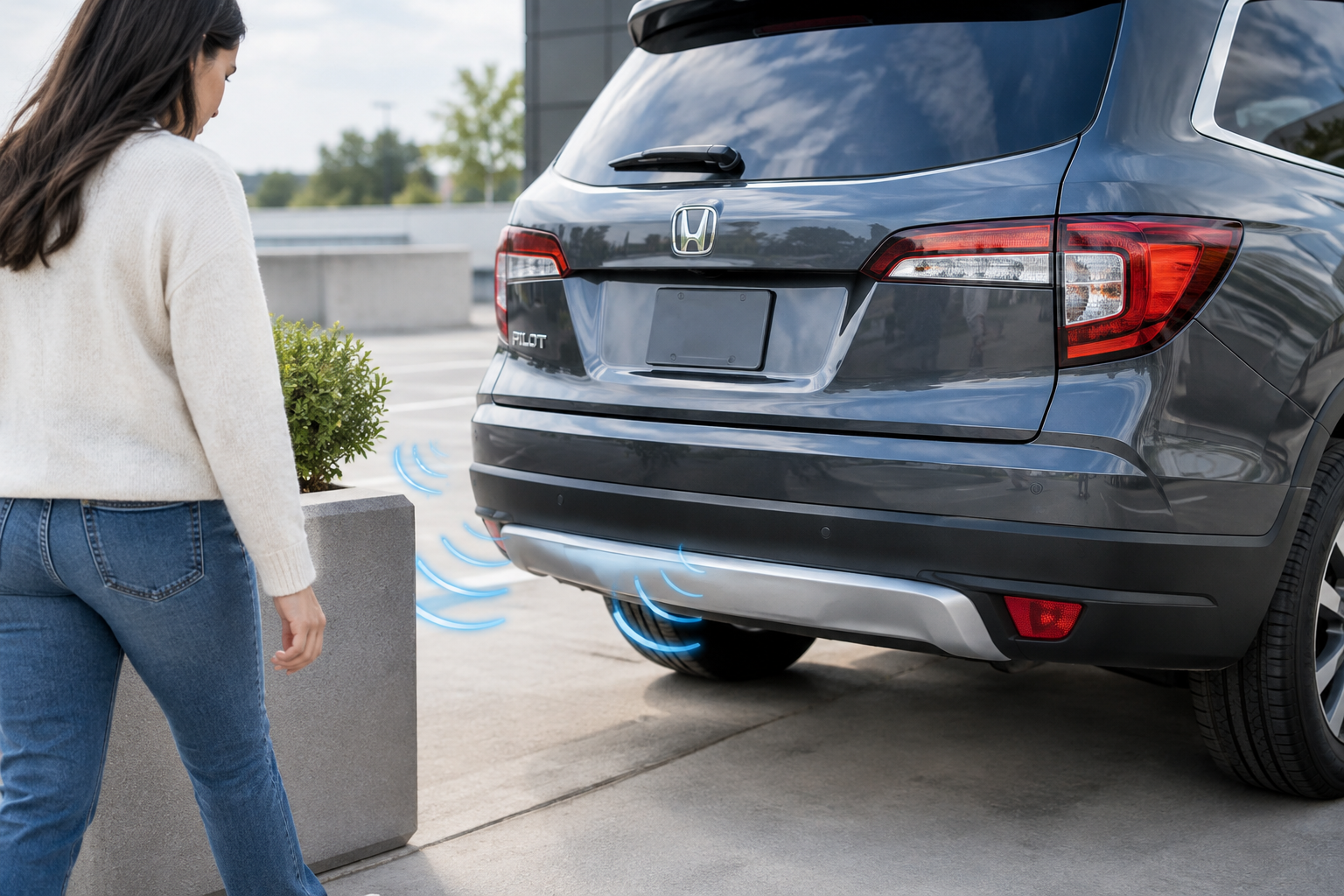
You don’t need to guess randomly. Walk slowly around the vehicle with the ignition on and PDW active, and approach each sensor individually with a hand or soft object at roughly bumper height. Most Telluride displays show a rough zone map on the screen, so you can watch which zone lights up and which stays dark. A zone that never registers, no matter how close you get, points to that specific sensor or its wiring rather than a system-wide issue.
It also helps to compare front and rear behavior. If only the rear acts up and you’ve got a hitch installed, remove it and retest before concluding a sensor is bad. If the problem follows one specific corner of the bumper across multiple test approaches, that’s the sensor most likely to need professional attention rather than a wipe-down.
Parking Sensor Cleaning Kit
A dedicated cleaning kit gets grime out of the sensor grooves better than a plain rag, especially after winter road salt.
If you’re dealing with other driver assistance quirks on the Telluride, like the attention warning nagging you on long drives, it’s worth checking our guide on how to turn off Driver Attention Warning on the Kia Telluride, since these systems share menus and sometimes get toggled together by accident. And if towing is part of the equation, it’s a good idea to review how hitch weight and sensor placement interact before you assume your rear sensors are broken.
Frequently Asked Questions
Why do my Telluride’s rear sensors beep constantly even in an empty driveway?
This is almost always a hitch, bike rack, or trailer ball sitting in the sensor’s detection zone, or a coating of dirt and ice on the sensor face. Clean the bumper first, then remove any rear-mounted accessory and retest before assuming a sensor has failed.
Does my Telluride have front parking sensors?
It depends on your trim. LX and S models typically only have Reverse Parking Distance Warning, while EX trims and above get both Forward and Reverse PDW. Check your window sticker or build sheet if you’re not sure whether front sensors were part of your original equipment.
Leave a Reply