
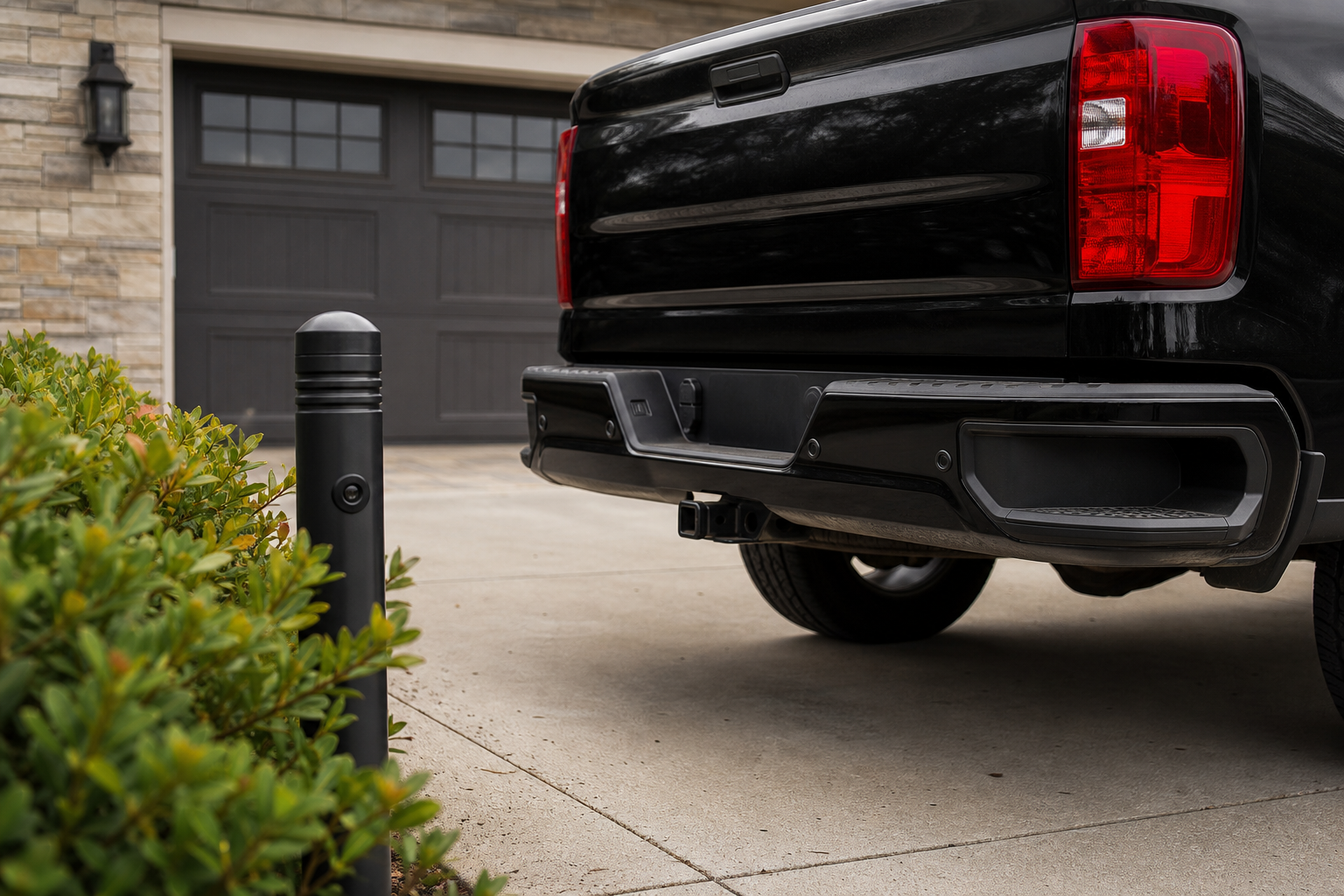
That constant beeping from your Silverado’s parking sensors while nothing is anywhere near your bumper isn’t just annoying, it’s usually a sign of something specific you can track down yourself. On the flip side, sensors that suddenly go quiet or throw up a “Park Assist Off” message on the dash are telling you something too. Either way, the fix almost always starts with a quick visual check before you assume you need a trip to the dealer.
Know Which System Your Silverado Actually Has
GM calls this feature Ultrasonic Rear Parking Assist on many trims, and on newer model years with front sensors added, you’ll see it referred to as Front and Rear Park Assist. Not every Silverado 1500 trim gets both ends covered. Base Work Truck and Custom trims often only have rear sensors, if they have any at all, while LT, RST, LTZ, and High Country trims are more likely to offer the front and rear combination as standard or through an options package.
Before you start chasing a “broken” sensor, confirm your trim and model year actually came with the feature you think is missing. Check your window sticker or build sheet, because a lot of owners assume they have front sensors when their truck never had them installed.
Constant Beeping: Start With the Obvious Stuff
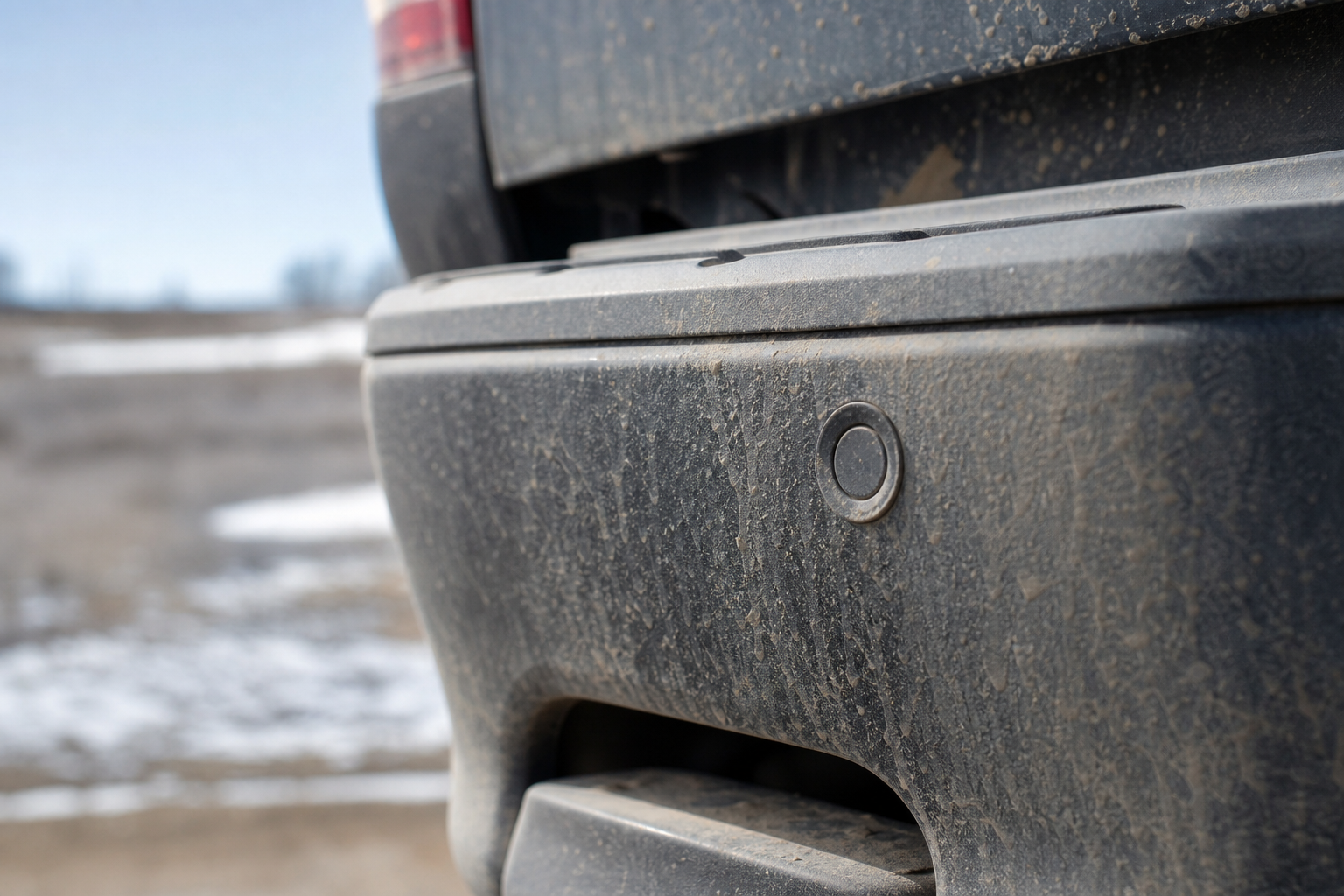
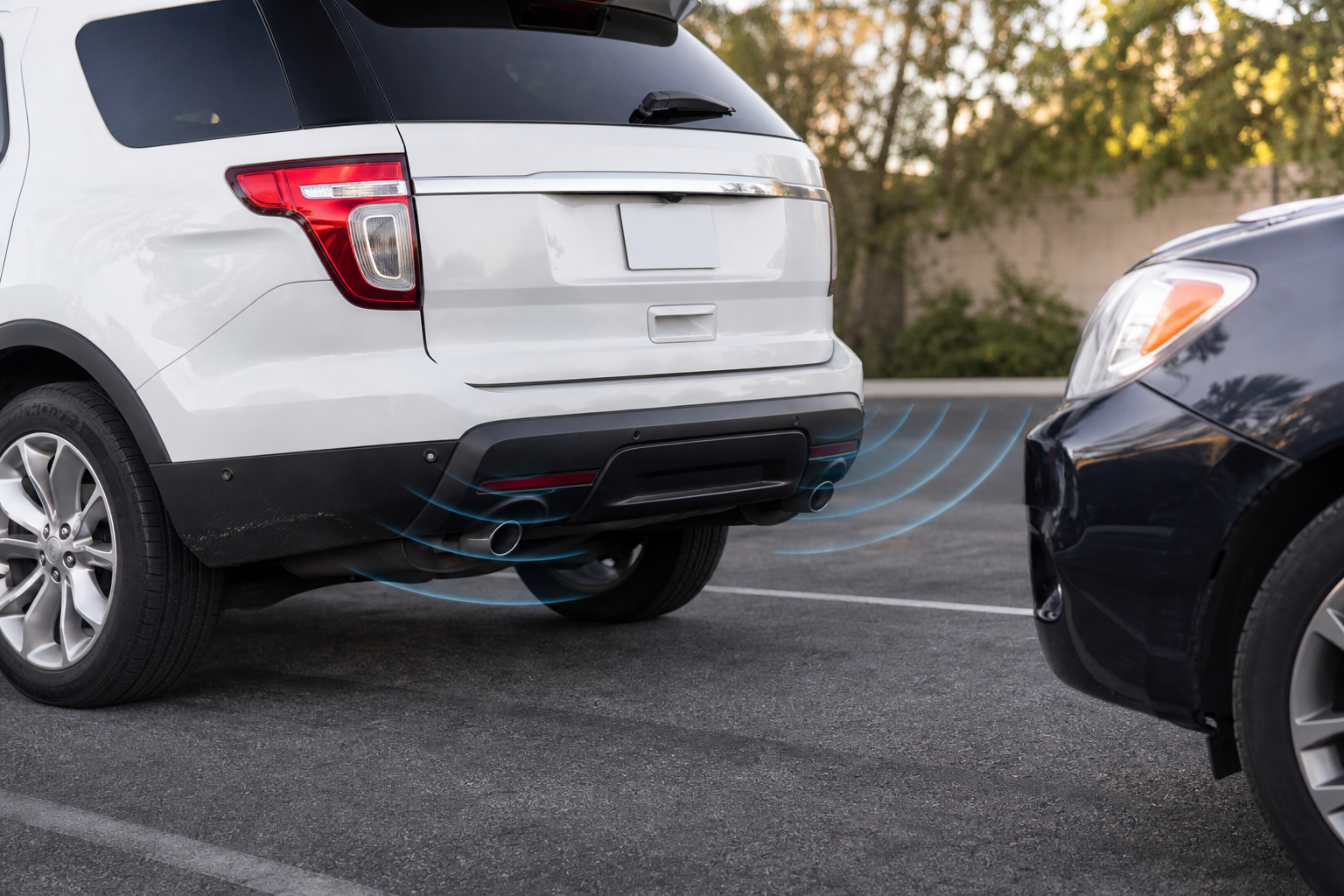
Nine times out of ten, a Silverado that beeps nonstop or intermittently has sensors that are simply dirty, iced over, or blocked by mud and road grime. The ultrasonic sensors need a clear, dry surface to send and read their signal, and a half-inch of caked-on mud or a thin layer of ice is enough to confuse the system into thinking an object is inches away.
- Wipe down each sensor with a soft microfiber cloth, especially after driving on salted or muddy roads.
- Check for snow and ice buildup in the winter, particularly around the lower bumper sensors that sit closer to road spray.
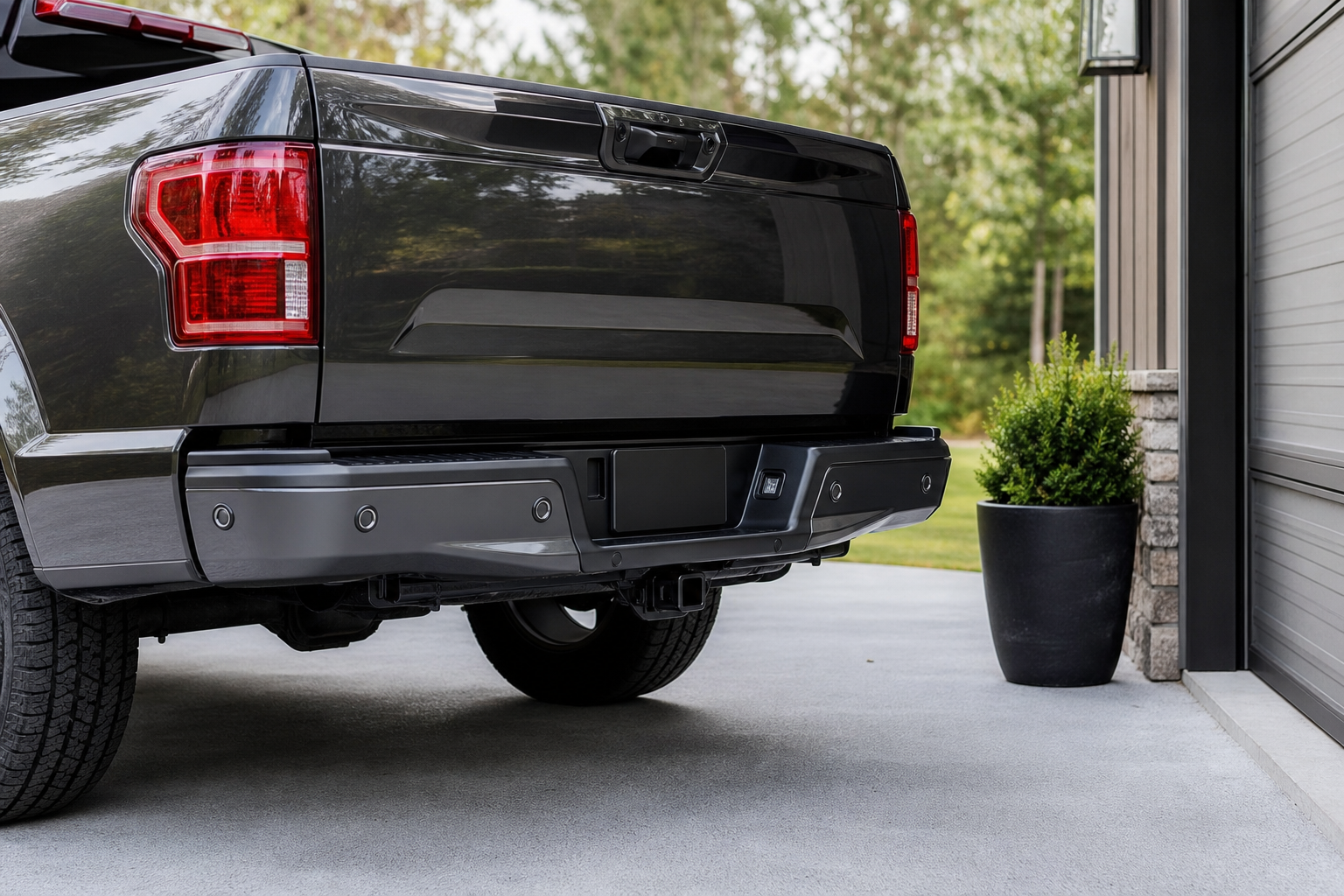
- Look for aftermarket accessories like brush guards, bumper covers, or trailer hitches that sit in the sensor’s detection zone.
- Inspect for bumper damage, since a dented or misaligned bumper can angle a sensor just enough to cause false readings.
Tow hitches are a common culprit on trucks that haul trailers regularly. If you’ve got a receiver hitch or a ball mount installed, that hardware can sit directly in the rear sensor’s cone and trigger constant warnings even when nothing else is nearby. Some owners solve this by removing the ball mount when not towing, since the receiver tube alone usually doesn’t sit high enough to interfere.
If you’re using your Silverado for regular towing, it’s worth reading up on how to use Tow/Haul mode on the Chevy Silverado, since some of the same trailer setups that trigger parking sensor confusion also affect how the truck behaves under load.
Check Your Settings Before You Assume a Failure
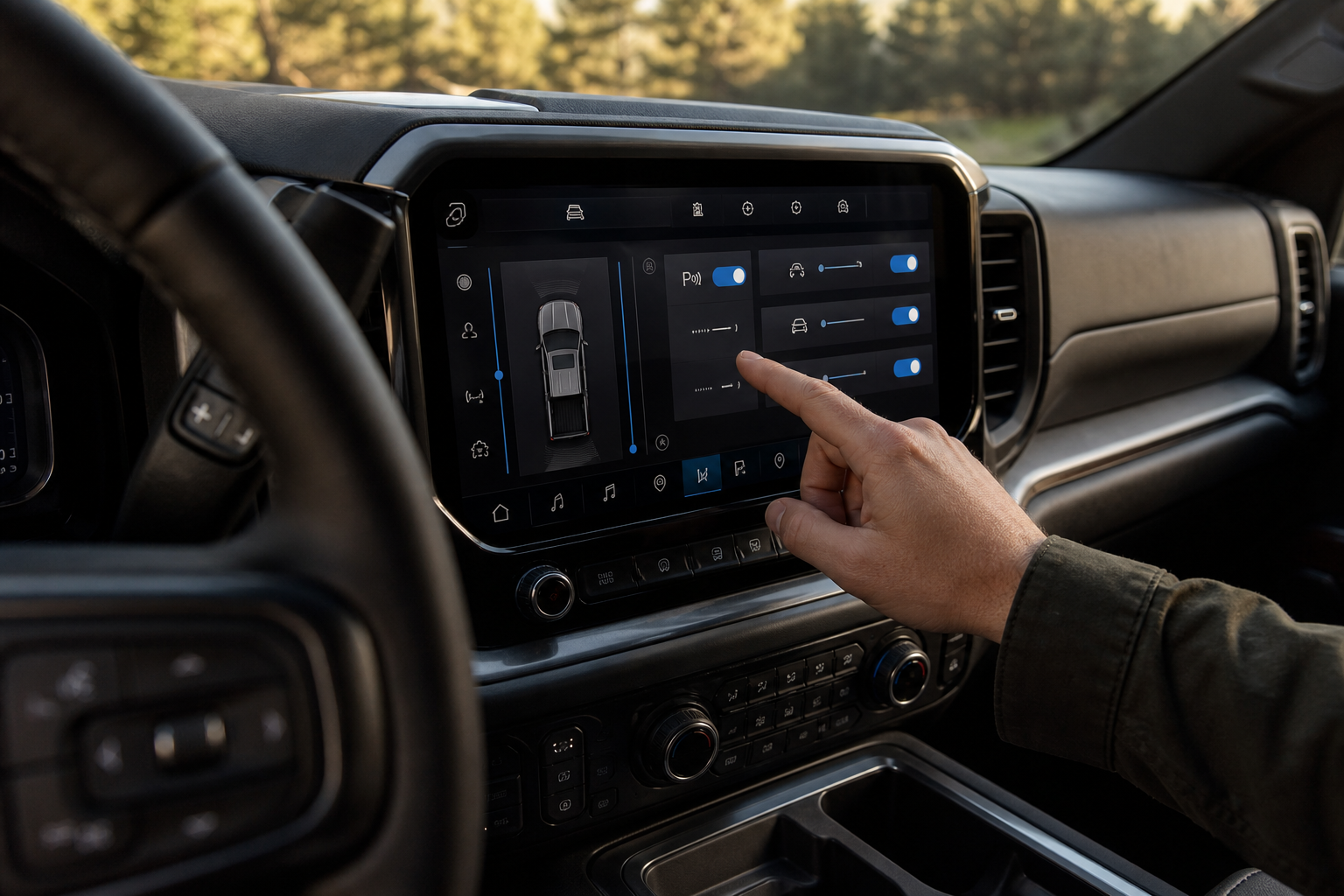
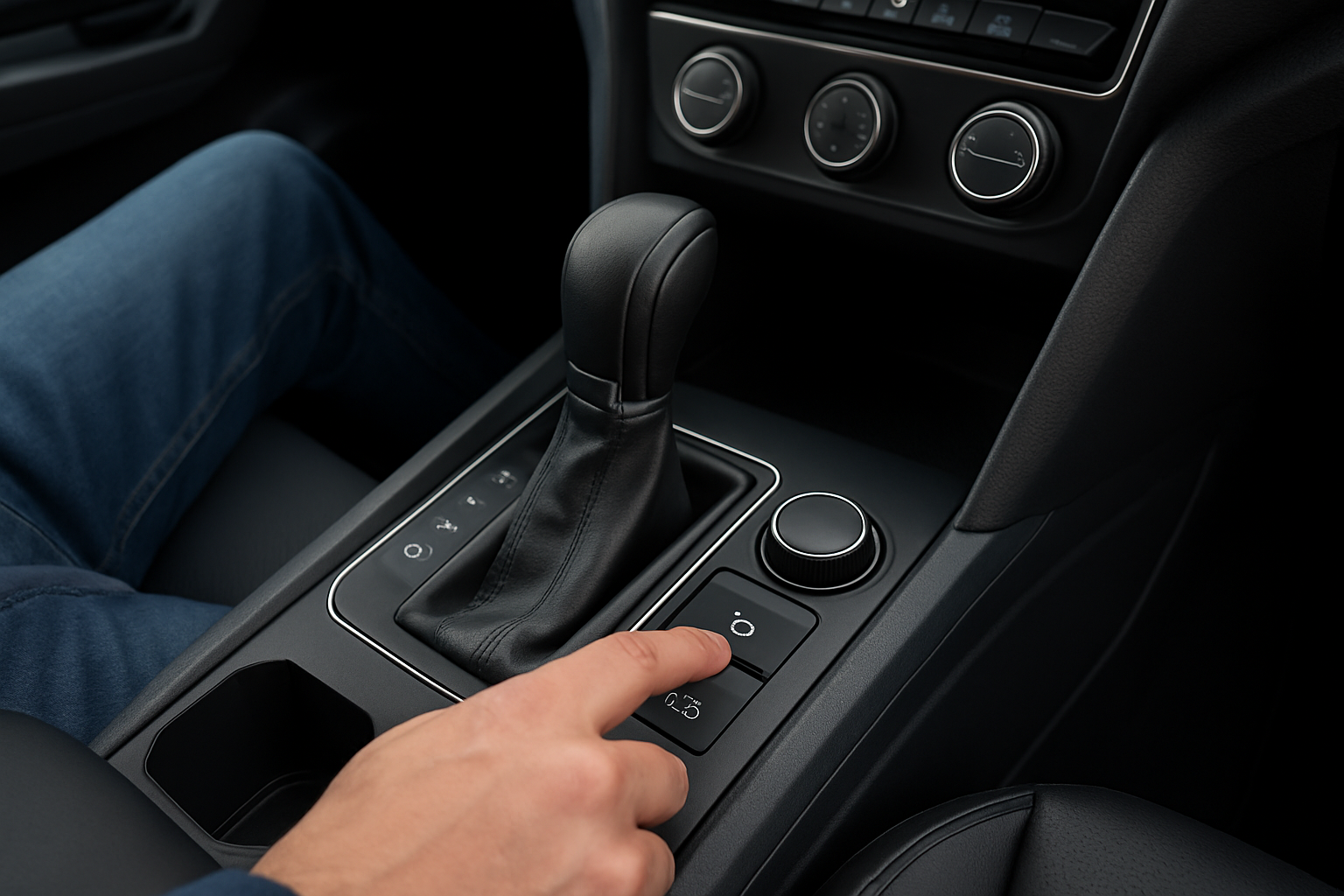
GM built in the ability to adjust sensor sensitivity and even turn Park Assist audio warnings off entirely through the infotainment settings menu, and sometimes a setting gets bumped accidentally. Dig into the vehicle settings under “Parking Assist” or “Driver Assistance” and confirm the feature is actually enabled and set to your preferred sensitivity level.
A “Park Assist Off” or “Service Park Assist” message on the driver information center means the system has detected a fault and disabled itself, which is different from a simple beeping annoyance. This message typically points to one of a few things:
- A sensor that’s failed electrically, not just dirty
- Wiring or connector damage behind the bumper, often from road debris or a bumper repair that didn’t reconnect a harness properly
- A bumper that was replaced or repainted without recalibrating the sensor array
How to Narrow Down Which Sensor Is at Fault
You can do some of this detective work yourself before involving a shop. Start the truck, shift into reverse, and slowly walk around the rear bumper listening for a change in beep pattern as you approach each sensor location. A sensor that never changes tone or seems dead compared to its neighbors is a good early suspect.
You can also compare left and right sensors doing the same job. If the sensor on one side detects a wall at a normal distance but the same test on the mirrored sensor produces no response at all, that’s a strong sign of a failed unit rather than a settings issue. A cheap OBD-II code reader that supports GM-specific modules can also pull stored diagnostic trouble codes tied to a specific sensor location, which saves guesswork.
BlueDriver Bluetooth Pro OBDII Scan Tool
A solid mid-range scan tool that reads GM-specific codes and can help confirm which sensor circuit is throwing a fault.
Physical bumper damage is worth a closer look too. Even a minor parking lot bump that doesn’t crack the bumper cover can shift a sensor’s aim just enough to cause erratic readings or total silence from that unit. If you’ve had recent bodywork done, or backed into anything firm, that’s the first place to check.
When You Need a Scan Tool or Dealer Calibration
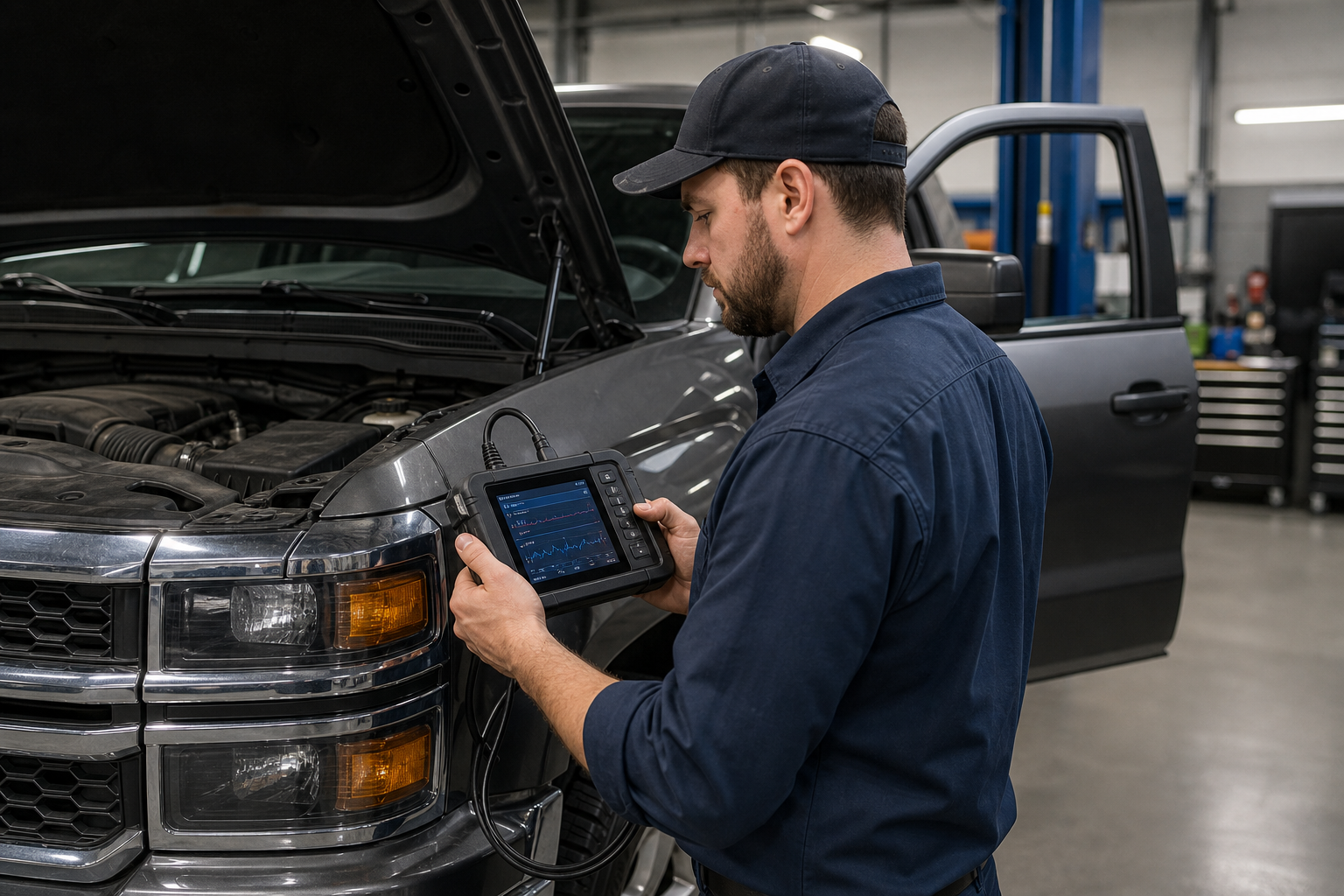
Not every parking sensor issue is a DIY fix, and it’s better to know that upfront than to spend an afternoon chasing a wiring problem you can’t actually diagnose without the right equipment. Any time a bumper has been replaced, repainted, or had sensor housings reinstalled, the system generally needs a calibration procedure that requires GM’s scan tool software, not just a generic code reader. Wiring harness repairs behind the bumper also usually call for a dealer or qualified shop, since the connectors are tucked in tight and easy to damage further if you’re not familiar with the routing.
If your code reader pulls a fault tied to sensor circuit resistance, an open circuit, or a communication failure with the park assist module, that’s your cue to stop guessing and get it scanned properly. Trying to chase intermittent wiring faults without a scan tool usually just wastes time.
ACDelco GM Original Equipment Parking Sensor
Sticking with GM-spec sensors keeps the system talking to the module correctly and avoids compatibility headaches.
FAQ
Why do my Silverado’s parking sensors beep even when nothing is behind the truck?
The most common cause is dirt, ice, or road grime covering one or more sensors, followed closely by a tow hitch or aftermarket bumper accessory sitting in the detection zone. Clean the sensors first, then check for anything mounted low on the bumper before assuming a wiring fault.
Does every Silverado 1500 trim have front parking sensors?
No. Rear sensors are more common across the lineup, but front sensors are usually reserved for higher trims like LT, RST, LTZ, and High Country, often as part of a driver assistance package. Check your build sheet or window sticker to confirm what your specific truck came with before troubleshooting a feature it may never have had.
If you’re already digging into your Silverado’s driver assistance features, it’s worth checking whether Lane Assist settings reset themselves between drives, since GM ties several of these systems to the same settings menu. And if the rear seat reminder chime is bugging you as much as the parking sensors, there’s a separate guide on turning off the rear seat reminder on the Chevy Silverado 1500 that walks through the same settings area.
Leave a Reply