
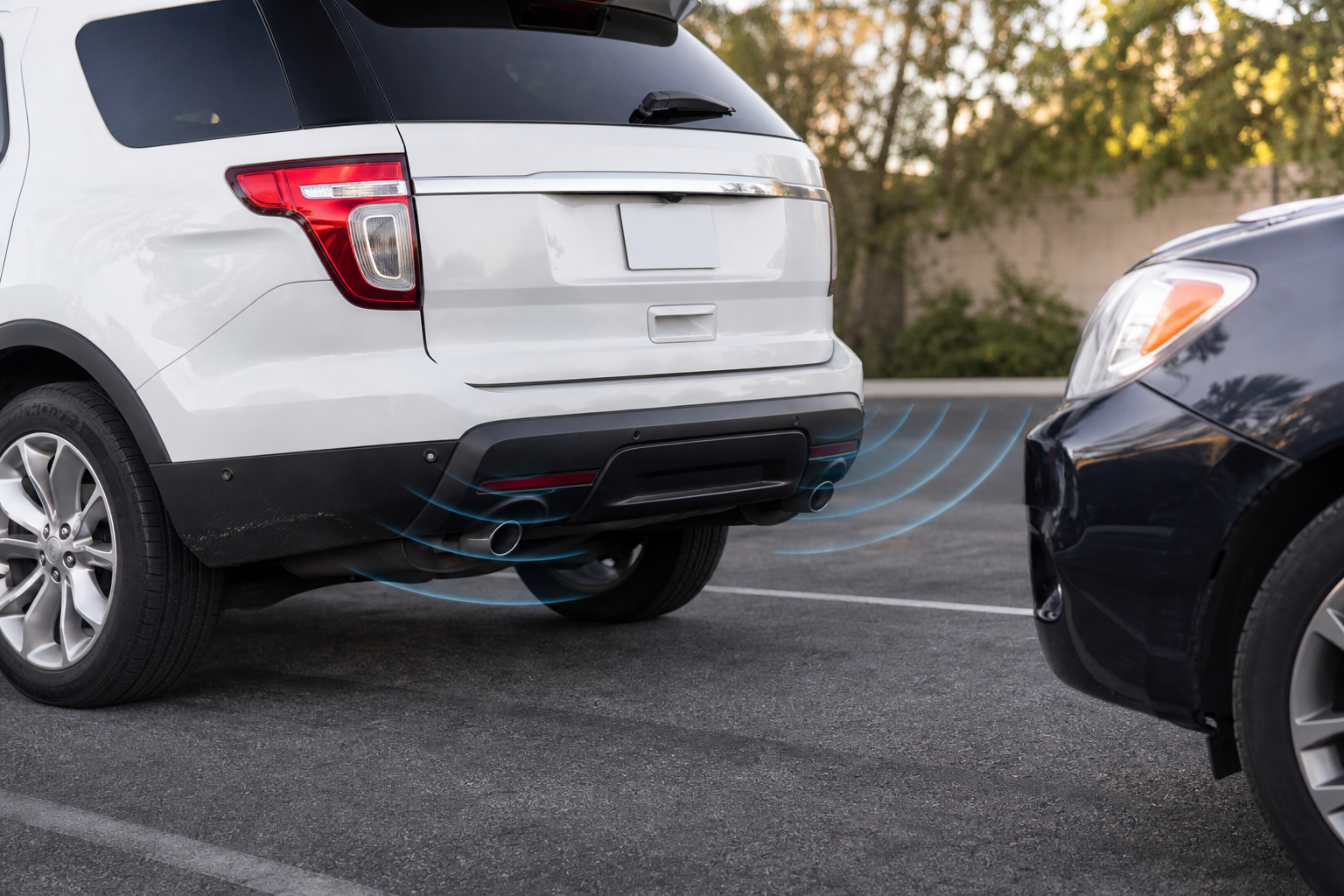
That constant beeping when nothing is behind your Explorer is more than annoying, it’s your parking sensor system telling you something’s wrong. Whether Ford calls it Parking Sensors, Reverse Sensing System, or Active Park Assist on your particular model year, the underlying hardware works the same way, and most problems come down to a handful of predictable causes you can check yourself before paying for a diagnosis.
Know Your System Name and What You Actually Have
Ford has used a few different names for this feature depending on year and trim, and that matters when you’re pulling up your owner’s manual or ordering parts. Earlier Explorers (roughly 2011 to 2015) use “Reverse Sensing System,” which is rear-only. Later models add “Front Parking Aid” as an option, and higher trims like Limited and Platinum often get “Active Park Assist” for semi-automated parallel and perpendicular parking.
Not every Explorer has front sensors. Base trims frequently only have rear sensors, so if you’re hearing complaints about “no beeping in the front,” it may simply not be equipped, not broken. Check your window sticker or build sheet, or look at the front fascia for small round sensor pucks embedded in the lower bumper. If they’re not there, the front system was never installed.
Dirty, Iced, or Covered Sensors
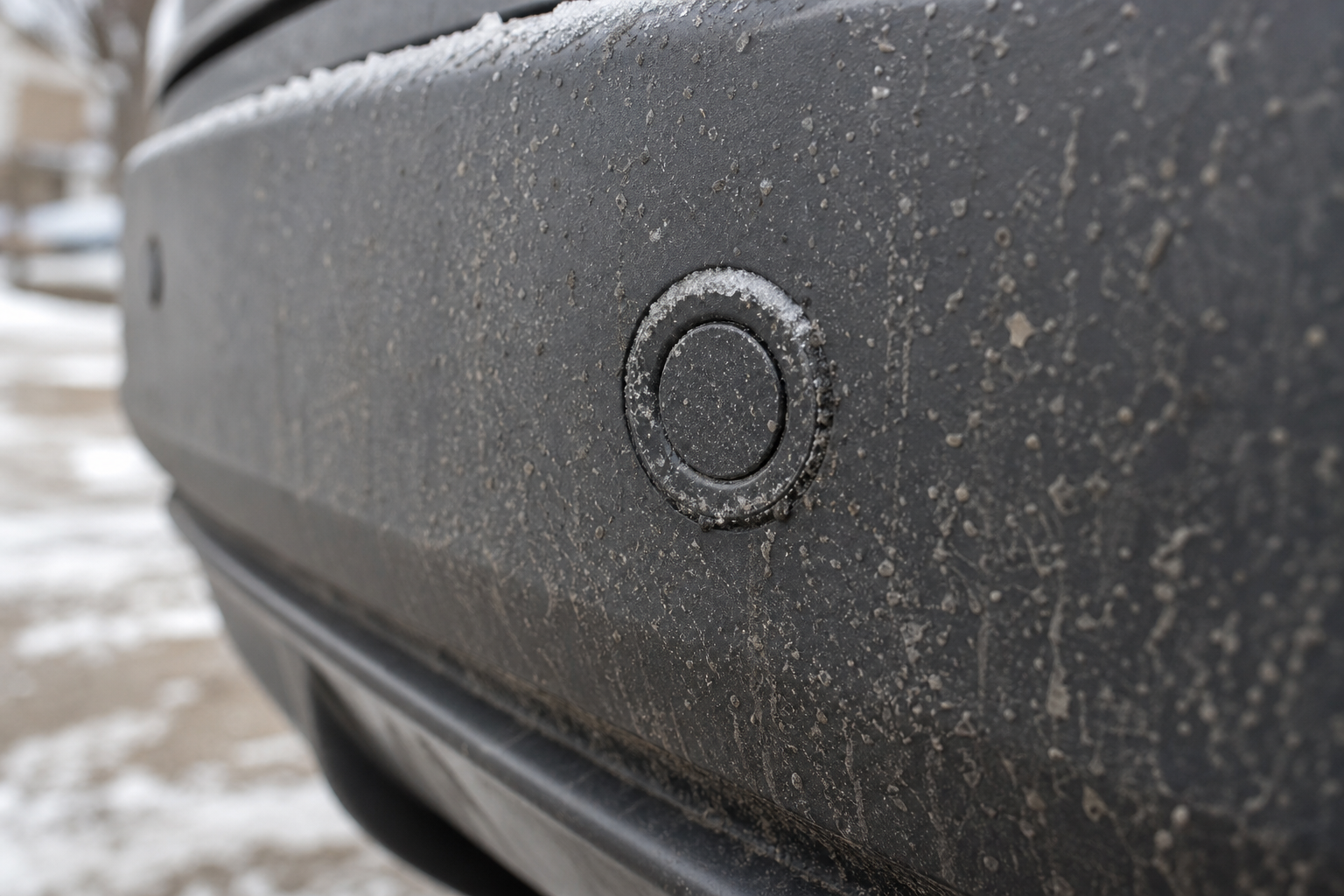
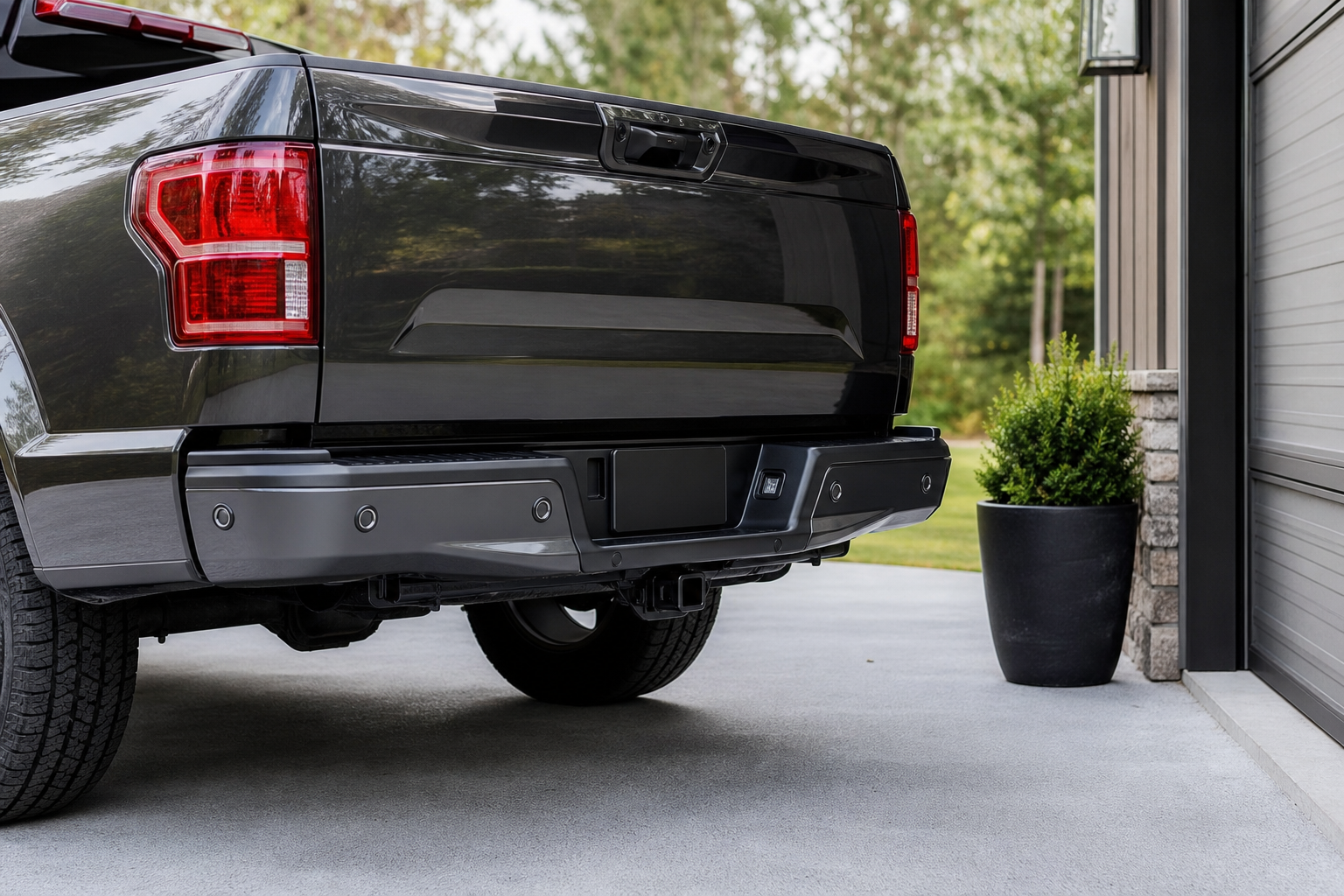
This is the number one cause of false alarms and dead zones, and it’s the easiest to rule out. The ultrasonic sensors are small plastic circles mounted flush in the bumper, and they need a clear, unobstructed face to send and receive their sound pulses.
- Mud, road grime, and salt film block the signal and can cause constant beeping or no detection at all.
- Ice or packed snow in cold climates is one of the most common winter complaints, since a thin layer changes how the sensor reads distance.
- Bug splatter and car wash wax buildup can have the same effect, even when the bumper looks clean to the eye.
Wipe each sensor with a soft microfiber cloth and mild soap and water, then dry them completely. Avoid pressure washers aimed directly at the sensors, since forcing water into the housing can cause corrosion issues down the road.
Aftermarket Tow Hitches, Bike Racks, and Bumper Accessories
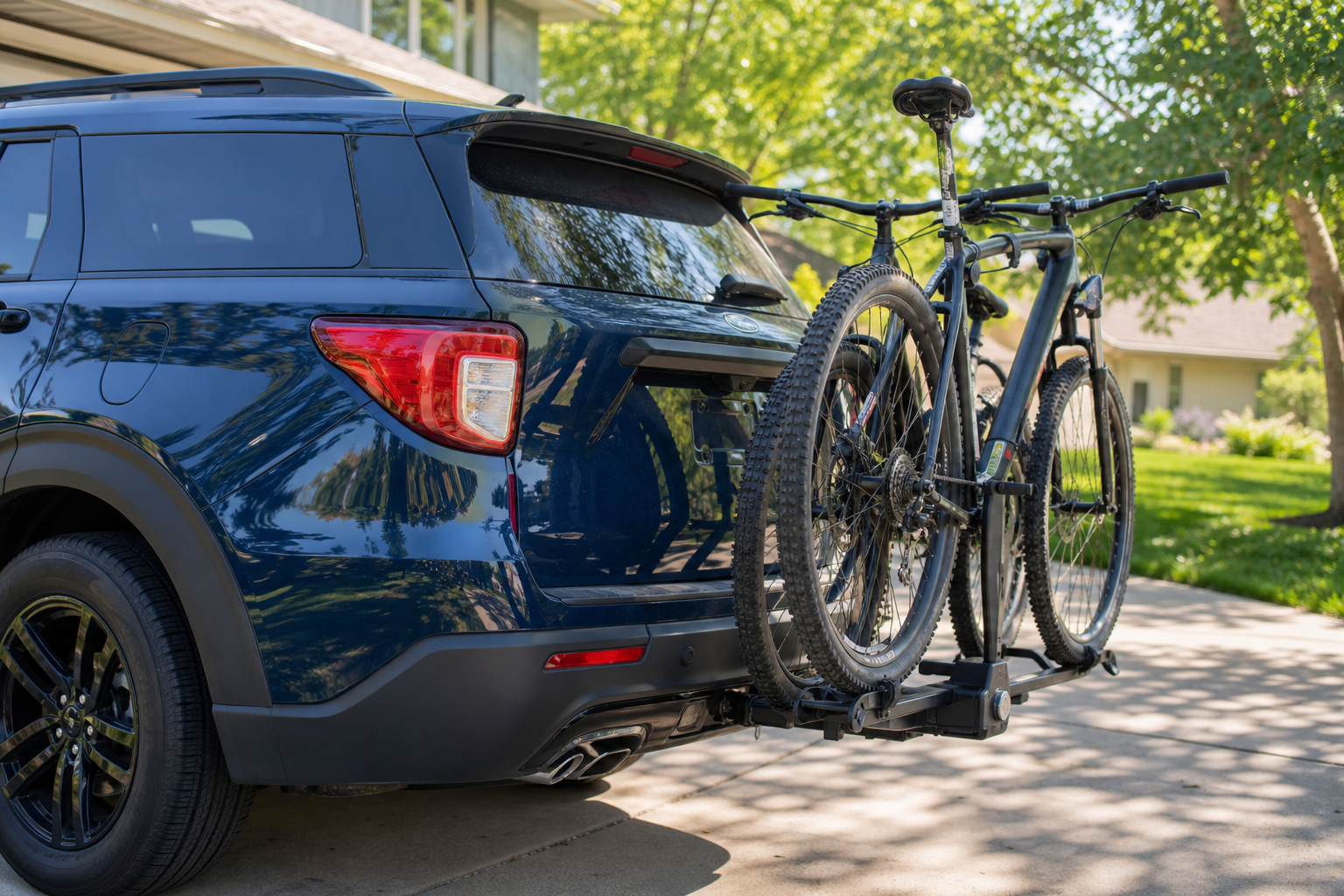
If your Explorer started acting up right after you installed a hitch, this is almost certainly your culprit. A rear-mounted tow hitch, especially one with a thick tube or ball mount left in place, sits directly in the sensor’s detection cone and gets read as a permanent obstacle.
The same goes for bike racks, cargo carriers, aftermarket step bars, or even a trailer wiring harness plug dangling too close to a sensor. Some hitches are designed with sensor-friendly clearance, but plenty of universal-fit hitches are not, and Ford’s own accessory hitches are calibrated to avoid this problem. If beeping started with a new accessory, remove it and test again before assuming the sensors themselves are faulty.
Bumper Damage and Sensor Misalignment
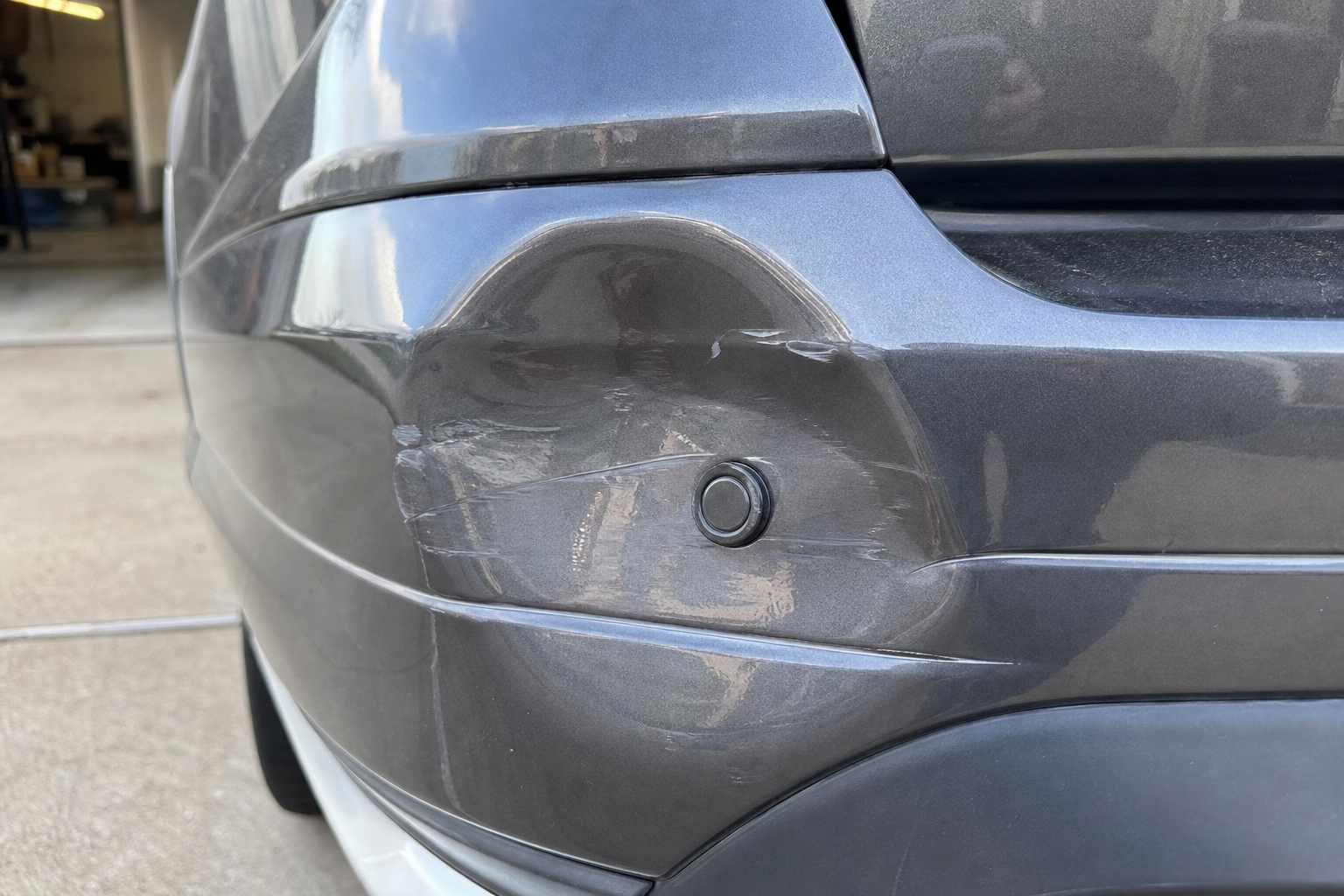
A sensor doesn’t have to be cracked to malfunction. Even a minor parking lot bump or a low-speed backup into a pole can shift a sensor’s angle just enough to throw off its reading, causing it to either miss objects it should catch or trigger warnings for nothing.
Look closely at each sensor and compare its angle to the others around it. If one is visibly tilted, sitting proud of the bumper surface, or has a crack around its retaining clip, that’s a strong lead. Bumper cover damage behind the sensor, even invisible from outside, can also change the mounting geometry enough to cause consistent problems from one specific sensor location.
Settings, Software, and the “Park Aid Unavailable” Message
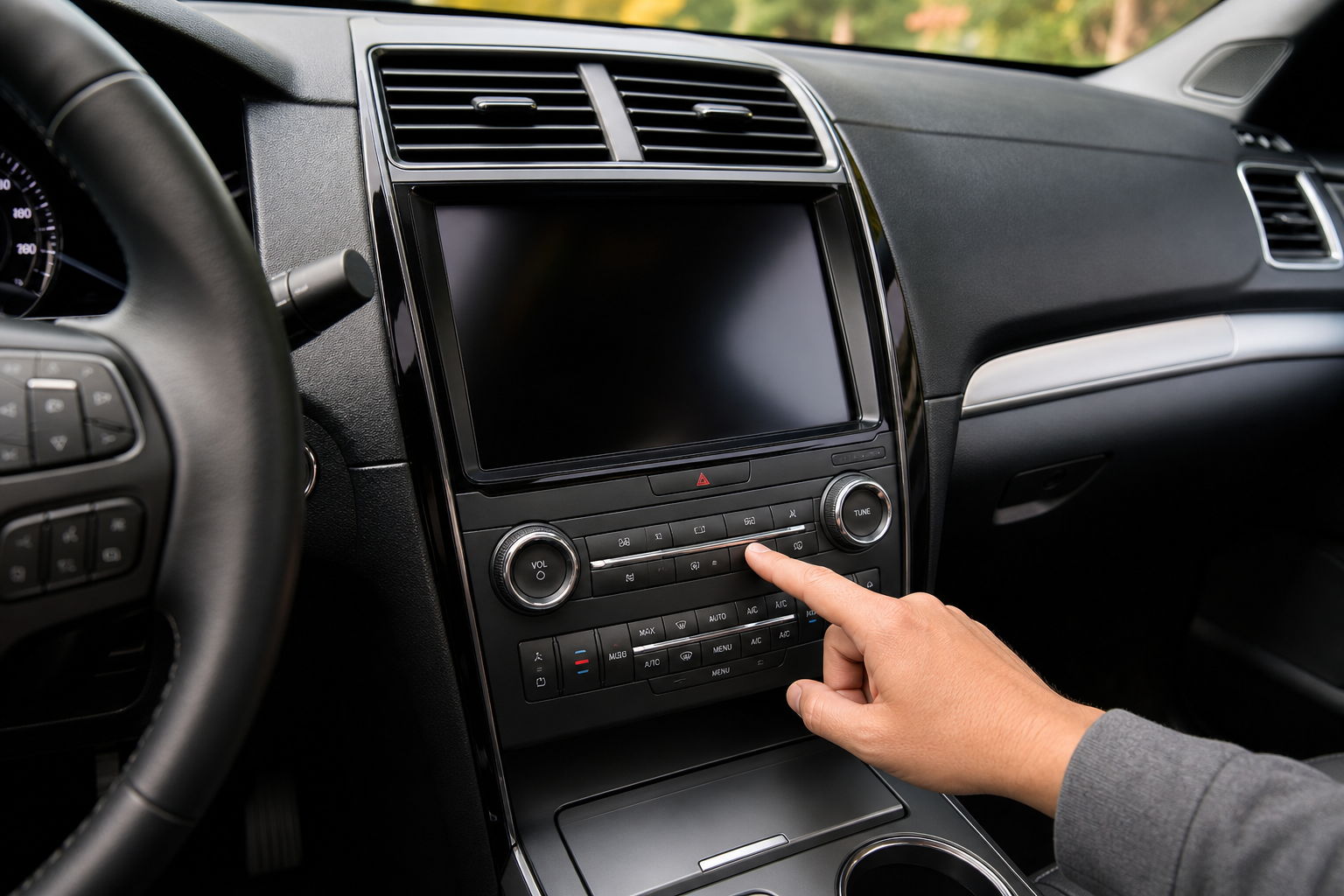
Sometimes the hardware is fine and the issue is how the system is configured or what it’s telling you. A “Park Aid Unavailable” message on the dash usually points to one of these:
- The system was manually turned off through the settings menu and needs to be re-enabled.
- A tow/haul mode or trailer connection has automatically disabled rear sensing, which is normal behavior on Explorers equipped with trailer tow packages.
- Extreme temperatures, heavy rain, or dense fog can temporarily suppress sensor function until conditions improve.
- A stored fault code is preventing the system from initializing, which will not clear itself with a battery disconnect.
If you’ve recently had work done that touches the electrical system, this is also worth checking against unrelated features. Owners troubleshooting a similar false-alert issue with driver attention systems have found the fix buried in a menu rather than a broken part, which is covered in our guide on how to turn off Driver Alert on the Ford Explorer, a good reminder that not every warning light means hardware failure.
Wiring and Connector Problems
Ultrasonic sensors communicate back to a control module through a wiring harness that runs along the inside of the bumper cover. This harness takes a beating from road debris, car washes, and the constant flexing every time the bumper absorbs a small impact.
A corroded connector, a chafed wire, or a connector that’s worked loose over time will produce inconsistent symptoms, working fine one day and throwing warnings the next. This is especially common after bumper cover removal for bodywork or hitch installation, where a connector wasn’t seated fully back into place. If cleaning the sensors and removing accessories doesn’t help, and you notice the problem correlates with bumps in the road or temperature swings, wiring is a reasonable next suspect.
Identifying a Specific Failed Sensor
You don’t need a shop visit to narrow down which sensor is causing trouble. A few checks can point you in the right direction before you decide whether professional diagnosis is worth it.
- Listen for beep patterns. Most Ford systems beep faster and more consistently as you approach an object detected by a specific corner sensor, and a sensor stuck at maximum alert regardless of distance is likely reporting a fault.
- Test one sensor at a time by slowly backing toward a large flat object and walking around to see which sensor lights up on the dash display versus which stays silent.
- Compare left to right. If one side never beeps at any distance while the mirrored sensor on the other side works normally, that’s a strong sign of one dead unit rather than a system-wide problem.
- Note whether the issue is constant or intermittent. Constant failure with no obstruction usually points to a hardware or wiring problem, while intermittent issues that come and go with weather point back to dirt, ice, or a marginal connection.
Once you’ve isolated a likely sensor, a handheld OBD-II scan tool that reads body control module codes can confirm which sensor circuit is reporting a fault, saving you a diagnostic fee at the dealer.
FOXWELL OBD2 Scanner
A budget-friendly scan tool that reads body control module codes, which is exactly what you need to confirm a specific parking sensor fault.
Keep in mind that on Explorers with Active Park Assist, a replaced or newly installed sensor typically needs to be calibrated to the vehicle using a Ford-specific scan tool before it will function correctly with the automated parking feature. This isn’t a DIY procedure with generic tools, and attempting to skip it usually leaves you with a sensor that reads distance incorrectly or won’t communicate with the park assist module at all. If your research points to a bad sensor, plan on a shop visit for the calibration step even if you handle the physical inspection yourself.
A quality microfiber cloth and a gentle automotive soap go a long way toward preventing false alarms in the first place, especially if you live somewhere with harsh winters or dusty summers.
Microfiber Cleaning Cloths
Keeps sensor faces free of grime buildup without scratching the bumper finish, a simple habit that prevents a lot of false alerts.
When to Just Get a Scan Tool Diagnosis
If you’ve cleaned every sensor, removed any aftermarket accessories, checked your settings menu, and you’re still getting beeping with no obstruction or a persistent unavailable message, it’s time for a proper diagnosis. A scan tool pulling codes from the parking aid module will tell you exactly which sensor circuit or which module has failed, rather than you guessing based on symptoms.
This is also the point where DIY should stop if you’re not comfortable with bumper cover removal, since accessing some sensors requires partially pulling the fascia, and reinstalling it incorrectly can introduce new alignment problems. A shop with Ford-specific diagnostic software can also confirm whether the issue is the sensor itself or the parking aid control module, which is a less common but not rare failure point.
FAQ
Why does my Ford Explorer beep constantly with nothing behind it?
The most common cause is a dirty, iced, or obstructed sensor, followed closely by a tow hitch or rack sitting in the sensor’s detection zone. Clean each sensor face and remove any rear accessories before assuming there’s a hardware failure.
Do all Ford Explorer trims have front parking sensors?
No. Many base and mid-level trims only include rear sensors, with front sensors and Active Park Assist reserved for higher trims or as an optional package. Check your window sticker or look for sensor pucks in the front bumper to confirm what your specific vehicle has.
Can I replace a parking sensor myself?
The physical sensor itself is a simple mounted unit, but Explorers with Active Park Assist typically require calibration with a Ford-specific scan tool after replacement. Without that step, the system may not function correctly even with a new sensor installed, so most owners are better off having a shop handle the replacement and calibration together.
This article contains affiliate links. We may earn a small commission at no extra cost to you.


Leave a Reply