
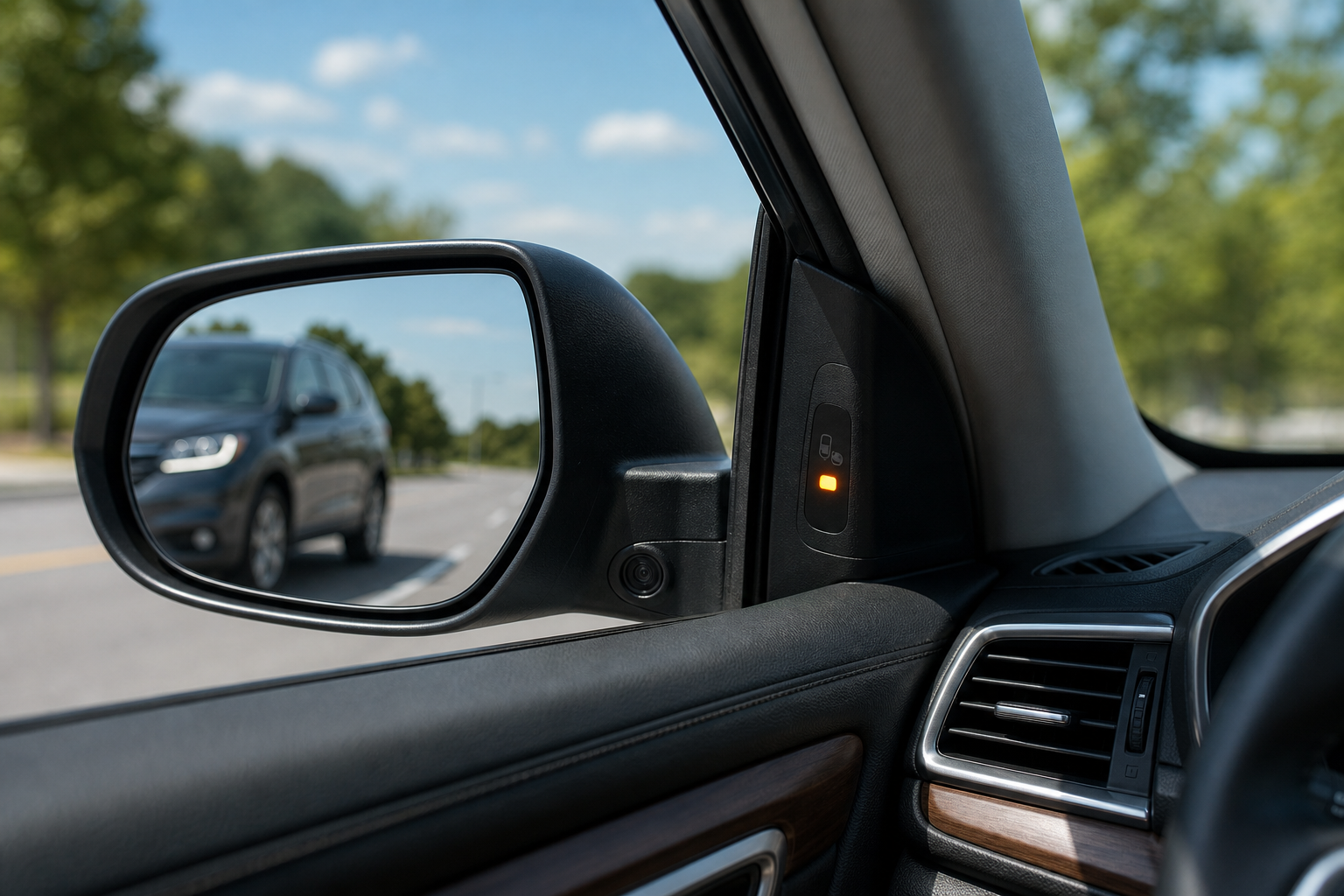
If the blind spot warning light on your Honda CR-V’s mirror suddenly goes dark, or you’re seeing a system error message on the dash, it’s easy to assume the worst. Most of the time, though, the fix is something simple like a dirty sensor or a setting that got bumped. Before you book a shop visit, run through the checks below, they solve the majority of these cases without spending a dime.
Know Your System First: BSI, Sensor Location, and Year Differences
Honda calls its radar-based system Blind Spot Information (BSI), and it’s part of the broader Honda Sensing suite on newer CR-Vs. It’s not the same thing as LaneWatch, the passenger-side camera that displays a video feed in the dash when you signal right. Some older CR-V trims had LaneWatch only, with no true radar blind spot detection on the driver’s side.
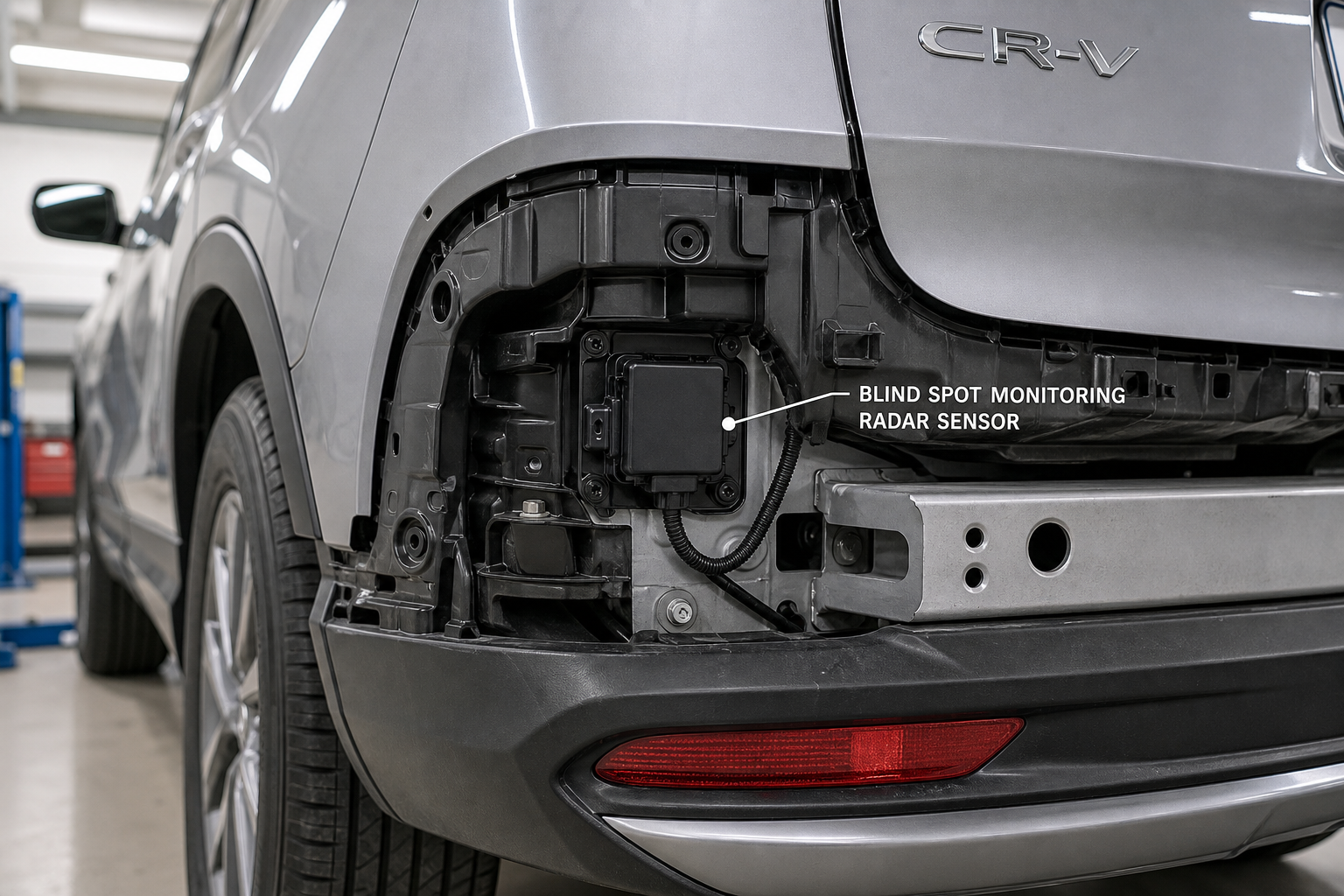
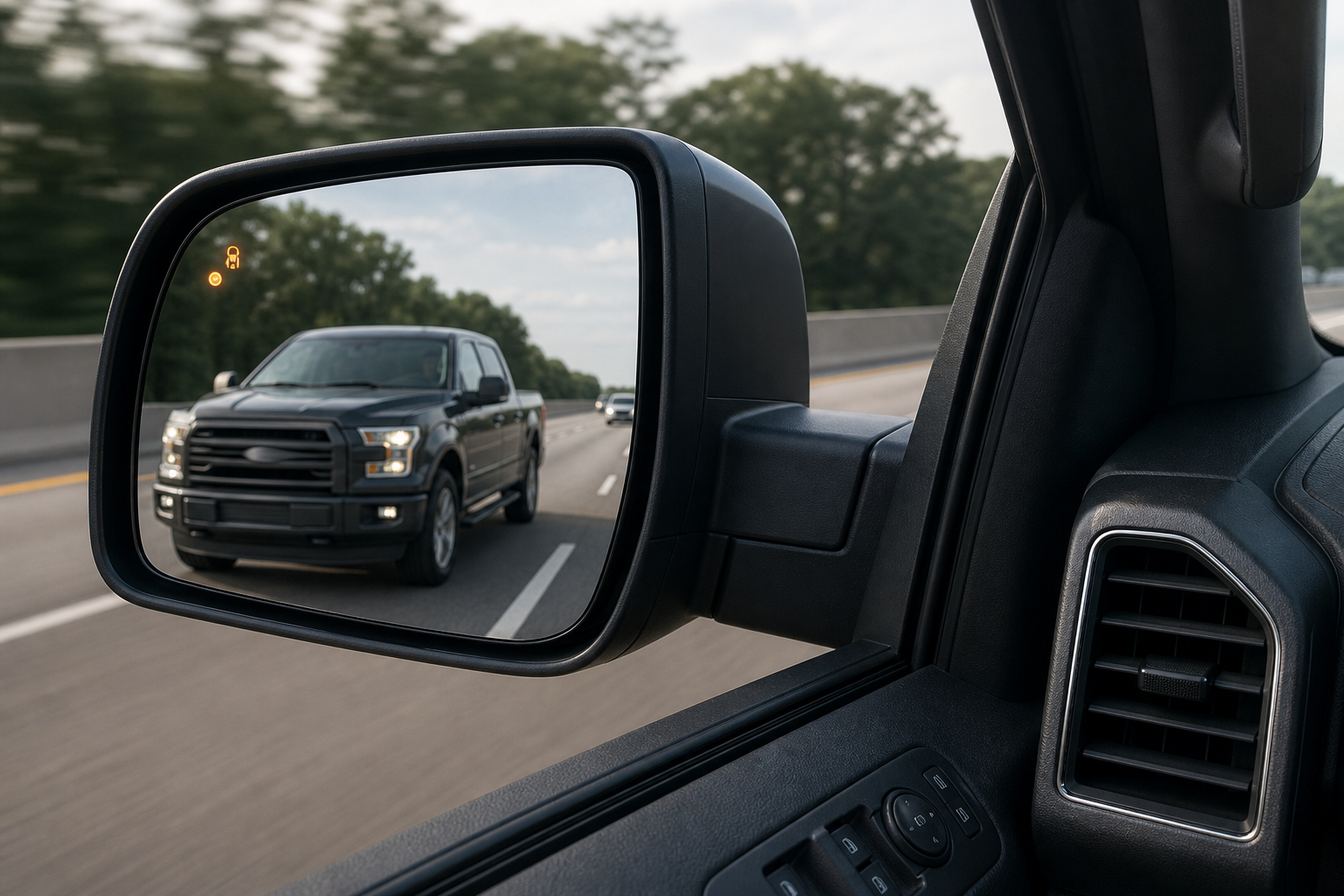
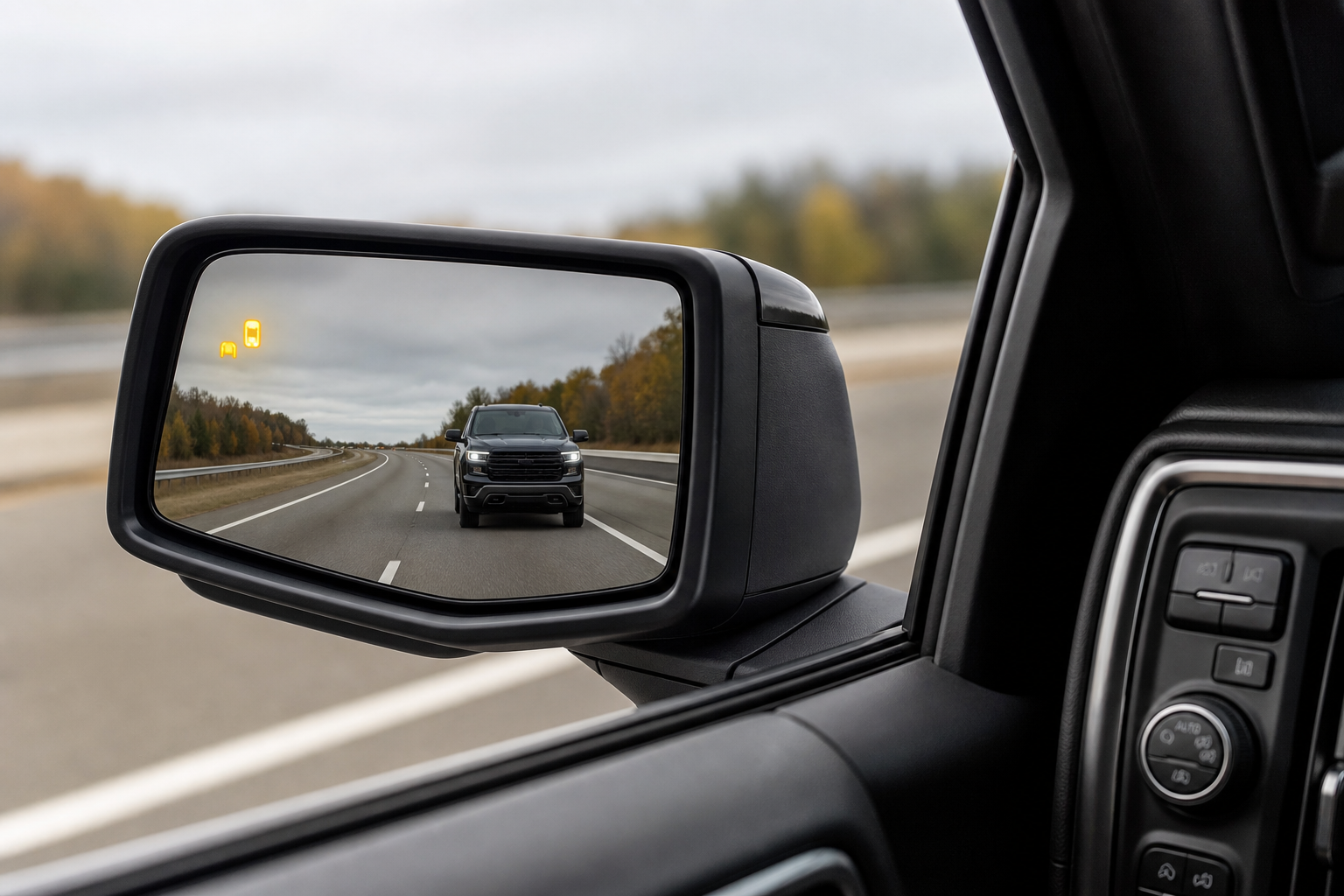
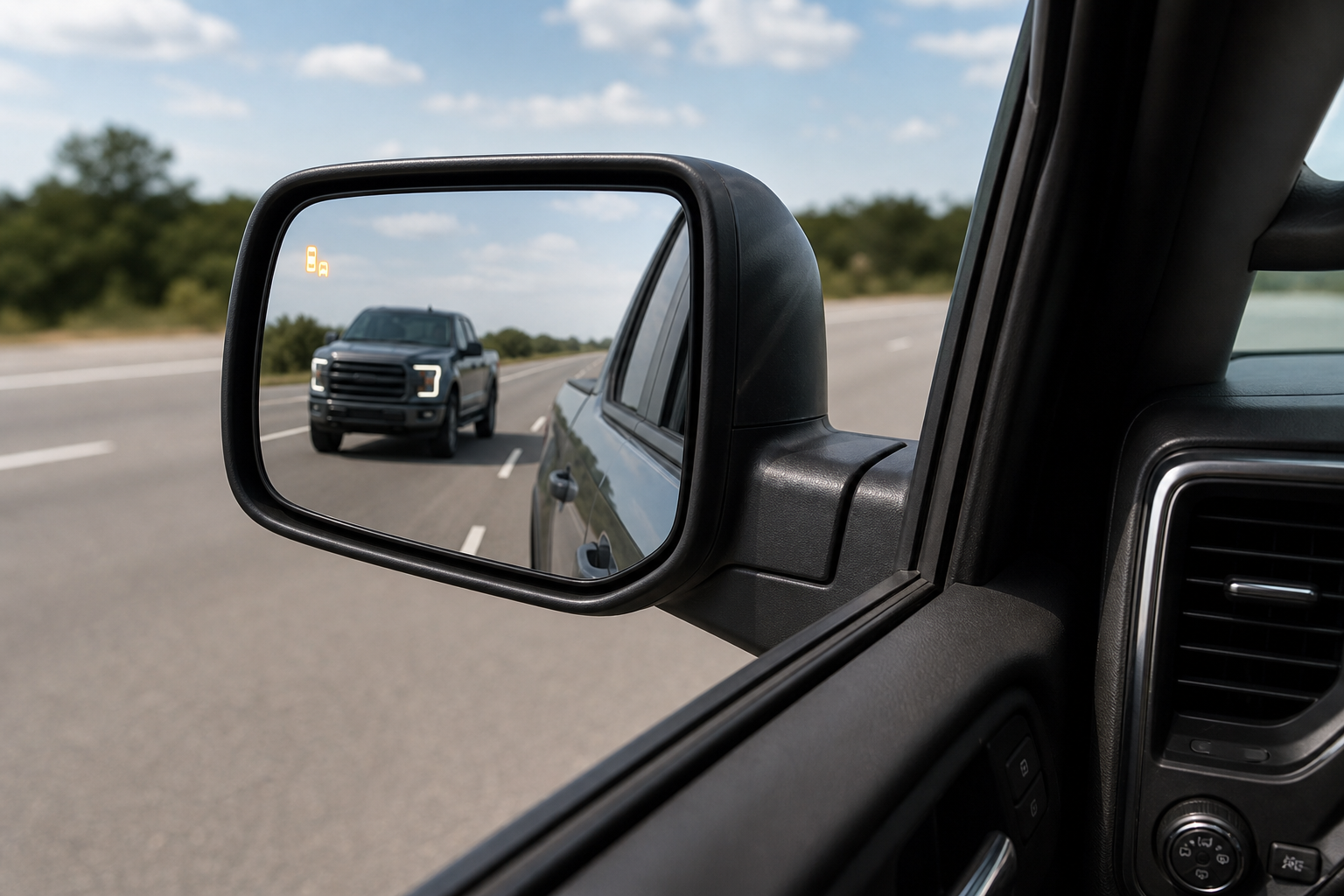
BSI uses two small radar sensors mounted behind the rear bumper, one on each corner near the taillights. These sensors watch the lanes beside and slightly behind you and trigger an icon in the corresponding side mirror when a vehicle is detected.
Availability varies by generation. On the fifth-generation CR-V (2017 to 2022), BSI was standard on EX and above, while LX trims often relied on LaneWatch alone or had no blind spot system. The redesigned sixth-generation CR-V (2023 and newer) made BSI far more common across trims. If you’re not sure what your CR-V has, check your owner’s manual or look for the small radar covers on the rear bumper corners, they’re usually a slightly different texture or color panel than the surrounding bumper.
If you’re also dealing with lane-keeping alerts acting up alongside the blind spot system, it’s worth reading how to turn off Lane Assist on the Honda CR-V, since both systems share sensors and software on newer models.
Owner-Safe Checks Before You Assume It’s Broken
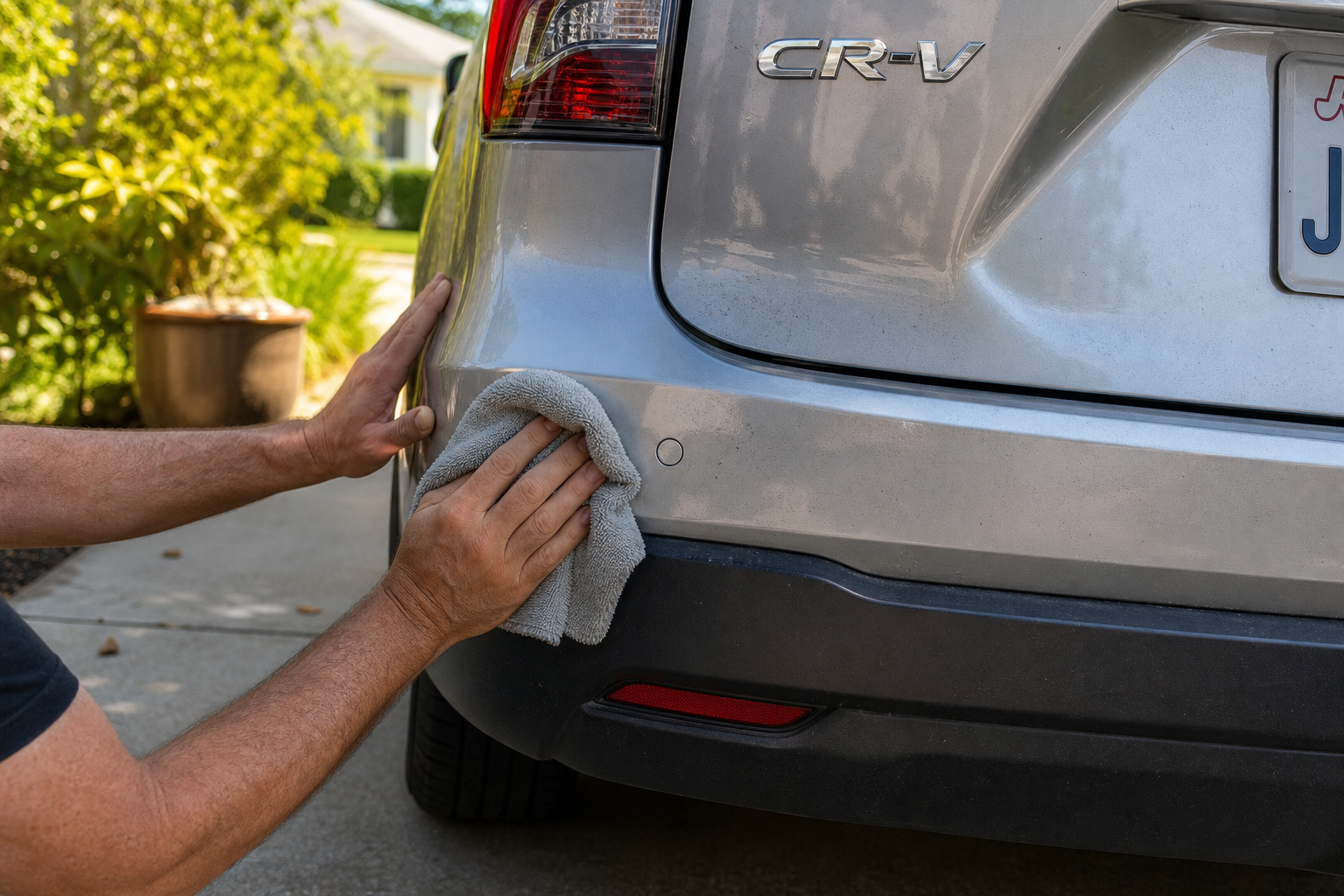
Start with the sensors themselves. Road grime, ice, packed snow, or even a thick layer of dried mud over the rear bumper corners can block the radar signal completely. Wipe down both rear corners with a clean microfiber cloth and warm water, then clear the message and see if the warning light returns to normal.
Check for physical damage next. A minor bumper tap you might not even remember, a parking scrape, or a misaligned bumper cover after a repair can throw off the sensor’s angle enough to disable the system or trigger an error. Look closely at both rear corners for cracks, dents, or a bumper that sits slightly crooked.
Trailer hitches and accessories are a common and overlooked cause. A hitch-mounted bike rack, cargo box, or even a trailer wiring harness can sit directly in the radar’s field of view and block or confuse the signal. Remove the accessory and retest before assuming a sensor failure.
- Low battery voltage: BSI and other Honda Sensing features can temporarily disable themselves if system voltage drops too low, often after a weak battery, a jump start, or a battery replacement. Charging the battery or letting the car run for several minutes usually restores the system.
- Settings turned off: Check the Driver Assist Systems menu on the dash display to confirm BSI hasn’t been toggled off, either by accident or during a settings reset.
- Temporary blockage: Heavy rain, dense fog, or road spray can cause a brief “system temporarily unavailable” message. This should clear on its own once conditions improve.
- Aftermarket bumper trim or wraps: Thick vinyl wraps, bumper guards, or aftermarket step bars near the sensor area can interfere with radar signals just like factory damage would.
If your battery has been an ongoing issue, it’s worth reading our guide on a car battery that dies overnight even with a good alternator, since chronic low voltage will keep knocking BSI and other driver assist features offline.
Honda CR-V Blind Spot Radar Sensor
A direct-fit replacement radar sensor is the right move once you’ve ruled out dirt, damage, and voltage issues.
When It’s a Real Sensor Fault or Needs Calibration
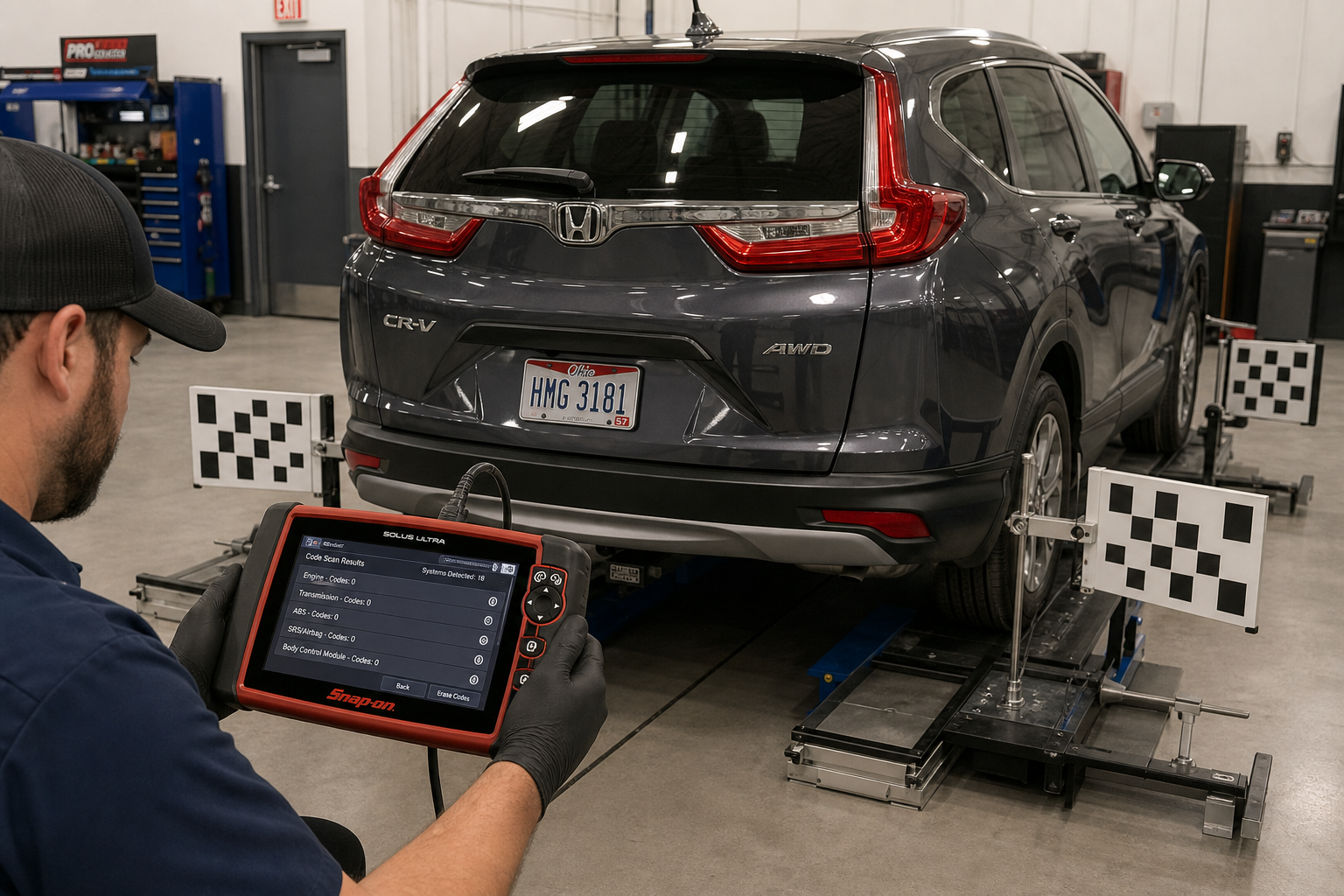
If you’ve cleaned the sensors, checked for damage, ruled out accessories, and confirmed the battery is healthy, and the warning still won’t clear, you’re likely looking at an actual radar sensor fault or a calibration issue. This is where a scan tool becomes necessary. Honda’s system stores diagnostic trouble codes specific to each BSI sensor, and a generic code reader often won’t show them accurately.
Any time a rear bumper is removed, repainted, or replaced after a collision, even a minor one, the BSI sensors need to be recalibrated using Honda’s factory software or an equivalent aftermarket scan tool with radar alignment capability. Skipping this step is one of the most common reasons owners see blind spot warnings return after what seemed like a successful bumper repair.
A shaky or repeatedly failing sensor might simply need reseating in its bracket, but a cracked housing or internal fault means replacement. If you’re comfortable with basic electrical work, a bidirectional OBD2 scanner capable of reading manufacturer-specific codes can at least confirm which sensor is at fault before you pay a shop for diagnosis.
Automotive Radar Sensor Cleaning Kit
A soft-bristle kit designed for radar and camera sensors avoids scratching the cover while clearing grime that blocks BSI signals.
For anything beyond cleaning and a visual inspection, plan on a dealership or an independent shop with Honda-specific diagnostic equipment. Calibration typically requires a flat, level surface, specific target placement behind the vehicle, and software most home mechanics don’t have access to.
Frequently Asked Questions
Why does my CR-V’s blind spot light stay on solid instead of blinking?
A solid light simply means the system has detected a vehicle in your blind spot zone, that’s normal operation. A blinking or flashing light paired with a chime usually means you signaled while a vehicle was already detected there. If the light stays on constantly with no vehicle nearby, that points to a stuck sensor reading and is worth having checked.
Can bad weather permanently damage the blind spot sensors?
Not usually. The sensors are sealed and built to handle rain, snow, and road spray. Temporary “system unavailable” messages during heavy weather are normal and should clear once the sensors dry out or get cleaned. Repeated failures after weather exposure point to a cracked housing or water intrusion, which does need professional repair.
This article contains affiliate links. We may earn a small commission at no extra cost to you.

Leave a Reply