
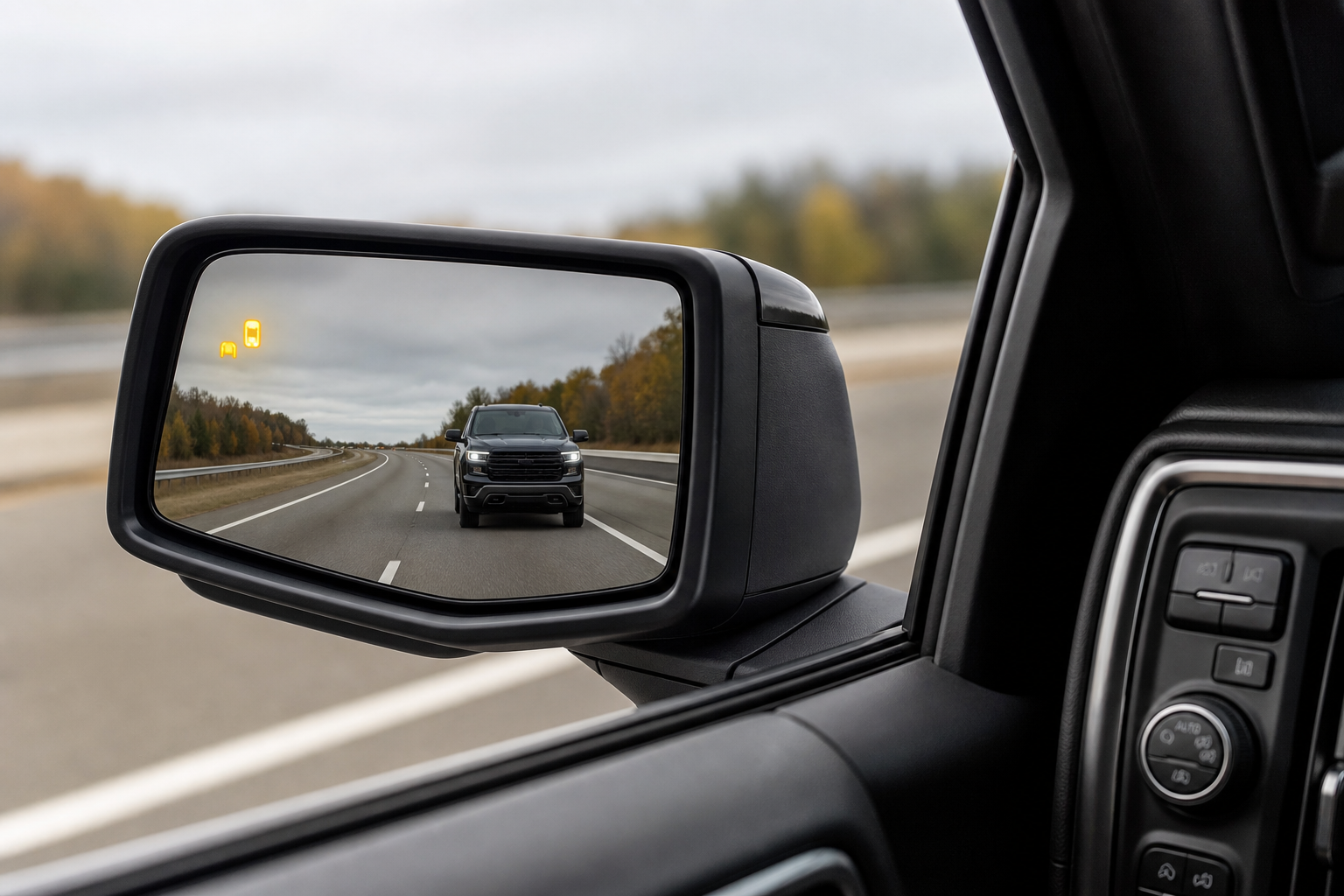
You’re merging onto the highway, you glance at your mirror out of habit, and the little amber warning light that’s supposed to be there just isn’t. Or maybe it’s stuck on, flashing constantly even when nothing’s next to you. Chevy’s Side Blind Zone Alert is one of those features you don’t think about until it stops working, and then you notice how much you’d come to rely on it.
The good part is that most blind spot issues on the Silverado 1500 come down to something simple, not a failed part. Before you assume you need a new sensor or a trip to the dealer, it’s worth working through the easy stuff first. Here’s how to figure out what’s going on and what actually needs a professional to fix.
What System You’re Actually Dealing With
GM calls this feature Side Blind Zone Alert (SBZA), and it’s usually bundled with Lane Change Alert and Rear Cross Traffic Alert under the “Driver Confidence Package.” On the Silverado 1500, it’s been available since the 2019 redesign, but availability varies by trim and model year.
On earlier trims like the Custom and Custom Trail Boss, it’s often an option or not offered at all. It becomes more common as standard equipment on LT, RST, LTZ, and High Country trims starting around 2020, though GM has shuffled trim packaging almost every model year, so check your window sticker or build sheet if you’re not sure your truck actually has it.
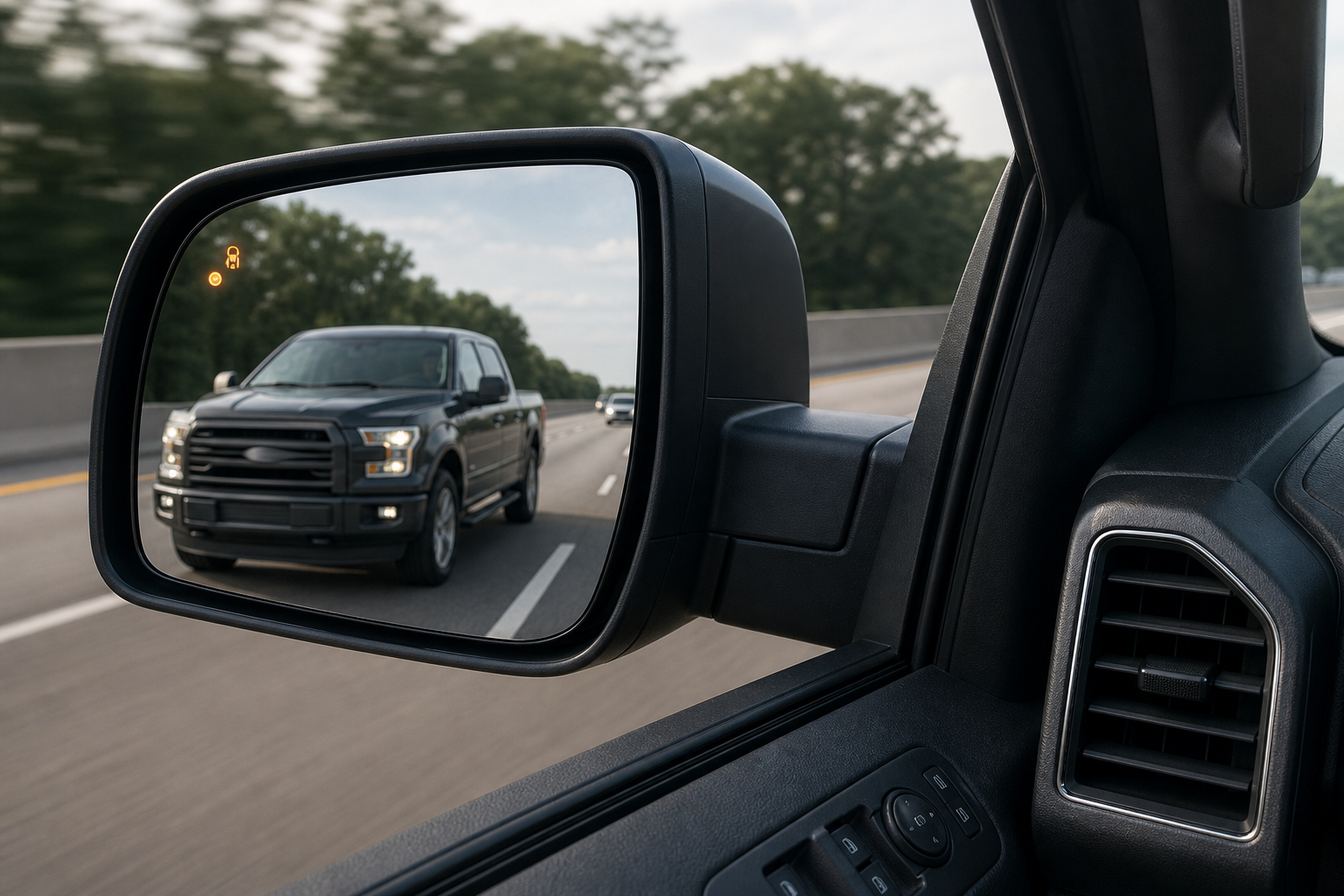
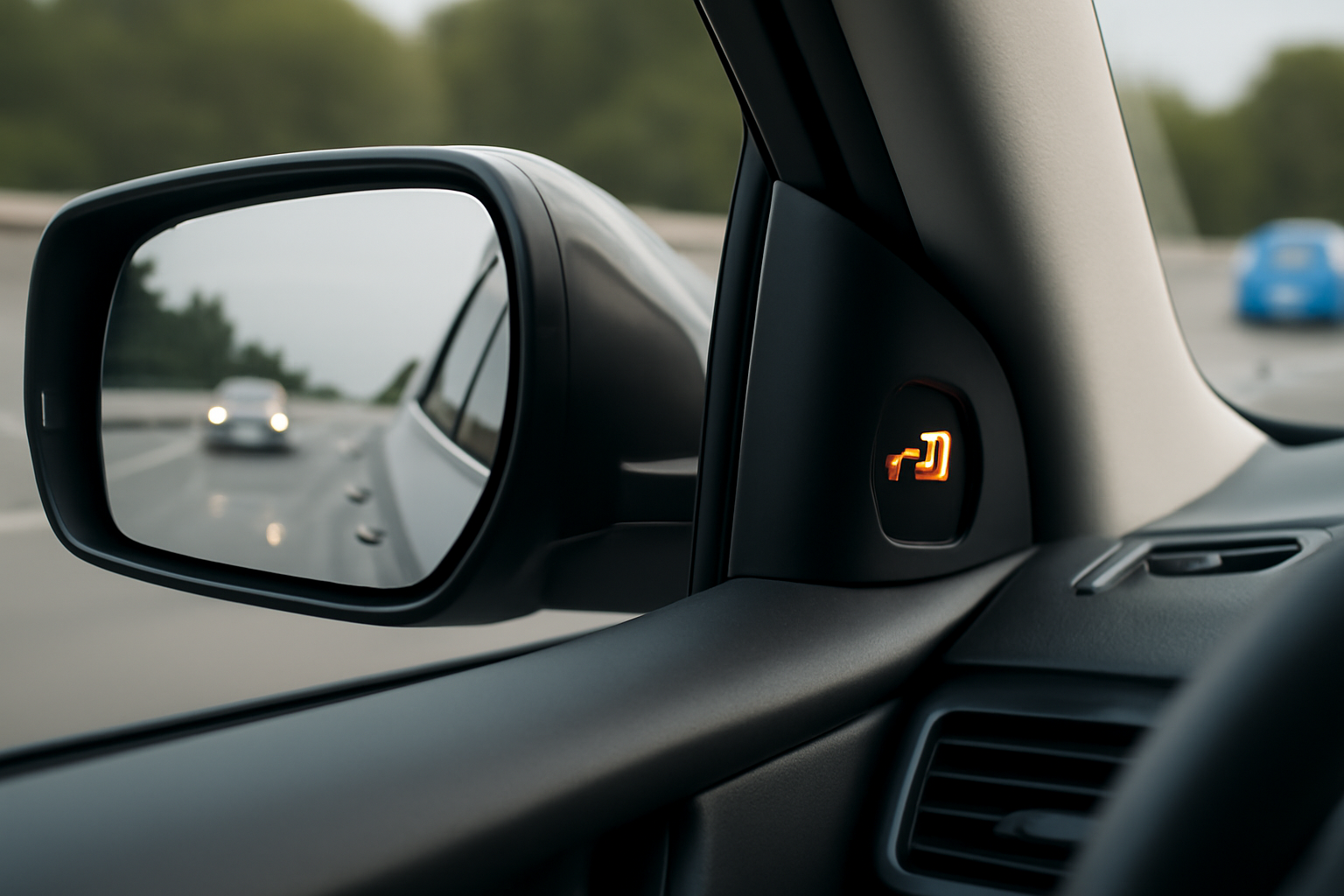
The hardware itself is a pair of radar sensors mounted behind the rear bumper fascia, one on each side, angled to cover the zone alongside and slightly behind the truck. The warning shows up as a small amber icon in the corresponding side mirror, paired with an audible chime and sometimes a seat vibration on trucks equipped with Safety Alert Seat.
Simple Causes You Can Check Yourself
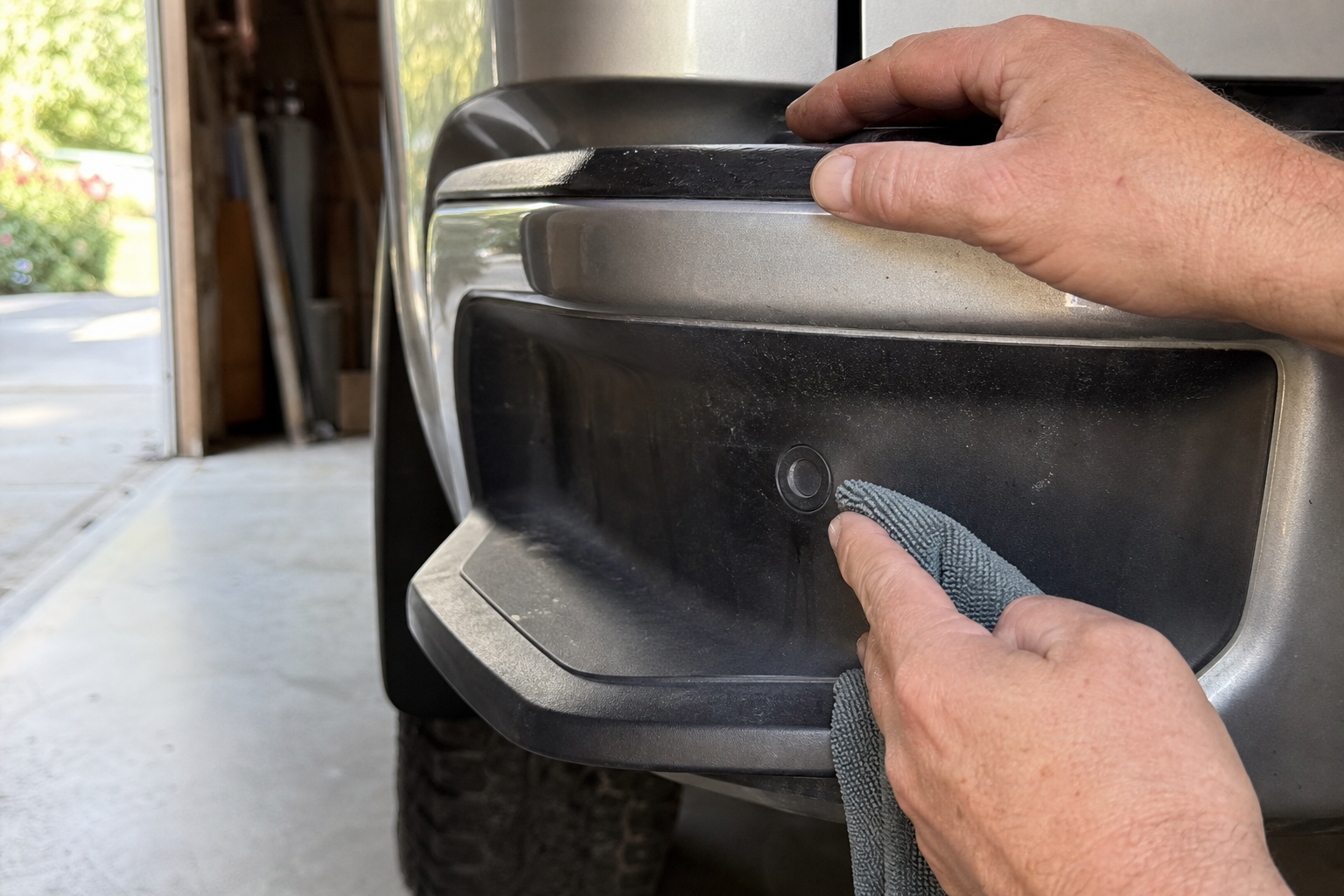
Before assuming a sensor is bad, run through these owner-level checks. They solve the majority of blind spot complaints on Silverados.
- Dirt, mud, or road grime on the bumper: The radar sensors sit behind the plastic fascia, and a thick layer of caked-on mud or ice can block or distort the signal. Wash the rear bumper corners thoroughly, especially after off-roading or winter driving.
- Snow and ice buildup: Cold climates are notorious for this. Packed snow behind the bumper cover, even a thin layer, can trigger a “Blind Zone Alert Unavailable” or “System Off” message. Clear it off and give the truck a few minutes to re-initialize.
- Bumper damage or aftermarket accessories: A small dent, a cracked fascia, or a poorly aligned bumper cover from a previous repair can throw off sensor aim. Aftermarket step bumpers, trailer hitches with oversized shanks, or add-on bumper guards mounted too close to the sensor area can also interfere with the radar field.
- Trailer interference: If you’re towing, especially with a wide trailer or one with a metal frame close to the truck, the system may pick up the trailer itself as a constant “object” and either disable itself or throw false alerts. GM’s own manual notes the system isn’t designed to work properly while towing on most model years.
- Low battery voltage: A weak or aging battery, or a bad ground connection, can cause several driver assist modules to intermittently drop offline, including SBZA. If you’re also noticing slow cranks or electrical quirks elsewhere, that’s a clue. Our article on a car battery dying overnight even with a good alternator covers a related issue worth ruling out.
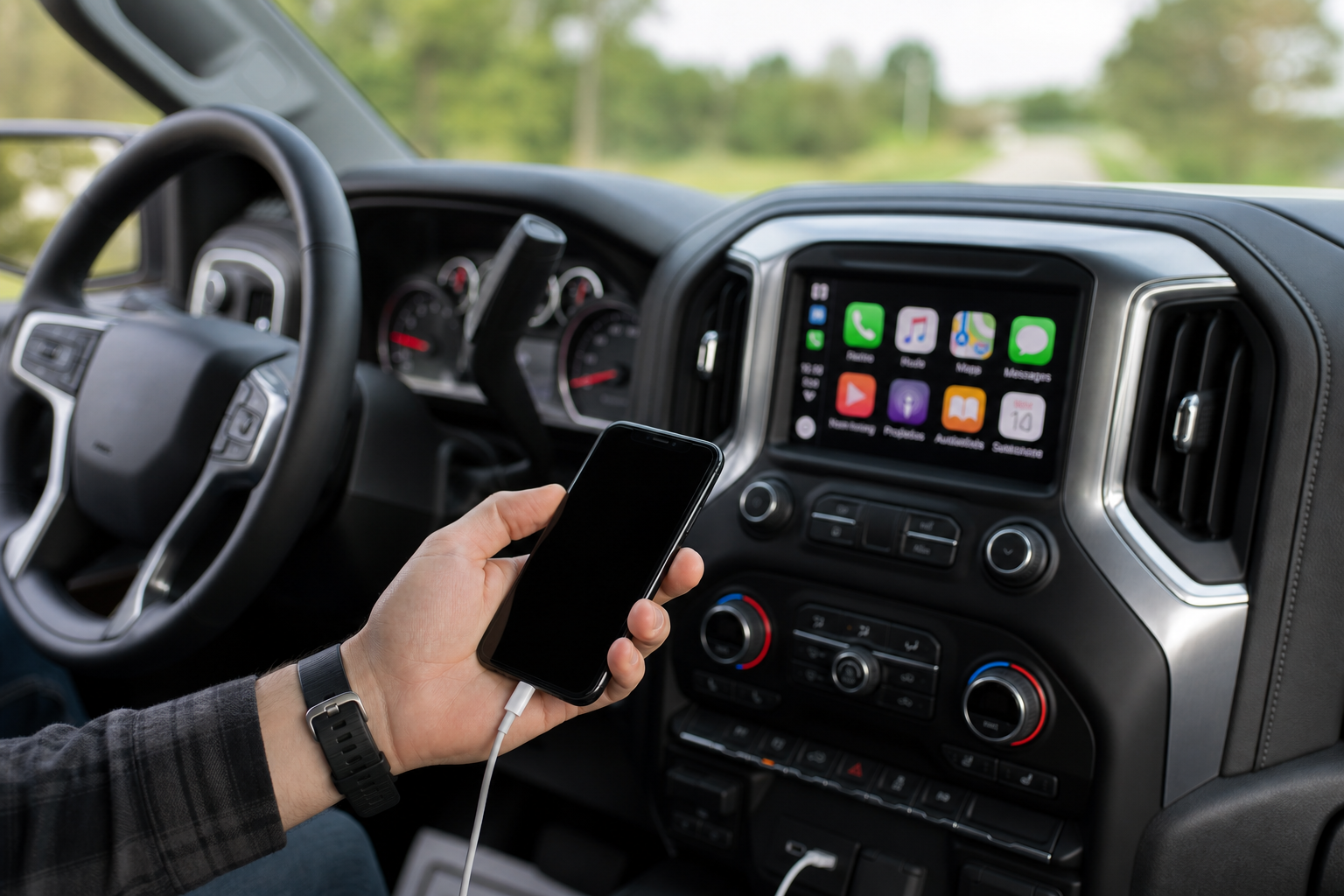
- Settings turned off: It sounds obvious, but the alert can be toggled off through the infotainment settings menu (Vehicle Settings > Driver Assistance) either by you, a previous owner, or a service tech who disabled it during other work and forgot to turn it back on.
- Temporary sensor blockage: Stickers, bike racks, cargo, or even a magnetic trailer light kit stuck in the wrong spot can block the radar path. Check the bumper corners for anything obstructing the sensor area.
Work through this list in order. Most of the time, a good bumper wash or a settings check resolves the problem in a few minutes with zero cost.
When It’s Likely a Sensor Fault
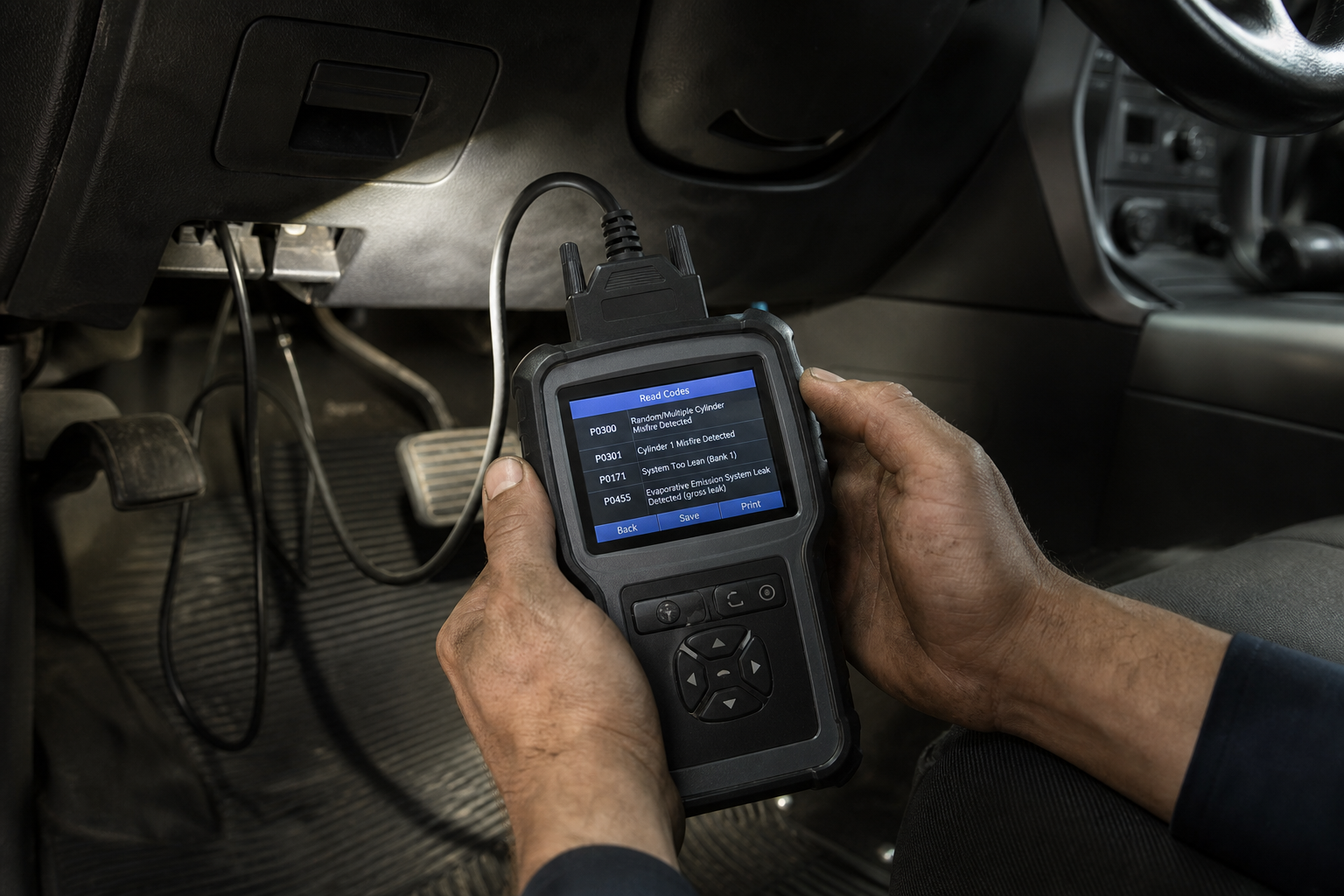
If you’ve ruled out dirt, snow, trailers, and settings, and the warning message persists or the system stays permanently unavailable, you’re probably looking at an actual hardware issue.
Common signs of a genuine sensor fault include a persistent “Side Blind Zone Alert Not Available, See Owner’s Manual” message that doesn’t clear after a drive cycle, one side working while the other doesn’t, or a Driver Information Center message paired with a stored diagnostic trouble code. A scan tool will typically show codes in the U0100 or C0750 range family related to the radar modules or their communication network, though exact codes vary by year.
Physical sensor damage is common too. A rear-end collision, even a minor parking lot tap, backing into a low object, or bumper misalignment from a prior repair can crack the sensor housing or knock it out of its calibrated angle. If your truck has had any rear bumper work done, even a repaint, that’s a strong suspect.
Chevy Silverado 1500 Blind Spot Radar Sensor
A direct-fit replacement sensor is often cheaper than a dealer part and works fine once properly calibrated.
If you’re comfortable with basic wrench work, replacing the sensor itself isn’t difficult on most trucks; it’s usually a couple of bolts and a connector behind the bumper fascia. The part where people get stuck is what comes after.
Why Calibration Matters (And Why You Can’t Skip It)
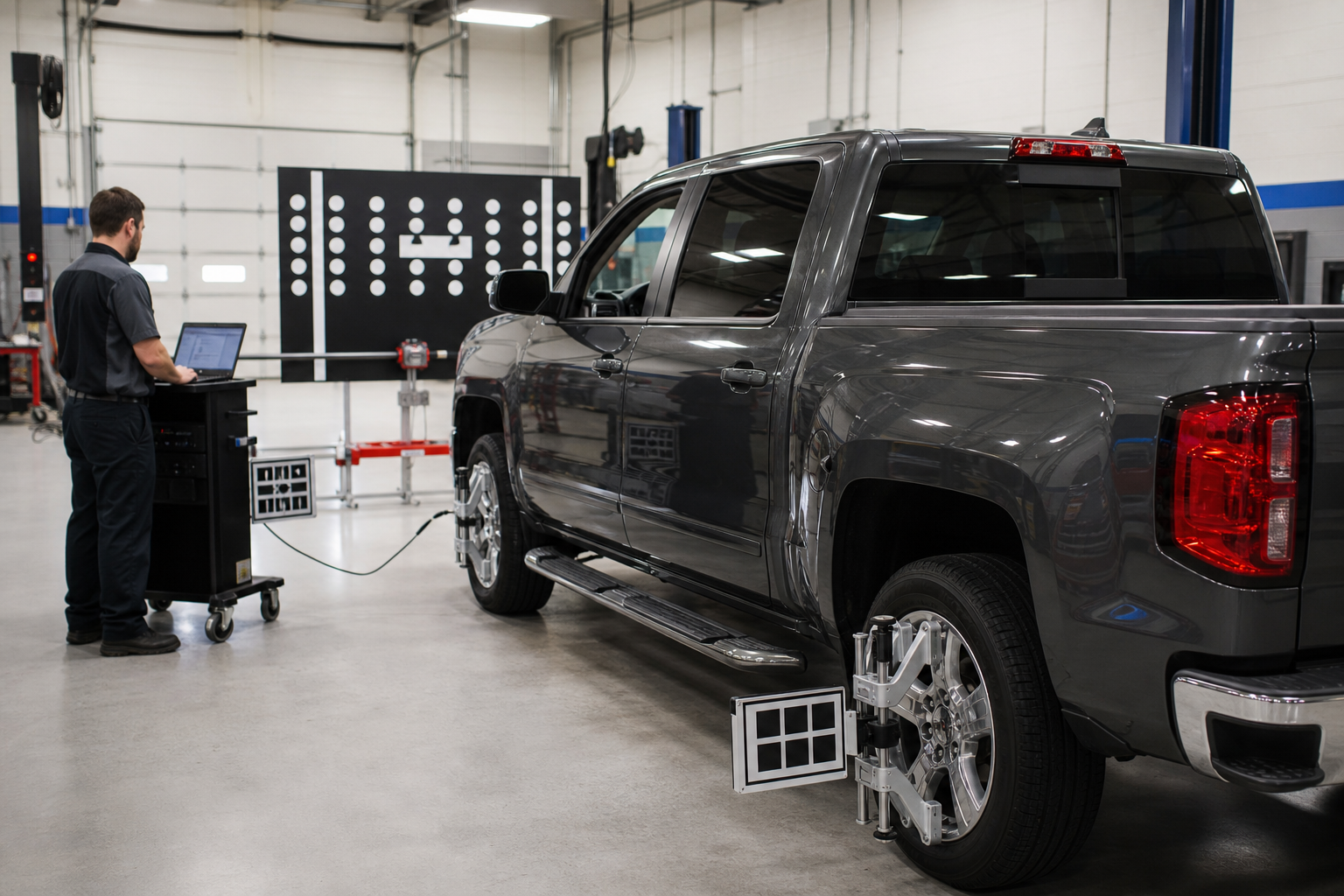
Radar sensors need to be aimed within a very tight tolerance to read the blind zone accurately. Even a new, perfectly functioning sensor will throw false alerts or fail to detect vehicles if it’s not calibrated after installation.
GM requires a static calibration procedure using a factory scan tool (GDS2 or a comparable aftermarket tool with the right software license) any time a sensor is replaced, the rear bumper is removed or replaced, or the truck has been in a collision affecting that area. This isn’t something you can eyeball or adjust by hand. It involves precise target placement behind the vehicle and a guided procedure through the diagnostic software.
This is where owner-safe troubleshooting ends. Cleaning a sensor, checking your settings, or swapping a physical sensor housing is reasonable DIY territory. Running a calibration procedure with a professional-grade scan tool is not something most home garages are equipped for, and getting it wrong means a system that might not actually protect you when you need it.
If you’re already dealing with other driver assist quirks on GM trucks, it’s worth comparing notes with how similar systems behave. Our guide on turning off Lane Assist on the Chevy Silverado 1500 covers a related camera and radar based system that shares some of the same failure patterns, and our piece on the rear seat reminder on the Silverado 1500 is another common owner question on the same trucks.
When to Call a Shop or Dealer
Get a professional involved if you see a stored fault code that doesn’t clear itself, if one or both sensors need physical replacement, or if the truck has had any recent bumper, frame, or collision repair near the rear of the vehicle. Also call in help if the system has never worked correctly since you bought the truck, which can point to a wiring issue introduced during manufacturing or a prior repair.
A dealer will have the exact GM calibration targets and software for your model year, which matters since procedures have changed slightly across the Silverado’s generation. An independent shop with a quality bidirectional scan tool, such as an Autel MaxiSys scan tool, can often do the same job for less, as long as they have the correct software subscription for GM radar calibration.
Frequently Asked Questions
Can I clean the blind spot sensors myself?
Yes. Washing the rear bumper corners with regular soap and water, and clearing off any mud, snow, or ice, is completely safe to do yourself and fixes a large share of “unavailable” messages. Avoid pressure washers aimed directly at the bumper seams, since forcing water behind the fascia can occasionally cause its own issues.
Does towing a trailer always disable blind spot monitoring?
On most Silverado 1500 model years, GM designed the system to work best without a trailer attached, and it may automatically show as unavailable or behave unreliably once you connect one. This is expected behavior on many trucks, not a fault, though it’s always worth checking your specific owner’s manual since some later trims added trailer-aware detection logic.
How much does blind spot sensor calibration cost?
Pricing varies a lot by shop, region, and whether you’re going to a dealer or independent shop with the right scan tool. Rather than quote a number that’ll be outdated, call around locally and mention you need a GM radar/blind zone sensor calibration specifically, since not every shop has the software license for it.
This article contains affiliate links. We may earn a small commission at no extra cost to you.
Leave a Reply