
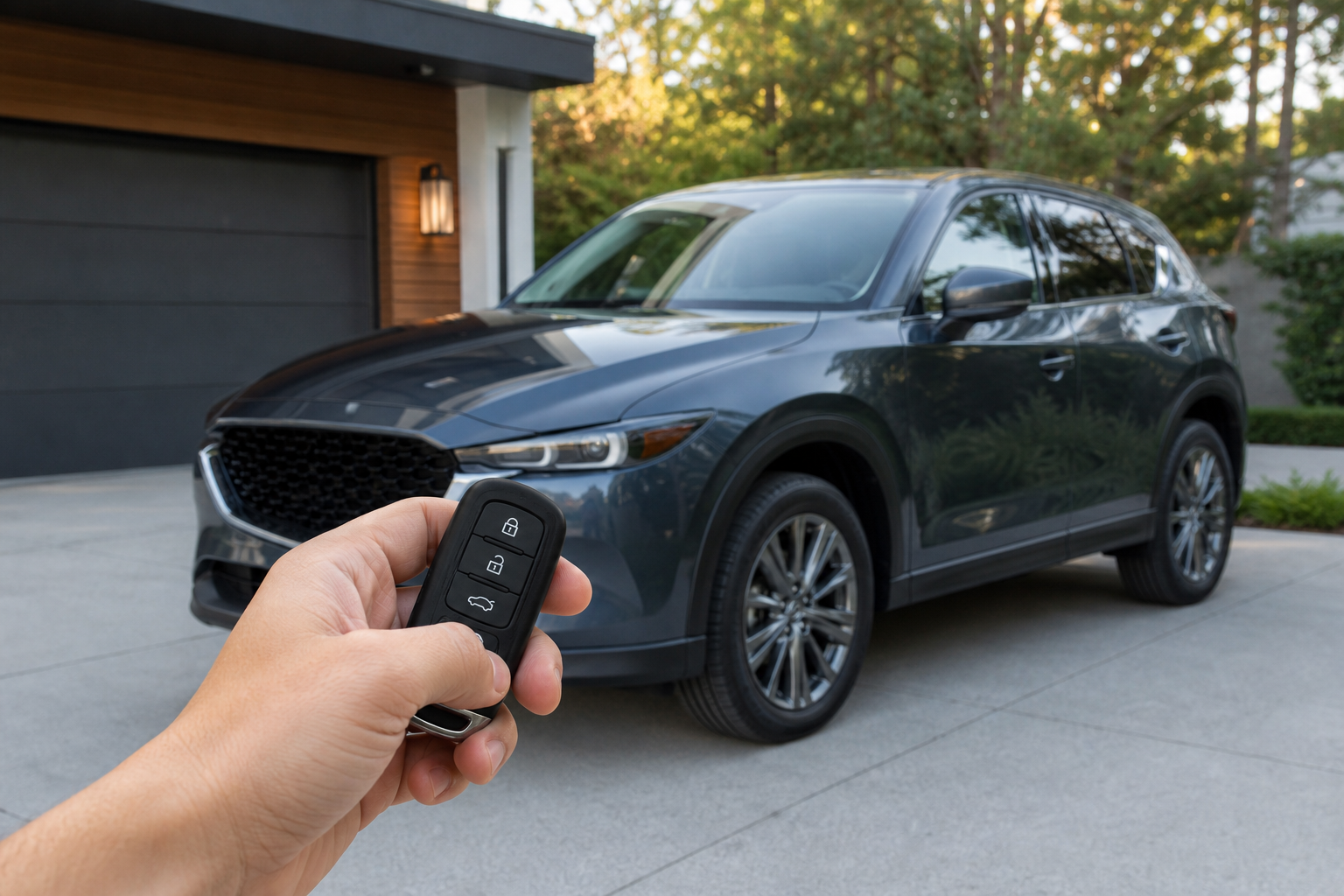
If you’ve ever locked your Mazda CX-5 in a quiet parking garage or a sleeping neighborhood and gotten a startled look from someone nearby, you already know the sound we’re talking about. That short horn chirp or beep when you lock the doors with your key fob is Mazda’s way of confirming the lock actually engaged, and plenty of owners find it louder or more frequent than they’d like.
The good part is that Mazda gives you some control over this, though exactly how much depends on your model year and which infotainment version your CX-5 is running. Here’s what actually triggers the sound, how to change it, and what stays the same no matter what you adjust.
What’s Actually Making That Sound
The noise you’re hearing is what Mazda calls the “answer back” function, a confirmation chirp built into the keyless entry system. It fires when you press the lock button on your fob, or in some trims, when you walk away with the key in your pocket and the doors auto-lock.
It’s separate from your alarm system and separate from the interior door chimes you hear for things like unbuckled seatbelts or an open door. Mazda includes it so you get audible confirmation that the locks actually caught, especially useful if you’re walking away and can’t easily see the turn signals flash.
On most CX-5 trims, that flash of the turn signals happens alongside the horn chirp, and the two are usually controlled by separate settings. You can often keep the light confirmation while killing the sound, which is the setup most owners end up preferring.
How to Adjust or Turn Off the Lock Beep
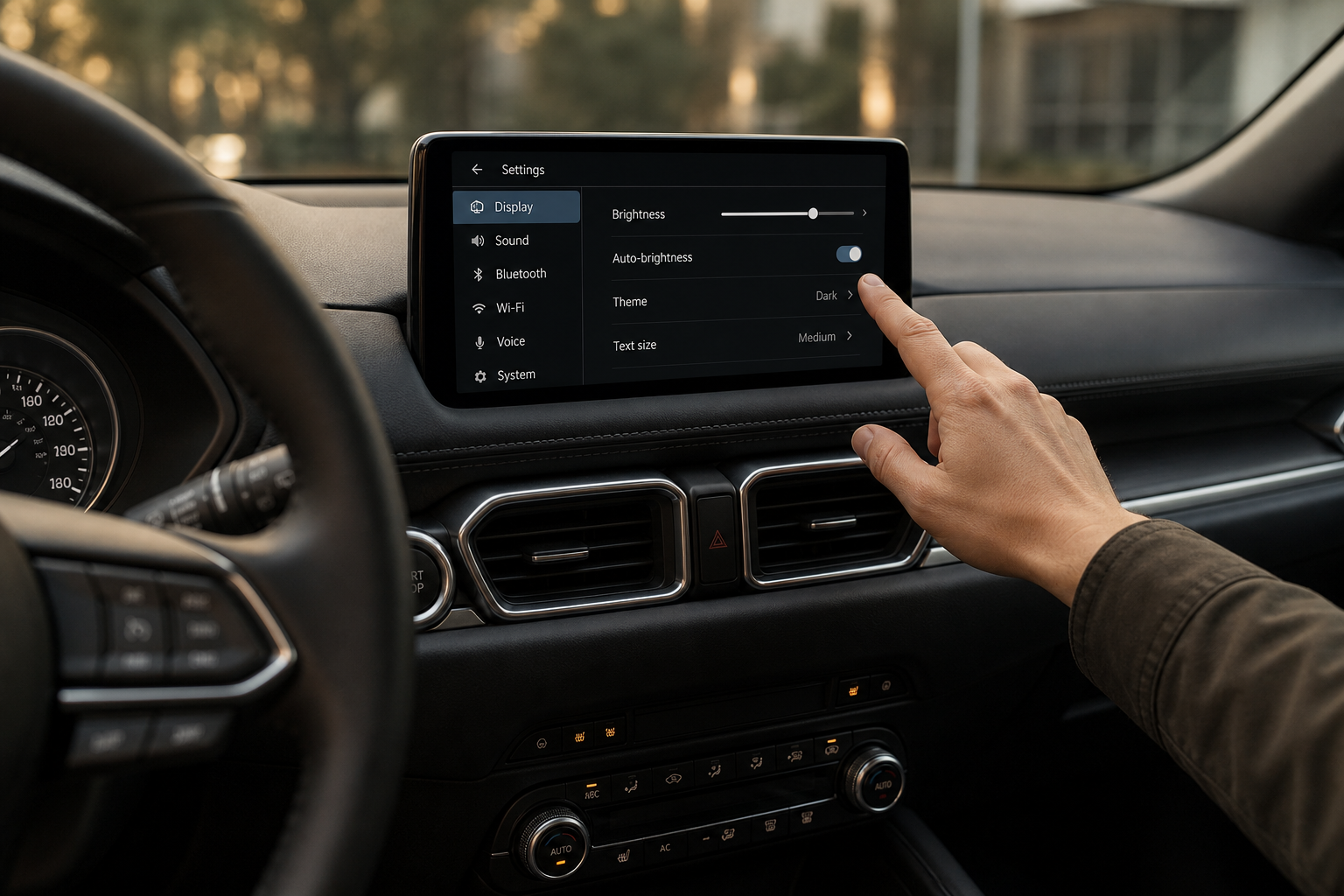
On CX-5 models from roughly 2017 through the current generation with Mazda Connect infotainment, the setting lives in the vehicle’s own menu system, not a hidden dealer mode. The general path looks like this:
- Press the Home button on the center display, or use the rotary controller if your CX-5 doesn’t have touchscreen access while parked.
- Navigate to Settings, then Vehicle Settings.
- Look for Door Settings or Keyless Entry Settings, depending on your software version.
- Find the option labeled Lock/Unlock Confirmation, Answer Back, or Horn Chirp and toggle it off, or switch it from horn to lights only.
The exact wording changes between model years because Mazda has updated its infotainment software several times since the CX-5 launched. A 2019 model running an older Mazda Connect build might label this differently than a 2023 with the newer 10.25-inch display, so don’t panic if the menu doesn’t match exactly what you find in your owner’s manual online. Check the manual specific to your VIN if you can’t locate it, since Mazda has moved menu items around between software updates.
If you’re comparing this to how other automakers handle confirmation sounds, it’s a similar idea to the walk-away locking behavior Honda uses, which we covered in our guide to Honda’s Walk-Away Auto Lock feature. Both systems give you some level of owner control, but neither one lets you touch the underlying alarm logic.
Does This Change Other Confirmation Sounds?
No. Turning off the lock chirp does not affect your seatbelt reminder, door ajar chime, low fuel warning, or any of the other alert tones built into the CX-5. Those run on a completely separate part of the vehicle’s software and Mazda doesn’t group them together in one master toggle.
This is actually a good thing. You’re not choosing between “hear everything” and “hear nothing,” you’re specifically dialing back the lock confirmation while every safety-related chime stays exactly as it was from the factory. If you’re also digging into other display settings on your CX-5, our breakdown of the head-up display on the CX-5 and CX-50 covers another area of the same menu system worth exploring.
When You Might Need Dealer Tools Instead
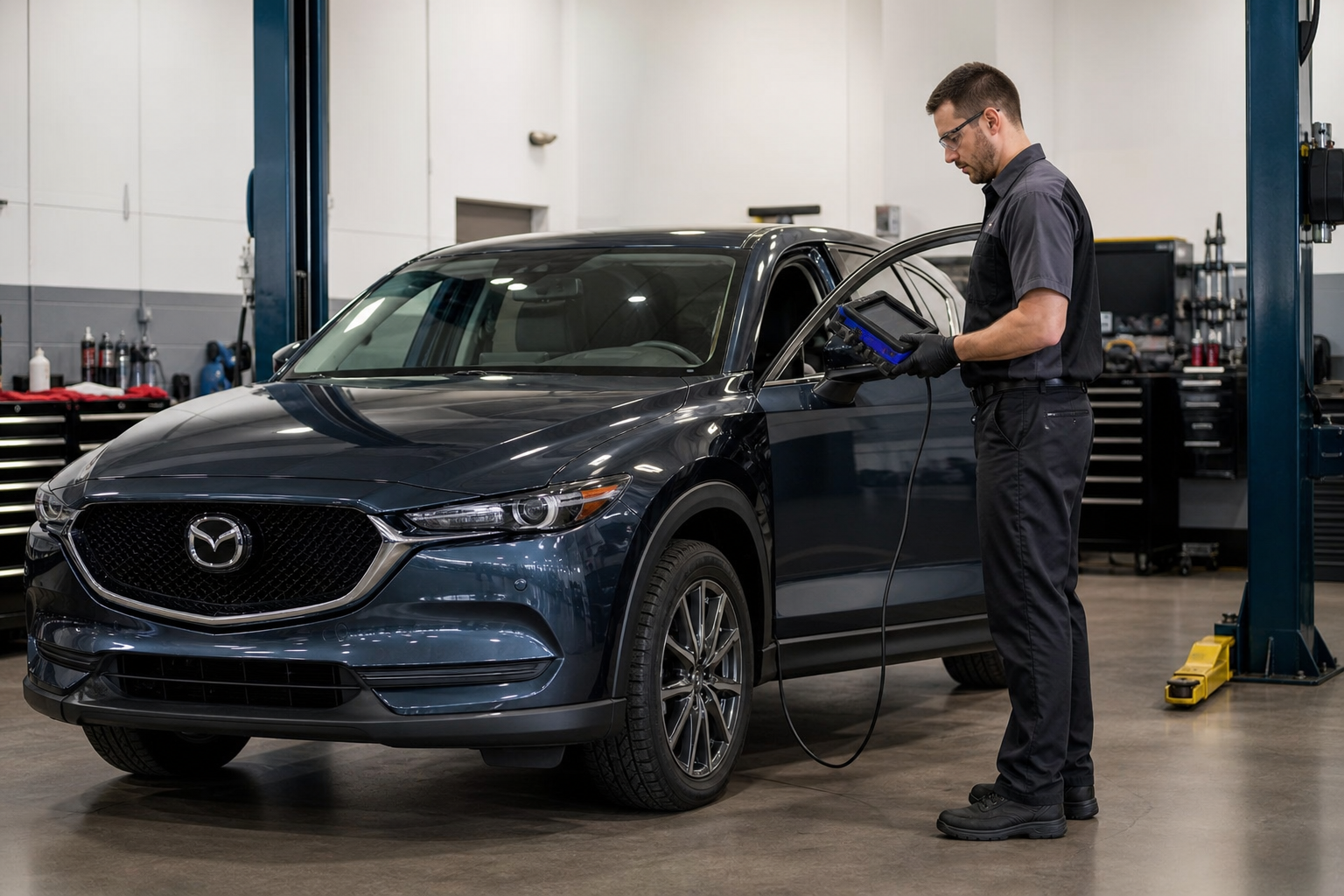
A handful of earlier CX-5 model years, particularly pre-2017 versions with the older Mazda Connect system, don’t expose this setting through the owner-accessible menu at all. On those cars, changing the lock chirp behavior typically requires Mazda’s dealer diagnostic software, which technicians use to reprogram body control module settings.
We’re not going to walk you through unsupported coding workarounds here. Aftermarket tools and forum-shared procedures for touching body control module settings can affect other systems tied to the same module, and getting it wrong isn’t worth saving yourself a beep. If your CX-5 doesn’t have the setting in its own menu, your best move is asking your dealer’s service department whether they can adjust it during a routine visit.
Frequently Asked Questions
Will turning off the lock beep affect my car alarm?
No. The answer back chirp is a convenience feature tied to keyless entry confirmation, not the security alarm itself. Disabling it doesn’t disarm anything or reduce your car’s theft protection in any way.
Why does my CX-5 chirp twice sometimes and once other times?
A single chirp usually confirms the doors locked normally, while a double chirp on some CX-5 configurations indicates the alarm system has armed as well. This behavior is factory-set and isn’t something the owner-accessible menu lets you separate out.

Leave a Reply