
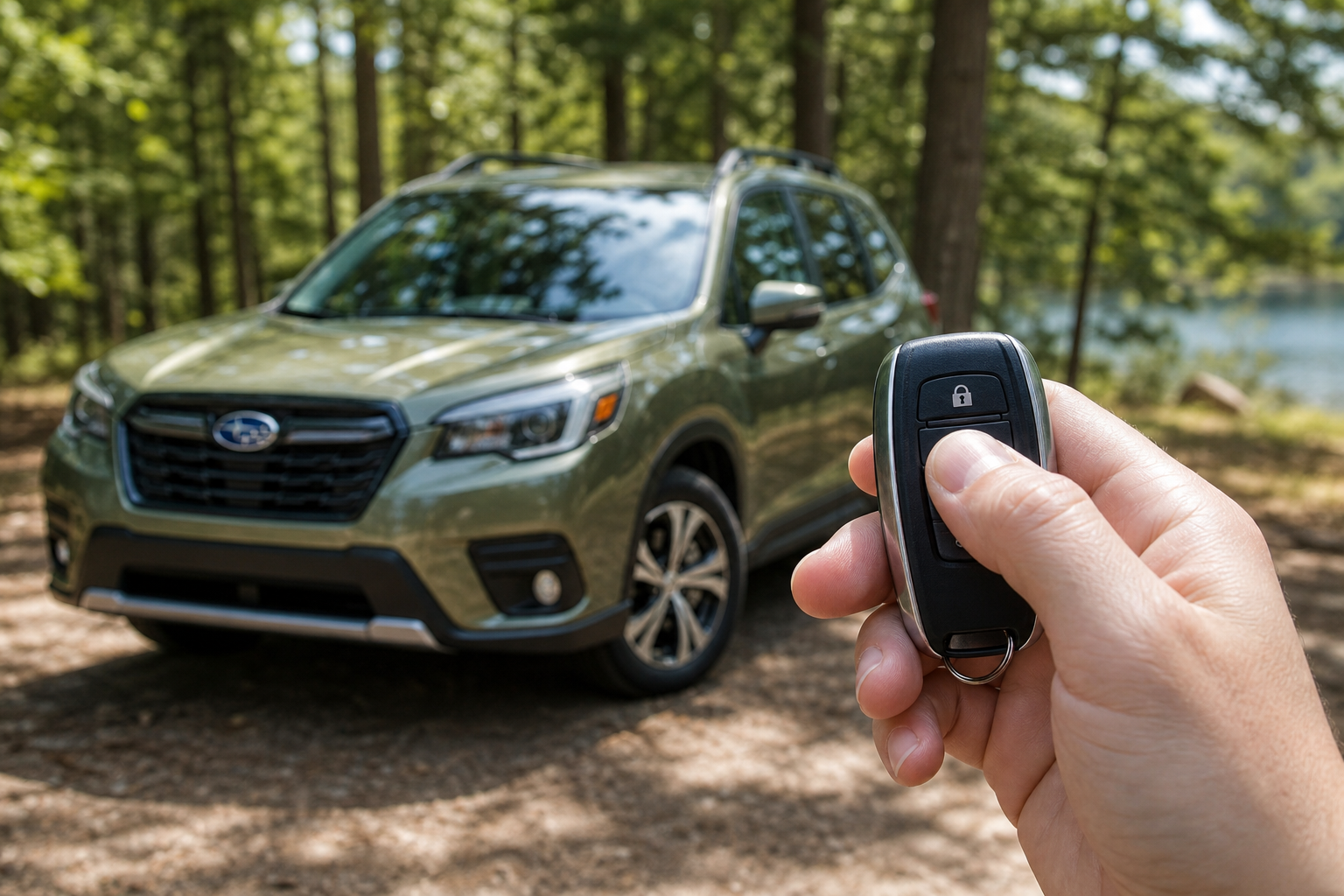
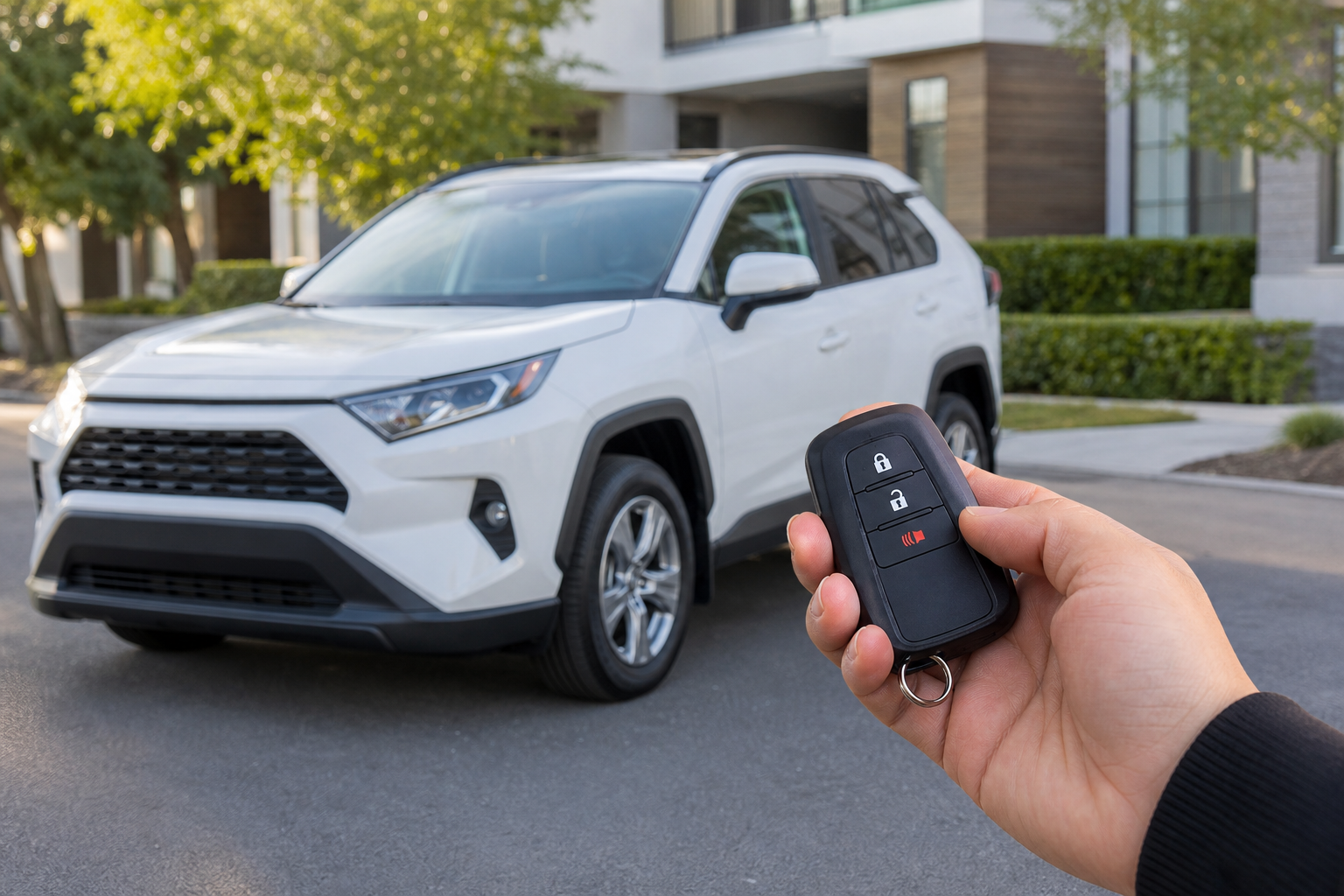
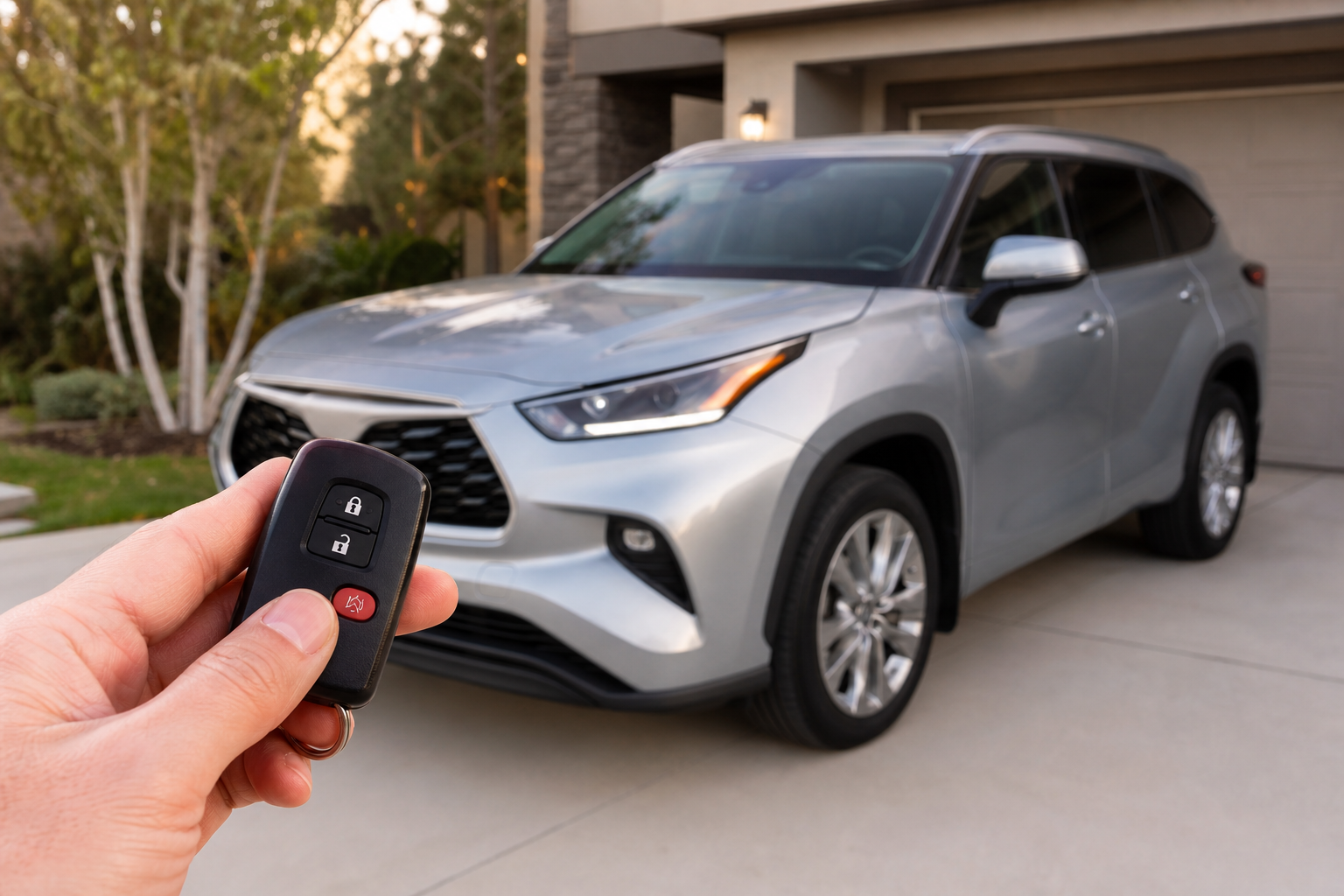
That short chirp your Forester makes when you lock or unlock it with the key fob is one of those things you don’t notice until suddenly you do, usually at 6 a.m. in a quiet apartment parking lot with half the building’s windows still dark. Subaru calls it a horn confirmation, and it’s tied into the same system that flashes your lights and locks your doors. The good news is that on most Forester model years, you can shut it off or dial it back without a trip to the dealer.
What Actually Triggers the Lock and Unlock Chirp
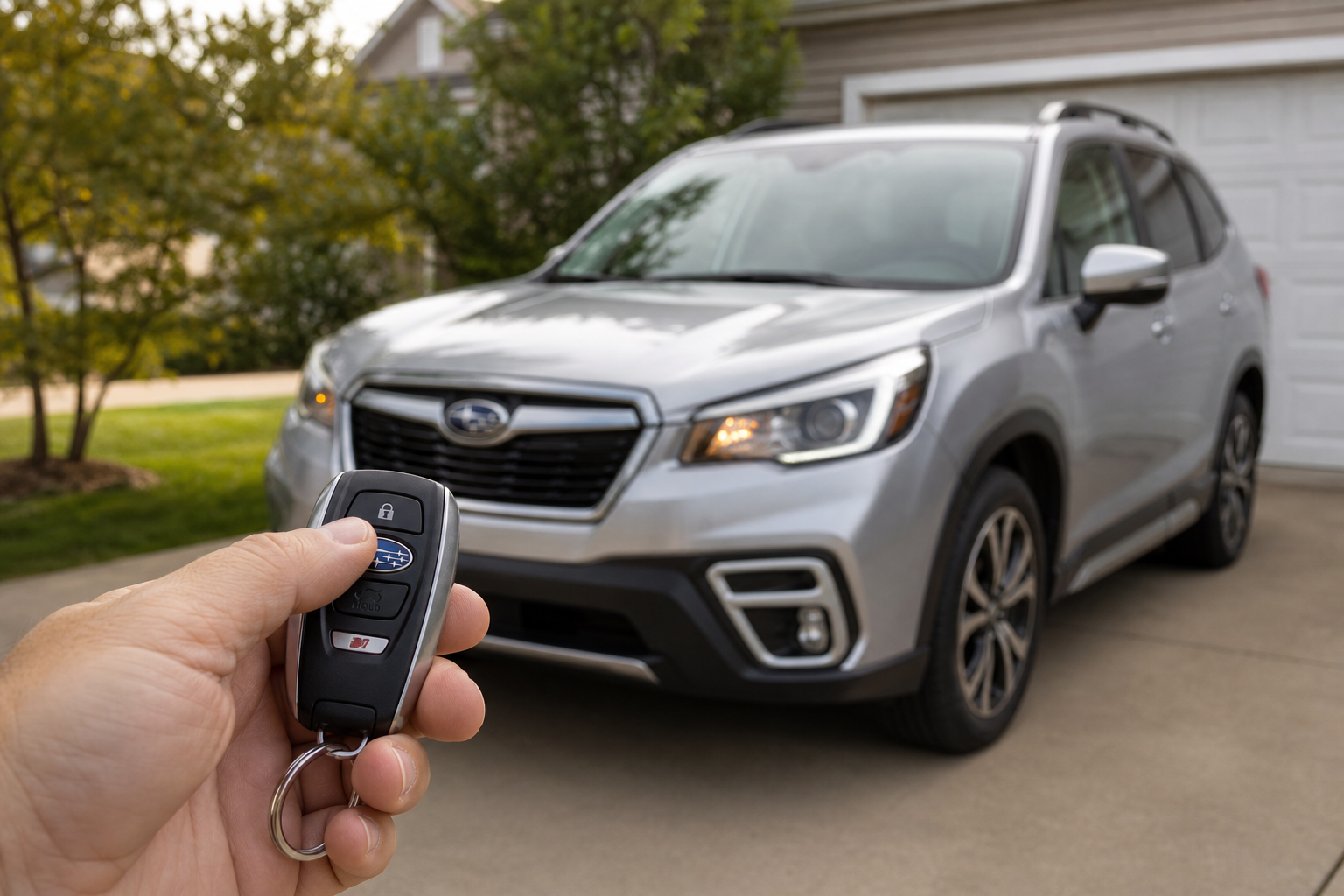
The sound you’re hearing isn’t a separate speaker or alarm module. It’s your car’s actual horn giving a quick, single tap whenever you press lock or unlock on the key fob. Subaru builds this in as a “did it work” confirmation, similar to how the exterior lights flash at the same time.
On most Foresters built from around 2014 onward, this horn chirp is separate from the interior warning tones you’ll hear for things like an open door, an unbuckled seatbelt, or a key left in the ignition. Those chimes come from a different speaker inside the cabin and are generally not affected by whatever you do with the lock/unlock horn setting.
That distinction matters because it means adjusting the chirp won’t leave you without door-ajar warnings or seatbelt reminders. You’re only touching the exterior confirmation sound, not the safety-related interior alerts.
How to Turn Off the Chirp on Newer Foresters
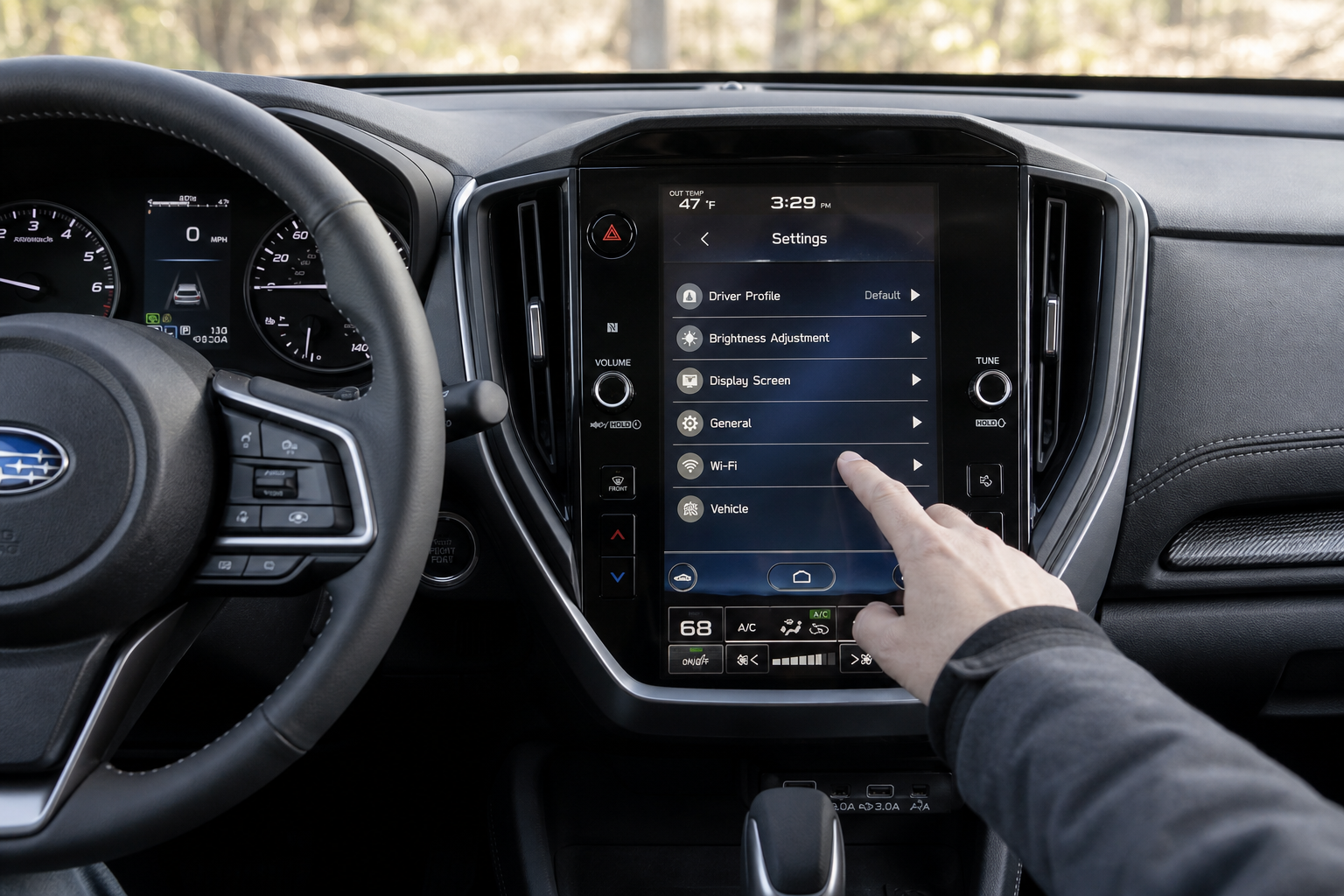
Foresters from the 2019 model year forward (built on Subaru’s global platform) typically let you adjust this through the infotainment system’s settings menu. The exact wording varies a bit by trim and software version, but you’re generally looking for something like:
- Settings menu on the touchscreen
- Vehicle settings or “Car Settings”
- Door lock/unlock section
- An option labeled “Answer Back Horn” or similar
From there you can usually toggle the chirp off entirely, or in some trims set it to sound only when locking, only when unlocking, or not at all. If your Forester has this menu, it’s the cleanest owner-accessible fix and takes about thirty seconds once you find it.
For Foresters from roughly 2014 to 2018, the setting may not live in a touchscreen menu at all. On many of these model years, the answer back horn function is tied to the factory keyless entry module and isn’t something you can toggle from the dashboard. Some owners have found a manual button sequence (holding lock and unlock on the fob simultaneously, or a specific ignition cycle procedure) works on certain trims, but this varies enough by exact build date and options package that I’d rather point you to your factory owner’s manual glovebox insert than give you a one-size-fits-all sequence that might not match your car.
If your Forester doesn’t have an accessible menu option and you can’t find a documented manual procedure for your specific model year in the owner’s manual, that’s a sign the setting requires dealer-level programming through Subaru’s Select Monitor scan tool. That’s different from an owner-accessible setting, and it’s not something to attempt with a generic aftermarket OBD2 reader. A dealer service department or a shop with genuine Subaru diagnostic software can make that change safely in a few minutes, usually as part of another visit.
Does Adjusting the Chirp Affect Other Sounds?
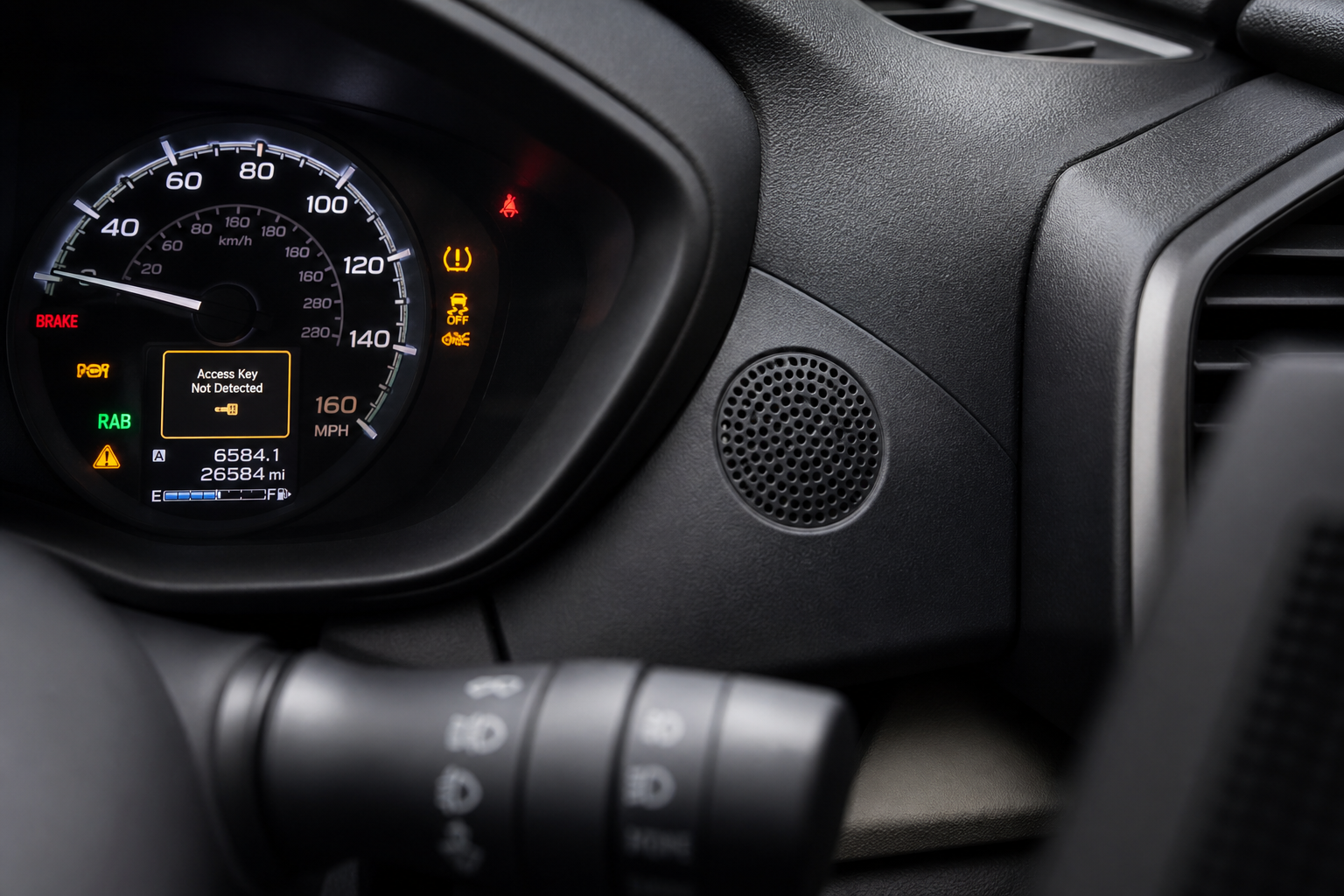
No, and this is worth being clear about. Turning off the lock/unlock horn chirp does not touch:
- Seatbelt reminder chimes
- Door-ajar warnings
- Key-in-ignition alerts
- Backup camera or parking sensor tones
- EyeSight collision warning sounds, if equipped
Those all run through the cabin’s interior chime system, which is a separate circuit from the exterior horn confirmation. You’re free to silence the chirp without giving up any real safety feedback.
If you’re the type who likes tuning small cabin behaviors like this, you might also be interested in how the auto-dimming rearview mirror and compass work on Subaru’s Outback, since Subaru shares a lot of interior tech across its lineup. And if you’re chasing down any dashboard alerts while you’re in the settings menus anyway, our guide on resetting TPMS on a Subaru covers a process that’s nearly identical on the Forester.
Frequently Asked Questions
Will turning off the chirp affect my car alarm?
No. The factory security system and alarm still arm and disarm normally when you lock or unlock the doors. You’re only silencing the confirmation horn tap, not disabling any theft deterrent or alarm function.
Why does my Forester chirp twice sometimes and once other times?
A single chirp usually confirms locking, while a double chirp on some model years indicates the alarm system has fully armed after a short delay. If your Forester suddenly starts chirping differently than it used to, it’s worth checking that a door or the tailgate is latching all the way, since an open door can change the confirmation pattern or prevent arming altogether.


Leave a Reply