
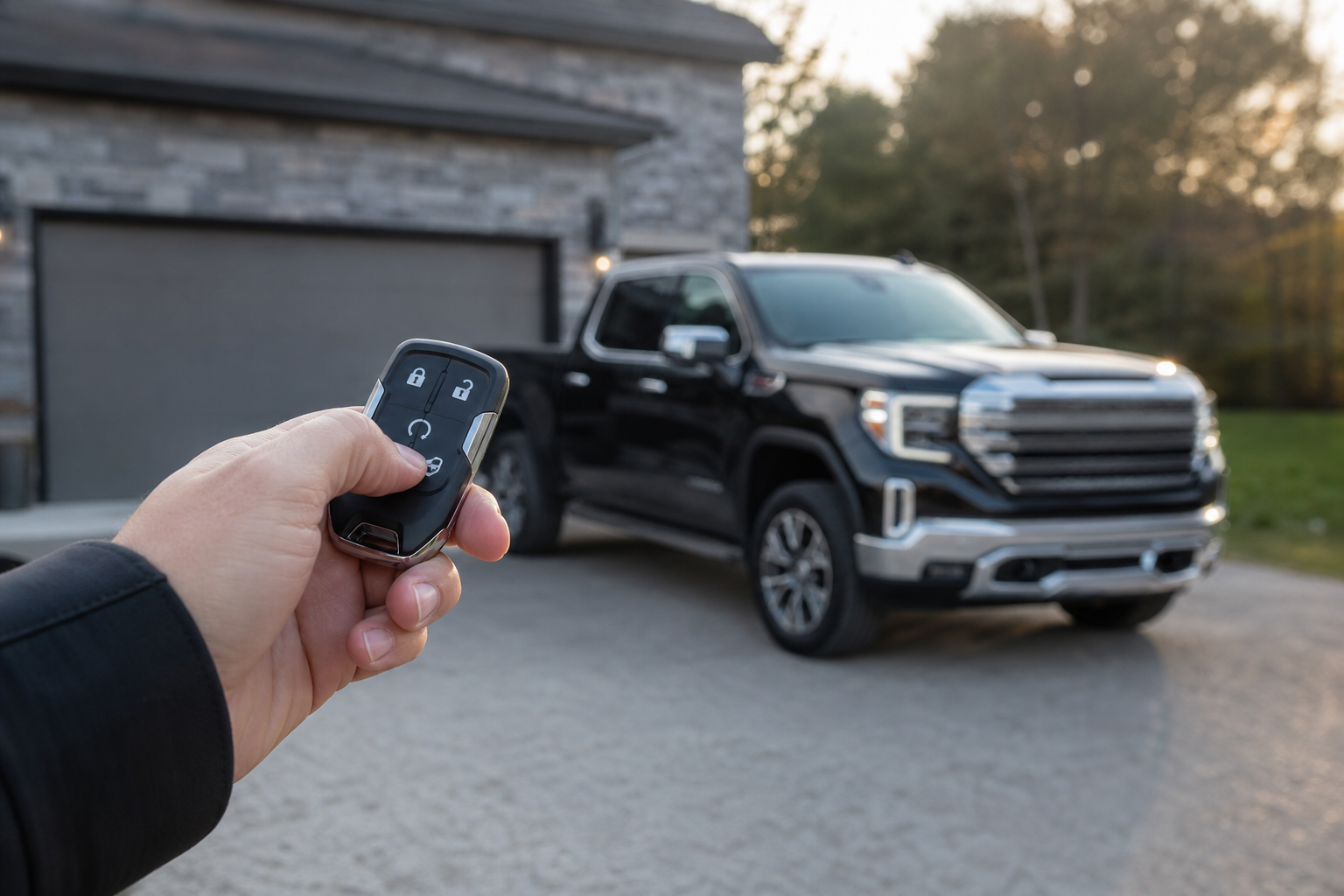
You hit the remote start button on your key fob, and nothing happens. Not a click, not a chirp, not so much as a flicker from the parking lights. If you own a GMC Sierra 1500, you know this truck is supposed to make cold mornings and hot afternoons easier with a warm or cooled cabin waiting for you. When remote start quits working, it’s almost always something specific and fixable, not a sign your truck is falling apart.
This guide walks through the most common reasons a Sierra 1500’s remote start fails, starting with the quick checks that solve the problem in under five minutes, then moving into the deeper electrical and software issues that take a bit more digging. We’ll also separate GMC’s factory system from aftermarket remote starts, since the fixes are not the same.
Start With the Fast Checks
Before you assume something is broken, run through these quick checks. GMC’s remote start system is picky about conditions, and most “it’s not working” complaints trace back to something small.
- Doors and tailgate closed and locked: The Sierra won’t remote start if a door, the tailgate, or the hood is open. Some model years also require the doors to be locked, not just closed.
- Hood fully latched: An unlatched hood sensor is one of the most overlooked reasons remote start refuses to fire, especially after an oil change or battery check.
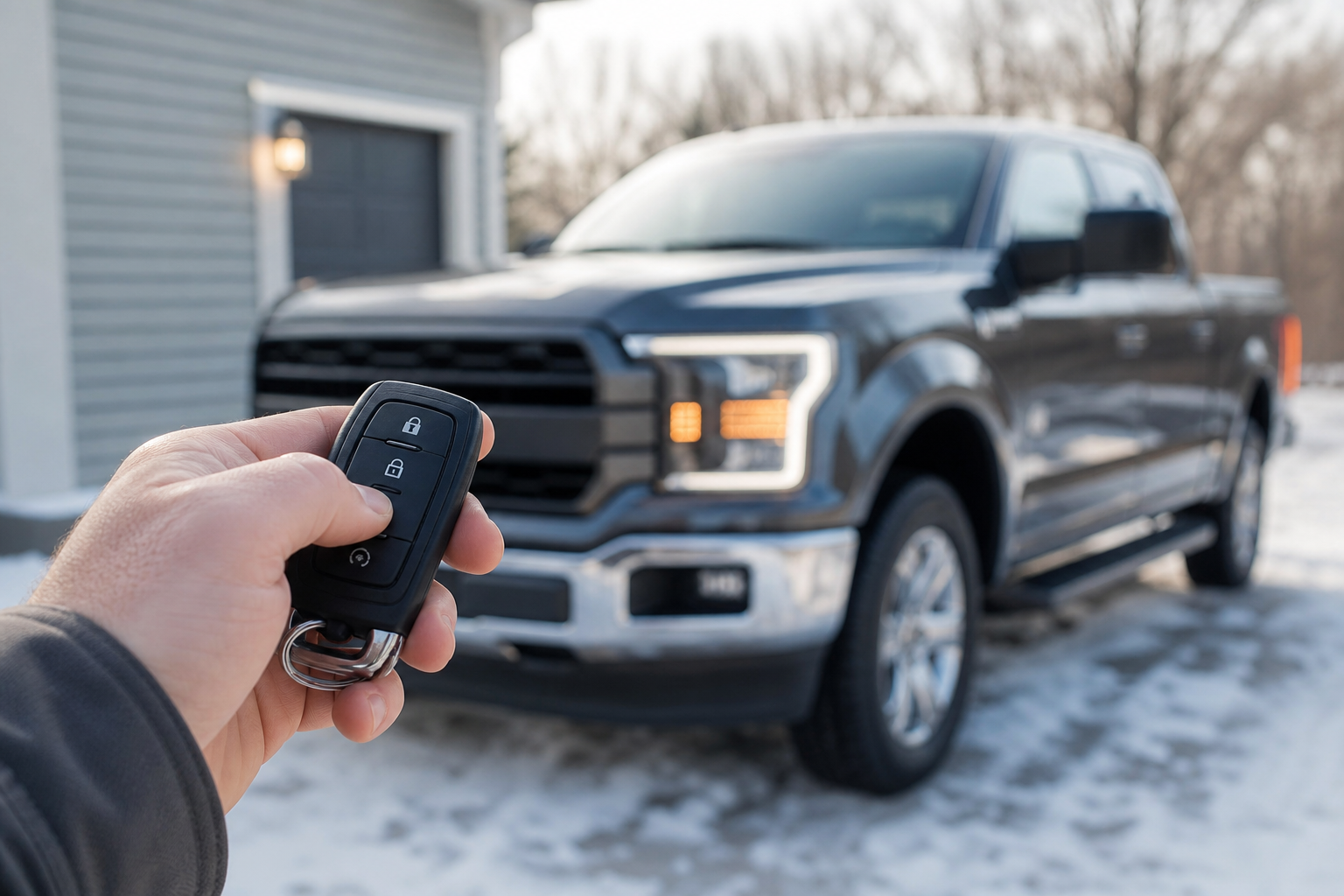
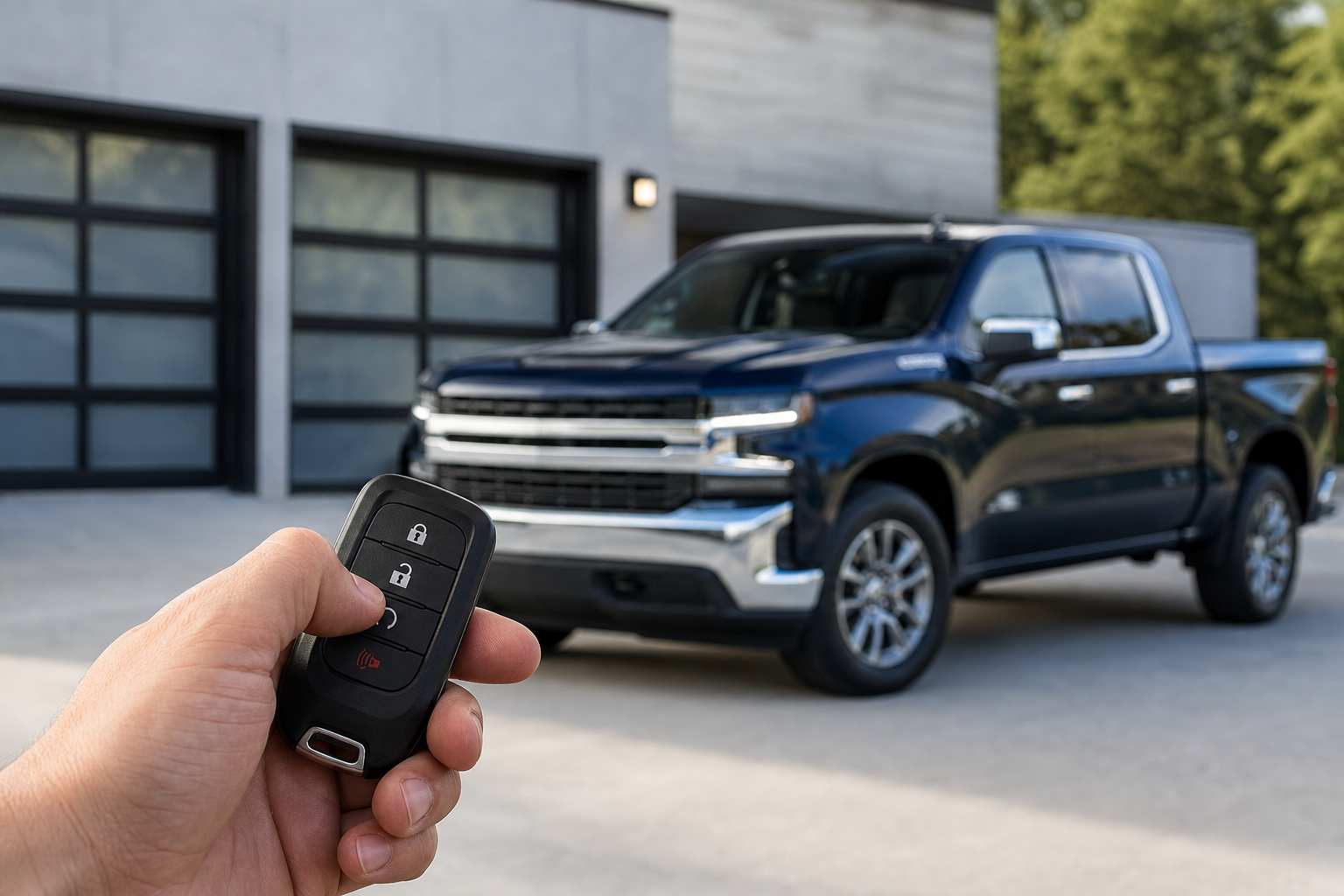
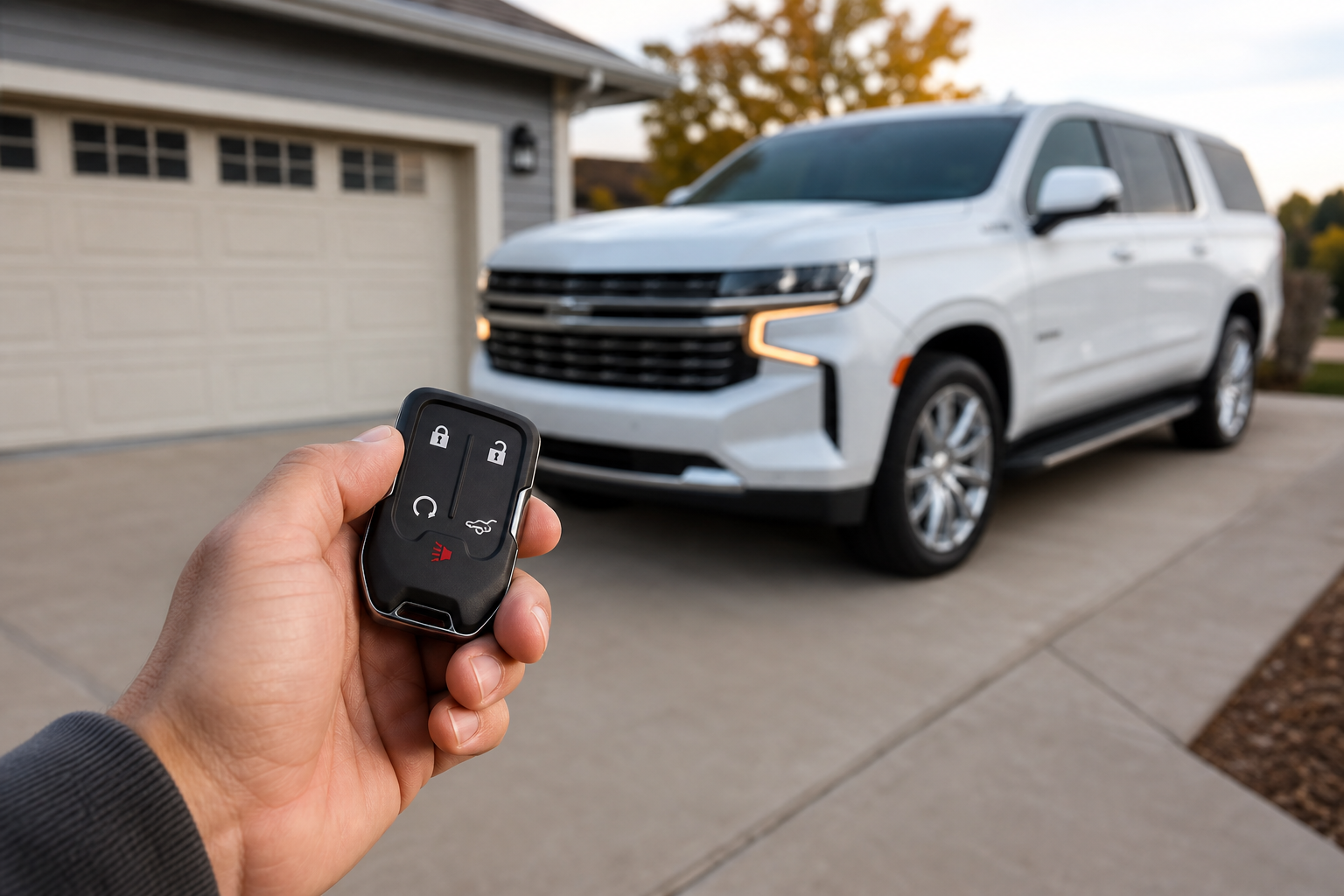
- Key fob button sequence: Press lock once, then press and hold the remote start button (the circular arrow icon) for about two seconds until the parking lights flash and the engine turns over. Pressing it too quickly or in the wrong order won’t register.
- Fuel level: Some Sierra trims will block remote start if the fuel gauge reads very low, since GM doesn’t want the truck to run out of gas while idling unattended.
- Check engine or warning lights: An active check engine light, low oil pressure warning, or certain other dash alerts can disable remote start entirely until the issue is addressed.
- Key fob battery: A weak coin cell battery in the fob is one of the most common culprits, and it’s the cheapest fix on this list.
If you’ve confirmed all of the above and it still won’t start, move on to the sections below. It helps to know whether you’re dealing with GMC’s factory system or a third-party unit, since the troubleshooting path splits from here.
Factory Remote Start vs. Aftermarket Systems
GMC has offered factory remote start on the Sierra 1500 since the mid-2000s, and it’s standard or available as an option on nearly every trim from the 2014 redesign onward. Factory remote start is tied directly into the truck’s body control module and works through the factory key fob or the myGMC app on vehicles with the connected services package.
Aftermarket remote start kits, the kind installed by a local shop or big-box electronics retailer, use a separate control module wired into the ignition system. These systems often come with their own remote fob and sometimes a phone app that’s completely separate from GMC’s software. If your truck came with an aftermarket system already installed, or you added one after purchase, most factory troubleshooting steps won’t apply. Instead, you’re looking at things like a faulty bypass module, a dead backup battery in the aftermarket unit, or a antenna placement issue blocking the remote’s signal.
If you’re not sure which system you have, check the key fob. GMC’s factory fob has a distinctive GMC or GM logo and a specific button layout. An aftermarket fob usually looks generic, often a plain black rectangle with a keychain loop and no manufacturer branding. When in doubt, pop the hood and look for an extra wiring harness with a separate module near the steering column or firewall, that’s a telltale sign of an aftermarket install.
Weak or Dead Battery Voltage
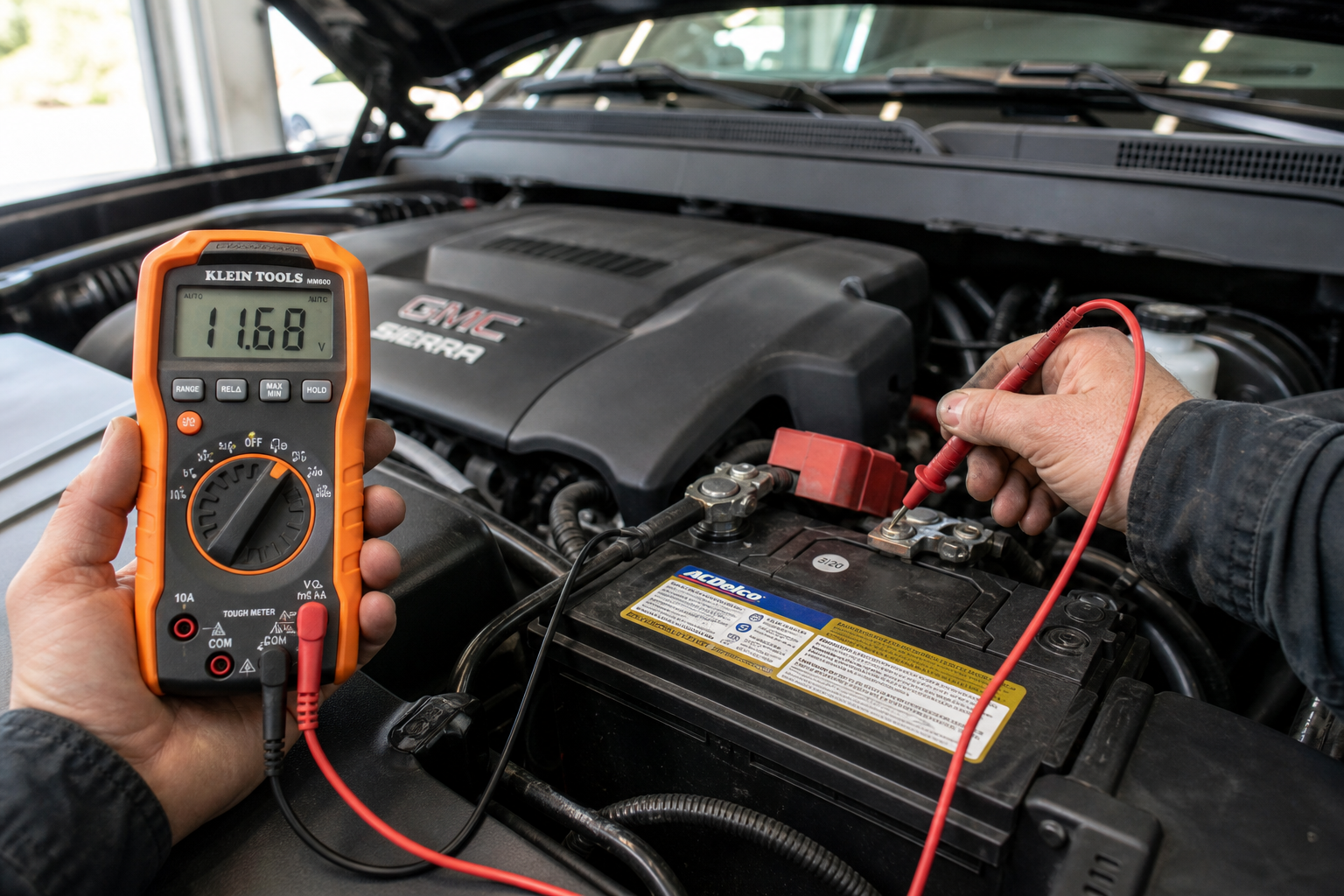
Remote start requires more electrical stability than a normal key-in-ignition start because the truck’s computer is checking multiple systems at once before it lets the engine turn over. If your battery voltage is marginal, the Sierra’s computer may refuse the remote start request even though the engine would still crank if you turned the key manually.
A voltage reading below about 12.4 volts at rest is a warning sign, and anything under 12 volts is likely to cause intermittent remote start failures. This is especially common in trucks that sit for days at a time, since a parked vehicle still draws a small parasitic load from the alarm system, radio memory, and various modules.
If your Sierra’s battery is more than three or four years old, or you’ve noticed slower cranking recently, it’s worth checking with a multimeter or a cheap battery tester before you spend money chasing other causes. We covered this exact scenario in more detail in Car Battery Dies Overnight But Alternator Is Good, which is a useful read if your truck is also losing charge between drives.
NOCO Boost Plus Jump Starter
A compact jump starter that also doubles as a quick way to check if a weak battery is behind your remote start issues.
Keeping one of these in your truck bed toolbox or garage means you’re never stuck guessing whether the battery is the problem. It’s also handy if you’re testing remote start after a repair and want to rule out voltage as a factor immediately.
Key Fob Battery and Range Issues
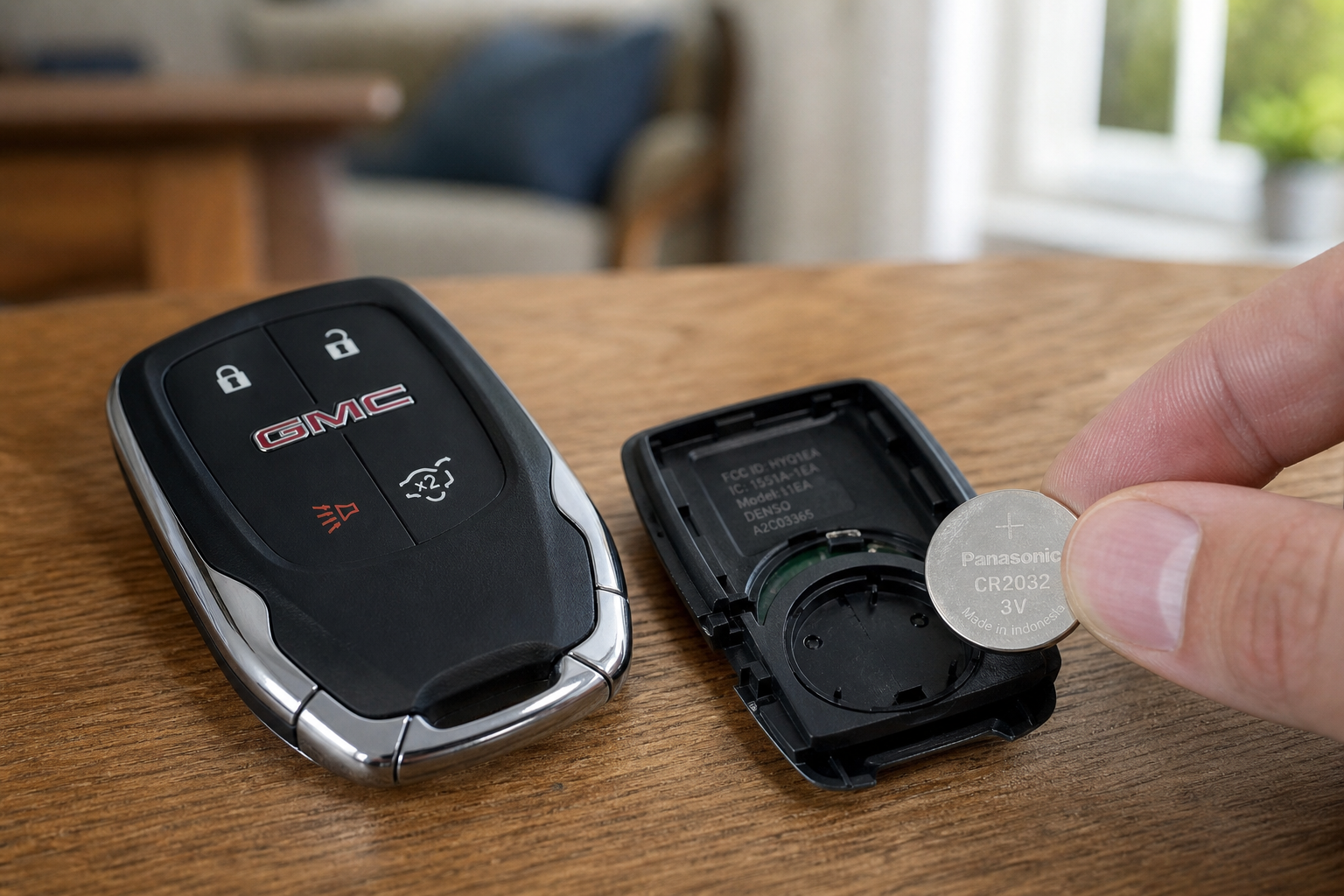
The Sierra’s key fob uses a small coin cell battery, and remote start range drops noticeably as that battery weakens, sometimes long before the fob stops working for locking and unlocking. You might still be able to unlock the doors from ten feet away but find remote start fails unless you’re standing right next to the truck.
Replacing the battery is a two-minute job. Most Sierra fobs use a CR2032 battery, though it’s worth checking your owner’s manual since some model years and fob styles differ slightly. Pop the fob open with a small flathead screwdriver, swap the battery, and snap it back together.
GMC Sierra Key Fob Battery Replacement Kit
A simple, low-cost fix that resolves a surprising number of remote start complaints on the Sierra.
If you’ve already replaced the battery and range is still poor, the fob itself may have a failing internal antenna or a worn button contact. Fobs take a beating from years of being tossed in cup holders and pockets, so if yours is several years old, replacement is often cheaper than diagnosing a worn-out unit.
Climate and Vehicle Settings That Block Remote Start
GMC built in a few software conditions that will silently prevent remote start even when everything mechanically checks out. These are easy to miss because there’s often no dash warning explaining why the truck won’t start remotely.
- Parking brake engaged on certain trims: Some configurations require the parking brake to be set before remote start will work.
- Transmission not in Park: If the truck was shut off in any gear other than Park, remote start won’t function.
- Active security alarm: If the factory alarm was triggered and not cleared with the key fob, remote start can be locked out until the alarm resets.
- Climate control settings: On trucks with automatic climate control, an unusual saved setting (like max defrost from the last drive) can occasionally cause a delay or failure in starting remotely, particularly in very cold weather.
Running through these settings takes a minute and rules out software quirks before you assume there’s a hardware fault. If your Sierra has a heads-up display or other trim-specific tech features, it’s also worth getting familiar with how your particular truck’s electronics behave day to day. We broke down a related GM feature in How to Use the Available Heads-Up Display on the Chevy Silverado, since the Silverado shares much of its electronics architecture with the Sierra.
App and Subscription Requirements (myGMC)
If you’re trying to remote start your Sierra through the myGMC app instead of the physical key fob, there’s a separate set of things that can go wrong. App-based remote start relies on an active OnStar or Connected Services subscription, a cellular signal at the truck’s location, and a properly linked vehicle profile in the app.
Common app-related failures include an expired trial subscription (GMC typically includes a limited free trial with new trucks that expires after a set period), a poor cellular connection in your truck’s parking location such as an underground garage, or the app simply needing to be force-closed and reopened after a software update. It’s also worth checking that your phone’s location services and Bluetooth are both enabled, since the app checks your phone’s location as part of the remote start request process.
If remote start works fine through the key fob but not through the app, the problem is almost certainly on the subscription or connectivity side, not a mechanical fault with the truck itself. Log into your GMC owner account online and confirm your Connected Services plan is active before troubleshooting further.
Model Year Differences and Manufacturer Lockouts
GMC has changed remote start behavior across Sierra generations, and knowing your model year helps narrow down what’s normal versus what’s a genuine fault. Earlier Sierras (2014-2018) generally have simpler lockout conditions, mostly limited to doors, hood, and fuel level. Newer Sierras (2019 and later, especially 2022+) added more layered software checks tied into the more advanced infotainment and connected services systems, which means more potential points of failure but also more diagnostic information available through the app.
Diesel-equipped Sierras (with the Duramax) have an additional consideration: remote start on these trucks can take longer to engage because the engine control module runs a longer pre-start check, and very cold ambient temperatures can extend that delay further. Don’t assume something’s wrong if a diesel Sierra takes a few extra seconds compared to a gas V8 model.
If you tow frequently or run this truck hard in various conditions, it’s also worth keeping an eye on related warning systems that can interact with the truck’s electronics, like the tire monitoring system covered in How to Use the TPMS Tire Fill Alert That Honks When Tires Are Full on GM Vehicles. An active TPMS fault won’t block remote start on its own, but it’s a good example of how GM vehicles use layered alerts that are worth understanding together.
When to See a Dealer or Installer
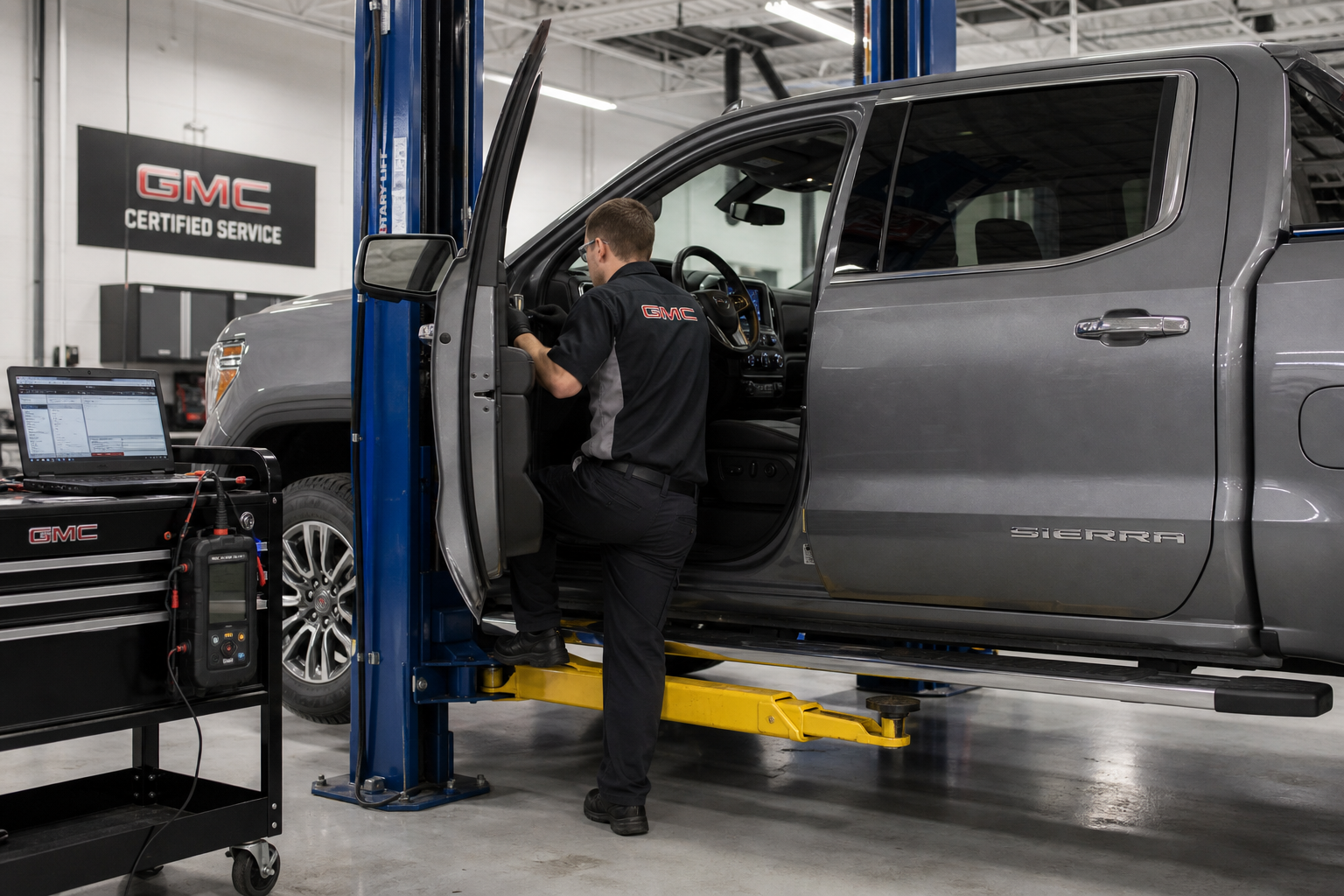
If you’ve worked through every check above and the factory remote start still won’t engage, it’s time for a scan tool diagnosis rather than more guesswork. A dealer or independent shop can pull stored codes from the body control module that point directly to a failed hood switch, a faulty BCM, or a communication fault between modules that isn’t visible from the driver’s seat.
For aftermarket systems, go back to whoever installed it. Aftermarket remote start problems are usually wiring or module related, and a shop with access to the original install notes will diagnose it faster than a general mechanic unfamiliar with that specific kit’s wiring.
Frequently Asked Questions
Why won’t my Sierra 1500 remote start even though the key fob is working for locking and unlocking?
Locking and unlocking use a lower-power, shorter-range signal than remote start, so a weakening fob battery or antenna can affect one function before the other. Check the fob battery first, then confirm the hood and doors are fully closed, since both are common causes of this exact symptom.
Does the GMC Sierra need to be locked for remote start to work?
On most model years, yes, the doors need to be locked, not just closed, for remote start to activate. Try locking the truck manually with the fob button before attempting remote start, even if you believe the doors are already secured.
Can a low battery in the truck cause remote start to fail even if the truck starts fine with the key?
Yes. Remote start requires the computer to verify multiple systems are stable before allowing a start, which takes more consistent voltage than a manual start. A battery that’s borderline weak can pass a manual start but fail a remote start request.
Why does remote start take longer on cold mornings?
The engine control module runs extended pre-start checks in cold weather, particularly on diesel-equipped Sierras, to protect the engine and emissions components. A delay of several extra seconds in cold temperatures is normal and not a sign of malfunction.
This article contains affiliate links. We may earn a small commission at no extra cost to you.
Leave a Reply