
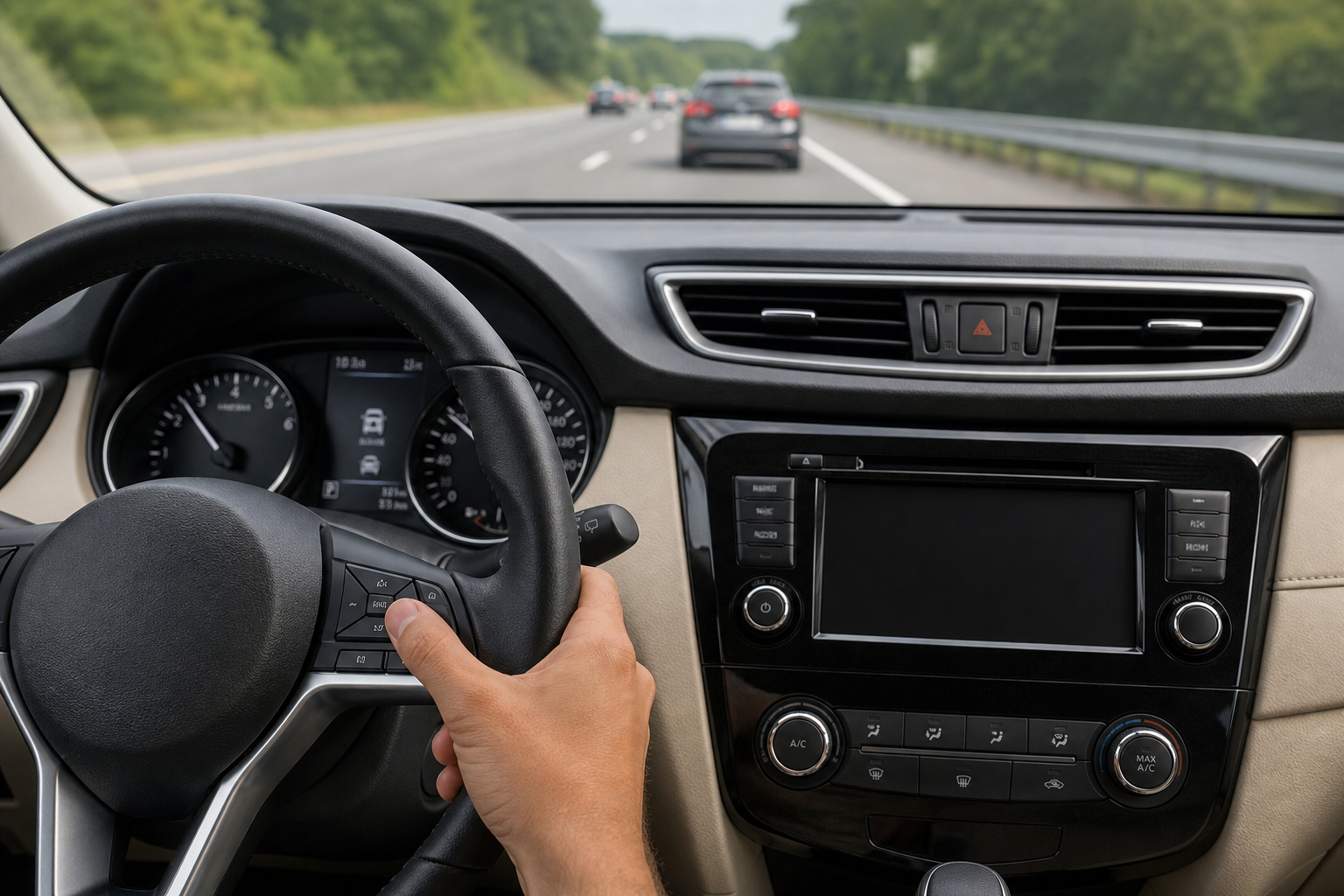
If you’ve been hunting through your Nissan Rogue’s steering wheel buttons trying to find a way to just set a speed and forget about the car ahead, you’re not imagining things. A lot of Rogue owners assume there’s a hidden “classic mode” buried in the menus somewhere, similar to how some trucks let you toggle between full self-park and manual assist. The honest answer is a little more complicated than a simple yes or no, and it depends heavily on which model year you’re driving.
Does the Nissan Rogue Offer Conventional Cruise Control?
For the current, third-generation Rogue (2021 and newer), the answer is no. Every trim level, from the base S to the top Platinum, comes standard with Nissan’s Intelligent Cruise Control (ICC) as part of the ProPILOT Assist system. That system uses a front radar and camera to hold a following distance from the car ahead, and there’s no menu setting, button combination, or hidden switch that turns off the radar-following behavior and gives you old-school fixed-speed cruise.
This isn’t a case of Nissan hiding the feature behind a confusing menu. The hardware itself is built around distance-based cruising, so there’s genuinely nothing to switch back to. If your Rogue is a 2021 or newer model, don’t waste time digging through settings looking for a workaround that doesn’t exist.
Older Rogues tell a different story. On the second-generation Rogue (2014 to 2020), base S and SV trims didn’t come with adaptive cruise at all. Those cars use plain, conventional cruise control from the factory, meaning you already have the “regular” experience you’re looking for, no adjustment needed.
What About Rogues With ProPILOT Assist Installed?
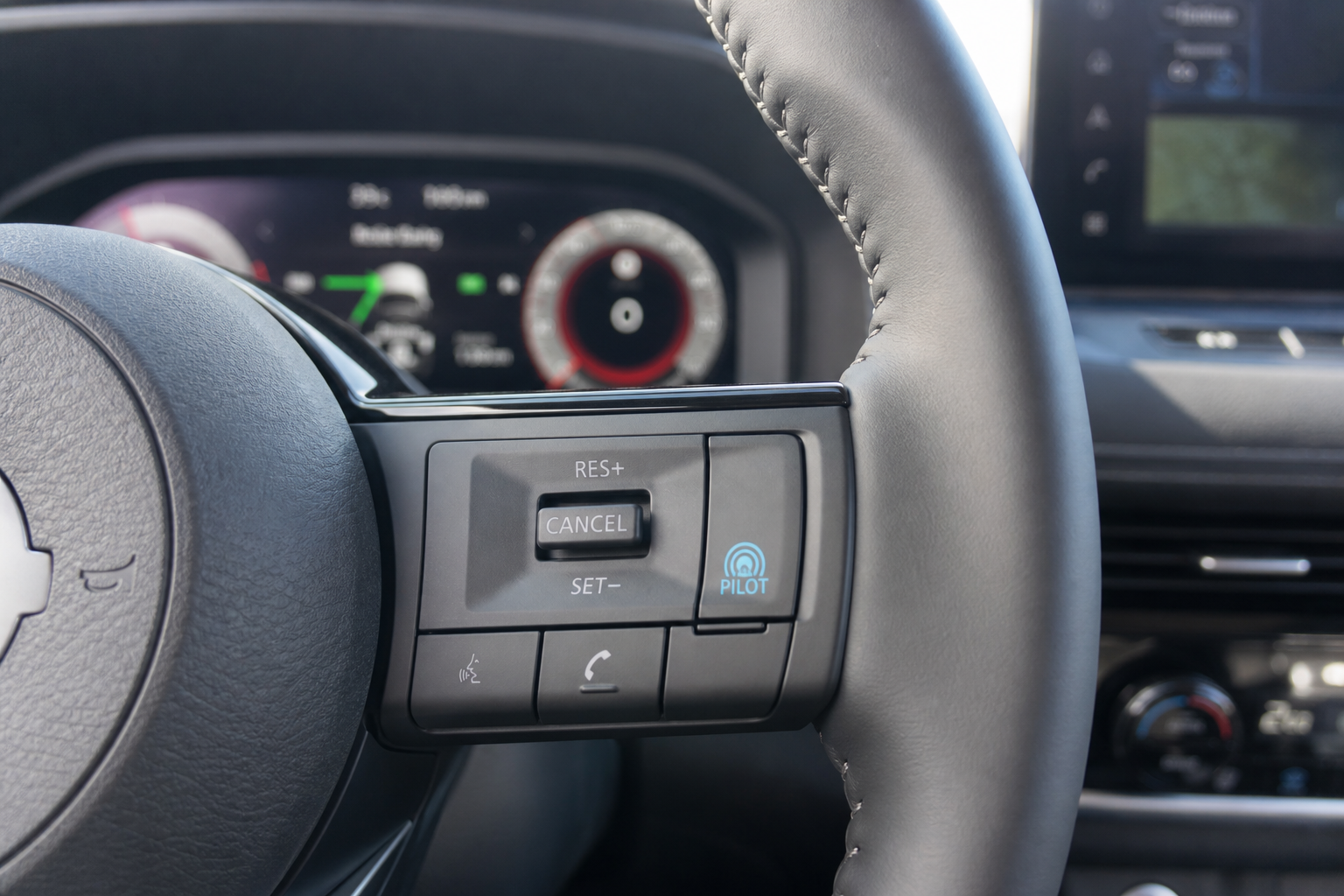
If you have an SL or Platinum trim from the 2018 through 2020 model years with the optional ProPILOT Assist package, things get trickier. On these vehicles, the radar-based ICC hardware replaces the conventional cruise module entirely. That means even if you never press the blue ProPILOT button, the main cruise control still operates as adaptive cruise in the background.
The closest thing to a workaround here is running ICC by itself, without engaging the ProPILOT steering assist, and setting the following distance to its longest setting (usually four bars on the display). That gives you more room before the system slows you down for traffic ahead, but it’s still technically adaptive cruise. It will not hold your set speed if a slower car pulls into your lane.
Steering Wheel Control Sequence (When Standard Cruise Is Available)
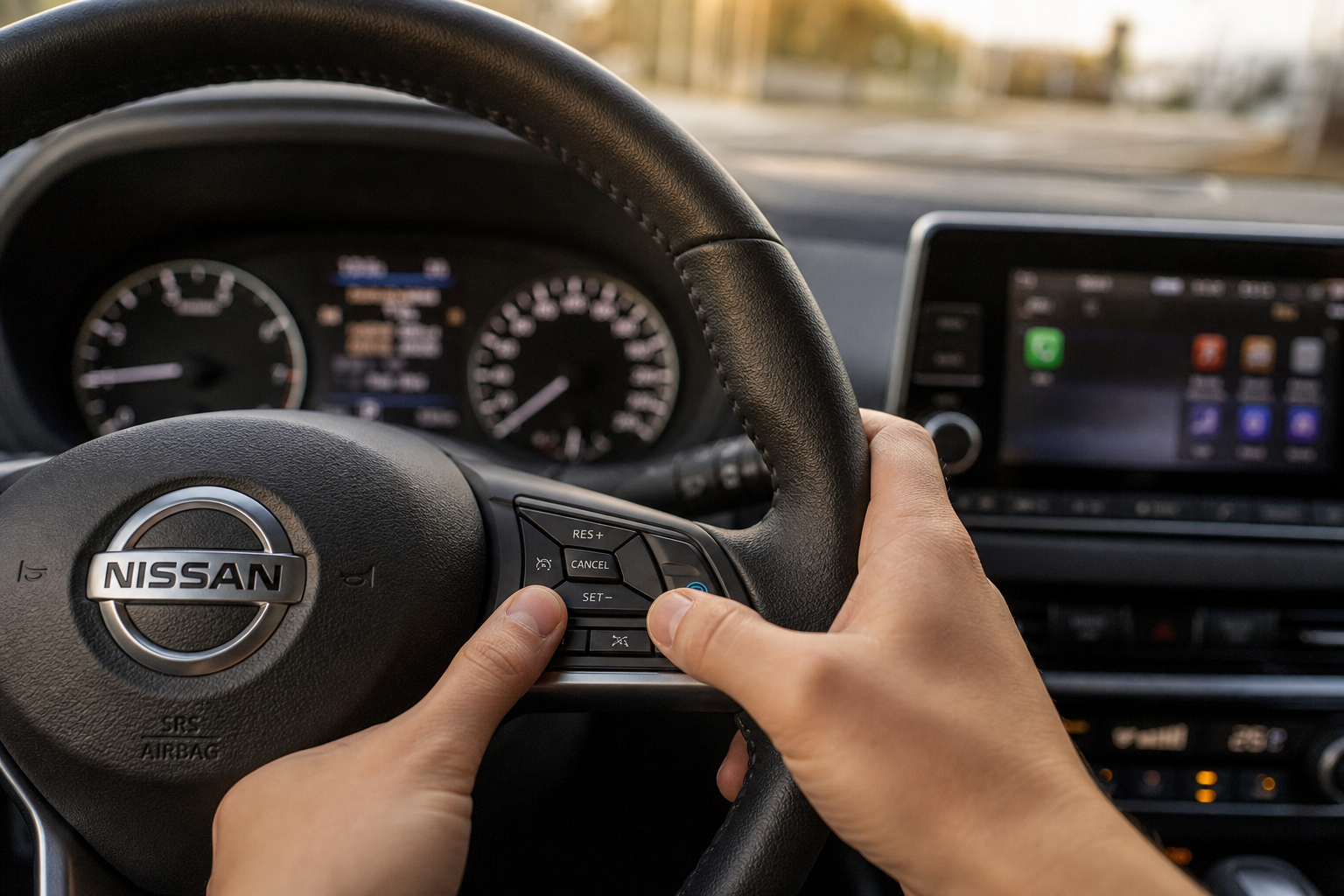
On Rogue trims that do have genuine, non-adaptive cruise control, typically the base S and SV trims from 2014 through 2020, the steering wheel controls work like this:
- Press the main cruise control power button (the icon looks like a speedometer with a small dash) on the right side of the steering wheel to activate the system.
- Bring your Rogue up to your desired speed, then press SET/- to lock it in.
- Use RES/+ to resume your last set speed or nudge it up in small increments.
- Press CANCEL to temporarily disengage without shutting the system off, useful when you need to brake for a moment but plan to resume shortly after.
There’s no following-distance button on these trims because there’s no radar to configure. If you see a distance adjustment icon on your steering wheel, that’s your signal that your Rogue actually has ICC installed, not conventional cruise.
Reading the Dashboard Indicator
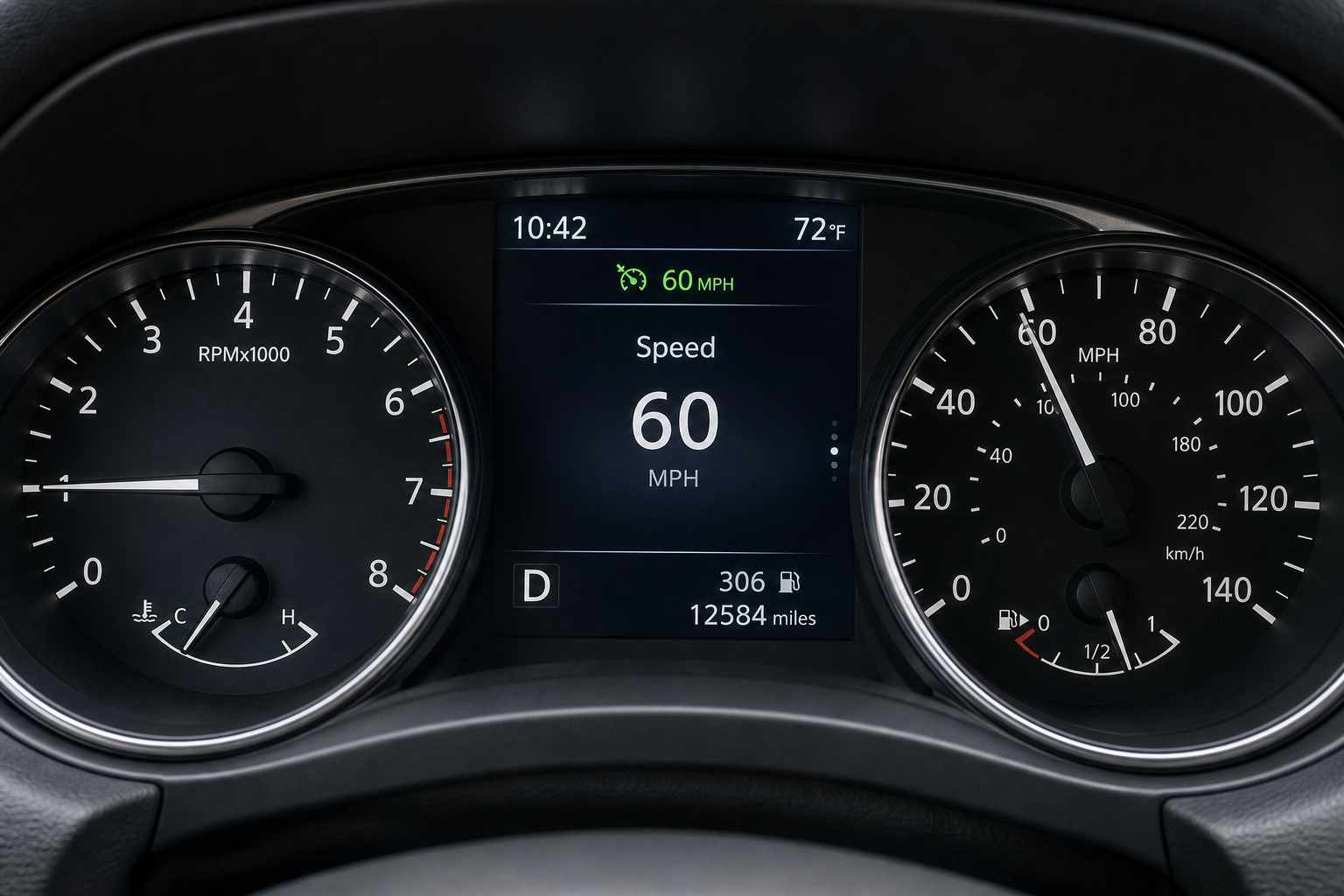
Your instrument cluster tells you exactly which mode is active, and it’s worth double-checking every time you get in the car if you’ve ever driven a rental or a family member’s Rogue with a different trim level.
On conventional cruise systems, you’ll see a simple white “CRUISE” indicator or a plain speedometer icon light up when the system is engaged, with no following-distance graphic anywhere near it. On ICC-equipped Rogues, the dash shows a small car icon with wavy lines or dashes in front of it representing the tracked distance to traffic ahead. When ProPILOT Assist is also active, you’ll additionally see a green steering wheel icon confirming that lane-centering steering assist has joined the adaptive cruise function.
If you ever see that distance icon and assumed you were using regular cruise, that’s the tell that you’ve actually been driving with adaptive cruise the whole time. It’s an easy thing to miss if you’re used to older vehicles where cruise control only ever did one thing.
Model Year Differences at a Glance
Here’s how it breaks down by generation and trim, since this is where most of the confusion comes from:
- 2014-2017 Rogue (S, SV, SL): Conventional cruise control only. No adaptive option was offered.
- 2018-2020 Rogue (S, SV): Conventional cruise control standard, no radar hardware installed.
- 2018-2020 Rogue (SL, Platinum with ProPILOT Assist package): ICC replaces conventional cruise. No way to fully disable radar-following.
- 2021-present Rogue (all trims): ProPILOT Assist and ICC standard across the lineup. No conventional cruise mode exists.
If you’re shopping used and specifically want a Rogue with true fixed-speed cruise control, your safest bet is a base S or SV trim from the second-generation lineup. Anything newer, or any SL/Platinum trim from 2018 onward, will have the radar-based system as the only option.
Nissan isn’t unique here. Plenty of automakers have moved toward adaptive systems as the default, and drivers coming from older vehicles run into the same surprise across brands. Toyota, for example, pairs its pre-collision system on the Corolla with similar radar-based cruise logic, and Ford’s intersection assist system on the Explorer works alongside comparable adaptive cruise hardware. If you tow or haul with a Rogue’s cousin at the dealership, it’s also worth reading up on how trailer sway control on the Toyota Tundra interacts with cruise settings, since towing changes how these systems behave.
Frequently Asked Questions
Can I disable the following-distance feature on a Nissan Rogue without turning off cruise control entirely?
No. On Rogues equipped with Intelligent Cruise Control, the following-distance behavior is built into how the system functions. You can adjust the distance setting to its longest interval, but you can’t remove the radar-following logic while keeping cruise control active.
Why does my Rogue slow down on its own even when I’m not using ProPILOT Assist?
That’s the ICC system working independently of ProPILOT. Pressing the main cruise button without pressing the separate ProPILOT button still activates adaptive cruise, just without lane-centering steering. The slowdown behavior comes from ICC, not from ProPILOT itself.
Is there a firmware update or dealer setting that adds conventional cruise control to newer Rogues?
No. This is a hardware limitation, not a software one. Third-generation Rogues don’t have a conventional cruise control module installed, so there’s no update or dealer setting that can add it after the fact.
Related posts:
 How to Use Regular Cruise Control Instead of Adaptive Cruise on Subaru Forester
  How to Use Regular Cruise Control Instead of Adaptive Cruise on Ford F-150
  How to Use Regular Cruise Control Instead of Adaptive Cruise on Hyundai Tucson
  How to Use Regular Cruise Control Instead of Adaptive Cruise on Kia Sportage
Leave a Reply