
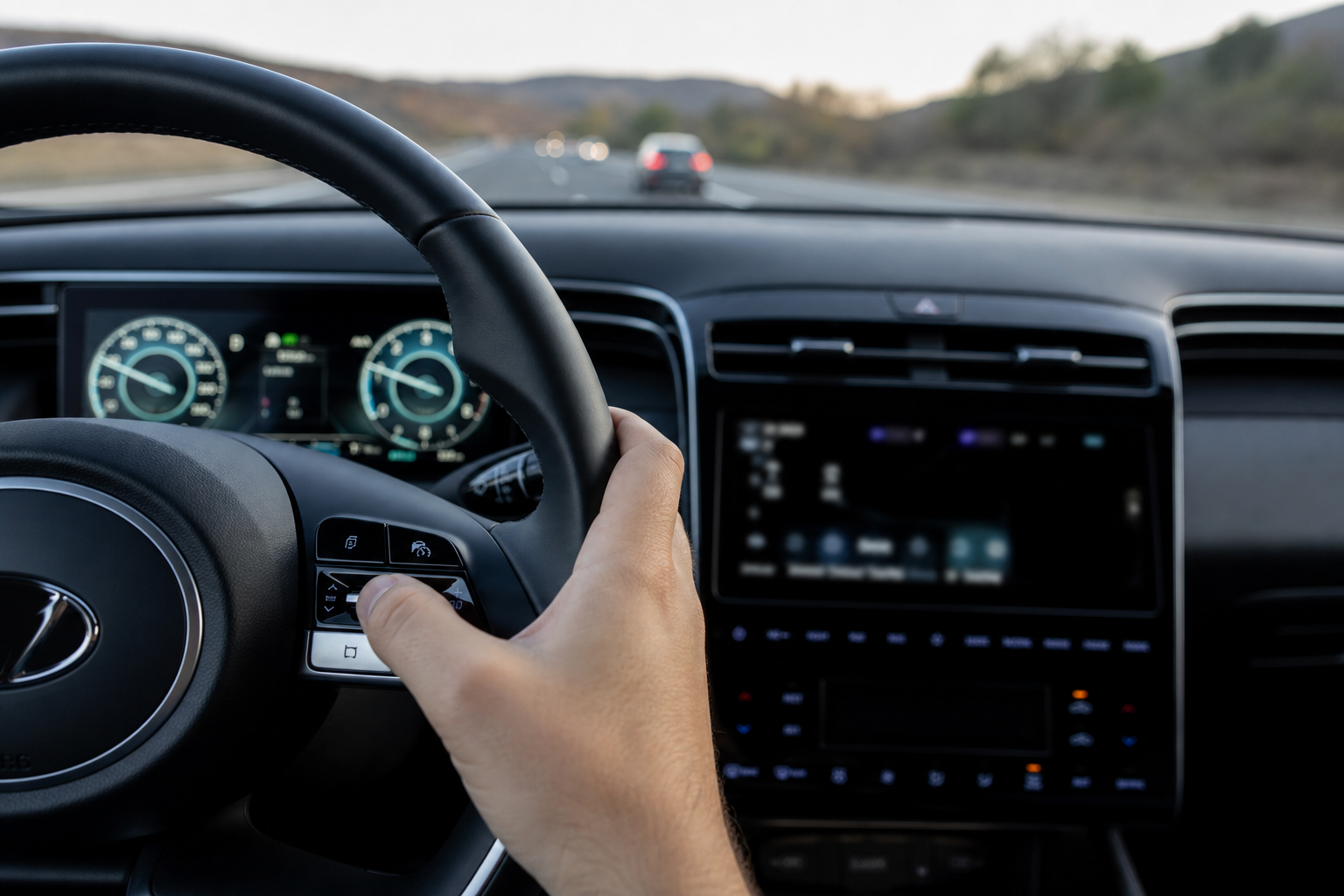
If you’ve owned a Tucson from the pre-2020 era, you probably remember cruise control being simple: set a speed, and the car holds it no matter what’s happening in front of you. Newer Tucsons don’t always work that way, and a lot of owners get frustrated when the car starts slowing itself down for traffic they never asked it to react to. So the question comes up a lot: can you switch a Hyundai Tucson back to old-school, constant-speed cruise control instead of the adaptive system?
The answer depends heavily on which model year and trim you’re driving. Some Tucsons genuinely let you choose. Others don’t give you that option at all, and no button combination or hidden menu is going to change that. Let’s go through exactly what your Tucson can and can’t do.
Which Tucson Model Years Support Conventional Cruise Control
Early Tucsons, roughly the 2016 through 2018 models, kept things simple on base trims like the SE. Those cars typically shipped with standard, non-adaptive cruise control as the only option, since Smart Cruise Control (Hyundai’s name for its radar-based adaptive system) was reserved for higher trims like Limited or Ultimate as part of a tech package.
From 2019 through 2021, Hyundai started pushing Smart Cruise Control down into more trims, so the split became less predictable. Some SEL and Value trims had conventional cruise only, while others came with SCC standard depending on which options were bundled in that production year.
Starting with the redesigned 2022 to 2024 Tucson (the NX4 generation), Smart Cruise Control with Stop and Go became standard equipment across every trim level, including the base SE. This is the important part: on these newer Tucsons, there is no separate conventional cruise mode hiding in a menu somewhere. The radar-based system is the only cruise control your car has.
How to Activate Regular Cruise Control (When Your Tucson Has It)
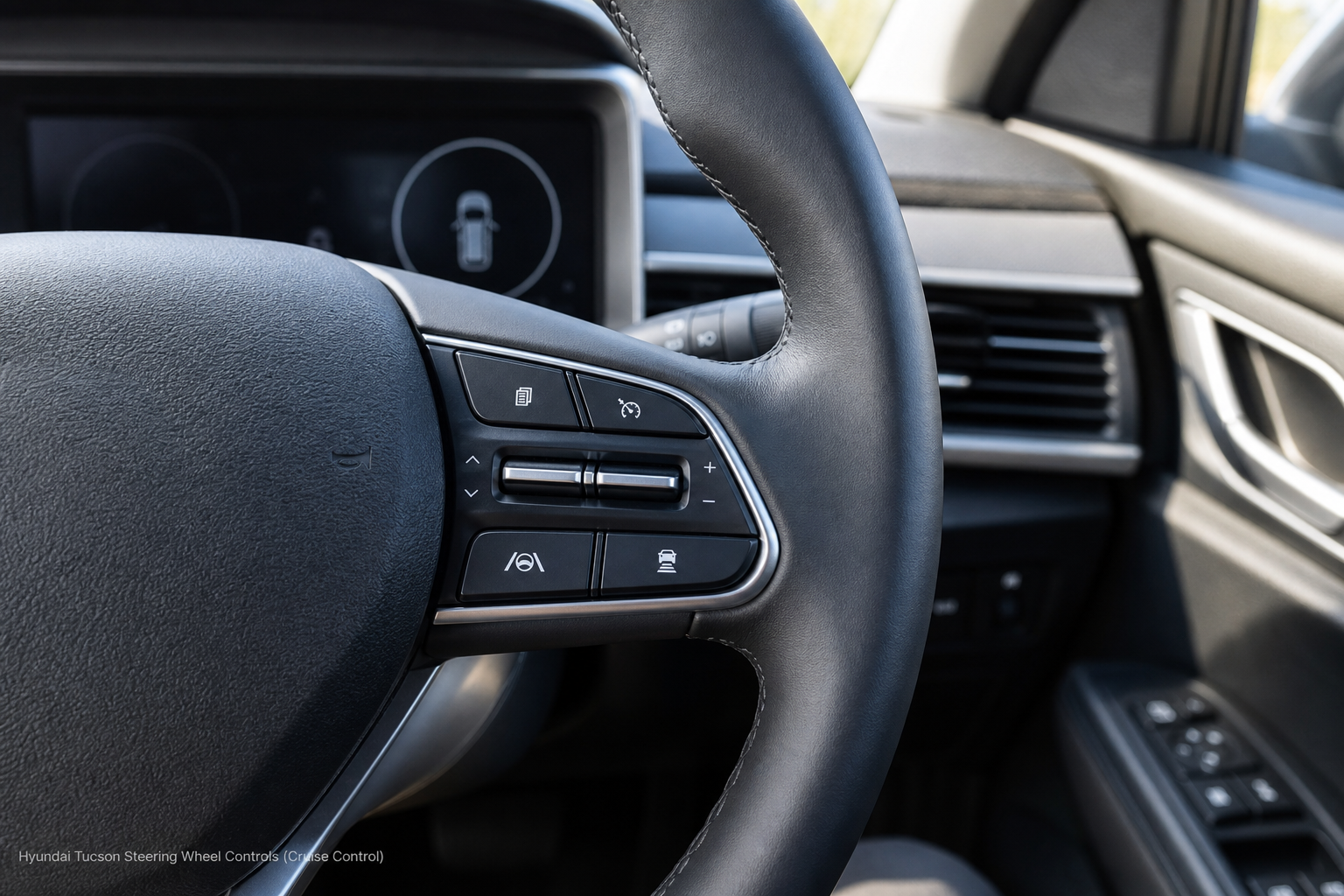
If your Tucson is one of the older models with true conventional cruise control, the steering wheel controls are simple and haven’t changed much across those years. Here’s the sequence:
- Press the CRUISE button on the right spoke of the steering wheel. This puts the system into standby, and you’ll see a gray or white cruise icon appear in the instrument cluster.
- Accelerate to the speed you want to hold, then press SET- to lock it in. The cruise indicator will turn white or green depending on your model year, confirming the system is actively controlling your speed.
- Use RES+ to bump the speed up in small increments, or tap SET- again to nudge it down.
- Tap the brake pedal to disengage cruise temporarily. Nothing gets erased, so pressing RES+ brings you right back to your previous set speed.
- Press CANCEL if you want to fully back out of cruise mode rather than just pausing it.
None of this involves any radar, following distance settings, or automatic braking for traffic ahead. The car holds your set speed and nothing else, exactly like cruise control worked on cars from twenty years ago.
Reading the Dashboard to Confirm Which Mode Is Active
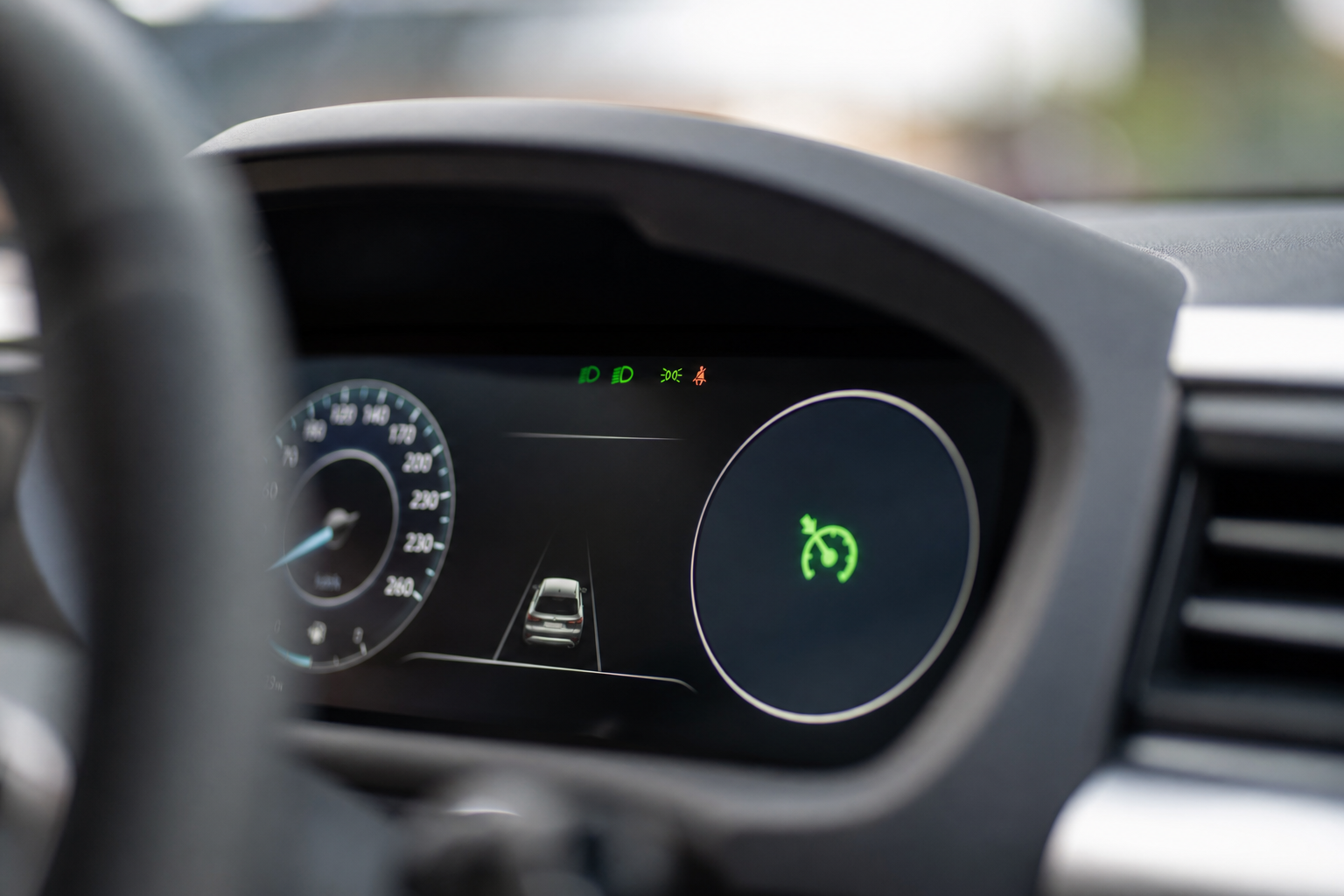
The instrument cluster tells you immediately which system you’re using, and it’s worth checking every time you engage cruise, especially if your Tucson has both systems available depending on drive mode or settings.
With conventional cruise control active, you’ll see a simple speedometer-style cruise icon along with your set speed displayed as a number. That’s it. No car icon, no distance bars, nothing suggesting the system is watching traffic ahead of you.
With Smart Cruise Control active, the cluster shows a small car icon in front of your vehicle icon, along with a set of bars or dots indicating your selected following distance (usually adjustable from close to far using a separate button on the wheel). If you see that car icon, your Tucson is following the vehicle ahead and adjusting speed on its own, whether you meant for it to or not.
If Your Tucson Only Has Smart Cruise Control
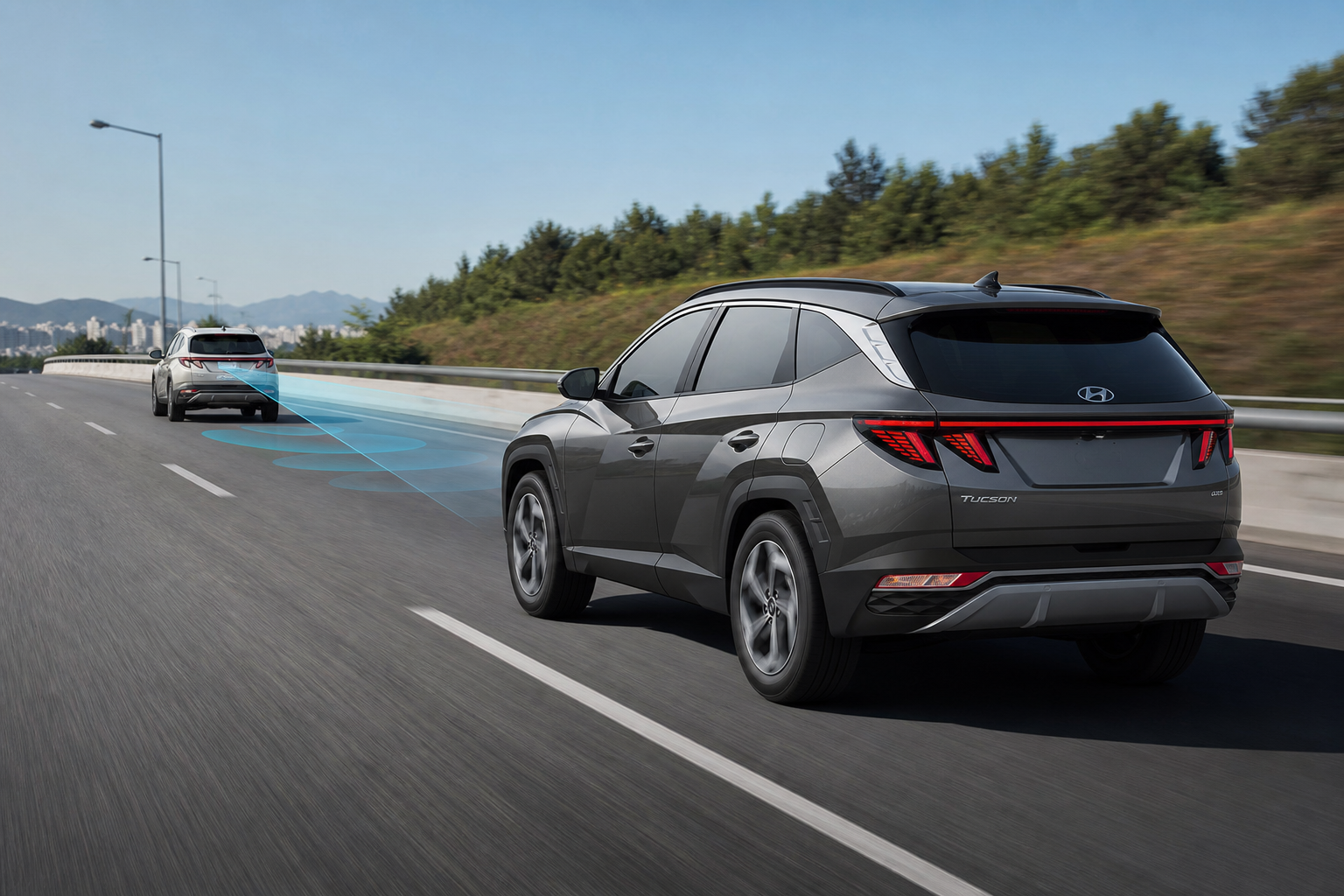
If you’re driving a 2022 or newer Tucson, or a 2019 to 2021 model that came equipped with SCC as standard, there simply isn’t a conventional cruise mode to switch to. This isn’t a settings menu you haven’t found yet or a button combination Hyundai forgot to document. The radar module is physically part of how the cruise system operates, and Hyundai didn’t build in a way to bypass it.
Some owners try to work around this by setting the following distance to its maximum gap, which does make the car feel closer to conventional cruise since it reacts less aggressively to slower traffic. It’s not the same thing, though. The car will still brake for a vehicle that merges into your lane, and it will still slow down if traffic ahead does, even at the longest distance setting.
If your Tucson’s Smart Cruise Control has been acting erratically, dropping out unexpectedly, or refusing to engage at all, that’s usually a sensor or software issue rather than something you can fix by changing modes. It’s the same story with other Hyundai driver assist features. If you’ve dealt with unrelated warning lights on this same vehicle, the TPMS reset guide for the Hyundai Tucson covers a similar situation where the fix is specific to the generation you own rather than a universal button press.
Frequently Asked Questions
Can I disable the radar sensor to force conventional cruise control on my Tucson?
No. On Tucsons where Smart Cruise Control is the only system installed, the radar module is required for cruise control to function at all. Disabling or blocking the sensor doesn’t switch you to a conventional mode, it just prevents cruise control from working.
Why did my Tucson have regular cruise control before, but my new one only has adaptive?
Hyundai gradually made Smart Cruise Control standard equipment across the Tucson lineup, and by the 2022 redesign it was included on every trim. If you’re moving from an older Tucson to a newer one, you’re likely comparing a car that had conventional cruise as the base system to one where adaptive cruise is now the only option.
Does the Tucson’s Smart Cruise Control work at all speeds?
Yes, on models equipped with Stop and Go functionality, SCC can bring the car to a complete stop in traffic and resume automatically or with a tap of the accelerator. This is standard on the 2022 and newer Tucson. Earlier SCC-equipped models may have a lower minimum operating speed, so check your owner’s manual for the exact threshold on your specific model year.
If you’re getting familiar with your Tucson’s other tech features, it’s worth spending time in the myHyundai Bluelink app setup guide as well, since remote start and vehicle status alerts often tie into the same settings menus as your driver assist features. And if you’ve got young kids or pets riding along, the rear seat reminder feature on Hyundai vehicles is another system worth understanding fully rather than assuming it works one way when it actually works another.
Related posts:
 How to Use Regular Cruise Control Instead of Adaptive Cruise on Toyota RAV4
  How to Use Regular Cruise Control Instead of Adaptive Cruise on Toyota Highlander
  How to Use Regular Cruise Control Instead of Adaptive Cruise on Honda CR-V
  How to Use Regular Cruise Control Instead of Adaptive Cruise on Honda Pilot
Leave a Reply