
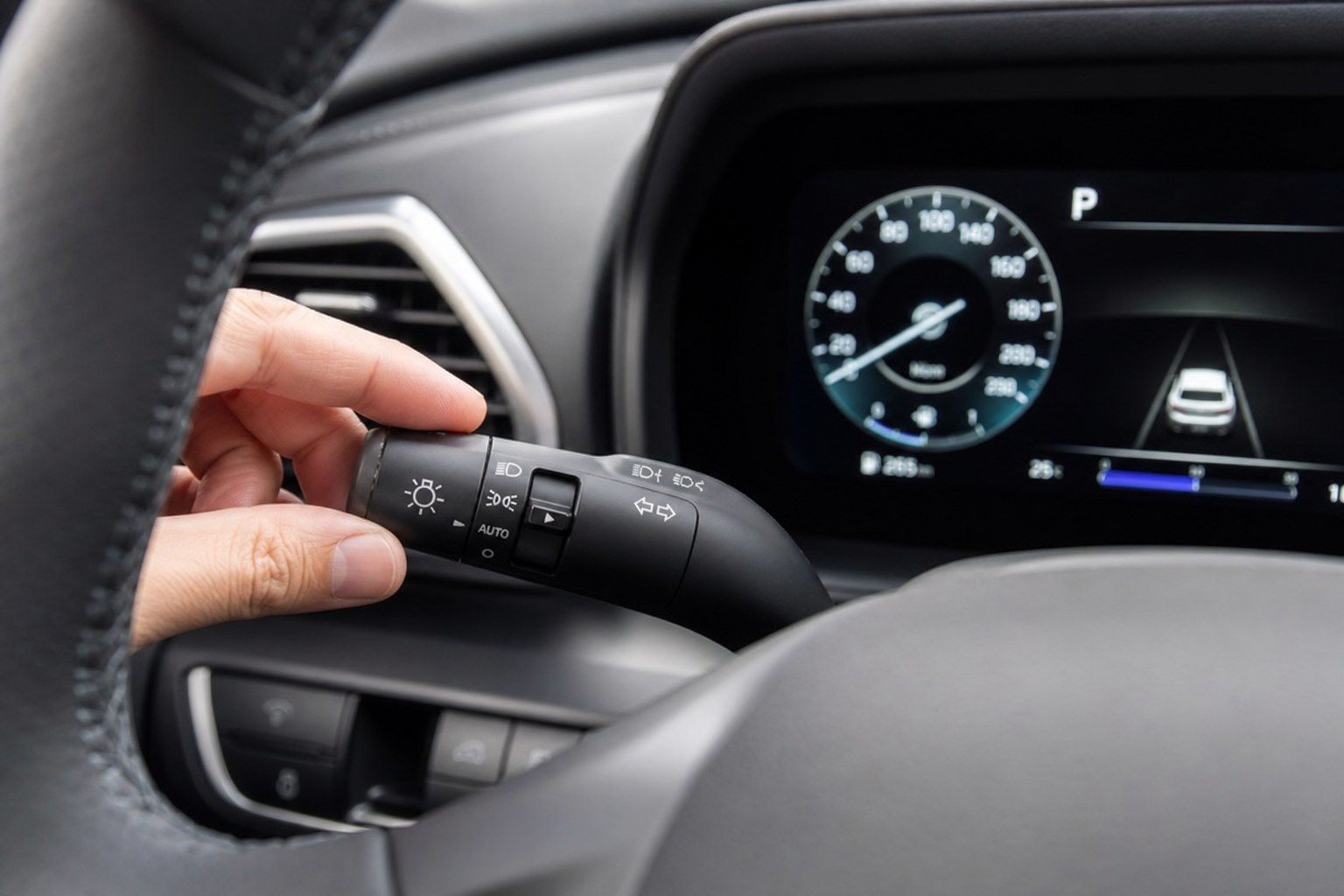
If your Kia Sportage keeps flicking between high beams and low beams every time another car appears on the road, you’re not imagining it. That’s High Beam Assist doing its job, and while it’s a genuinely useful feature on dark highways, it can also feel intrusive in stop-and-go traffic or on winding neighborhood streets with lots of oncoming headlights. The good part is that Kia makes it easy to switch off, without losing your ability to flip on the high beams manually whenever you actually want them.
What High Beam Assist Actually Does
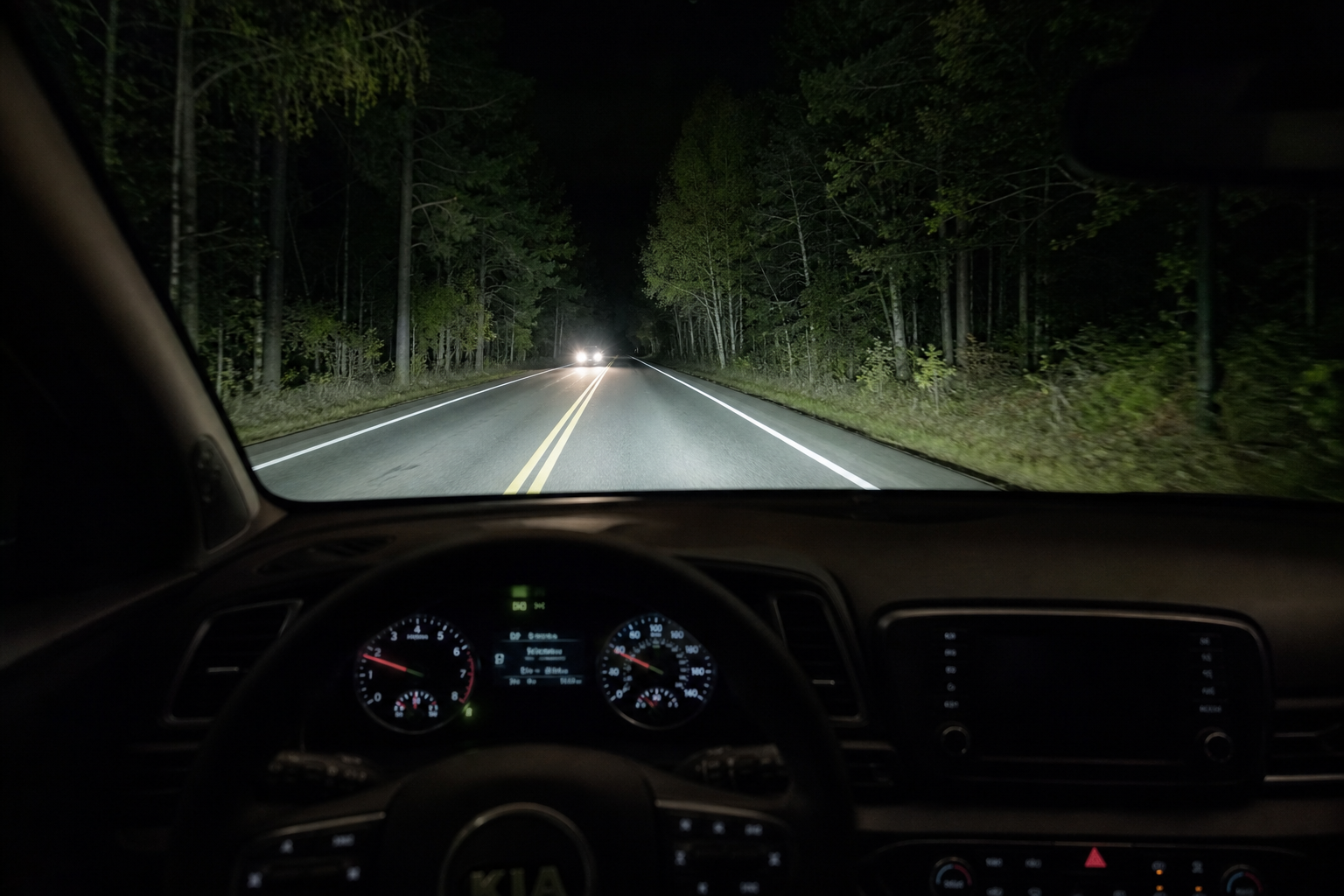
High Beam Assist (HBA) is not the same thing as fully automatic headlights. Automatic headlights just turn your low beams on and off based on ambient light, something almost every modern Sportage has as standard equipment. High Beam Assist is a separate, more advanced system that uses a forward-facing camera mounted near the rearview mirror to detect oncoming traffic or vehicles ahead, then automatically toggles between high and low beams for you.
You’ll usually see a small indicator on the instrument cluster, often labeled “HBA” or shown with a high-beam icon that changes color or blinks when the system is actively switching. If that icon is present and behaving on its own, that’s your confirmation the feature is running rather than just standard auto headlights.
How to Turn Off High Beam Assist on the Kia Sportage
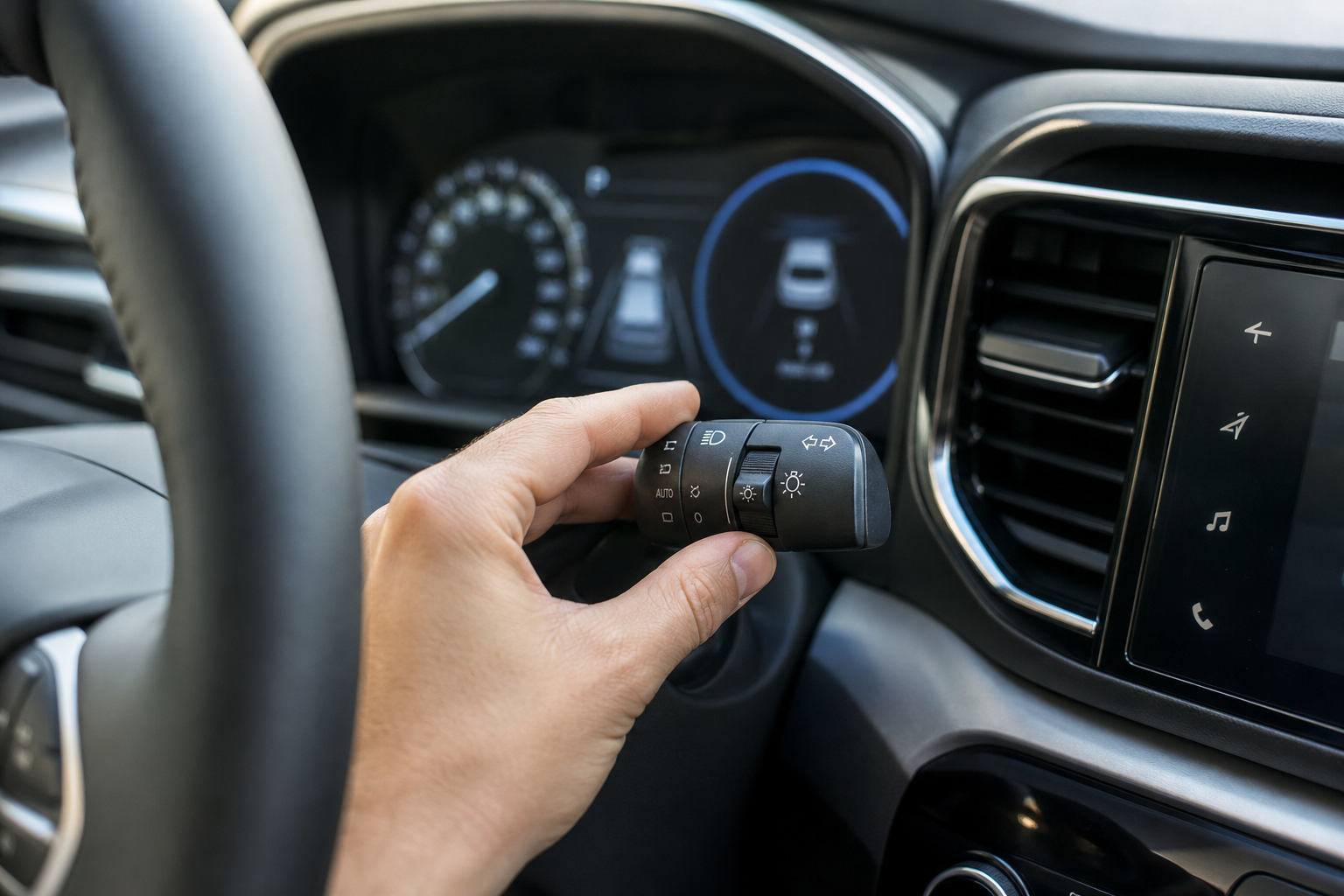
The exact menu path depends slightly on your model year and infotainment setup, but the process is nearly identical across recent Sportage generations (2017 through 2025).
- Turn the ignition to the on position, or start the vehicle.
- On the steering wheel, use the arrow buttons to navigate the instrument cluster menu, or use the touchscreen settings depending on trim.
- Scroll to Vehicle Settings or Vehicle from the main settings menu.
- Find Lights or Headlight settings.
- Locate High Beam Assist and toggle it to Off.
On newer Sportages with the larger curved touchscreen (2023 and later), this same menu is accessible directly from the home screen by tapping the settings gear icon, then Vehicle, then Lights. On earlier models with a smaller cluster display, you’ll typically use the steering wheel controls to move through a simpler text-based menu instead of a touchscreen.
Once you’ve switched it off, the HBA indicator light should stop appearing on the cluster, and your headlights will stay on whatever setting you last selected (low beam or manual high beam) instead of switching automatically.
Using the Stalk for Manual High Beams
Turning off High Beam Assist does not disable your high beams. It just hands control back to you. Push the turn signal stalk forward, away from you, to flash or engage the high beams manually, exactly like you would in any car without the automatic feature. Pull it back toward you to cancel and return to low beams.
This is worth testing right after you disable HBA so you know the manual override still works the way you expect. Some owners assume turning off the automatic feature somehow locks out the high beams entirely, but that’s not the case. You retain full manual control at all times.
Model Year Differences to Know
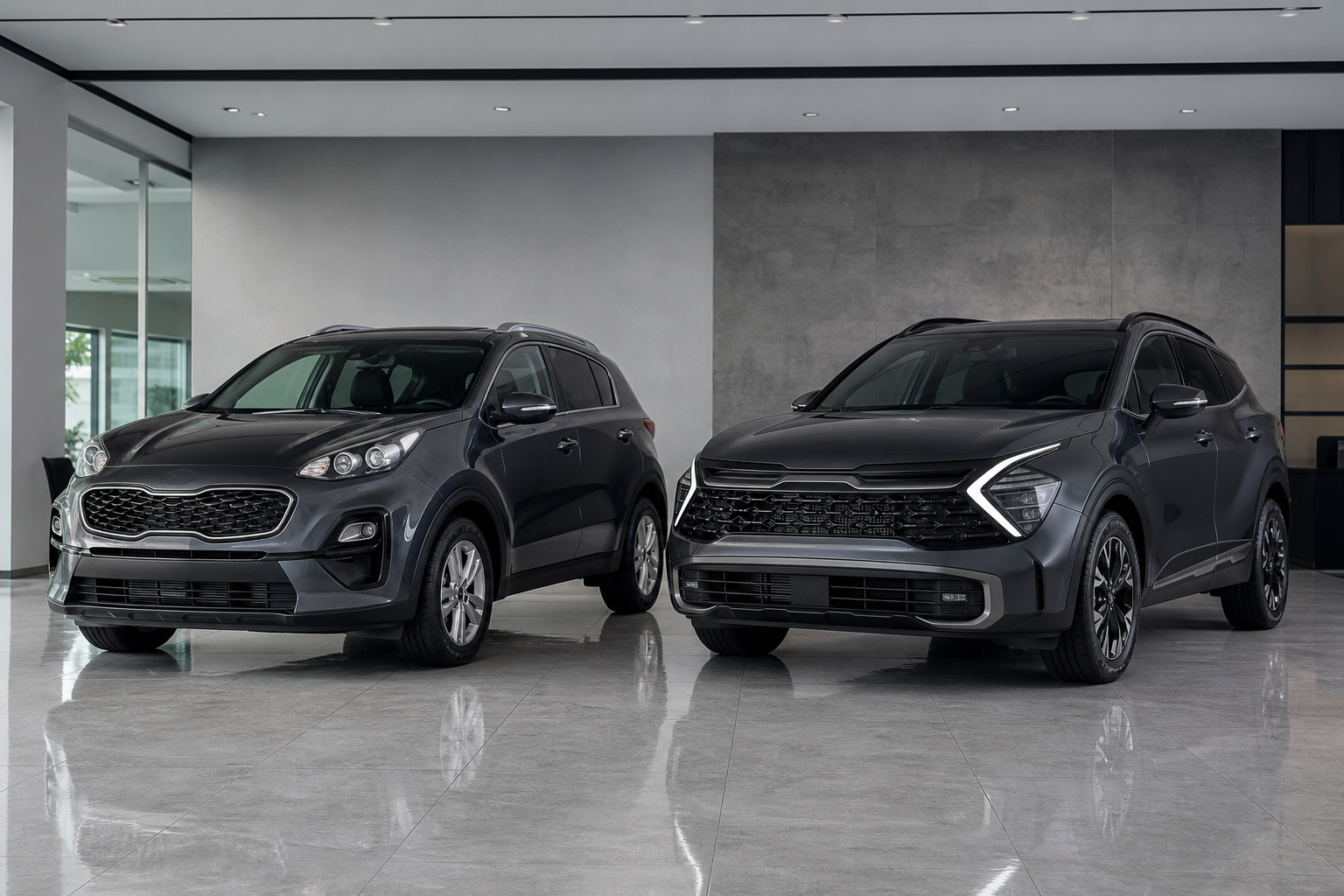
The 2017-2021 Sportage (QL generation) offers High Beam Assist as an available feature on higher trims like the EX and SX, and the settings menu is text-based and controlled entirely through steering wheel buttons and the small cluster screen. The redesigned 2023-2025 Sportage (NQ5 generation) makes HBA more widely available across trims and moves the toggle into the touchscreen’s vehicle settings, which is a cleaner experience overall.
If you’re shopping used and comparing trims, it’s worth checking your specific window sticker or owner’s manual, since HBA availability has shifted trim to trim over the years. Also keep in mind that a firmware update from a dealer visit can occasionally reset custom settings, so if HBA suddenly reappears after service, just repeat the steps above.
If you’re dealing with other electrical quirks on your Kia, like a battery that seems to drain even when the alternator tests fine, it’s worth reading through this guide on cars that die overnight despite a good alternator to rule out parasitic draws before assuming it’s a bigger issue.
Frequently Asked Questions
Will turning off High Beam Assist also turn off my automatic headlights?
No. Automatic headlights and High Beam Assist are two separate systems on the Sportage. Disabling HBA only stops the automatic switching between high and low beams. Your headlights will still turn on and off automatically based on ambient light if that feature is enabled separately.
Why does my High Beam Assist indicator stay on even after I switch it off?
If the indicator light stays illuminated, double check that you actually saved the setting change and didn’t just back out of the menu. On some model years, you need to confirm the selection with the OK or Enter button rather than simply scrolling past it. If the light persists after confirming the setting is off, it could also indicate a camera obstruction, like dirt or a crack near the windshield sensor housing, which is worth having checked at a dealer.

Leave a Reply