
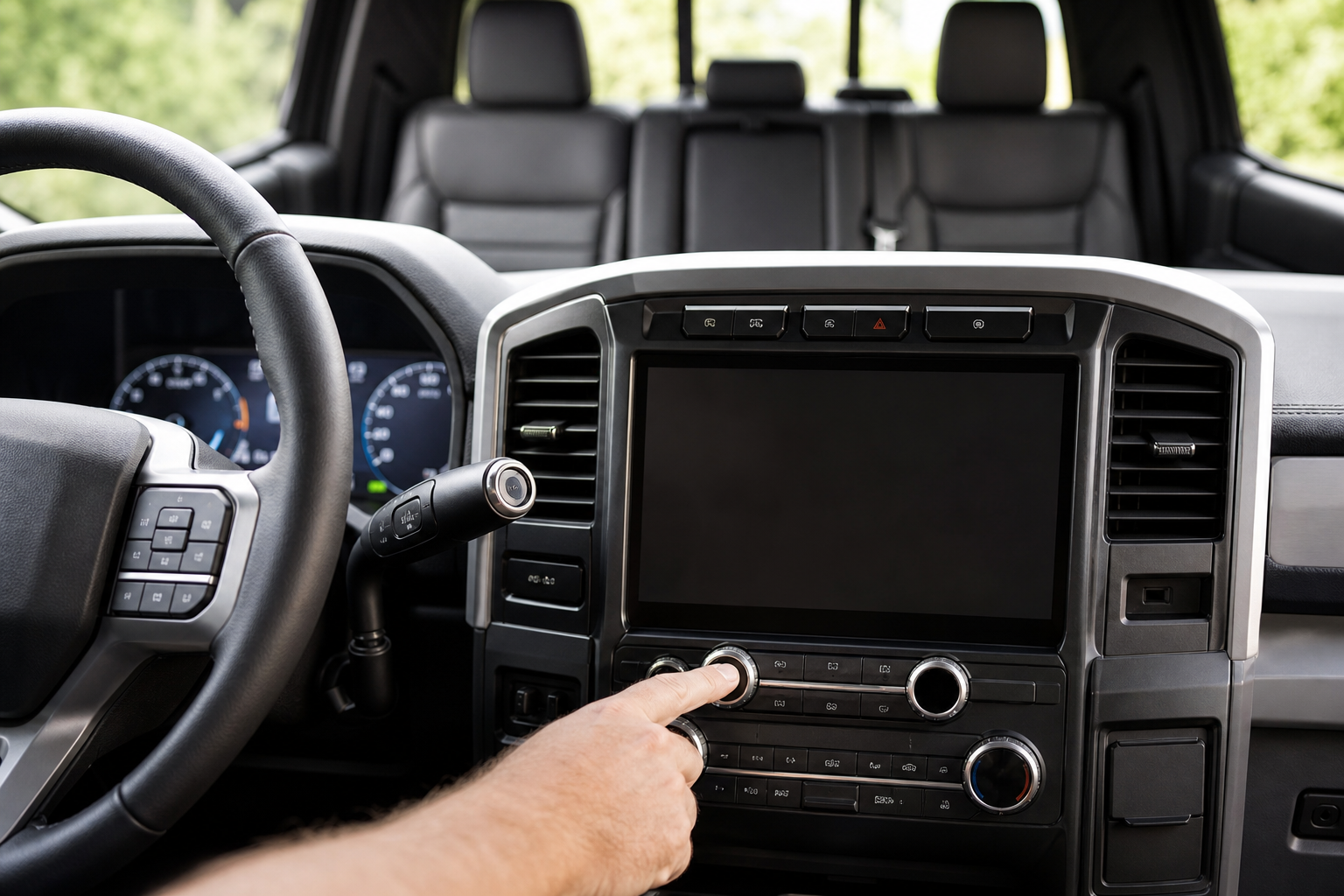
If you’ve ever climbed out of your F-150 only to have the truck chime at you about a “rear seat check,” you’re not imagining things. Ford built this feature to remind drivers to glance in the back seat before walking away, and it’s saved more than a few forgotten kids, pets, and grocery bags over the years. But if you find it more annoying than helpful, or you just want to understand exactly what triggers it, this guide walks you through everything.
What Triggers the Rear Occupant Alert
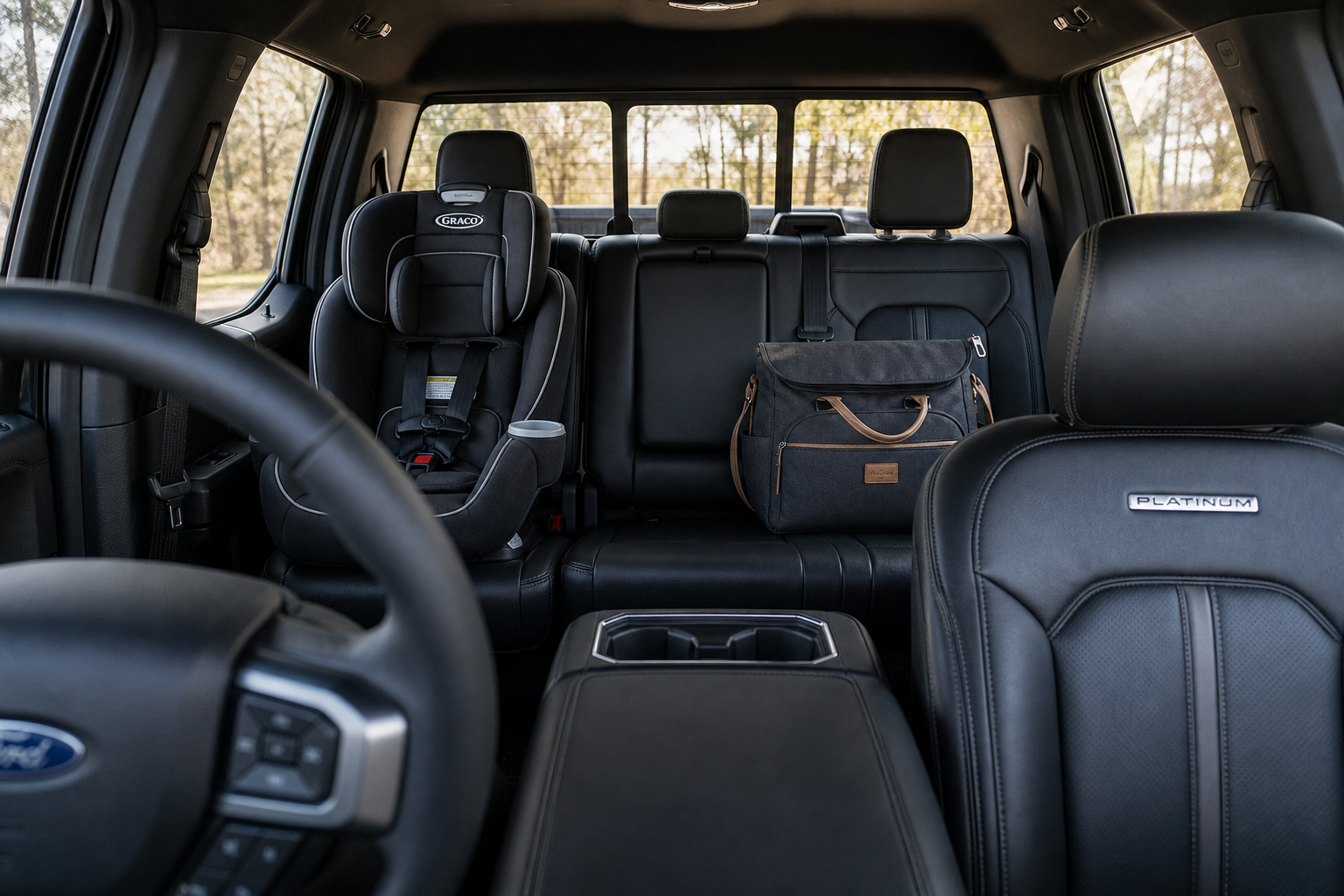
Ford’s Rear Occupant Alert works off a simple logic system built into the door sensors, not weight sensors or cameras like some competitors use. If you open a rear door before you start the truck, or at any point while the ignition is on, the system assumes someone or something might be back there.
When you shut the truck off and open your driver’s door to get out, the F-150 displays a message in the instrument cluster reminding you to check the back seat. It’s a simple trigger, but it means the alert doesn’t actually detect a person or object. It just detects that a rear door was opened during your trip.
This matters because it explains a lot of the confusion drivers have about when the alert does or doesn’t show up. If you never touch a rear door, the system stays silent. Open one for even a second to toss in a jacket, and you’ll get the reminder later, whether there’s anything back there or not.
Where to Find the Setting
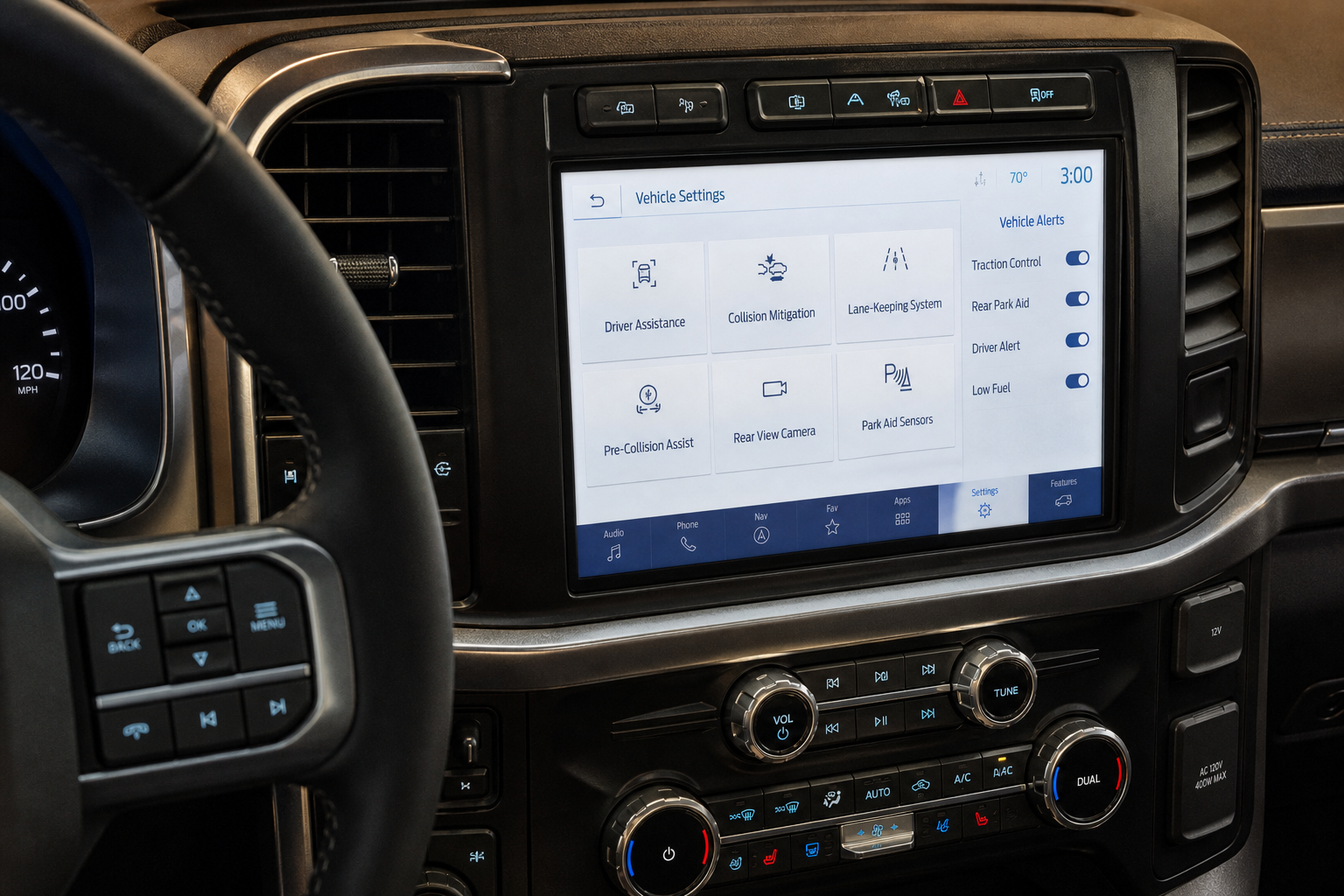
The Rear Occupant Alert lives inside the SYNC settings menu, though the exact wording has shifted slightly across model years. On most 2021 and newer F-150s running SYNC 4, you’ll find it here:
- Press the Settings icon on the touchscreen.
- Scroll to “Vehicle” and select it.
- Look for “Rear Occupant Alert” or “Rear Seat Reminder” depending on your software version.
- Toggle the feature off.
On earlier SYNC 3 trucks (2018 through 2020), the menu path is nearly identical, but Ford labeled it simply “Rear Seat Reminder” in some builds before standardizing the “Rear Occupant Alert” name later on. If you can’t find it under Vehicle settings, check under “Driver Assist” instead, since Ford has moved it between these two menus depending on the software update installed.
It’s also worth noting that this feature became standard equipment on the F-150 starting with the 2021 redesign, following a broader push across the industry (and a NHTSA proposal) to reduce hot car deaths. If you’re driving a 2020 or older F-150, you may not have this feature at all, since it wasn’t standard before then.
Visual and Audible Warnings Are Separate
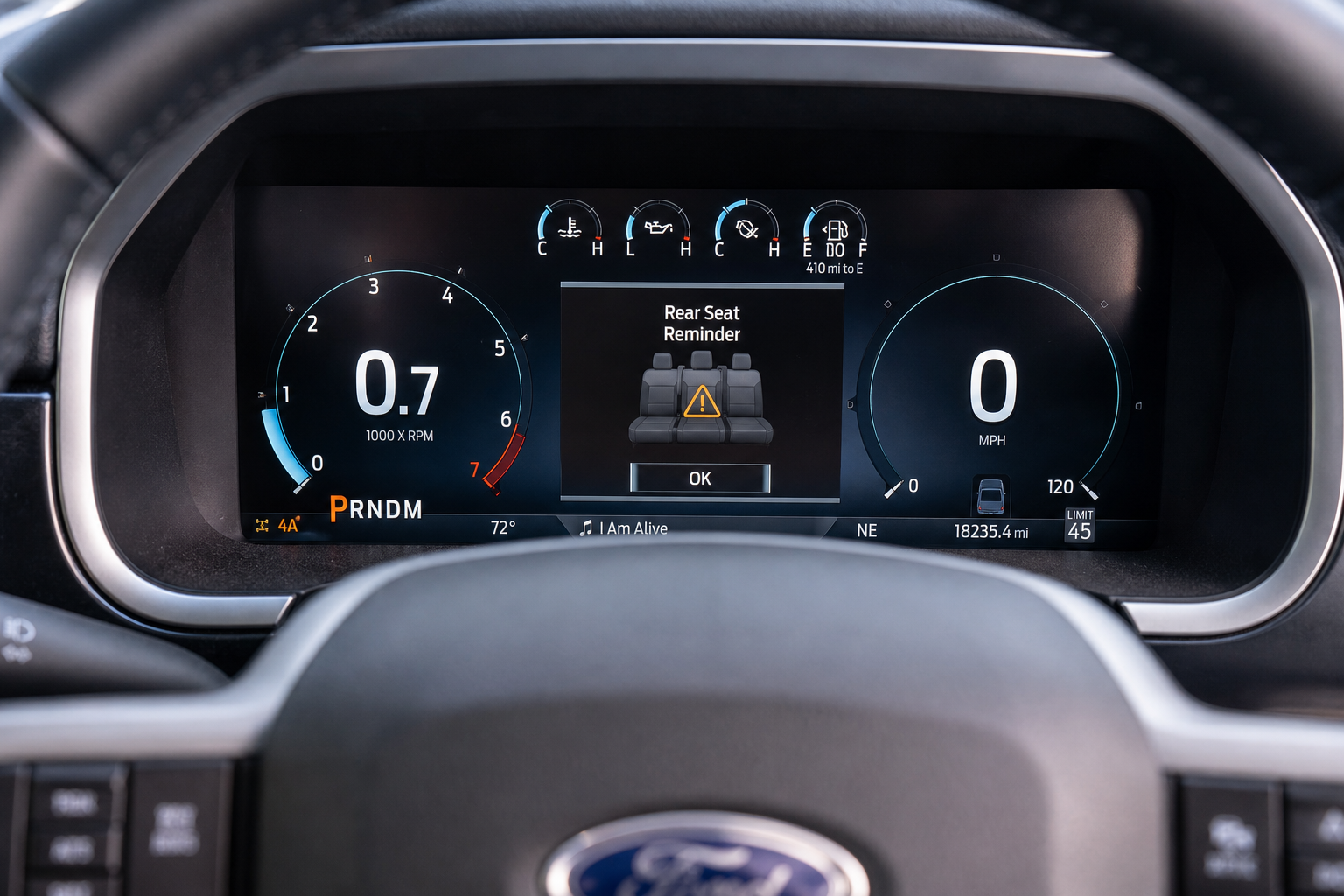
Here’s something a lot of owners don’t realize: the visual reminder and the audible chime are two different settings in some model years, and turning off one doesn’t automatically turn off the other.
The visual alert is the message that pops up on your cluster screen telling you to check the back seat. The audible alert is a chime that plays alongside it. On most trucks, toggling the main Rear Occupant Alert switch off disables both at once, but on a handful of software versions, you’ll find a secondary toggle specifically for the chime tone.
If you’re only getting annoyed by the sound and don’t mind the visual reminder, dig through the submenu options before turning the whole feature off. That way you keep the safety benefit of the visual cue without the extra noise every time you park.
Does the Setting Stick After You Restart?
Yes, once you turn off the Rear Occupant Alert on the F-150, the preference sticks even after you shut the truck off, lock it, and start it again later. Ford ties this setting to your profile in SYNC, not to the individual drive cycle, so you won’t need to re-disable it every time you get in.
That said, if multiple people drive your truck and each has their own SYNC profile set up, the setting is tied to whichever profile is active. Someone else’s profile might have it turned on even if yours doesn’t, so it’s worth double-checking after a profile switch if you share the truck with a spouse or family member.
Why the Alert Might Still Show Up Even If You Turned It Off
If you disabled the feature and it still popped up on your last drive, don’t assume something’s broken. A software glitch is possible, but the more common explanation is simpler: the setting change didn’t fully sync before your next drive cycle began, especially if you toggled it off right before shutting the truck down.
Give the truck a minute after making the change before you turn it off completely. SYNC needs a moment to write the new preference to memory, and shutting down too quickly can occasionally cause the old setting to carry over into your next trip.
Another common scenario: you open a rear door mid-drive without thinking about it, maybe to grab something off the back seat at a stoplight. Since the alert triggers off door sensor activity, that single door open resets the countdown and guarantees you’ll see the reminder later, even with the feature otherwise working as intended. This isn’t a bug. It’s the system doing exactly what it’s designed to do.
How Ford’s System Compares to Other Automakers
Ford isn’t the only manufacturer running a door-based logic system. Hyundai’s Rear Occupant Alert works almost identically, triggering off rear door activity rather than weight or motion sensing, and it’s worth reading through how to use the Rear Seat Reminder and Rear Occupant Alert on Hyundai vehicles if you’re cross-shopping or just curious how other brands handle it.
The door sensor approach is cheaper to build than a true weight or motion detection system, which is part of why it’s become the industry default. It also means false alerts, like the one from opening a door mid-drive, are simply a tradeoff for keeping the feature affordable and standard on trucks like the F-150.
If you’re spending time learning your F-150’s tech features, it’s also worth checking out how to use the available Bed Step and the Surround View and Transparent Trailer feature, both of which are commonly overlooked options buried in the same menus as the Rear Occupant Alert settings.
Frequently Asked Questions
Can I permanently disable the Rear Occupant Alert on my F-150?
Yes. Once you toggle it off in the SYNC Vehicle settings menu, it stays off across drive cycles and after you restart the truck. You won’t need to disable it again unless you reset your SYNC profile or a software update resets your preferences, which occasionally happens after a major system update.
Why does my F-150 still alert me even though I never opened a rear door?
Double check whether someone else drove the truck before you, since a passenger or valet opening a rear door during that trip will trigger the reminder on your next exit. It’s also possible the door was opened briefly while parked, like a car wash attendant checking the back seat, which still counts as an activity trigger.
Does the Rear Occupant Alert work the same on the F-150 hybrid and EV models?
The logic is the same across F-150 powertrains, including the PowerBoost hybrid and the Lightning EV, since the alert is tied to SYNC software rather than the engine or drivetrain. If your Lightning is behaving differently, it’s more likely a software version difference than anything related to the electric powertrain itself.
Leave a Reply