
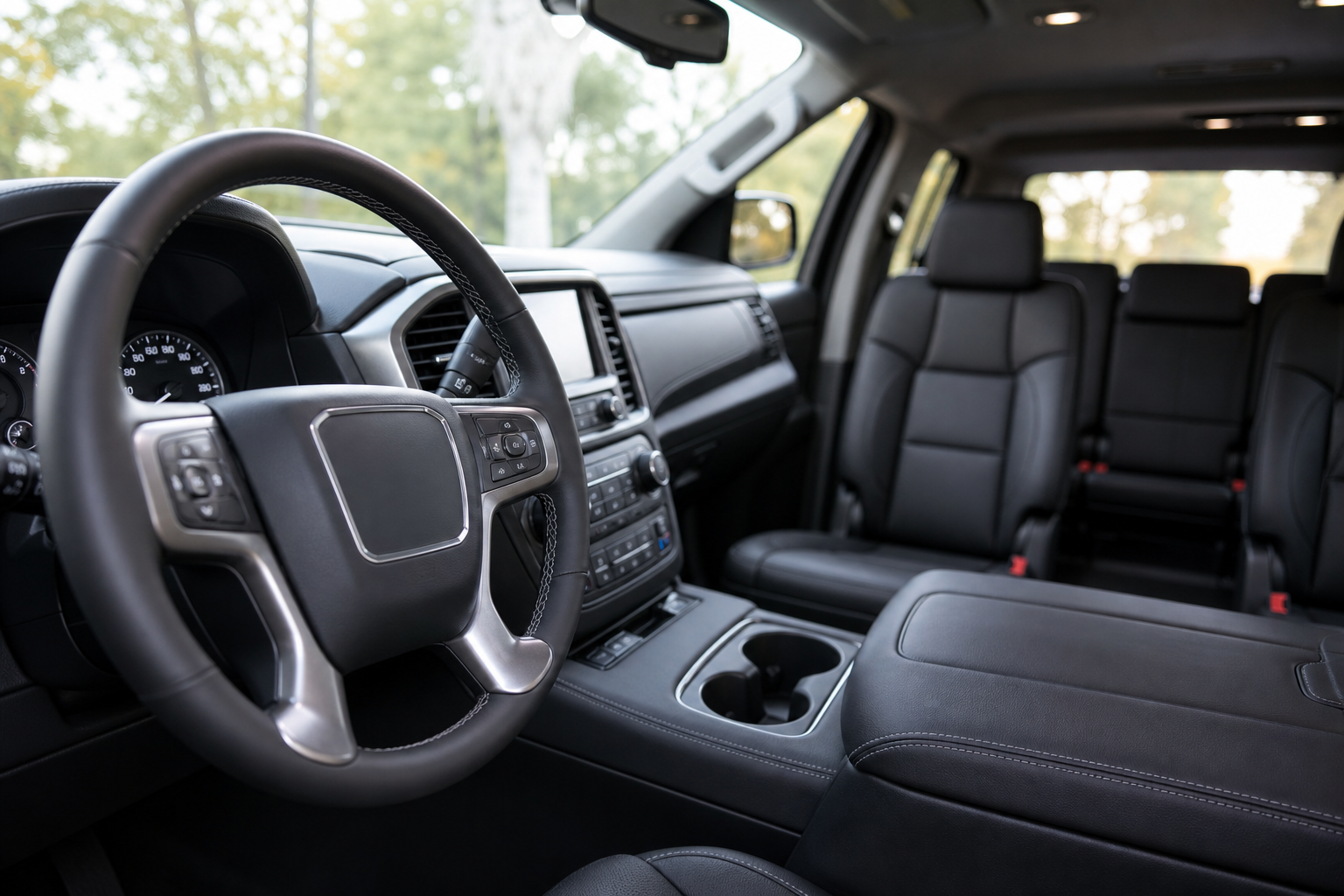
You loaded a bag of groceries into the back seat before you left the store, and now your Yukon is chiming at you every time you park like you left a passenger back there. It’s not broken. GMC’s Rear Seat Reminder is doing exactly what it’s designed to do, and once you know how it thinks, you can decide whether to keep it running or turn it off for good.
This guide walks through what actually triggers the alert, where to find the setting in your infotainment menu, and why it sometimes goes off even when you know the back seat is empty.
What Triggers the Rear Seat Reminder
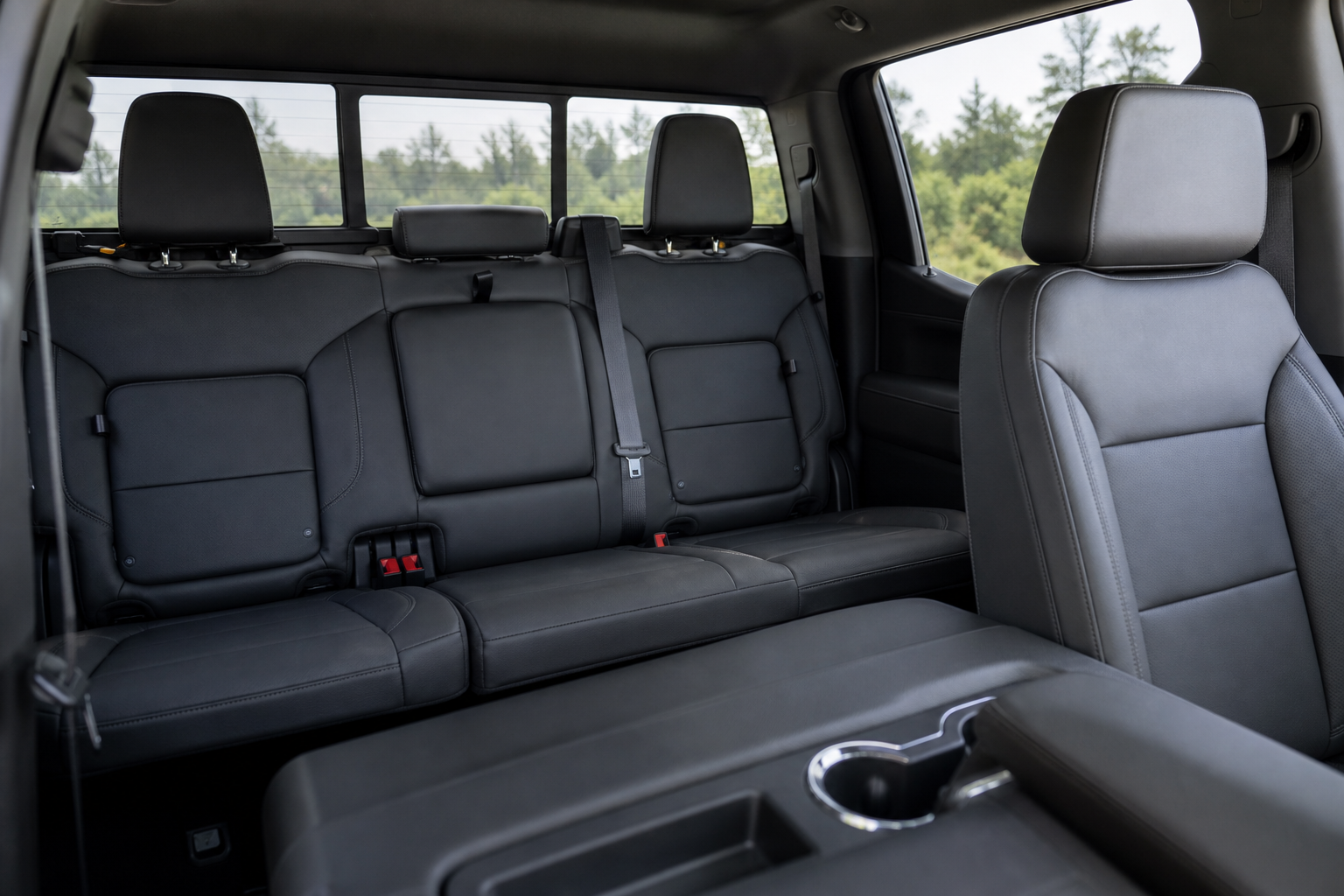
The Rear Seat Reminder isn’t a weight sensor or a camera watching for kids or pets. It’s a door logic system. If you open either rear door before you start the vehicle, or at any point while the engine is running, the system assumes someone or something went into the back seat.
When you shift into Park and shut off the engine, the Yukon checks whether a rear door was opened during that drive cycle. If it was, you’ll get a reminder to check the back seat as you’re getting out.
This means the alert has nothing to do with actual occupancy. A cooler, a briefcase, or a stack of moving boxes will trigger it just as easily as a forgotten child or pet. GMC built it this way on purpose, since a simple door sensor is far more reliable than trying to detect weight or motion in the back row.
Visual and Audible Warnings
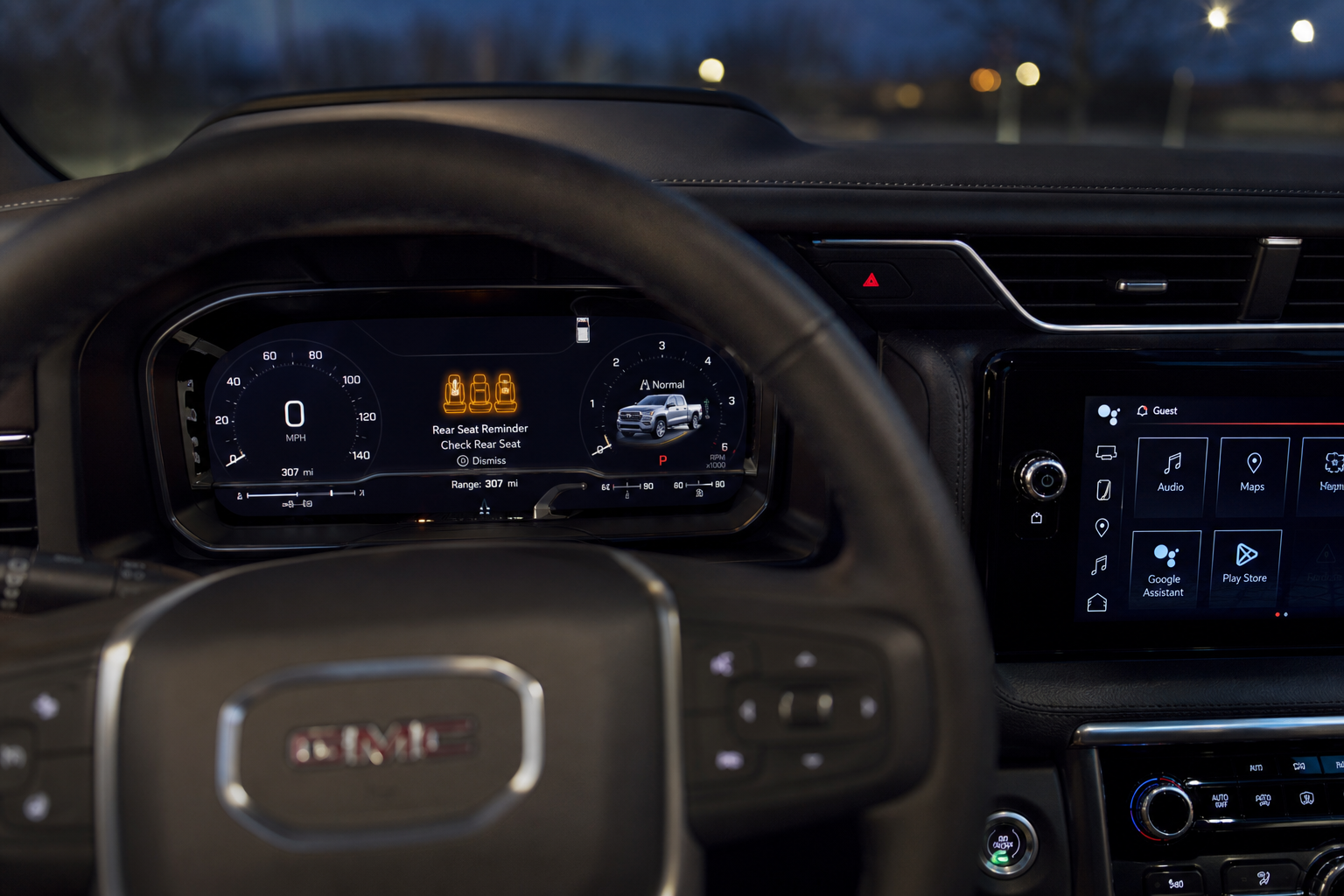
GMC splits the reminder into two layers, and it’s helpful to understand both before you decide to disable anything.
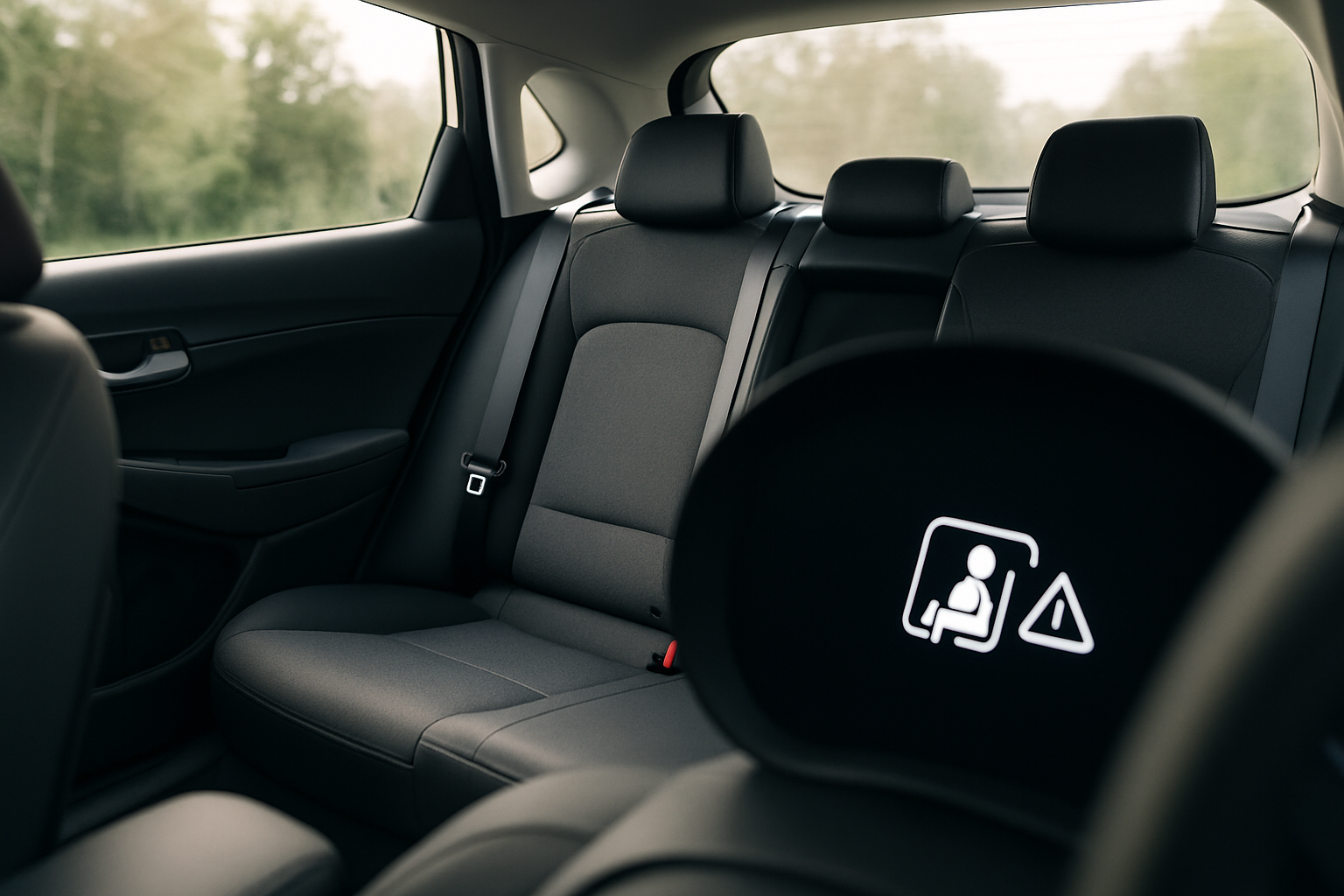
- Visual alert: When you put the vehicle in Park, a message appears in the driver information center (the display between your gauges) reminding you to check the rear seat. On Yukons with the larger digital cluster, you’ll also see a rear seat icon.
- Audible alert: On top of the visual message, the Yukon sounds a series of chimes as you exit the vehicle. This is the part most owners want to turn off, since it can go off even when you’re certain the back seat is empty.
Some model years also flash a brief reminder on the center touchscreen alongside the cluster message, so you may see it in two places at once depending on your trim and year.
Where to Turn It Off
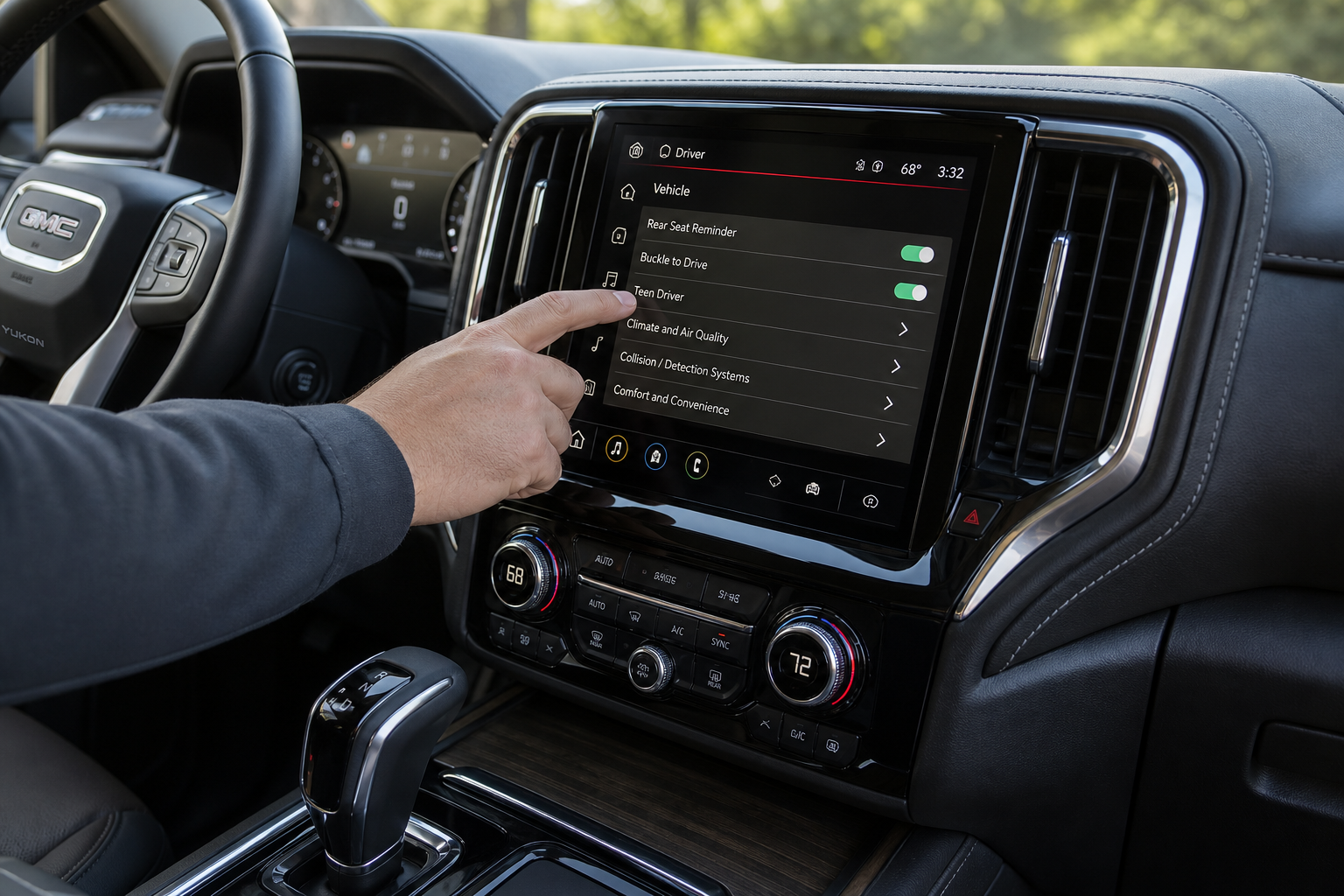
The Rear Seat Reminder lives inside the vehicle settings menu, not a standalone button, so it takes a couple of taps to find.
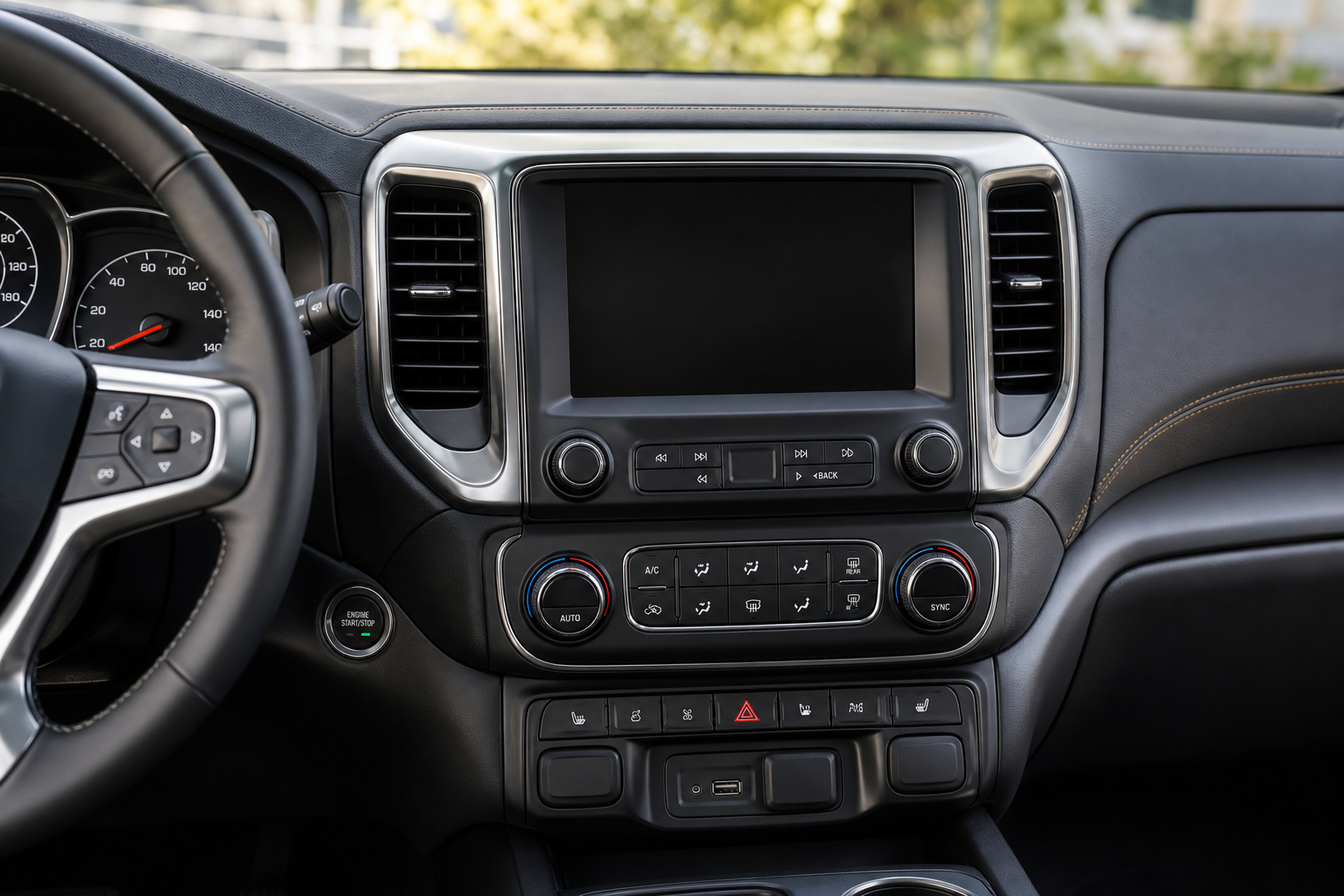
- Press the Home button on your infotainment touchscreen.
- Tap Settings, then select Vehicle.
- Scroll to find Rear Seat Reminder (on some model years this is listed under a “Driver Alerts” or “Retained Alerts” submenu).
- Toggle the reminder off, or in some years you can choose to keep the visual message but disable the chime independently.
On newer Yukons with Google built-in infotainment (2021 and later, especially the redesigned software rolled out in later model years), the wording shifts slightly to “Rear Seat Reminder” under a “Notifications & Alerts” category rather than “Vehicle.” The setting is there either way, GMC has just reorganized the menu tree a few times over the years.
If your Yukon has a digital cluster with configurable driver information, you may also find a shortcut to this setting through the steering wheel menu buttons, which saves you from digging through the touchscreen every time.
Does the Setting Stick After You Restart the Vehicle?
This is where GMC’s system differs from some competitors. On most Yukon model years, once you turn off the Rear Seat Reminder, the setting stays off. It’s stored as a persistent vehicle preference, not a per-drive setting, so you won’t need to dig back into the menu every time you start the truck.
That’s different from how some automakers handle the feature. Hyundai’s Rear Occupant Alert, for example, uses a similar door-logic trigger but pairs it with an ultrasonic sensor on higher trims that actually detects motion in the back seat, and the settings behavior varies by trim level. If you’re curious how a competing system handles the same basic idea, our guide on the Rear Seat Reminder and Rear Occupant Alert on Hyundai vehicles breaks down that setup in detail.
A software update from GM does have the potential to reset settings menus back to default, so it’s worth a quick check after any infotainment update just to confirm your preference held.
Why It Might Still Alert You Later in the Drive
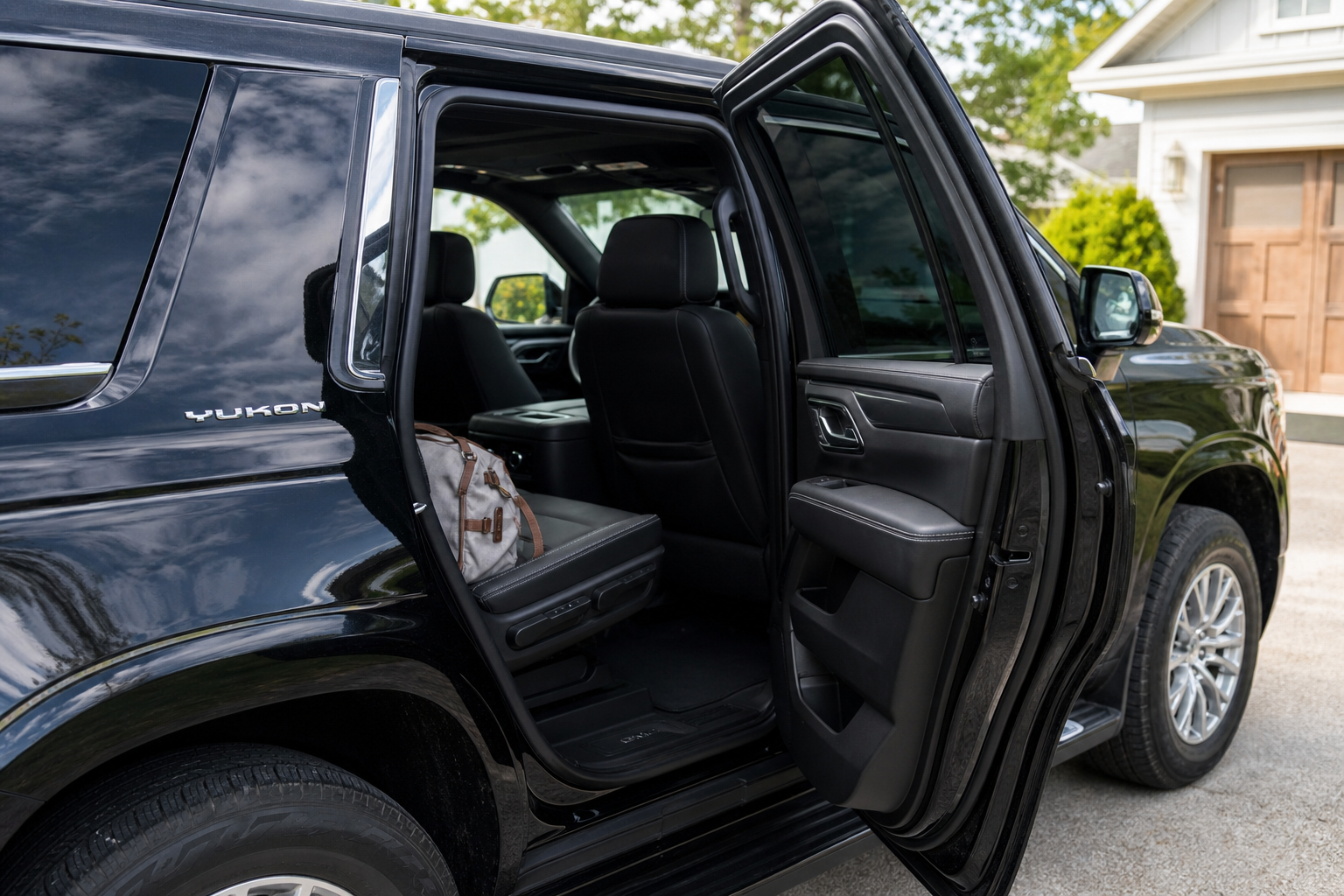
This is the part that trips up most owners. You disabled the chime, but a few weeks later it goes off anyway. Here’s what’s likely happening.
If you opened a rear door at any point during that specific drive, even briefly at a gas station or to grab something from the back seat, the system logs that as a trigger event for the current cycle. Some owners report that toggling the setting off mid-drive doesn’t always cancel an alert that’s already been queued for that particular ignition cycle.
In other words, the reminder is tied to what happened between when you started the vehicle and when you parked it, not just whether the feature is enabled in the menu. If you want the chime gone permanently, turn it off before you start driving, then confirm in the settings menu after your next full drive cycle that it’s still disabled.
It’s also worth remembering that other in-cabin electronics can behave unexpectedly after a battery event or software glitch. If you’ve noticed unrelated electrical quirks, like a battery that seems to drain overnight, it’s worth ruling out a parasitic draw. Our article on a car battery dying overnight even when the alternator is good covers how to track down that kind of issue.
Should You Actually Turn It Off?
GMC includes this feature because hot car deaths from forgotten children are a real and preventable tragedy, and the NHTSA has pushed automakers hard to adopt some version of this technology. If you regularly drive with kids or pets in the back seat, keeping the reminder on costs you nothing but a few seconds of annoyance.
Where it makes more sense to disable is if you never carry rear passengers and consistently use the back seat for cargo, groceries, or work equipment. In that case, the chime becomes noise rather than a useful safety check, and turning it off (or at least muting the audible portion while keeping the visual reminder) is a reasonable compromise.
If you want a middle ground, check whether your model year allows disabling just the chime while leaving the dashboard message active. That way you still get a visual nudge without the sound catching you off guard in a quiet parking garage.
Frequently Asked Questions
Does the Rear Seat Reminder work with third-row seating in the Yukon?
Yes. The system monitors both second row doors, so opening either one during your drive will trigger the reminder regardless of whether anyone is actually seated in the second or third row.
Can I disable the Rear Seat Reminder permanently through the dealer instead of the menu?
Some dealers can adjust this through a technician-level settings menu, but GMC doesn’t recommend it and most owners find the standard infotainment toggle works fine and sticks between drives. There’s rarely a need to involve the dealer for this.
Why does my Yukon show the reminder even though no one opened a rear door?
Double check that you didn’t open a rear door briefly, even for a few seconds, earlier in the drive. The system logs any rear door opening event for that ignition cycle, including quick check-ins at a gas station or drive-through.
Leave a Reply