
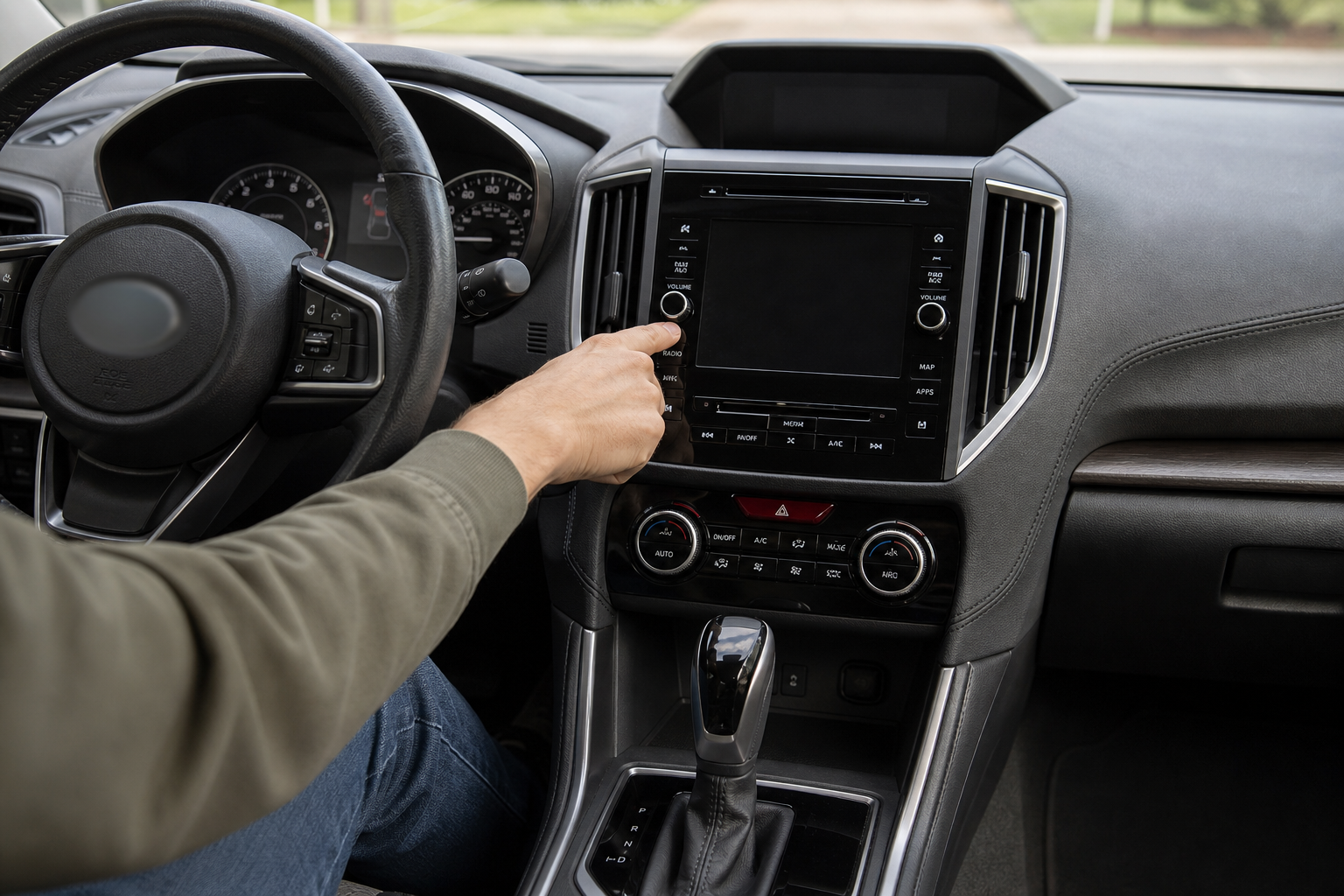
If you’ve ever glanced down to grab your coffee or looked over your shoulder to check a blind spot, only to have your Outback flash a warning and chime at you like you just did something wrong, you already know what DriverFocus feels like from the driver’s seat. It’s one of those Subaru features that’s genuinely useful in concept but drives some owners a little crazy in practice. This guide covers exactly what DriverFocus does, where the settings actually live, and what you can and can’t turn off.
What DriverFocus Actually Does
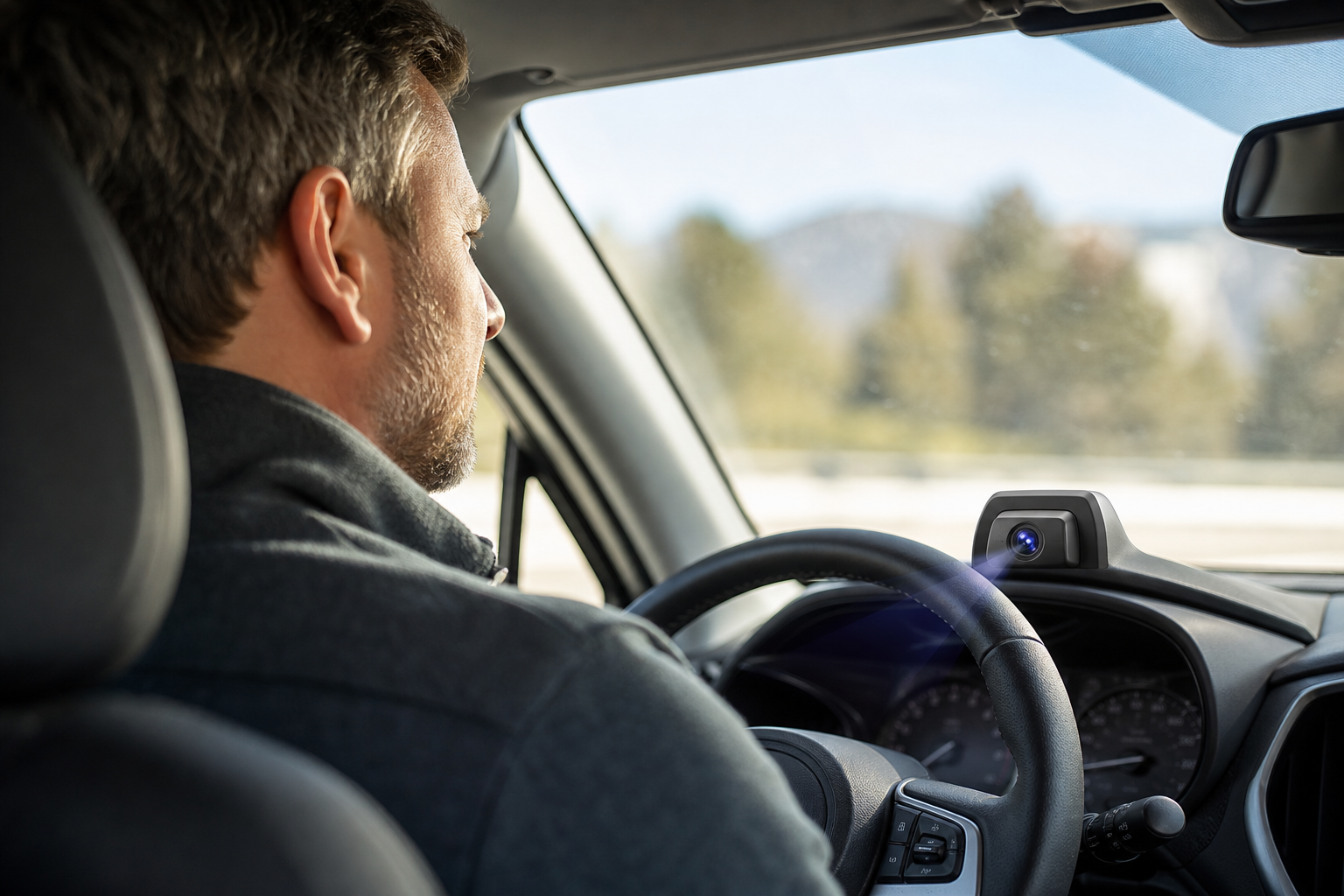
DriverFocus is Subaru’s camera-based driver monitoring system. It first showed up on the 2019 Forester, then made its way to the Outback with the sixth-generation redesign for the 2020 model year. The camera sits up near the windshield, close to the same area where you’ll find the auto-dimming rearview mirror and compass display, but it’s a separate unit from Subaru’s EyeSight stereo cameras.
The system does two main jobs. First, it uses facial recognition to identify up to five different drivers and automatically adjusts things like seat position, mirror angles, and climate settings once it recognizes your face. Second, and this is the part people notice more, it watches your eyes and head position while you drive to detect signs of distraction or drowsiness.
When it thinks you’re looking away from the road too long or your eyes are drooping, it reacts. That’s where the warning comes in.
The Warning You’ll See (and Hear)
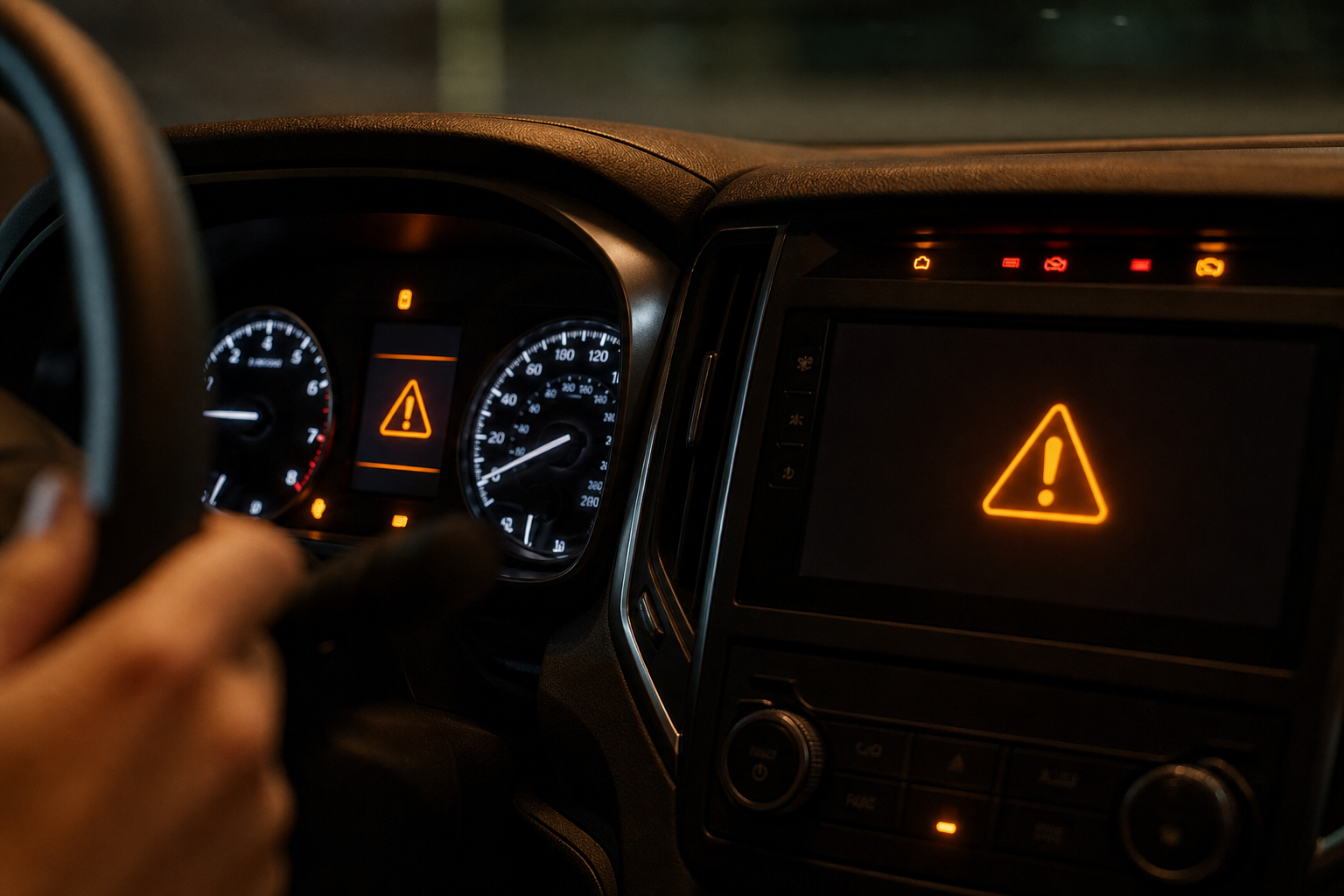
Most owners just call this alert “the DriverFocus warning,” even though the actual message on screen typically reads something along the lines of a distraction or drowsiness alert paired with a chime and a small eye icon on the dash. It’s not subtle. The system is designed to grab your attention immediately if it thinks you’ve stopped paying attention to the road.
The problem is that the camera can get confused by sunglasses, hats, low light, or even just your natural head posture. Plenty of owners report getting the warning while doing nothing wrong at all, which is exactly why people start looking for a way to turn it down or off.
Where the Factory Settings Live
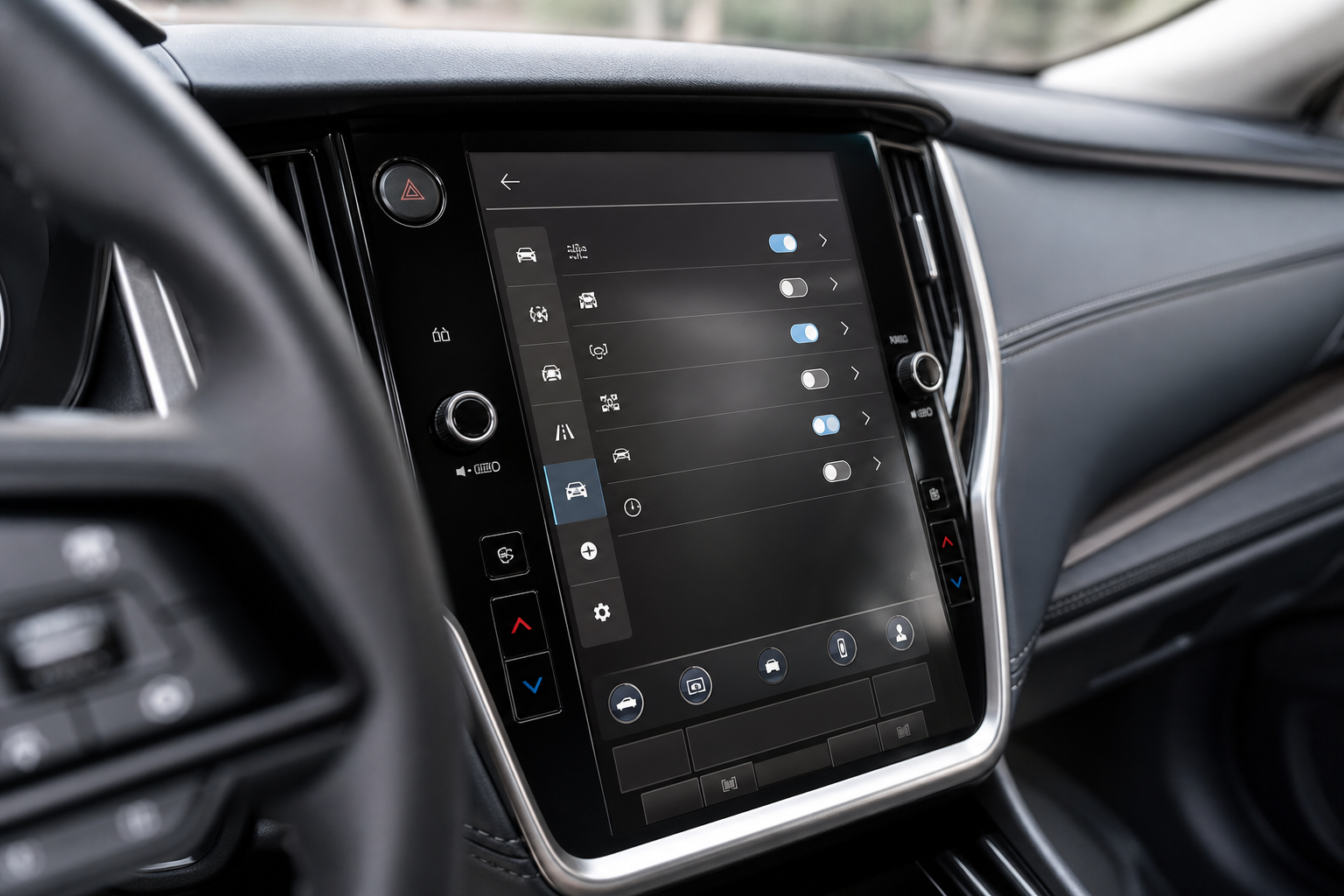
DriverFocus settings are buried in the touchscreen Setup menu rather than sitting out in the open. On most 2020 and newer Outbacks, you’ll find them under a tab labeled Driving Assist or Vehicle Settings, depending on your infotainment software version. Menu naming has shifted slightly across model years, so if you don’t see DriverFocus under one tab, check the neighboring ones. It’s the same kind of buried-menu situation you run into when you’re trying to reset the TPMS light on an Outback, where the option exists but isn’t front and center.
Inside the DriverFocus menu, you’ll typically find options to manage face recognition profiles, adjust alert sensitivity, and in some model years, mute certain alerts for the current drive. Availability also depends on trim level. DriverFocus has generally been standard on Limited and Touring trims and optional on lower trims through a package, so what you see in your menu can vary based on how your specific Outback was equipped.
Temporary Mute vs. Sensitivity vs. True Off
This is the part where people get tripped up, so it helps to separate the three things you can actually do.
Muting the Alert for a Single Drive
Some model years let you silence the distraction or drowsiness chime for the current ignition cycle. This is a temporary mute, not a permanent setting. Turn the car off and back on, and the alert comes back active by default.
Adjusting Sensitivity
In the DriverFocus settings, you may find sensitivity levels for how quickly the system triggers a warning. Dropping the sensitivity can reduce false alerts if you’re getting them constantly, but it doesn’t disable the monitoring itself. The camera is still watching, it’s just more tolerant of head movement or brief glances away.
Is There a True Persistent Off?
Here’s the honest answer: there isn’t a verified, permanent off switch for DriverFocus that stays off across every ignition cycle. Like a lot of Subaru’s driver assist features, the system is designed to default back to active every time you start the car. This mirrors how Subaru handles other safety-related features, such as the Intersection Turning Assist system on the Outback, which also resets rather than staying disabled. If you’ve read claims online that you can permanently kill DriverFocus through a hidden menu or dealer setting, treat that with skepticism unless it’s confirmed for your exact model year, because Subaru hasn’t published an official permanent-disable option.
Why Subaru Builds It This Way
Subaru isn’t alone in designing safety features to reset by default. Toyota does something similar with pedestrian detection in its pre-collision system on the Corolla, and Hyundai takes the same approach with its rear seat reminder system. The logic is consistent across the industry: automakers would rather have these systems active by default and let drivers dial them back for a single trip than risk someone forgetting they turned a safety feature off permanently.
It’s an inconvenience for owners who know their own driving habits and find the alerts overly cautious. But it’s a deliberate design choice, not a bug or an oversight.
Frequently Asked Questions
Can I remove the DriverFocus camera to stop the warnings?
Physically disconnecting or removing the camera isn’t something we’d recommend. It can trigger dashboard warning lights, interfere with other systems tied to the same module, and may affect your vehicle’s safety systems in ways that aren’t obvious until you actually need them.
Does DriverFocus record or store video?
DriverFocus uses the camera feed to analyze head and eye position in real time for facial recognition and attention monitoring. It’s not designed as a dashcam system, so if you’re looking for actual video recording and storage in your vehicle, that’s a different category of feature entirely, more like what you’d find in Tesla’s Sentry Mode and dashcam setup.
Why does DriverFocus keep flagging me when I’m not distracted?
Sunglasses, hats, poor lighting, and certain head angles can all confuse the facial recognition camera. Try adjusting the sensitivity setting in the DriverFocus menu first, and make sure the camera lens near the mirror area is clean and unobstructed.
DriverFocus is one of those features that’s easier to live with once you understand what it’s actually doing and why it keeps resetting. Adjust the sensitivity if the alerts feel excessive, use the temporary mute when it’s available for your model year, and don’t expect a permanent off switch that Subaru hasn’t officially built in.


Leave a Reply