
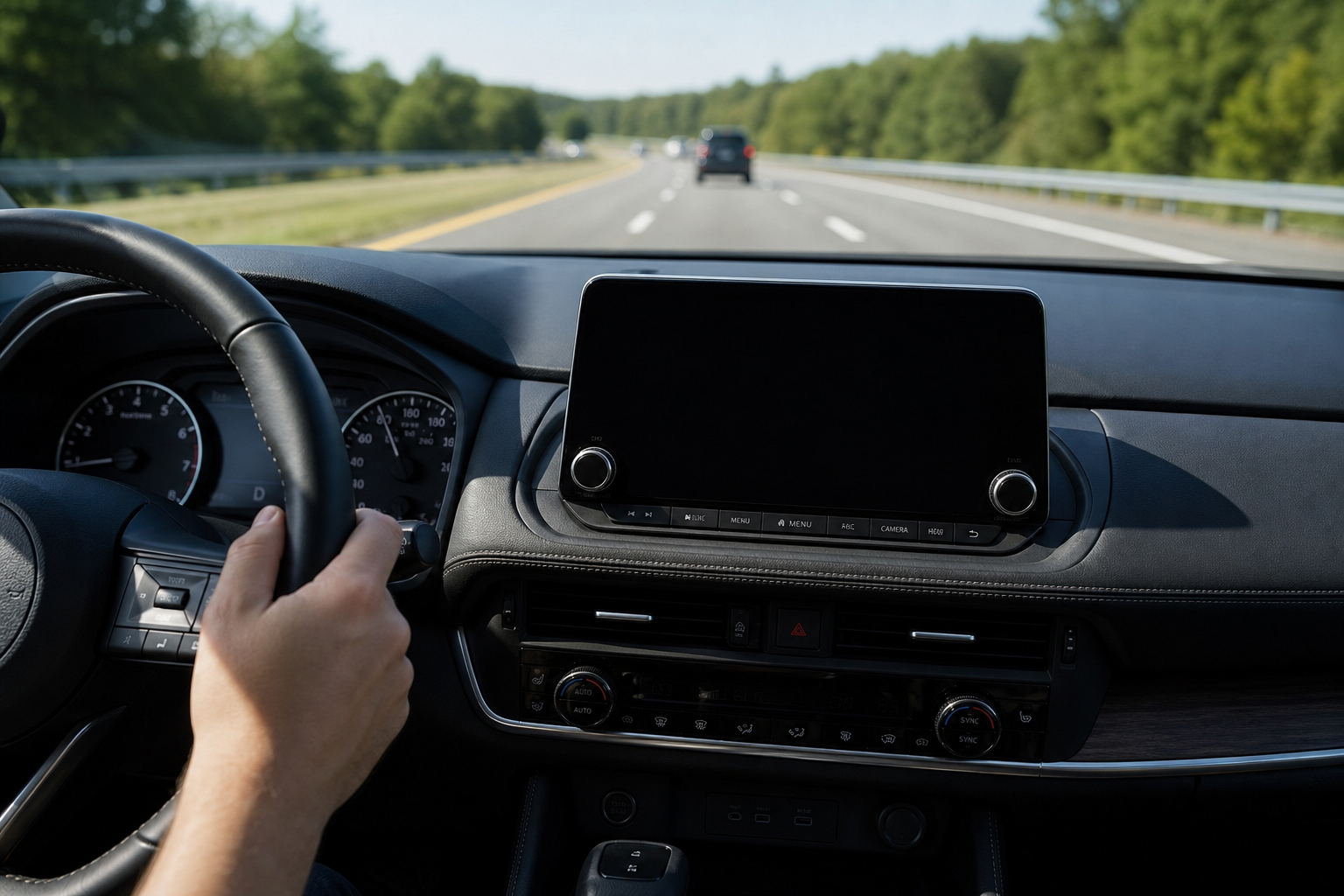
You’re driving down the highway, hands relaxed on the wheel, and suddenly your Nissan Rogue nudges the steering or beeps at you for drifting a few inches inside your own lane. For some drivers this is a welcome safety net. For others, especially on winding backroads or in stop-and-go traffic, it feels like the car is arguing with them. Either way, you want to know how to shut it off, and whether that setting actually sticks.
This guide walks through exactly what Nissan calls its lane systems, how to disable them on the Rogue, and the honest truth about whether the “off” setting survives a restart.
What Nissan Actually Calls These Systems
Nissan doesn’t lump everything under one generic “lane assist” label. There are actually two or three separate systems bundled together, and knowing which one is bugging you makes a big difference in how you turn it off.
Lane Departure Warning (LDW) is the simplest of the bunch. It uses a forward-facing camera to watch the lane markings and beeps or vibrates the seat when you drift without signaling. It doesn’t touch the steering wheel at all.
Lane Departure Prevention (LDP) goes a step further. Instead of just warning you, it applies light, one-sided braking to nudge the car back toward the center of the lane. This is the one that feels like the car is “grabbing” the wheel, even though it’s technically braking, not steering.
ProPILOT Assist is Nissan’s more advanced driver-assist package, available on Rogue models from the 2021 redesign onward (and offered on earlier Rogues as an upgraded trim feature). This system adds active steering assistance that keeps the car centered in its lane on the highway, working alongside adaptive cruise control. This is the closest thing Nissan has to true lane-centering, similar in concept to what you’ll find described in our guide on intersection assist and evasive steering on the Ford Explorer.
The distinction matters because LDW is just a warning system you can usually silence with one button, while LDP and ProPILOT Assist involve actual steering or braking input that some drivers find more intrusive and want turned off separately.
How to Turn Off Lane Departure Warning and Prevention
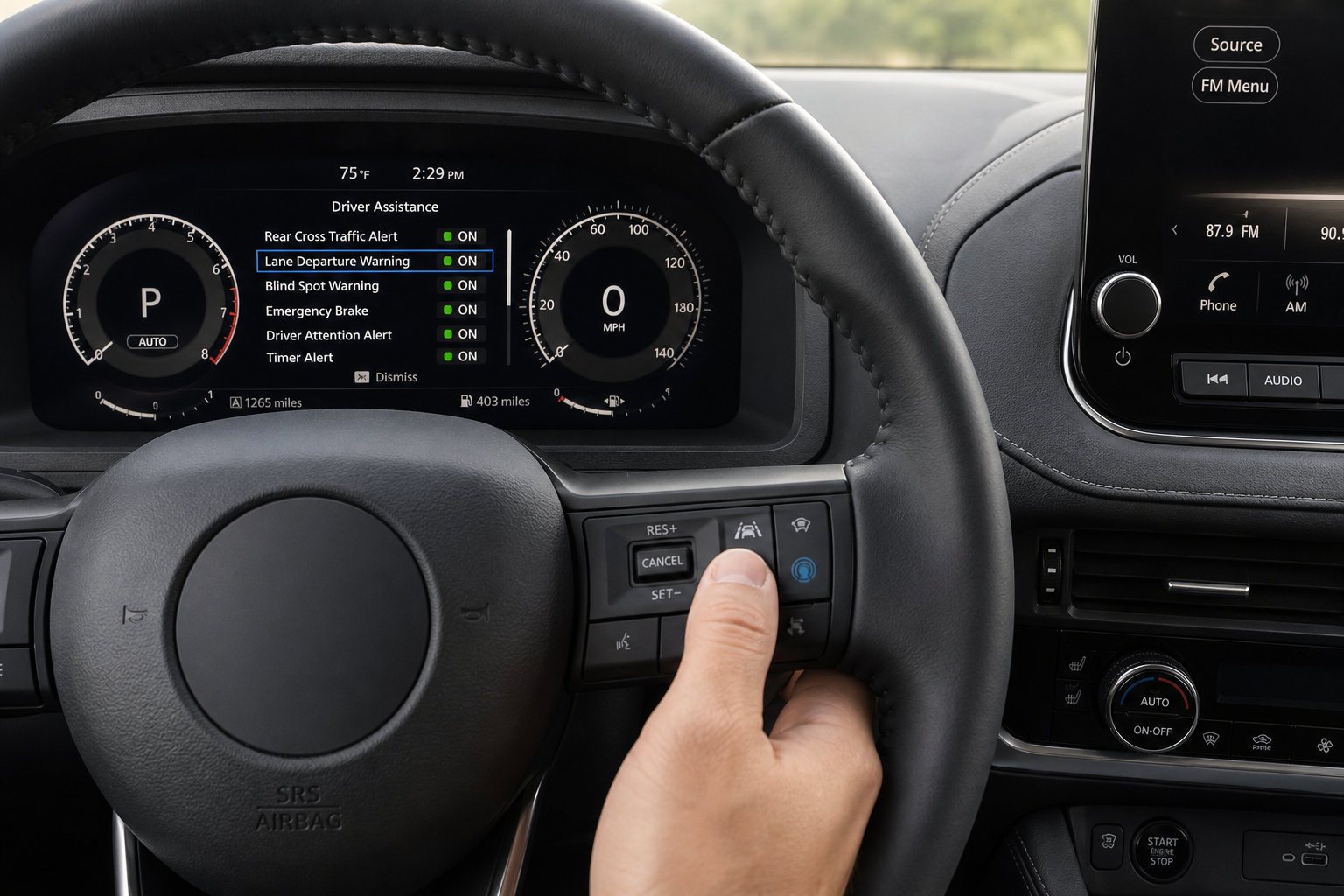
On second-generation Rogues (2014 through 2020), Nissan puts a physical button on the dash, usually to the left of the steering wheel, marked with a small car-and-lane icon. Pressing it toggles LDW off, and a light on the button or an icon in the instrument cluster confirms the system is disabled.
If your Rogue has LDP in addition to LDW, that same button typically controls both systems together. You won’t find a way to disable braking intervention while keeping the warning chime active, at least not on these model years.
On third-generation Rogues (2021 and newer), Nissan moved a lot of this into the digital settings menu. You’ll typically:
- Use the steering wheel arrow buttons to open the settings menu on the instrument cluster display
- Scroll to “Driver Assistance” or “Lane Departure Warning/Prevention”
- Select the toggle to turn the feature off
Some 2021+ trims still retain a dash-mounted shortcut button in addition to the menu option, so check both spots before assuming your Rogue doesn’t have one.
Turning Off ProPILOT Assist Steering
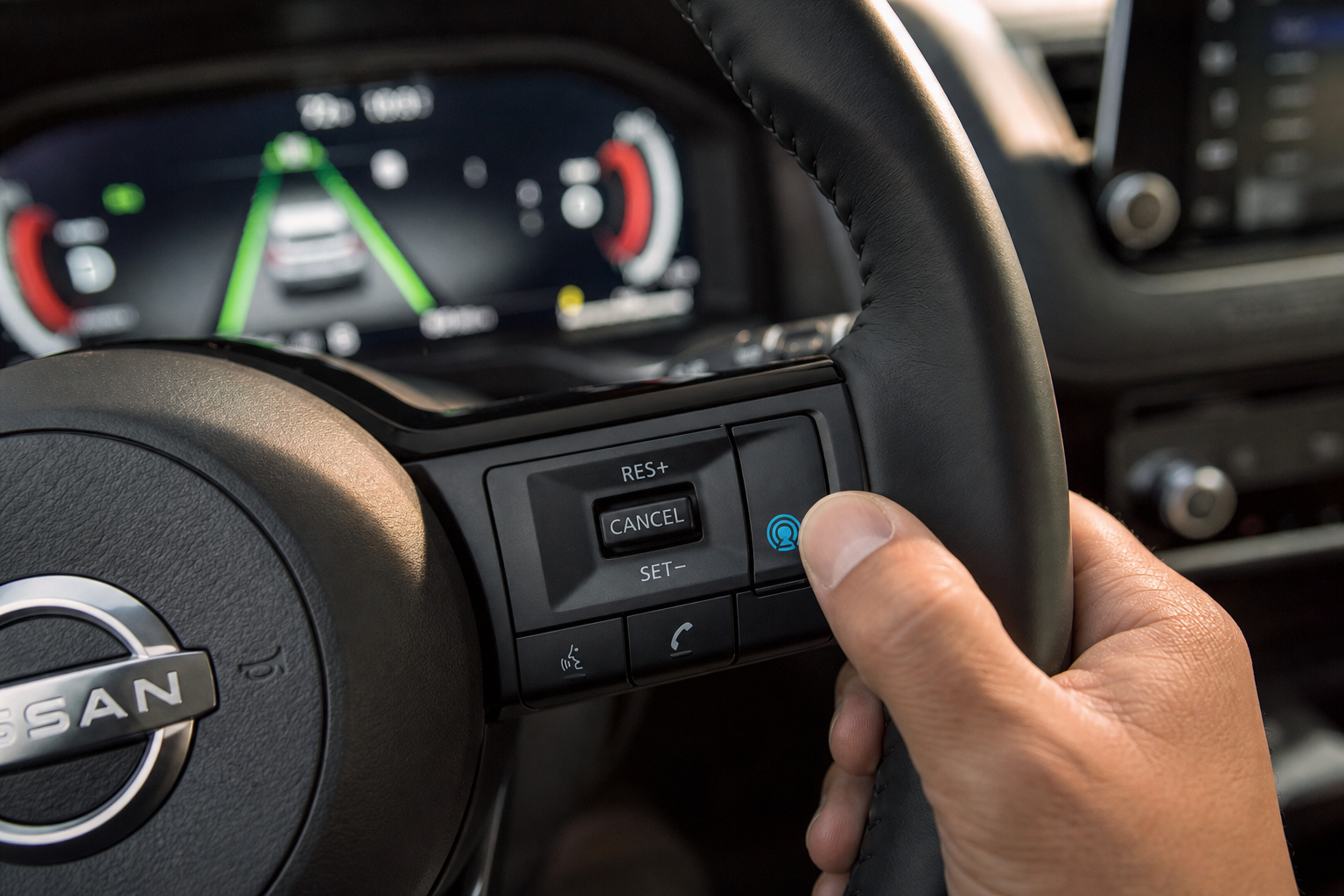
ProPILOT Assist is engaged manually, it’s not something that’s always running in the background like LDW. You turn it on with a dedicated button on the steering wheel, usually marked “ProPILOT Assist” with a small steering wheel icon.
Because it requires you to activate it every time, turning it off is simple: just don’t press the button, or tap it again if it’s already engaged to cancel active steering assistance. There’s no persistent setting to fight with here since the system defaults to inactive every time you start the car.
If you’ve noticed your steering wheel tugging or correcting unexpectedly and you’re not sure if it’s ProPILOT or something mechanical, it’s worth ruling out other causes too. Our article on steering wheel shakes at high speed covers symptoms that are often mistaken for driver-assist interference but are actually alignment or balance issues.
Does the “Off” Setting Stay Off?
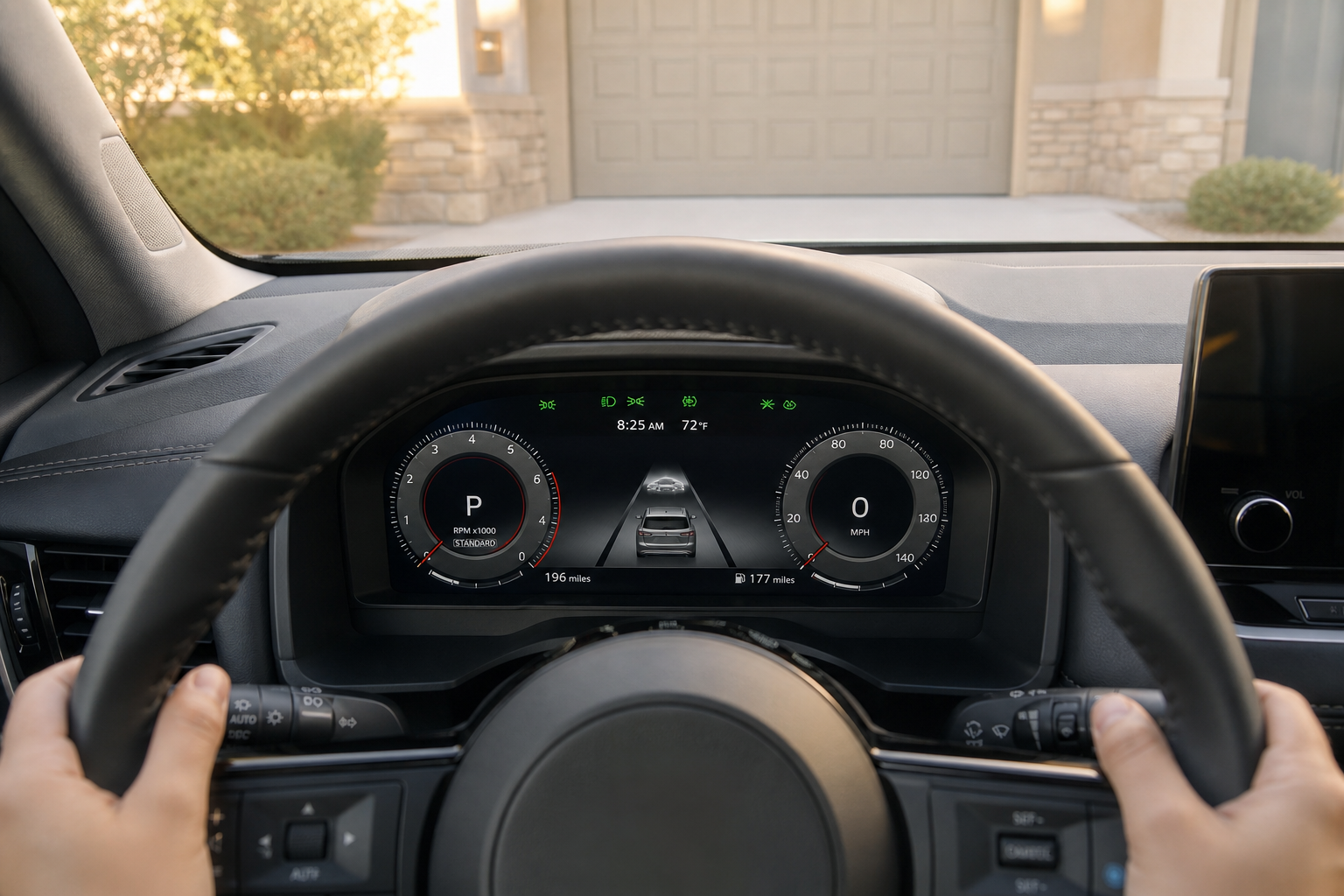
This is the part most owners actually want to know, and the answer depends on the system and the model year.
For Lane Departure Warning and Lane Departure Prevention, Nissan’s owner’s manuals for most Rogue model years state plainly that these systems reset to the “on” position every time you start a new ignition cycle. Turn it off before a drive, and it’ll be back on by default the next time you start the car. This isn’t unique to Nissan, most automakers design it this way so a driver-assist feature can’t be permanently forgotten and left off indefinitely.
ProPILOT Assist doesn’t have this problem in the same way, since it’s never “on” by default in the first place. You activate it manually each drive, so there’s nothing to reset.
If you’re hoping for a menu setting that makes LDW or LDP permanently disabled across every trip, the Nissan Rogue does not currently offer that as a factory option on any model year we could confirm. If your Rogue’s manual describes something different for your specific trim and year, follow what’s printed there, since Nissan has made small changes to this behavior across running production changes within the same generation.
Given that, the fastest routine becomes: use the dash button or settings toggle at the start of every drive if you want LDW and LDP off. It takes about two seconds once you know where the control lives, so it’s a minor annoyance rather than a real obstacle.
Why Some Drivers Prefer It Off
Lane departure systems tend to misbehave in specific situations: narrow rural roads with faded paint, construction zones with temporary lane shifts, or heavy snow covering the lines. In these cases the camera can’t reliably read the road, and you’ll get false warnings or unwanted steering corrections.
Other drivers simply find the seat vibration or steering nudge distracting during normal city driving, especially in lanes that are already tight. If you’re commuting the same route daily and know it well, disabling LDW for that drive isn’t unreasonable.
For comparison, other manufacturers handle lane systems with different levels of driver control. Subaru’s approach to intersection turning assist on the Outback is a good example of how automakers are expanding these systems beyond simple lane centering, and it’s useful context for understanding where the whole industry is headed with driver-assist features.
Frequently Asked Questions
Can I permanently disable Lane Departure Warning on my Nissan Rogue?
Not as a factory setting. Nissan designs LDW and LDP to reset to “on” with every new ignition cycle on the Rogue, so you’ll need to turn it off manually each time you want it disabled for that drive.
Is ProPILOT Assist the same thing as Lane Departure Warning?
No. ProPILOT Assist is a separate, more advanced system that actively steers the car to stay centered in its lane, combined with adaptive cruise control. Lane Departure Warning only alerts you when you drift, it doesn’t touch the steering at all.
Why does my Rogue’s steering feel like it’s fighting me on the highway?
That’s usually Lane Departure Prevention or ProPILOT Assist making small corrections to keep you centered. If the pull feels constant or one-sided regardless of lane position, it’s worth having your alignment checked, since that can mimic the same sensation.


Leave a Reply